How to Unlock the Hidden instance16 Title in No Man’s Sky
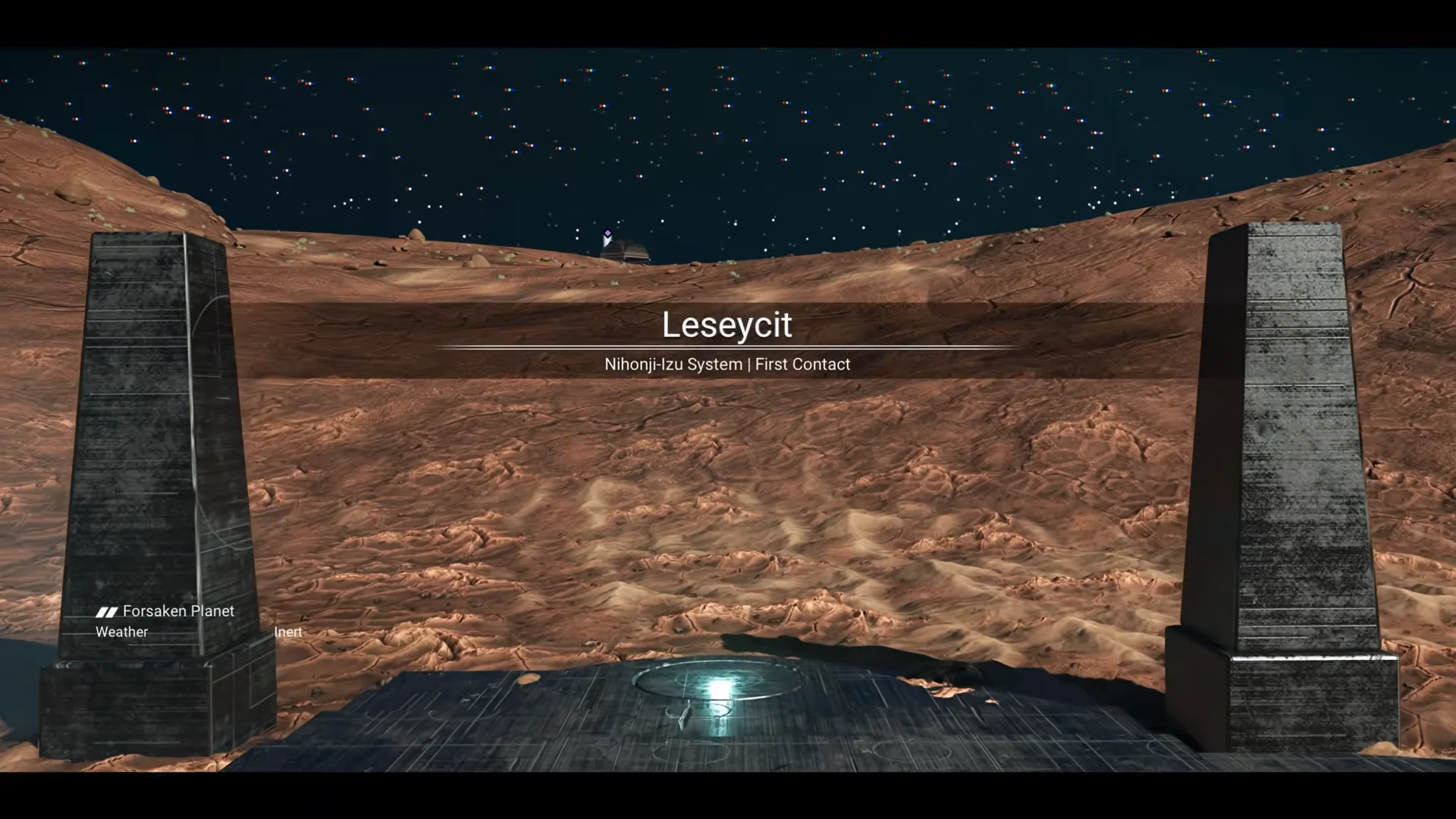
The instance16 player title is buried in Expedition 23 on planet Leseycit, and its unlock window is unforgiving.
The instance16 player title is buried in Expedition 23 on planet Leseycit, and its unlock window is unforgiving.
by AllThingsHow Staff
Image: Hello Games
No Man’s Sky hid a reward that no milestone list mentions. Tucked inside the anniversary expedition is a secret player title called instance16, uncovered through a community puzzle built into cryptic patch notes, a forum post, and code buried in the update’s own website. Claiming it takes a precise run through the early expedition milestones, and one wrong move locks you out permanently.
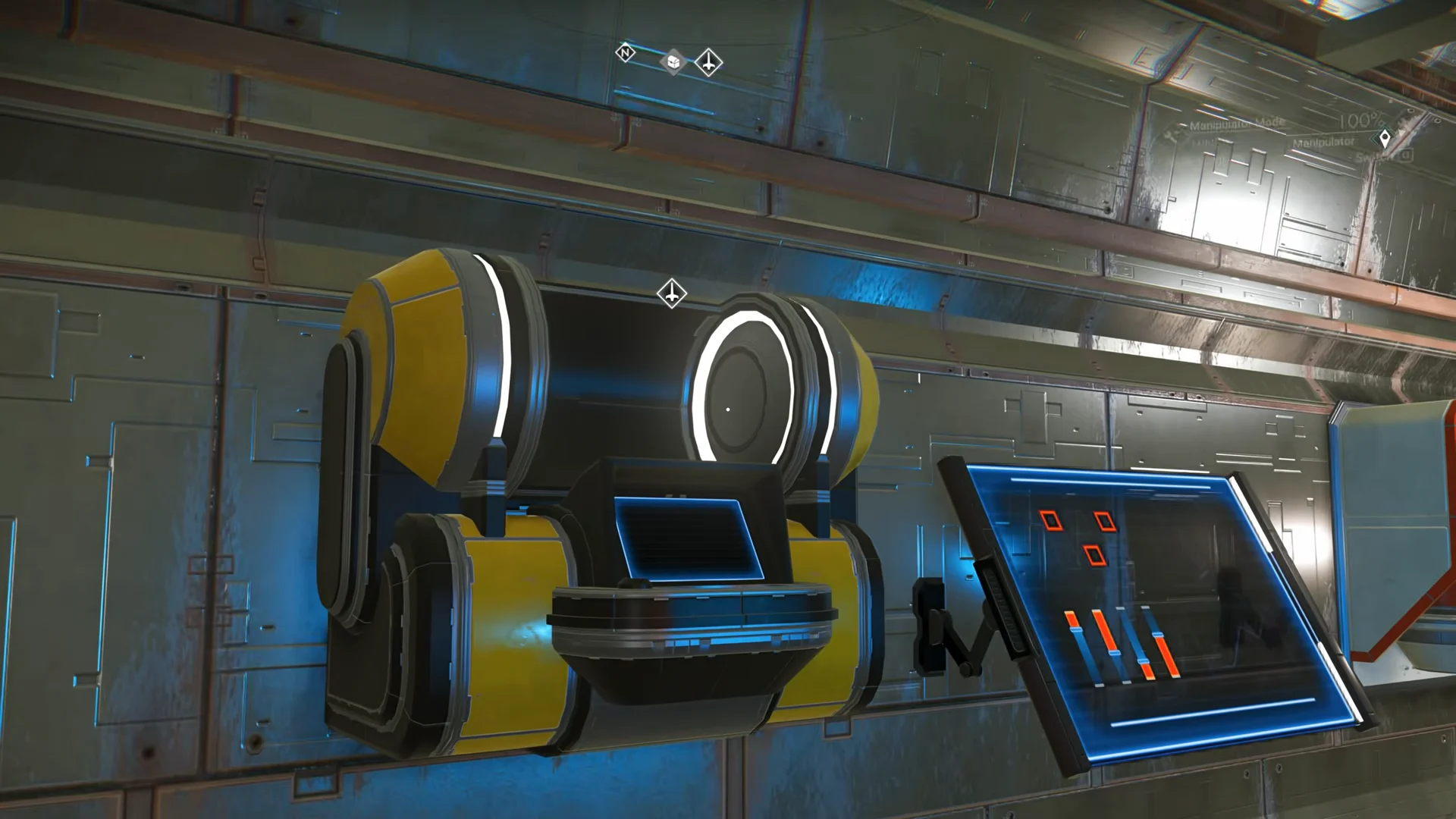
Quick answer: Reach the instance16status terminal on planet Leseycit during Expedition 23’s Waking Titan milestone — before you finish that milestone — and answer its prompts to unlock the title account-wide.
What the instance16 title is
The instance16 title is an account-wide player title carried by the subtitle “Sought hidden co-ordinates.” Once you claim it, it stays on your account and can be applied across your saves like any other unlocked title.
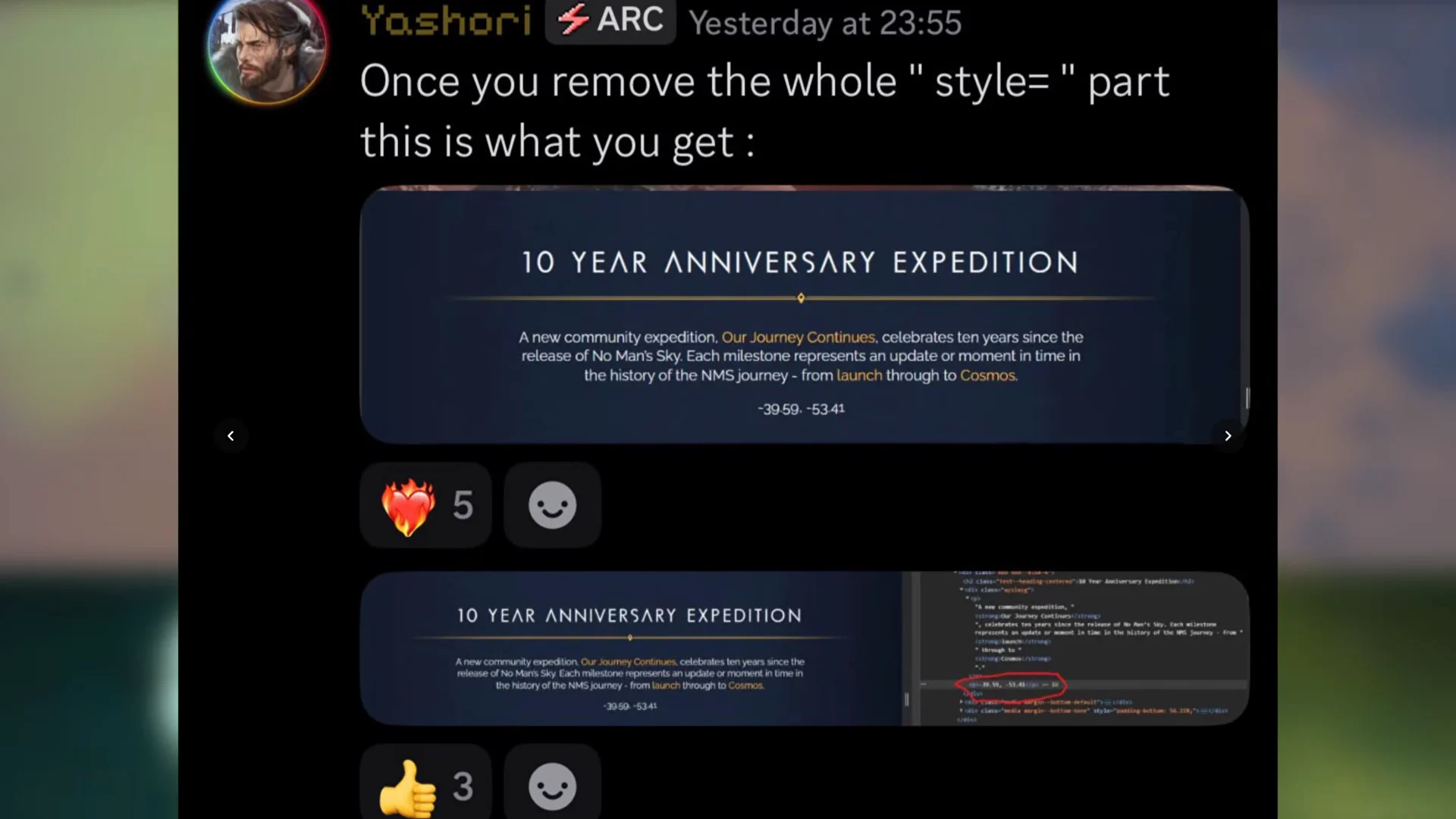
The trail began with a Cosmos update note hinting at something concealed on a well-known world, which led players to Oria V, seen in early pre-release trailers. On the Hello Games forum, a user called “oldgods” shared a glitched image named “Loop16Instance”. Its Traveler script revealed a URL path, /cosmos-update/. The page’s source contained hidden CSS with planetary coordinates; players followed them to a solitary terminal in the current anniversary expedition.
Everything hinges on when you visit the terminal. You must interact with it during the Waking Titan milestone, before you complete it. The portal that takes you to Leseycit appears as part of Waking Titan, so the terminal is only reachable inside that narrow window.
If you finish the Waking Titan milestone before reaching the terminal, it will hand you regular Nanites instead of the title. There is no second attempt inside the same expedition run.
What you need before you start
The whole run happens inside Expedition 23, “Our Journey Continues,” which begins on planet Oria V. You do not need anything from your main save — the expedition starts you fresh. Gather these as you go:
40 Di-Hydrogen for early refining and crafting
A Portable Refiner to make Condensed Carbon and Pure Ferrite
Around 400 extra Ferrite Dust for the Foundation build
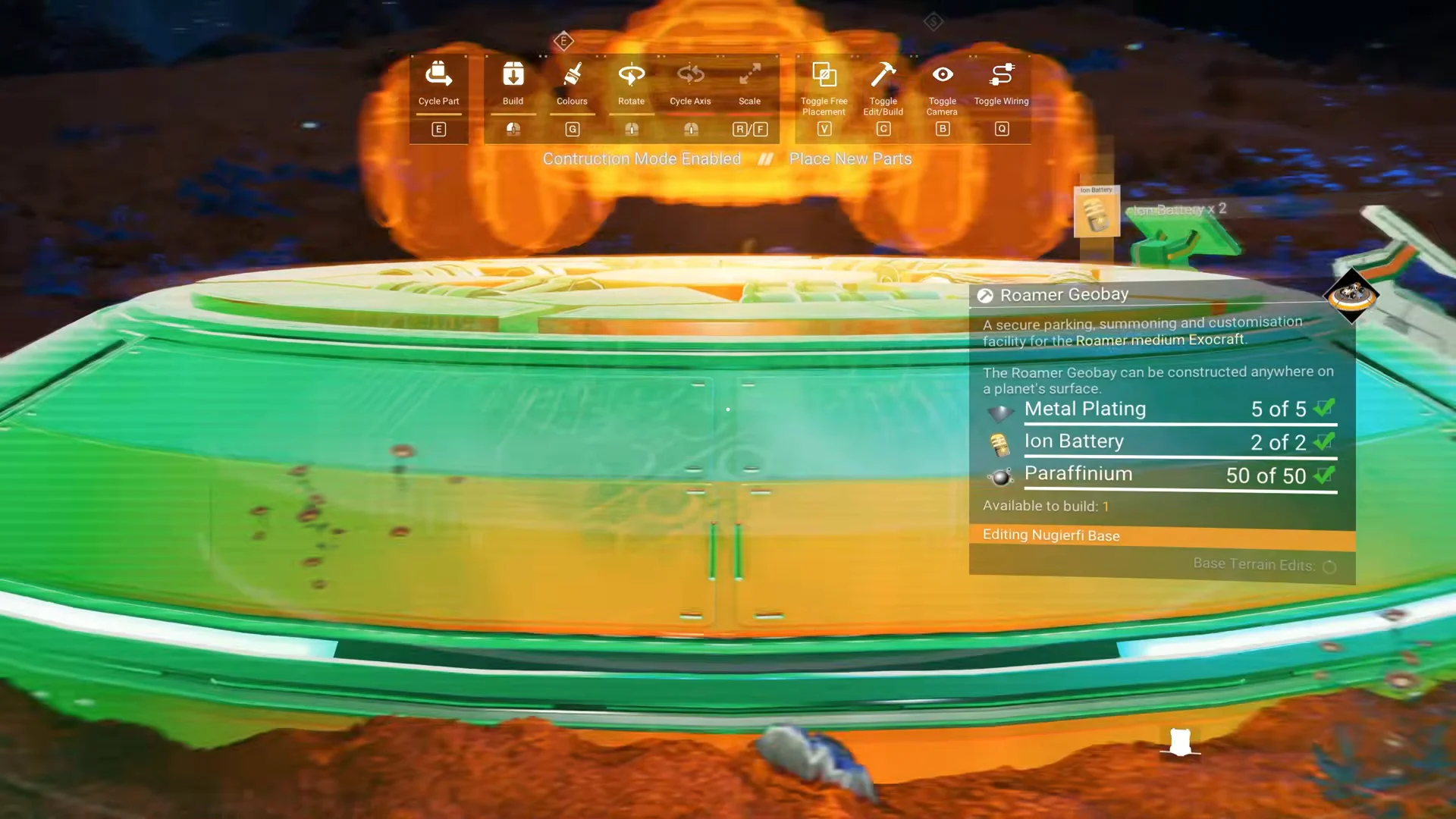
Metal Plating, Microprocessors, and Ion Batteries for a Landing Pad
The AtlasPass v4 and the portal coordinates both come from the expedition itself, so there is nothing to prepare on that front.
Craft a Portable Refiner and refine 40 Condensed Carbon and 50 Pure Ferrite. Build a Metal Plating, a Hermetic Seal, and a Di-Hydrogen Jelly, then repair your Launch Thrusters and Pulse Engine.
Choose Foundation as the active milestone, scan space around Oria V for a wild base computer, and gather about 400 additional Ferrite Dust as you descend.
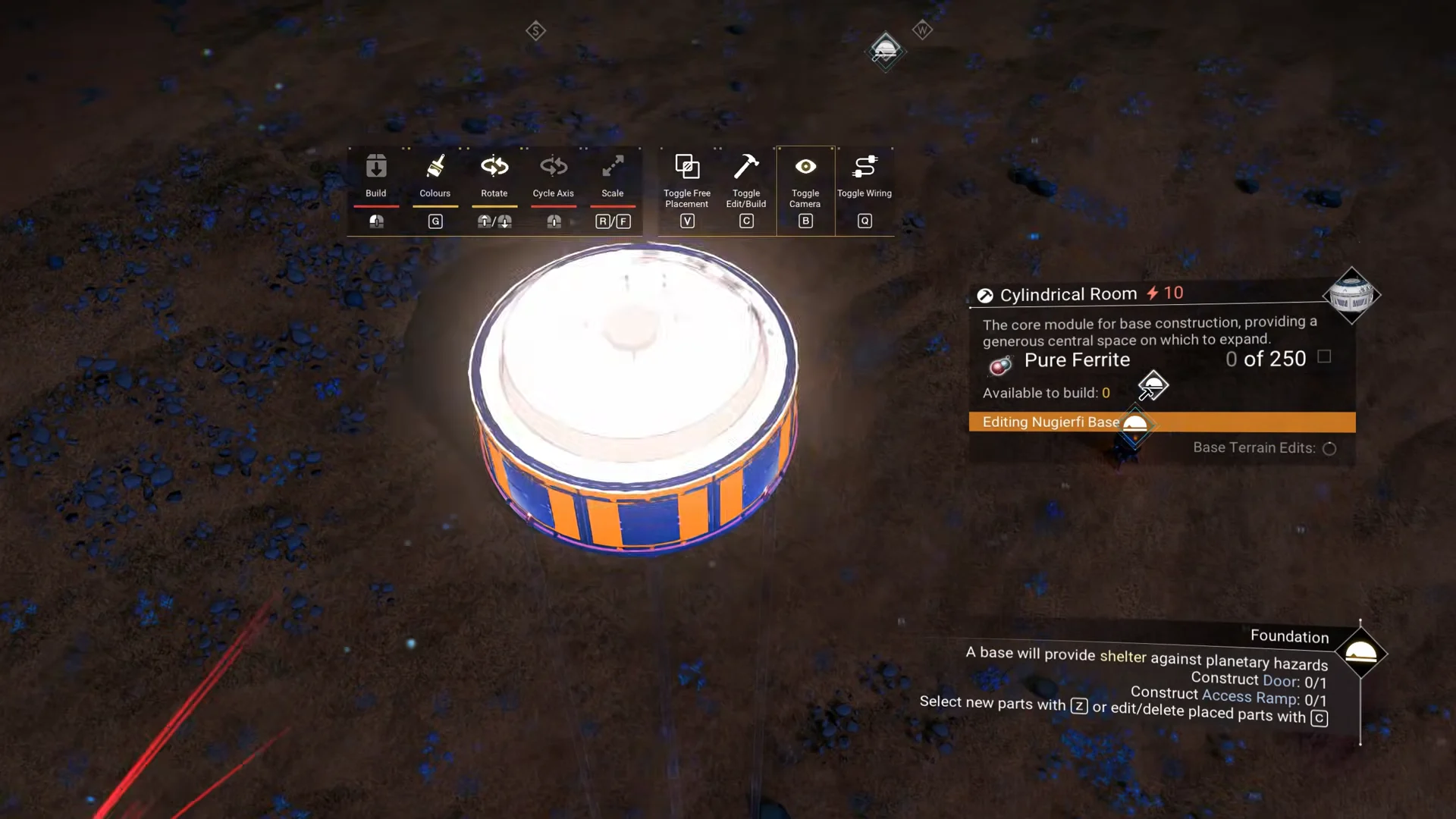
Touch down and claim the base computer. Put up a Foundation and Cylindrical Room, remove the Foundation, then place a Door, Access Ramp, Flag 1, Curved Desk, Adjustable Chair, and Landing Pad. Craft the Landing Pad with 10 Metal Plating, Microprocessors, and Ion Batteries.
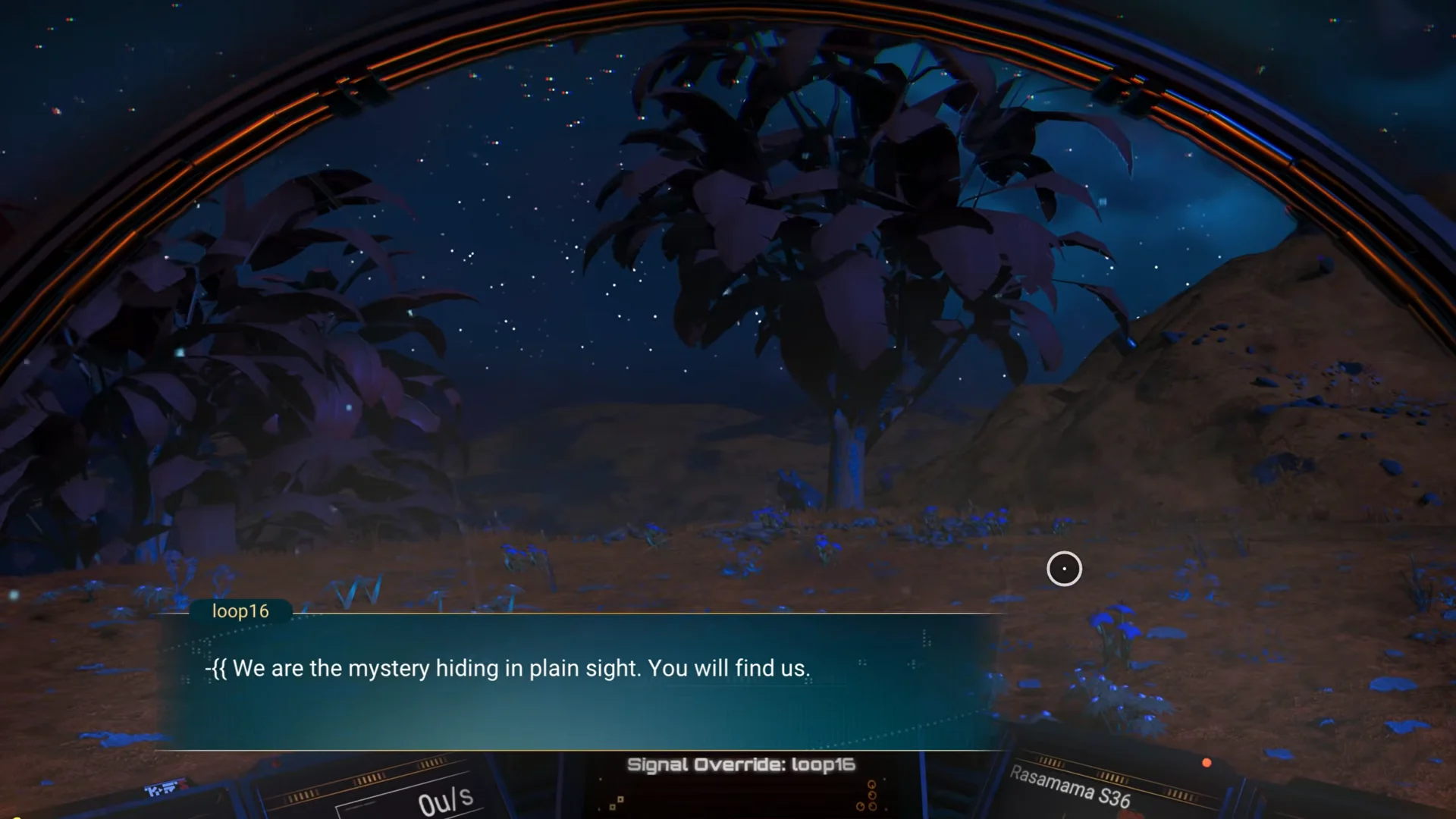
Get back aboard your starship and respond to Loop16’s incoming radio message. Finish the Pathfinder milestone to receive its reward, which includes 5x Starship Launch Fuel.
Choose the Waking Titan milestone and travel to the ancient Monolith shown on your marker. Interact with it for the AtlasPass v4 and portal coordinates, but leave the milestone unfinished.
On Leseycit, leave the crashed distress beacon at the milestone marker alone. Instead, travel to -39.59, -53.41, about 1,000u due north of the Waking Titan marker.
If your planetary coordinates are hidden in third-person view, reload a primary save to switch into the first-person cockpit view so the coordinate readout appears.
Work through the dialogue prompts, which run through lines like “AM I REAL?”, “AM I DANGEROUS?”, and “SHOULD I EXIST?” Answering “Yes”, “No”, “Yes” or all “Yes” completes the exchange and grants the title.
How to confirm the title unlocked
The moment the terminal accepts your answers, an on-screen notification reads “NEW TITLE UNLOCKED instance16.” Because the title unlocks account-wide, it stays available after the expedition ends and can be equipped from your title selection on your other saves. If the terminal instead awards only Nanites, the Waking Titan milestone was already completed and the title is out of reach for that run.