The Predictive Victory Dynamics event drops you into a Natlan combat simulator where you bet on the winners of 16 staged monster battles. You place Victory Emblems on the team you think will prevail, wait for the next daily reset to see the outcome, and collect Primogems and Mora for taking part each round. It runs from October 12 to October 22, 2026 during Version 7.1.
Quick answer: Interact with the event board near Lilioo and Vigee, open the active round, assign all your Victory Emblems to your predicted winners, press Confirm, then claim the participation reward under Prediction Rewards for 20 Primogems and 20,000 Mora.
How the tournament is structured
The event plays out as a 16-battle bracket spread across 8 rounds. Each round opens a new prediction window, and you have 24 hours to lock in your picks before the matches are simulated.
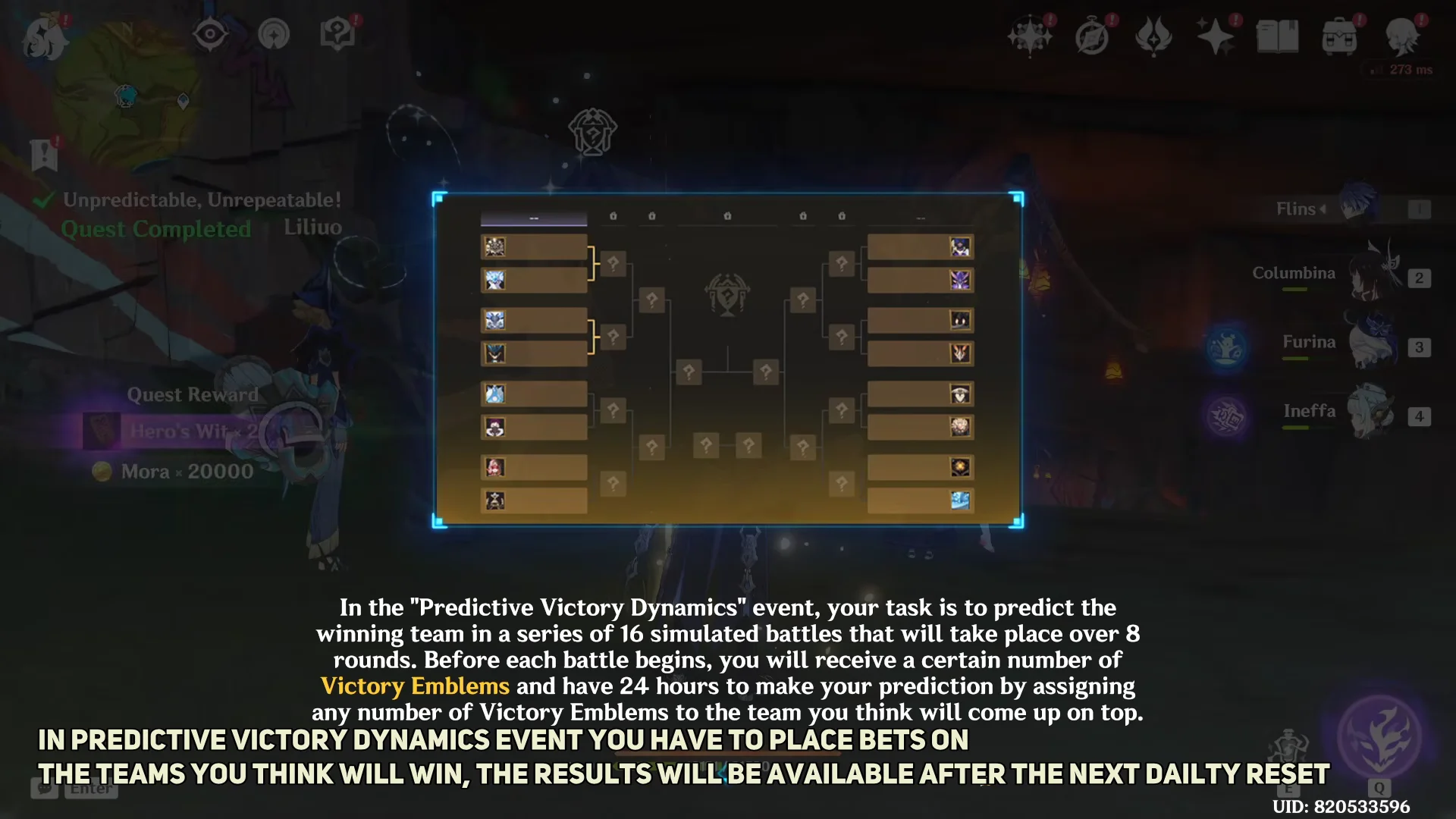
The rounds progress in order, and only one group is active at a time:
- Round of 16 — Group A, Group B, Group C, and Group D
- Quarterfinals — Group A and Group B
- Semifinals
- Final Showdown
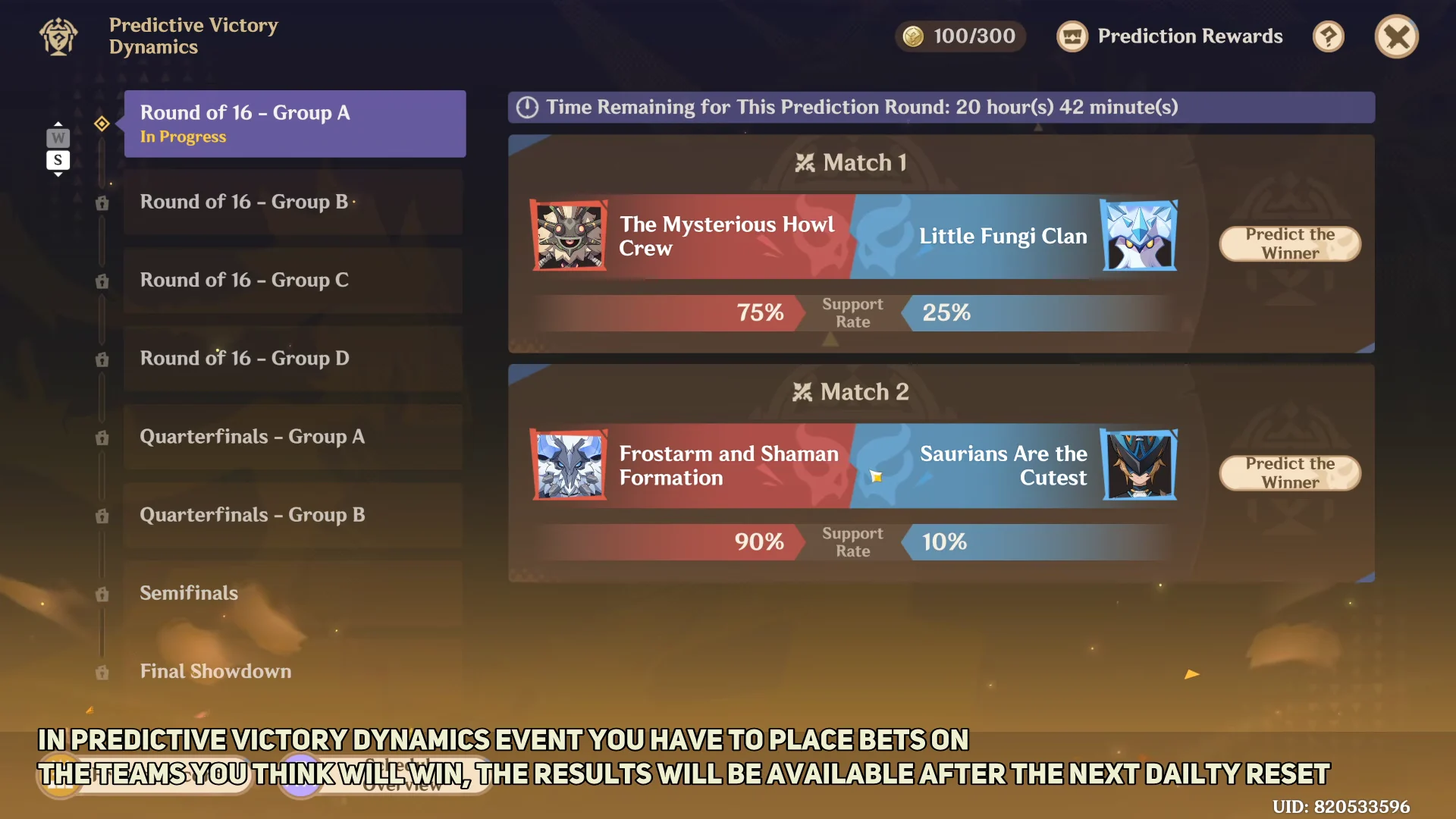
At the start of each round you receive a set allotment of Victory Emblems to spend. The first round hands out 100 Emblems, which you can split however you like between the available matches.
Support Rate and score multipliers
Every match pits two teams against each other, and each side carries a Support Rate, the share of players who voted for it to win. That Support Rate directly sets the score multiplier you earn if your chosen team comes out on top. The less popular side pays out more.
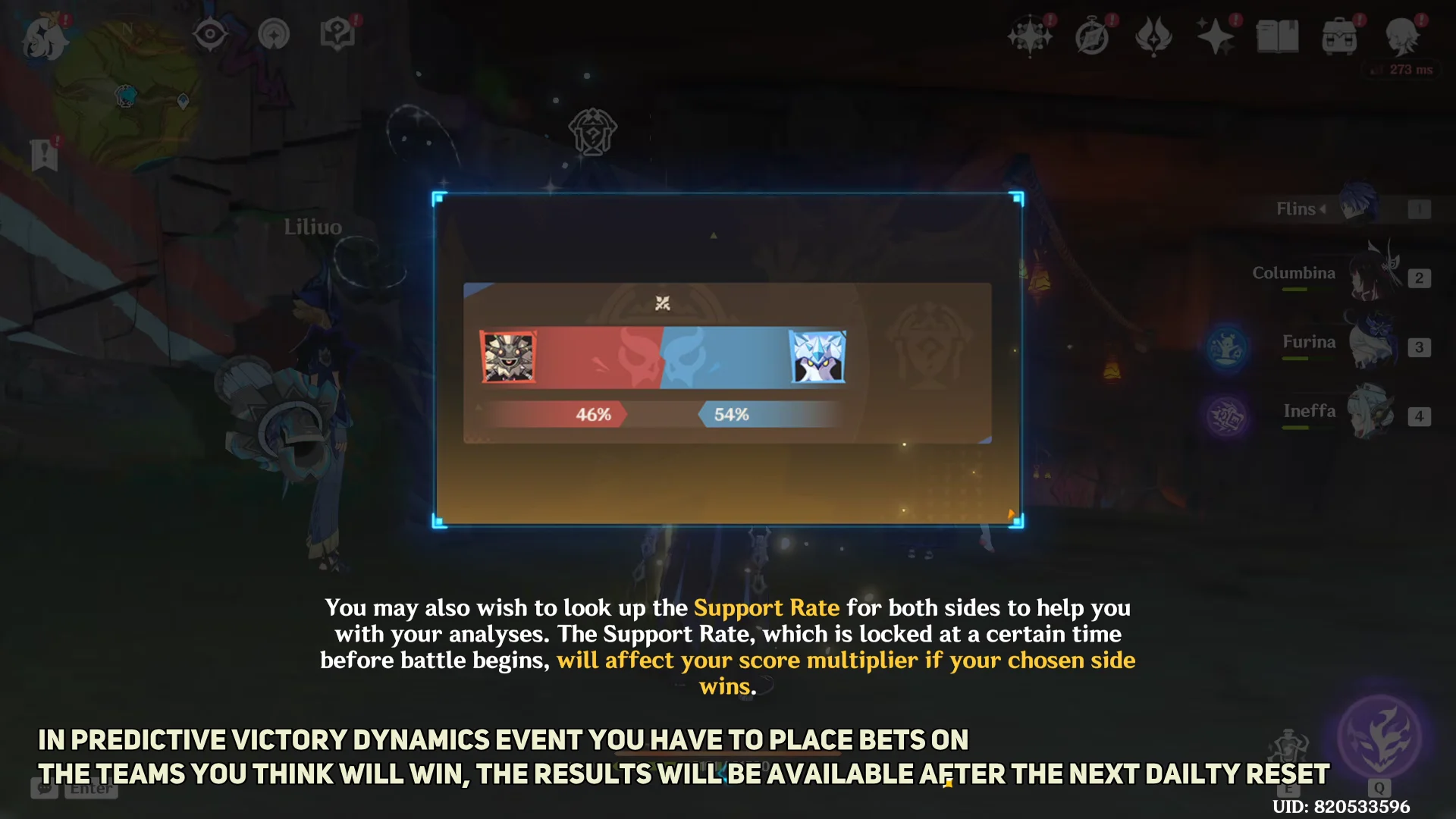
Here is how that trade-off looks in practice using two sample matchups from the Round of 16:
| Team | Support Rate | Score Multiplier |
|---|---|---|
| The Mysterious Howl Crew | 75% | 30 |
| Little Fungi Clan | 25% | 105 |
| Frostarm and Shaman Formation | 90% | 25 |
| Saurians Are the Cutest | 10% | 200 |
The Support Rate is locked in at a set time before the battle starts, so the multiplier you see can shift until that cutoff. Backing a heavy favorite is safer but pays little, while an underdog pick multiplies your score far more if it lands.
Open a match and press any unit’s avatar to check its ATK, Max HP, and combat skills before you commit. Both teams also begin losing HP continuously once enough time passes in a battle, which can decide close fights on raw survivability.
Placing your Victory Emblems
Claiming your rewards
Once your Emblems are placed, open Prediction Rewards in the top right of the event screen and claim the reward for participating in the current round. You do not need to win your bets to collect the participation payout.
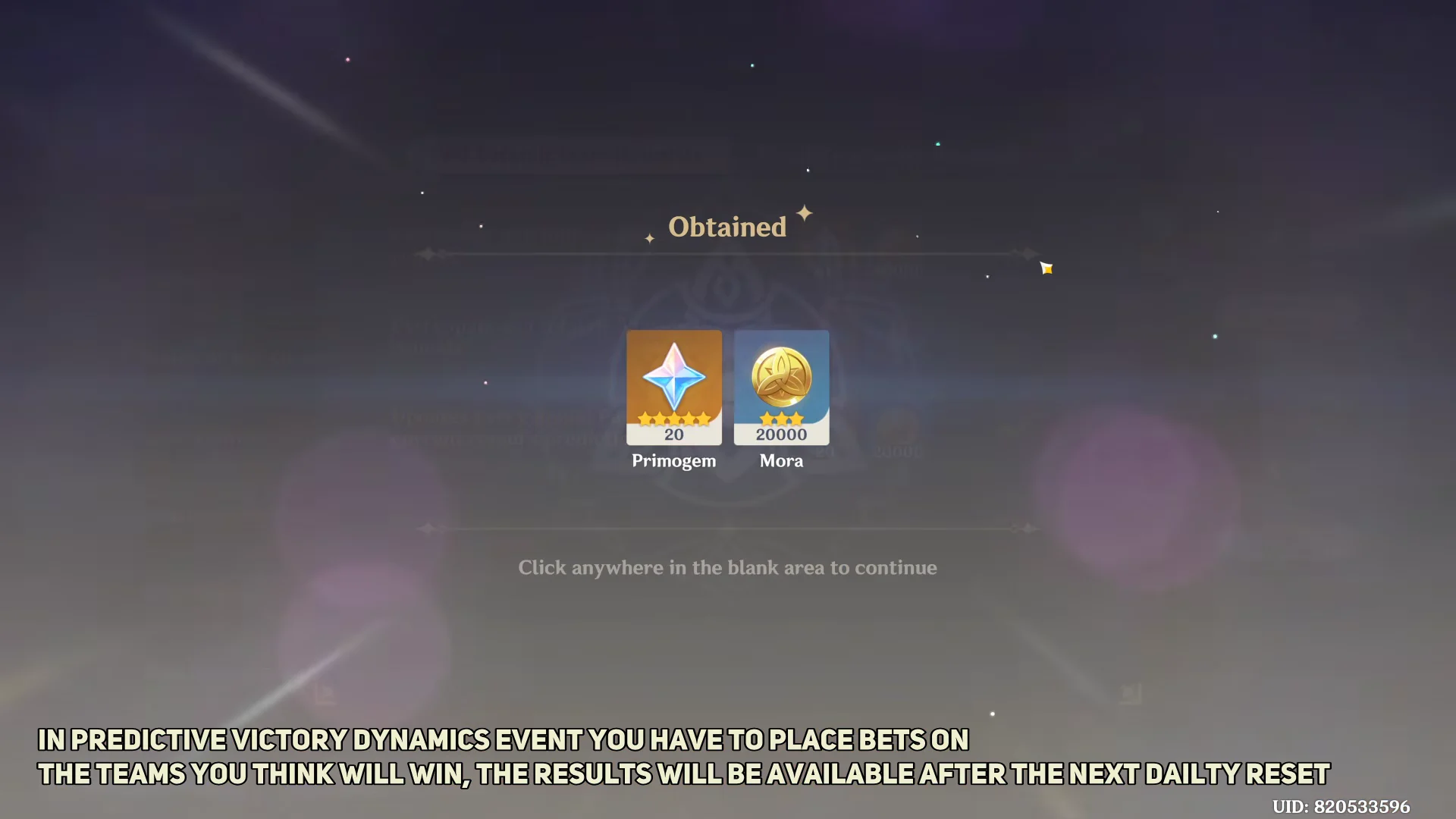
You know the claim worked when an Obtained screen appears showing Primogem x20 and Mora x20000 added to your account. On top of the per-round payout, there are milestone rewards for participating in multiple rounds:
| Milestone | Primogems | Mora |
|---|---|---|
| Each round participated | 20 | 20,000 |
| 3 rounds total | 40 | 40,000 |
| 5 rounds total | 60 | 60,000 |
Because a fresh batch of Victory Emblems arrives every round and results resolve at the next daily reset, the simplest routine is to log in each day, spend the round’s Emblems on any prediction, and claim the participation reward. Doing that steadily is enough to clear the 3-round and 5-round milestones well before the event ends on October 22.