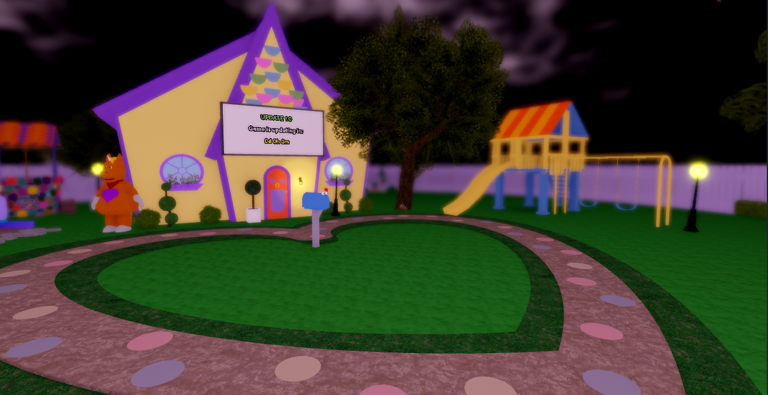
In It’s Buddy Roleplay, earning this hidden badge grants the Davy the Dummy morph. Its description reads “WHO YA CALLIN DUMMY?”, and its listed rarity is 1.8% (Insane), making it a rare find. To get it, locate the green eyeball outside the playground, then touch the correct figure in the hidden room.
Quick answer: Walk through the arched gate into the dark woods, touch the green eyeball at the base of a tree, then in the room that follows touch the single green-glowing dummy while avoiding every red one.
A Dummy’s Eye badge details
| Detail | Value |
|---|---|
| Badge name | A Dummy’s Eye |
| Description | WHO YA CALLIN DUMMY? |
| Rarity | 1.8% (Insane) |
| Reward | Davy the Dummy morph |
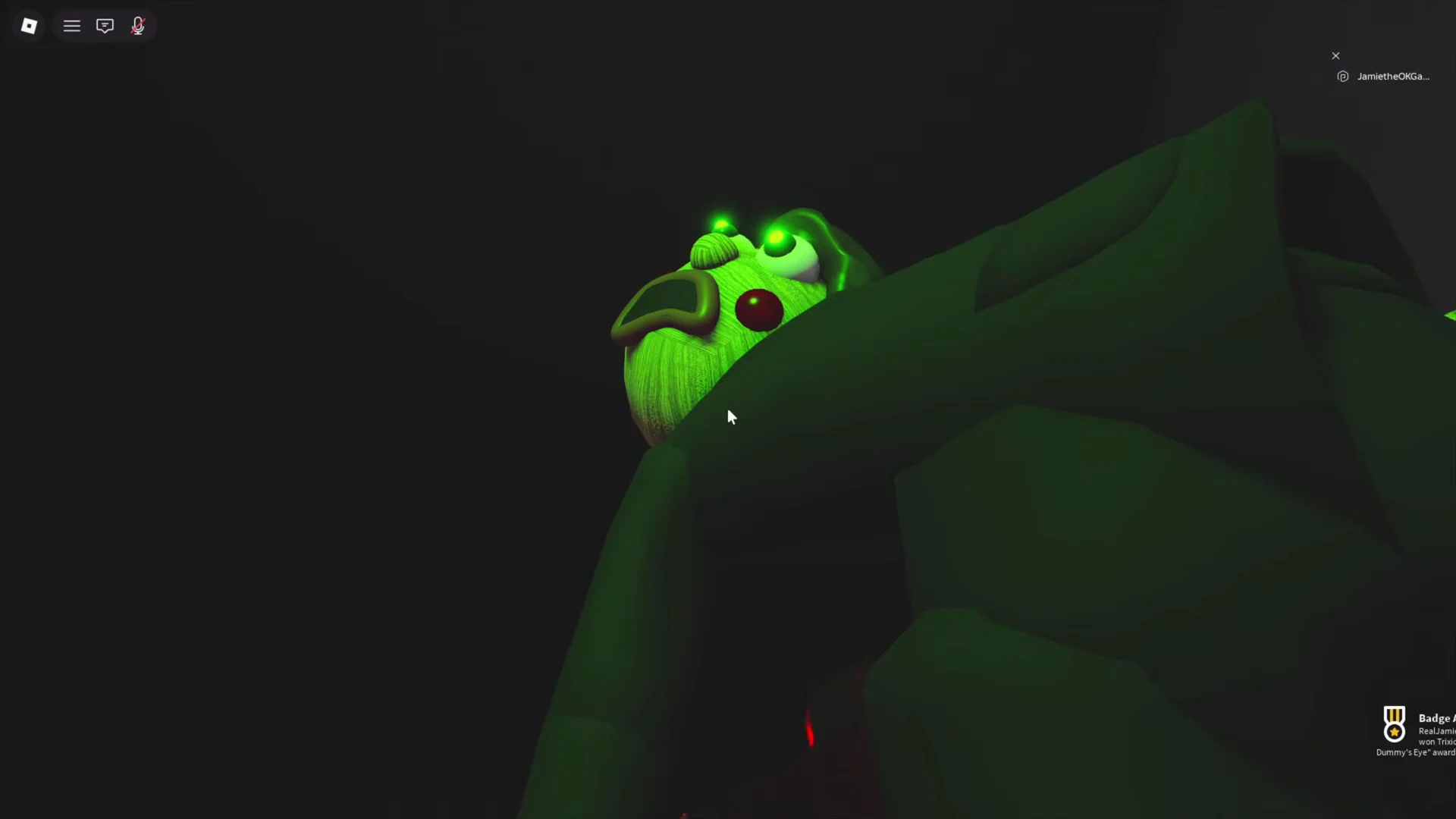
The morph looks like a ventriloquist puppet dressed in a black suit, with uneven green eyes, an open wooden mouth, and a floppy head. After unlocking it, find it in the Morphs menu and equip it just like any other character.
How to unlock A Dummy’s Eye
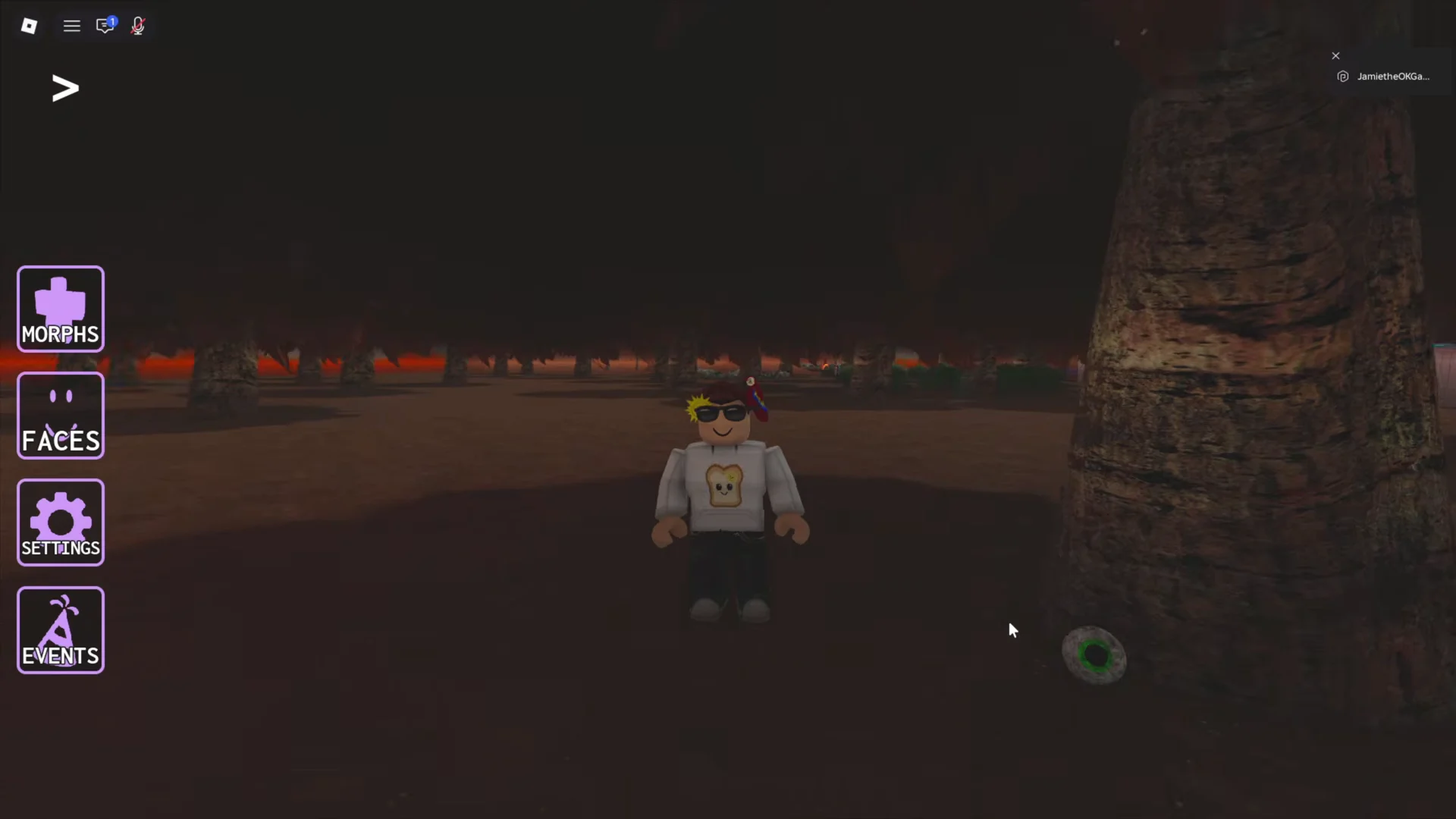
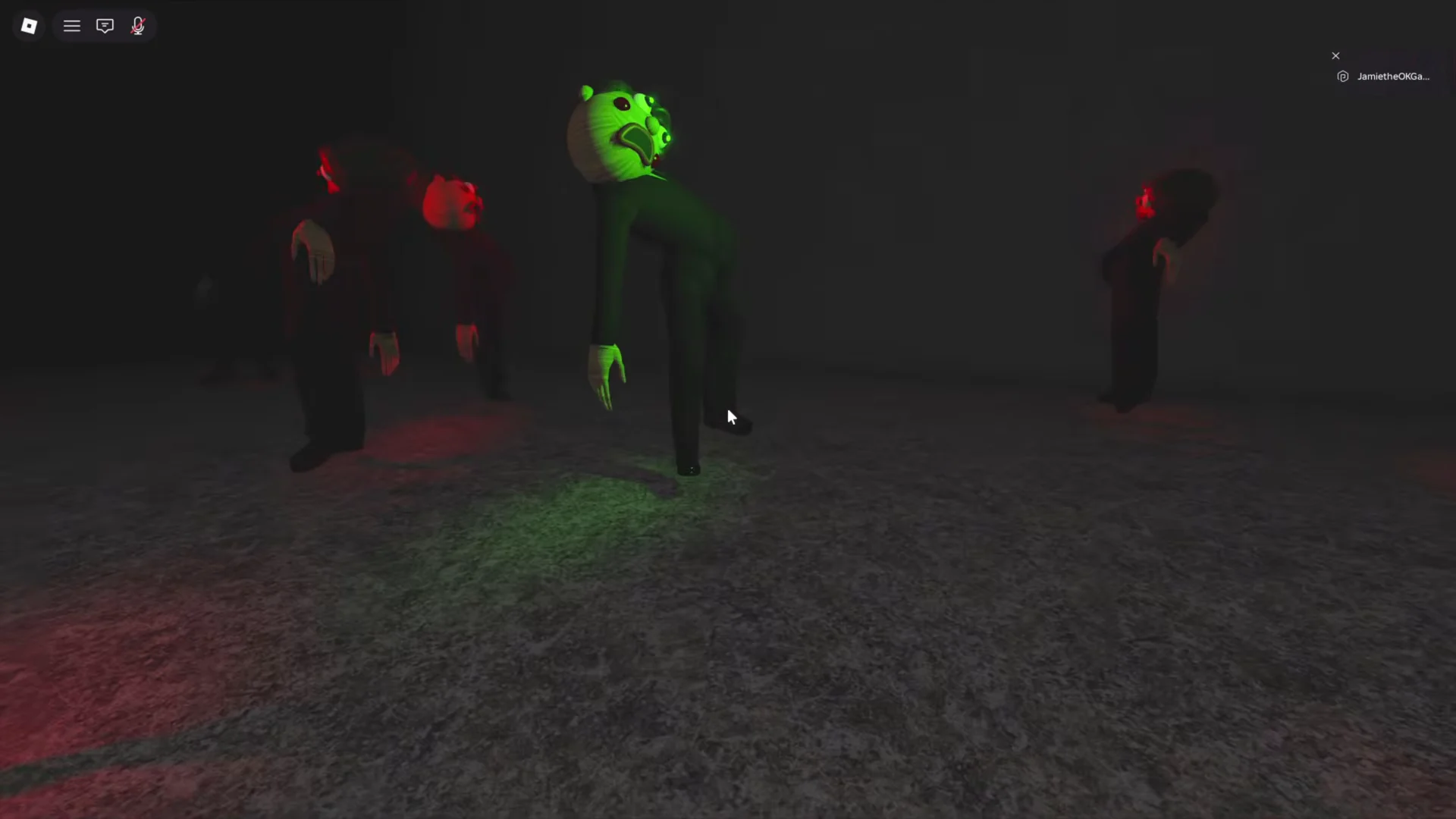
Line up a clear path to the green figure before moving, since a single wrong brush against a red dummy resets the whole attempt.
Confirming the badge unlocked
The moment you touch the green dummy, a “Badge Awarded” notification appears in the bottom-right corner reading “You won ‘A Dummy’s Eye’ in It’s Buddy Roleplay!” That pop-up is your confirmation that the unlock registered.
Equipping the Davy the Dummy morph
With the badge earned, open the Morphs menu from the left-side UI and look under the Badges tab. Davy the Dummy appears there as a selectable option. Choose it and your avatar changes into the suited wooden puppet, complete with its contorted idle poses and walking animation back in the playground.
If the morph does not show up right away, rejoin the game so the badge fully syncs, then open the Morphs menu again to equip Davy the Dummy.