Planet Zoo 2 ships with three ways to play, and each one sets different rules for how much you build, how much you manage, and whether other players are part of the experience. Career hands you authored objectives, Sandbox removes every restriction, and Franchise connects your zoos to an online community. Running underneath all three is the Planet Hub, a global menu for tracking research, conservation, and your sites.
Quick answer: Start with Career to learn the systems through guided objectives, pick Sandbox to build freely with everything unlocked, or choose Franchise for connected zoos, animal trading, and community challenges (internet required).
The three modes compared
| Mode | Focus | Online | Best for |
|---|---|---|---|
| Career | Guided objectives and conservation progression | Not required | Learning the systems in order |
| Sandbox | Unrestricted building and management | Not required | Creative freedom from the start |
| Franchise | Connected zoo network with trading | Required | Long-term, community-driven play |
Career mode: guided objectives and FEN
Career puts you inside the Fauna and Ecosystems Network as the new Conservation Coordinator. You travel the planet, visiting Wildlife Reserves, distinctive zoos, and scenarios while a cast of characters moves the story along. The mode gives you a long run of objectives that introduce one mechanic at a time and raise the difficulty as you go.
This is the most straightforward starting point if management builders are new to you. You oversee animal welfare, needs, breeding, and conservation, while research applies throughout your network. Animals can be transferred among your zoos, and you can send them to Wildlife Reserves. Zoos created in Career can also be continued in Sandbox.
Start by opening Career on the main menu, launch a new career, complete Chapter 1, then head to the Wildlife Reserve.
Sandbox mode: everything unlocked
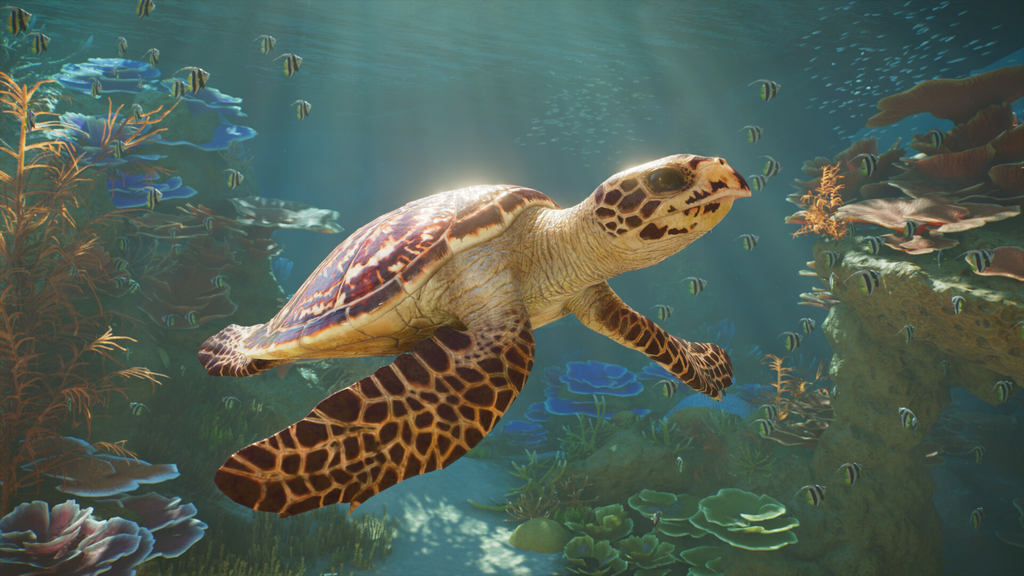
Sandbox removes the restrictions entirely. Every animal and region is available from the moment you start, so there is nothing to unlock through progression. You choose the level of simulation and challenge, then build and run a zoo or Wildlife Reserve on your own terms.
You can adjust settings for the animals, the in-game economy, and the guest experience, which makes this the natural space for testing layouts, prototyping habitats, and planning large builds. Zoos made here can be shared through the Frontier Workshop.
Choose Sandbox in the main menu, adjust the settings, then create your zoo. Pick this mode to start building your ideal zoo right away, without first earning animals and regions.
Franchise mode: connected zoos and trading
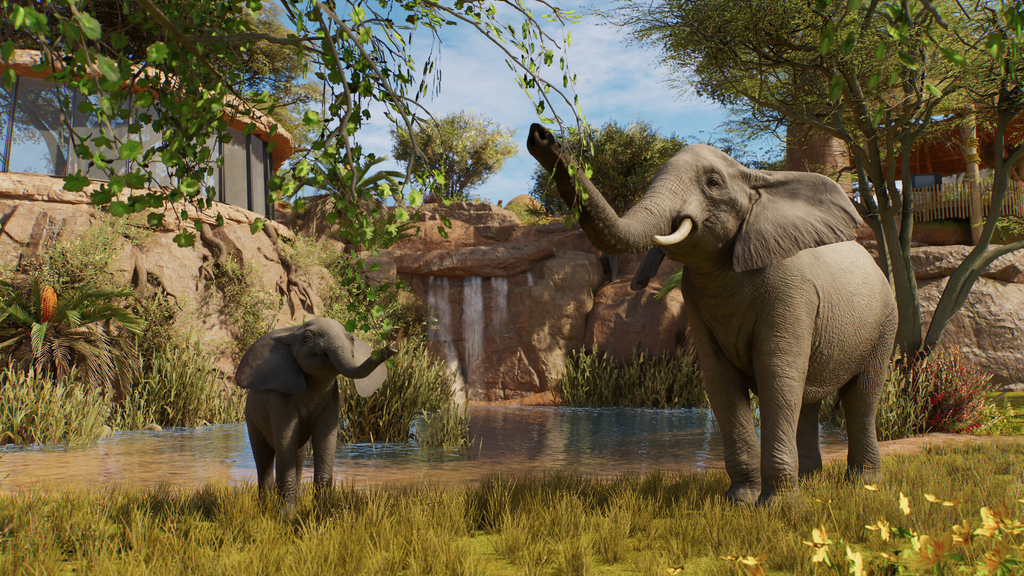
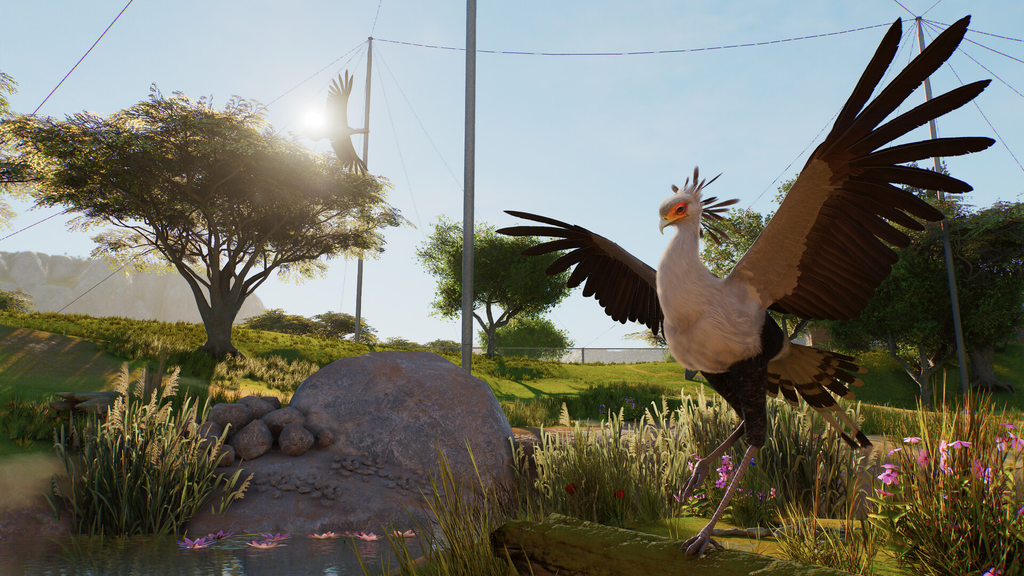
Franchise is built around an international network of interconnected zoos and Wildlife Reserves. Each location develops its own identity while contributing to your wider franchise, and you share animals and conservation progress across the whole network. You trade habitat animals with other players through an online marketplace and take part in Community Challenges.
Progression here runs on accreditation. Raising a zoo’s reputation and hitting operational goals pushes you up the accreditation tiers, which unlock additional species. Higher tiers gate the larger flagship animals, so building out your network is what grants access to the top-tier wildlife.
Franchise requires an internet connection, since the trading market and community features are online.
Choose Franchise from the main menu and sign in to your Frontier account, then start your franchise under a name and banner. This is the mode for players who want long-term progression and online activity with others. You can see how all three play out on the official game modes page.
The Planet Hub runs across every mode
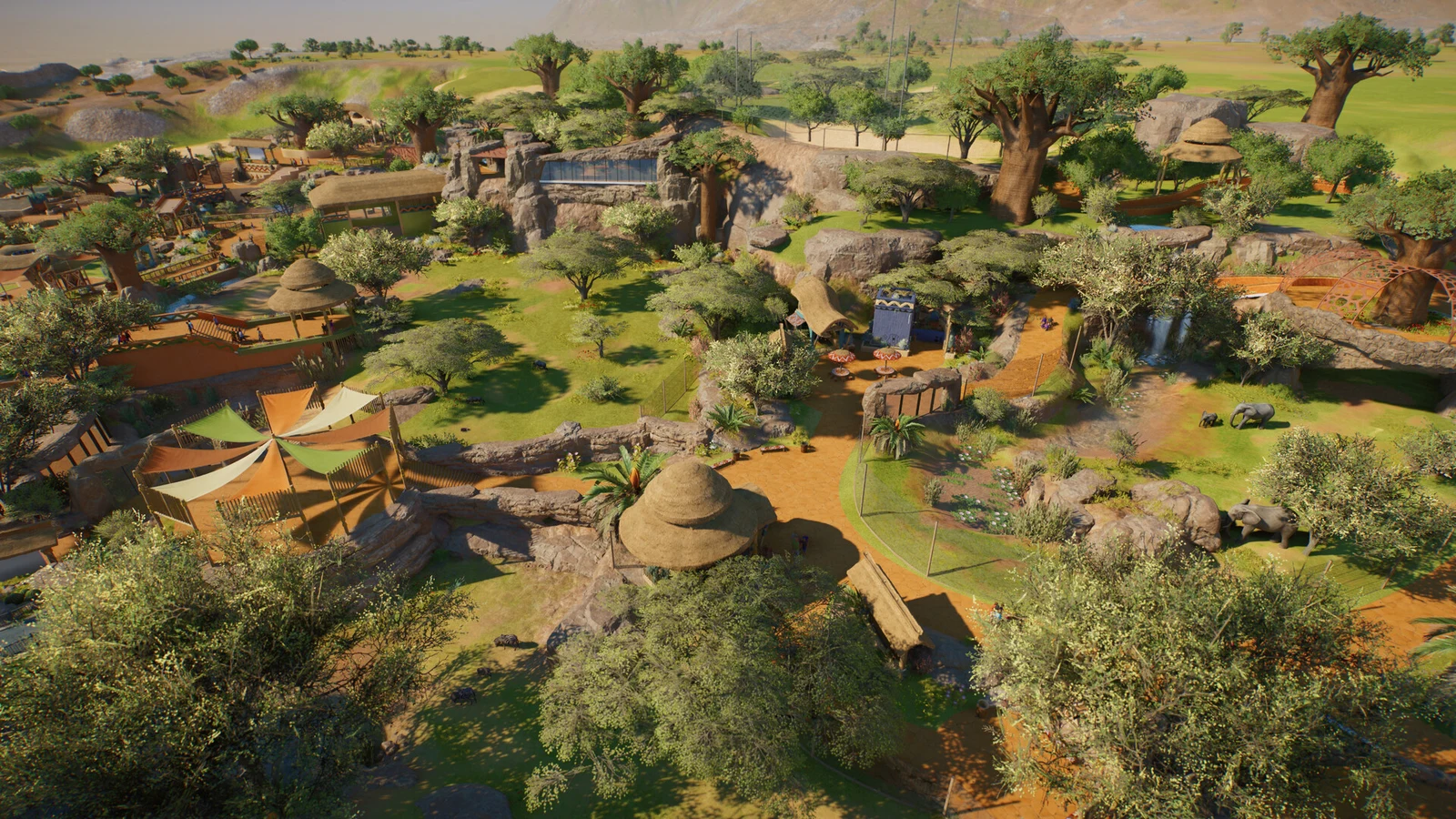
The Planet Hub is a global menu for managing an international network of zoos and Wildlife Reserves, and it is available in Career, Sandbox, and Franchise. From it you track progress, read performance data, travel between your sites, and make decisions on research and conservation projects. It ties your separate locations together no matter which mode you are playing.
Which mode to pick first
- New to management games: start with Career for guided objectives, then move your zoos into Sandbox later.
- Want to build right away: go to Sandbox, where all animals and regions are unlocked from the start.
- Want online play and trading: choose Franchise, and keep an internet connection ready.
Because the modes serve different goals, your first pick shapes your early impression of the game. If structure and pacing matter, Career is the safest entry point; if freedom matters more, Sandbox delivers it instantly; and if you are in it for the long haul with other players, Franchise is where your network grows over time.