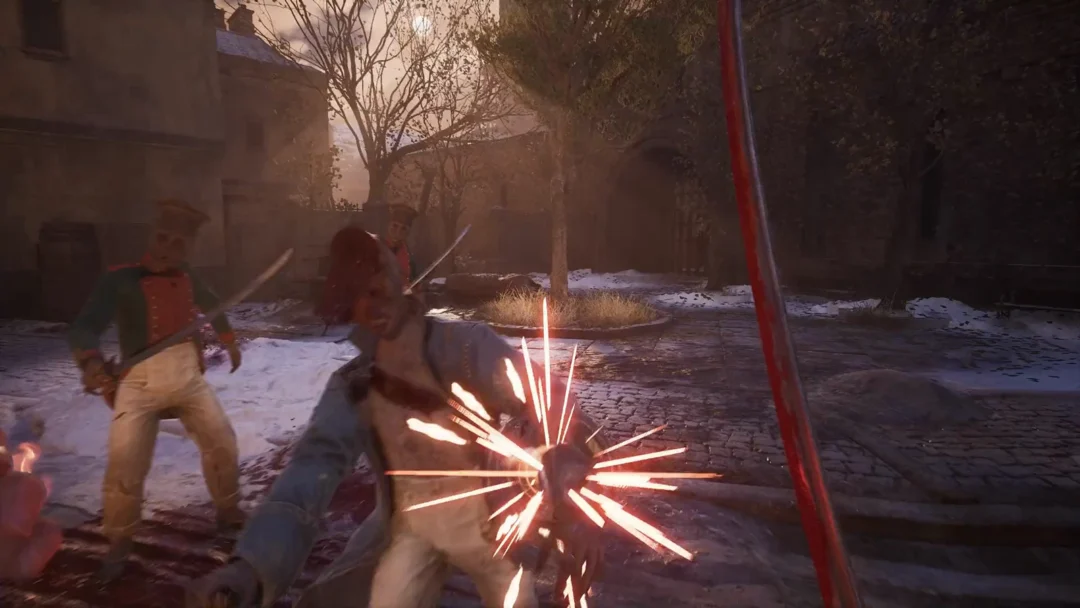
Surrender sits in the Pause Menu of Valor Mortis, and picking it ends your character’s life immediately. It is a deliberate death with a fixed outcome, not a retreat or a reset of the room around you.
Quick answer: Open the Pause Menu with Esc, choose SURRENDER, then press Enter to confirm YES. Your character dies and you return to the last Lantern you rested at.
What Surrender does in Valor Mortis
The confirm box states the outcome plainly: “Surrendering will instantly kill your character and return you to the last Lantern you rested at.” The kill is instant and it counts as a death, exactly like dying to an enemy.
Since surrender is recorded as a death, you reappear at your checkpoint rather than a different location. Your checkpoint is the Lantern where you most recently rested.
How to use Surrender from the Pause Menu
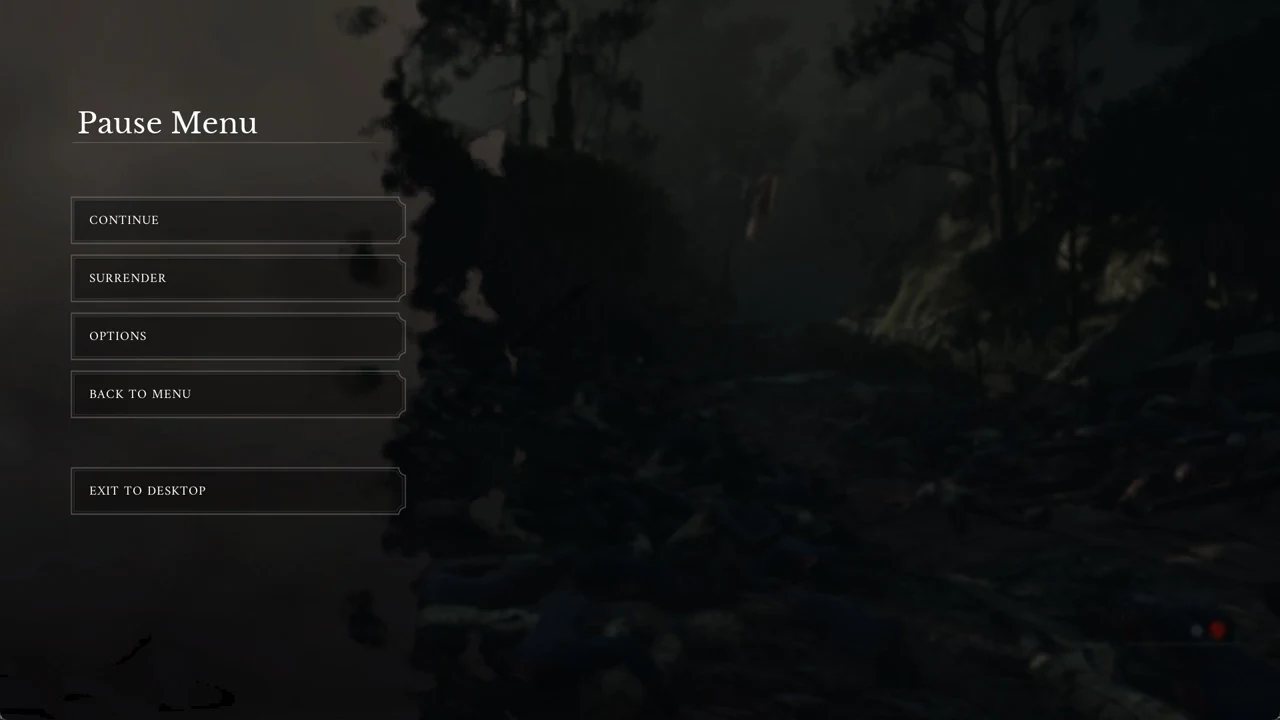
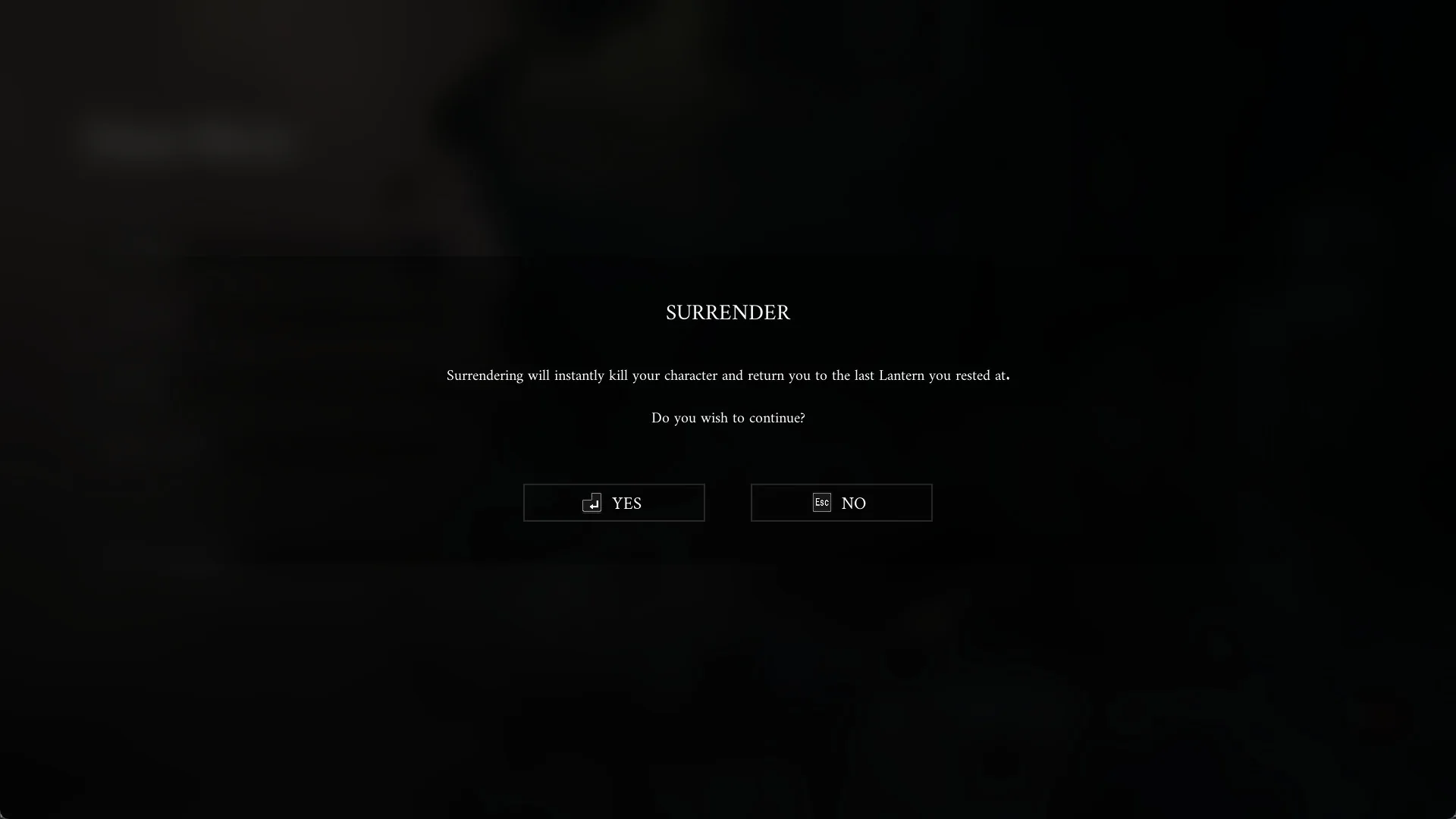
When Surrender is worth using
The clearest use is being stuck somewhere in the world with no way out. Instead of searching for an enemy to kill you or a drop to trigger a reset, Surrender takes you straight back to the last Lantern.
How to know it worked
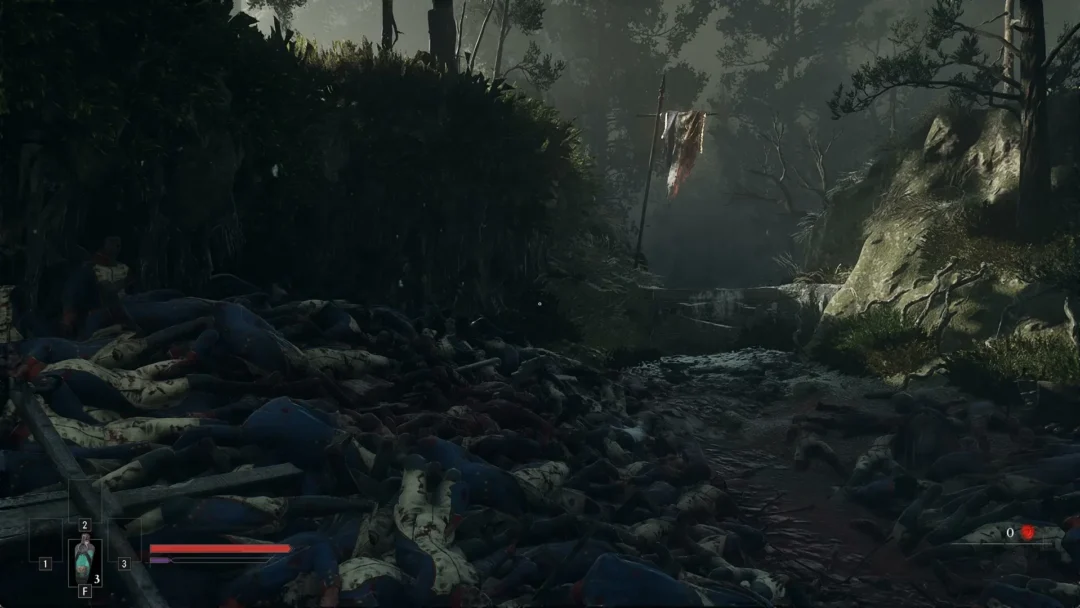
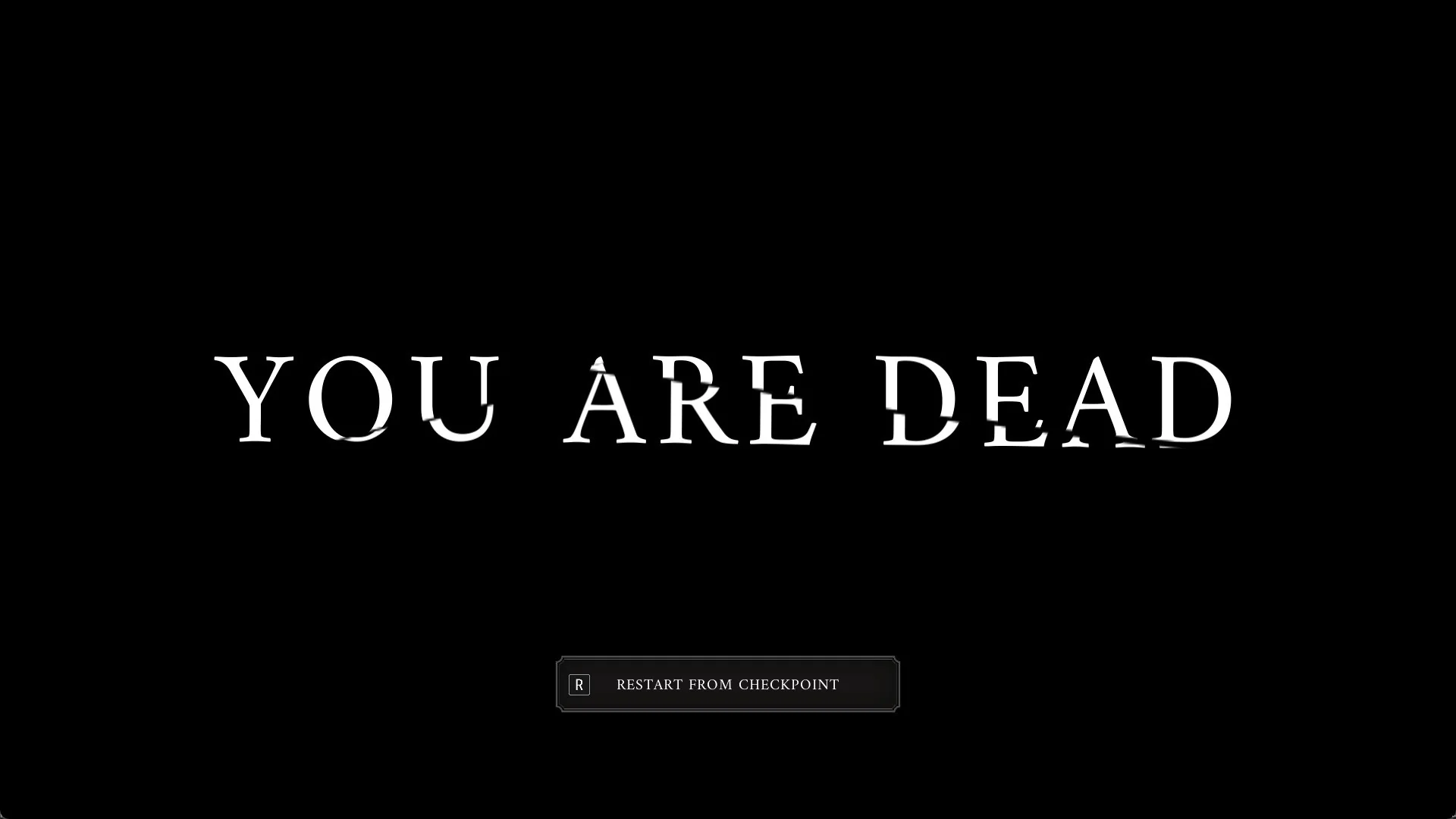
Every death in Valor Mortis ends on the screen that displays “YOU ARE DEAD” and has one button: “R RESTART FROM CHECKPOINT”. Press R to return to your checkpoint. Until you have rested at your first Lantern, you wake among the bodies at the Battlefield’s starting spot.
The Catalyst counter shows the currency used for leveling up and appears in the screen’s bottom-right corner. Check it after respawning to see your currency total once you’re back in play.