Enshrouded: How to Get Your Items Back After Dying (Retrieve Dropped Backpack)
What drops when you die, what stays with you, and the exact prompts for reclaiming your materials.
What drops when you die, what stays with you, and the exact prompts for reclaiming your materials.
by AllThingsHow Staff
Falling off a cliff in Enshrouded does not wipe your gear. When your character dies, the materials sitting in your backpack drop to the ground at the exact spot where you fell, while the items on your action bar stay with you. Getting the pile back is a short trip and two button presses.
Quick answer: Hold E to respawn at your Flame Altar, walk back to the glowing pink flame marker at your death spot, press E to Retrieve, then press F for Take All to move every dropped stack back into your backpack.
What drops and what stays when you die
The material stacks in your backpack are what gets left behind. Your action bar carried over completely, so our weapons and tools stayed with us. How much you lose also depends on your world’s Loot Loss On Death setting; the death explained guide covers how the difficulty presets change it.
Dropped: every material stack from your backpack.
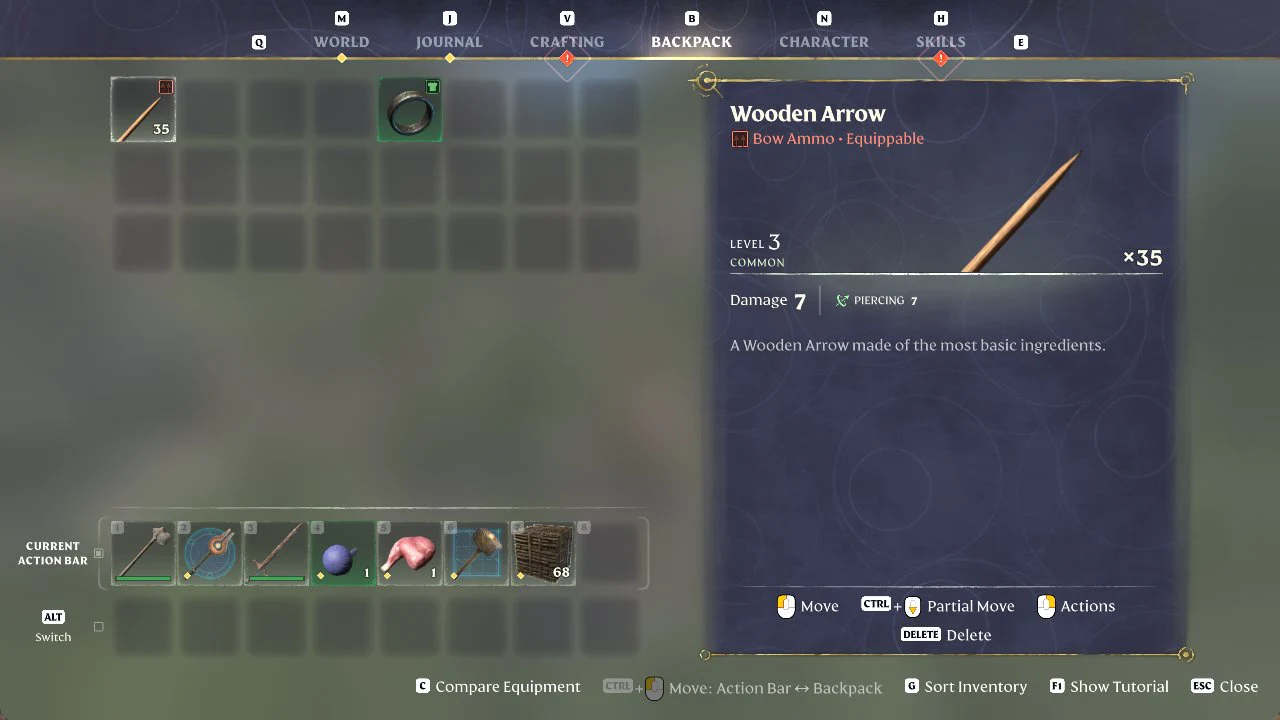
Kept: the full Current Action Bar (our weapons, a bomb, a piece of meat, the Construction Hammer and 68 blocks), the Wooden Arrows (x35) and the equipped ring.
How to retrieve your dropped backpack in Enshrouded
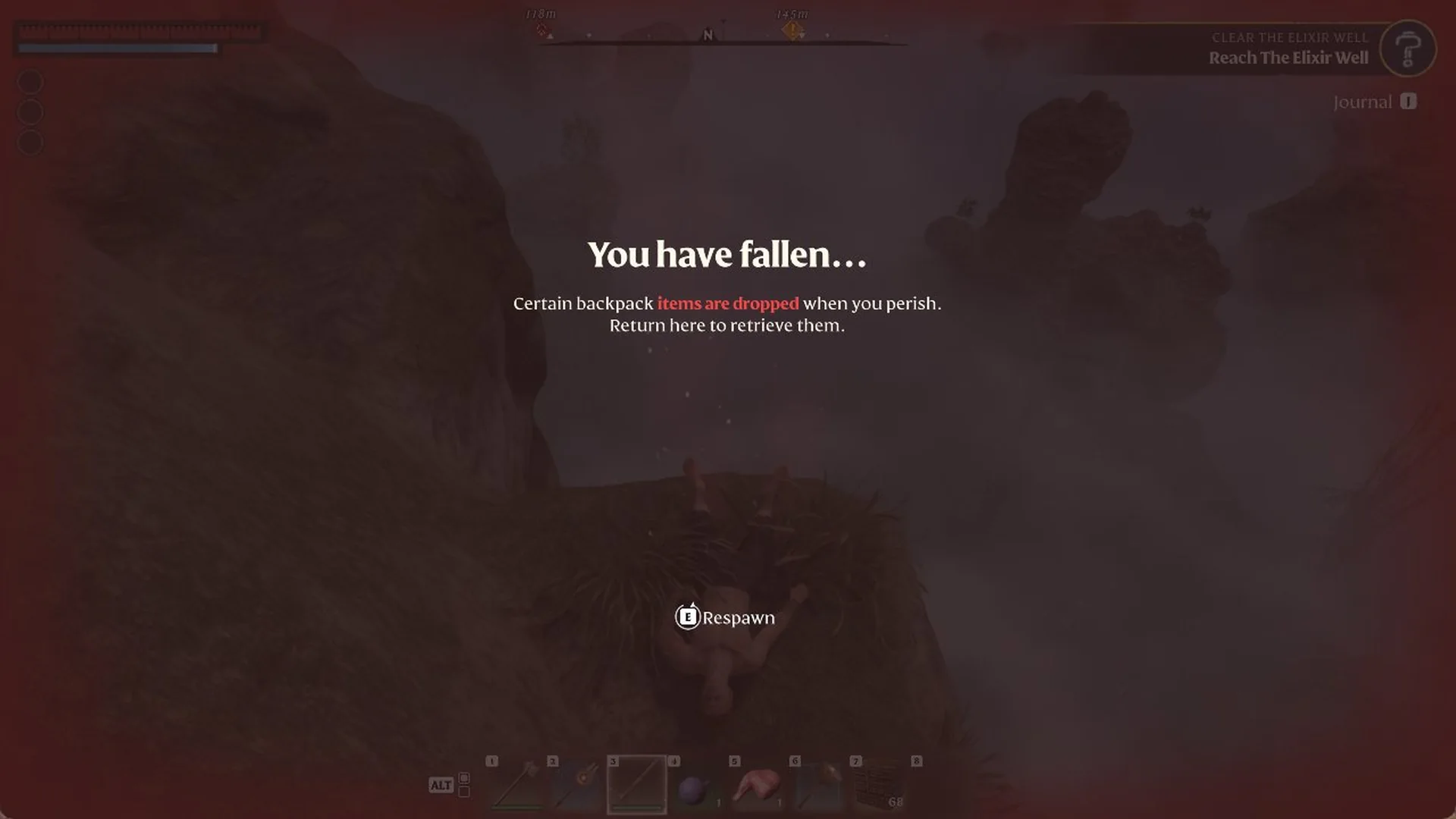
On death, the screen reads “You have fallen…” with the line “Certain backpack items are dropped when you perish. Return here to retrieve them.”, where “items are dropped” shows in red. At the bottom you will see “E Respawn”. Hold E until the ring fills to respawn.
The death screen after a long fall, with the hold-E “Respawn” prompt at the bottom.
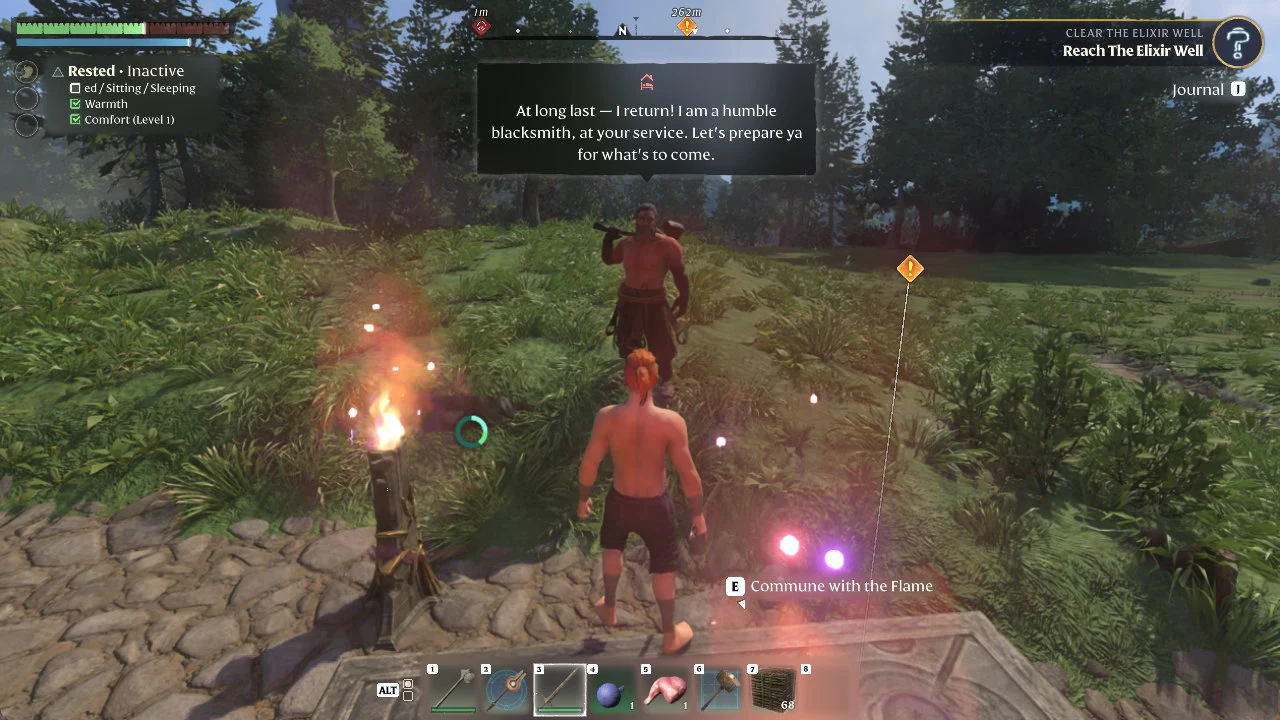
After respawning, you are at your Flame Altar, where the prompt reads “E Commune with the Flame”. Our rescued blacksmith stood next to the altar, and your health bar is still short of full, so it is worth eating something to restore health before heading back.
Respawning at the Flame Altar, where the E “Commune with the Flame” prompt appears and the blacksmith stands alongside.
Open the Backpack tab with B to confirm what happened. Every material stack is gone, while the Wooden Arrows, the equipped ring and the full action bar remain in place.
The Backpack screen with the Wooden Arrow stack selected; hotbar tools and gear are intact while material slots sit empty.
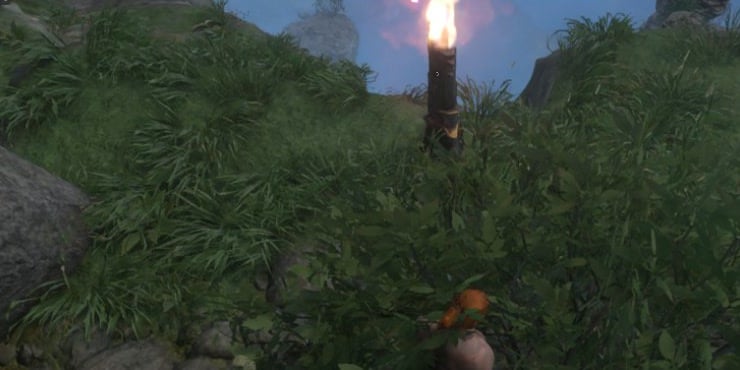
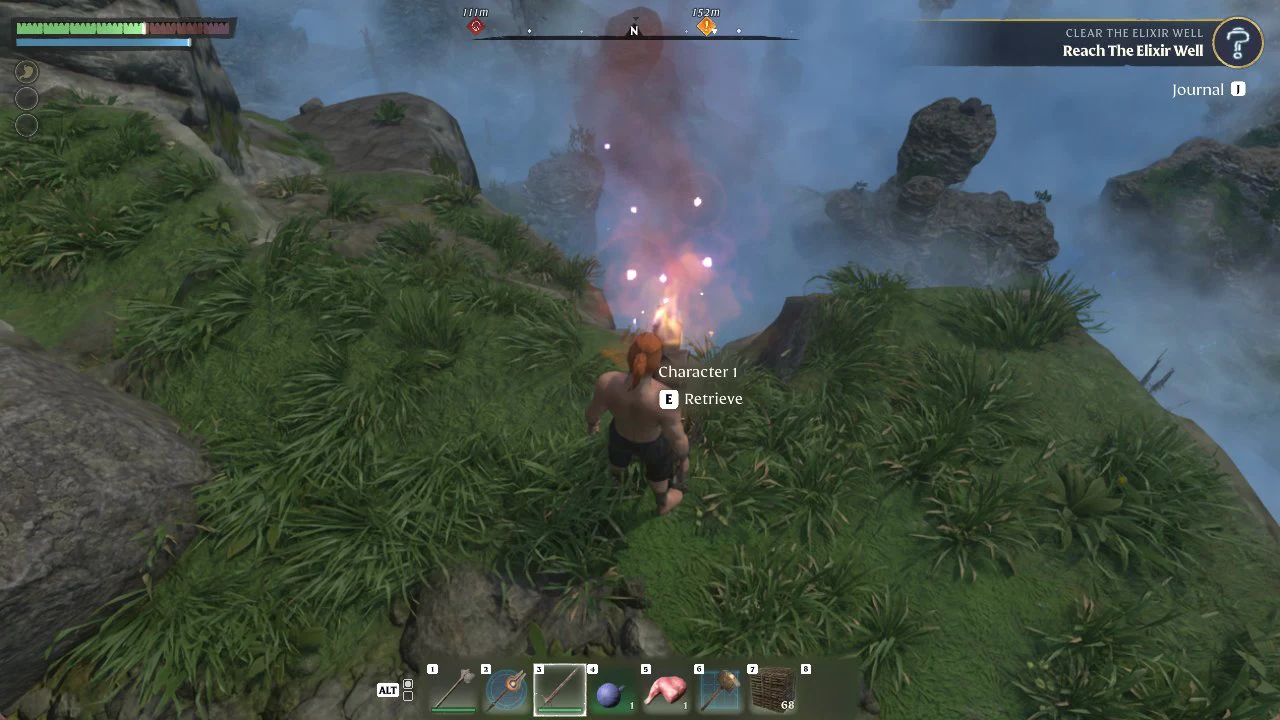
Return to the precise location of your death. A tall, pink, glowing flame marker identifies the spot and is visible from far away, so you can head straight for it. Ours stood on the cliff top, right by the edge we had walked off.
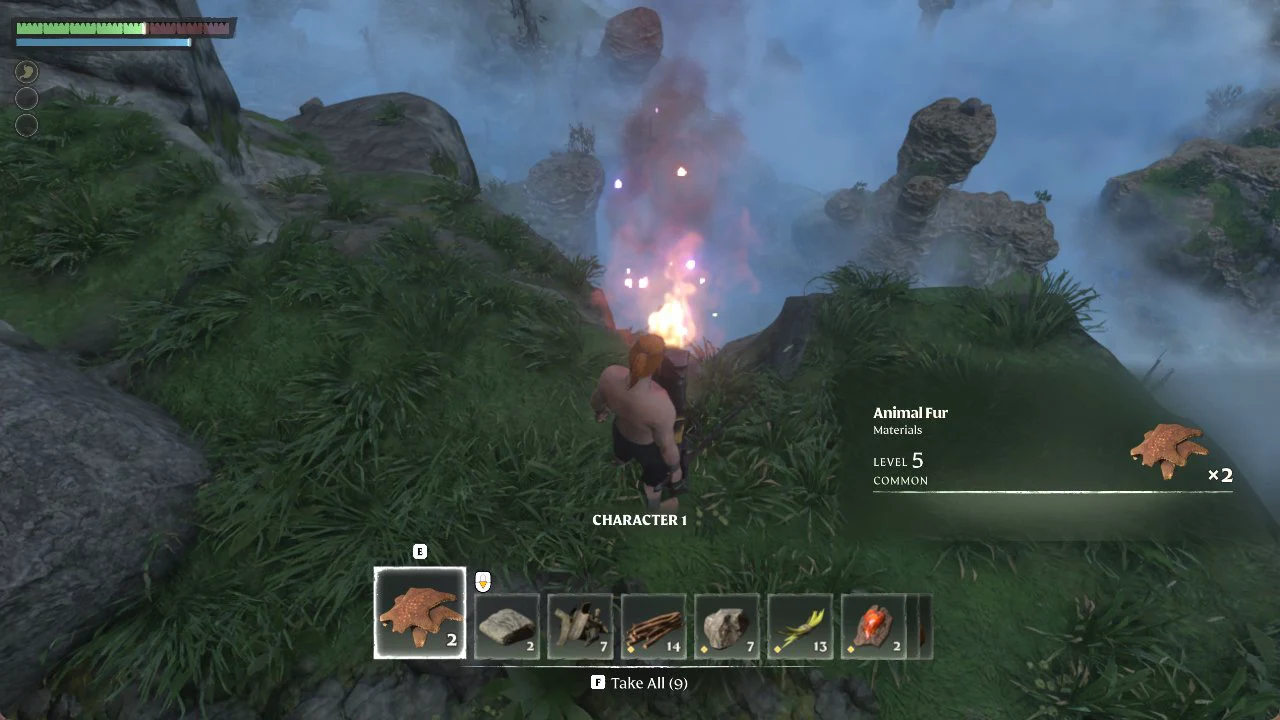
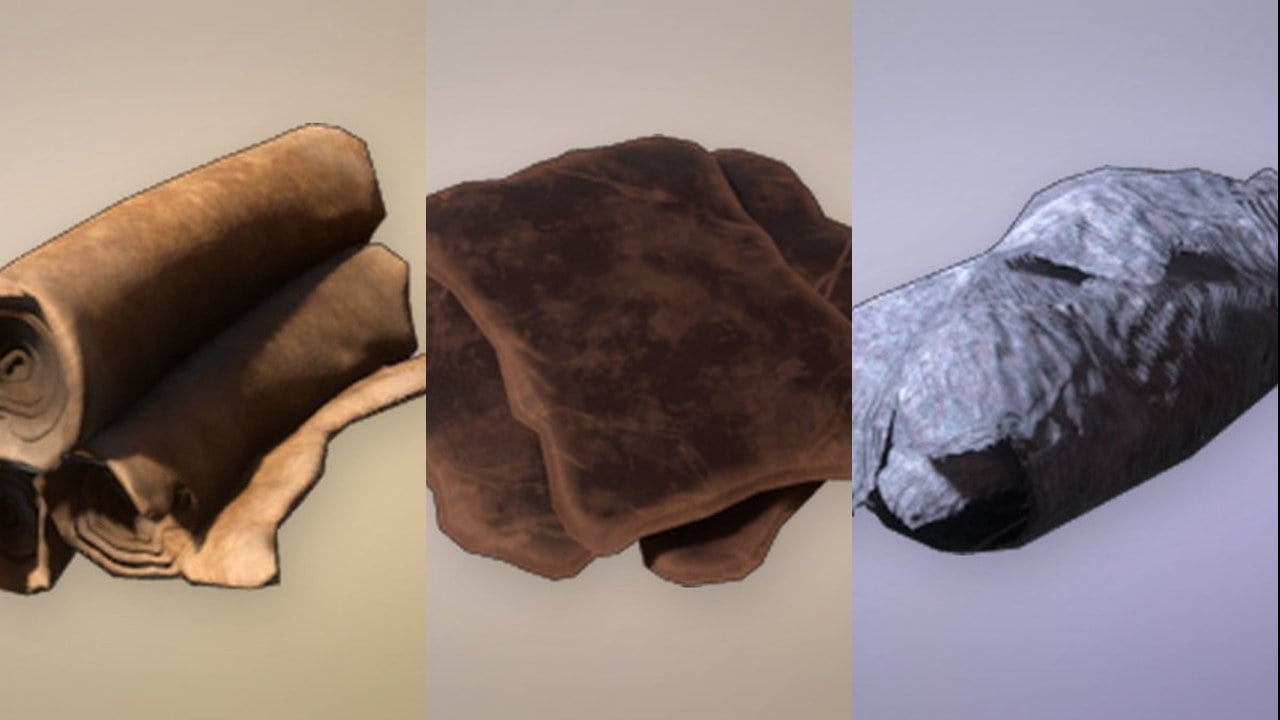
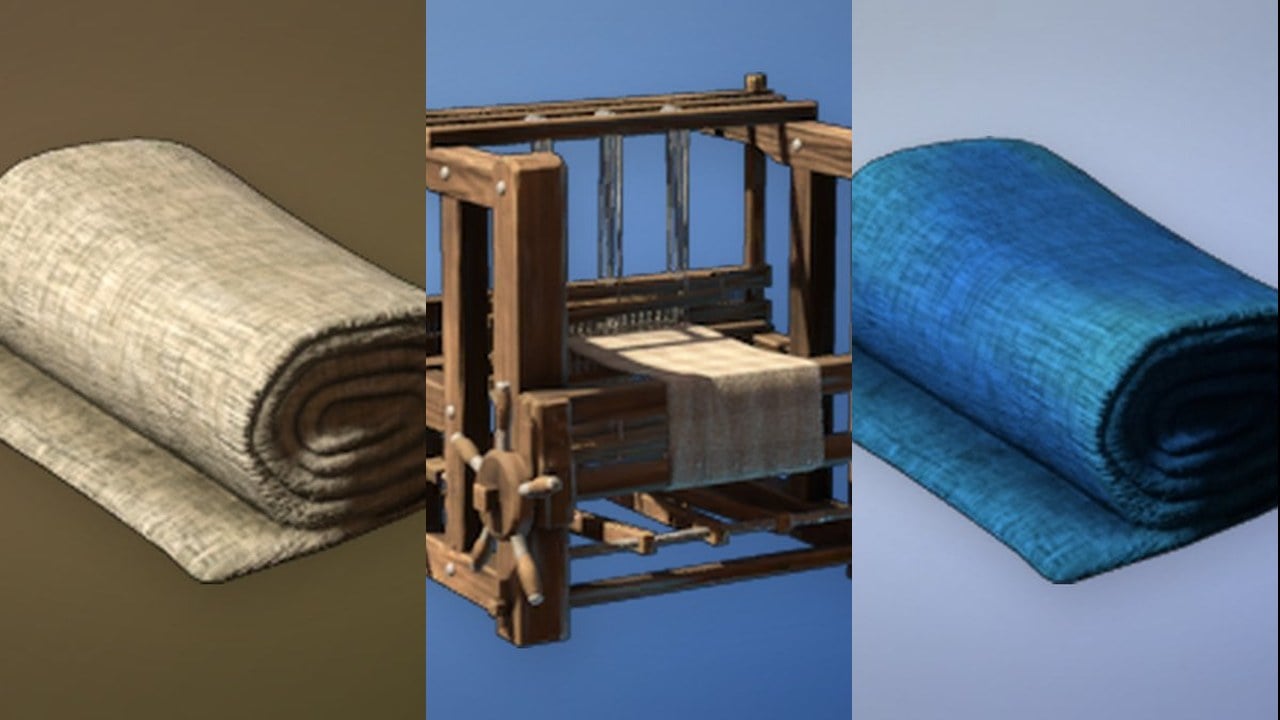
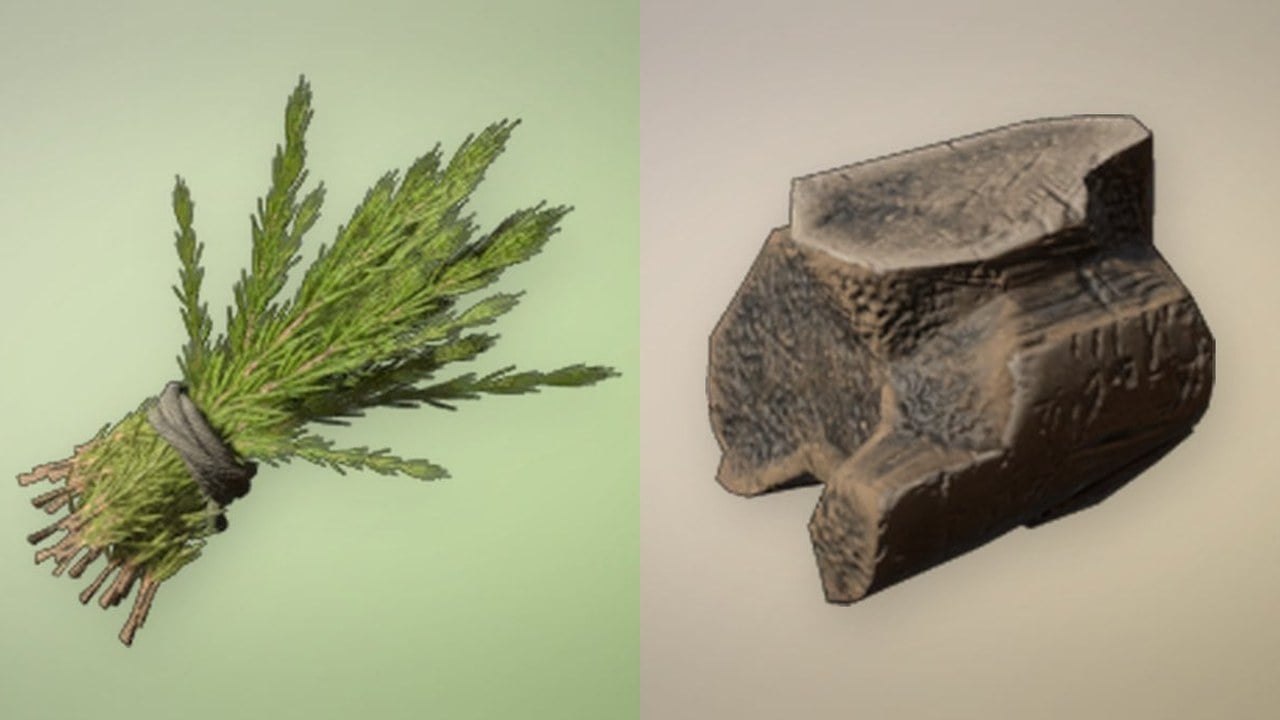
A loot panel opens along the bottom of the screen holding the dropped stacks, including Animal Fur, Torn Cloth, Metal Scraps, Twigs, Stone and Plant Fiber. The prompt reads “F Take All (9)” for the nine stacks waiting. Press F to pull everything back in.
The “Character 1” loot screen with Animal Fur highlighted and “F Take All (9)” ready to recover every stack.
How to confirm your items came back
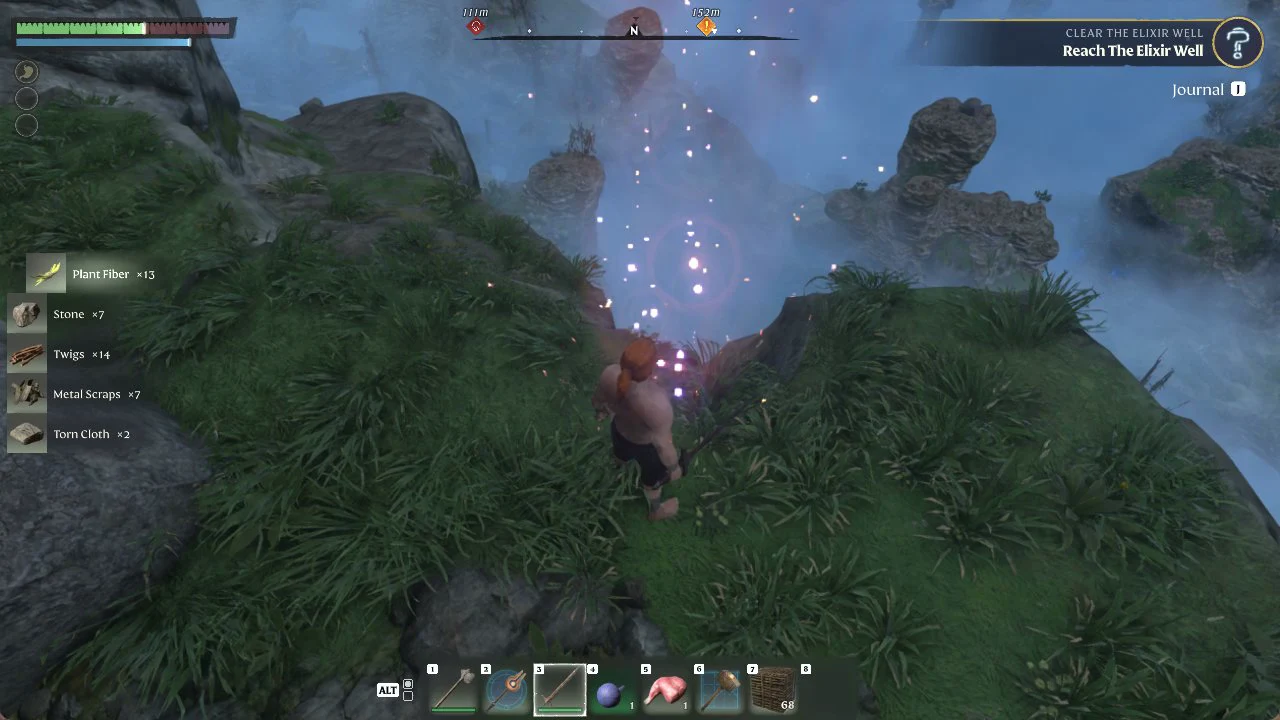
Pick-up toasts appear on the left side of the screen listing each stack as it returns. The table lists everything we got back, including the Animal Fur x2 shown in the loot panel.
After Take All, the pick-up toasts on the left list Plant Fiber, Stone, Twigs, Metal Scraps and Torn Cloth coming back.