Getting back to your Flame Altar in Enshrouded: open the map and hold R. The world map carries a built-in return to the altar you last used, and it drops you right next to the flame at your base.
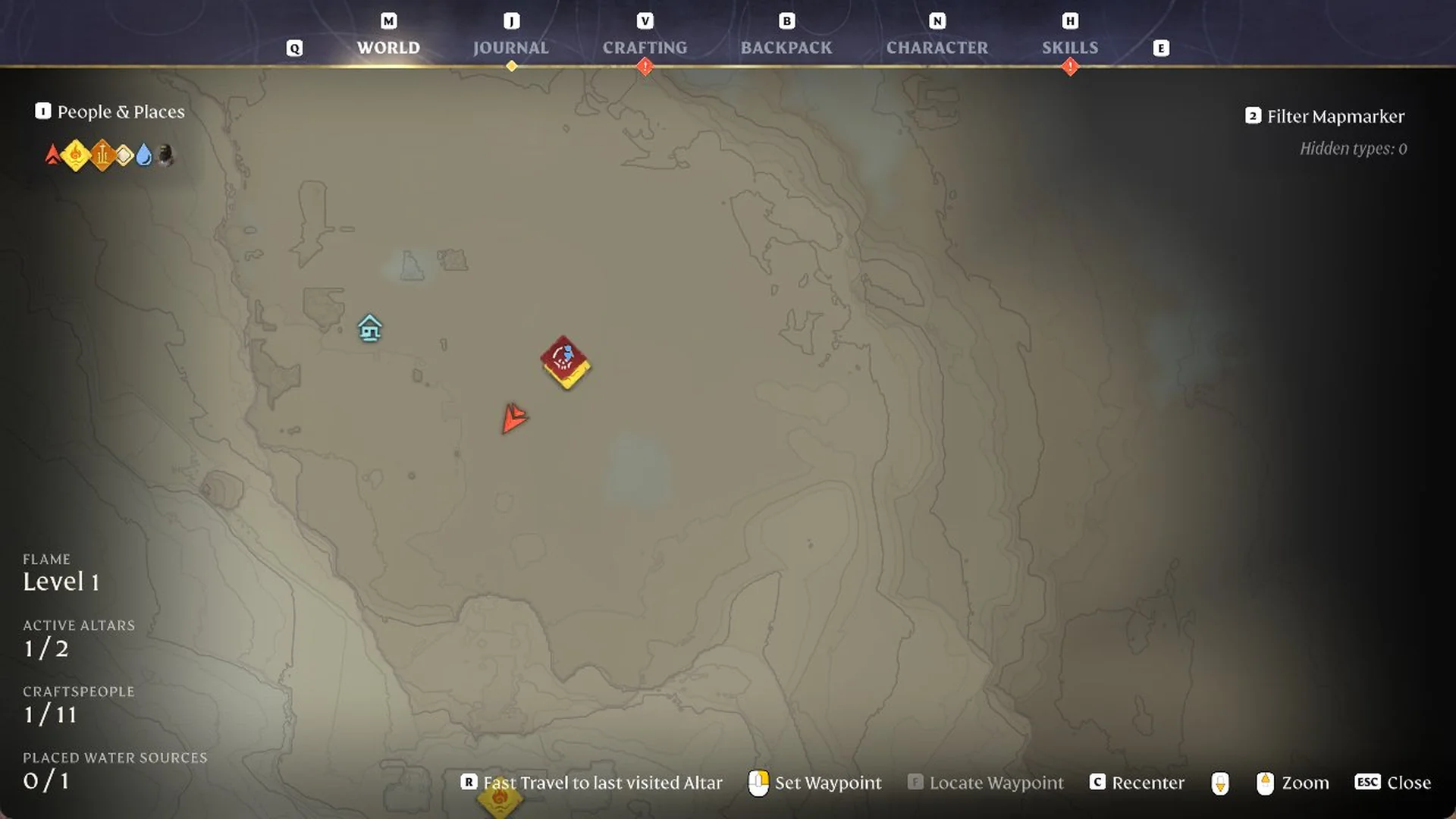
Quick answer: Press M to open the world map, then hold R for “Fast Travel to last visited Altar”. After a short loading screen you stand at your last visited Flame Altar.
Fast travel back to your Flame Altar
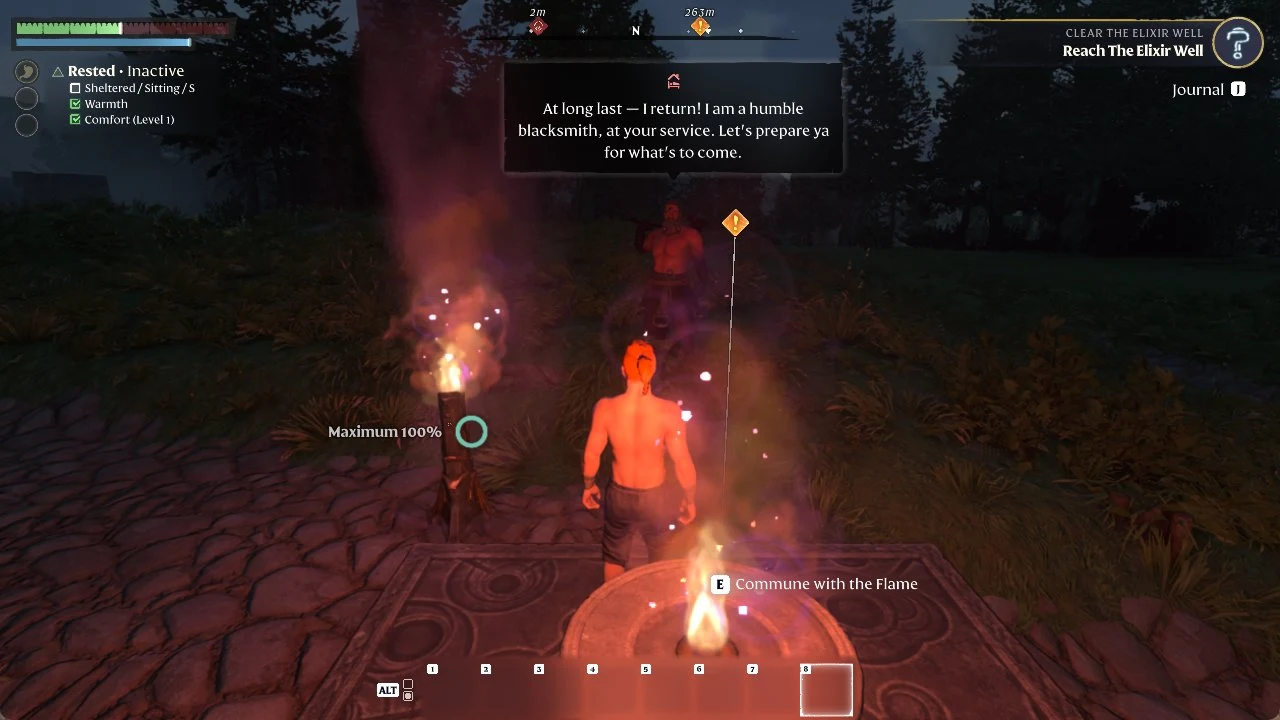
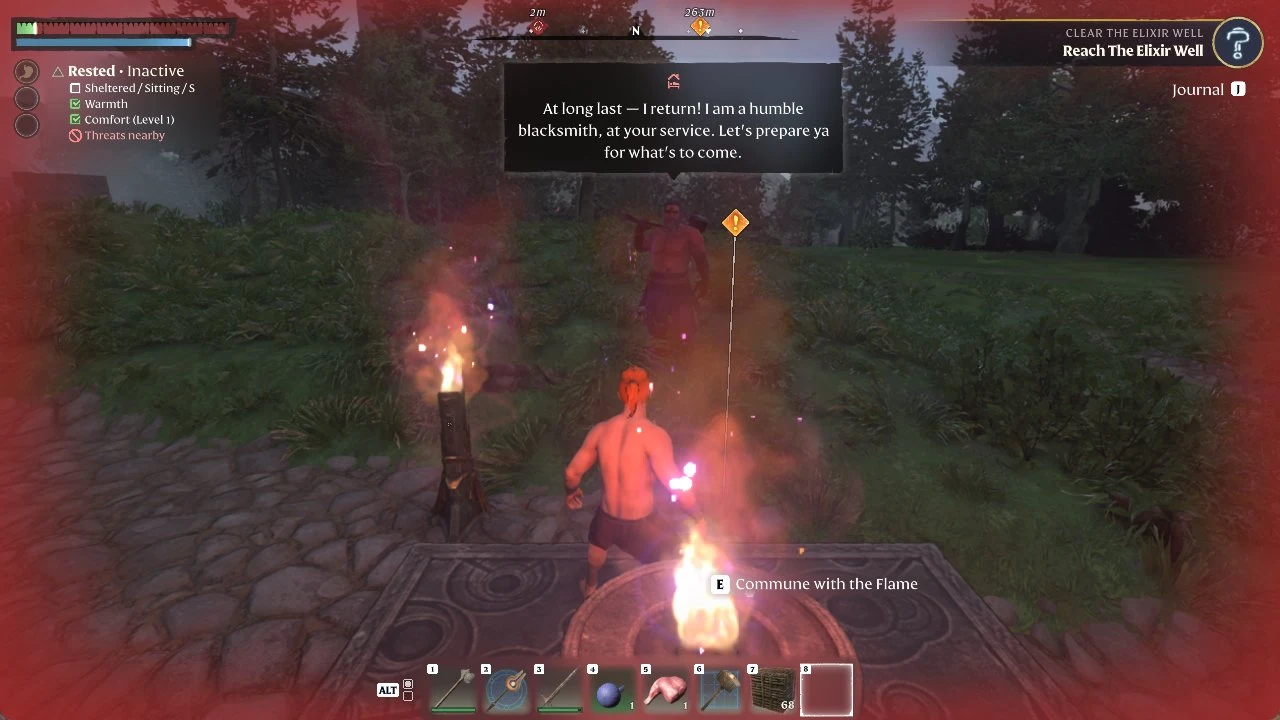
Use it to escape a fight
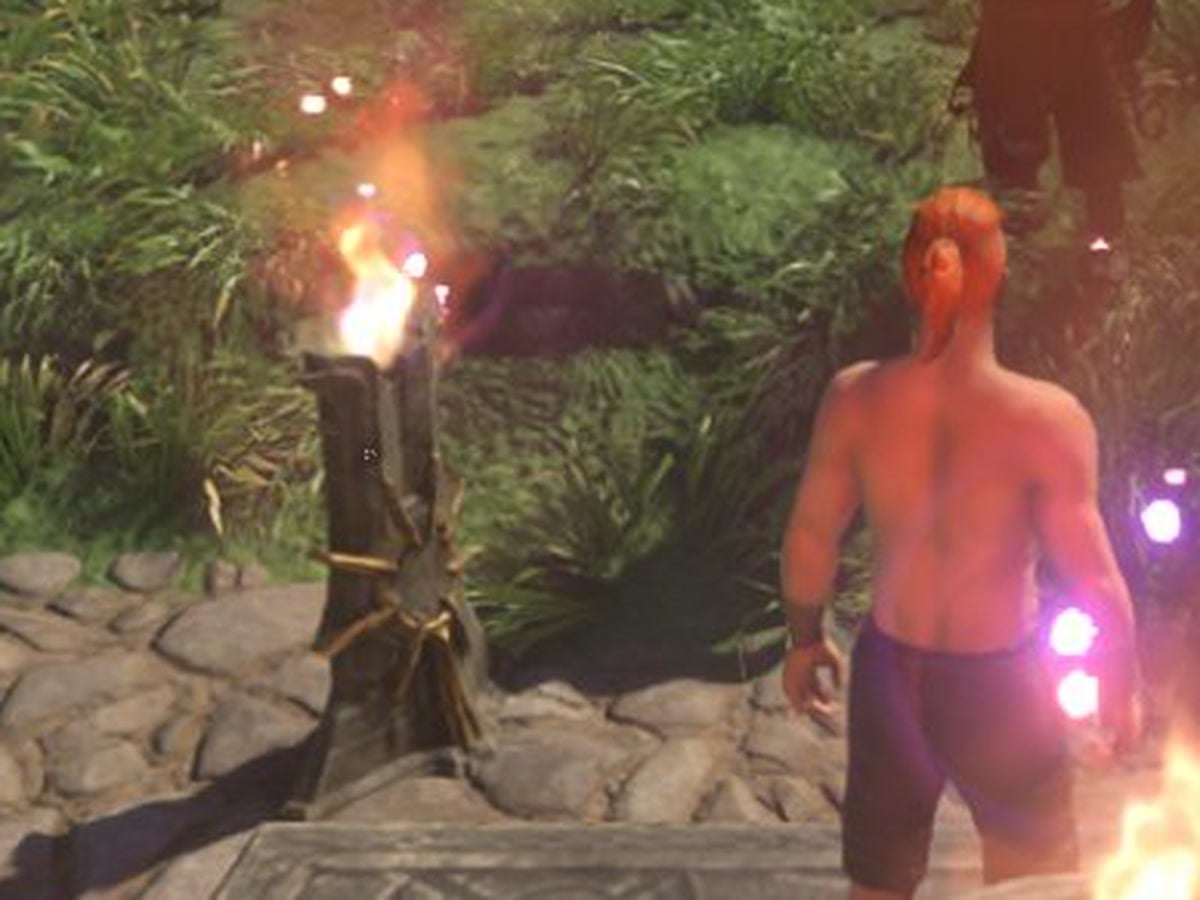
In our game, fast travel still worked while an enemy was hitting us out in the open, outside the Shroud, with health very low and the screen edges red. We opened the map, held R, and the loading screen took us to the altar. On arrival, the HUD condition list showed a red “Threats nearby” line.
When fast travel is blocked
Inside the Shroud, the option is greyed out and the map reads “Fast travel not possible while in the Shroud”. Walk back out of the Shroud first: every time we held R from open ground outside it, the trip worked. If you are racing the clock in there, the Shroud timer guide explains how it counts down.
Which altar it takes you to
The footer names the destination plainly: “last visited Altar”. We had a single active altar (ACTIVE ALTARS 1 / 2), so every trip ended at that one. The Flame Altar is also where you respawn after dying, which is the starting point for getting your items back.