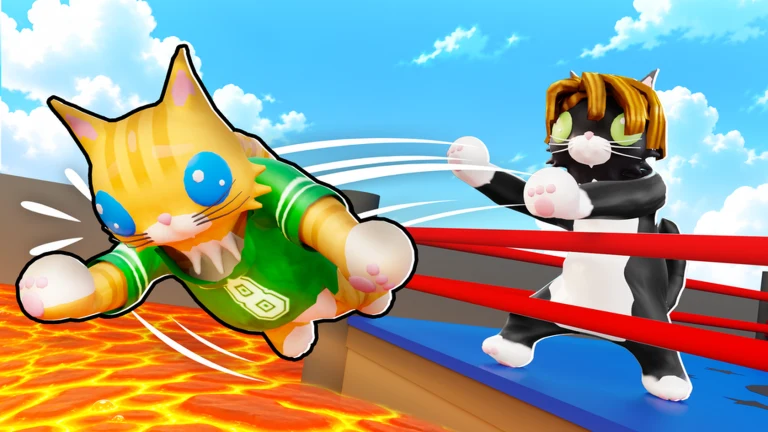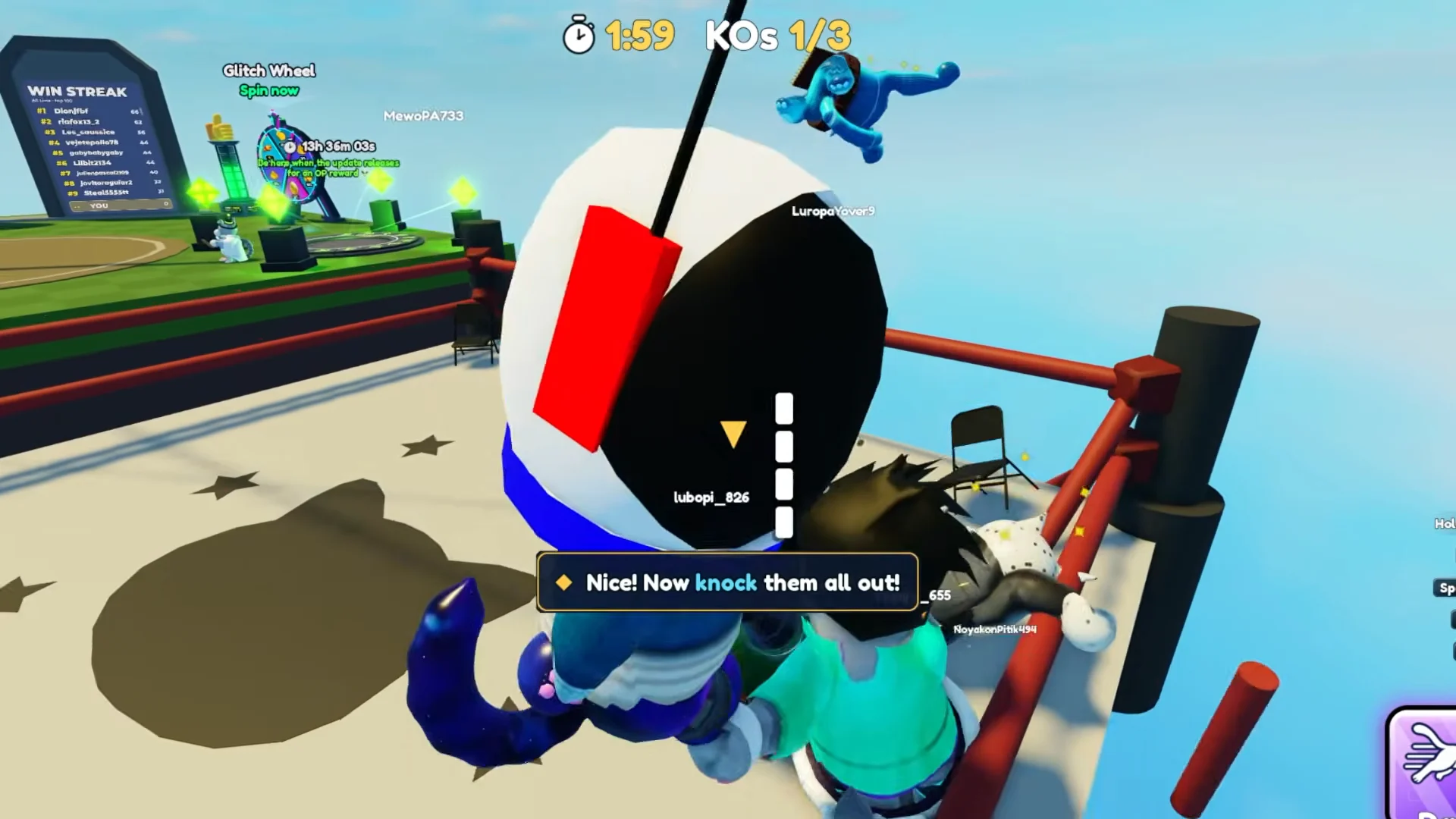
Cat Battles moves quickly. Each round ends, a short intermission starts, and every player in the lobby gets pulled into the next arena. If you need a break, want to look through your loadout, or just want to watch a few rounds, the game has a built-in AFK mode. It keeps you out of the draft without making you leave the server.
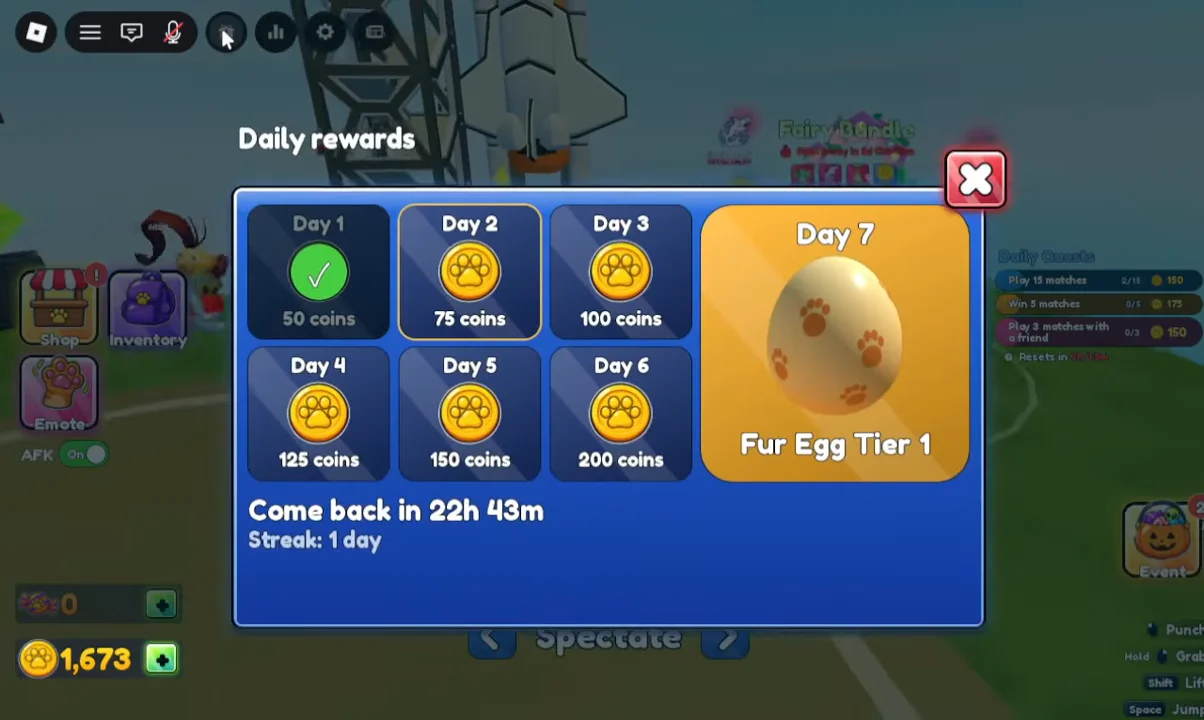
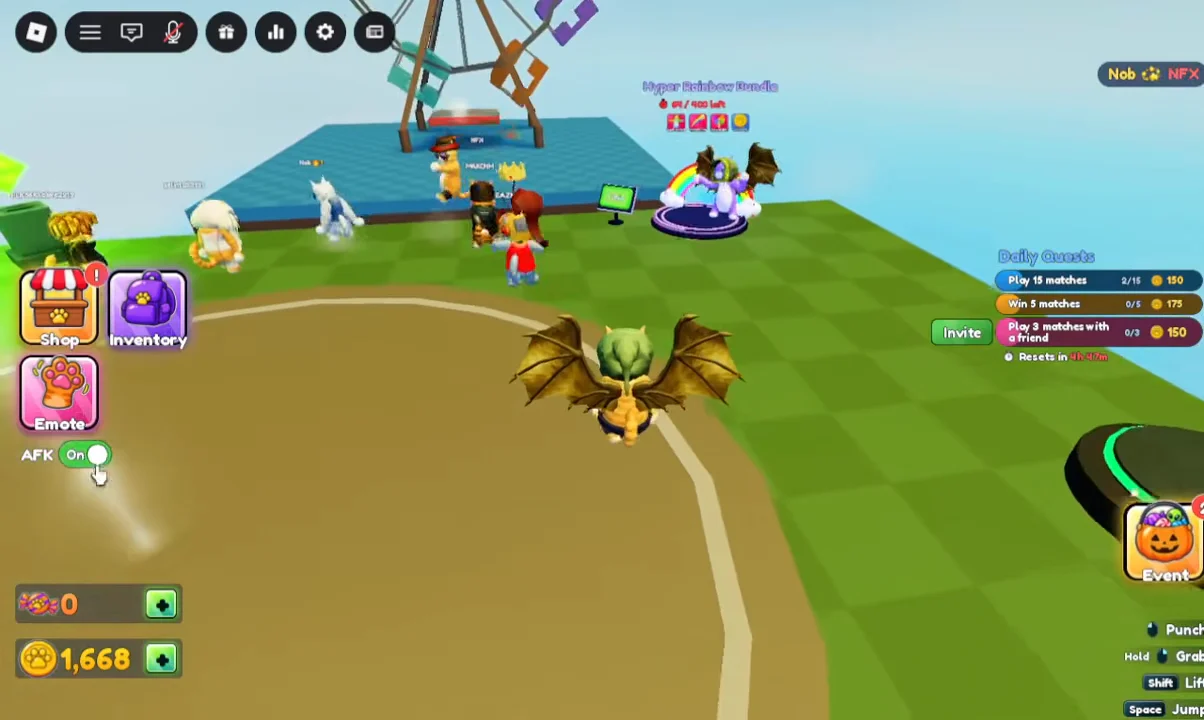
Quick answer: Click the AFK switch on the bottom-left of the screen, just under the Emote button, so it turns green and reads “AFK: On.” You’ll stay in the lobby when the next round starts.
Turn on AFK mode in Cat Battles
The AFK control is part of the regular lobby HUD, so you don’t need to open a menu or enter a command. You can flip it while a match is still going and then wait for the intermission to begin.
How to confirm AFK mode is working
The game confirms the setting twice. First, during the intermission countdown (for example, “Starting in 15”), a message appears on screen that reads “You’re AFK, you’ll sit this one out.” If you see that line, your status has been registered for the upcoming round.
Second, you’ll see it happen when the countdown reaches zero. The active players are teleported to that round’s arena, such as Round 3 on the Subway map. Your avatar stays in the lobby ring, and you can spectate instead of fighting.
| Switch state | Intermission message | When the timer hits zero |
|---|---|---|
| AFK: Off | None | Teleported into the arena |
| AFK: On (green) | “You’re AFK, you’ll sit this one out” | Stay in the lobby ring and spectate |
What you can do while AFK in the lobby
Sitting out doesn’t lock the lobby interface. You can still open the Inventory window and browse its Abilities, Furs, Gear, Effects, and Emotes tabs during the countdown. That makes AFK a convenient time to swap an ability like Dash or change your fur before you go back in.
Because the control is a simple Off/On switch in the same spot, you rejoin rounds by clicking it again so it reads “AFK: Off.” After that, the next intermission will no longer show the sit-out message, and you’ll be sent to the arena with everyone else.