Quick answer: You save by pressing Interact at a Mirror of Life, and the game also autosaves at some story moments. Resume can load one of those autosaves instead of your last mirror, so use a mirror right before quitting.
How to save the game
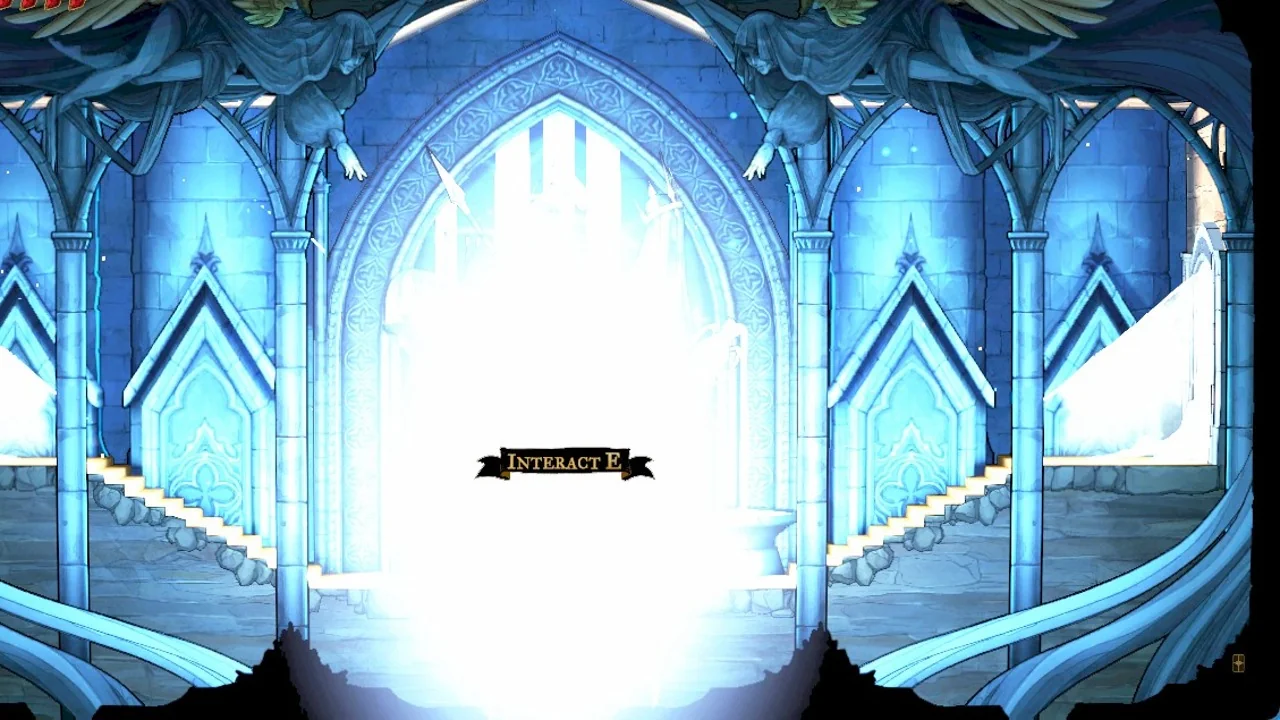
In Castlevania: Belmont’s Curse, the System menu has no Save option. Instead, use a Mirror of Life, a tall freestanding mirror commonly placed between hooded statues.
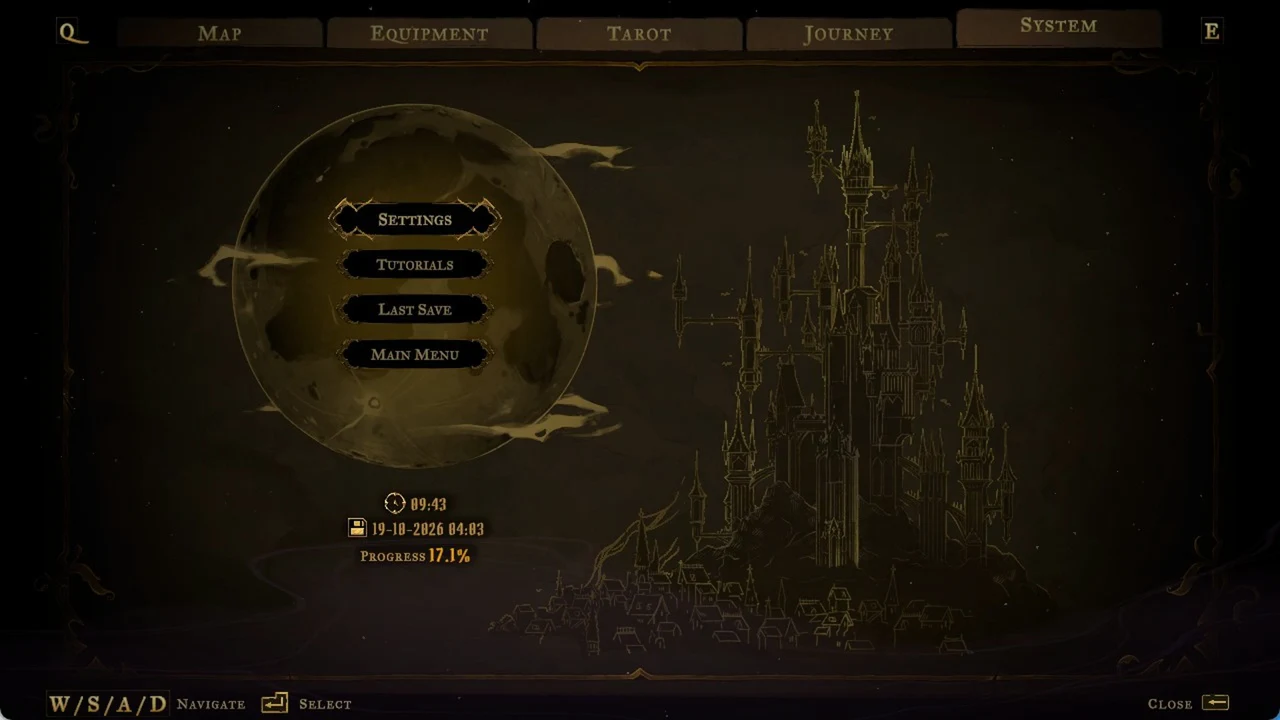
If the last-save time shown matches when you used the mirror, the save is in place. To resume from there next time, save at a mirror before quitting.
The game also saves on its own
The game also records progress automatically at certain story points, without requiring a mirror. Here are two examples:
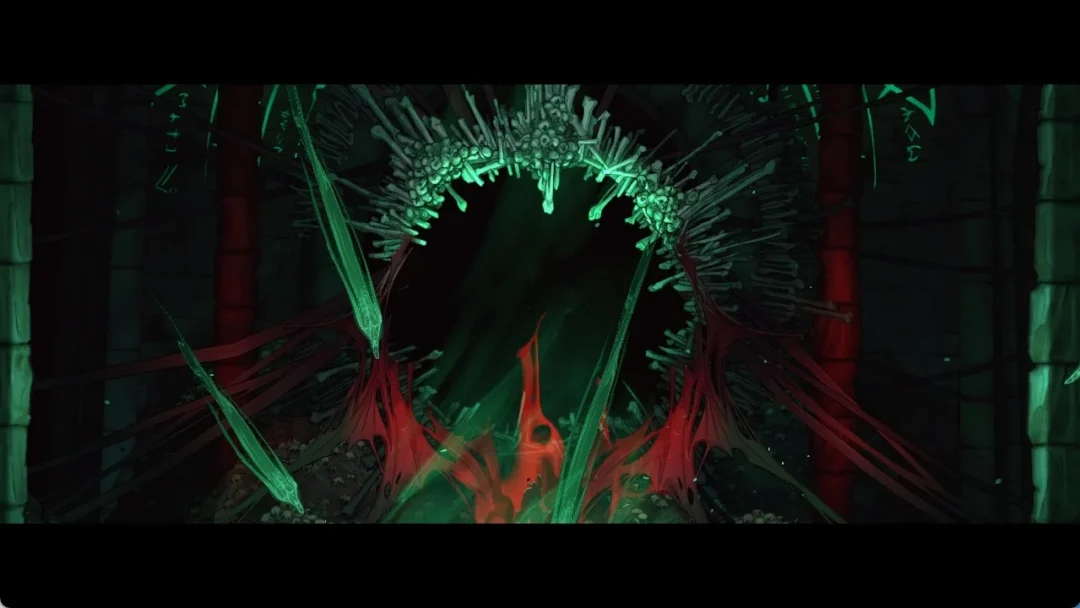
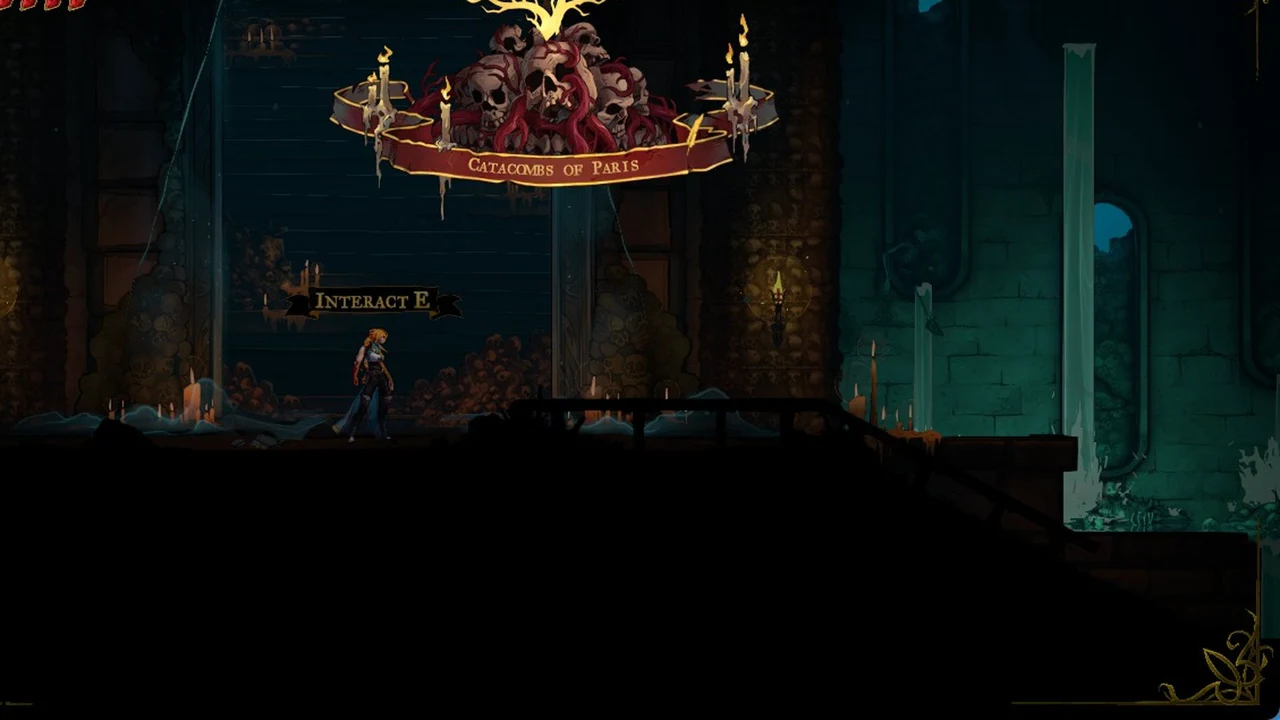
- Gate to the Catacombs: once you open it and walk through, the System tab shows a save from the moment you entered the Catacombs of Paris.
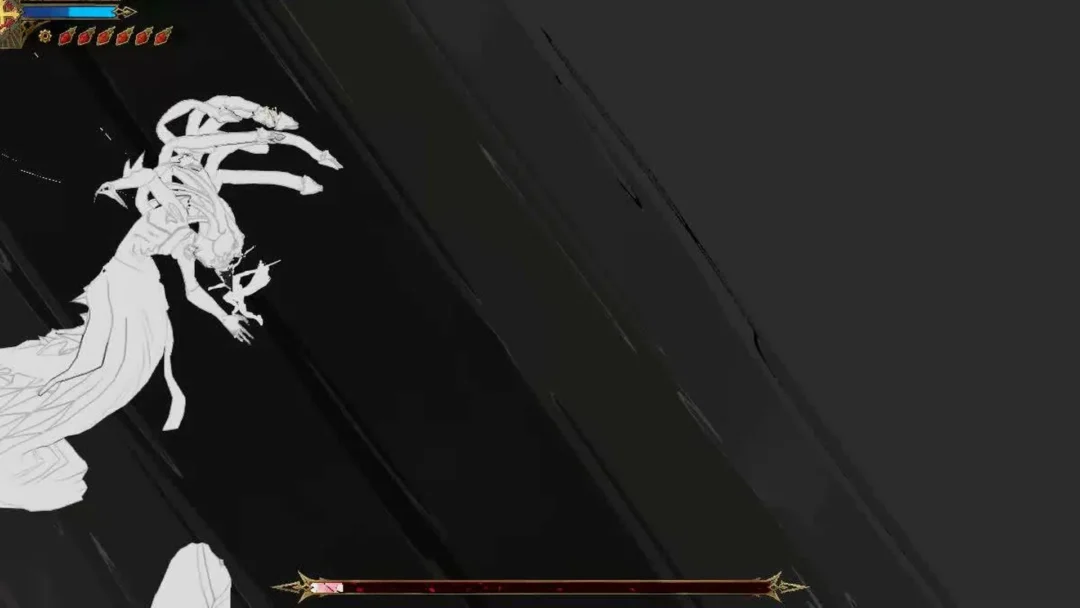
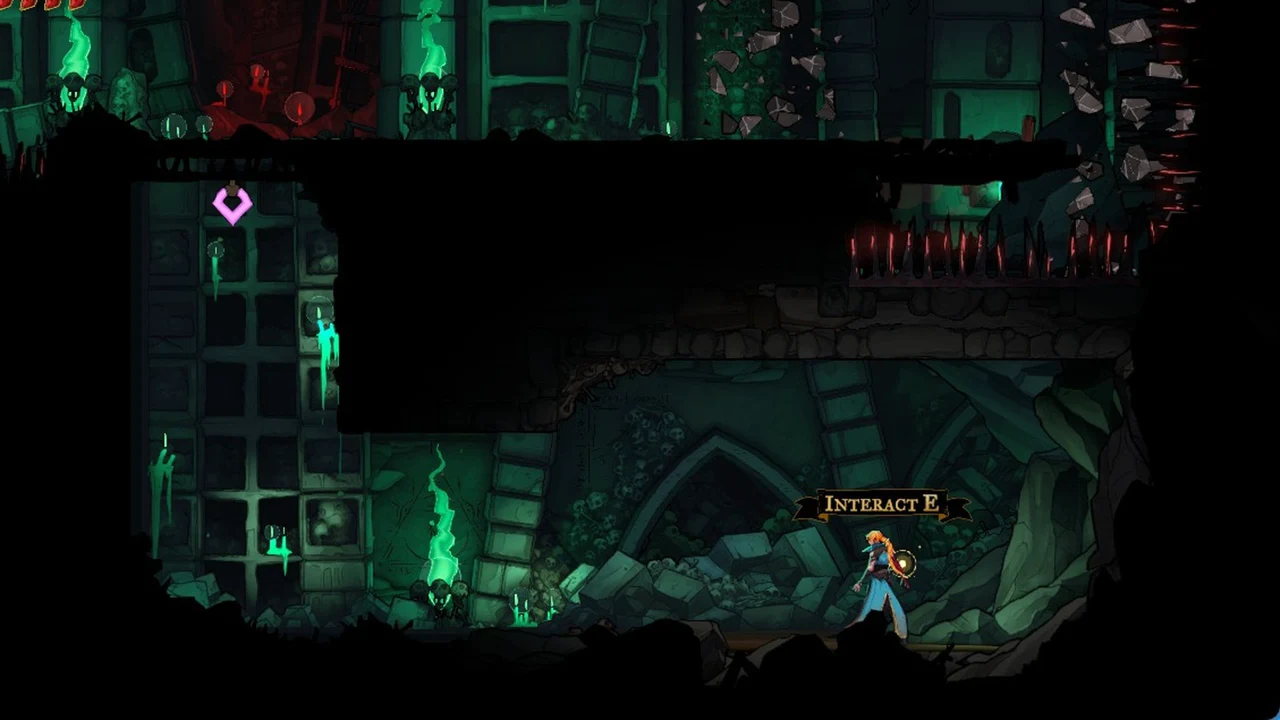
- First fight with Death: after the battle in the Catacombs and the long scene that follows, the game saves with Rose in the room where she wakes up.
The Catacombs of Paris area banner appears just inside the gate.
Where Resume and Last Save put you
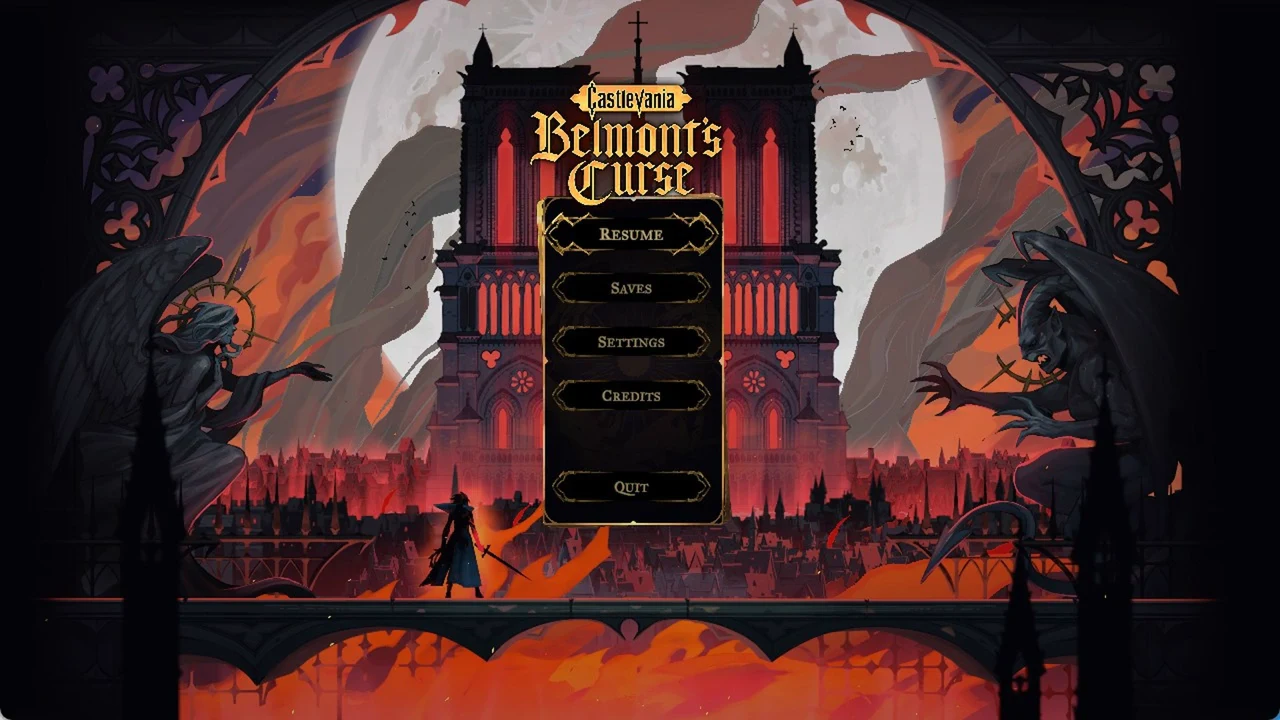
When you come back to the game, Resume on the title screen is the fastest way in. It doesn’t always drop you at the last mirror you used, though.
Once the initial battle against Death and the following scene are over, quitting and selecting Resume returns Rose to her awakening room in the Catacombs, beside the blocked rubble and the “INTERACT E” prompt. It does not place her at the Quarry Elevator mirror used before the battle; the autosave takes precedence.
The gate works differently. Enter the Catacombs through it without using a mirror afterward, and Resume after quitting places Rose at her latest mirror, the Ancient Sewers Mirror of Life, while leaving the gate open. The gate save records your progress, but may not change your restart location.
Choose Last Save from System in the in-game menu to load your latest save. If it was made at a mirror, you return to that mirror. Immediately after entering the Catacombs, it loads the save from just beyond the gate and plays the entry dialogue again. Anything gained afterward, including levels and items, is lost.
Last Save sits right next to Main Menu in the System tab, so check which one is highlighted before you confirm, or you’ll throw away everything since your last save.
A dependable routine: activate a Mirror of Life just before exiting the game, and again before boss fights.