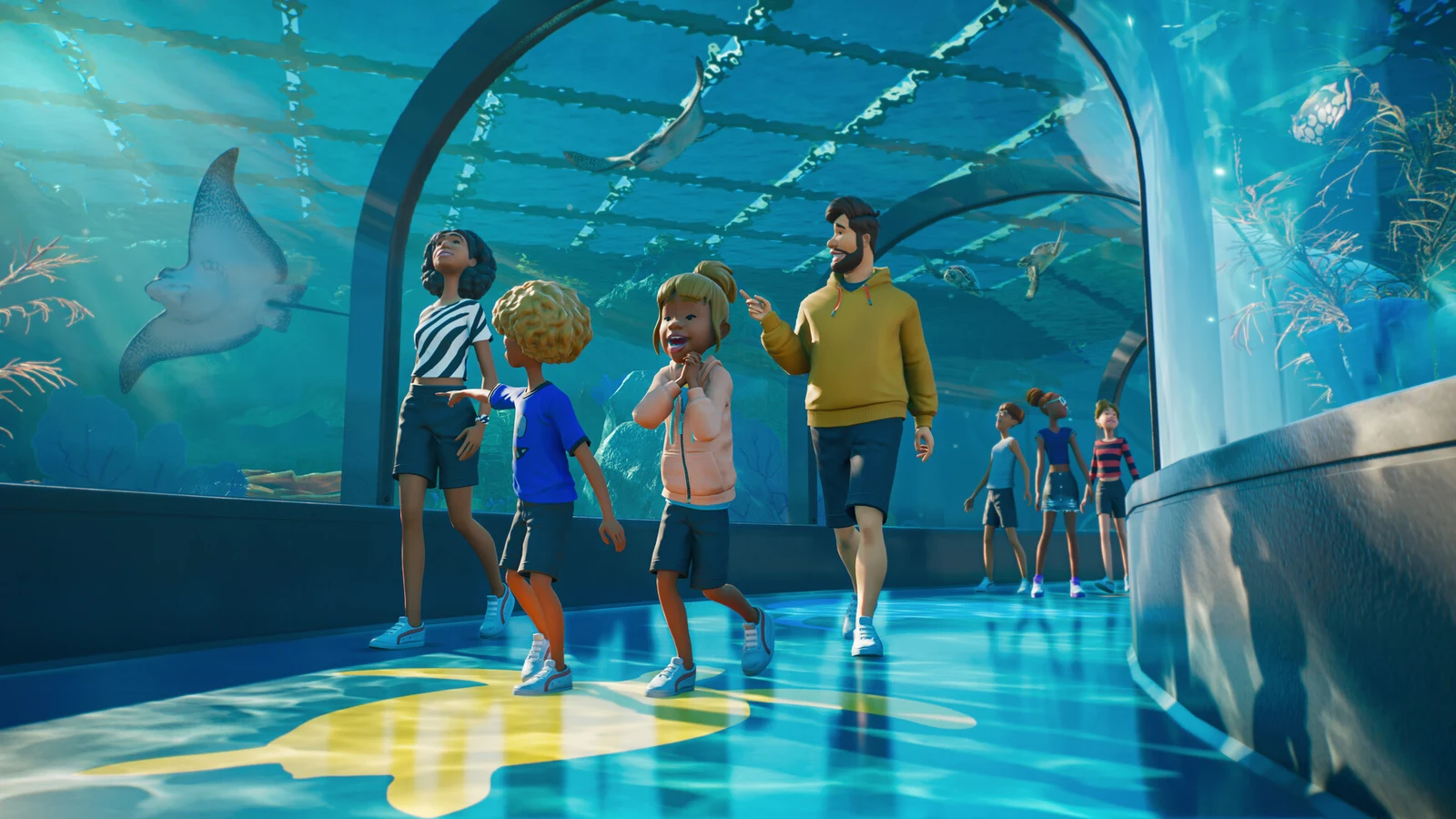
Aquariums in Planet Zoo 2 are a full Habitat type for fully aquatic animals, including sharks, rays, turtles, manatees, and shoaling fish. You can draw the walls in a few seconds. Making the tank livable takes more work, because the water depends on a gate, a powered filtration network, the right salinity, and a set temperature. If any of those pieces is missing, the tank won’t support animals, even if it looks finished.
Quick answer: Draw Aquarium Barriers, add an Aquarium Staff Gate to fill the tank, link a powered Water Filter to the gate’s node, then set salinity and temperature to match the Zoopedia before adding animals.
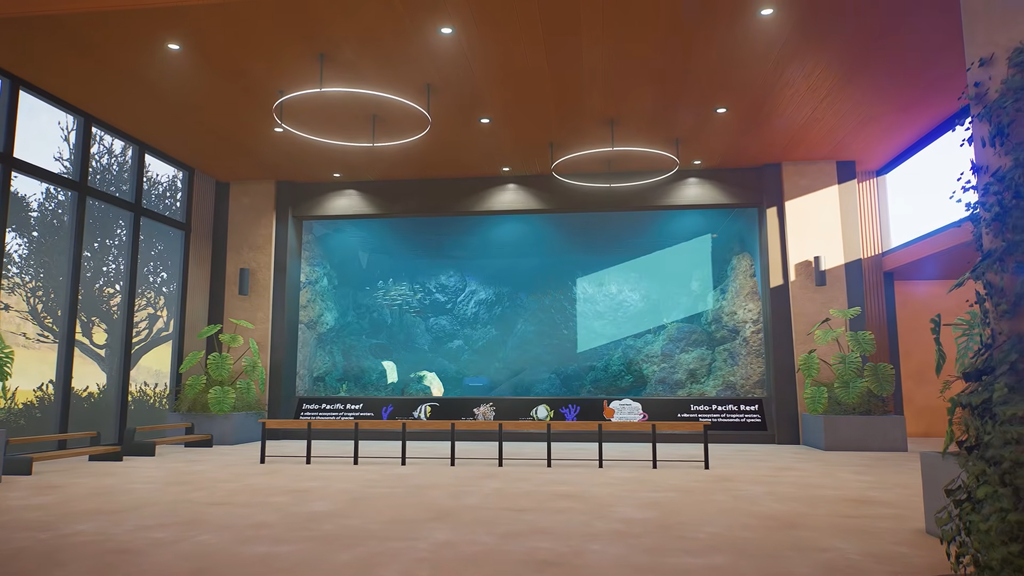
What a working Planet Zoo 2 aquarium needs
Each part of an aquarium does one job. Have all of these in place before you buy any animals:
- A closed loop of Aquarium Barriers. These are a separate set from the regular Habitat Barriers.
- An Aquarium Staff Gate. It fills the tank, lets staff in, and holds the filtration node.
- A Water Filter connected to the gate through a Filtration Network.
- A Power source in range of the filter and the gate.
- A salinity and temperature that suit every species in the tank.
- Keepers and Mechanics who can reach the gate and the walls.
Build the tank and fill it with water
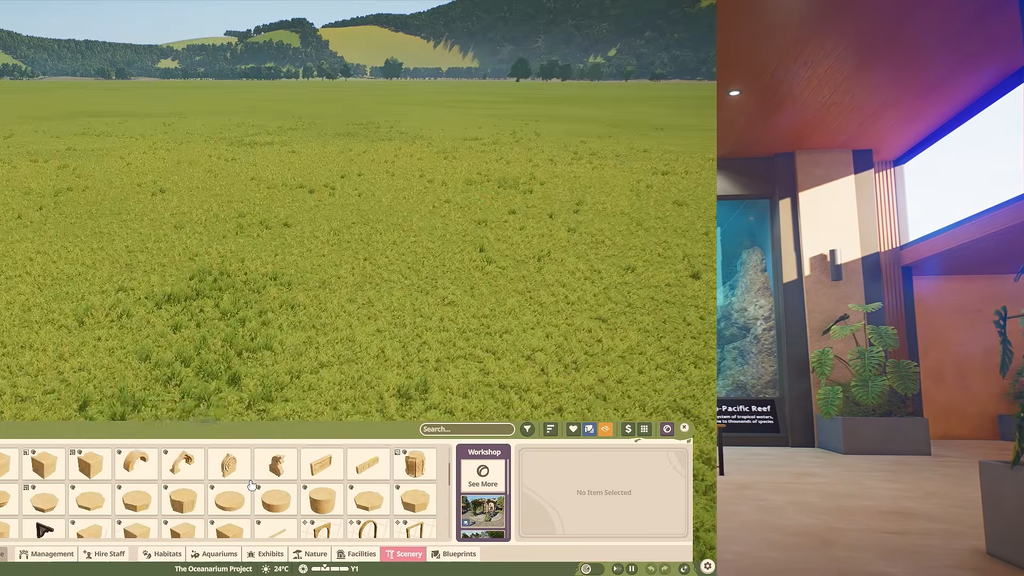
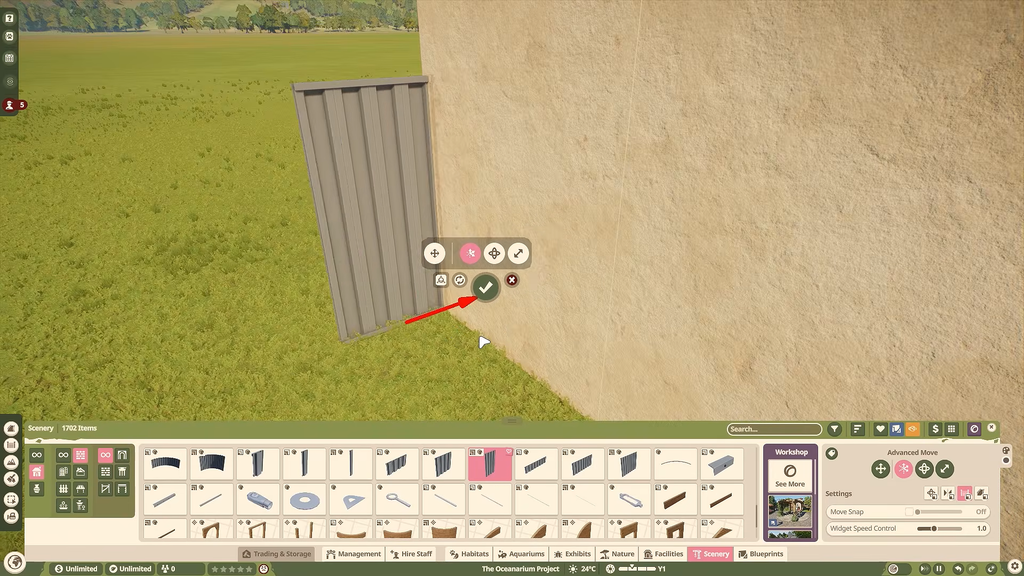
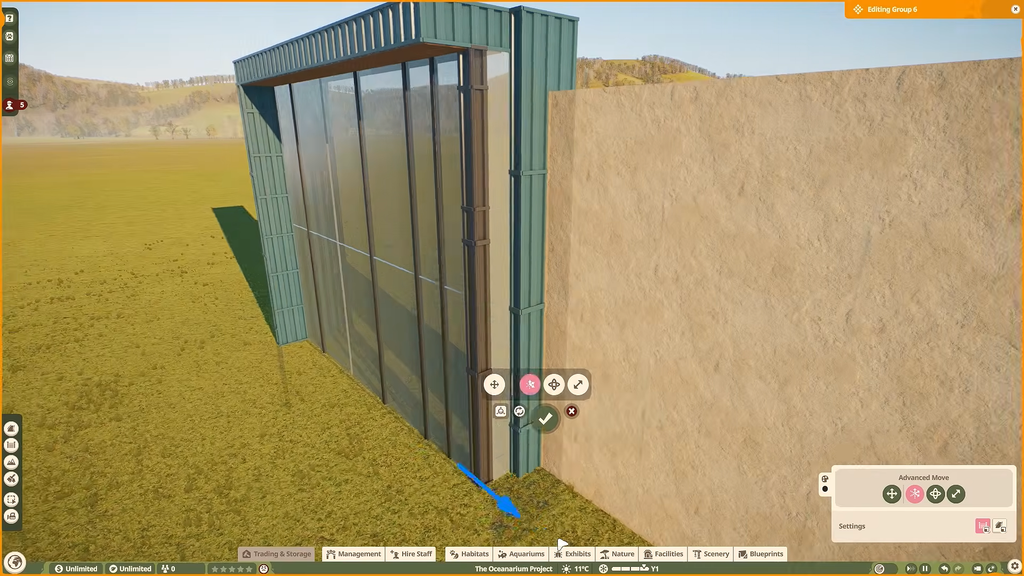
Build the walls taller than you think you need. The water level sits at least as high as the top of the gate, and often higher. Staff enter in diving suits, so the gate doesn’t need to be at floor level. You can raise it off the ground, which helps with deep tanks.
If the barrier is finished but the tank stays empty, check the gate first. A regular Habitat Staff Gate will not fill an aquarium. Replace it with an Aquarium Staff Gate and the water appears.
Connect a Water Filter and set salinity
Placing a filter next to the tank does nothing on its own. You have to link it to the tank through the Filtration Network, and that link goes to the node on the Aquarium Staff Gate, not to the barrier walls.
You set salinity per network, not per tank. Every aquarium on one network shares the same water type, so a freshwater tank and a saltwater tank each need their own Water Filter. Before you link a new tank to an existing network, check which salinity that network already uses.
You have two kinds of power to choose from. Standard generators are cheaper to build. Eco-friendly options such as wind and solar cost more upfront, but they cover a wider range, have no running costs, and add to your zoo’s Sustainability Rating.
Set the aquarium water temperature
Temperature is controlled independently of salinity, and its setting becomes available only after the Aquarium Staff Gate has power. Select the aquarium and use the Environment tab in its Info Panel to adjust it. The Zoopedia shows each species’ temperature range. When the water falls outside that range, the animal’s welfare begins to decline.
Operating costs rise as the tank’s set temperature gets farther from the current weather. Keeping species with similar temperature requirements together makes multiple tanks less expensive and simpler to manage. For instance, in the Nordic Fjords career scenario, the aquarium must reach 28°C before the Golden Trevally and Hawksbill Sea Turtles can be moved in. This temperature is specific to that setup; other species require different temperatures.
How to tell the aquarium is ready for animals
An aquarium is ready when all of these are true:
- The enclosure is visibly full of water after the Aquarium Staff Gate is placed.
- The Filtration Network shows a line from a Water Filter to the gate’s node.
- The filter sits inside a Power source’s range.
- The network’s salinity matches every planned species.
- The Environment tab shows a temperature inside each species’ Zoopedia range.
- The Filtration Rate meets or exceeds the tank’s demand.
Once every item checks out, move your animals in through Animal Trading or Animal Storage. Then add Feeders, Nests, and Enrichment items from the Aquarium tab of the Browser. Before mixing species, check each one’s Zoopedia entry. It lists which species it thrives with, which it’s neutral with, and which it can’t share a tank with. Sharing a water type doesn’t make two species compatible.
Keeping aquarium water clean and Barriers intact
A finished aquarium still needs upkeep. Three separate values wear down over time, and each one is fixed a different way.
| Value | Maintained by | What happens if it drops |
|---|---|---|
| Water Cleanliness | Filtration Network | Disease Risk |
| Tank Cleanliness | Keepers | Disease Risk |
| Barrier Condition | Mechanics | Cracks, then leaks |
Filtration demand goes up with water volume and with the number of animals. A filter that handles a new, empty tank can fall behind once you expand the tank or add more animals. When the Filtration Rate drops below demand, Water Cleanliness slowly falls. It recovers once you bring filtration back above the required level. Dirty water also makes Tank Cleanliness drop much faster, which adds to your Keepers’ workload. If animals get sick, they may need to go into quarantine and be treated by a Vet.
A leaking Barrier can cause problems beyond the animals. Guests near a leak will run away, while an Inspector who finds one will stop the Inspection and issue a Fine. Assign Mechanics to the area to maintain the walls before cracks develop into leaks.
Reshaping an existing aquarium
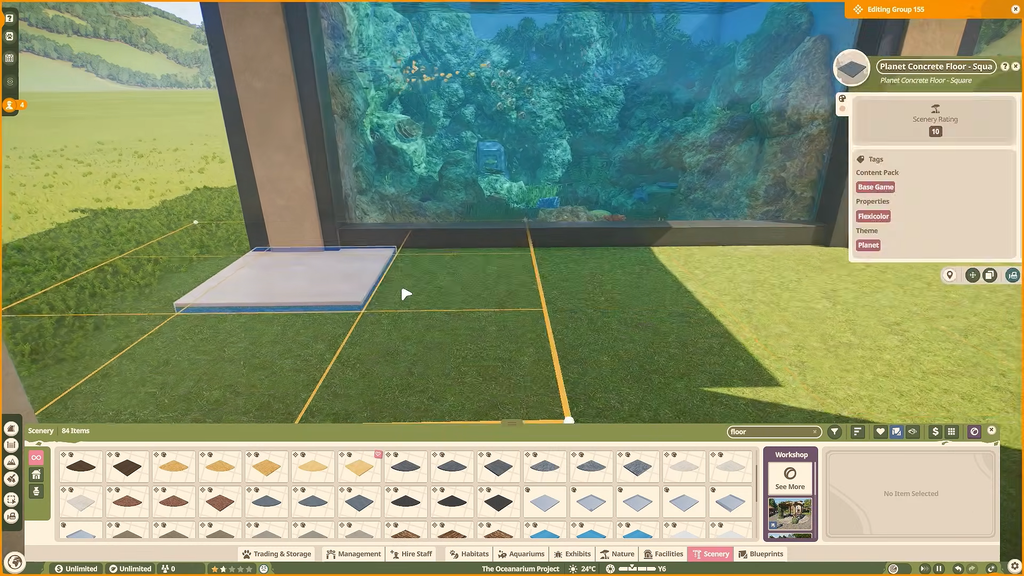
You can’t edit an aquarium’s walls while there are animals or water inside it. Follow these steps in order.
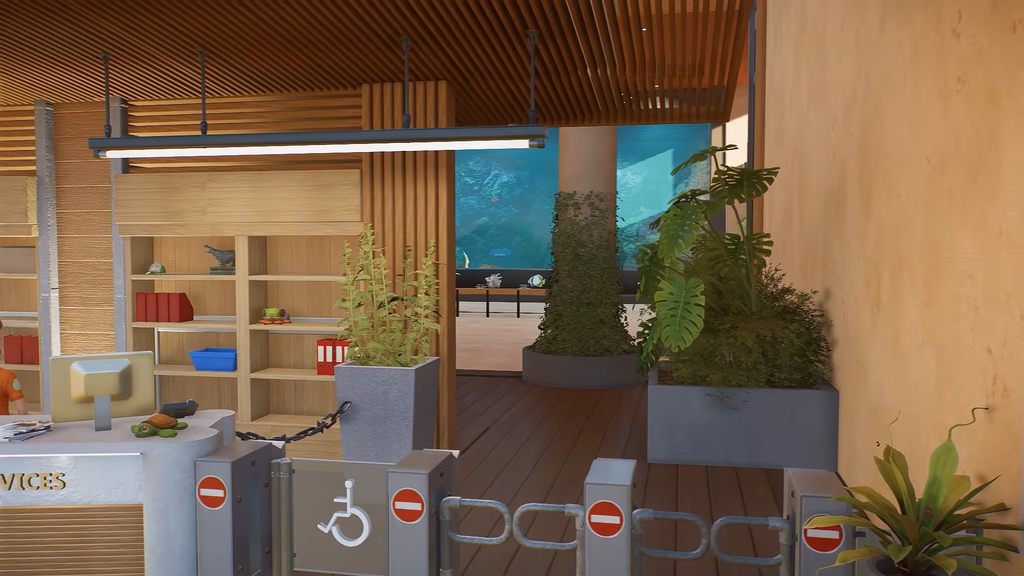
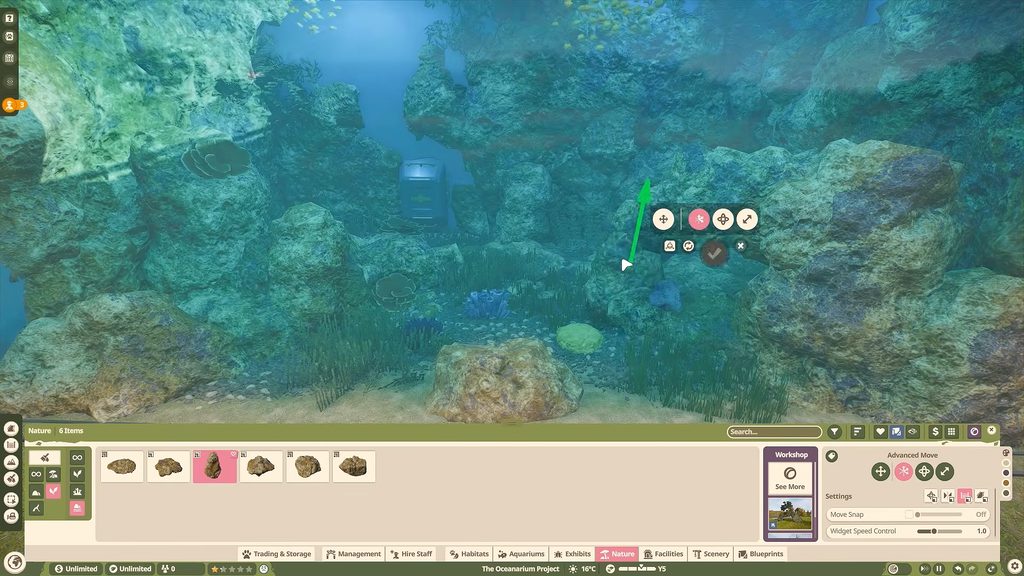
Every edit means emptying the tank, so give large species plenty of room from the start. Once the core systems are running, you can build Path Tunnels through the tank using the Aquarium Guest Gate, add coral and rock scenery with custom nature brushes, or build an aquarium inside a large building. All of these build on the same base of a gate, a powered filter, and the correct water.