Phantom Blade Zero is a large download, and it is digital-only. S-GAME’s Unreal Engine 5 wuxia action game launches on PS5 and PC with no physical disc, so the whole install has to come over your internet connection. On PS5, that install is 134.857 GB. Preloading opens two days before launch.
Quick answer: Free up about 135 GB on PS5, or 150 GB on PC to be safe. Pre-order, turn on Automatic Downloads, and the PS5 preload runs on October 27. The game unlocks October 29 at 2AM GMT.
| Detail | PS5 | PC (Steam / Epic) |
|---|---|---|
| Download size | 134.857 GB | No official figure |
| Preload start | October 27, 2026 | Not live |
| Release | October 29, 2AM GMT | October 29, 2AM GMT |
| Storage type | Internal or NVMe SSD | SSD required |
| Standard Edition | $59.99 | $59.99 |
S-GAME has not published its own file size or preload announcement. Both PS5 numbers come from PlayStation’s backend listing and the console’s system interface, so the studio hasn’t confirmed them yet. If the developer or the storefront posts different numbers later, use those.
Phantom Blade Zero PS5 download size
The PS5 build is listed at 134.857 GB for the Standard Edition. That puts it among the biggest day-one installs on the console. Unreal Engine 5 games tend to be large, and S-GAME has built this one around dense environments, high-resolution textures, and detailed animation, which explains a lot of the size.
On a base PS5 with a 1TB drive, this one install takes up roughly an eighth of the total capacity. If your drive is already full of current releases, you’ll need to delete something. Do that before October 27 so the preload isn’t stuck waiting for space.
Leave some room beyond 134.857 GB. Nobody has said whether a day-one patch will add to the total.
Phantom Blade Zero PC install size on Steam and Epic
PC players don’t have an official number yet. The PC system requirements list an SSD as mandatory at both the minimum and recommended tiers, but they don’t give a capacity.
One figure does exist. In late August, the Epic Games Store client briefly showed a pre-download button with an install window listing the base game at roughly 150 GB. Clicking install returned an error and nothing downloaded. That number came from the store interface and was never confirmed, but it is the closest thing to a PC figure so far. Since the PS5 build is 134.857 GB, it’s a reasonable ceiling to plan around.
- Plan for about 150 GB of free SSD space, plus some headroom.
- A hard drive won’t meet the requirements, because an SSD is required.
- The Steam store page has no preload label, and its release date reads October 28.
- WeGame, the third PC storefront, has no reported preload at all.
If a PC preload goes live, it will appear near the release date on each product page. On Steam, also check the game’s news feed, which is where S-GAME posted its pre-order announcement.
How to preload Phantom Blade Zero on PS5
Only accounts with a completed pre-order get the PS5 preload. Since mid-August, the console’s game management screen has listed a pre-download entry with an October 27 start, tied to the system’s Automatic Downloads setting. Some reports put the start at 2AM GMT (3AM CET), but no official hour has been confirmed.
A completed entry in your library confirms the download worked; the game should then show its unlock timer instead of requesting another download. If the game management screen is still empty on October 27, the console listing has likely changed, and the new date should appear there first.
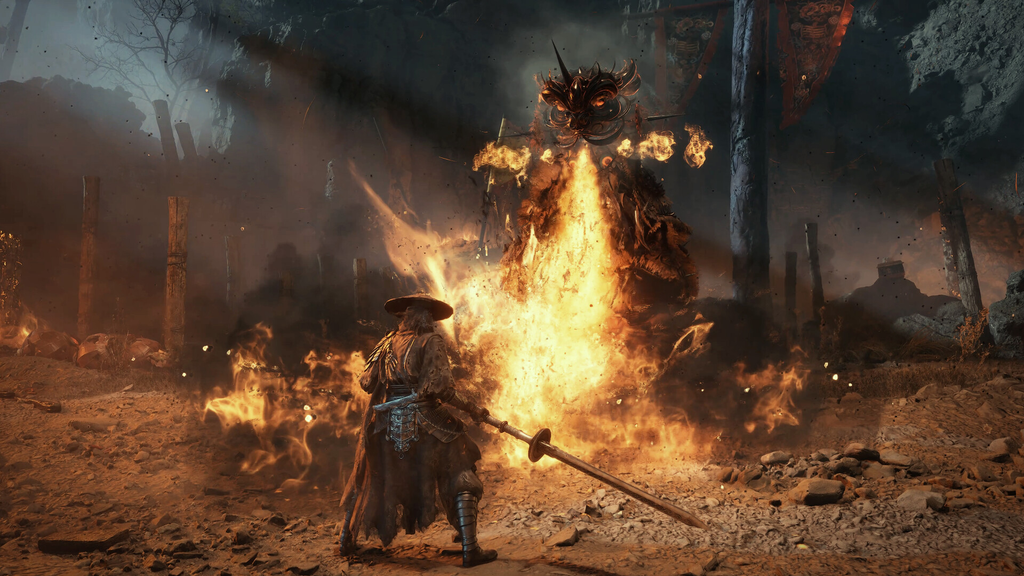
Preloading ends your PS5 refund window
Under the PlayStation Store’s cancellation policy, a preload counts as part of the pre-ordered content. Once a download or stream starts, you can’t cancel or refund the pre-order unless the content is faulty. If Automatic Downloads is on, the download starts by itself, so it can end your refund window without you doing anything on the day.
If you’re still choosing between the $59.99 Standard Edition and the $69.99 Digital Deluxe Edition, decide before October 27, or turn Automatic Downloads off until you have.
Steam works differently. You can refund a pre-purchase at any time before release, so a PC preload won’t lock you in.
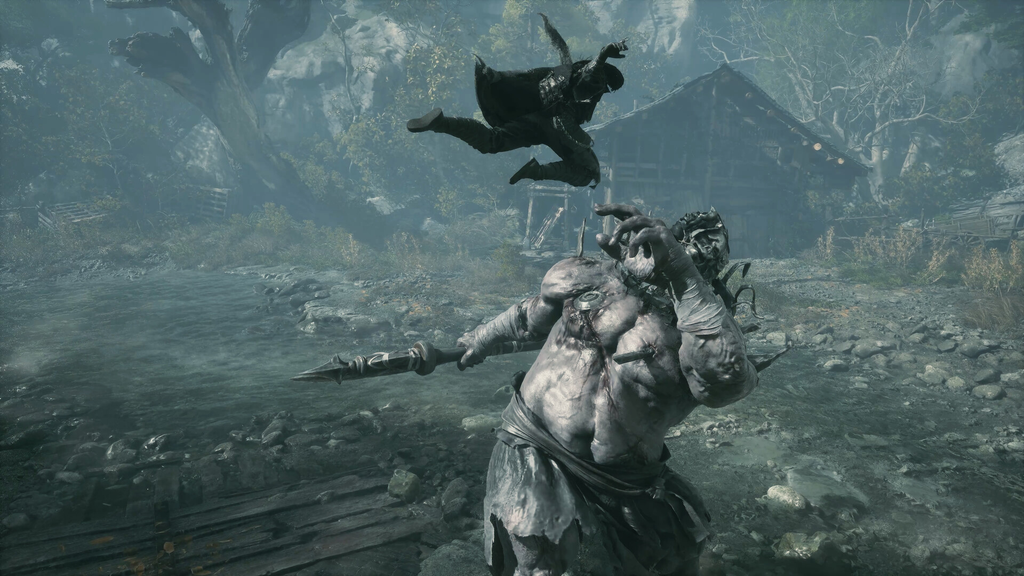
Phantom Blade Zero release time after the preload
A finished preload doesn’t let you play early. The files sit on your drive until the global unlock at 2AM GMT on October 29. That’s still Wednesday evening, October 28, in the Americas.
| Region | Release time |
|---|---|
| Pacific (PT) | 7PM, October 28 |
| Eastern (ET) | 10PM, October 28 |
| UK (GMT) | 2AM, October 29 |
| Central Europe (CET) | 3AM, October 29 |
| India (IST) | 7:30AM, October 29 |
| Japan (JST) | 11AM, October 29 |
| Australia East (AEDT) | 1PM, October 29 |
To be ready that night, pre-order, clear the space, and let the console do the rest on October 27. You only need to watch the clock if you’re on PC, where storage requirements and preload timing still haven’t been officially published.