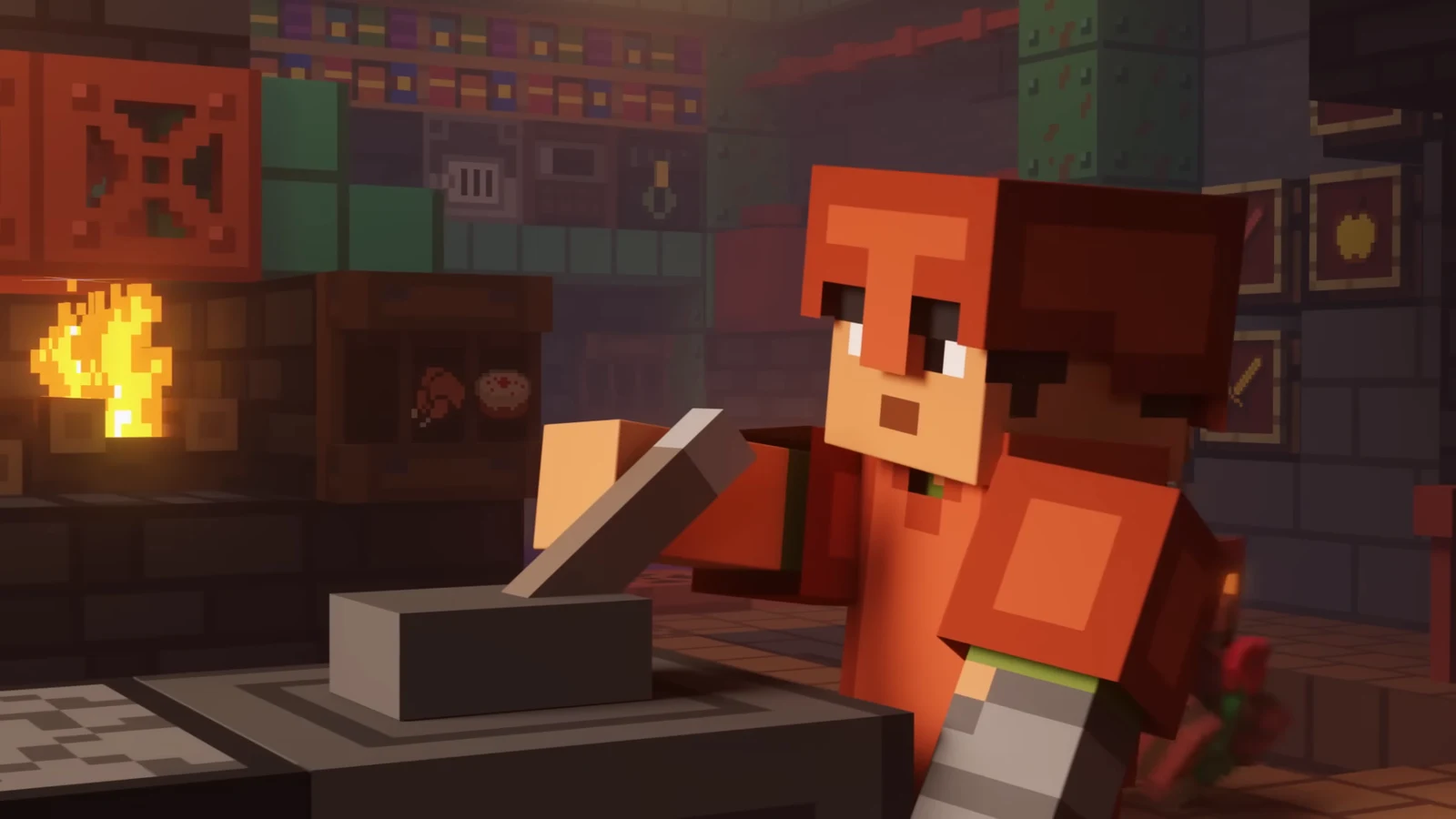
Minecraft 26.4 Snapshot 5 came out for Java Edition on October 20, 2026. It is the fifth test build of the 26.4 winter drop. It adds a full Packed Ice Bricks block set and a new advancement for killing a Frostbite with its own weapon. It also includes an ambient sound for ice, a new experimental video setting on Windows, and about 30 bug fixes, several of which change how Ice Caves and Frostbites behave.
Quick answer: Put four Packed Ice in a 2×2 crafting grid to make Packed Ice Bricks. Kill a Frostbite with an Ice Ball to unlock the “What Goes Around Comes Around” advancement.
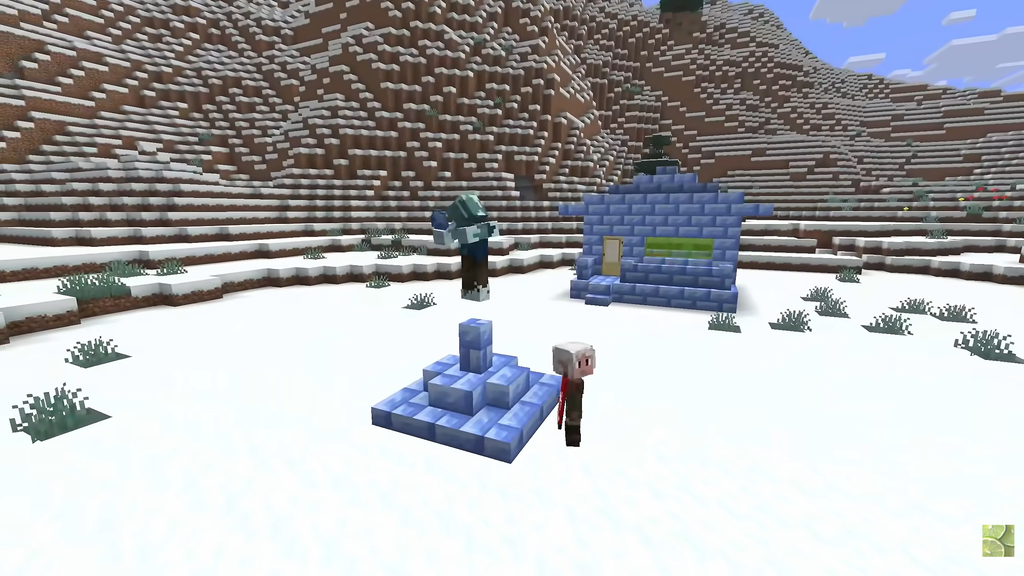
Packed Ice Bricks recipes and variants
Every block in the set starts from the same base block. You craft the base bricks from 4 Packed Ice in a 2×2 grid. After that, a Stonecutter turns those bricks into each of the shaped versions, one block at a time, so you don’t need a separate crafting recipe for each shape.
| Block | How to make it |
|---|---|
| Packed Ice Bricks | 4 Packed Ice, 2×2 grid |
| Packed Ice Brick Slab | Crafting or Stonecutter |
| Packed Ice Brick Stairs | Crafting or Stonecutter |
| Packed Ice Brick Wall | Crafting or Stonecutter |
| Chiseled Packed Ice | Crafting or Stonecutter |
Chiseled Packed Ice has a carved arrow or snowflake-style pattern instead of a face. Packed Ice Bricks break fastest with a pickaxe. Unlike plain ice blocks, they drop as an item without Silk Touch, and they even drop when you break them by hand.
The new blocks also work with the Sulfur Cube. Packed Ice Bricks and Chiseled Packed Ice both belong to the Fast Sliding archetype. If you feed either one to a Sulfur Cube, it takes on that behavior.
How to unlock “What Goes Around Comes Around”
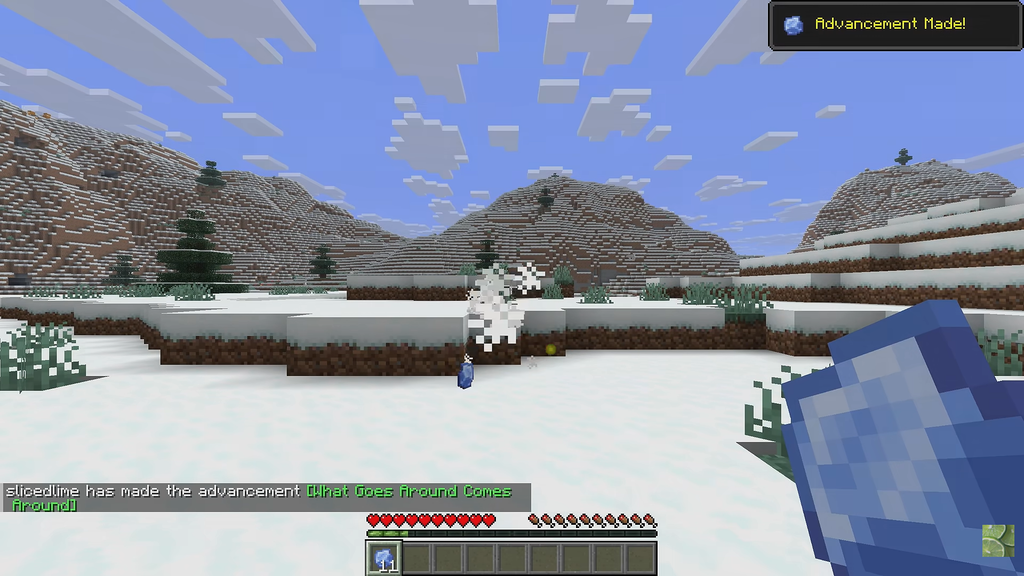
“What Goes Around Comes Around” is in the Adventure tab of the advancements screen. It has one trigger: the killing blow on a Frostbite must come from an Ice Ball. Damage from other weapons earlier in the fight doesn’t matter. Only the final hit counts.
- Target: a Frostbite, the zombie variant added earlier in the 26.4 cycle.
- Weapon: an Ice Ball, thrown from your hotbar.
- Where to look: Ice Caves underground, or the surface of cold biomes.
You’ll know it worked when the “Advancement Made!” toast appears in the corner of the screen and a chat message confirms you’ve made [What Goes Around Comes Around].
Frostbites no longer spawn in ordinary caves under cold biomes. They now spawn the way Strays do, on the surface. They still spawn underground inside Ice Caves.
Ice sounds, projectiles, and world generation changes
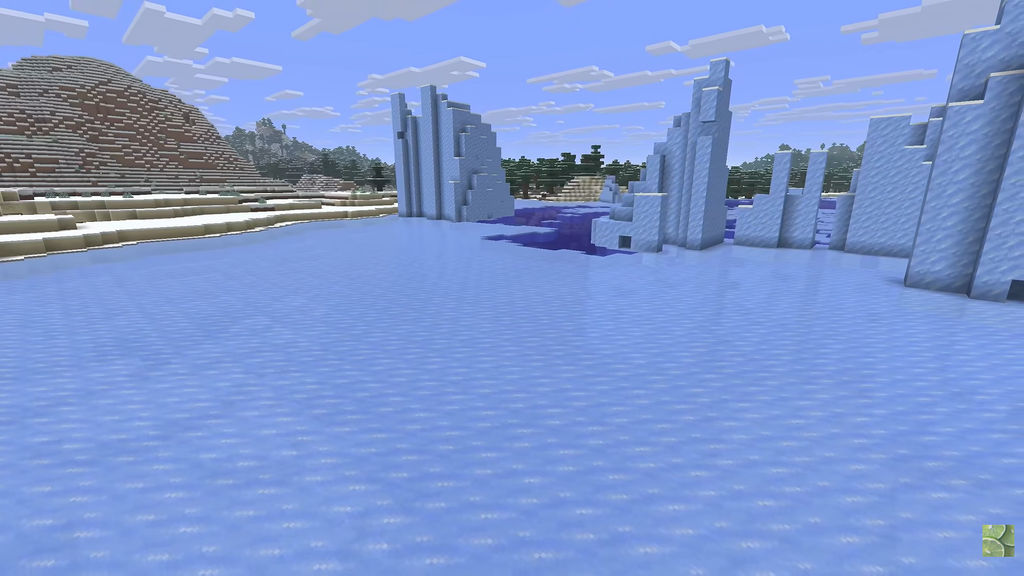
Regular Ice blocks can now make an ambient cracking sound. This only happens with one exact setup, so it’s easiest to test on a large frozen lake or a platform you build yourself. Even when the setup is correct, the sound plays by chance, not every time.
- At least 8 Ice blocks around it horizontally, covering north, south, east, and west
- One Air block directly above
- One Water block directly below
Mob projectiles can break Decorated Pots, Chorus Flowers, and Speleothem blocks again. That includes Frostbite Ice Balls and skeleton arrows. This matters if you decorate a base inside an Ice Cave. The mob_griefing gamerule controls this behavior, so setting it to false keeps those blocks safe from projectiles.
The snapshot also fixes several other bugs:
- Strongholds and Ruined Portals may now appear in Ice Caves.
- The snowy village shepherd’s house, which never generated before, now generates.
- Zombies, Husks, Drowned, Strays, and Frostbites are immune to Poison and Regeneration again.
- Honey blocks are now unsuitable spawn locations for mobs.
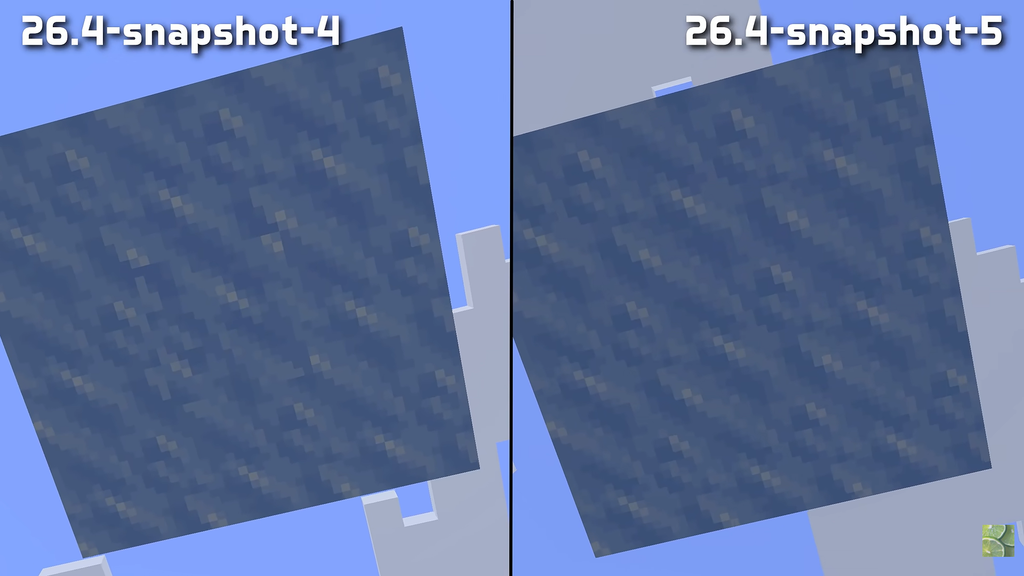
- Icicles now have a correctly rotated bottom face and appear in the right spot in the Creative inventory.
- With flowing lava above it, pointed dripstone produces lava drops rather than water.
Prefer DXGI Present video setting on Windows
Video Settings now include a toggle called Prefer DXGI Present. When it’s on, the game tries to use DirectX (Direct3D) to show each frame on screen. It’s only available on Windows, it’s off by default, and Mojang labels it experimental. Not all hardware supports it.
On systems where it works, it may improve three things. Some input method editors (IMEs) for typing other languages may work better. Variable refresh rate displays may get better support. And switching out of fullscreen with Alt-Tab may be faster. If you see problems after turning it on, switch it back off.
Snapshot 5 version numbers for pack and server makers
| Field | Value |
|---|---|
| Launcher ID | 26.4-snapshot-5 |
| Data Pack version | 125.0 |
| Resource Pack version | 100.2 |
| Minimum Java | Java SE 25 |
Resource packs get two new textures, block/packed_ice_bricks.png and block/chiseled_packed_ice.png. Data packs no longer have to set the sound field on minecraft:consumable, or the equip_sound and shearing_sound fields on minecraft:equippable. The density function interpolated has been renamed to upscale and now supports several upscaling modes.
Several tags have also changed. The biome tag spawns_strays_without_powder_snow is now spawns_cold_variants_underground, and there is a new #spawns_ice_variants_underground tag. On the entity side, #ignores_poison_and_regen has been split into #immune_to_poison and #immune_to_regeneration. The tag #freeze_immune_entity_types is now #immune_to_freezing, and there are new #immune_to_wither and #immune_to_weakness tags.
The login protocol has changed too. A server now has to turn on encryption and compression on purpose, and the client has to confirm the change before either side uses the new settings. This fixes a timing bug in how dedicated servers set up compression.
How to install Minecraft 26.4 Snapshot 5
If you want to test on a server, the cross-platform Snapshot 5 server jar is available separately. Because of the login protocol change, clients and servers on different builds can’t connect, so update both to Snapshot 5.