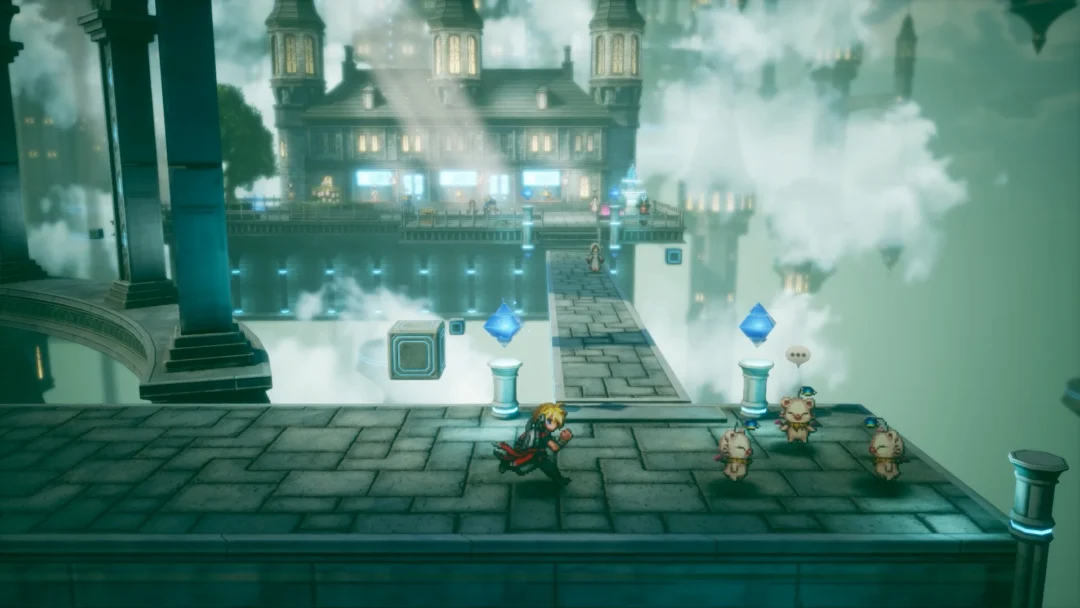
Quick answer: Yes, Final Fantasy Resonance works on Steam Deck. Valve has given it a Steam Deck Verified rating, so it runs on the handheld with its default settings and controls.
Final Fantasy Resonance Steam Deck rating
Final Fantasy Resonance, from Square Enix and LANCARSE, holds Valve’s top compatibility rating, Steam Deck Verified. The game passed every check in Valve’s review. Its default controller setup works fully, it shows Steam Deck button icons, its text is readable on the Deck’s screen, and its default graphics settings run well. The rating appears on the game’s Steam store page.
| Steam Deck check | Result |
|---|---|
| Default controller configuration | Fully functional |
| Controller icons | Shows Steam Deck icons |
| Interface text | Legible on Steam Deck screen |
| Default graphics configuration | Performs well |
| First-time setup | Needs an active internet connection |
| External Bluetooth or USB controller | Not used by default |
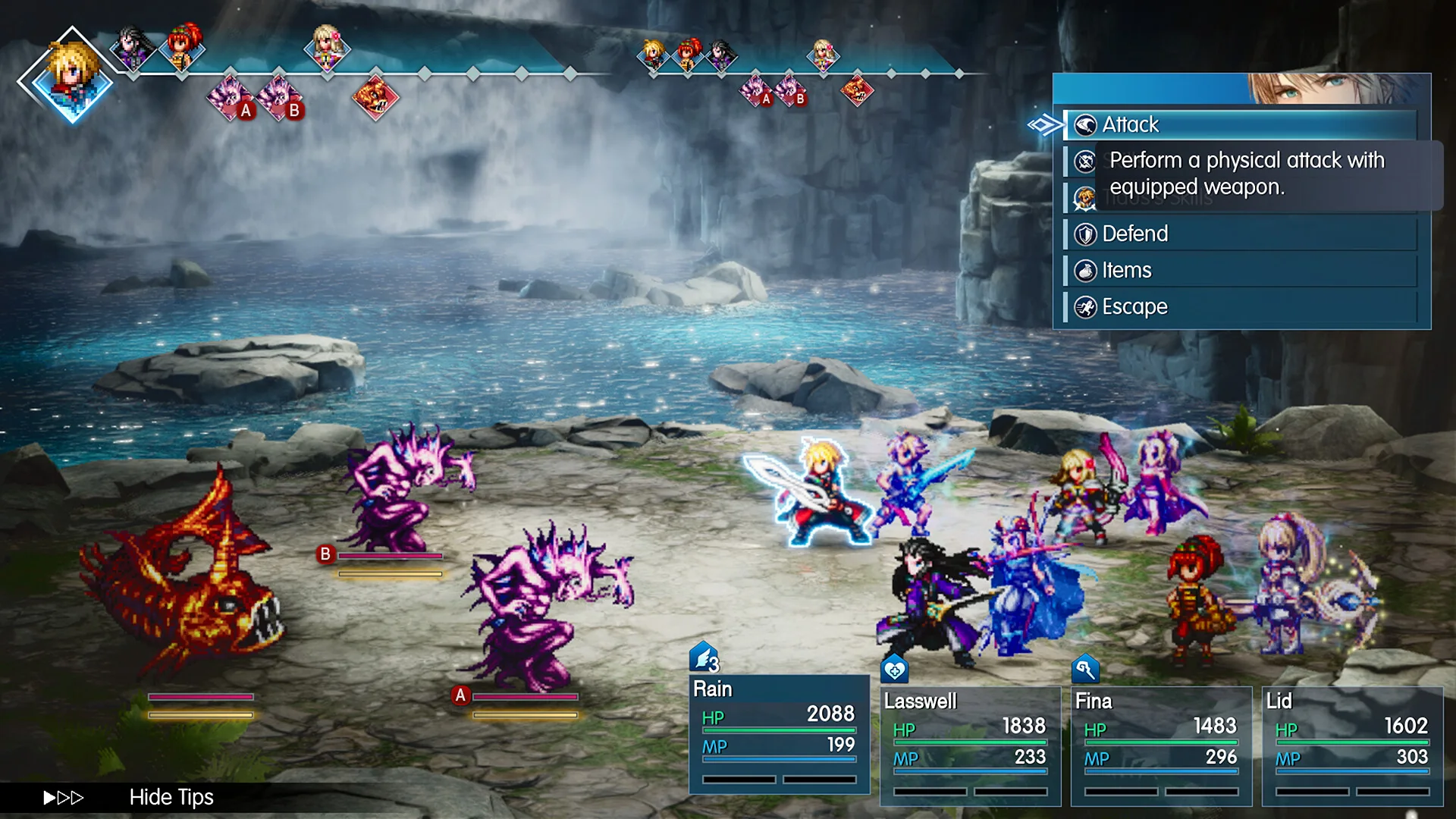
Valve’s report adds two notes. First, the game needs to be online the first time you set it up, so connect your Deck to the internet before your first launch. Second, the game does not switch to an external pad on its own.
If you play with a Bluetooth or USB controller connected, open the Quick Access Menu and set that pad as the active controller.
Steam Cloud saves between PC and Steam Deck
Final Fantasy Resonance supports Steam Cloud, so your save follows your Steam account. You can play on a Windows PC and continue the same save on a Steam Deck signed in to that account, or go the other way.
Final Fantasy Resonance PC system requirements
Both tiers need 64-bit Windows 11, a 64-bit processor, DirectX 12, 8 GB of RAM, and 15 GB of free storage. The real difference is the target. Minimum aims for 1080p at 30 FPS on the lowest preset, and recommended aims for 1080p at 60 FPS on the highest preset.
| Spec | Minimum | Recommended |
|---|---|---|
| OS | Windows 11 (64-bit) | Windows 11 (64-bit) |
| Processor | AMD Ryzen 3 2300X / Intel Core i3-8100 | AMD Ryzen 5 2500X / Intel Core i3-8100 |
| Memory | 8 GB RAM | 8 GB RAM |
| Graphics | AMD Radeon RX 6400 / Intel Arc A580 / NVIDIA GeForce GTX 1650 | AMD Radeon RX 5500 XT / Intel Arc A580 / NVIDIA GeForce GTX 1650 |
| DirectX | Version 12 | Version 12 |
| Storage | 15 GB available space | 15 GB available space |
| Target | 1920 x 1080, 30 FPS, “Low” preset | 1920 x 1080, 60 FPS, “Highest” preset |
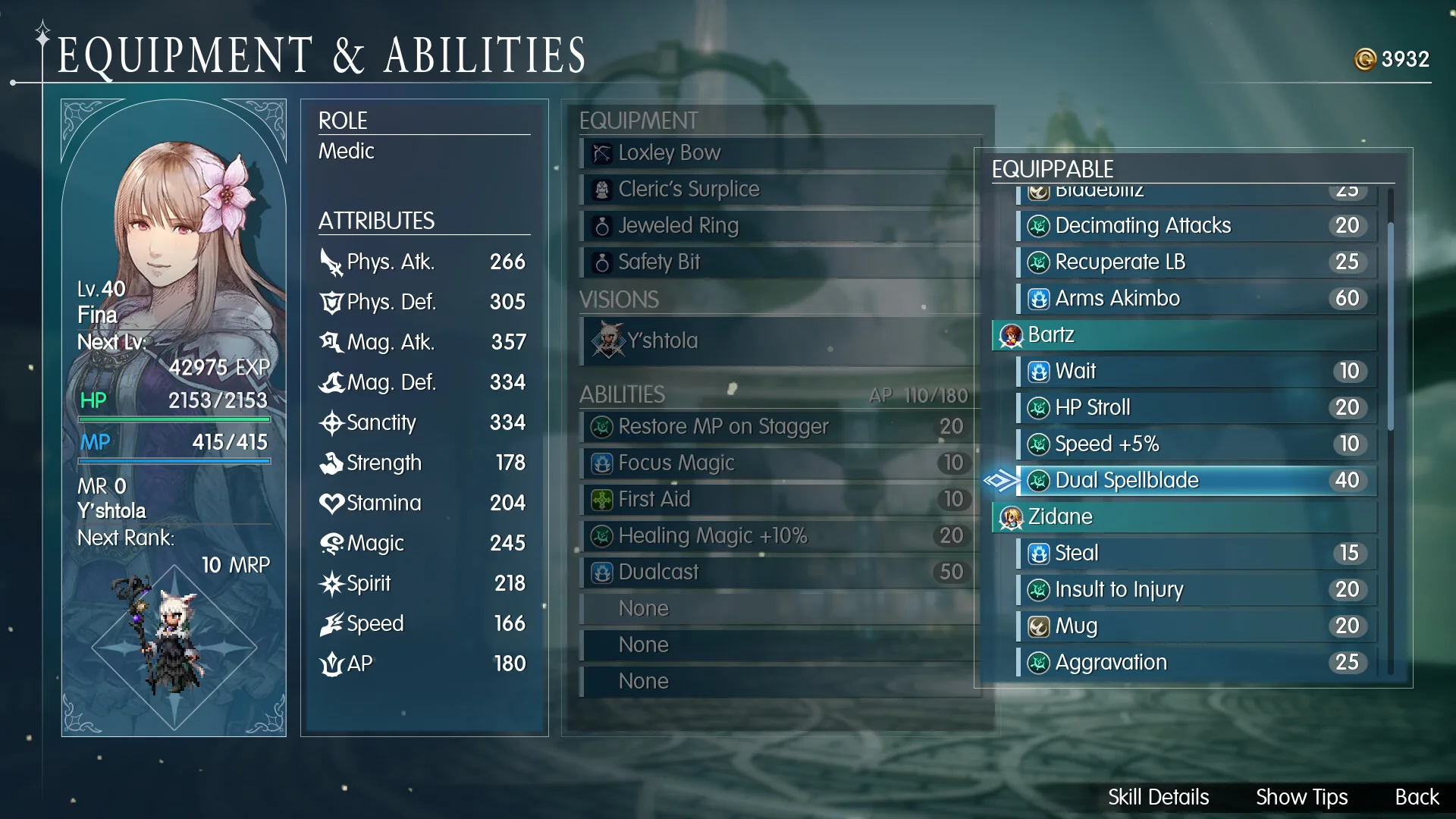
On PC, Final Fantasy Resonance has full controller support, including the DualSense controller, and it works with the Steam Input API. You can also play with a keyboard alone.
Windows is the only PC platform on the Steam store. There is no macOS or Linux version on Steam.