Mods in Probably Stolen: Cyberpunk Shopkeeper Sim are managed from the game’s own Modding window, not from outside tools. You can pull mods in from the Steam Workshop or add them by hand, but nothing loads until you activate it and restart.
Quick answer: Choose Mods on the title screen, get a mod through Steam Workshop or Open Mods Folder, restart, click the mod under INACTIVE, press Activate, then restart the game again.
Where the Mods menu is in Probably Stolen
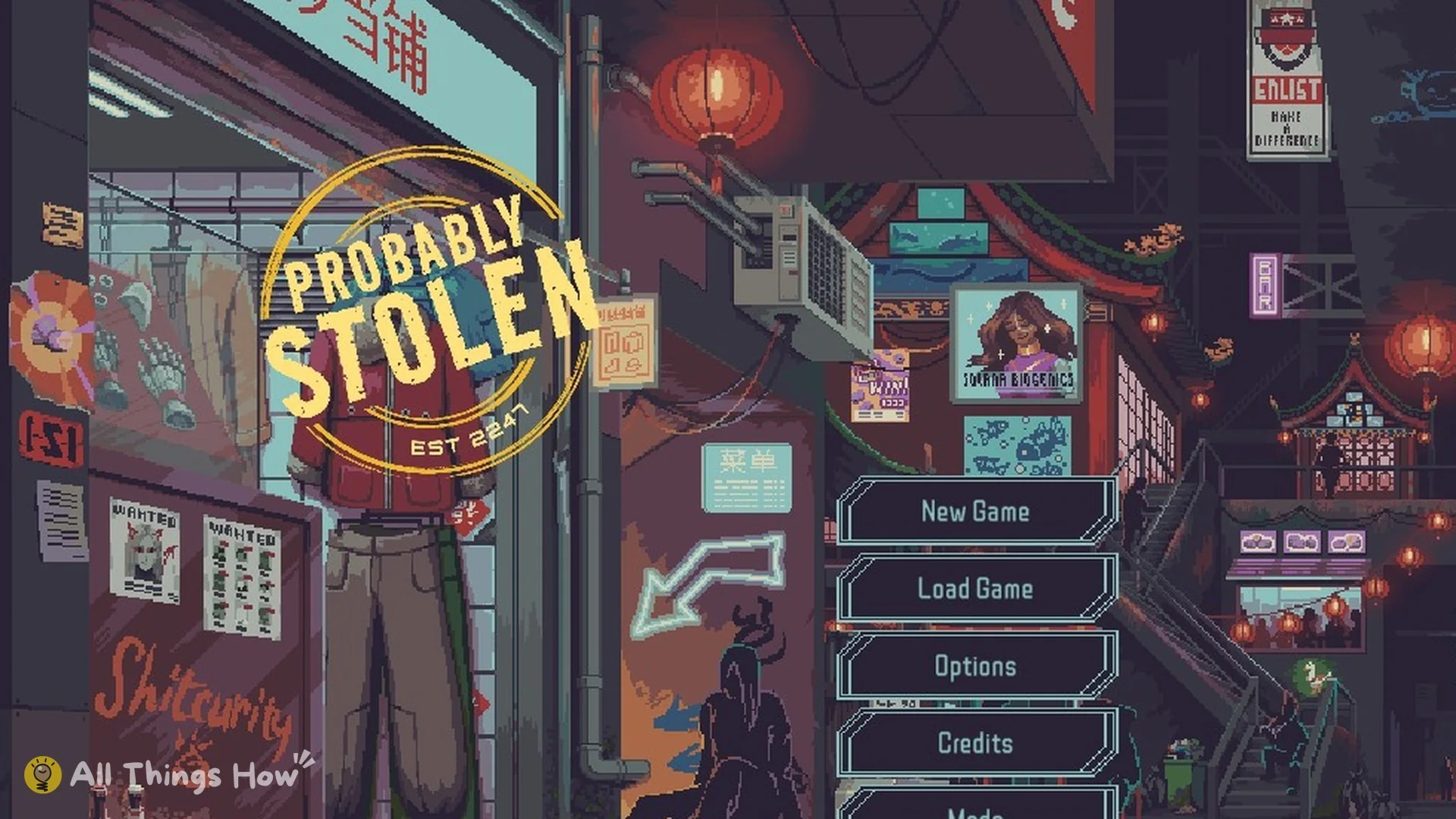
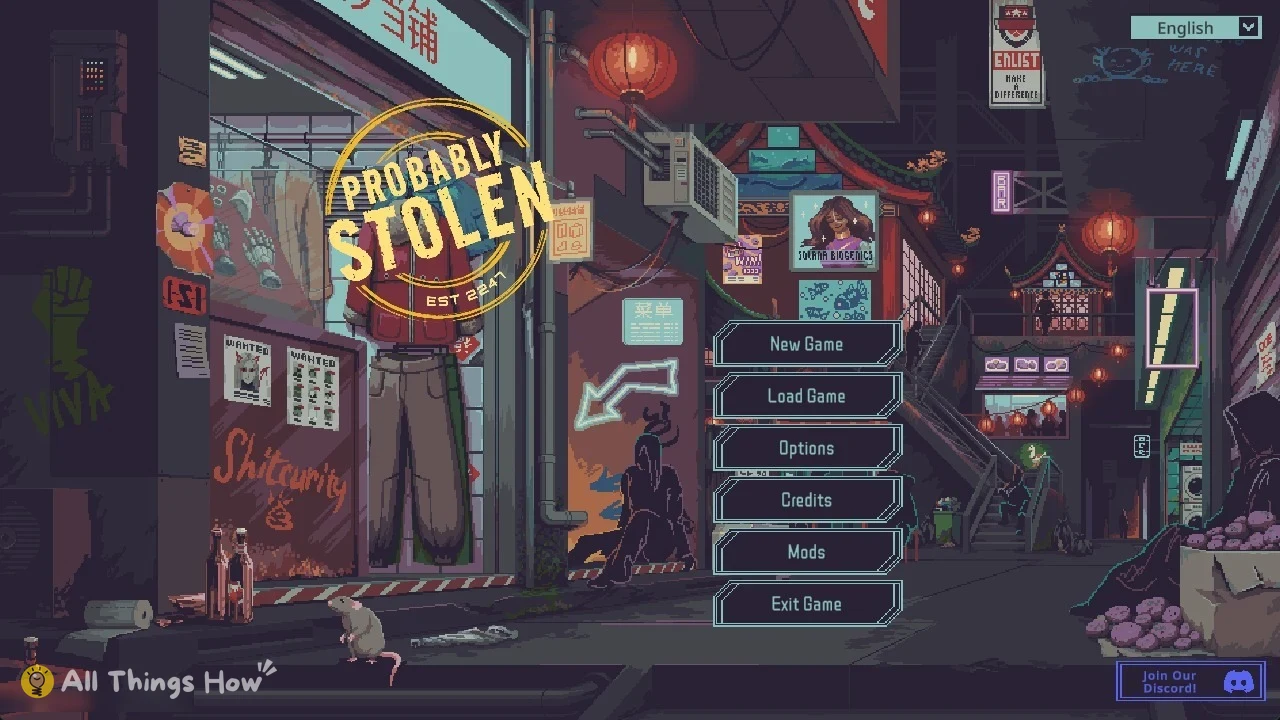
The Mods option sits on the title screen, in the same list as New Game, Load Game, Options, Credits, and Exit Game. You don’t need to load a save first.
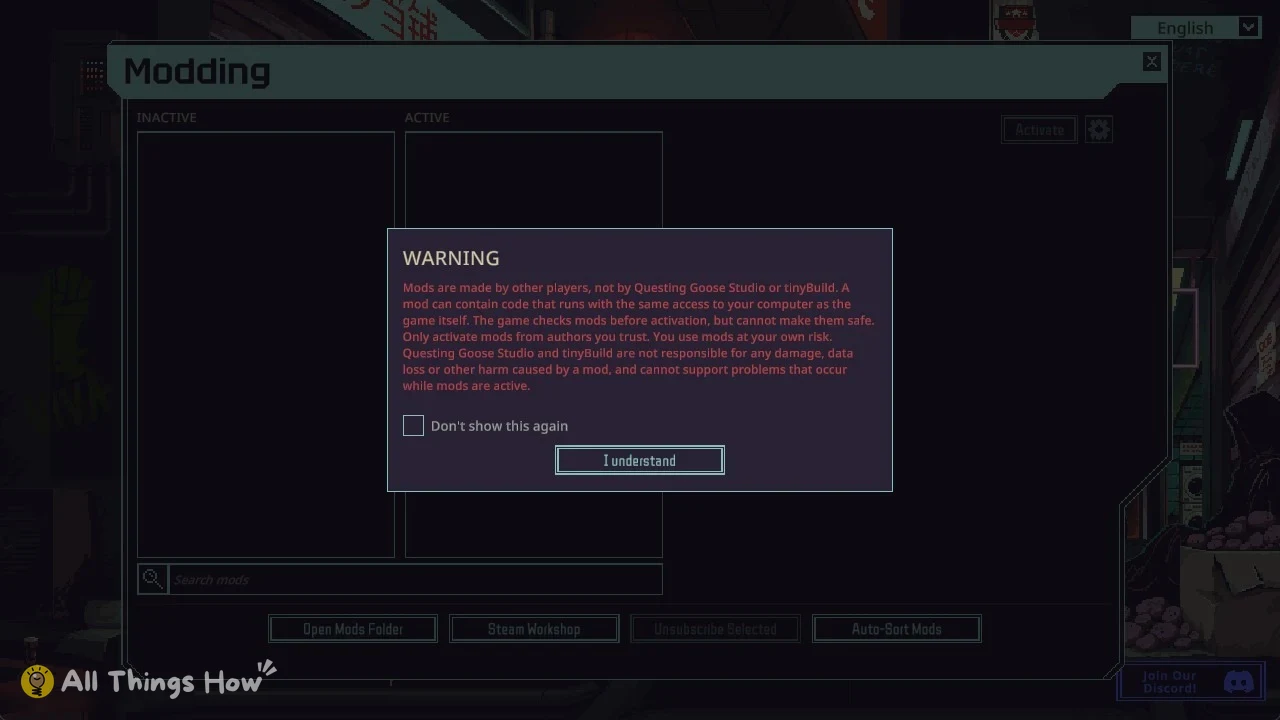
The first time you open it, the game shows a WARNING popup before you can continue:
Players in the community make mods; Questing Goose Studio and tinyBuild do not. Mod code may run on your computer with permissions equivalent to those of the game. The game reviews mods before enabling them, but that review cannot guarantee they are safe. Enable mods only from creators you trust, and use them at your own risk.
Tick the Don’t show this again checkbox first if you don’t want to see the popup on every visit.
Adding mods: Steam Workshop or the Mods folder
Mods appear in the Modding window under INACTIVE or ACTIVE. Alongside a Search mods box, the window offers four buttons: Open Mods Folder, Steam Workshop, Unsubscribe Selected, and Auto-Sort Mods. There are two methods for adding a mod to the list.
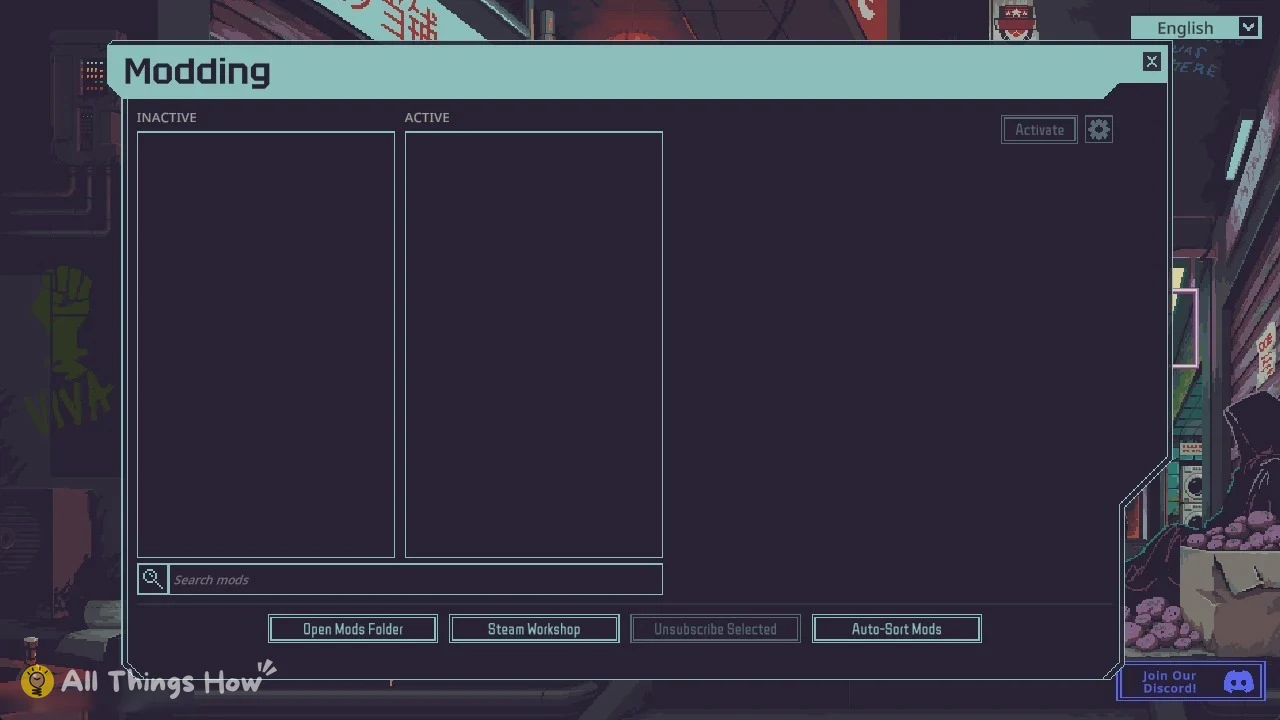
- Steam Workshop opens the Workshop, where you subscribe to a mod.
- Open Mods Folder opens the folder on your PC. Put a mod folder inside it to install by hand.
Newly added mods only appear in the Modding window after you restart the game, whichever route you use.
How to activate a mod in Probably Stolen
| Field | What it shows |
|---|---|
| Name | The mod’s name |
| Author | Who made it |
| Mod Version | The mod’s own version |
| Game Versions | Green when it matches your game version |
| Capabilities | What the mod asks to do |
| Description | The author’s summary |
How to tell a mod is enabled
An activated mod moves from INACTIVE to ACTIVE. Its panel shows “Approved on this computer” along with the date, plus a Developer mode: off button and a Deactivate button. The window also displays “Mod changes take effect after the game restarts.” Once you’ve restarted, the mod is loaded.
If you run several mods, Auto-Sort Mods puts the ACTIVE list in order for you.
Removing a mod
Select the mod in the ACTIVE column and click Deactivate. For a Workshop mod, you can instead select it and use Unsubscribe Selected. Either way, restart the game for the change to apply.
New to the game? Start with the Probably Stolen beginner guide, then work through the complete Probably Stolen guide.