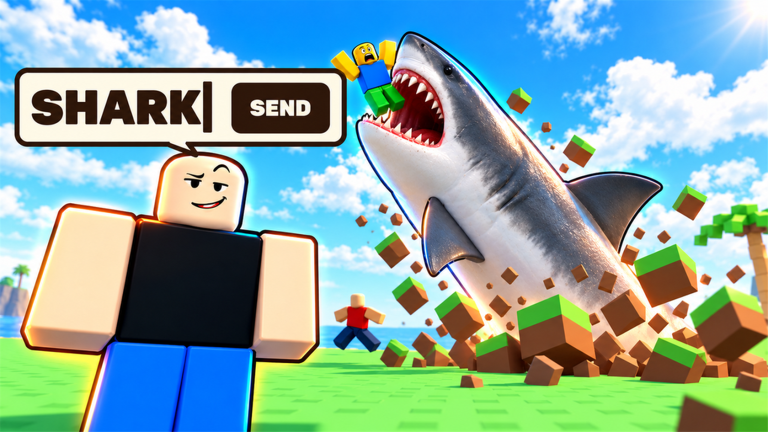
Survive Your Ideas is a Roblox survival game built on one rule. Every round, the game picks one random player as the writer. That player types a single word, and the word turns into an event that hits everyone on the island. Words keep stacking as the match goes on, and the last player alive wins. You don’t need any gear or setup to start. What matters is reading the screen quickly, moving when the game tells you to, and making good use of your turn when the roulette lands on you.
Quick answer: Stay alive while other players’ words go off. When “Your turn to write!” appears, type one word and press Send before the countdown ends. Your first word unlocks the “My first idea” badge.
How a Survive Your Ideas round works
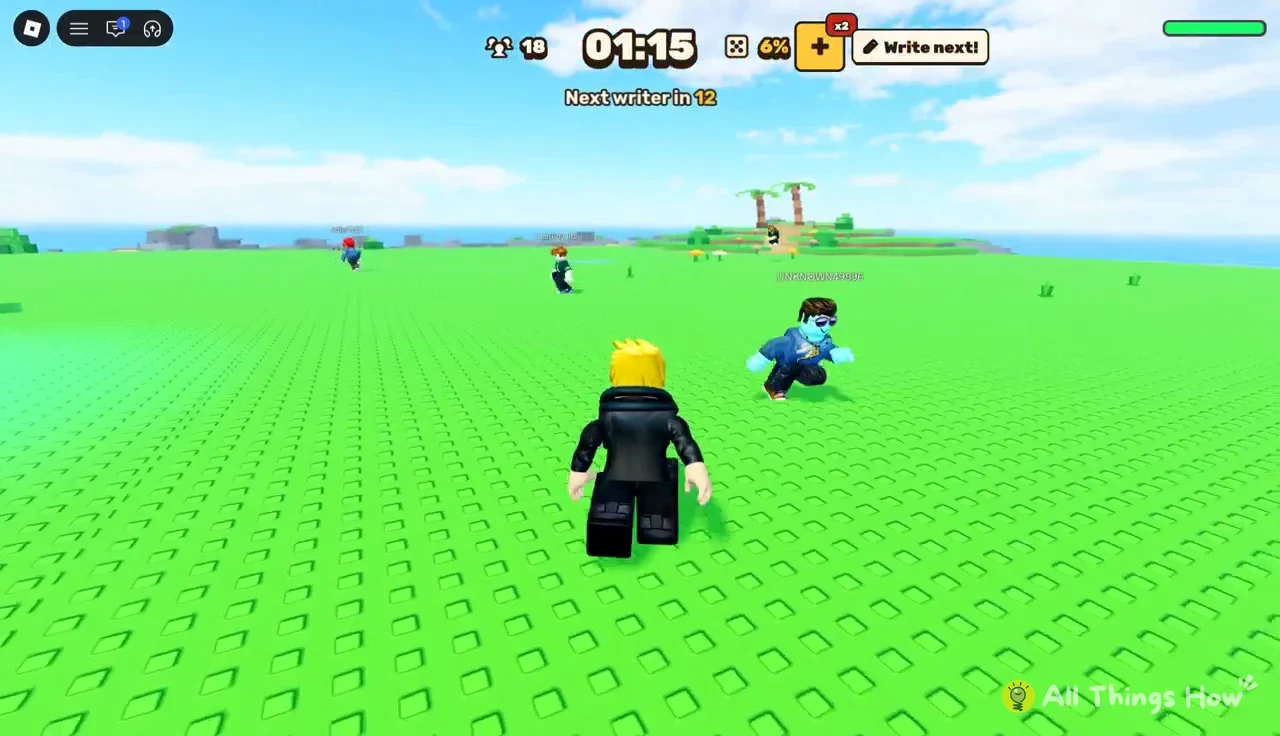
Every match takes place on an open, grassy island surrounded by ocean. A few structures stand on it, such as an orange construction crane and some raised platforms. Everyone spawns on the grass and starts running. A timer at the top of the screen counts up for the whole match. Below it, a second line reads “Next writer in” and counts down to the next writer selection.
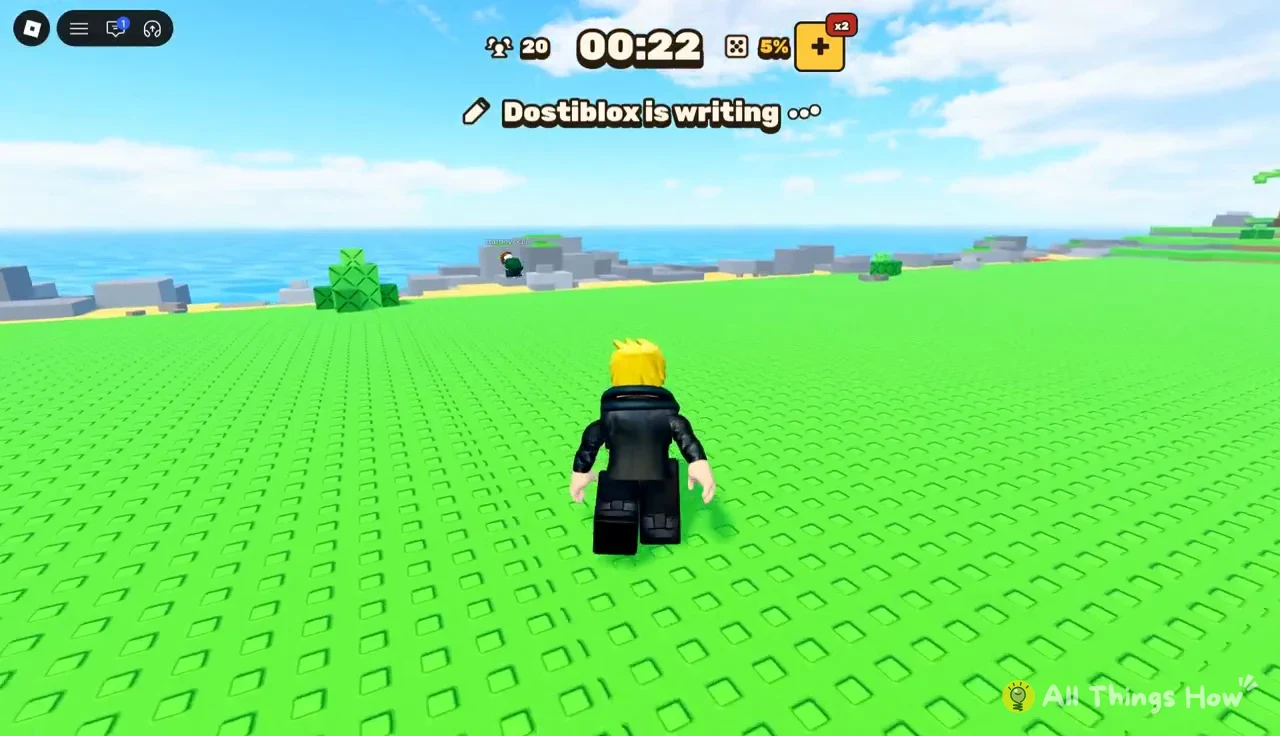
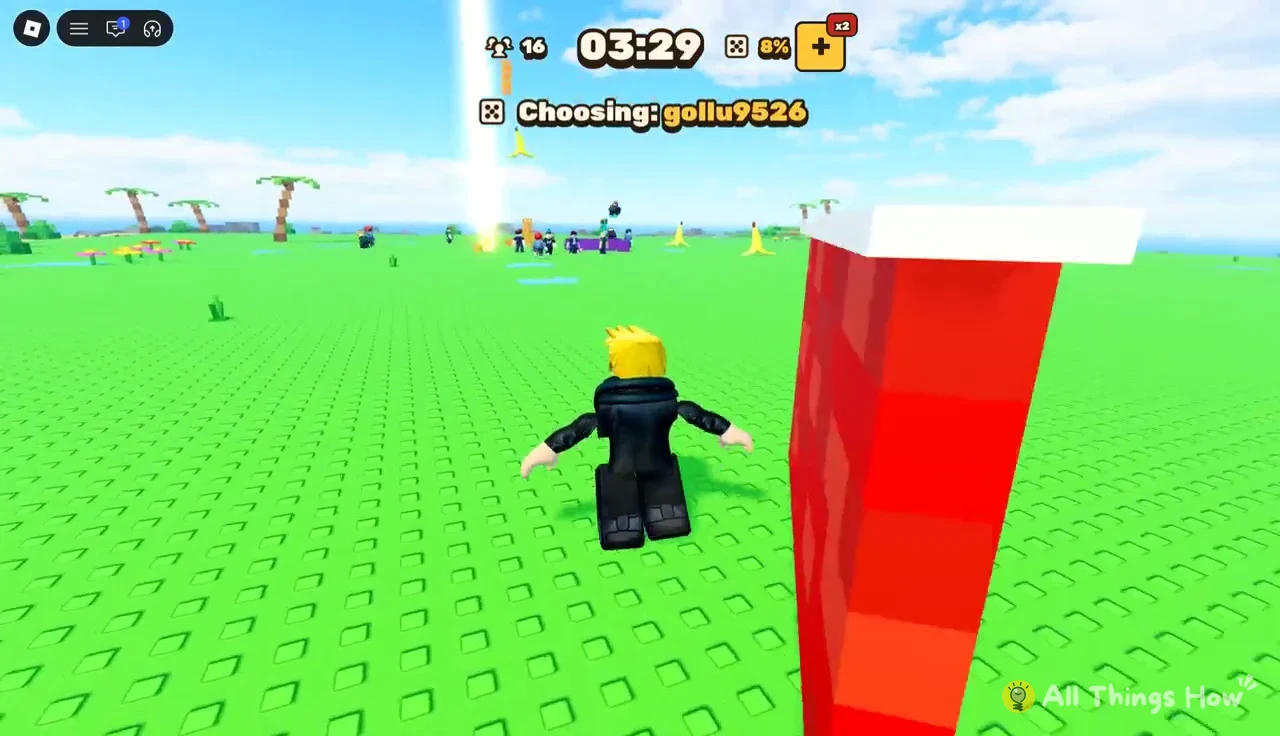
When that countdown reaches zero, the game cycles through player names at the top of the screen. You’ll see lines like “Choosing: Dostiblox” flash past until one name sticks. The chosen player gets a golden light beam above them and a yellow circle at their feet. Those markers matter, because several words give powers to the writer. Knowing where the writer is standing tells you which way to run.
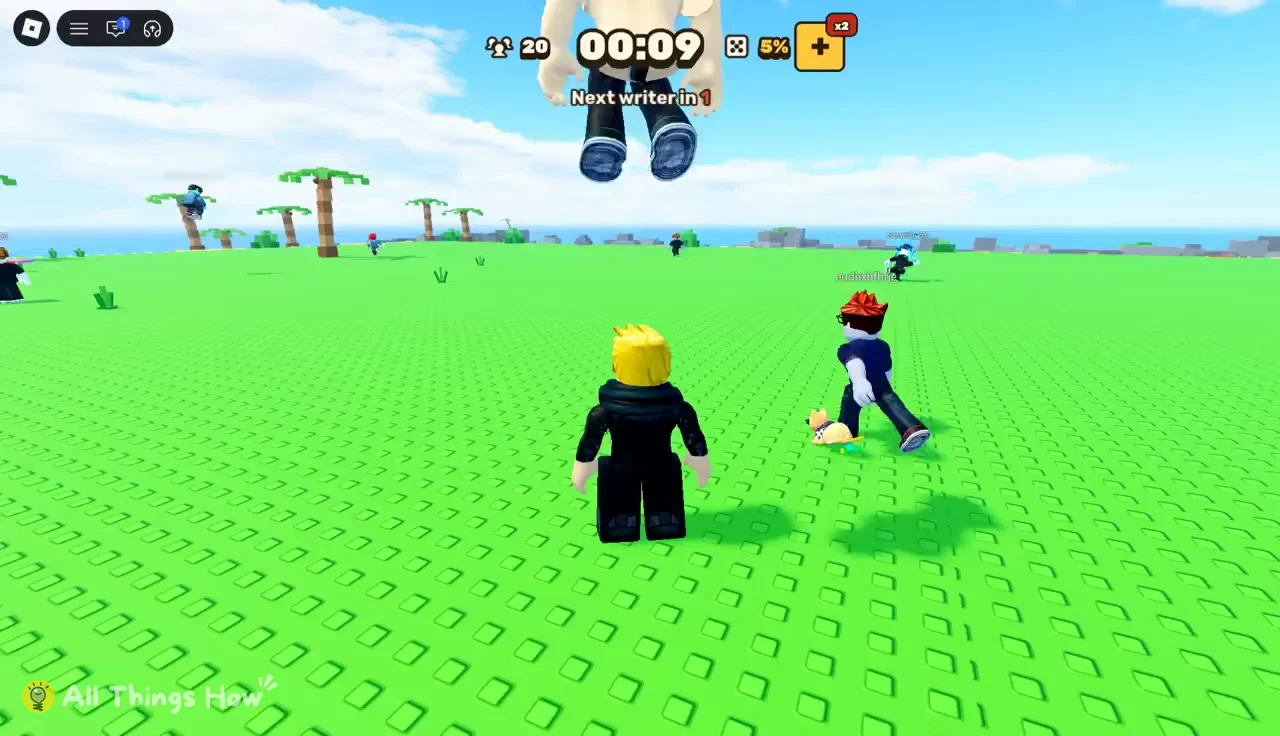
Once a writer is locked in, the HUD shows “[name] is writing …”. After that comes the result as a chat-style line, such as “Dostiblox: GOJO”, and an announcement that reads “Dostiblox wrote GOJO”. The effect starts right away. A banner explains what happened and, usually, how to survive it. Read that banner first. In most cases it tells you exactly what to do.
Effects don’t reset between turns. The game’s own description says words stack up and the chaos keeps growing, so a hazard from two writers ago can still be on the field when the next one lands. Survival means tracking what’s already active, not just the newest banner.
Survive Your Ideas HUD: What each element means
The interface is sparse, but every piece has a job. Here’s what you’ll see during a match:
- Alive counter: a number next to a trophy icon showing how many players are still in. It drops as people are eliminated, for example from 20 down to 16.
- Match timer: a clock that counts up from the start of the match.
- Writer countdown: “Next writer in” followed by the seconds left until the next selection.
- Dice meter: a percentage beside a dice icon that changes over the course of a match.
- x2 and + icons: small shop-style buttons near the top of the screen.
- Write next! button: a button at the top right that switches to “Write again!” in some moments.
The writer countdown deserves the most attention. It gives you a few seconds of warning before a new word arrives. Use that window to get away from the crowd or near cover, so you’re not caught flat-footed by whatever comes next.
During the selection itself, the names change quickly, and the one on screen isn’t final until the “is writing …” line appears. Don’t commit to a direction based on a name that’s still cycling.
How to write your word when you’re chosen
Sooner or later the roulette lands on you. There’s no queue to join and nothing to buy. Staying alive long enough is the only requirement. The writing window is short, so it helps to have a word ready before your name comes up.
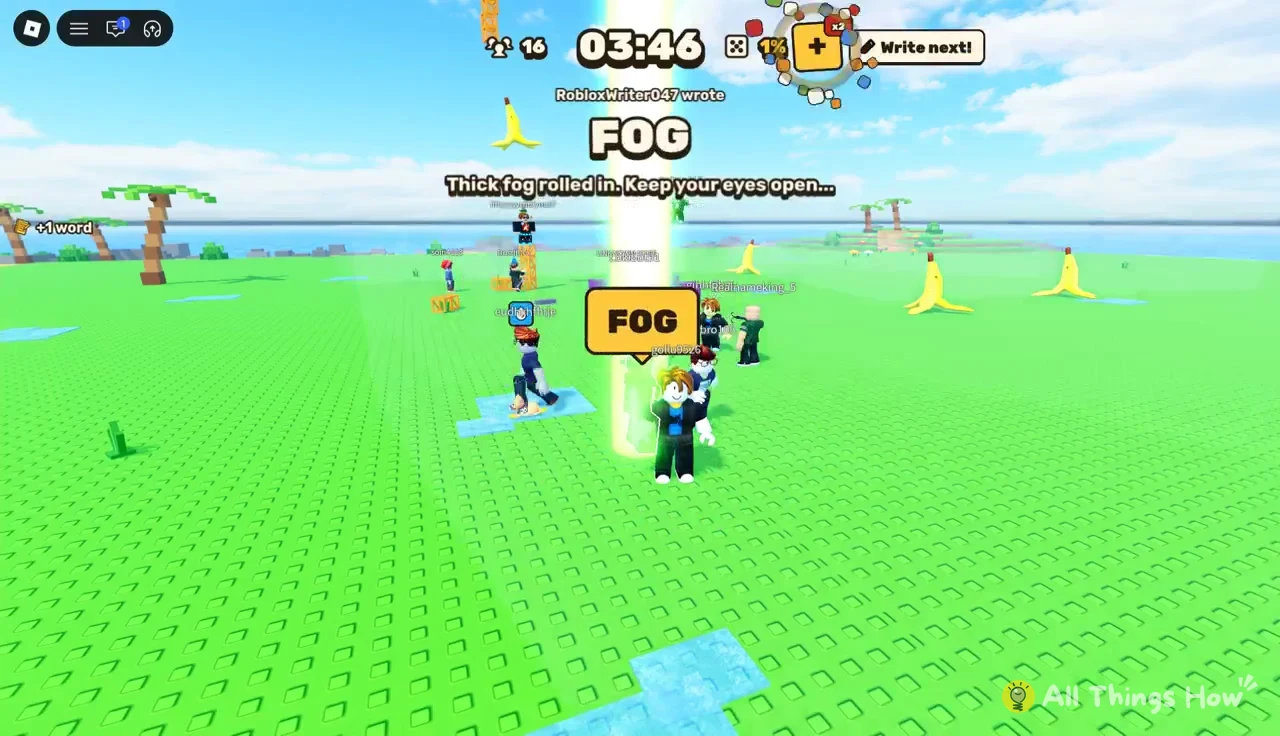
There are three ways to tell your word went through. The “wrote” announcement shows your name, the event banner appears, and a “+1 word” notice pops up. The first time you do this, Roblox also shows a badge notification: “Badge Awarded [name] won Survive Your Ideas’s “My first idea” award!” That popup confirms the badge is on your account.
Writing doesn’t make you safe. Your own word hits the island along with everything else already stacked there, so pick something you can survive yourself.
After your word resolves, the writer countdown restarts and the next roulette begins. Treat that gap as a reset. Look at what’s still active on the map and move somewhere that keeps you clear of it.
Survive Your Ideas words and how to survive each one
Any word can be typed, so no list is complete. The words below come up often, and each one shows how the game turns a prompt into a rule. Since the banners use the same language every time, recognizing them on sight buys you a second or two.
| Word | Effect | How to survive |
|---|---|---|
| GOJO | Slowing field around writer, 30s | Don’t chase the writer |
| TOJI / SUKUNA | Dark dome full of slashes | Walk out of the dome |
| GOKU | Writer fires energy beams | Dodge or hide behind cover |
| GO | Everyone forced to walk | Avoid edges, or write IDLE |
| IDLE | Cancels forced walking | Stand still safely |
| Y | “Look up!” warning | Watch the sky |
| FOG | Thick fog, see-through walls | Keep your eyes open |
| LUFFY | Writer stretches, flies, grabs | Run and break line of sight |
GOJO: Infinity around the writer
GOJO puts a blue sphere around the writer. The banner reads “INFINITY! Nobody reaches the writer for 30 seconds… the closer, the slower.” Anyone who moves toward the writer slows down more the closer they get. You don’t need to escape this one. You just have to avoid walking into it while other hazards are active, because slowing down in the wrong spot is how you get caught by something else.
TOJI and SUKUNA: Domain Expansion
Either name creates a black-and-red dome edged in bright red. The banner warns, “DOMAIN EXPANSION! Slashes everywhere inside the dark dome. Walk OUT now!” Anyone within the dome takes repeated slashes, and there’s nowhere inside to shelter. Find the red boundary and head straight across it to the grass outside.
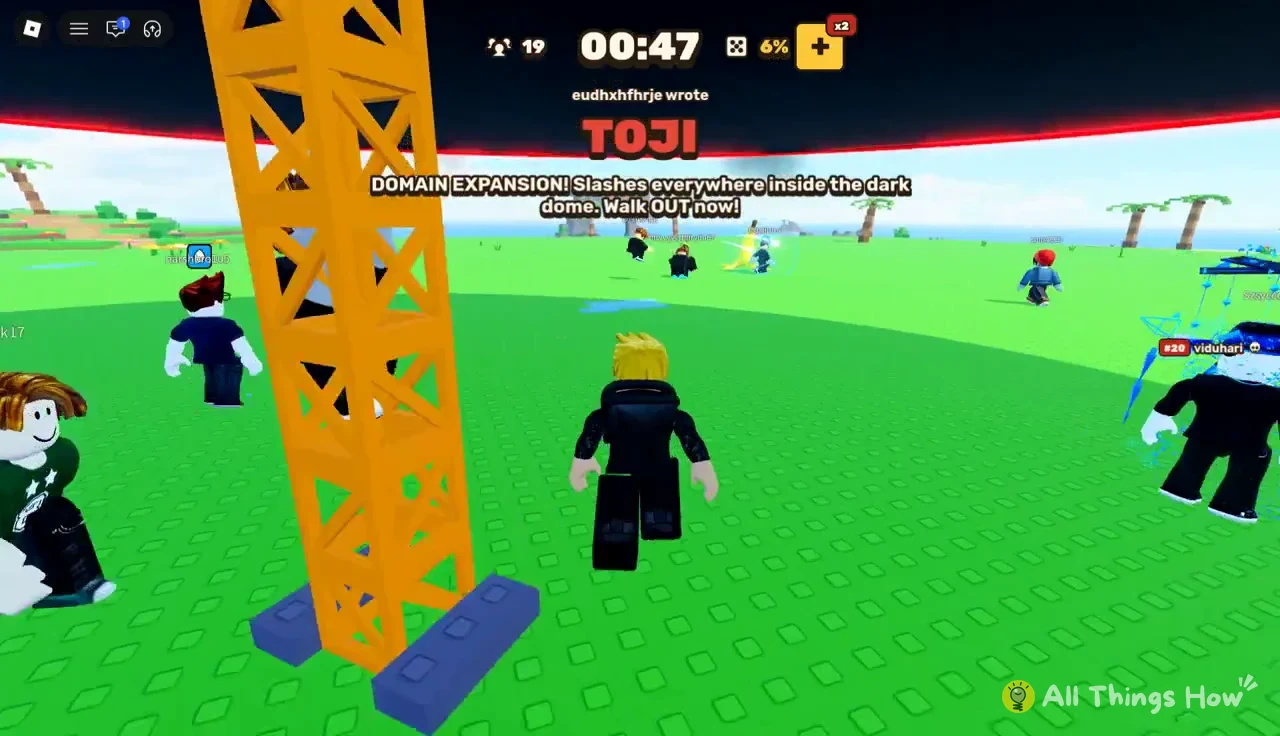
Commit to one direction and keep going. Hesitating at the edge of the dome costs more than taking a slightly longer route out.
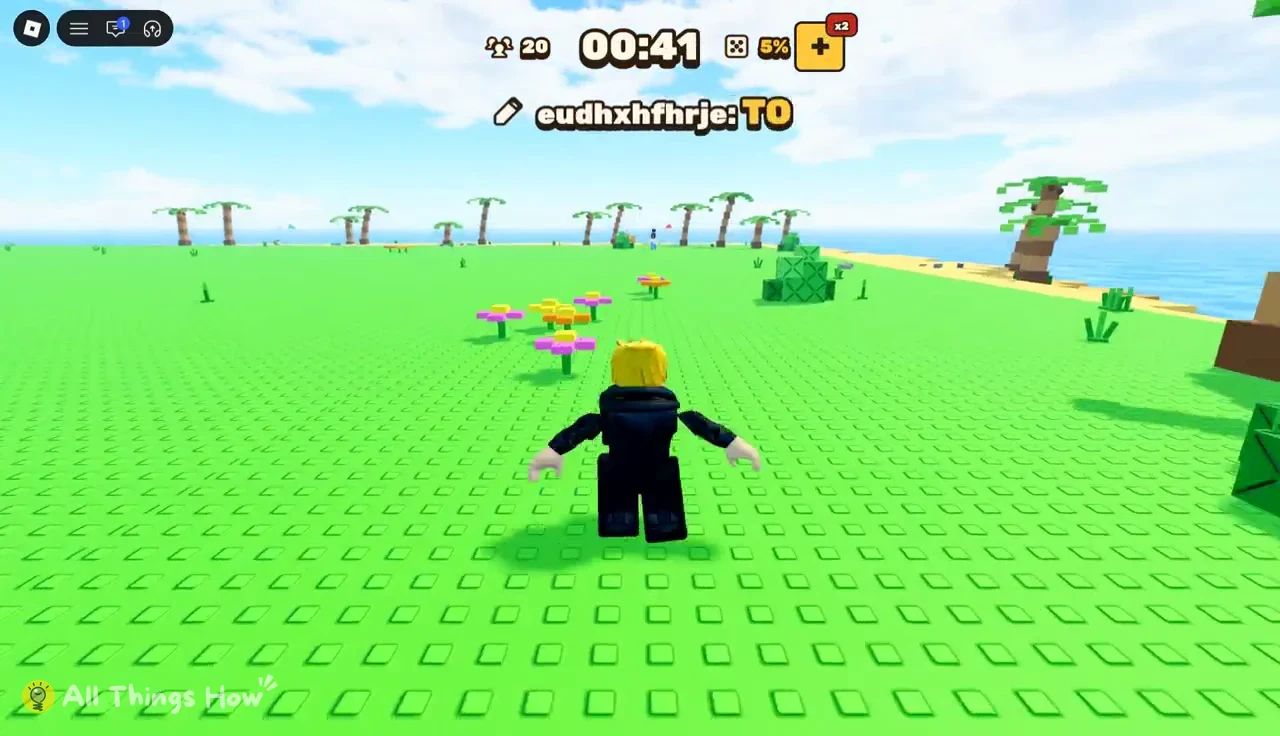
SUKUNA plays out the same way, and it often lands mid-match with other effects already stacked. Watch the “is writing …” line. When a dome word is likely, start moving toward the open side of the island before the dome forms.
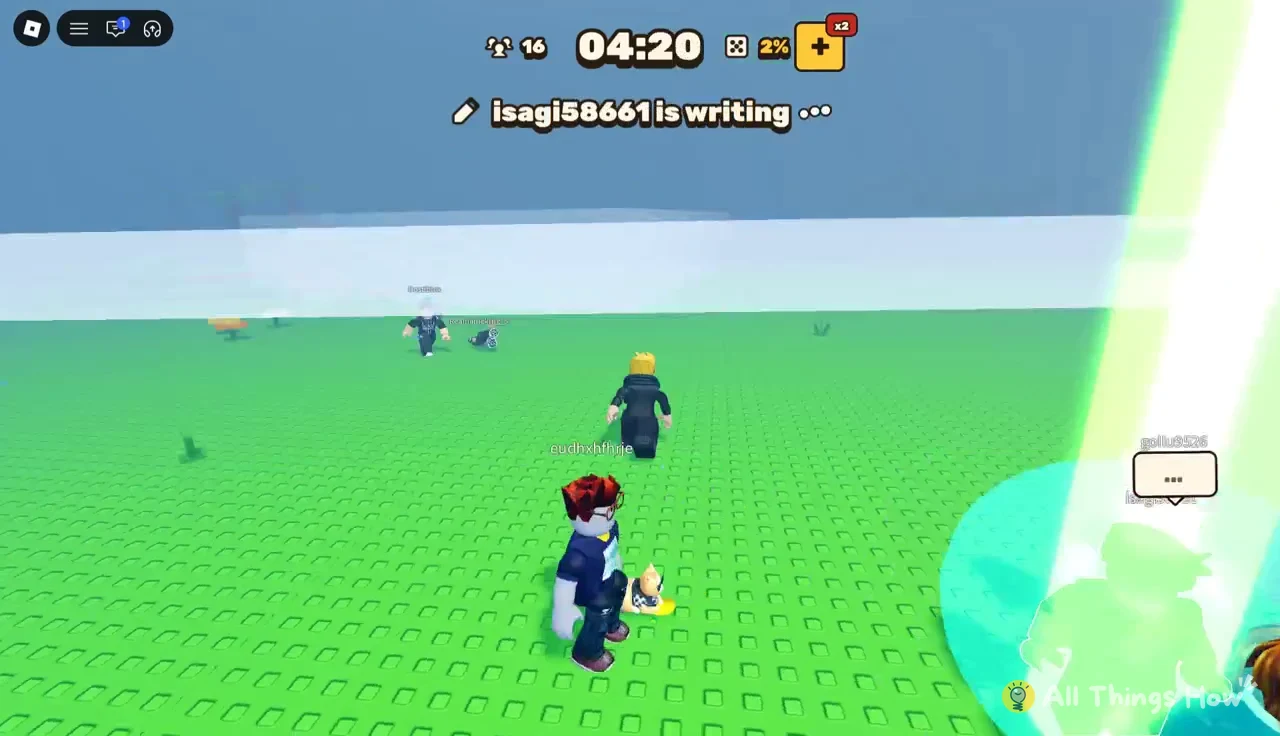
Once the dome clears, the countdown resets like after any other word. That pause is your chance to step back toward the middle of the island before the next pick.
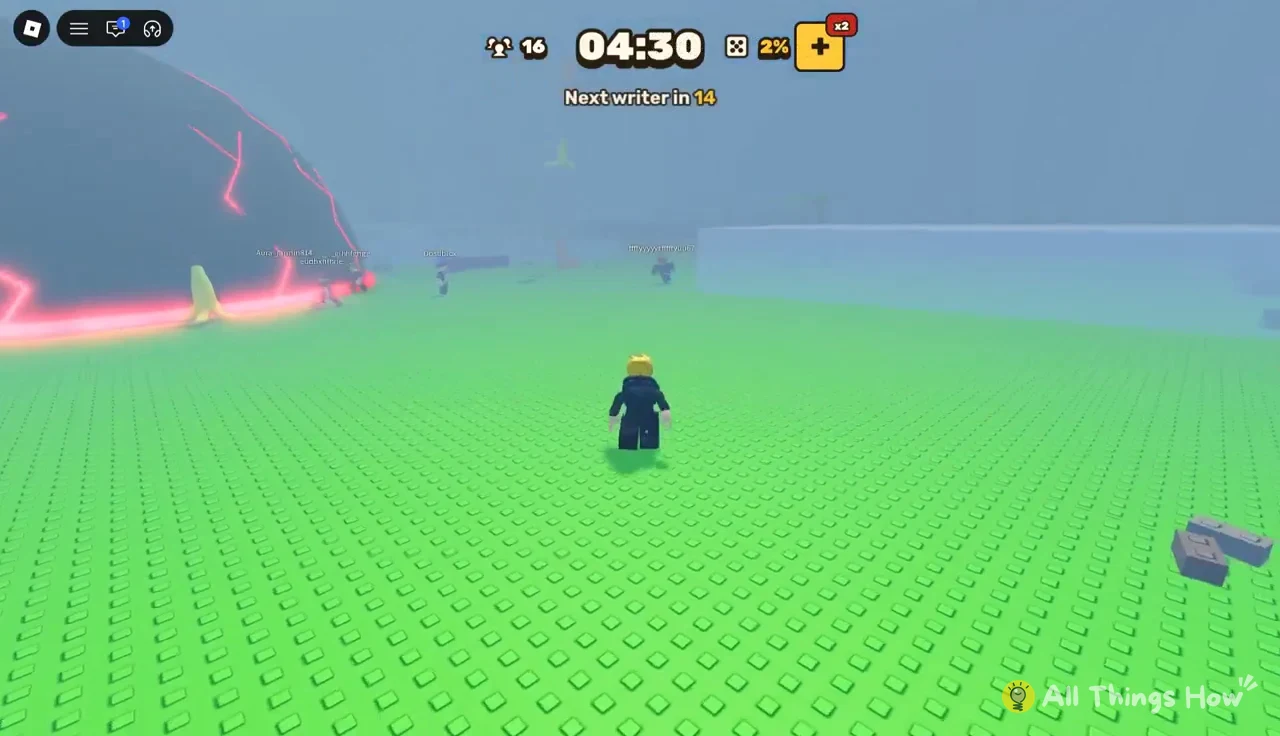
GOKU: Energy beams
GOKU turns the writer into an energy beam cannon. The announcement says the writer “became an energy beam!” and the banner reads “Energy beams! Dodge the writer’s aim or hide behind something big!” Blue beams sweep the field, and you’ll see a “HA!!!” shout bubble as they fire. Find the golden light over the writer, then move so that a structure sits between you and them.
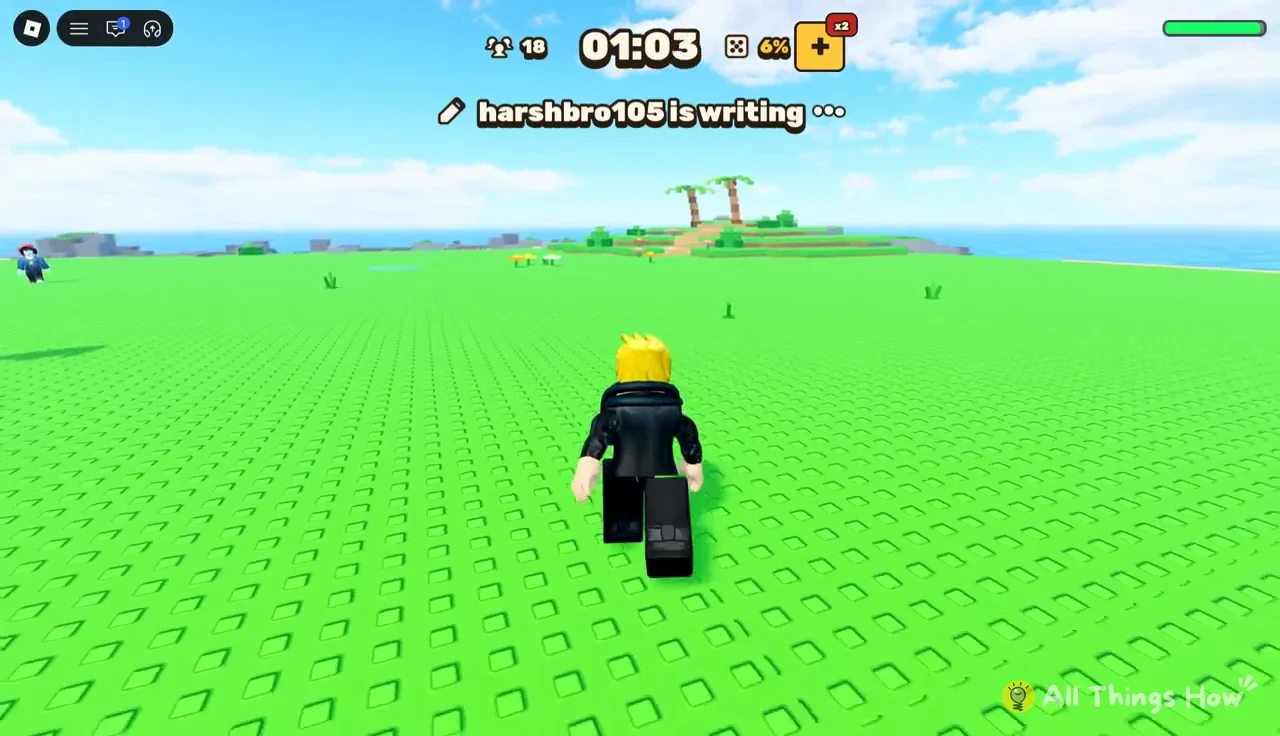
GO and IDLE: Forced movement and the cancel
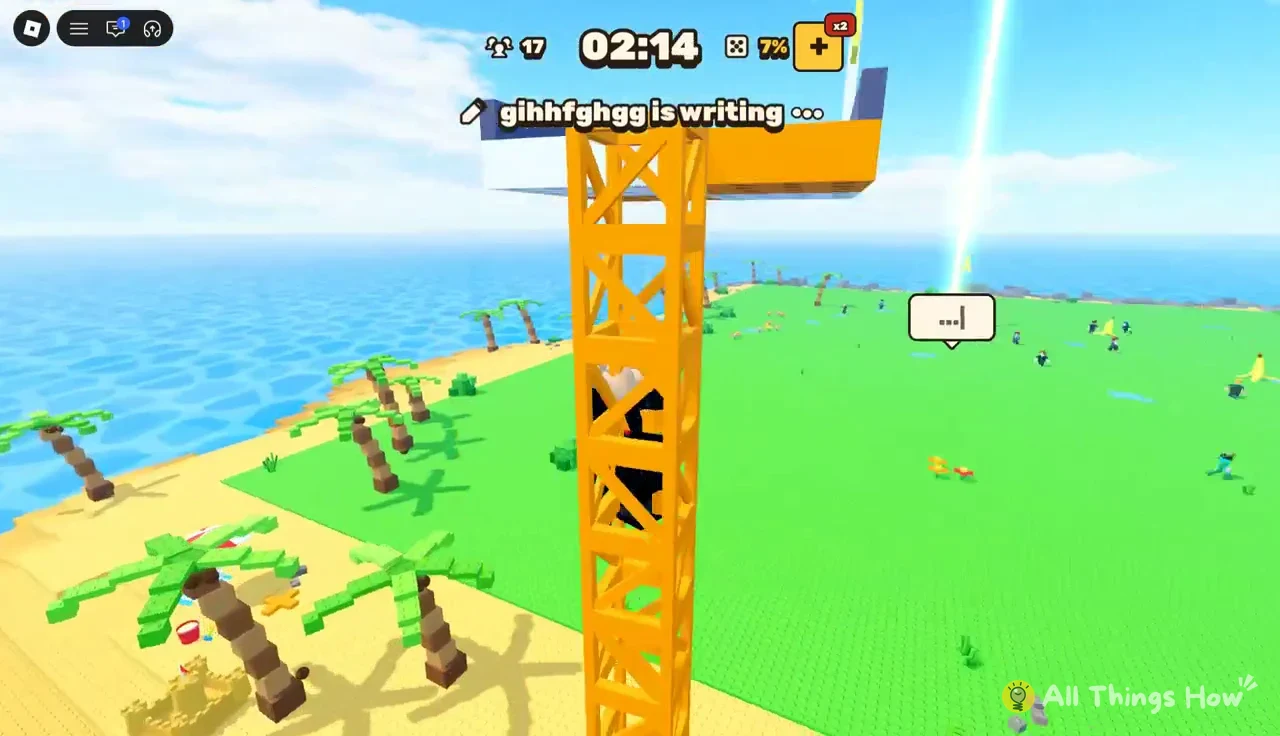
GO puts everyone into constant motion. The banner reads “Everybody WALK! Dodge the edges… or write idle to stop.” Your character can’t stand still, and the island’s edges drop into the ocean, so steer away from the shoreline. Climbing a structure like the orange crane helps, since it keeps you off the flat ground near the edges.
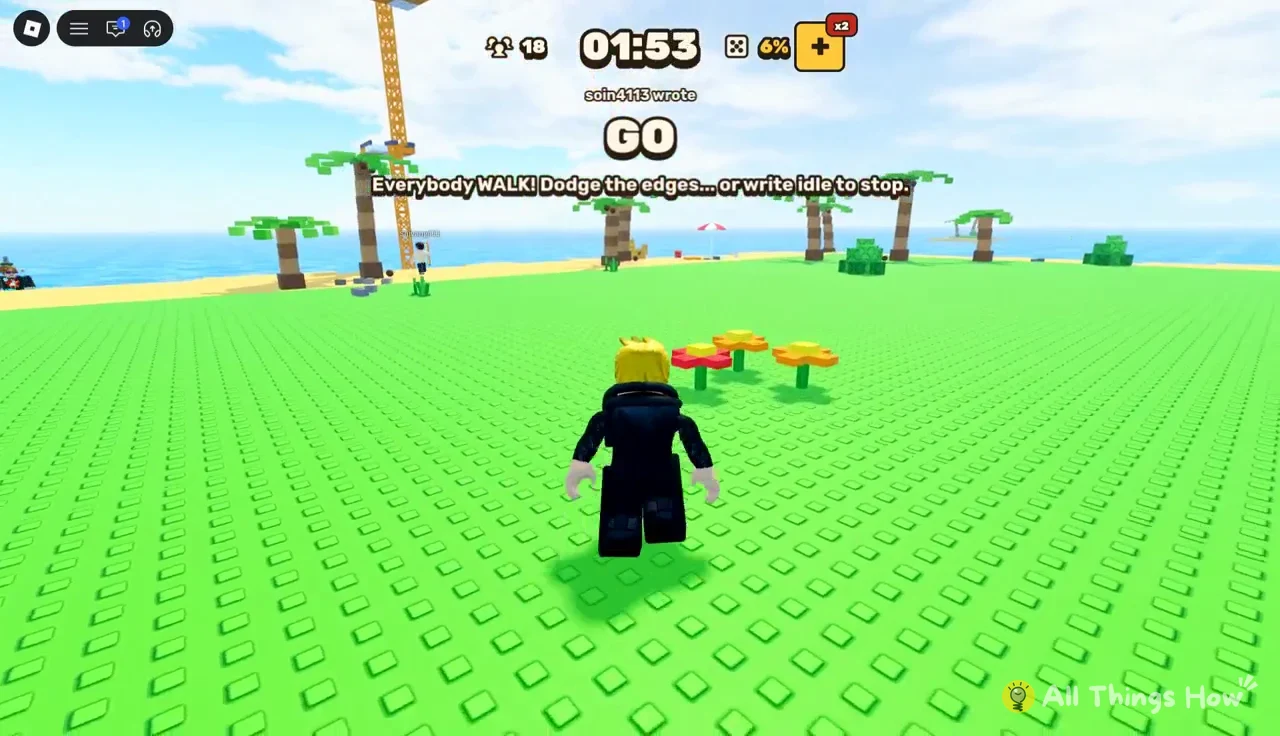
The orange scaffold tower is the most obvious high point on the island. Other players crowd onto it during GO too, so plan your route up early.
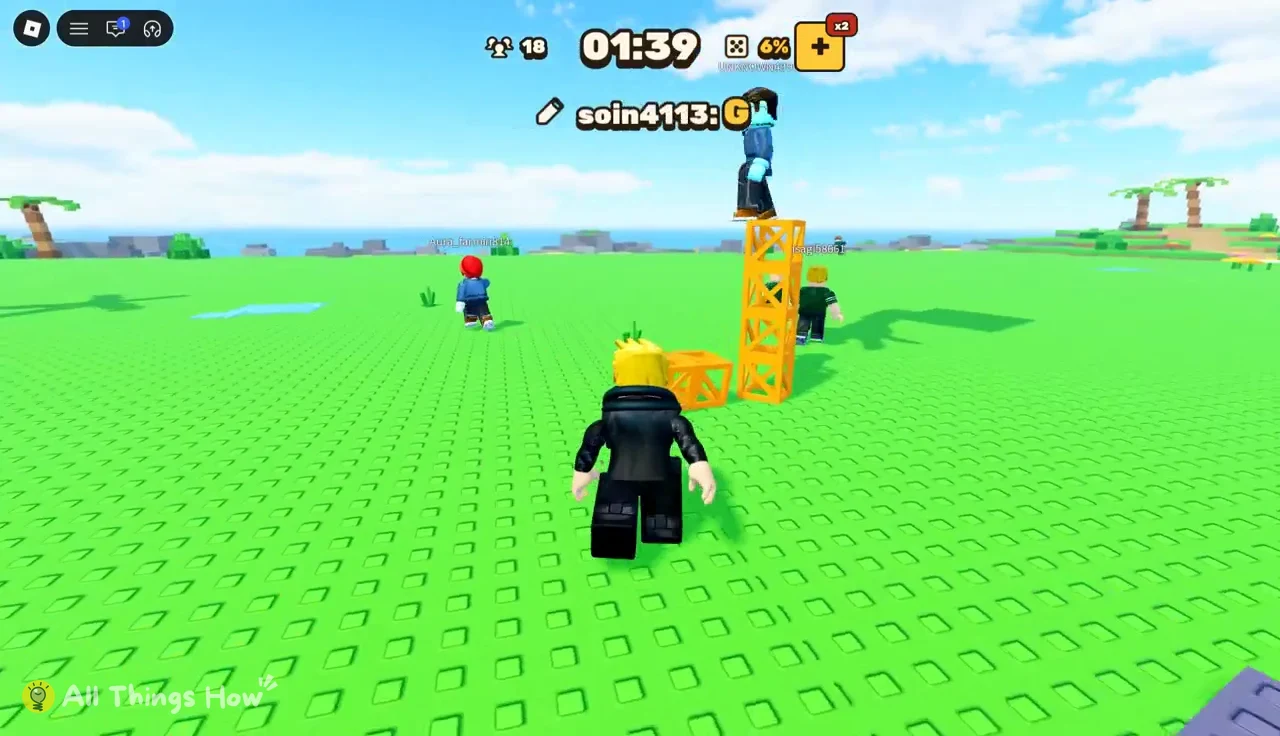
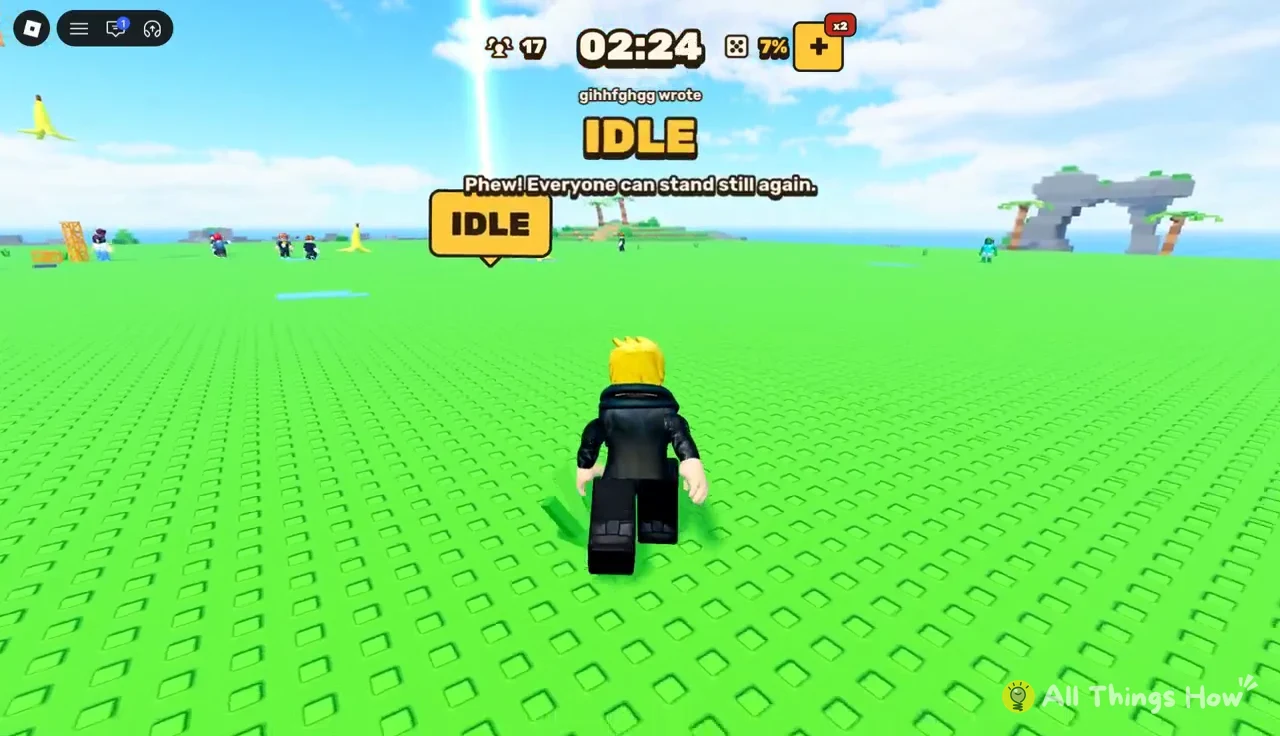
GO only ends when a later writer types IDLE. The banner then reads “Phew! Everyone can stand still again.” If you’re chosen while GO is active, IDLE is a quick, reliable pick that helps everyone, including you.
Once IDLE resolves, your character stops on its own and you can stand still again without penalty.
Y: Look up
Even a single letter counts as a word. Typing Y brings up the warning “Look up!” Point your camera at the sky and keep moving instead of waiting in one place.
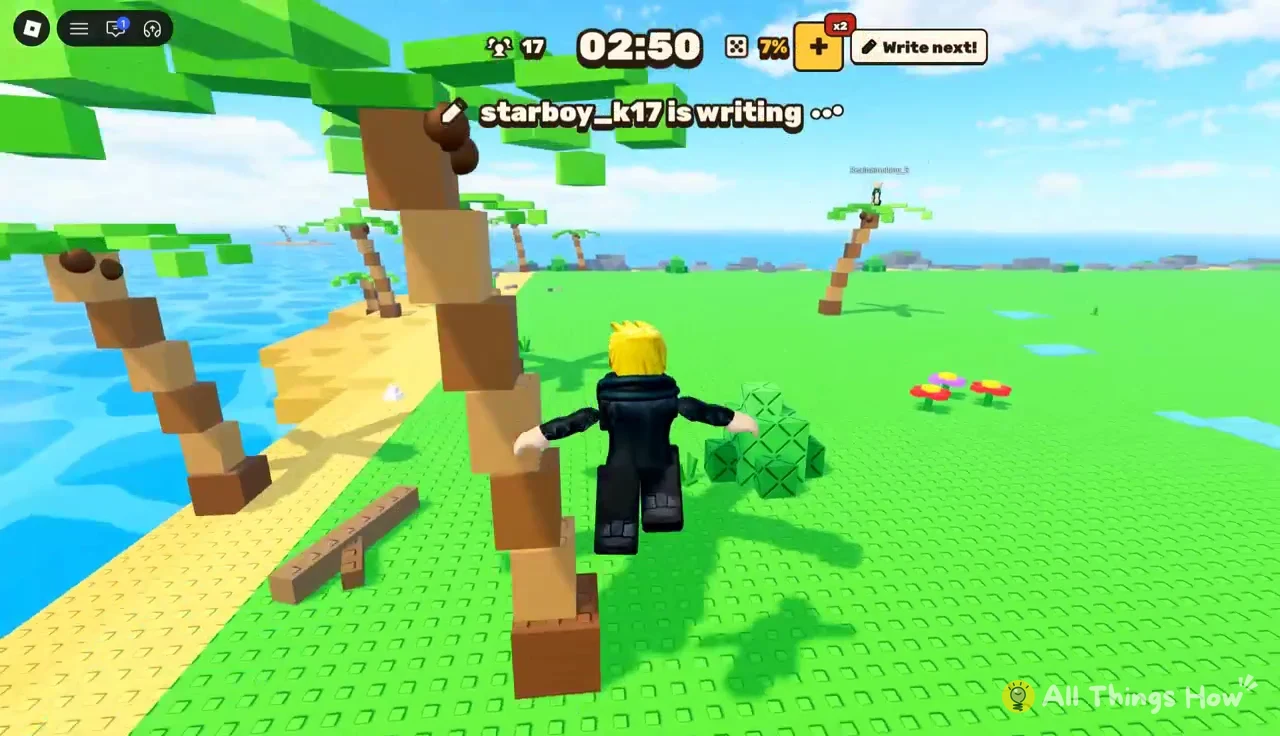
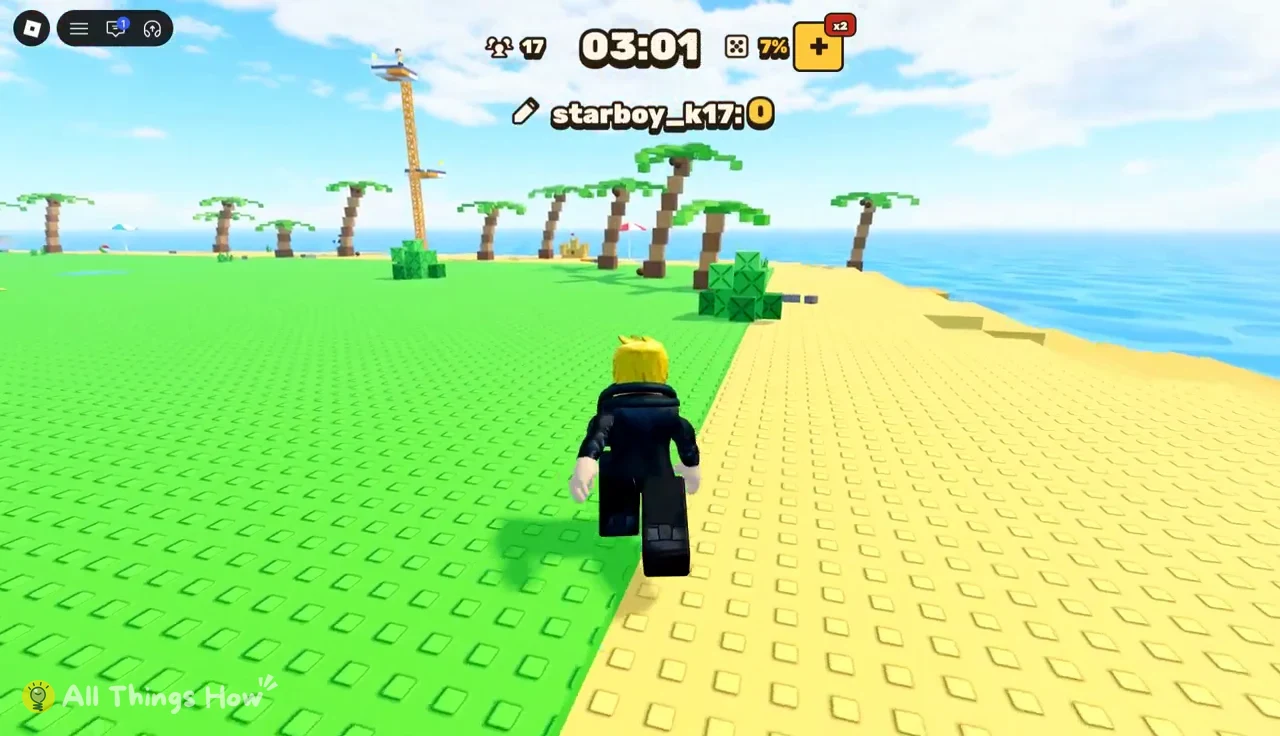
Running along the open sand near the shore keeps your view of the sky clear. Stay far enough inland that a stacked GO effect can’t push you over the edge.
FOG: Low visibility
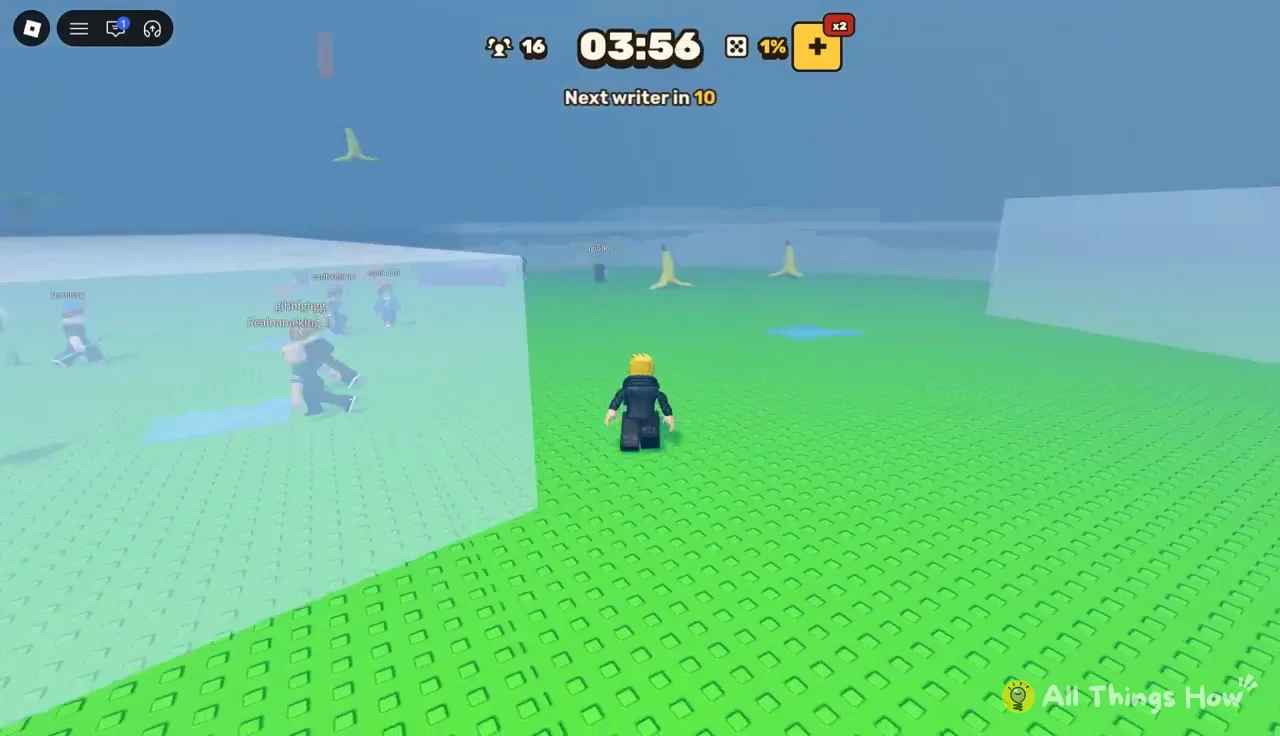
FOG covers the island in thick white mist and adds transparent wall blocks that form a maze-like layout. The banner reads “Thick fog rolled in. Keep your eyes open…” FOG doesn’t hurt you directly. It makes every other hazard harder to see, which is why it pairs badly with words like LUFFY or GOKU later in the match.
LUFFY: Rubber arms
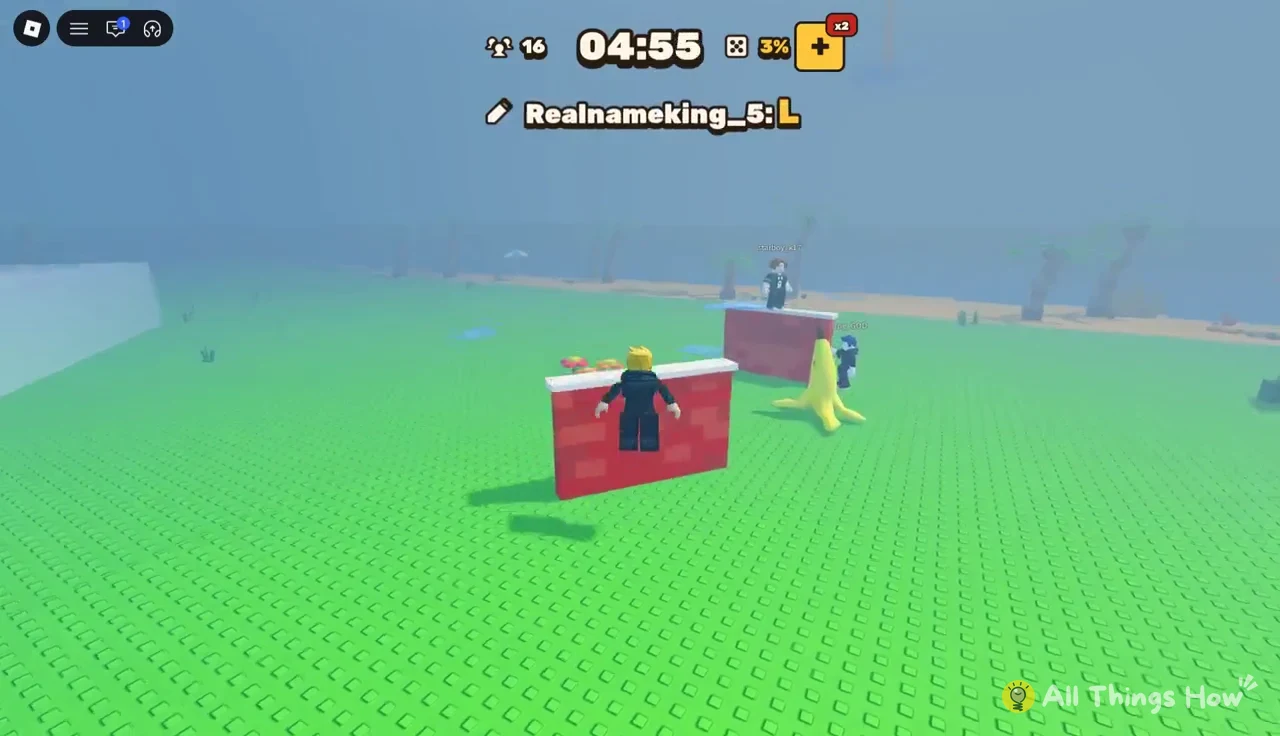
LUFFY gives the writer long-range stretching arms. The banner reads “Rubber arm! The writer can stretch, fly and grab you.” The writer can now come after you directly, so distance alone won’t save you. Get onto raised platforms and put walls between yourself and the golden beam marking the writer.
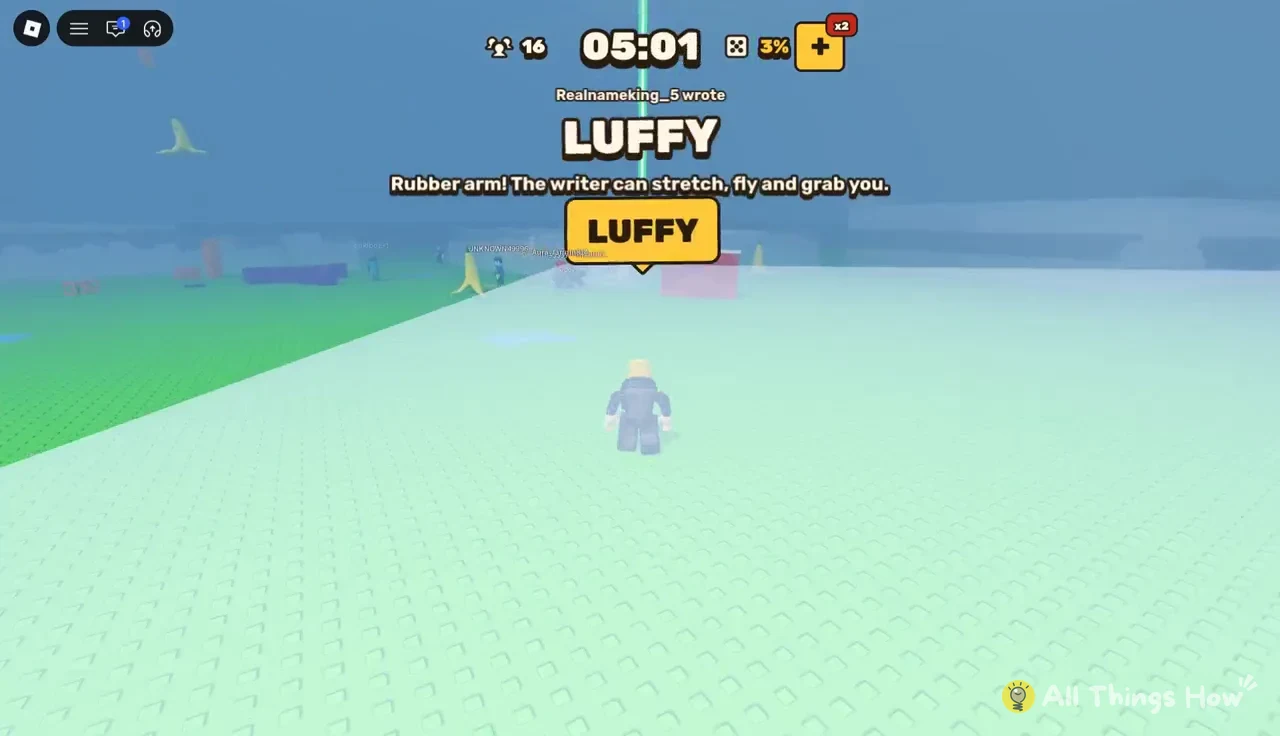
Jumping between platforms makes you a harder target than running across open ground, especially when fog from an earlier word is still hanging over the island.
Staying alive to the end of a match
Every word follows the same pattern. Watch the countdown, find the writer, read the banner, and remember what’s still active. Late in a match, the island may have fog, a slowing field, and a beam-firing writer all at once. The alive counter shrinks quickly at that stage. The players who last are the ones who kept track of the stack instead of reacting only to the newest word.
Between words, the game always gives you a short countdown. Use it to reposition every time, even when nothing seems urgent, so you start the next event near cover and away from the shoreline.