Soul keeps his twin blades in his hands long after a fight ends in Phantom Blade Zero, and no menu option or key tucks them away. One movement input does the job.
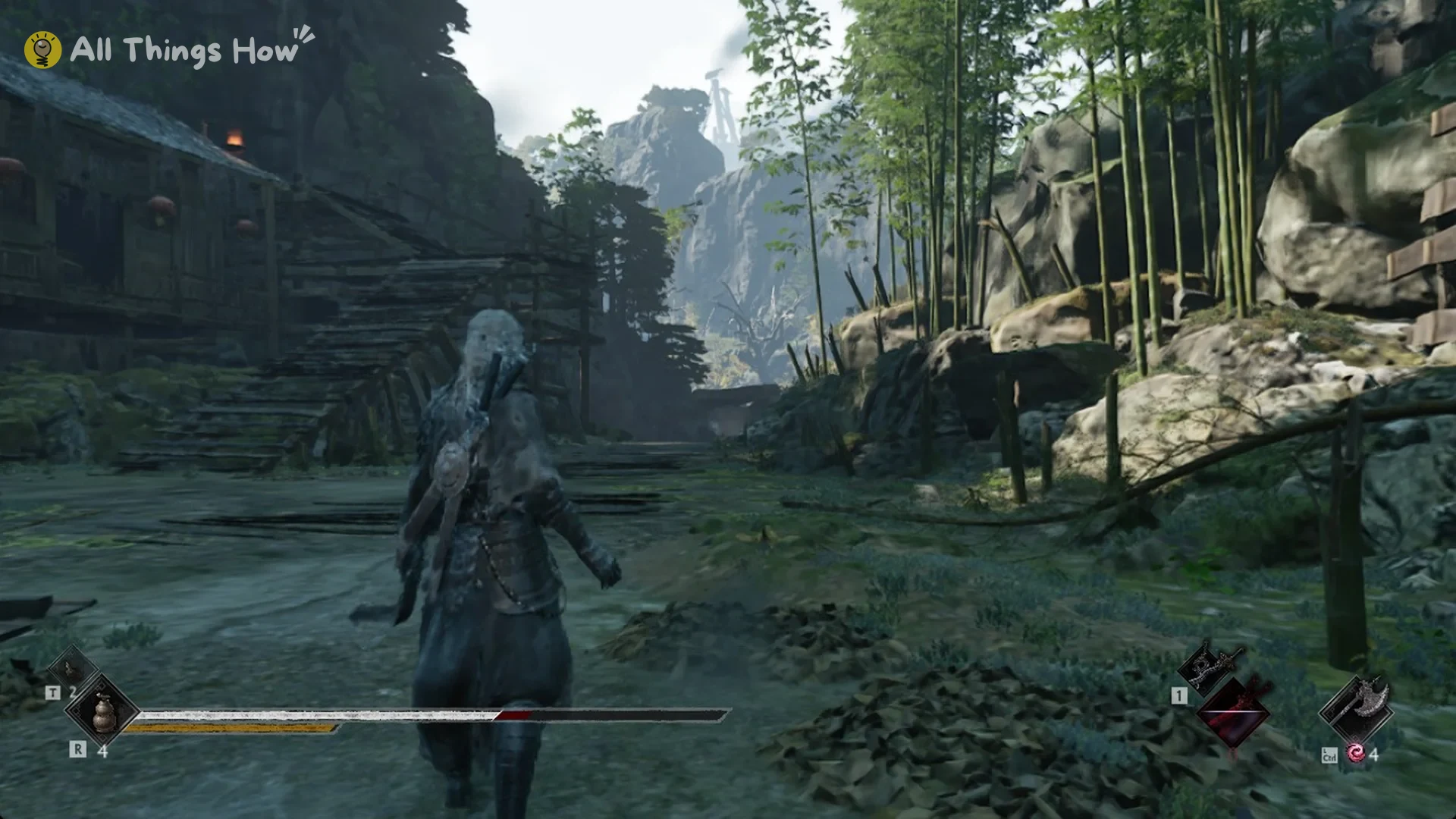
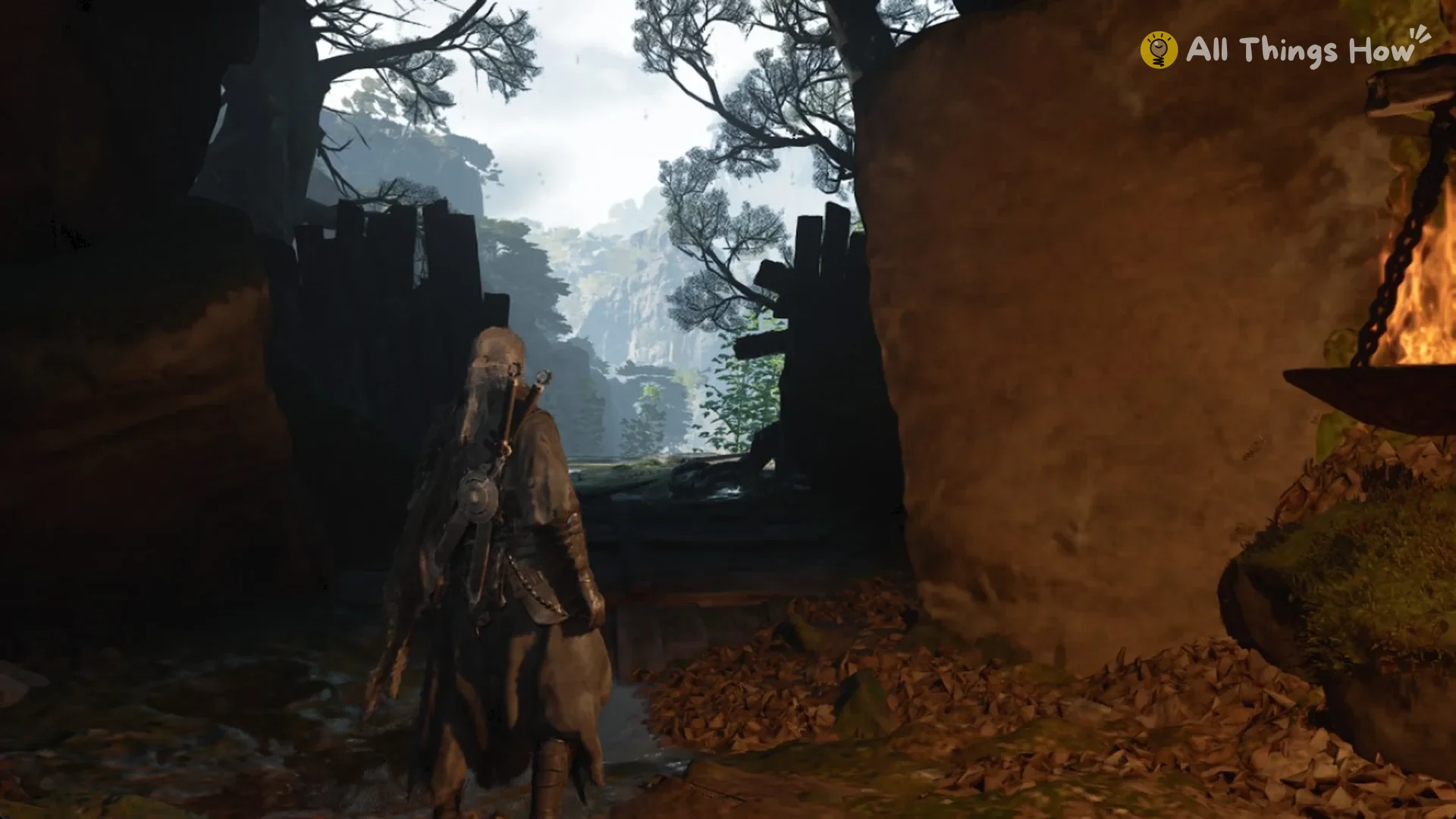
Quick answer: Sprint by holding L Shift. After roughly 2.5 seconds, Soul stows the blades, leaving their hilts visible on his back.
No sheathe key in the controls
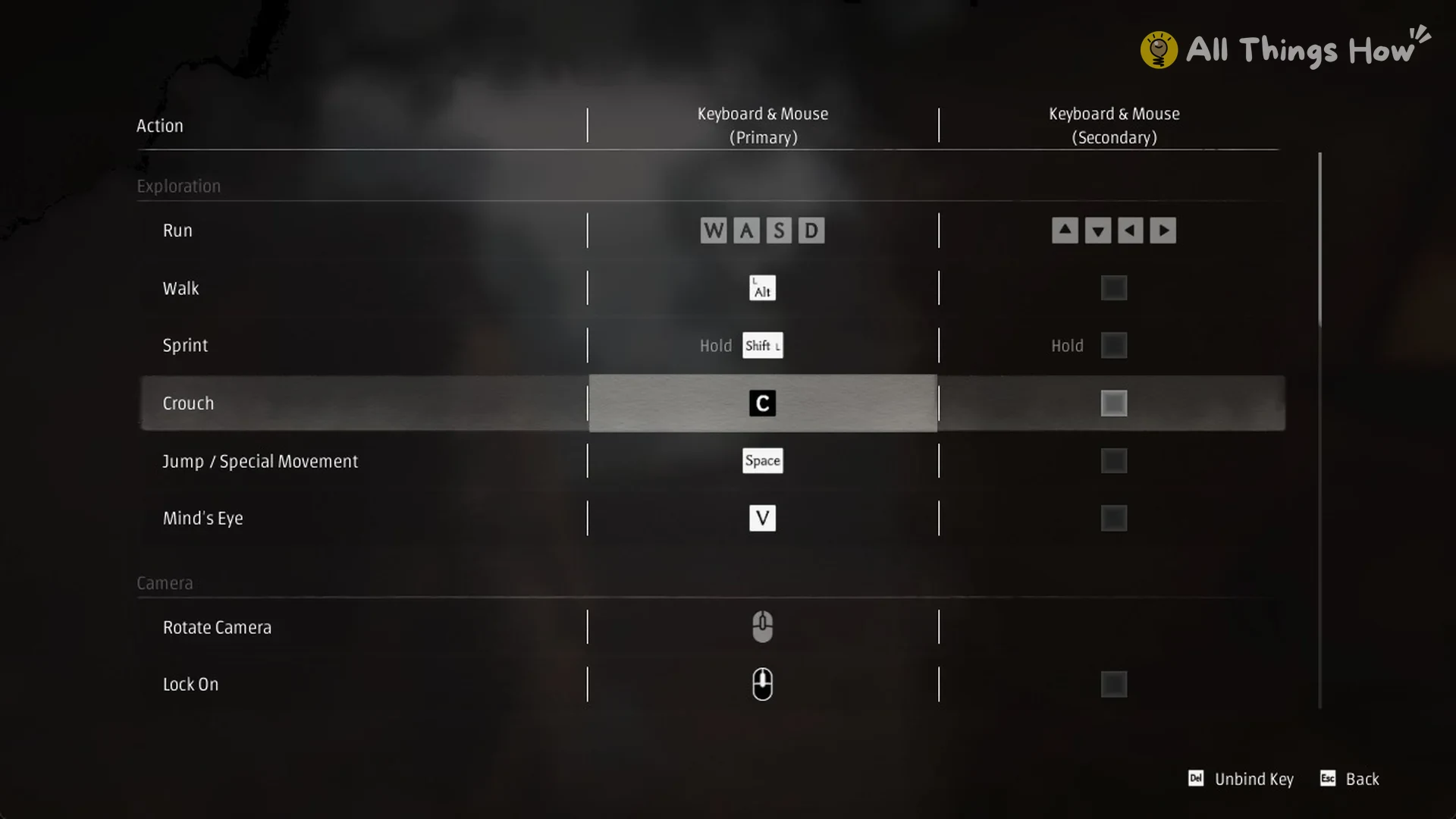
The keyboard and mouse controls list under System, Controls has no sheathe, holster or put-away action. Exploration keys are Run W A S D, Walk L Alt, Sprint hold L Shift, Crouch C, Jump / Special Movement Space, and Mind’s Eye V.
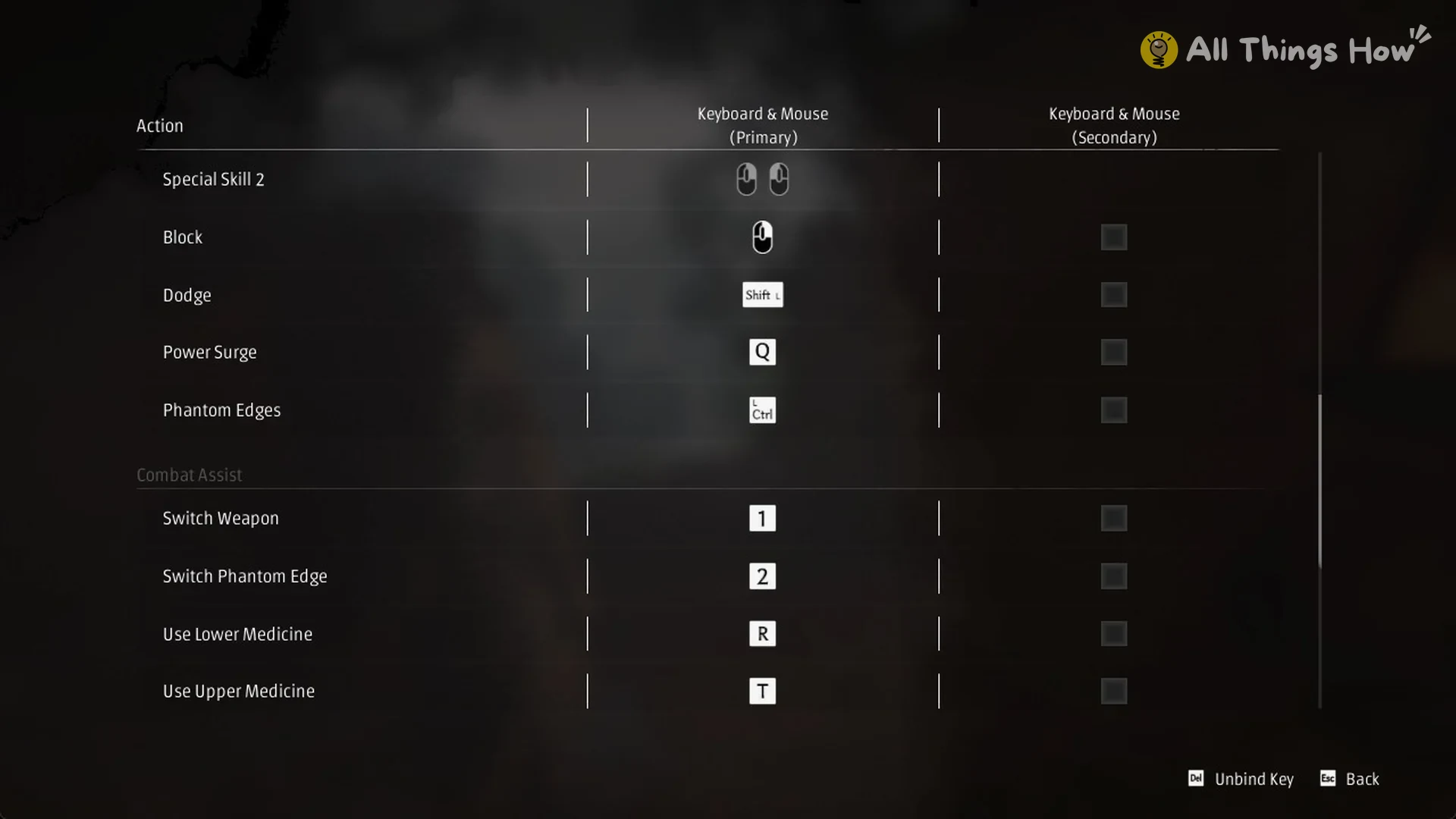
Combat keys are Light Attack LMB, Heavy Attack F, Execute E, Special Skill 1 LMB + F, Special Skill 2 LMB + RMB, Block RMB, Dodge L Shift, Power Surge Q, and Phantom Edges L Ctrl. Combat Assist keys are Switch Weapon 1, Switch Phantom Edge 2, Use Lower Medicine R, and Use Upper Medicine T.
When the blades stay out
A single Light Attack swing is enough to draw the twin blades. If Soul then stands still, they stay in his hands for 40 seconds and more.
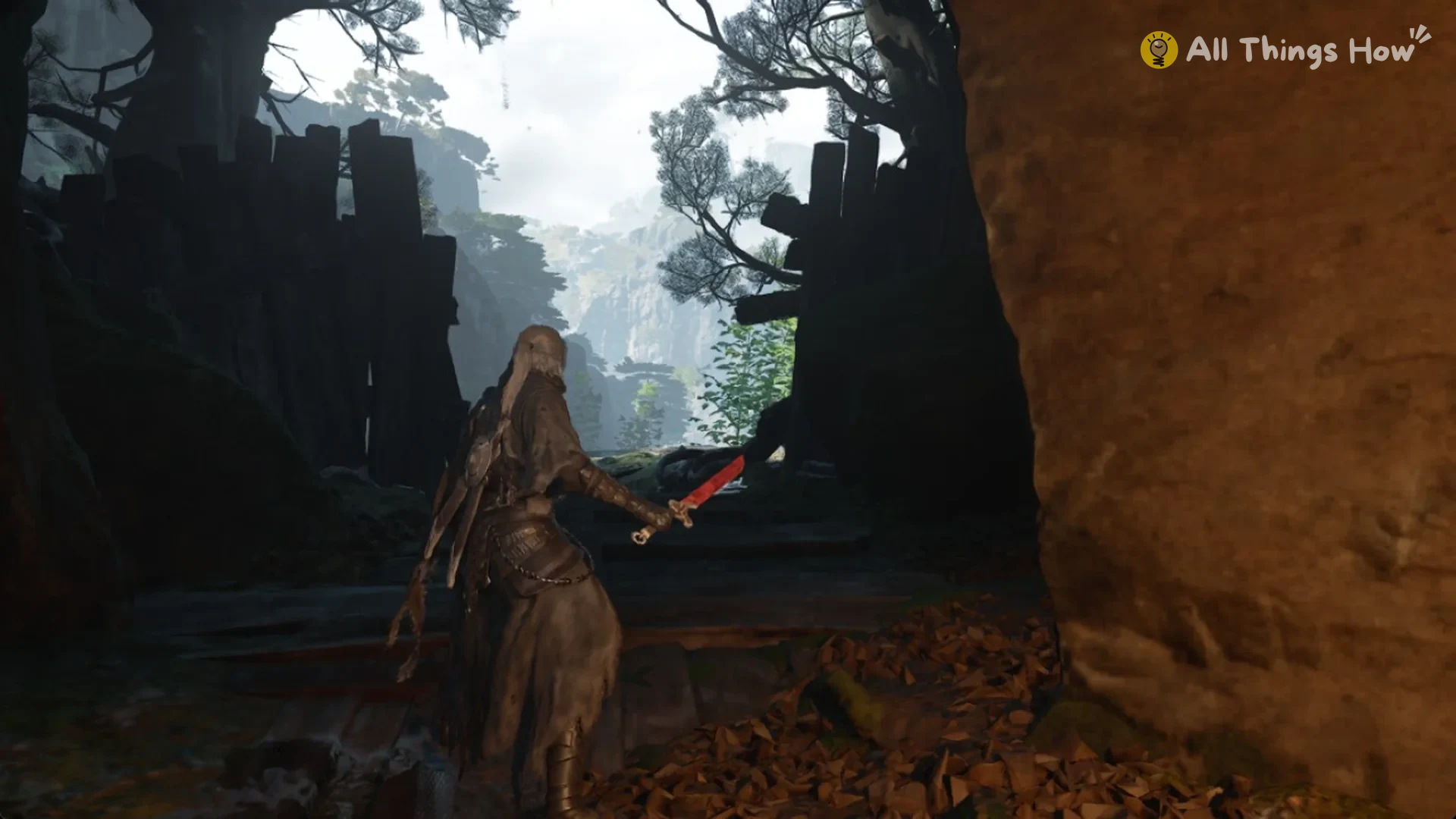
Walking or running at an ordinary pace leaves the blades drawn; neither movement makes Soul stow them.
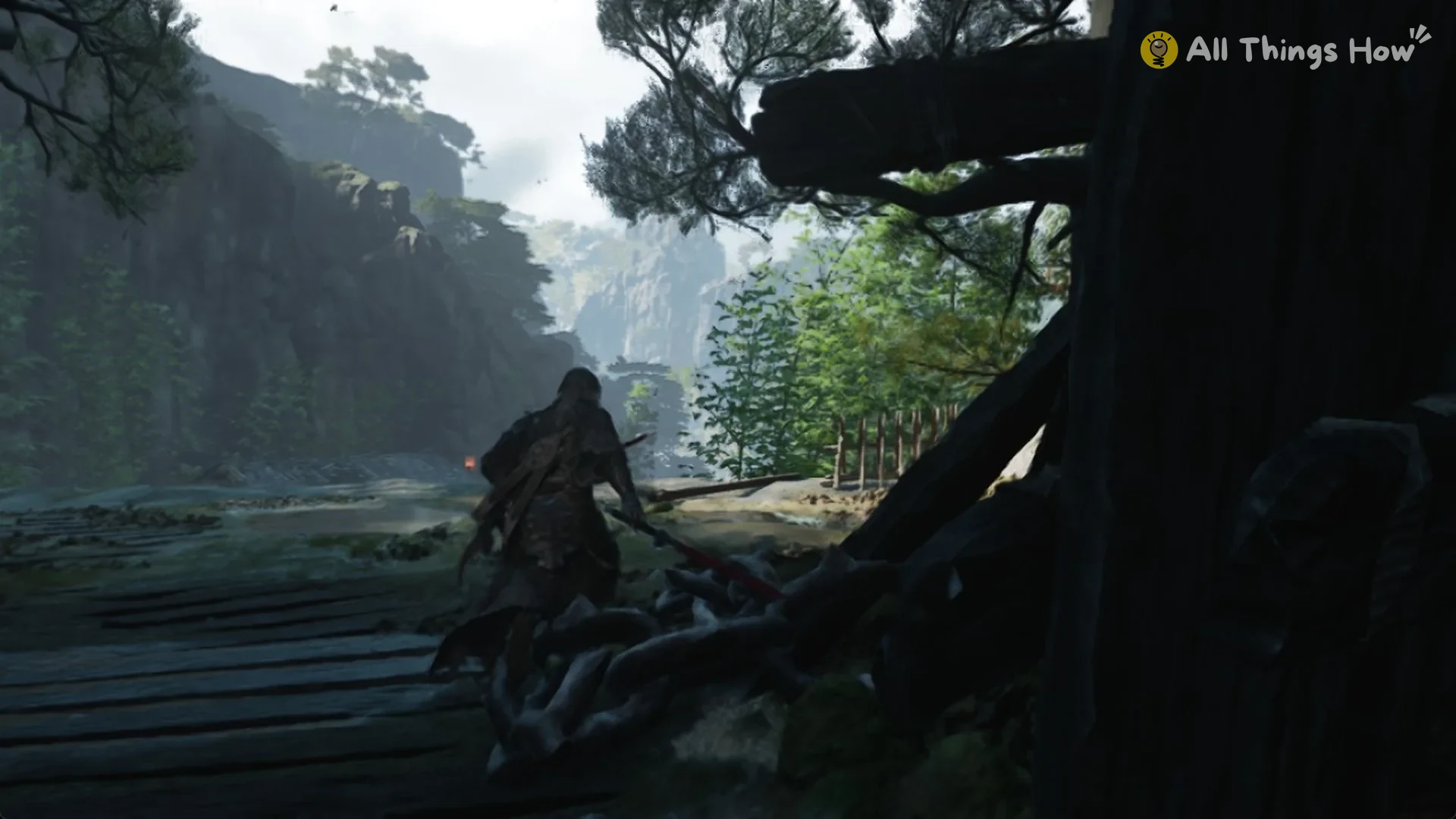
Sprint to put the blades away
After you stow them, the blades remain on Soul’s back as you walk around outside combat.