Clean the Moon is a Roblox cleaning sim where every cent you earn comes from lunar dust, and nearly every upgrade exists to turn that dust into cash faster. The early purchases are cheap and add up quickly. A converter level costs pocket change, a robot that cleans for you costs $50, and a better broom costs $15. The order you buy them in decides how fast the rest of the Moon opens up. You can launch the game from its Roblox page.
Quick answer: Upgrade the Lunar Converter, buy the Robot Vacuum ($50) at the Crew Robot Bay, buy the South-West Conveyor ($60), then buy the Roller Sweeper ($15) in the Tools building.
Clean the Moon upgrade costs and effects
Every upgrade below is bought at a station around your base by walking up to it and pressing E when the “E UPGRADE” or “E BUY” prompt appears. Cash buys most of them. A few also accept Gems, and Jet Boots cost Robux.
| Upgrade | Where | Cost | What it does |
|---|---|---|---|
| Lunar Converter (Level 5 to 6) | Base | $1.50 | 0.25s to 0.2s per dust |
| Robot Vacuum | Crew Robot Bay | $50.00 or 10 Gems | Adds one auto-cleaning robot |
| South-West Conveyor | Field, south-west | $60.00 | Extra sell pad 96 studs out |
| Roller Sweeper | Tools building | $15.00 | 8.33 to 16 dust tiles per second |
| Jet Boots | Tools building | 8 Robux (10 min) or 59 Robux (forever) | x1.8 walk speed, x2 jump |
The converter, robot bay and conveyor are crew upgrades. Anyone in the server can pay for them with their own cash, and the payouts they generate go to the whole crew. Tools such as the Roller Sweeper belong to you alone.
How cash is earned before the first upgrade
You start with the Push Broom in hotbar slot 1 and a bucket on your back that acts as your dust tank. Equip the broom, walk onto grey dust and sweep it. Glowing cyan arrows on the ground point toward areas worth cleaning, so following them keeps you on dust instead of wandering across clean ground.
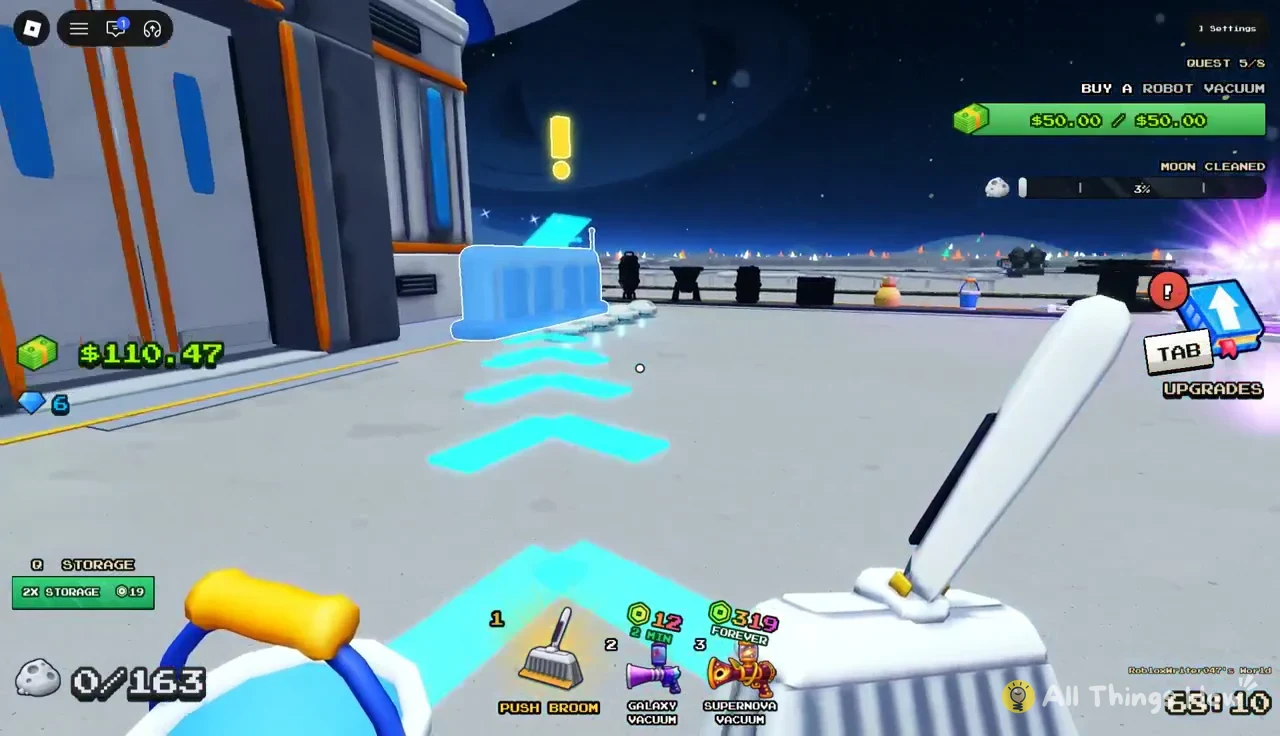
Each stroke clears dust tiles and adds them to your tank. Every tile you clean also nudges the Moon-wide progress meter for the “CLEAN THE WHOLE MOON” quest, which sits in the corner of the screen as a percentage.
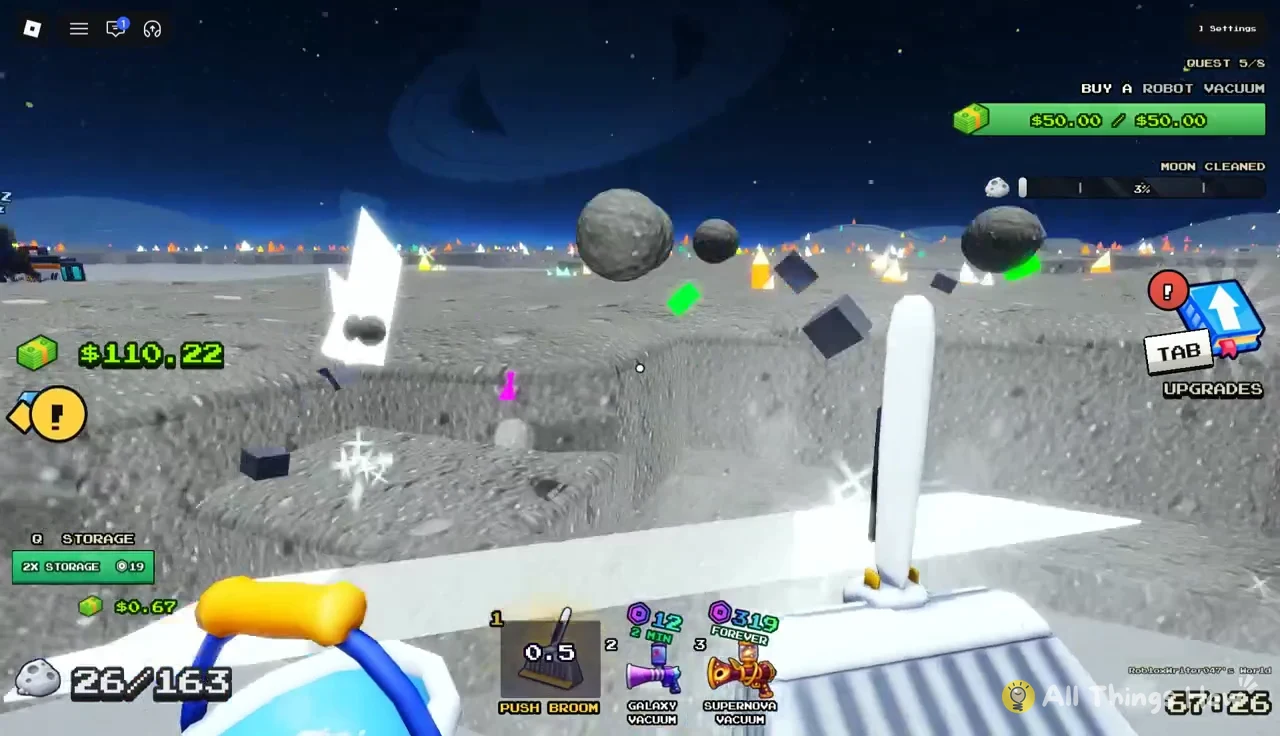
The starting tank holds a small load. In practice it fills at 163 dust, at which point “TANK FULL – SELL!” appears and the broom stops collecting. A prompt with an “Instant Sell” button also pops up, but the standard route is to walk back to the sell pad at the Lunar Converter and step on it.
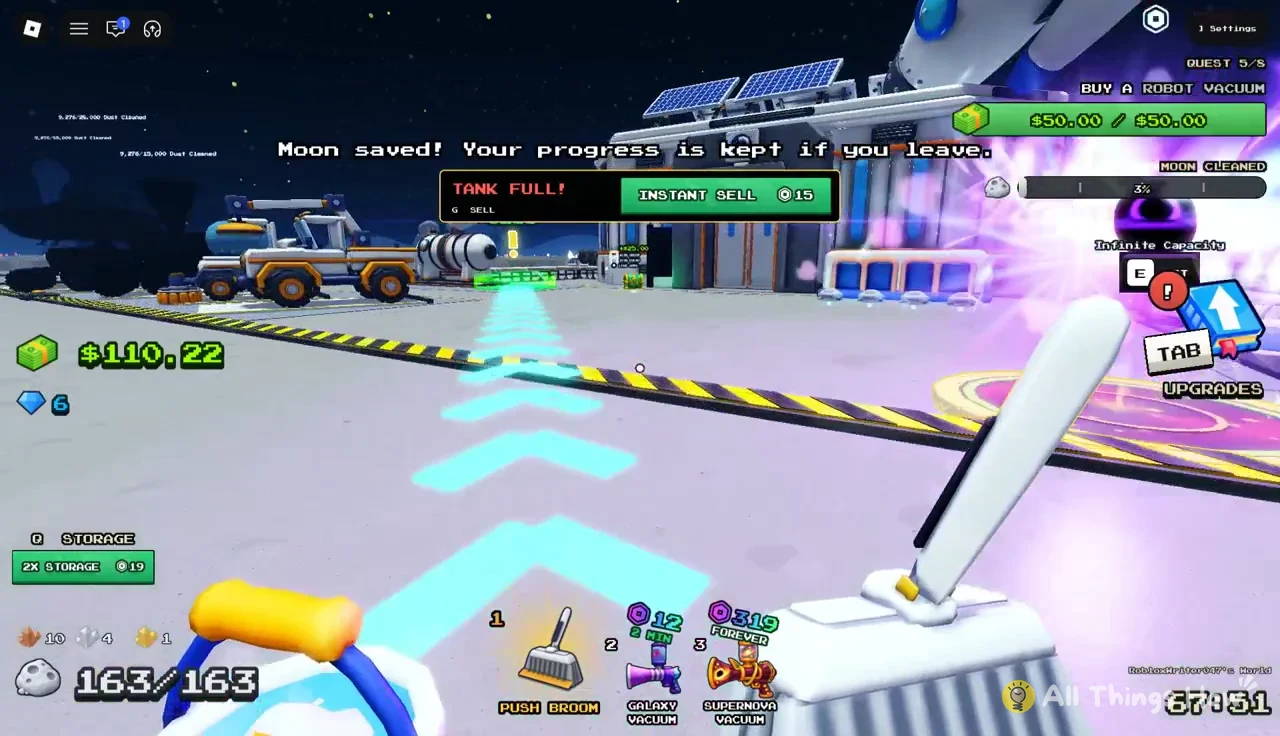
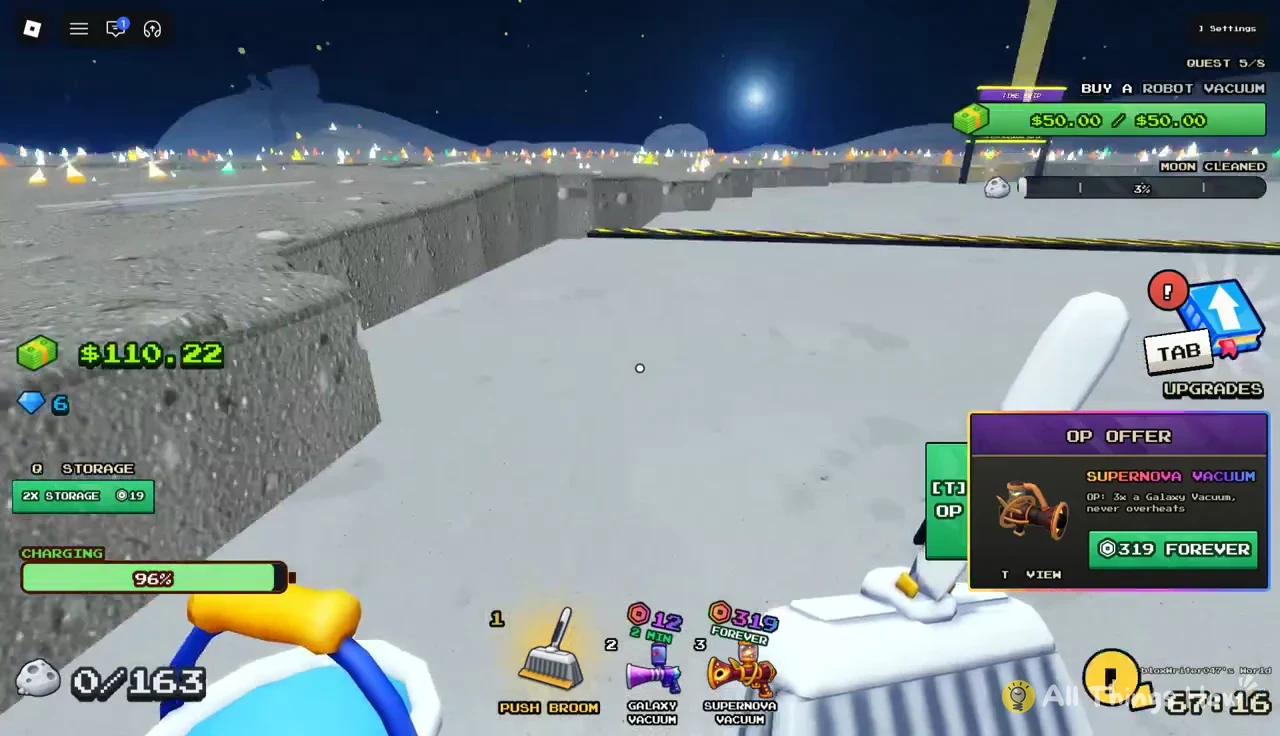
Your hotbar also holds the Galaxy Vacuum and Supernova Vacuum in slots 2 and 3. These are premium tools, and the game advertises them through an “OP OFFER” panel while you clean. The Supernova Vacuum’s panel lists a 319 “FOREVER” option. None of the cash upgrades below require them.
Lunar Converter upgrade: faster payouts for the whole crew
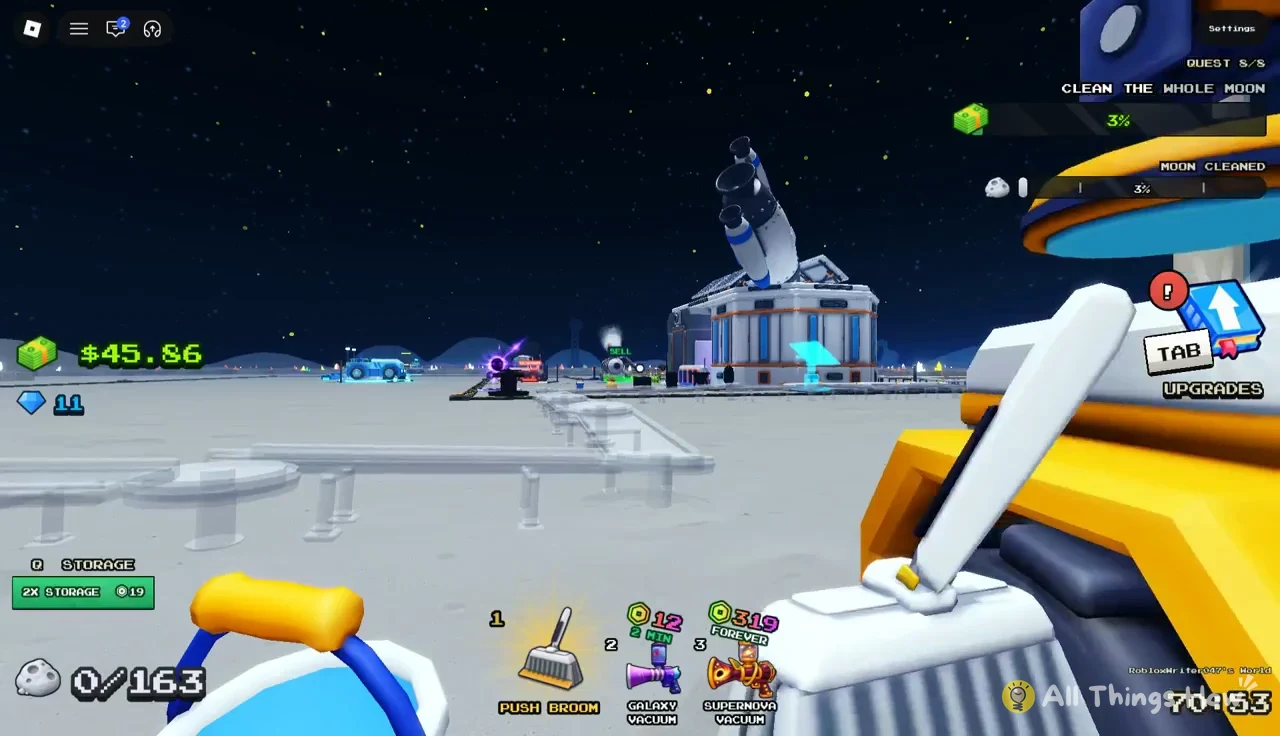
The Lunar Converter is the machine at the center of your base. Dust you sell goes in raw, gets packed into capsules one load at a time, and rides a conveyor out to be sold. The crew gets paid when those capsules leave. A faster converter therefore means cash arrives sooner after you sell. It does not raise what each load is worth.
The panel also offers a “FINISH NOW” button for 5 Gems, which completes the upgrade immediately. The panel’s “WORKS FOR: THE WHOLE CREW” line confirms that every player in the server benefits, not just the one who paid.
Crew Robot Bay: buying the Robot Vacuum
The Crew Robot Bay lets you add automated cleaners. Buying an upgrade increases the crew by one robot. It heads out on its own, vacuums the closest dust, then goes back to the dock to sell it. The entire crew gets paid for each load, letting you earn money while sweeping elsewhere.
| Robot Vacuum stat | Value |
|---|---|
| Crew robots | 0 to 1 |
| Bin capacity | 120 dust |
| Vacuum speed | 8 layers a second |
| Drive speed | 20 studs a second |
| Price | $50.00 or 10 Gems |
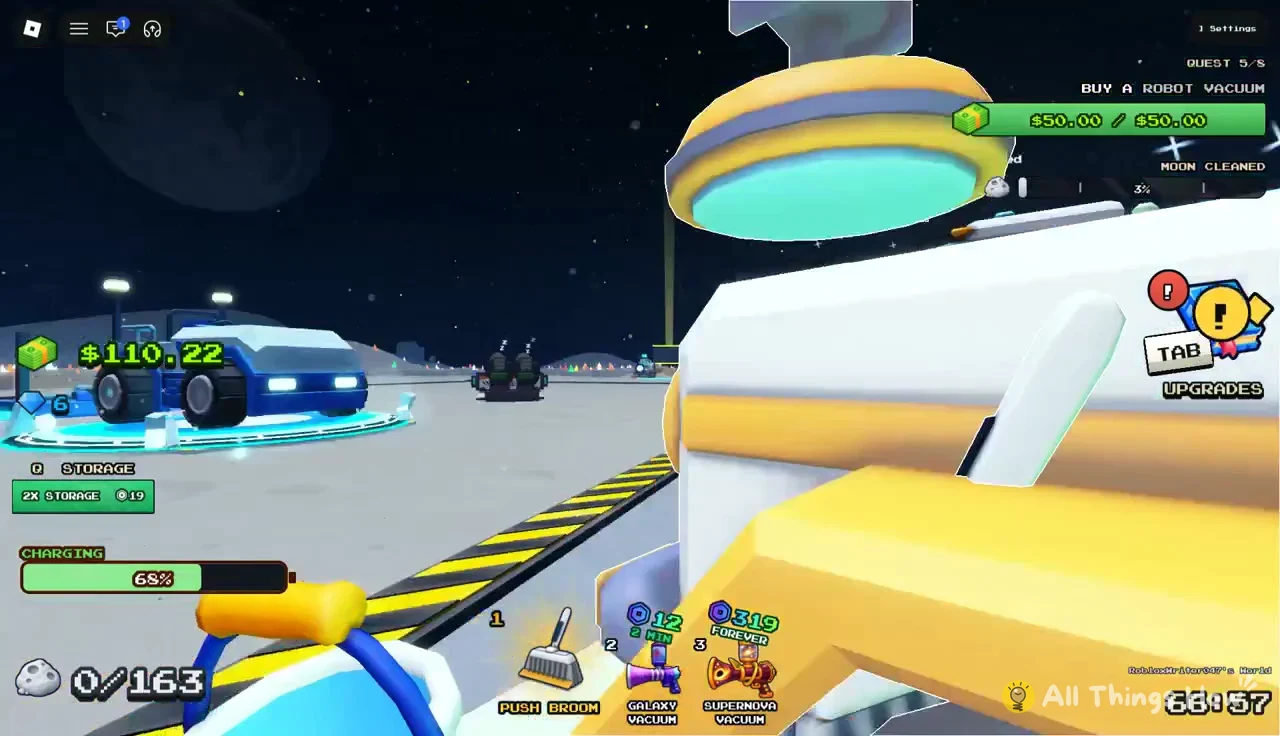
Walk up to the Crew Robot Bay, press E to open the “CREW ROBOT BAY” panel and buy the “NEXT ROBOT: ROBOT VACUUM” for $50.00. The purchase also completes the “BUY A ROBOT VACUUM” quest, which shows “QUEST COMPLETE! +2 Gems” when it clears. If the quest tracker reads $50.00 / $50.00, you have enough cash to buy it.
South-West Conveyor: a sell pad closer to the dust
Walking back to base to sell gets slower the farther you clean. The South-West Conveyor fixes that. It places a sell pad out in the field, and dust you drop there rides the belt back to the Lunar Converter on its own and pays the whole crew when it arrives.
- Price: $60.00
- Farthest sell pad: 96 studs from base
- Ride to the converter: 32 seconds
- Quest reward: +3 Gems for “BUY A CONVEYOR”
Buy it at the “E BUY” prompt for the “SOUTH-WEST CONVEYOR.” The 32-second ride means the cash shows up a little later than selling at the base pad, but you skip the trip home and get straight back to cleaning. Once it is built, the conveyor’s green sell zone works for both on-foot tanks and vehicle loads.
Junk Hauler: 500 dust per trip, limited by battery
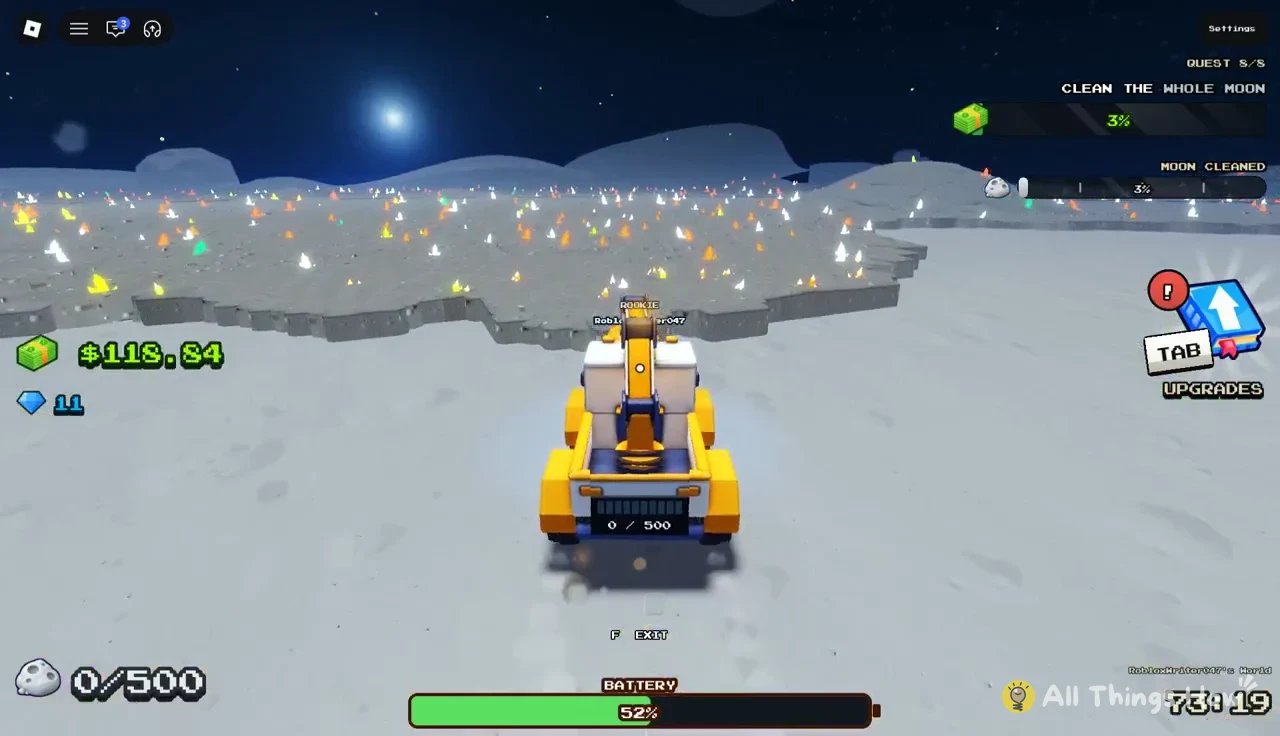
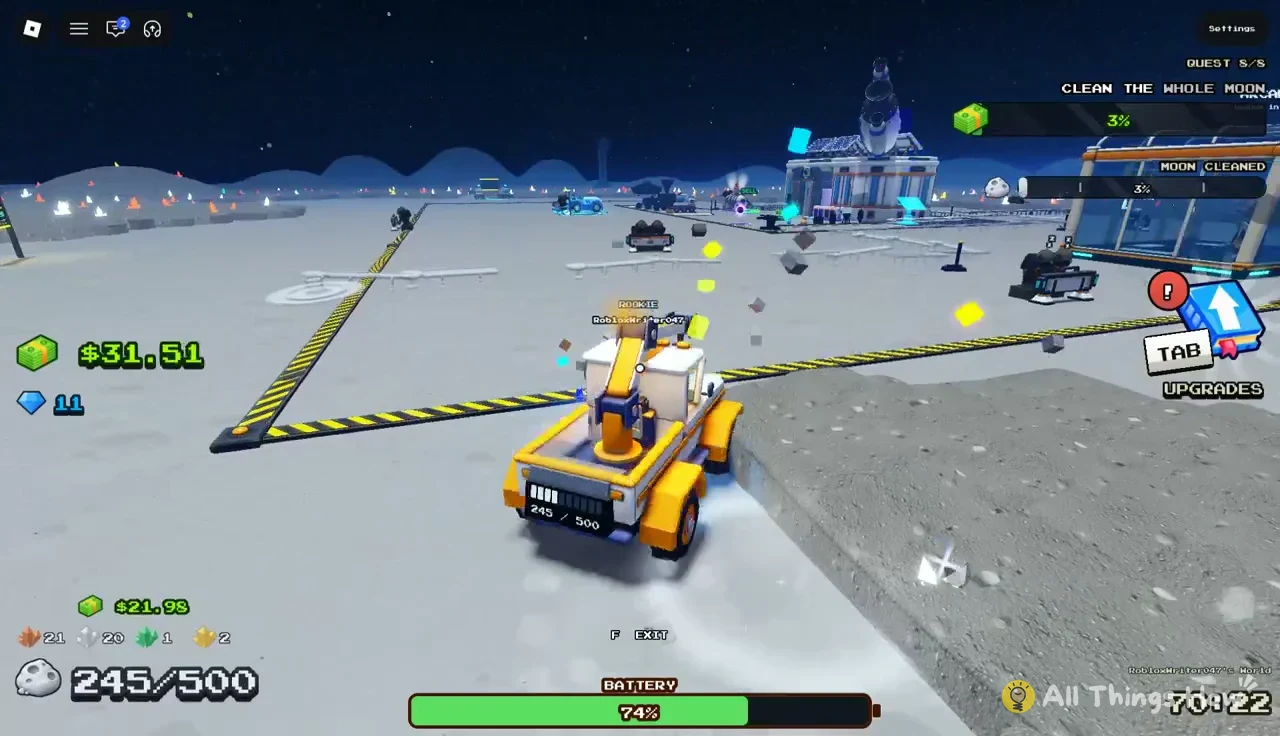
The Junk Hauler is a yellow cleaning vehicle that sweeps dust as you drive over it. It holds 500 dust per load, roughly three times the starting bucket, and covers ground far faster than walking. It runs on a battery that drains as you drive and only recharges while the hauler is parked on its charging pad at base. A blue vehicle called the Moonboni is also parked near the base.
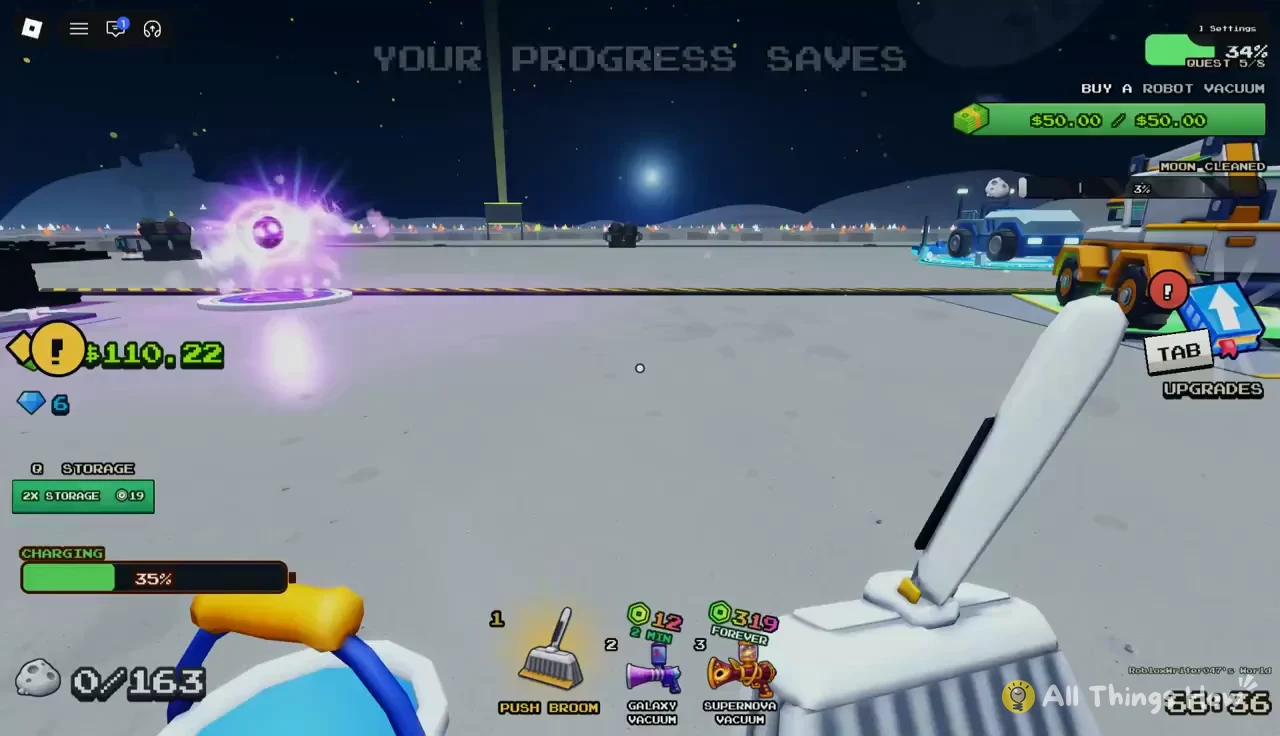
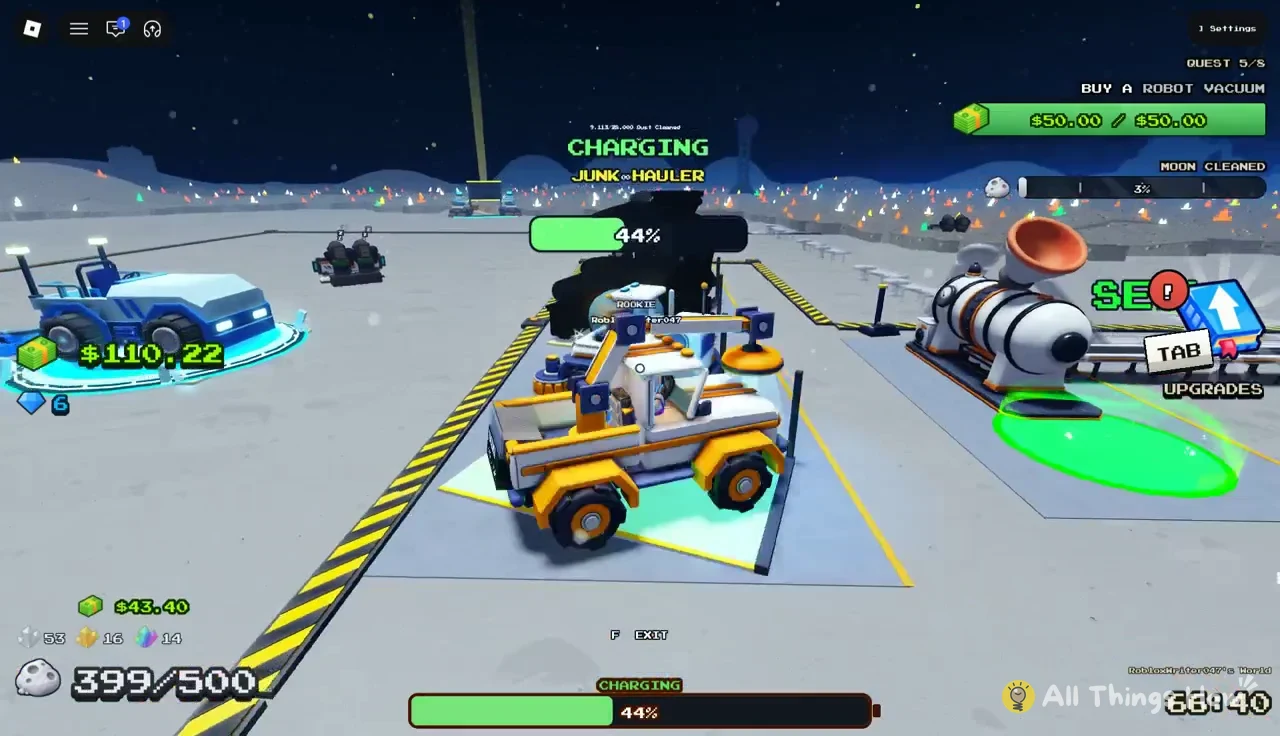
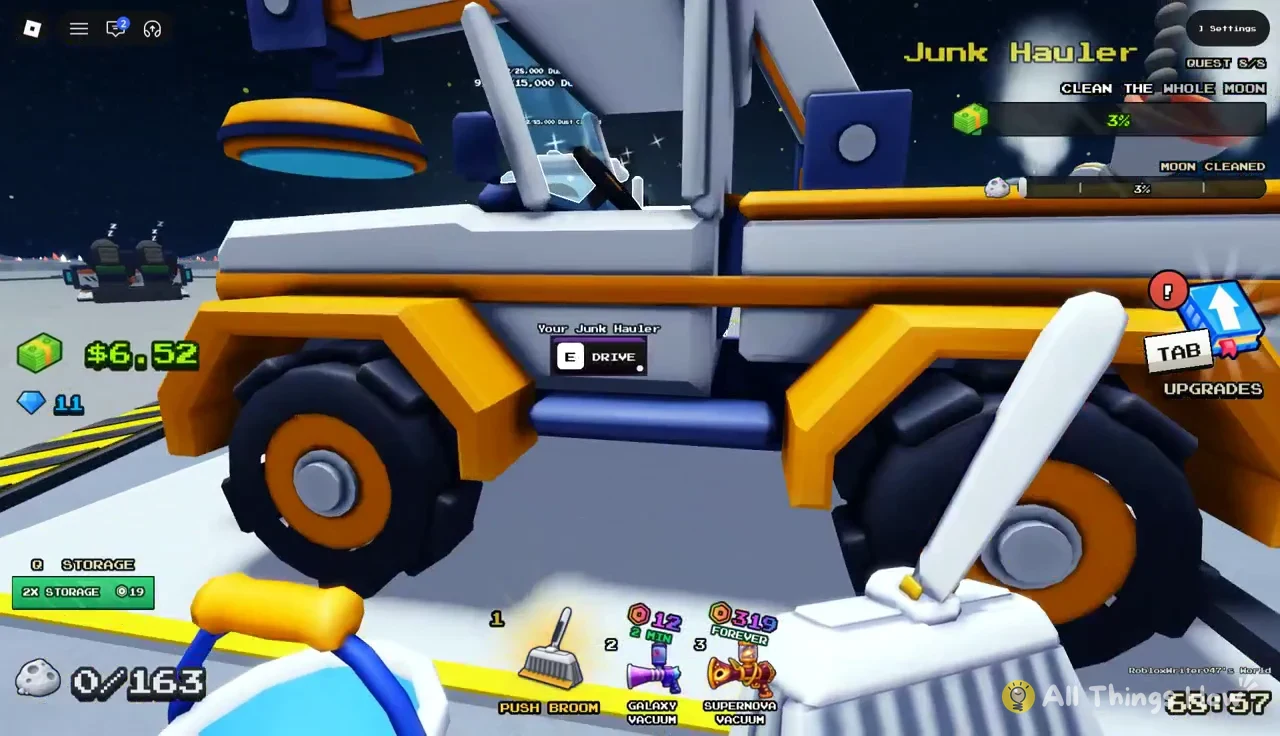
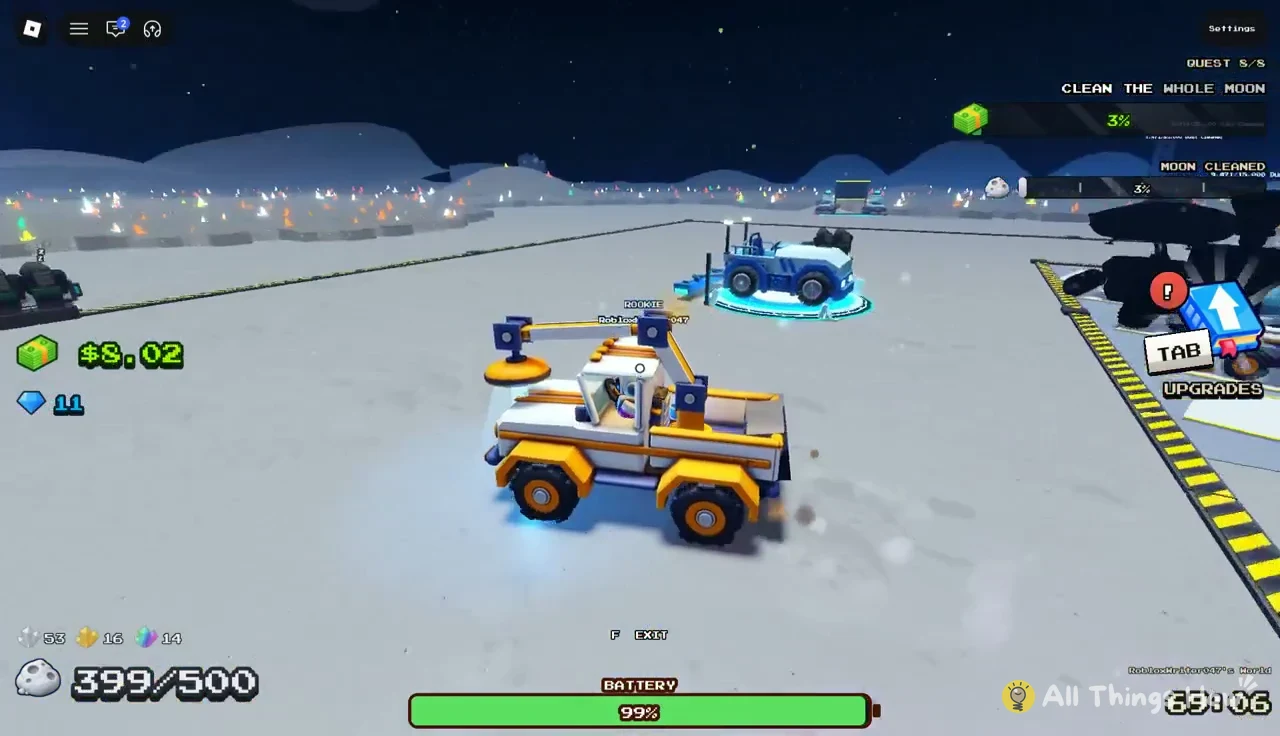
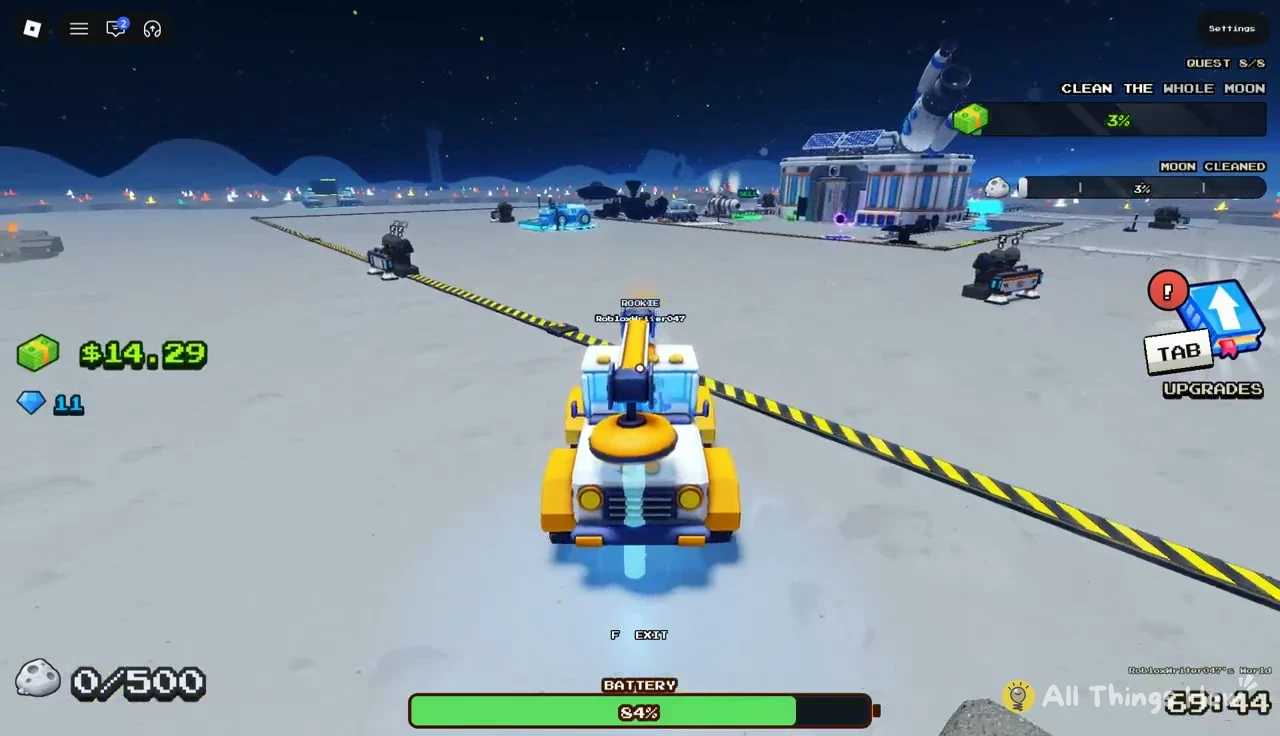
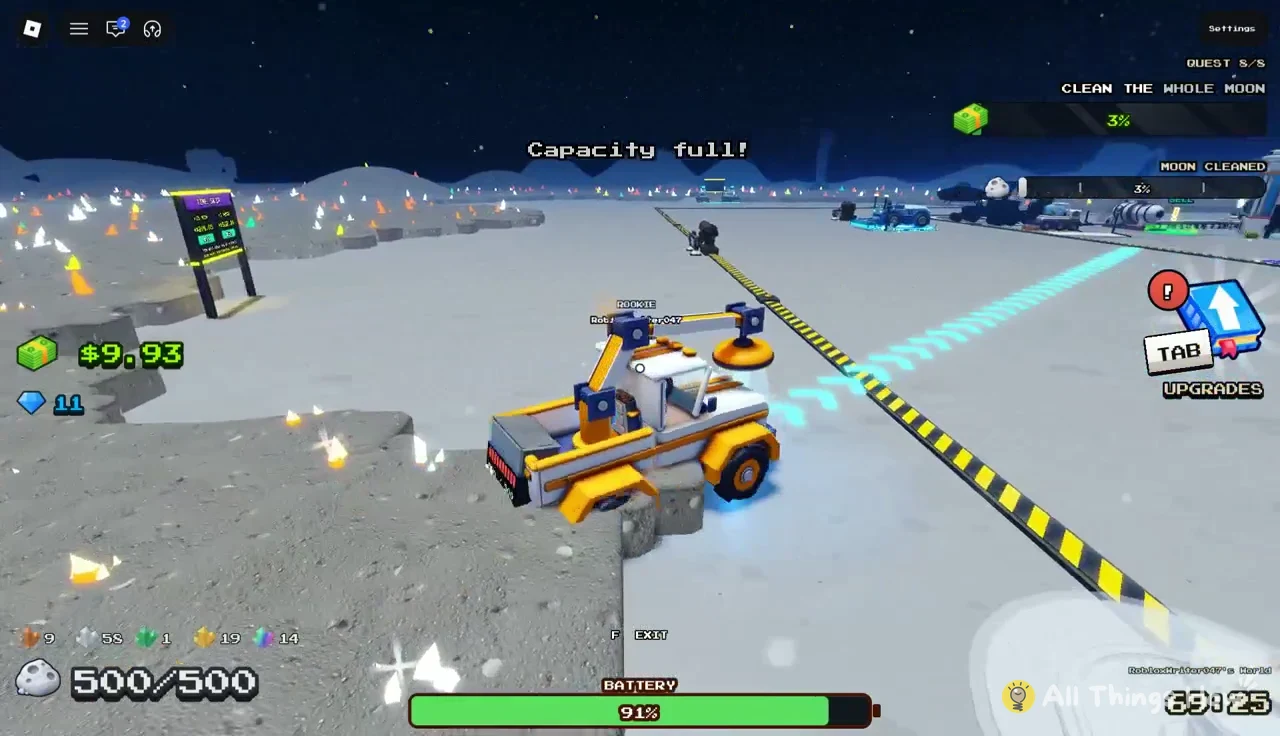
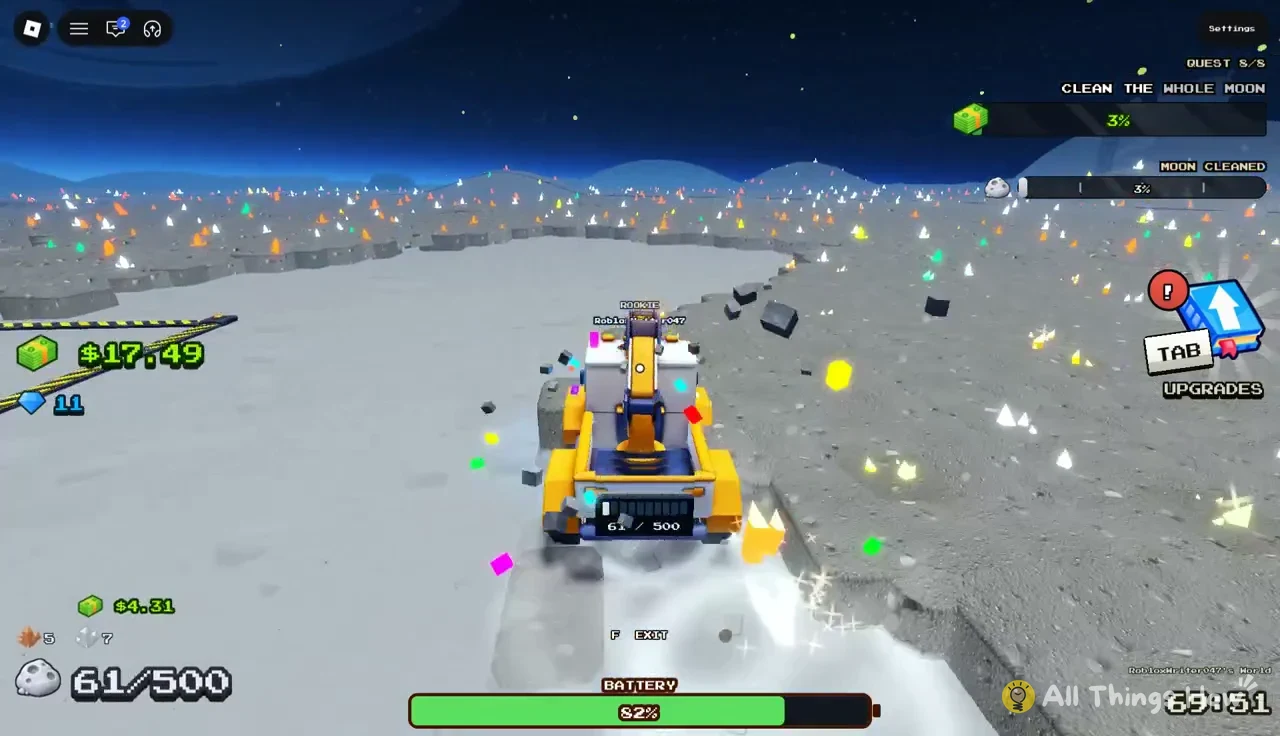
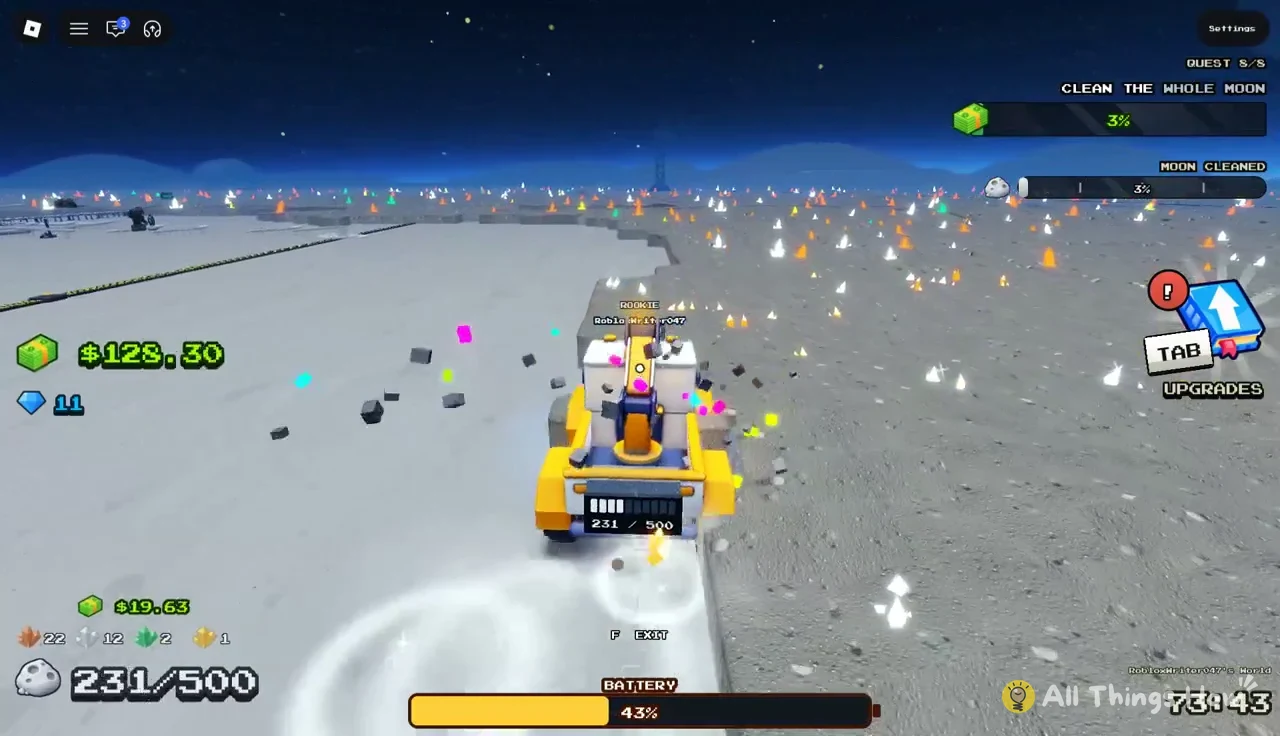
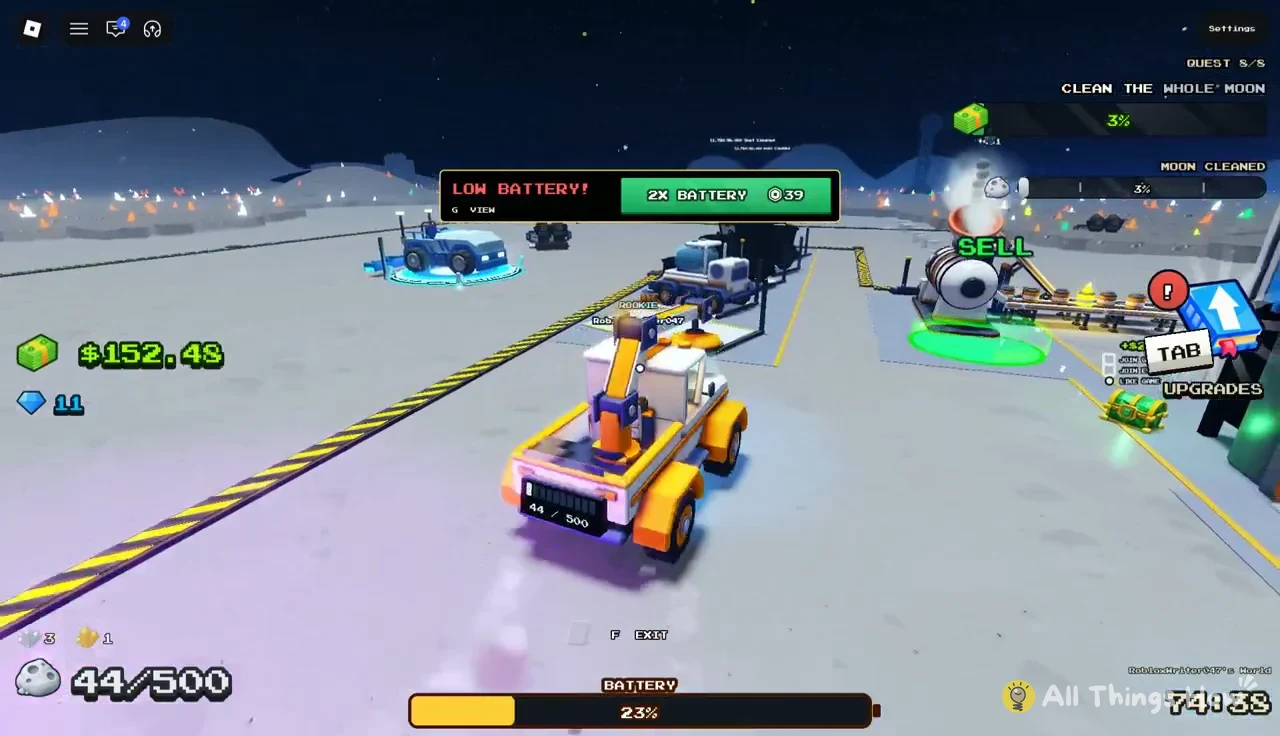
As the battery drops, the game offers a “2X BATTERY” purchase. Without it, plan each run so you can reach a sell pad and the charging pad before the battery runs out.
Roller Sweeper and Jet Boots in the Tools building
While the hauler charges, walk into the Tools building inside the base. The Roller Sweeper is the cheapest meaningful jump in your own cleaning speed. At $15.00 it replaces the Push Broom in slot 1 and roughly doubles how much dust you clear on foot.
| Stat | Push Broom | Roller Sweeper |
|---|---|---|
| Tiles per stroke | 5 | 8 |
| Time between strokes | 0.6s | 0.5s |
| Dust tiles per second | 8.33 | 16 |
| Layers per stroke | 3 | 3 |
| Lane width | 20 | 20 |
Press E at the Roller Sweeper’s “E BUY” prompt to purchase it. You’ll know it worked when slot 1 on your hotbar changes from “PUSH BROOM” to “ROLLER SWEEPER.” The extra tiles per stroke and the shorter delay between strokes combine to take you from 8.33 to 16 tiles per second.
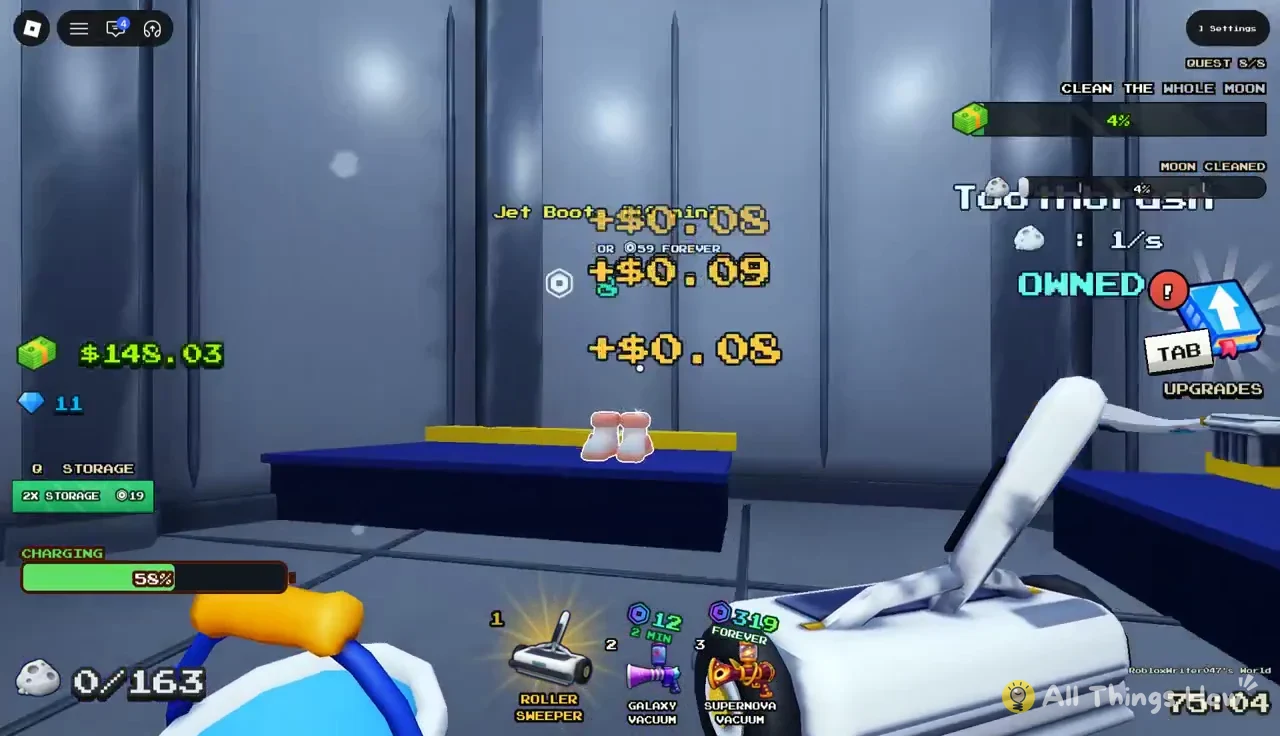
Jet Boots sit on the same counter. They give x1.8 walk speed and a x2 jump for 10 minutes, priced at 8 Robux for one 10-minute use or 59 Robux to own them forever. They speed up walking between dust and sell pads but do not clean anything, so they are optional.
Arcade and UFO events: extra cash for upgrades
Two timed events interrupt the cleaning loop, and both pay out cash you can put straight into upgrades. They appear on their own, often while you are in the middle of a hauler run, so it helps to know what to do when they show up.
The Arcade and Lunar Blocks
A drop pod lands with the message “The Arcade is here! Play the cabinets for Cash for 2:30.” You have two and a half minutes to reach the Arcade pavilion, so park the hauler nearby and run inside.
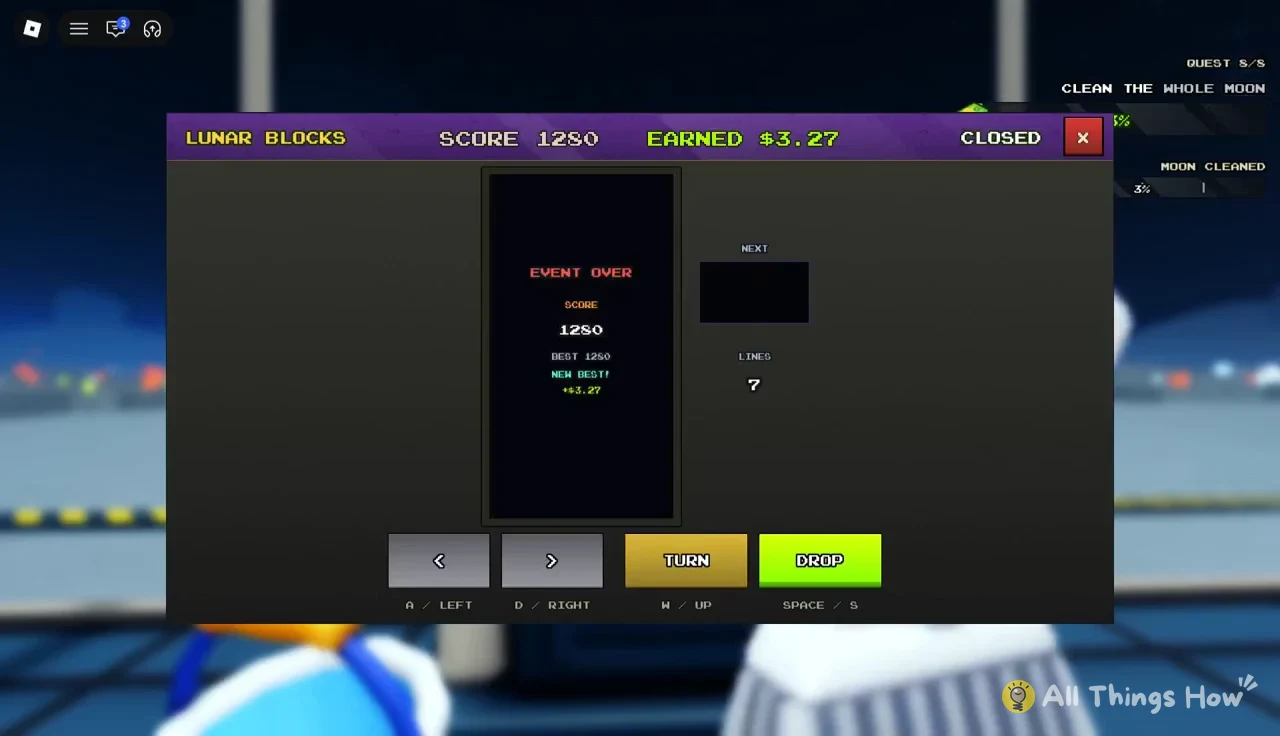
Interact with a cabinet to play Lunar Blocks, a falling-block puzzle where you clear lines for points. A single game can earn up to $32.00. When the event ends, an “Event Over” screen shows your score and payout. A score of 1280 with 7 lines, for example, pays $3.27. Close the screen with the red X to return to cleaning.
The UFO, the Golden Key and the Alien Robot
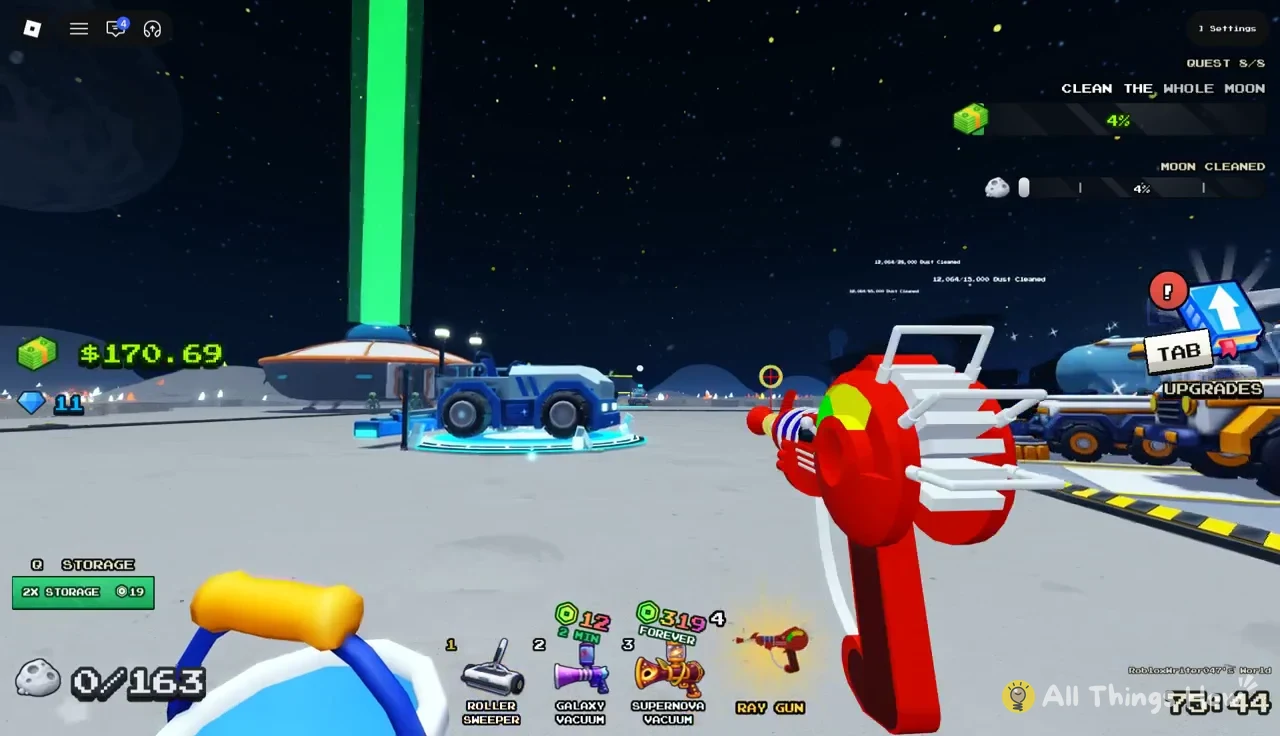
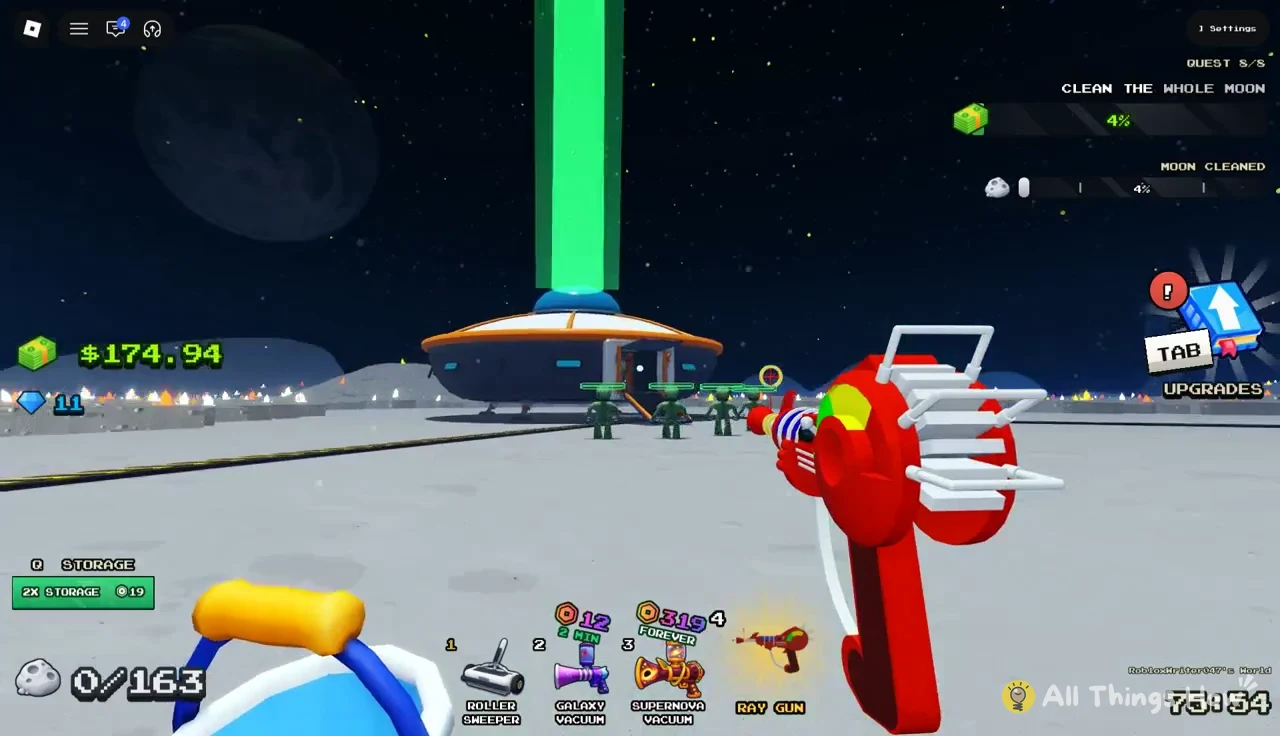
The UFO event pays more and also unlocks a new robot. It starts with a cutscene and the message “A UFO has landed. Grab your ray gun from the hotbar!” The Ray Gun is already in slot 4.
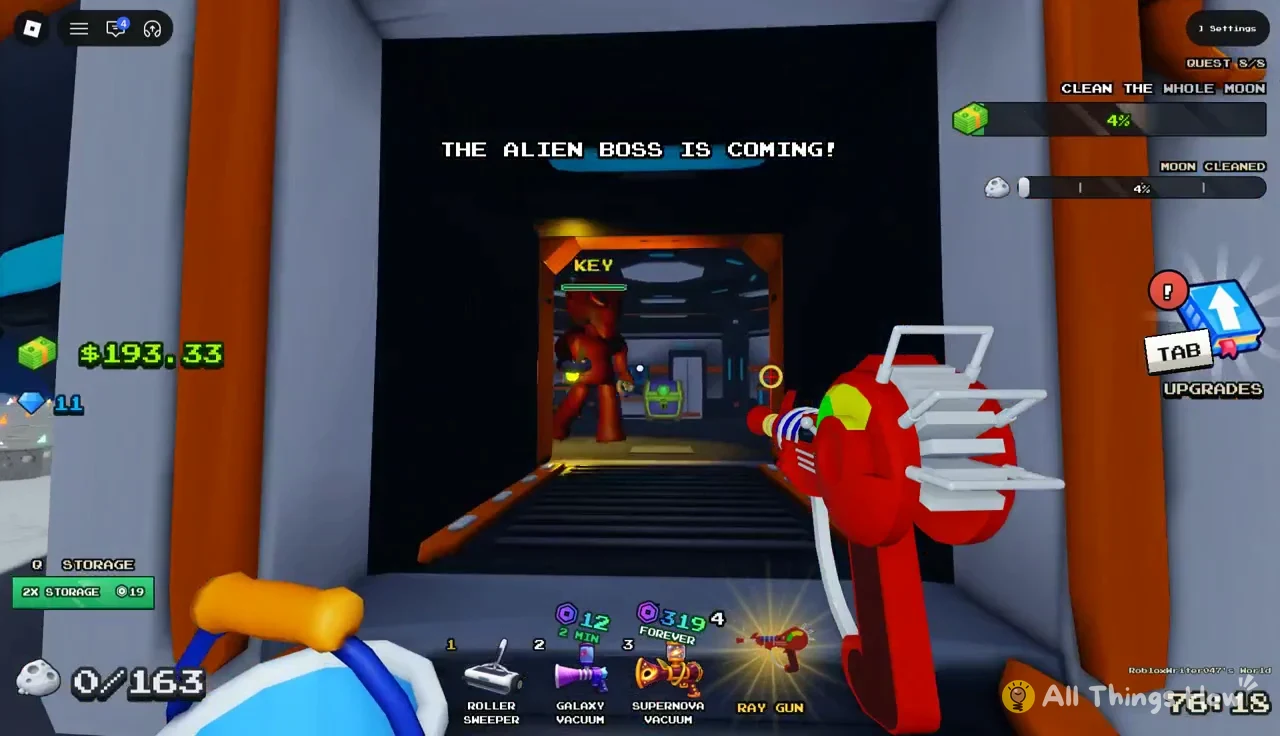
The chest pays cash, around $49.12, which is nearly enough for a Robot Vacuum on its own. It also unlocks the Alien Robot. You’ll know it worked when “NEW ROBOT DISCOVERED!” appears and the Alien Robot shows up in hotbar slot 5. Select it and place it anywhere on dust to put it to work.
Tracking progress on the Clean the Whole Moon quest
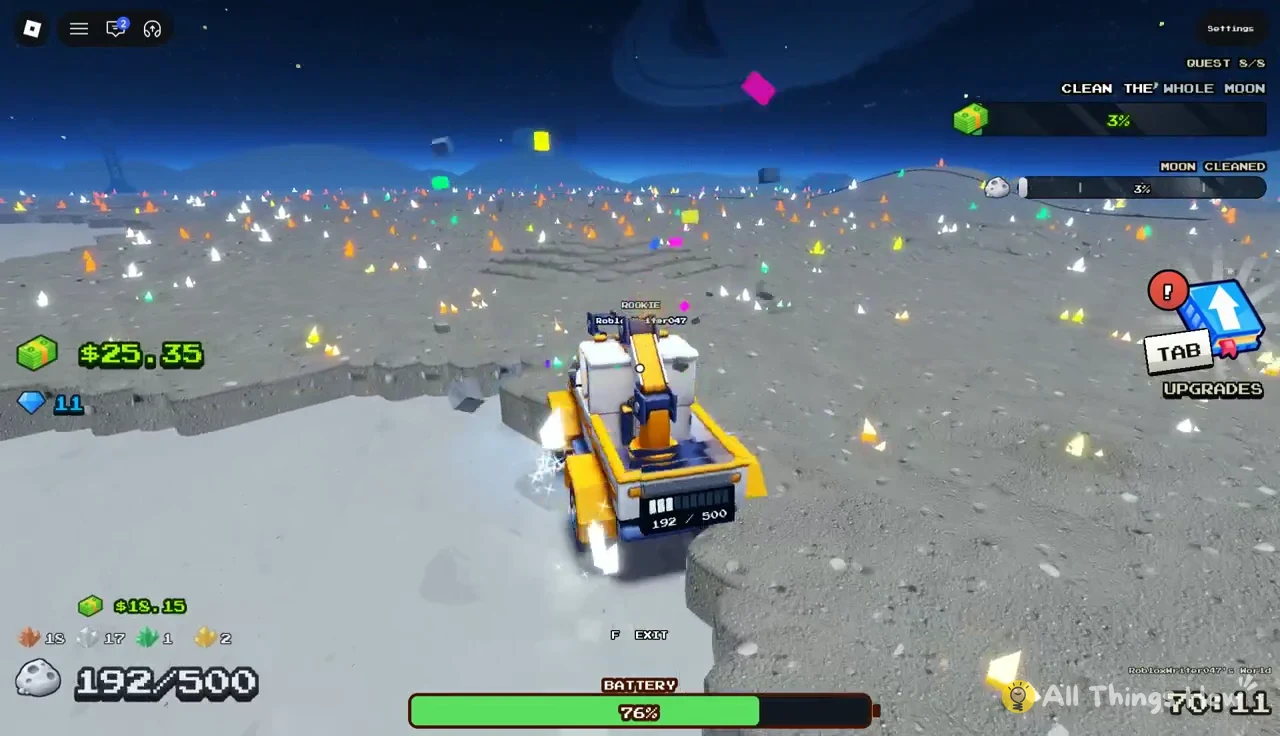
All of these upgrades feed one long objective, “CLEAN THE WHOLE MOON,” and the percentage in the quest tracker is the clearest sign they are working. It moves slowly with the Push Broom and noticeably faster once the Roller Sweeper, the hauler and your robots are all cleaning at the same time. You don’t need to finish in one sitting. “Moon saved! Your progress is kept if you leave.” confirms that your cleared ground carries over to your next visit.