Quick answer: Press Esc, pick Recover Dice, then press Continue. Every die outside a display slot returns to its original position in the shop.
Dice in Dice Hoarder can roll under furniture, slip behind a display or fall through the floor. Recover Dice puts them back without undoing any sorting you have already done.
How to use Recover Dice
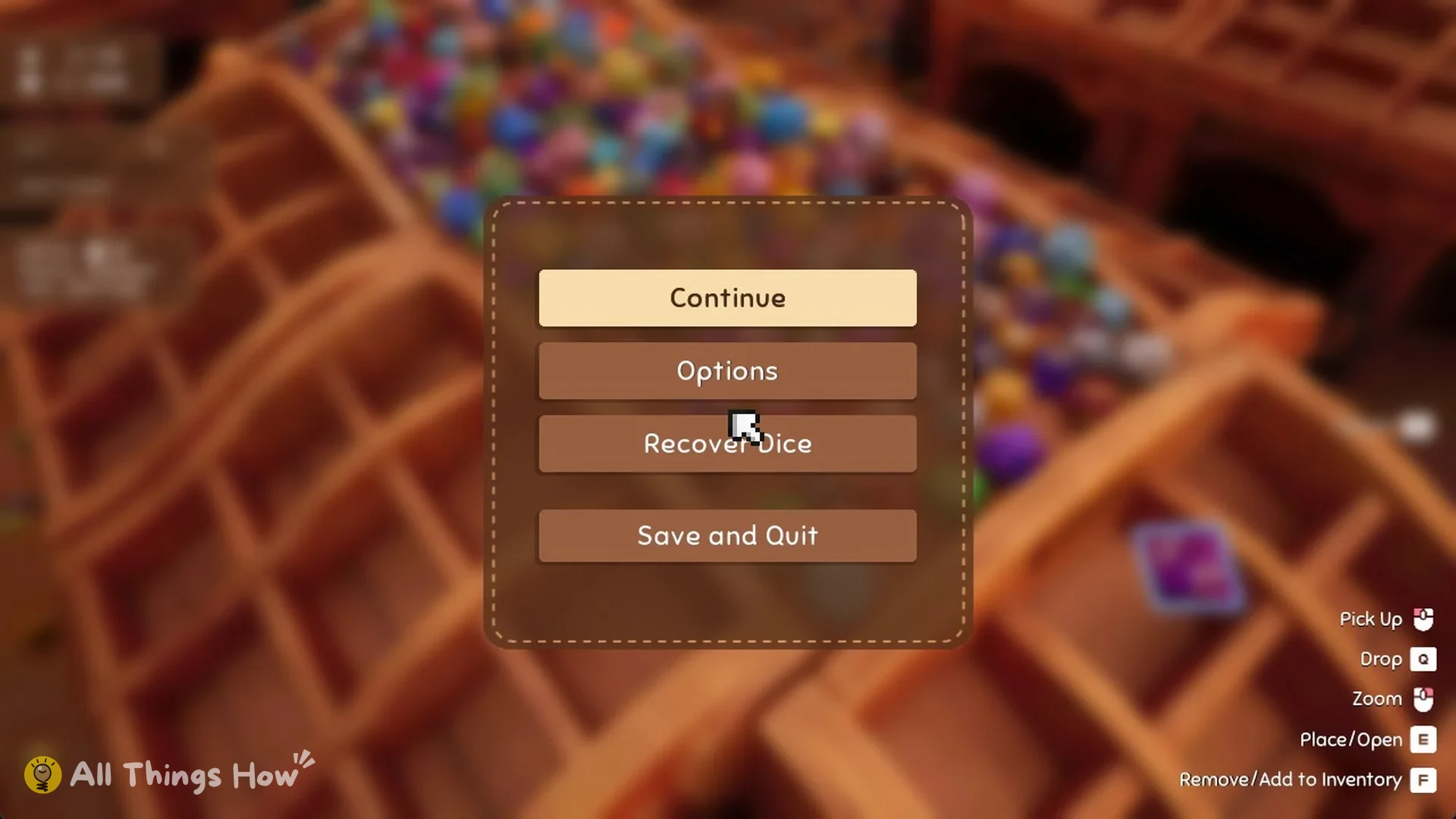
Press Esc to bring up the pause menu. You’ll see four options: Continue, Options, Recover Dice and Save and Quit.
Select Recover Dice. A screen titled “FORBIDDEN MAGIC” appears with the line “Cast this spell if you think a die has gone out of bounds. Every die outside a slot will return to its original position.”
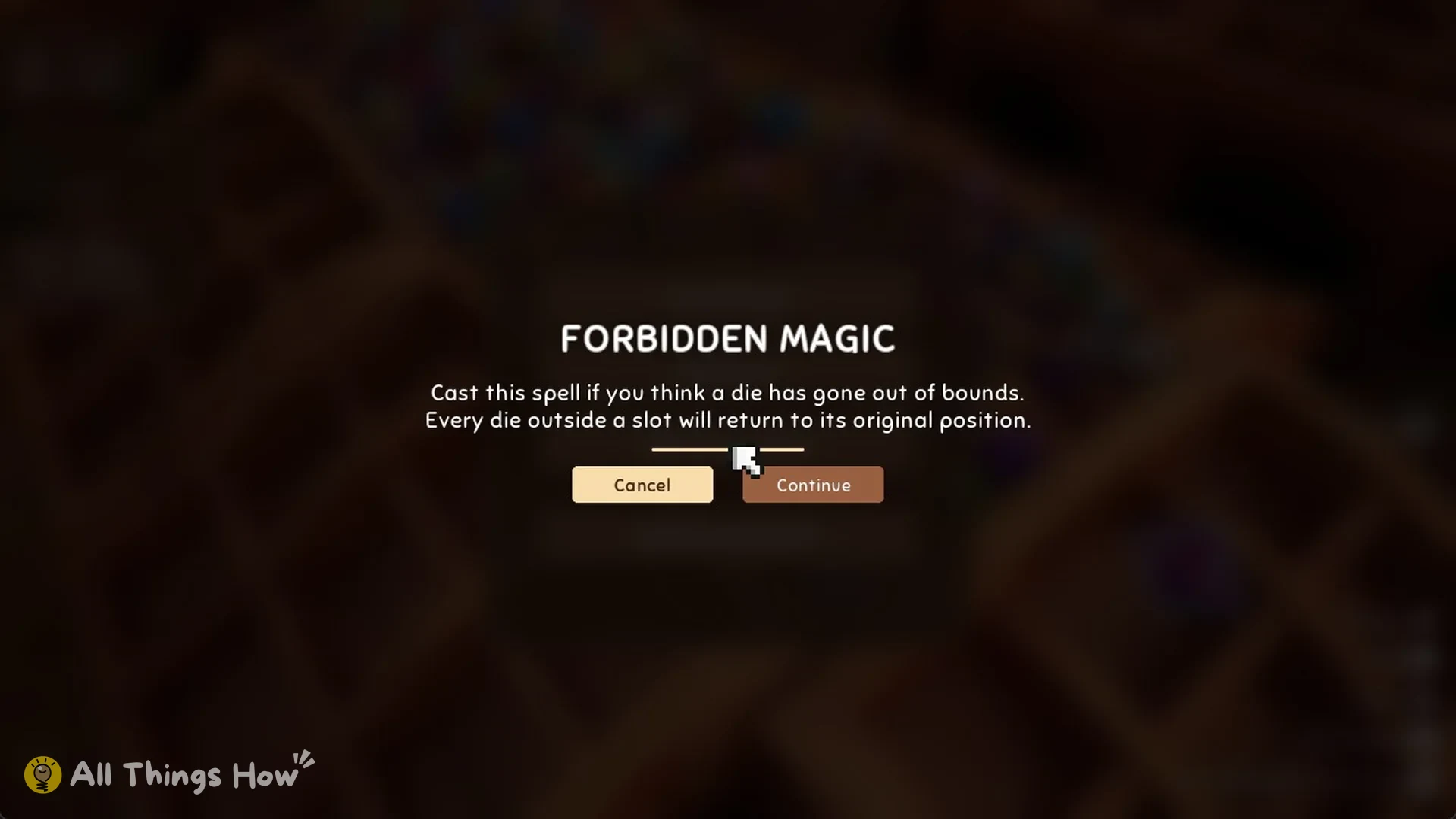
Press Continue to cast the spell, or Cancel to back out with nothing changed. Once you confirm, the screen briefly fades out and drops you back in the shop, which is how you know the spell went through.
What Recover Dice does
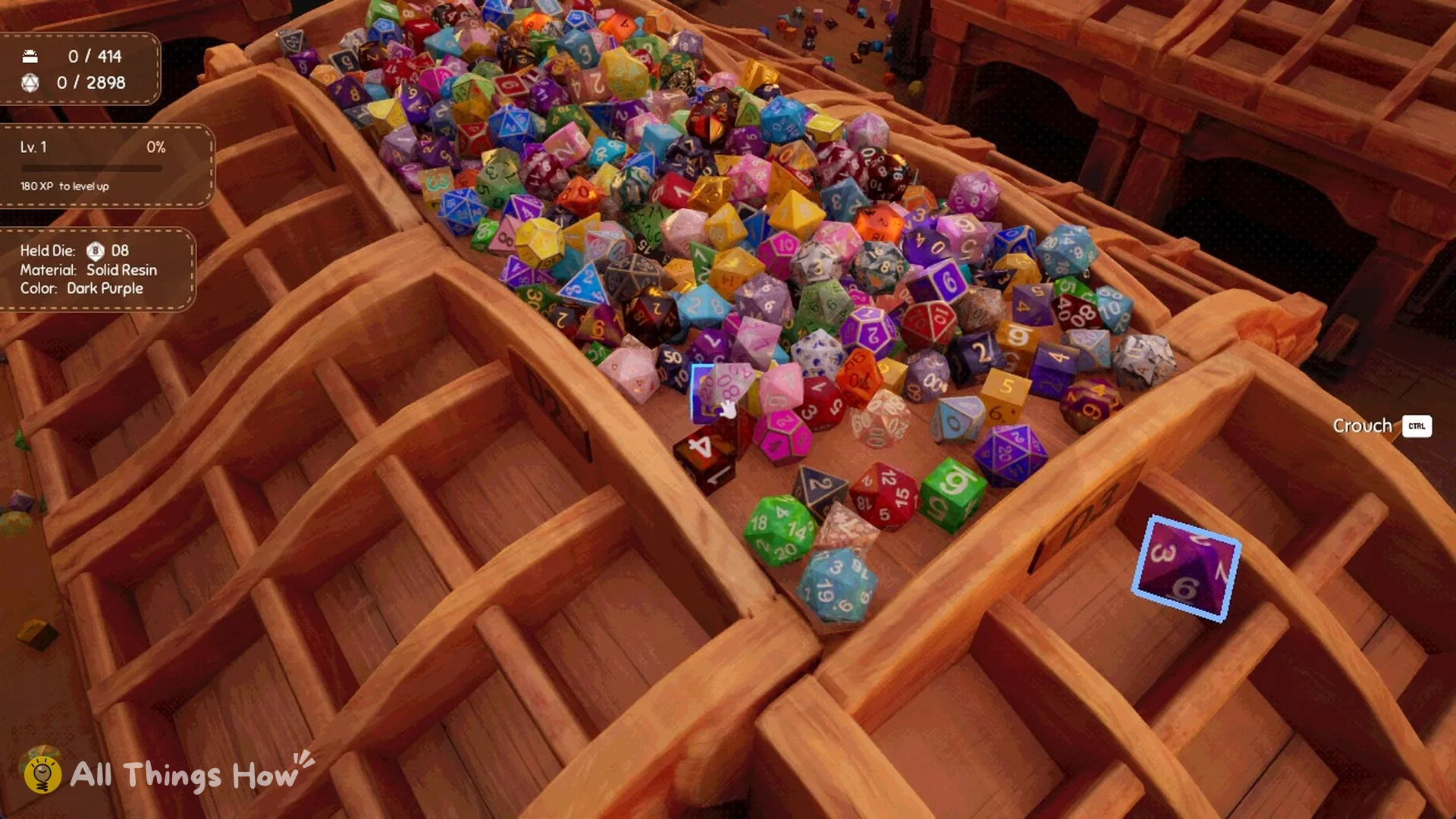
Dice not sitting in display slots return to their starting positions from when the shop was set up, even if they landed on the floor or somewhere beyond your reach.
Dice already placed in display slots don’t move. Your sorted sets stay exactly as you left them.
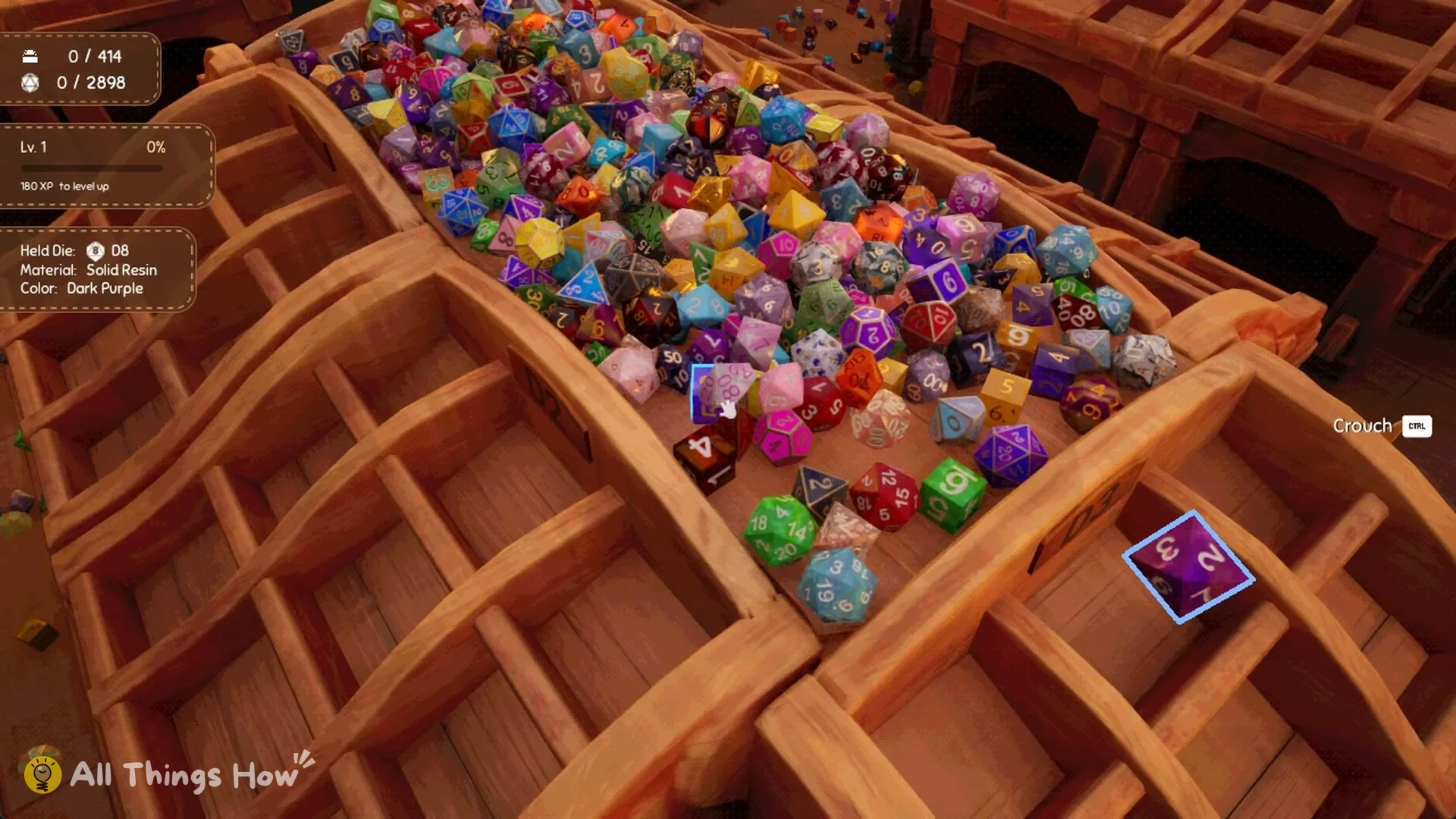
Dice in your hands or inventory remain with you. Once the spell finishes, the Held Die panel still displays the die you had before, for example, a D8 in Solid Resin, Dark Purple.
When to use it
Activate it if the set’s final die is nowhere to be found, has lodged behind or beneath a display, or has clipped through a wall or floor into an inaccessible area.
If you’ve gathered dice into your own pile on the floor, put them away or place them in slots before casting. The spell sends all loose dice outside slots to their respective starting spots, including the lost ones.