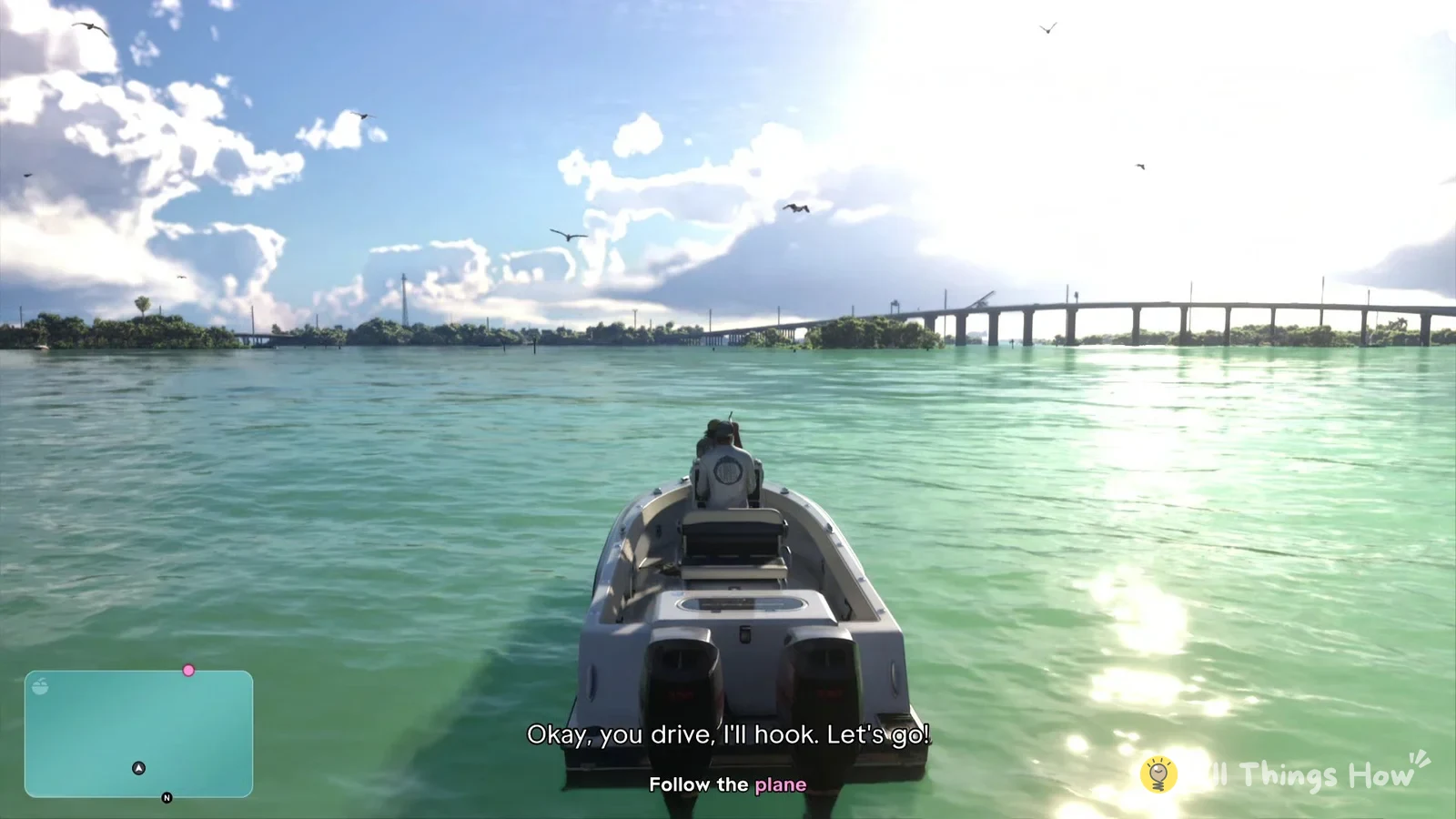
In GTA 6 you can get a vehicle wedged somewhere it can’t drive out of. A boat run up onto a sandbar beside the mangroves in the “Gone Fishing” mission in Chapter 1 is one example. When that happens, the game gives you a way to free it without restarting anything, and on PS5 it’s tied to the touch pad.
Quick answer: Once “RESET” appears in the screen’s bottom-right corner, keep the touch pad held. The display turns black, then the vehicle returns and can move freely.
Reset a stuck vehicle in GTA 6 on PS5
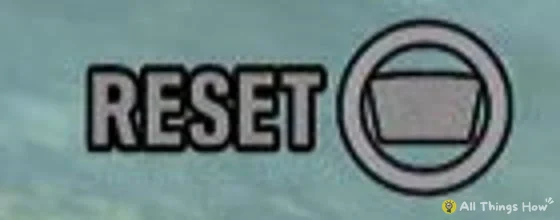
Look for the “RESET” prompt at the bottom right of the screen once your vehicle is stuck. It sits next to a touch pad icon with a ring drawn around it, which is the game’s way of telling you to hold the button rather than tap it. In the sandbar example, an “Engine damaged” notice also shows on the right side of the screen at about the same time.
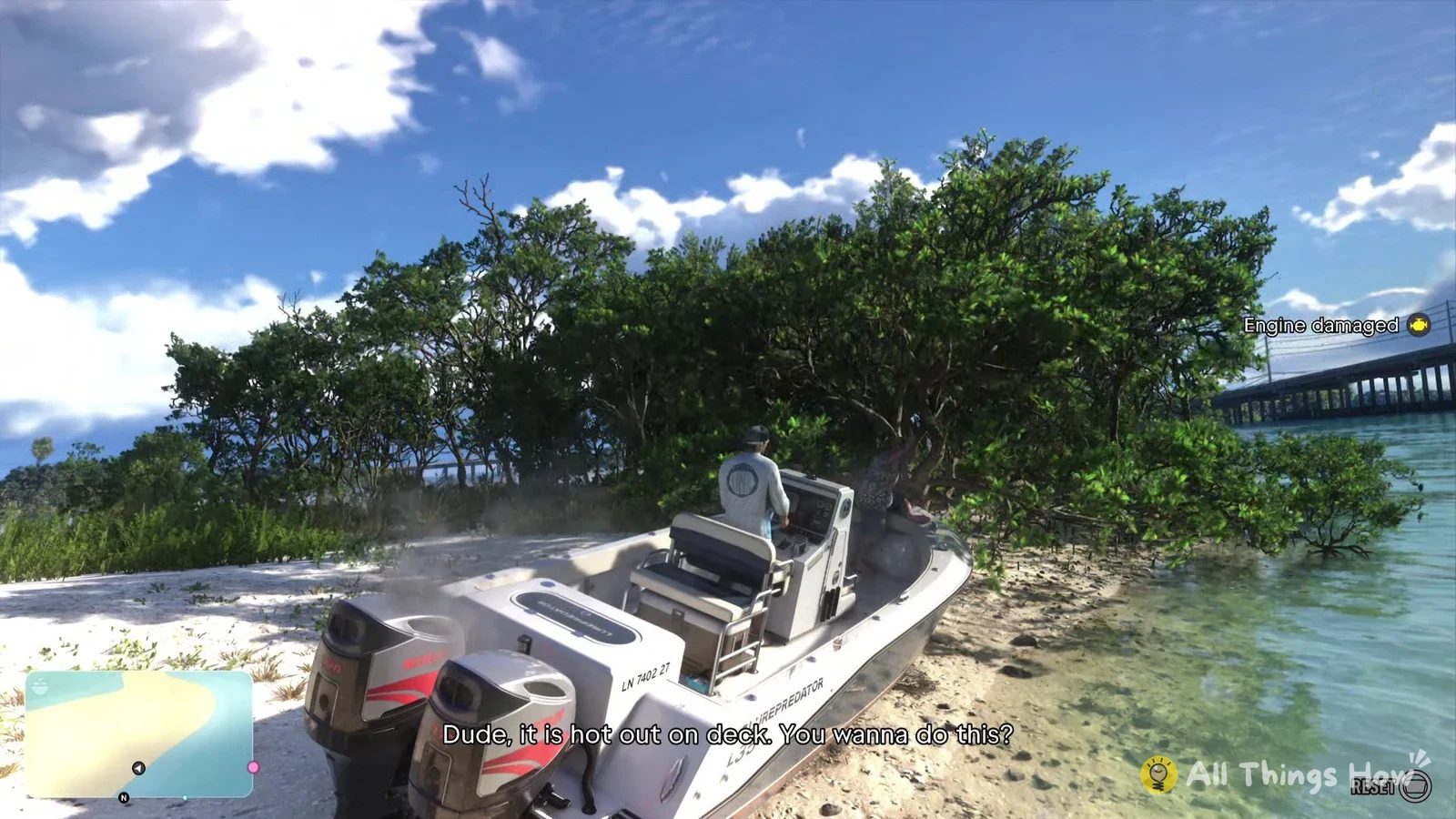
Press and hold the touch pad while the prompt is on screen. Keep holding for about 2.5 seconds, until the screen starts to fade to black.
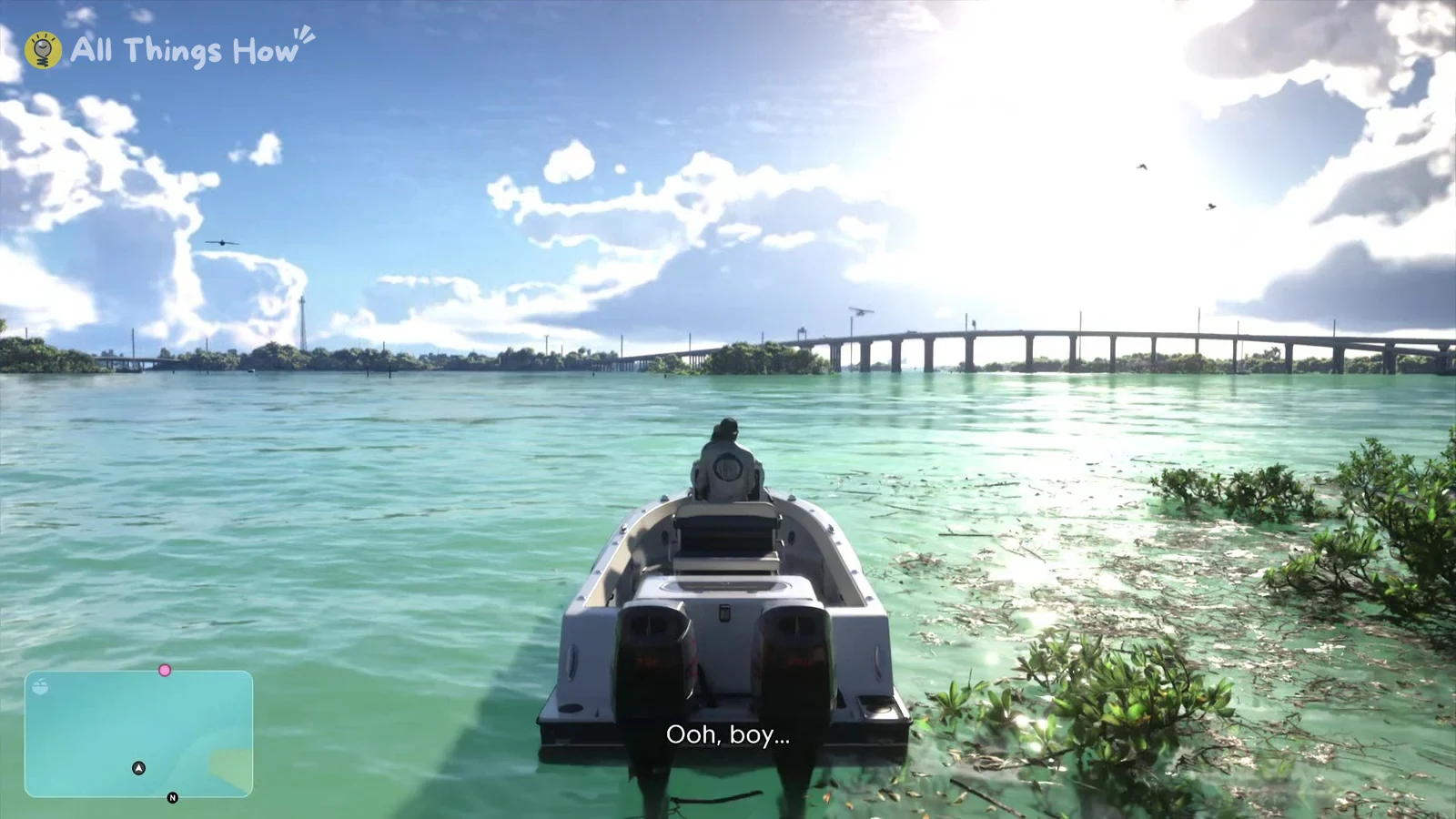
Wait for the fade to finish. A few seconds later the picture comes back with your vehicle free again. In the boat’s case, it ends up back on open water, the mission target is still ahead of you on the minimap, and the mission keeps going from there, so you can just carry on toward your objective.
Touch pad: map or RESET
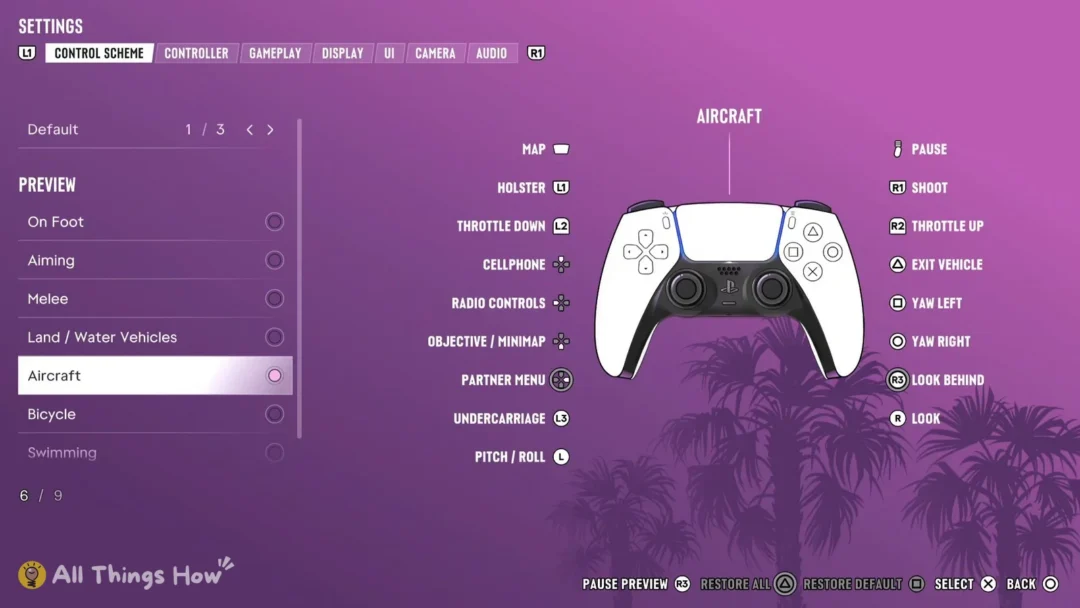
With the Default controls, pressing the touch pad on its own opens the map. It only resets your vehicle when the “RESET” prompt is showing and you hold the button down.