Gaming How-To

How to Quit GTA 6 on PS5 and Xbox Series X|S (Save and Exit)

GTA 6's pause menu has no exit option, so you save from the Game menu and then close the game through your console.

GTA 6’s pause menu has no exit option, so you save from the Game menu and then close the game through your console.

Save your progress from the pause menu first, then close the game from your console’s own menu.

Quick answer: Go to Options > Game > Save Game and save to a slot. Then on PS5, press the PS button, highlight the game, press Options and pick Close Game. On Xbox, press the Xbox button, highlight the game, press the Menu button and choose Quit.


Does GTA 6 have a quit option?

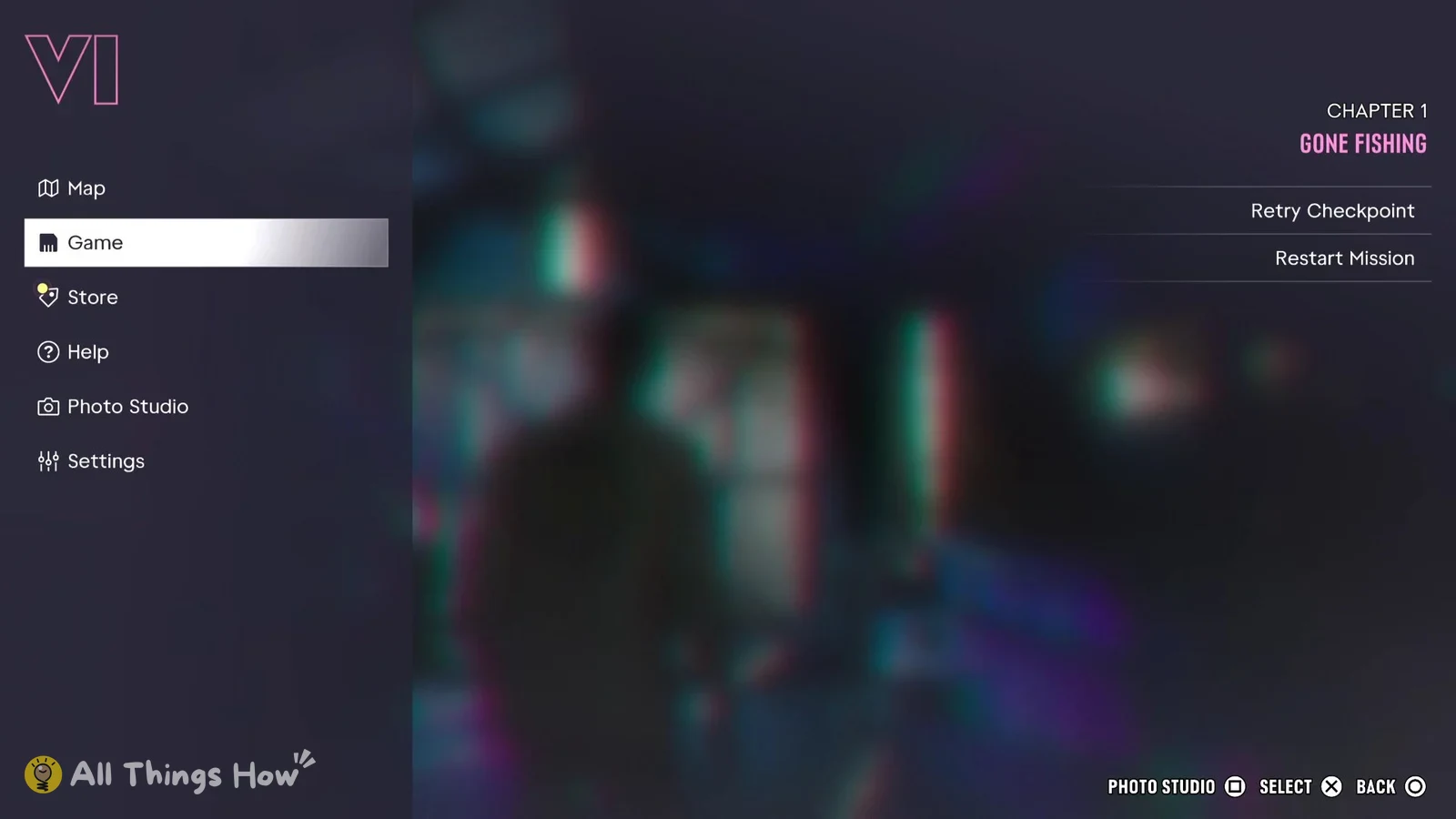
Not in the pause menu. When you press Options to pause the game, you get six rows, and none of them lets you quit or exit:

  • Map
  • Game
  • Store
  • Help
  • Photo Studio
  • Settings

The Game row looks like the obvious place to look, but it only opens three entries: Save Game, Load Game and New Game. There’s no exit to console option there either, so the console’s own menu is how you leave, and saving first is up to you.
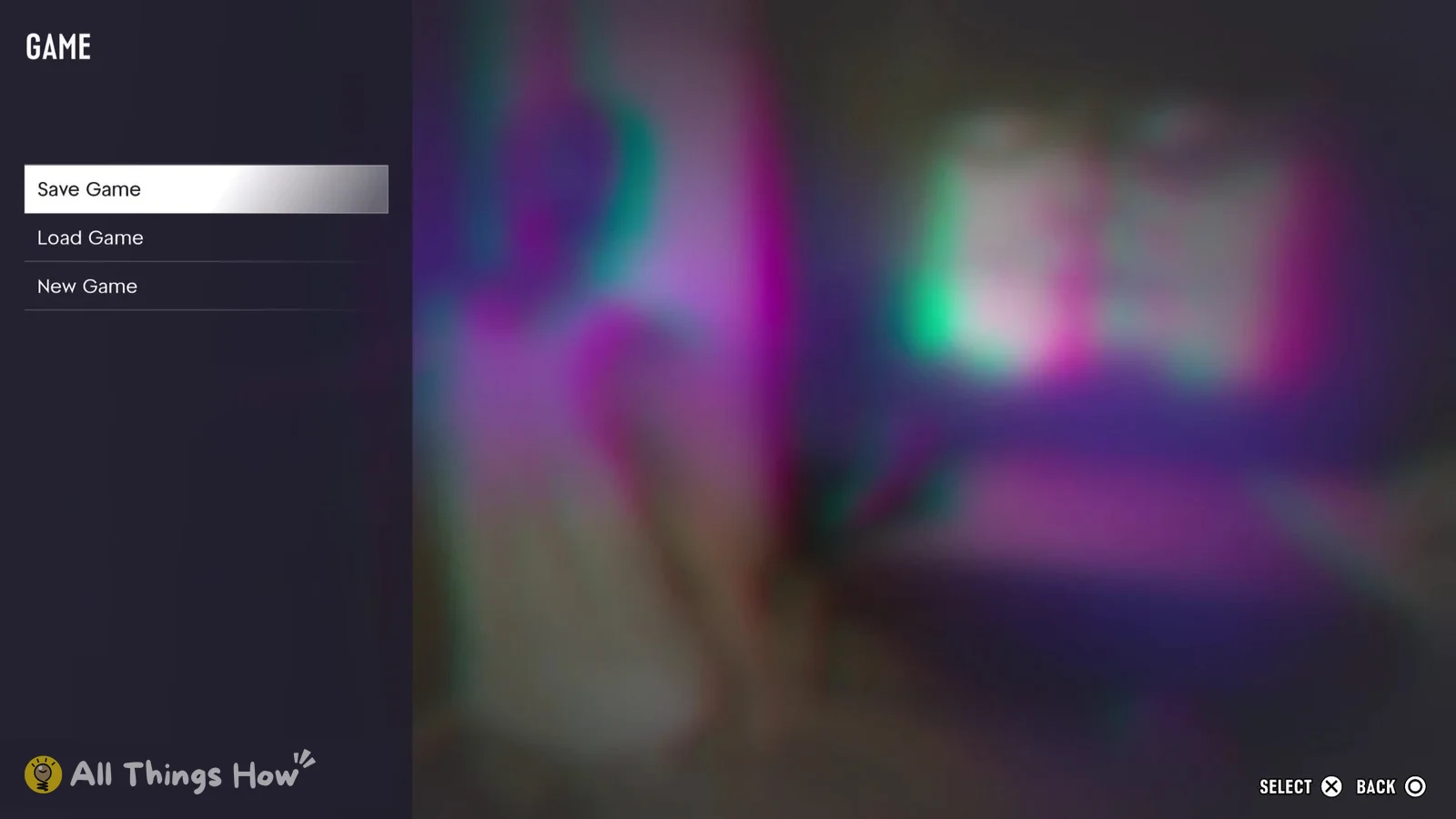
GTA 6 Game menu listing Save Game, Load Game and New Game
The Game menu has three entries and no quit option.

How to save and quit GTA 6

Press the Options button to pause the game. The pause menu opens with its six rows.
GTA 6 pause menu rows: Map, Game, Store, Help, Photo Studio and Settings
The six rows of the pause menu.
Select Game. A short list opens with Save Game, Load Game and New Game.
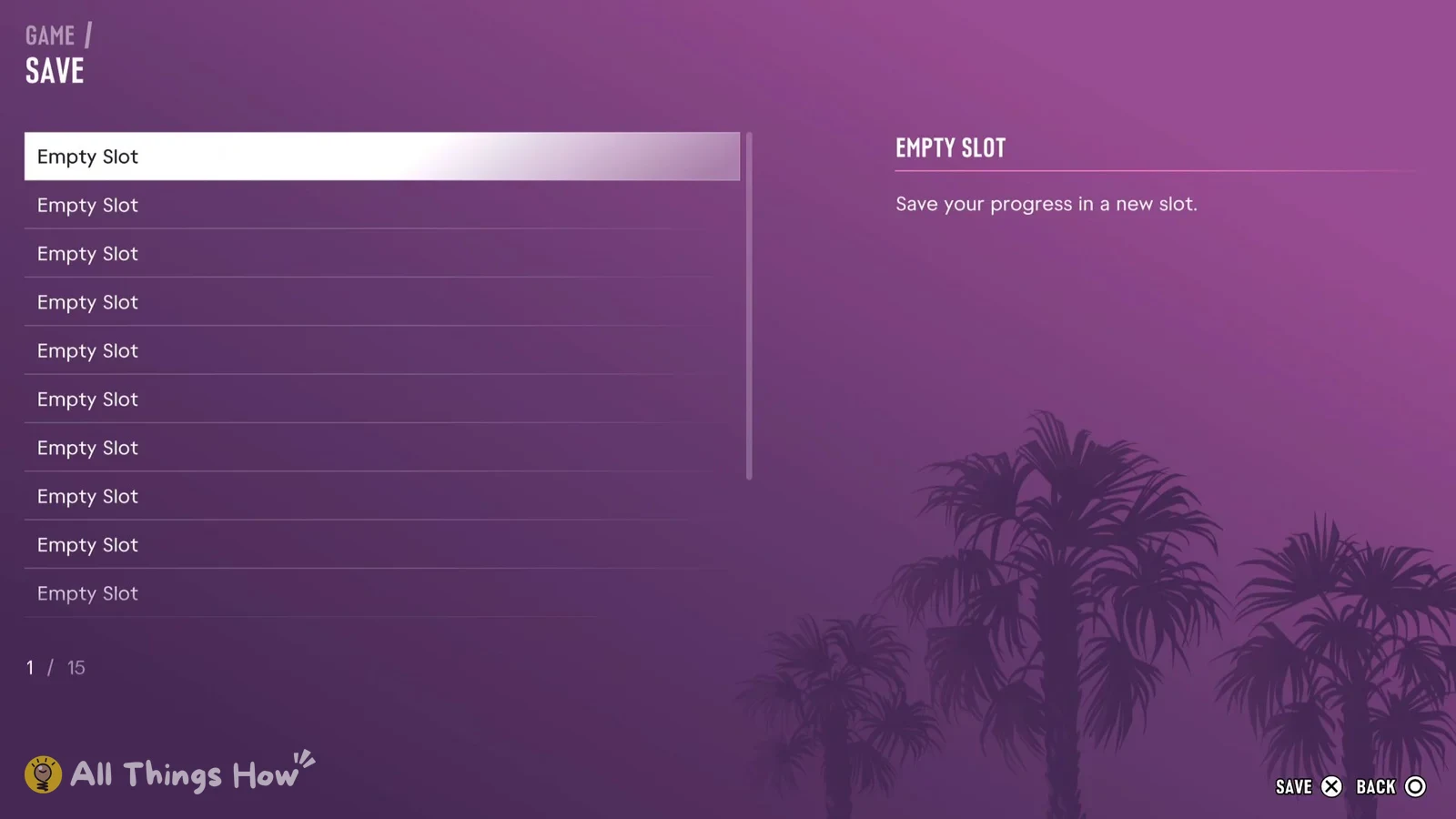
Select Save Game. This opens the “GAME / SAVE” screen, which has 15 slots, and the counter at the top reads 1 / 15.
GTA 6 save screen with empty slots and the 1 / 15 counter
The save screen and its 15 slots.
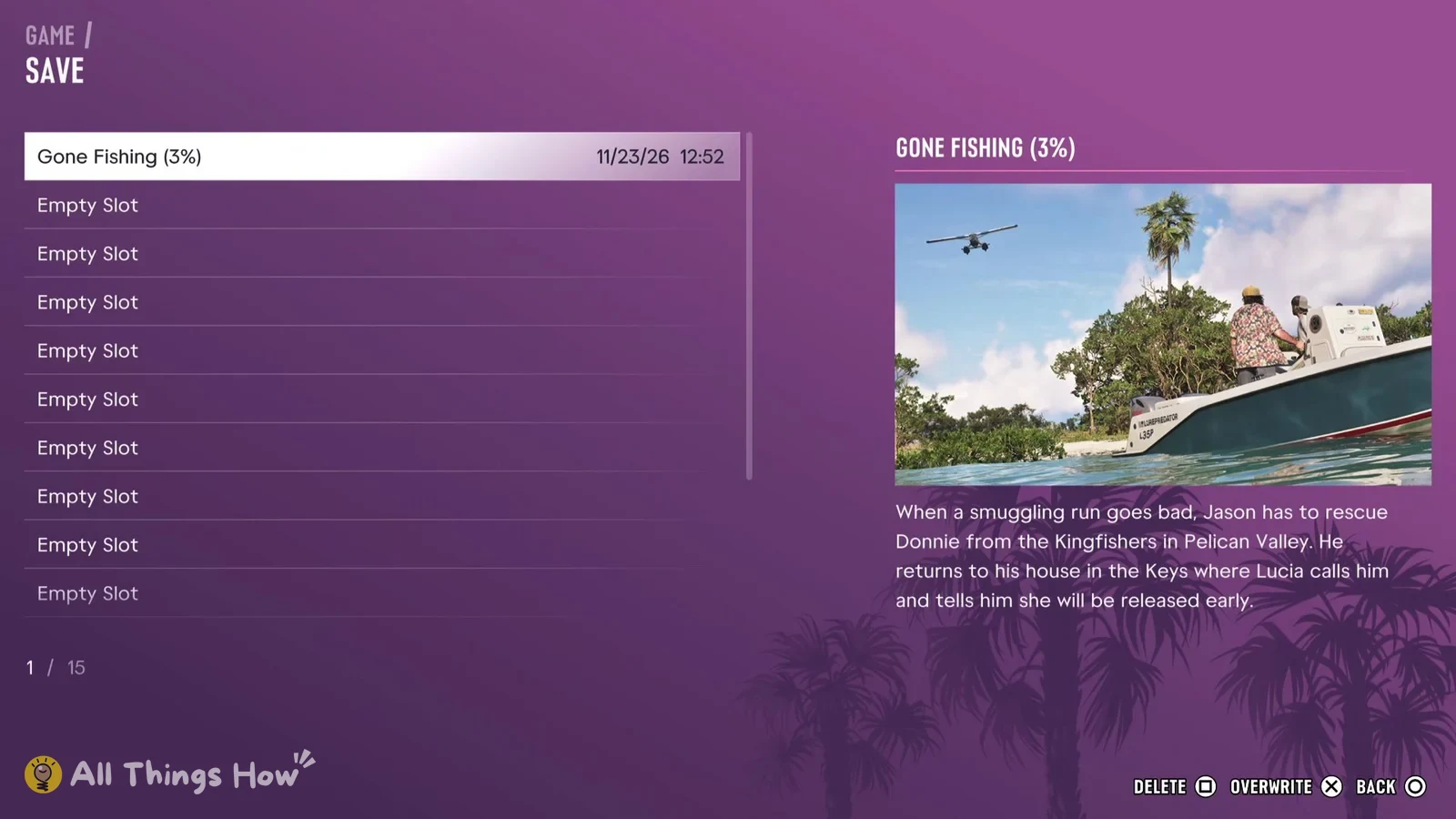
Pick a slot and press Cross. An empty slot gives you SAVE, while a slot that already has a save in it gives you OVERWRITE, so pick an empty one if you want to keep your older save too. Once it’s done, the slot shows the last mission you finished with a completion percentage (for example, “Gone Fishing (3%)”), plus the date and time, a picture and a one-line summary of where you are in the story. If you see that info in the slot, the save worked.
GTA 6 save slot named Gone Fishing (3%) with date, picture and summary
A filled slot shows the last mission and a percentage.
Close the game from your console’s menu. The button presses are a little different on PS5 and Xbox, and both are below.

Next time you start the game and want a specific save, go to Game > Load Game and pick that slot.


How to close GTA 6 on PS5

Press the PS button on your controller. That takes you to the PS5 home screen, and the game keeps running in the background.
Highlight Grand Theft Auto VI on the home screen.
Open the Options menu, choose Close Game, and you’ll return to the home screen once the game shuts down.

How to close GTA 6 on Xbox Series X|S

Open the guide with the Xbox button.
From your recent games, move the highlight to Grand Theft Auto VI.
Press the Menu button, then choose Quit to shut down the game.

Quitting GTA 6 during a mission

Save Game is greyed out while you’re in a mission, and you can’t select it. To save manually you’ll need to finish the mission first, or quit anyway and expect to start that mission over.
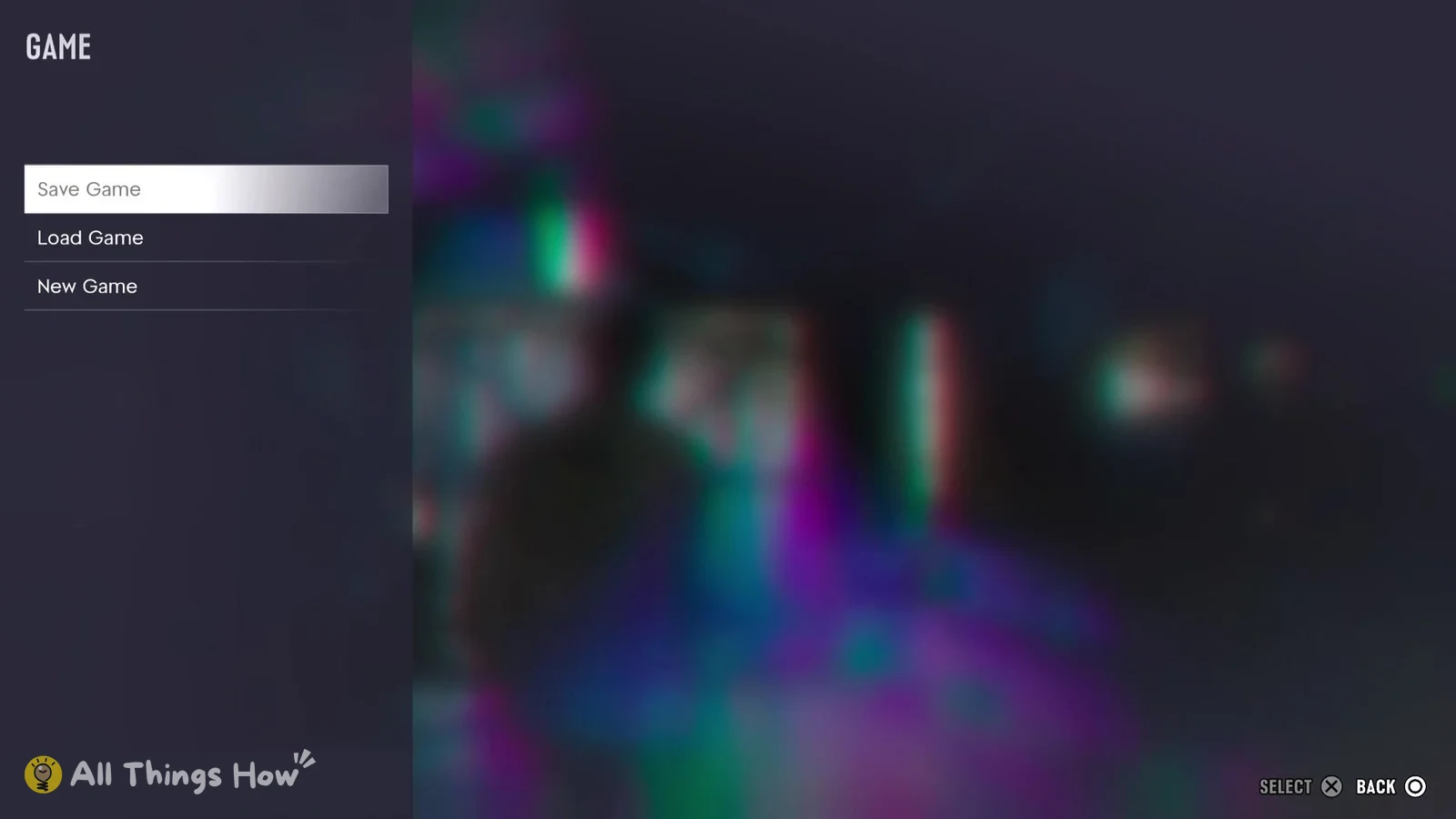
GTA 6 Game menu with Save Game greyed out during a mission
Save Game greyed out during a mission.

The game also keeps an autosave, which you’ll find under Game > Load Game with “(Autosave)” in front of its name. That autosave doesn’t pick up progress made inside a mission. Partway through the mission Gone Fishing, the only save in the list is still “(Autosave) Prologue (2%)”, so anything you’ve done in that mission so far isn’t in your saves yet.
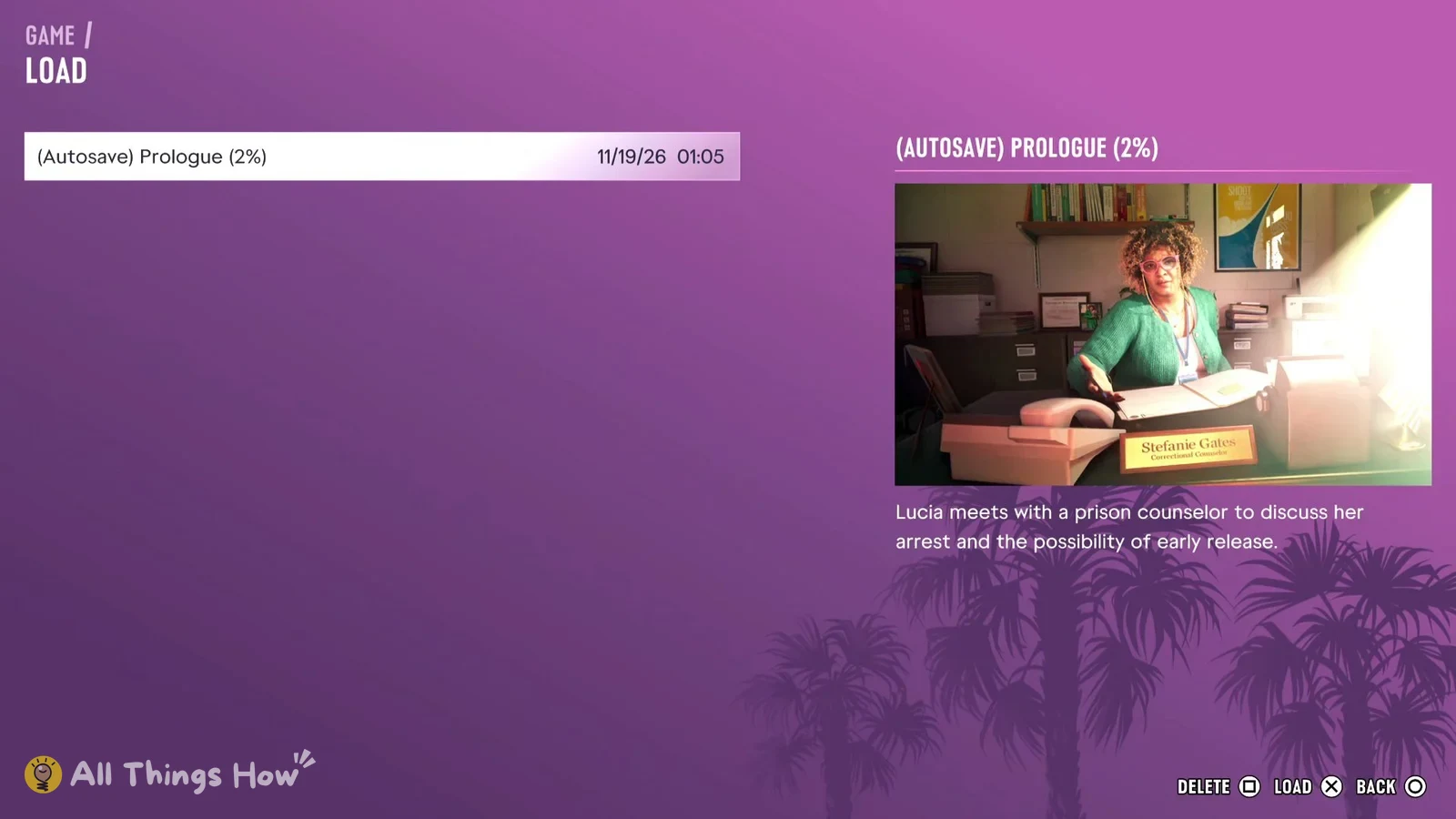
GTA 6 Load screen showing the entry (Autosave) Prologue (2%)
The autosave entry under Load Game.

If you close the game in the middle of a mission, don’t count on picking up where you left off inside it. Finish the mission and use Save Game before you close the game from your console.