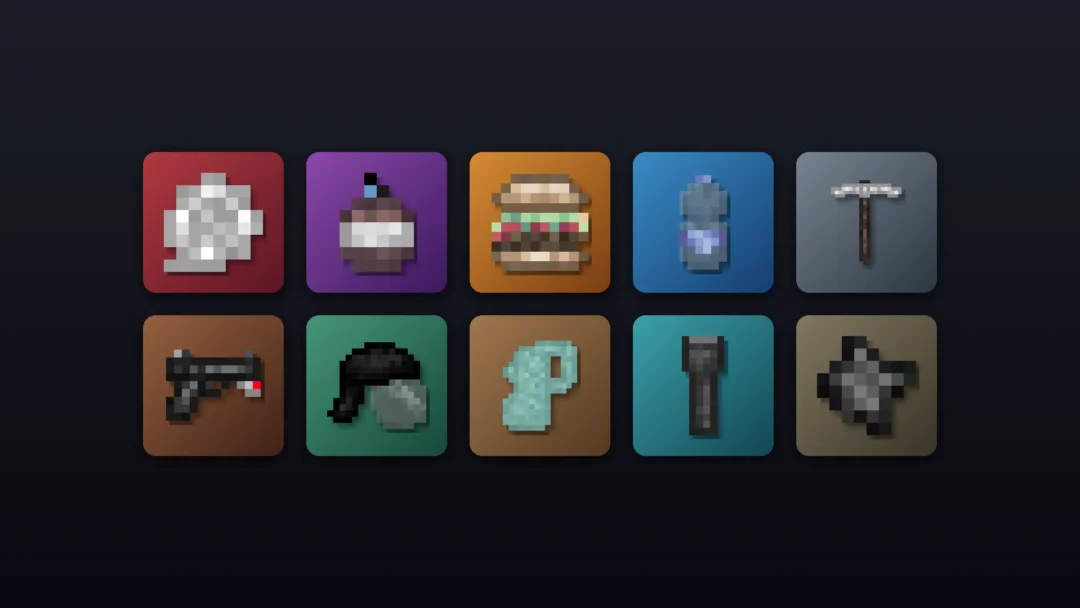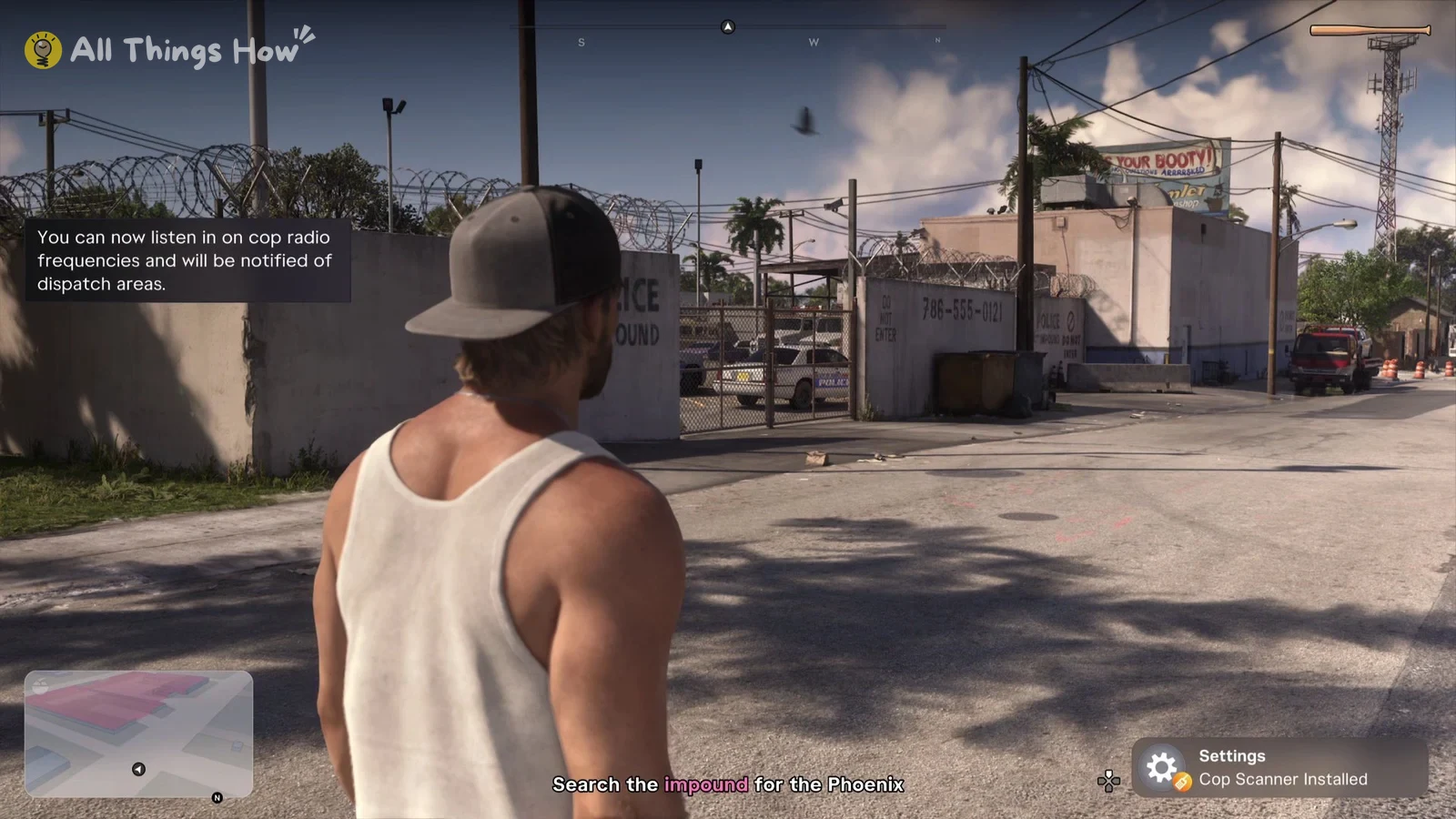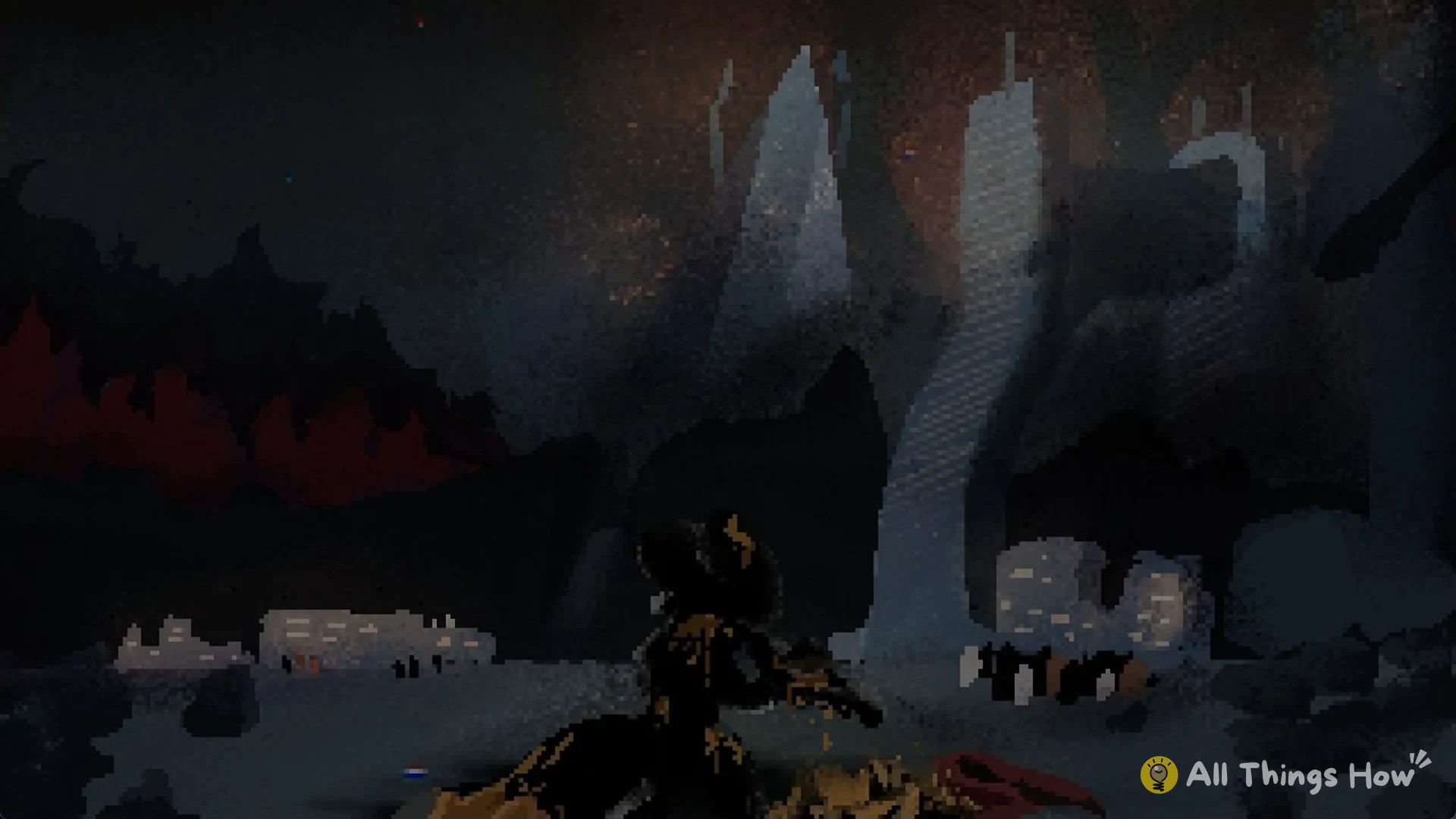
In Casualties: Unknown, you craft the M.E.R.C. scarf for your neck using a plain Scarf, a Circuit board and six body chips scattered through the cave. To get the M.E.R.C. ending, have it on when you reach the top of layer 11. Since the route begins on layer 1, start a fresh run.
Quick answer: After a Biopod or Escape win, start a chipped, non-endless run. Break the Tech-Ball on layer 1 with a pickaxe, read the scanner, grab six chips, craft the M.E.R.C. scarf at INT 18, and wear it to the top of layer 11.
What you need before starting a M.E.R.C. run
- A previous win with either the Biopod ending or the Escape ending.
- A new run that’s chipped, so not the Unchipped preset. The default Tough preset works.
- A run that isn’t Endless.
- A pickaxe for the Tech-Ball on layer 1.
Get the Nano-tech scanner from the Tech-Ball on layer 1
Dig down through layer 1 until a round cave opens up below you. Inside is the Tech-Ball, a glowing blue ball whose tooltip reads “Tech-Ball (300)” and “It looks like it’s malfunctioning..? You could open it.” The 300 is how much structure it has.
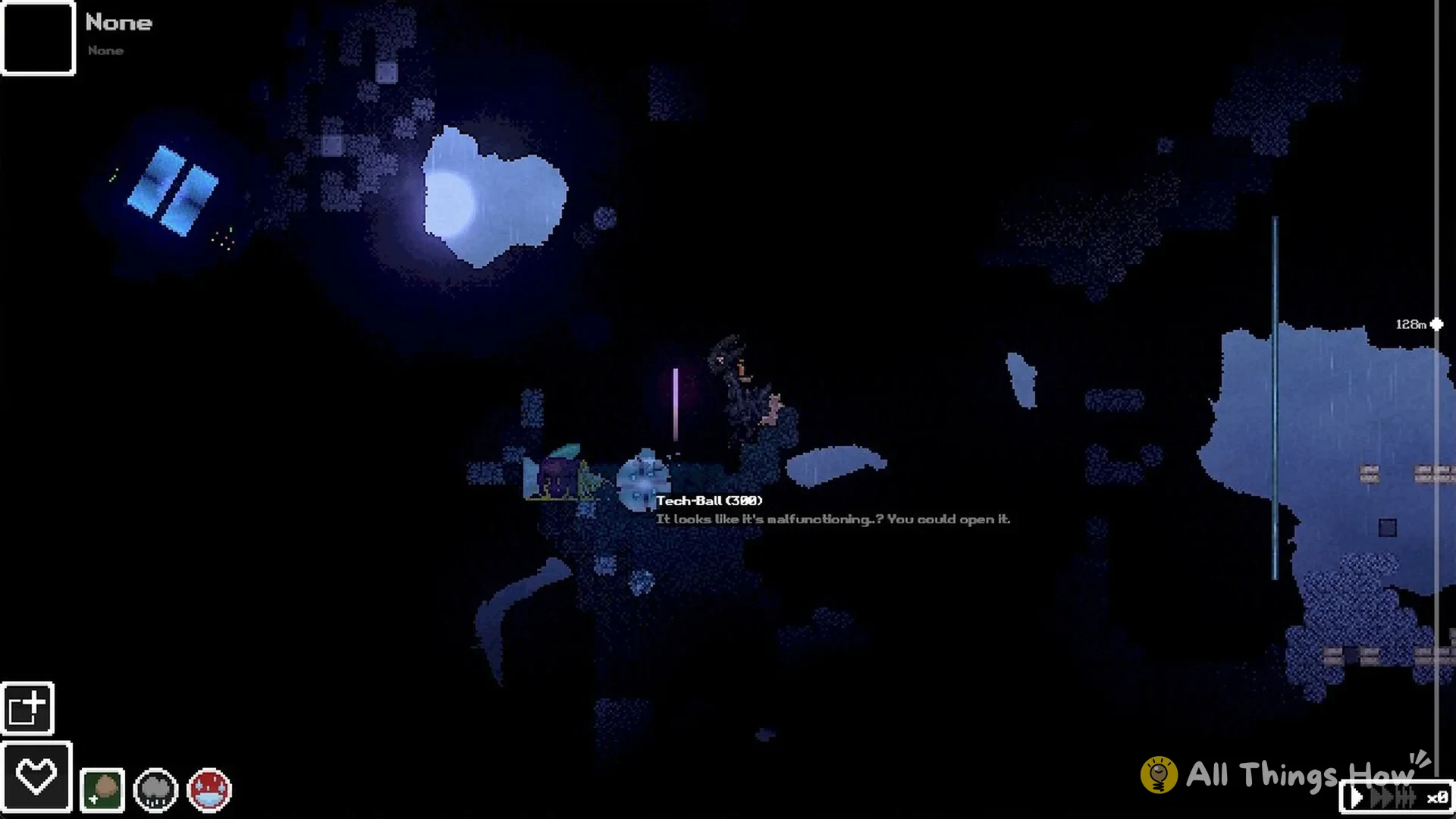
Hit it with a pickaxe until it breaks, which takes a few hits. It sits still until you get close, then starts bouncing around the cave, and your bare fists don’t do any damage to it.
Pick up the Nano-tech scanner it drops. Its tooltip says “A device that detects the specific tech-signatures of various body chips, showing their general location. There’s some info about the chips written on the side, use to read it. Only works when in the main inventory.”
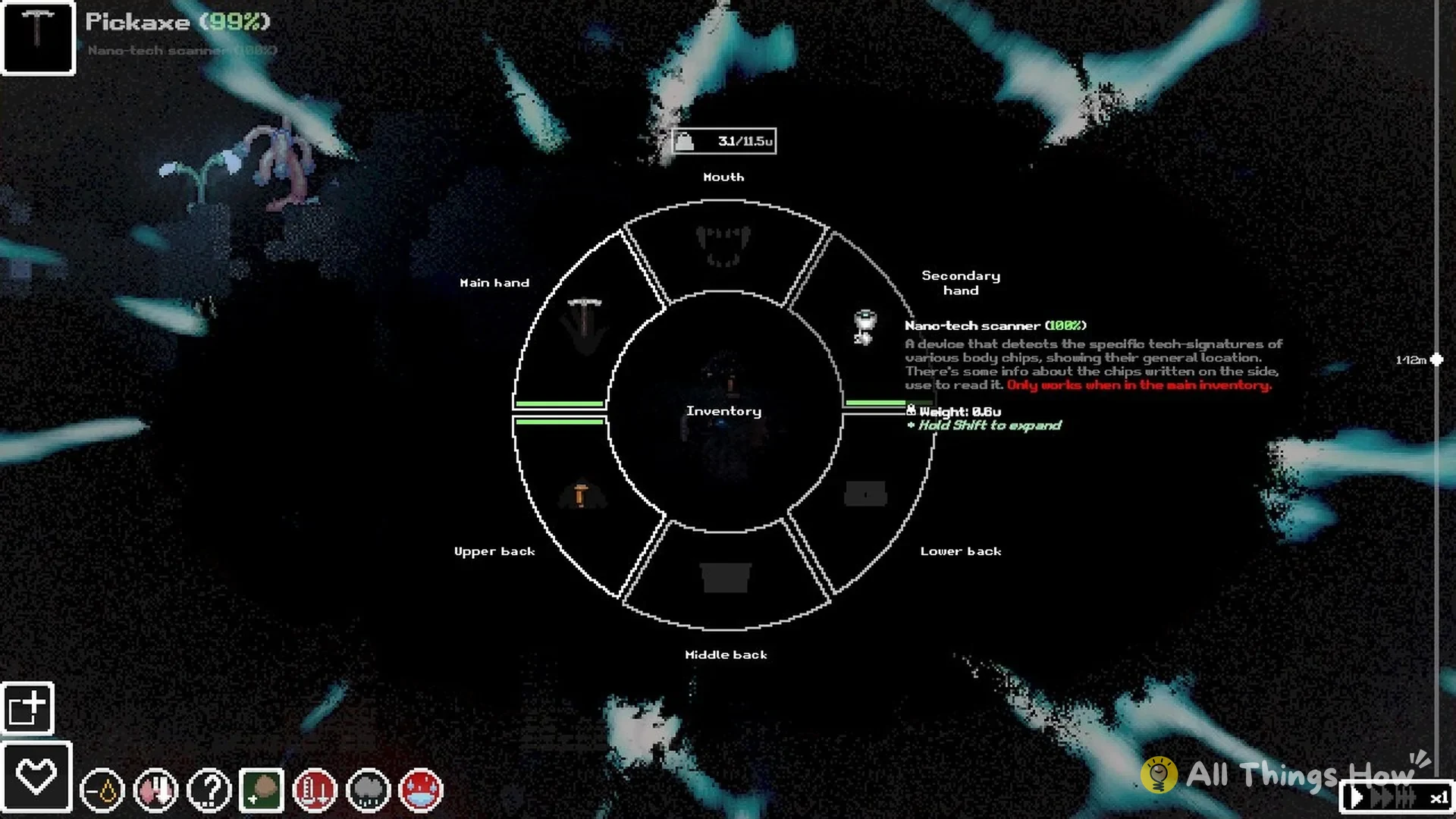
Read it right away, still on layer 1. Open the inventory circle with Tab and drag the scanner onto the “Inventory” centre of the circle.
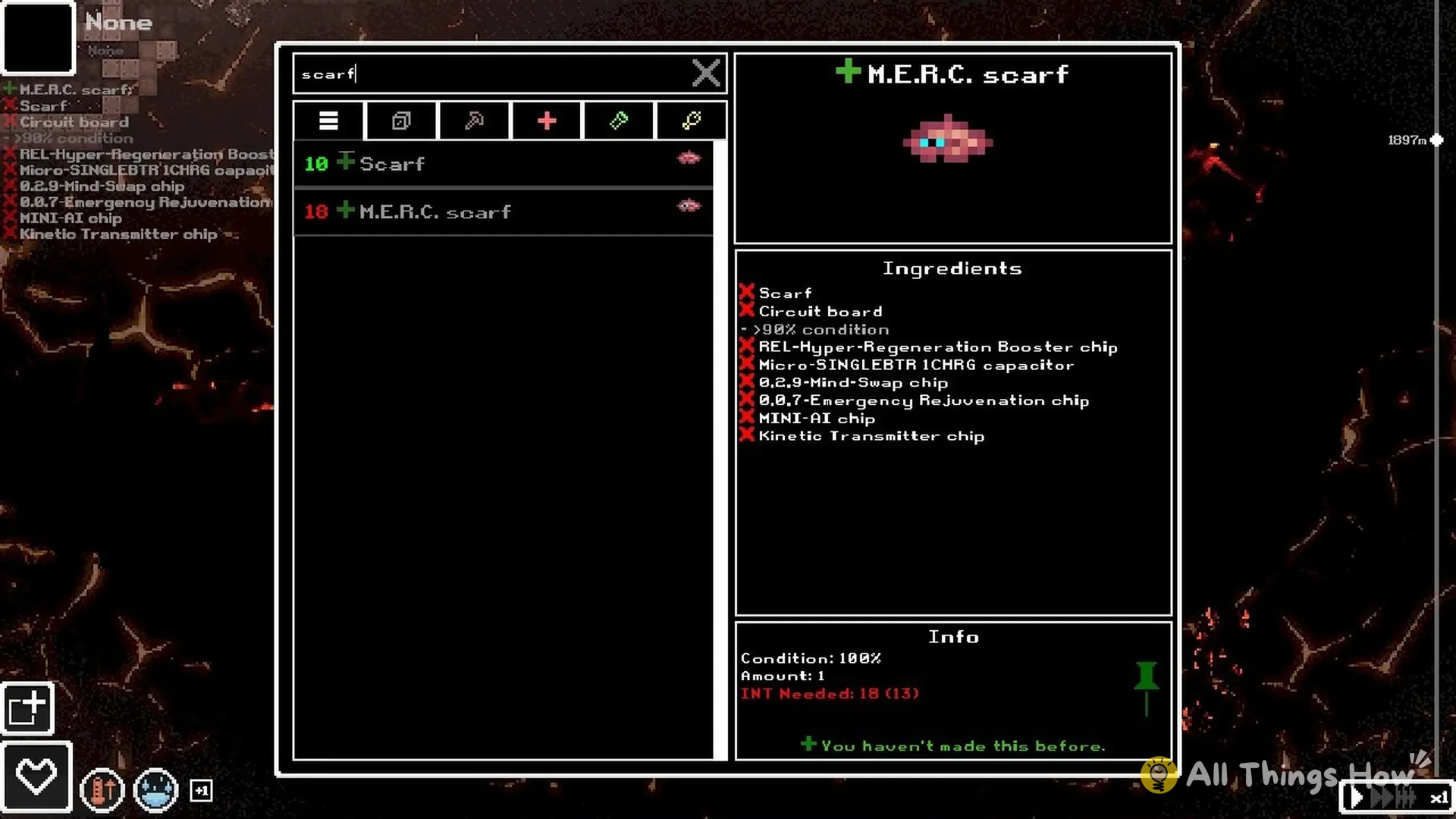
You’ll know it worked when the alert “You came up with a new recipe…” shows up and the crafting screen opens on the M.E.R.C. scarf recipe. The recipe also gets pinned on the left of the screen as a checklist of its ingredients (Scarf, Circuit board and the six chips), and your INT goes up by 2.
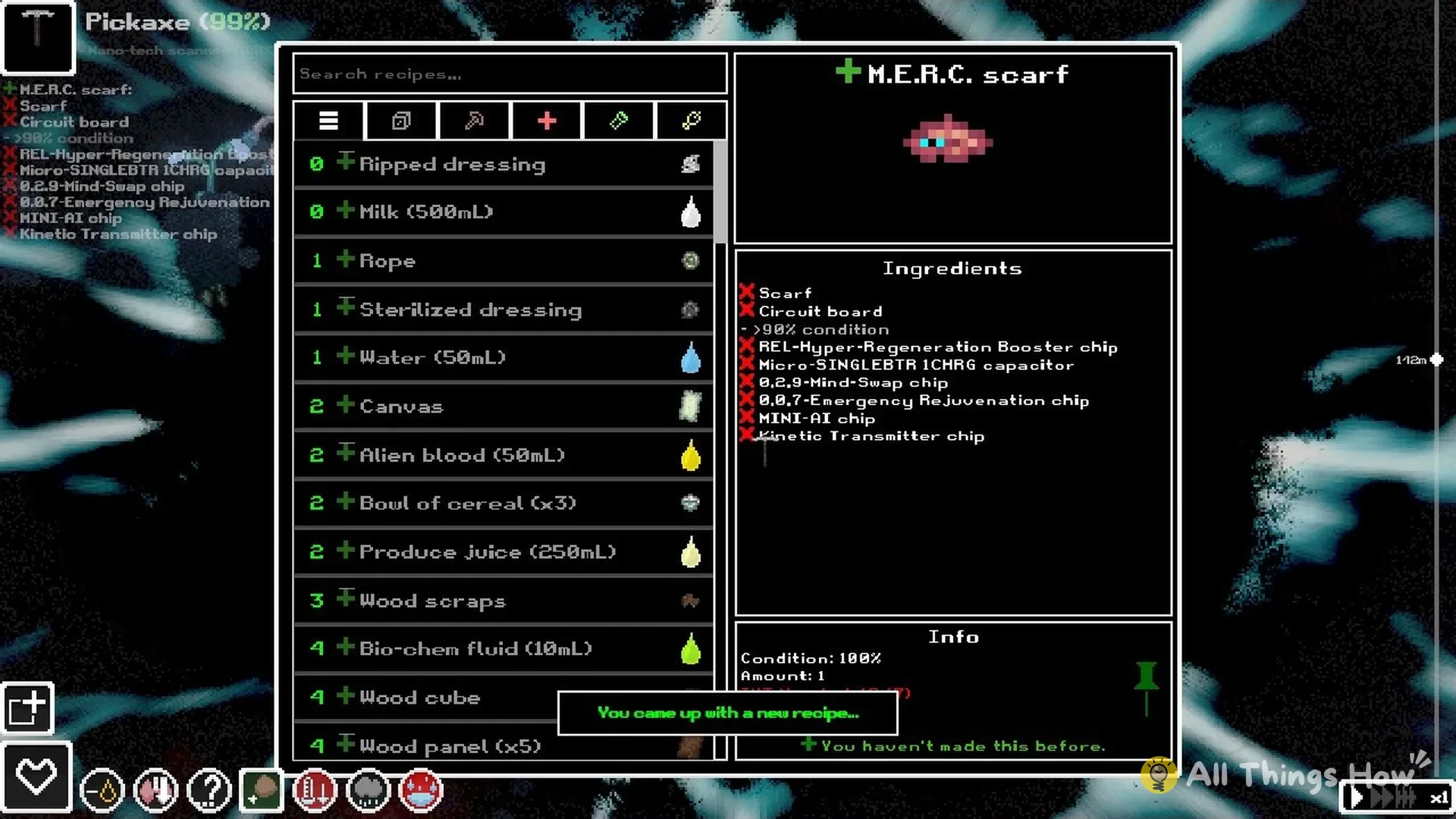
Keep the scanner in your main inventory for the rest of the run, because it only works there.
M.E.R.C. scarf chip locations on layers 2 to 9
| Layer | Chip |
|---|---|
| 2 |  REL-Hyper-Regeneration Booster chip |
| 3 |  Micro-SINGLEBTR 1CHRG capacitor |
| 4 |  0.2.9-Mind-Swap chip |
| 5 |  0.0.7-Emergency Rejuvenation chip |
| 7 |  MINI-AI chip |
| 9 |  Kinetic Transmitter chip |
There are no chips on layers 6 or 8. On each layer with a chip, a blue marker at the screen edge points its way. When you reach the chip’s depth, big blue text appears: “NANO-TECH SIGNATURE DETECTED AT THIS DEPTH”.
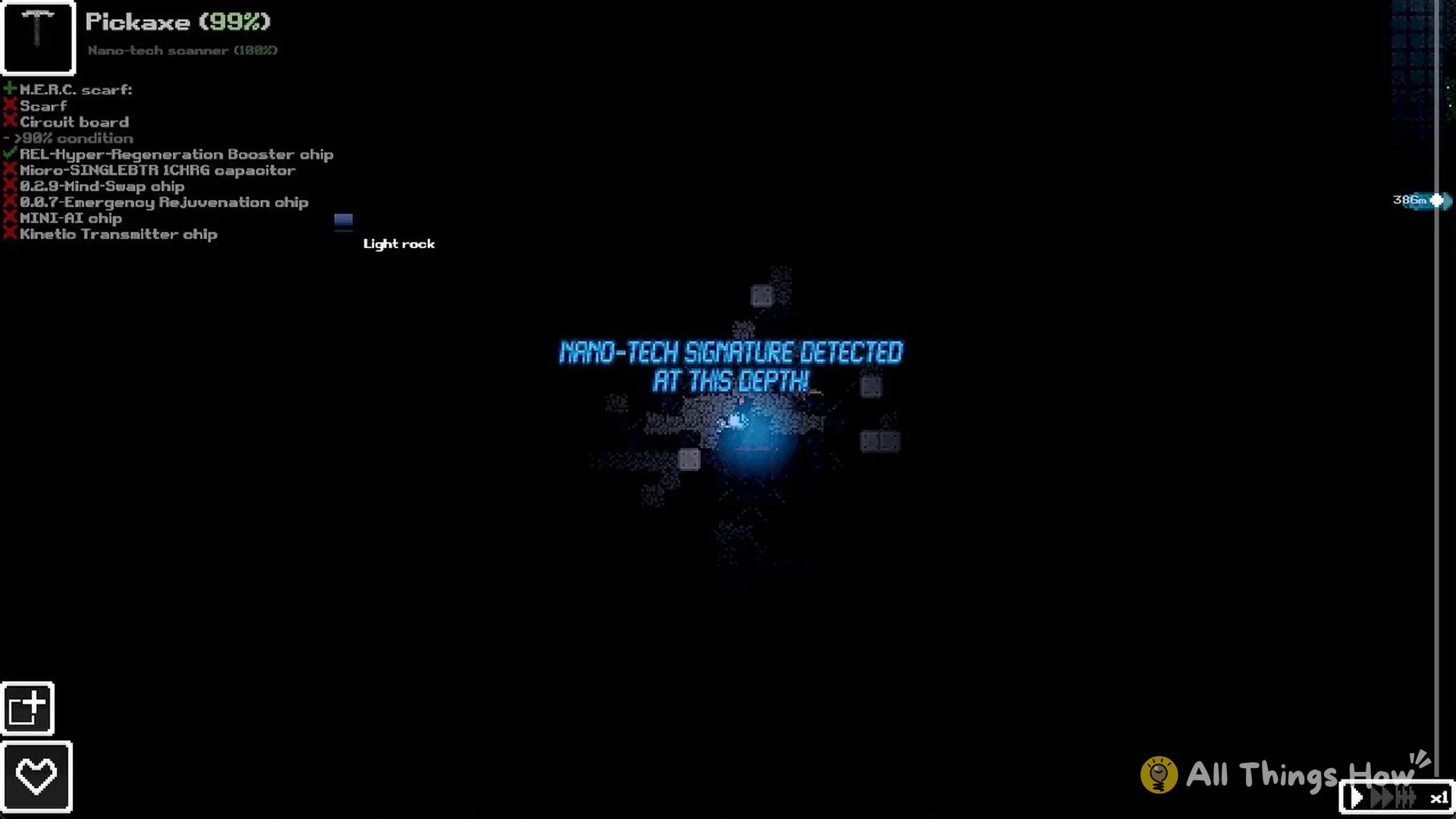
Follow the marker and you’ll find the chip on a small pedestal inside a pocket of rock with a blue glow. Dig through to it and pick it up. Each chip’s description ends with “You won’t be able to make use of it until much later.” and you don’t have to do anything with it until crafting. The pinned checklist turns an ingredient green when it’s lying close by on the ground, too, so check that the chip is actually in your inventory before moving on.
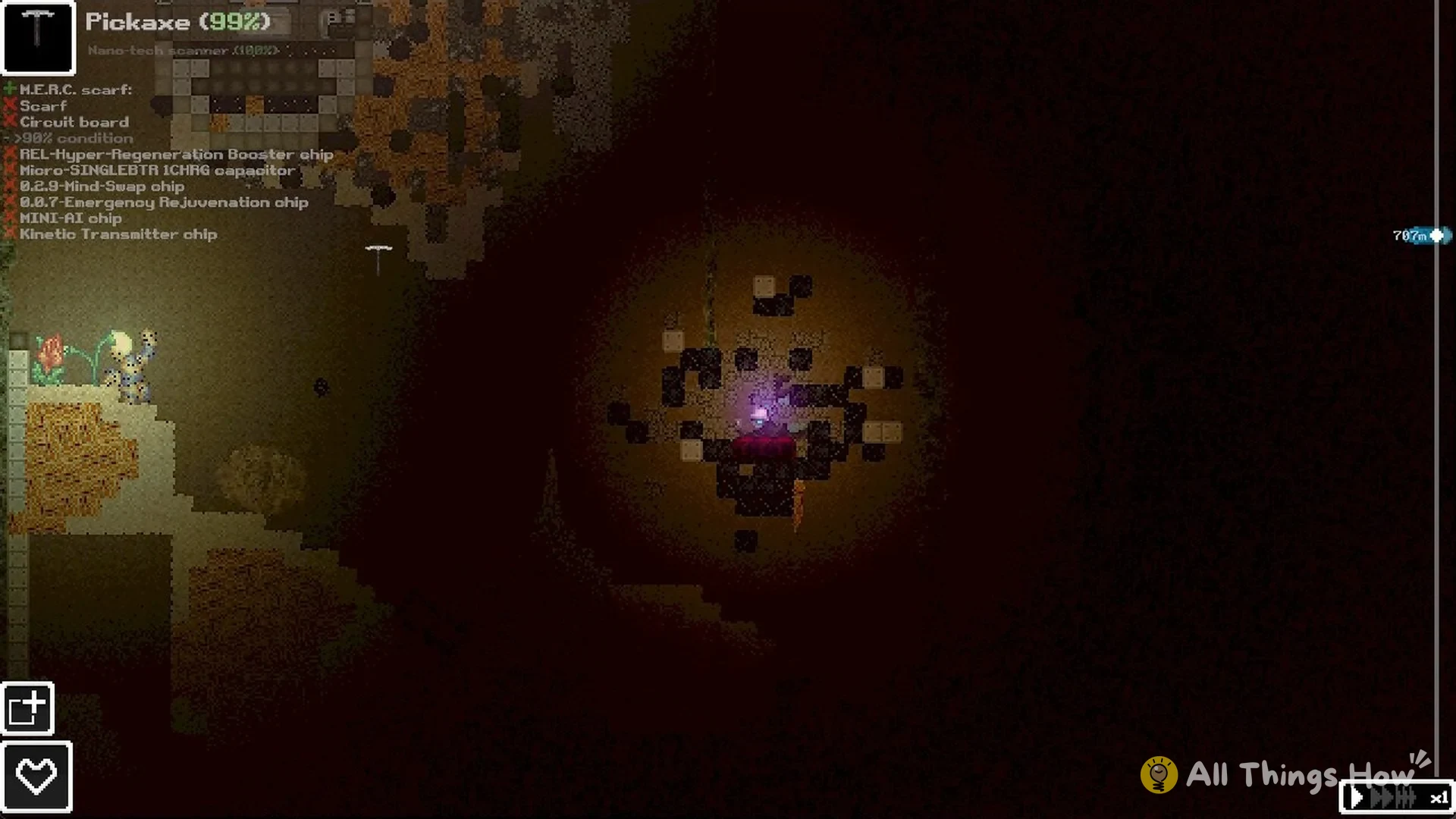
M.E.R.C. scarf recipe and INT requirement
| Recipe | INT needed | Ingredients |
|---|---|---|
 Scarf | 10 | 5x Canvas; 3x String |
 M.E.R.C. scarf | 18 | Scarf; Circuit board (above 90% condition); REL-Hyper-Regeneration Booster chip; Micro-SINGLEBTR 1CHRG capacitor; 0.2.9-Mind-Swap chip; 0.0.7-Emergency Rejuvenation chip; MINI-AI chip; Kinetic Transmitter chip |
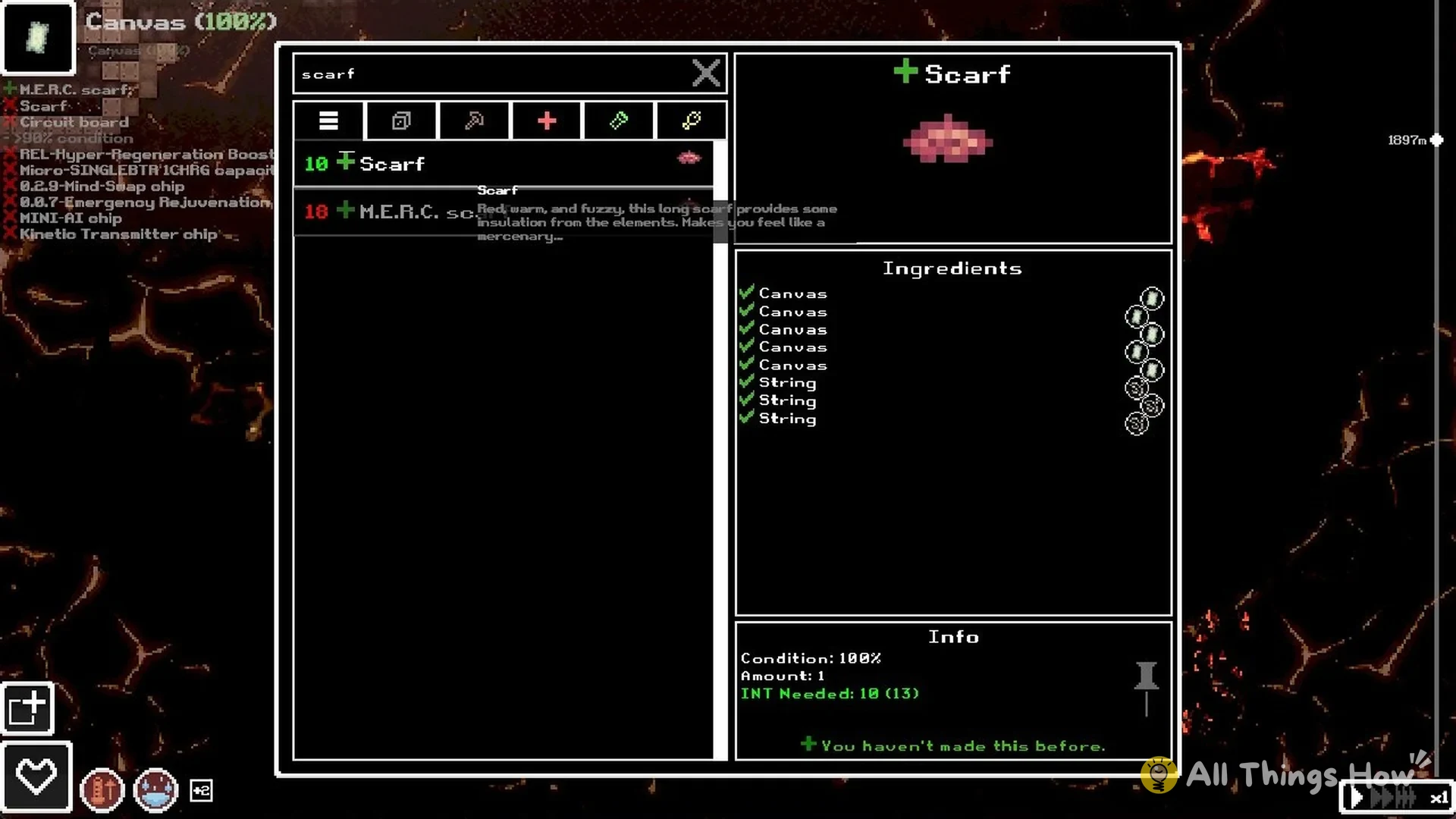
In the details pane, look for “INT Needed: 18”; your current INT appears in brackets beside it. The Casualties: Unknown crafting guide explains INT, including crafting when your INT is too low.
Press C to open crafting and search “scarf”. Both recipes show up, listed as “10 Scarf” and “18 M.E.R.C. scarf”.
Choose Scarf, then check the Ingredients panel. Click the result picture at the top right, marked “Create”, to make it.
Click the M.E.R.C. scarf once every ingredient ticks green, and craft it the same way.
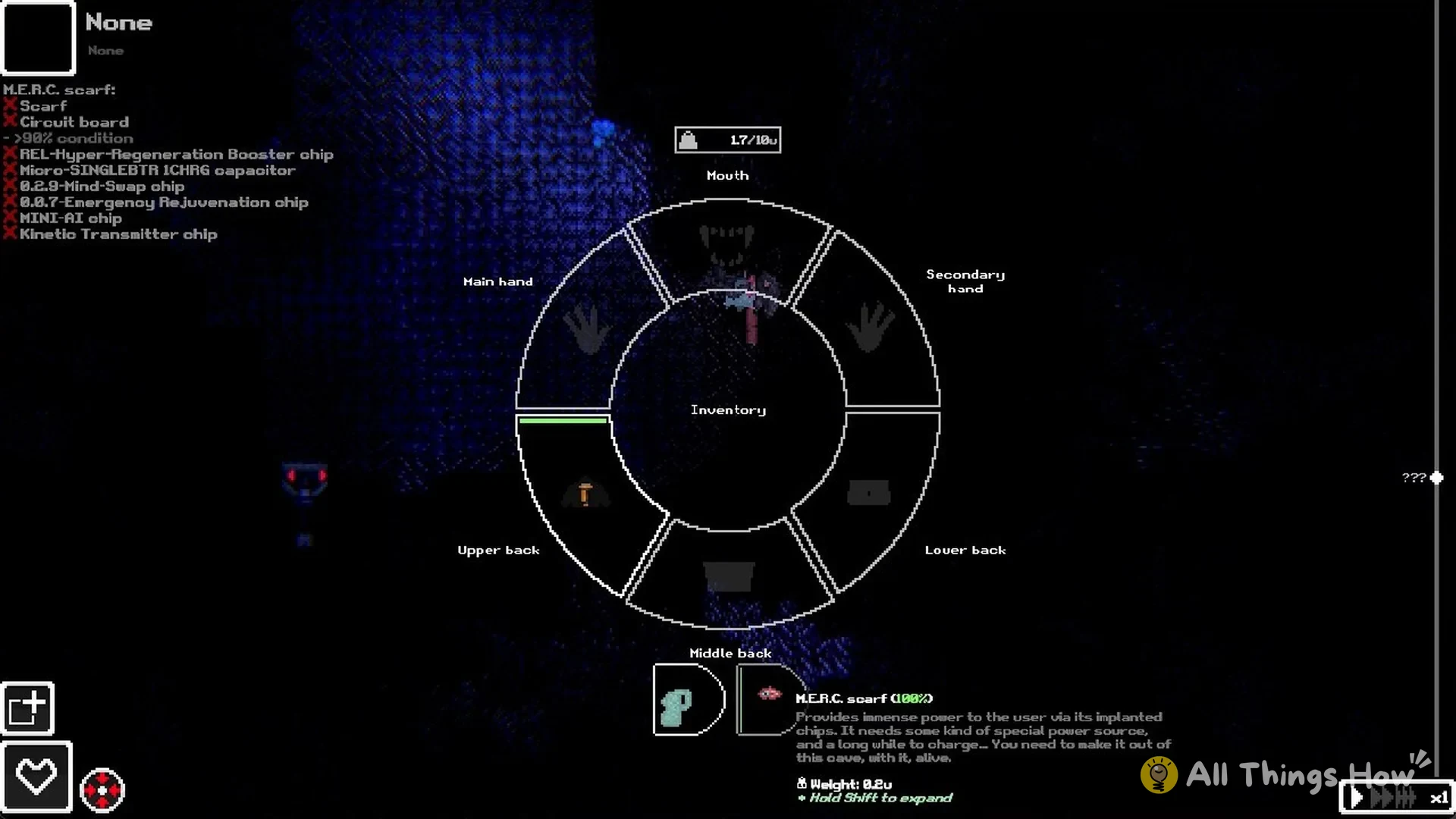
The finished item’s tooltip reads “Provides immense power to the user via its implanted chips. It needs some kind of special power source, and a long while to charge… You need to make it out of this cave, with it, alive.”
Wear the M.E.R.C. scarf before leaving the layer
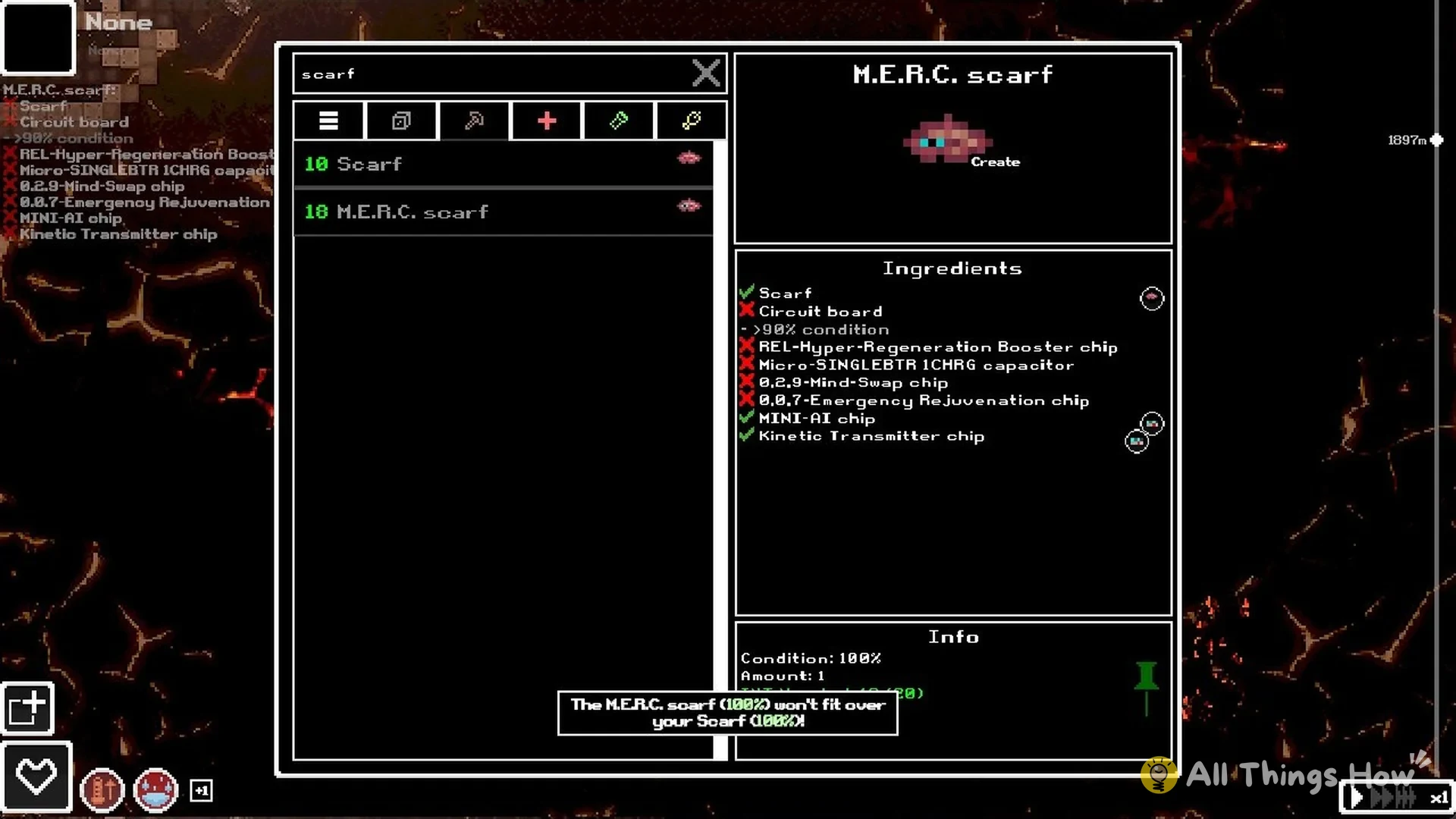
If you’re wearing the plain Scarf when you craft the M.E.R.C. scarf, you’ll get the alert “The M.E.R.C. scarf (100%) won’t fit over your Scarf (100%)!” and the new scarf drops on the ground. Take off the plain Scarf, pick the M.E.R.C. scarf back up and drag it onto the centre of the inventory circle so it goes in your neck slot. Or skip the problem entirely by never putting the plain Scarf on.
After you equip it, the M.E.R.C. scarf appears in the wear boxes along the bottom of the inventory circle.
Ground items don’t leave their layer. Equip the scarf before heading to the next one.
How to get the M.E.R.C. ending
Make your way to layer 10, “WHERE WE MUST REACH”. Look for a pulsing blue heart inside a dark-blue cave.
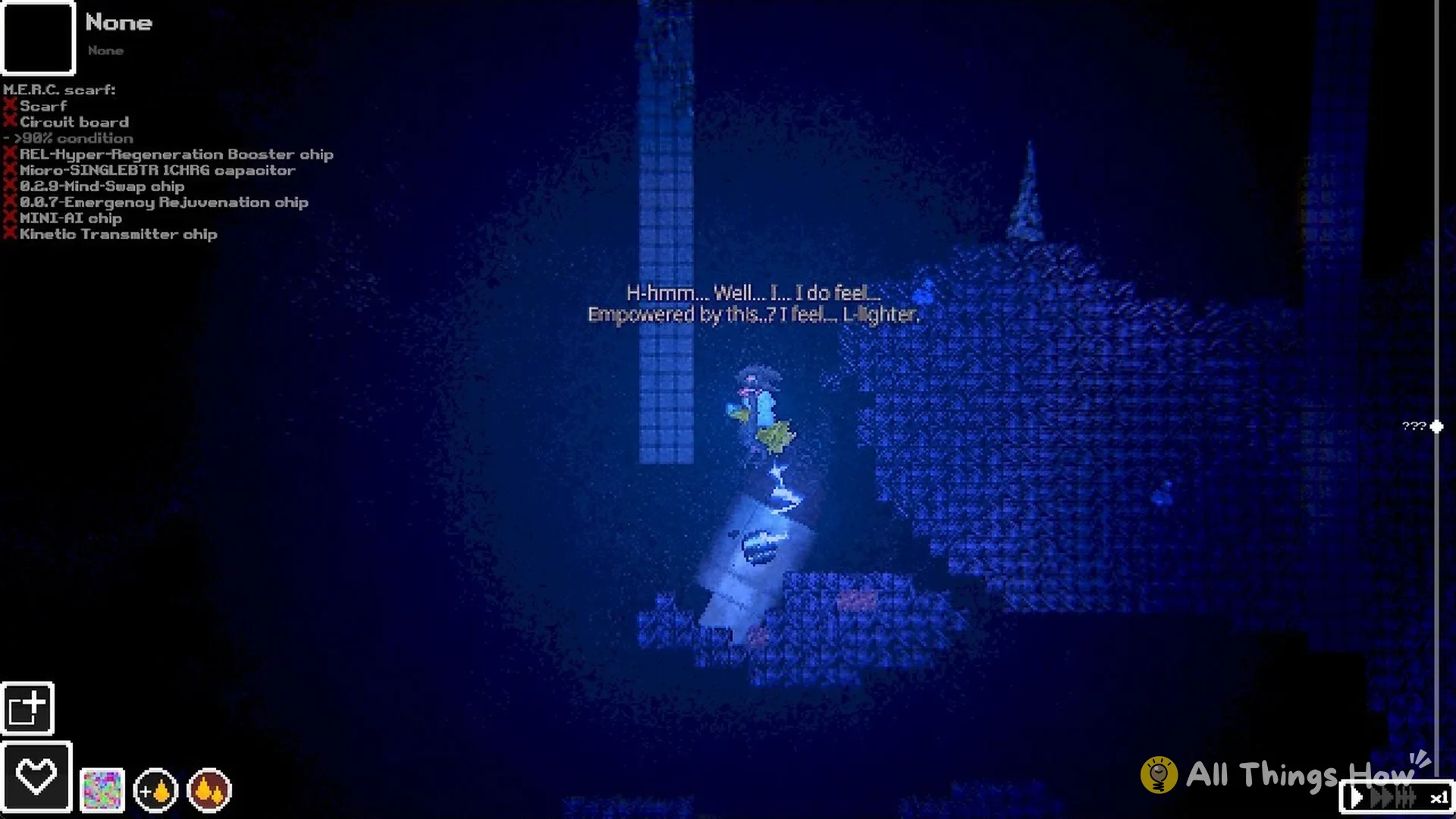
Approach the blue heart without falling over. It lifts up, the screen flashes white, and the heart embeds in your torso, giving you the “Cargo embedded” moodle. If you’re wearing the M.E.R.C. scarf, your character says “H-hmm… Well… I… I do feel… Empowered by this..? I feel… L-lighter.”
Find the high-powered drill pod above the heart, which is now crackling with electric arcs and has the tooltip “It’s time to say goodbye to this place.” Right-click it and pick “Buckle up and travel”, since a left-click only hits it.
Keep the scarf on as you climb from the bottom of layer 11 all the way to the top. At the start, the game tells you “Looks like thats as far as it’ll go… The only way’s up. Let’s go.”
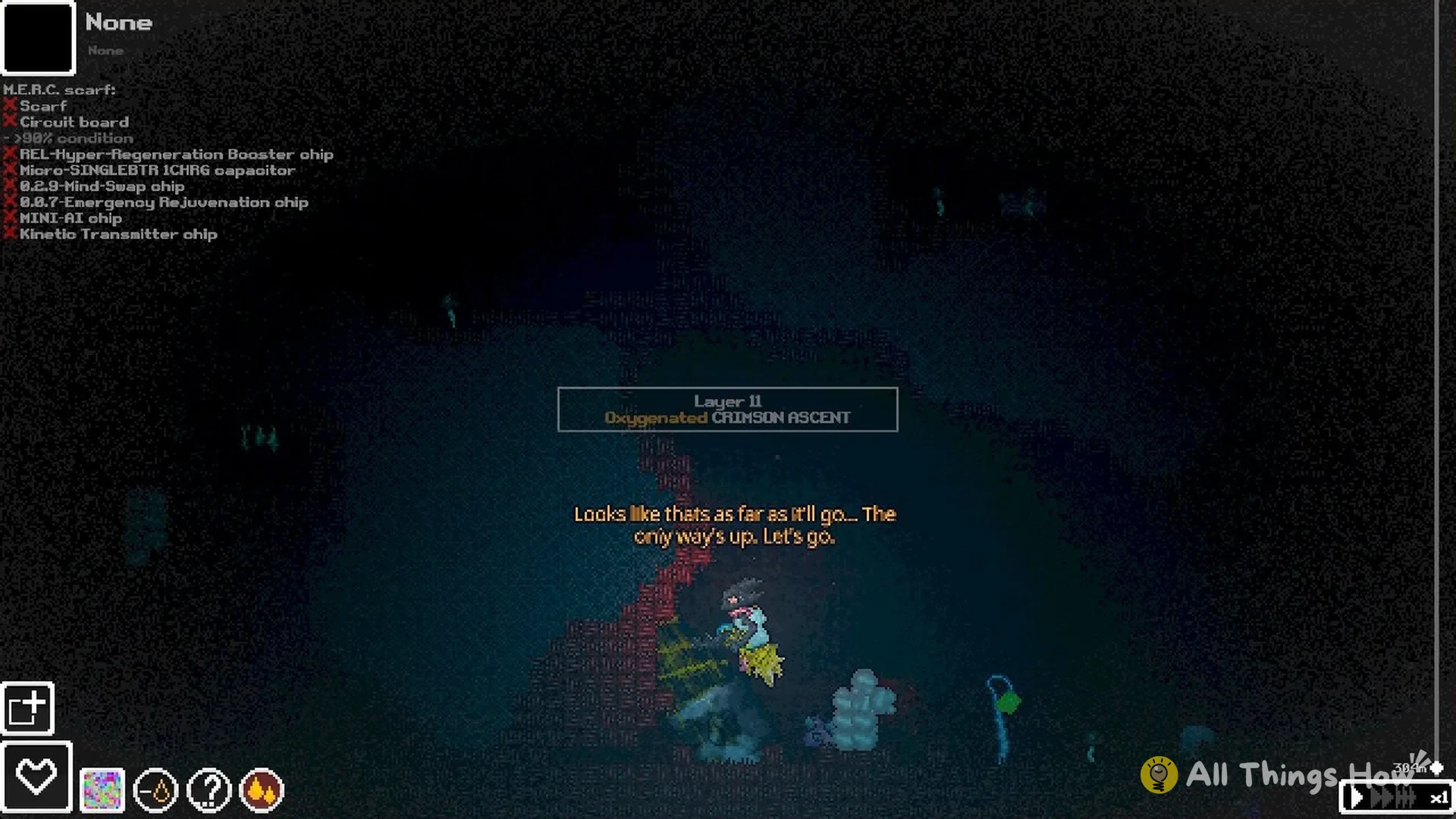
At the top, the M.E.R.C. ending plays, opening with “You breach through the final few layers of gravel and rock that separate you from the wide open air.” A pod lands for you and your character refuses to get in, and the scene ends on “…I remember. …I know what needs to be done.”
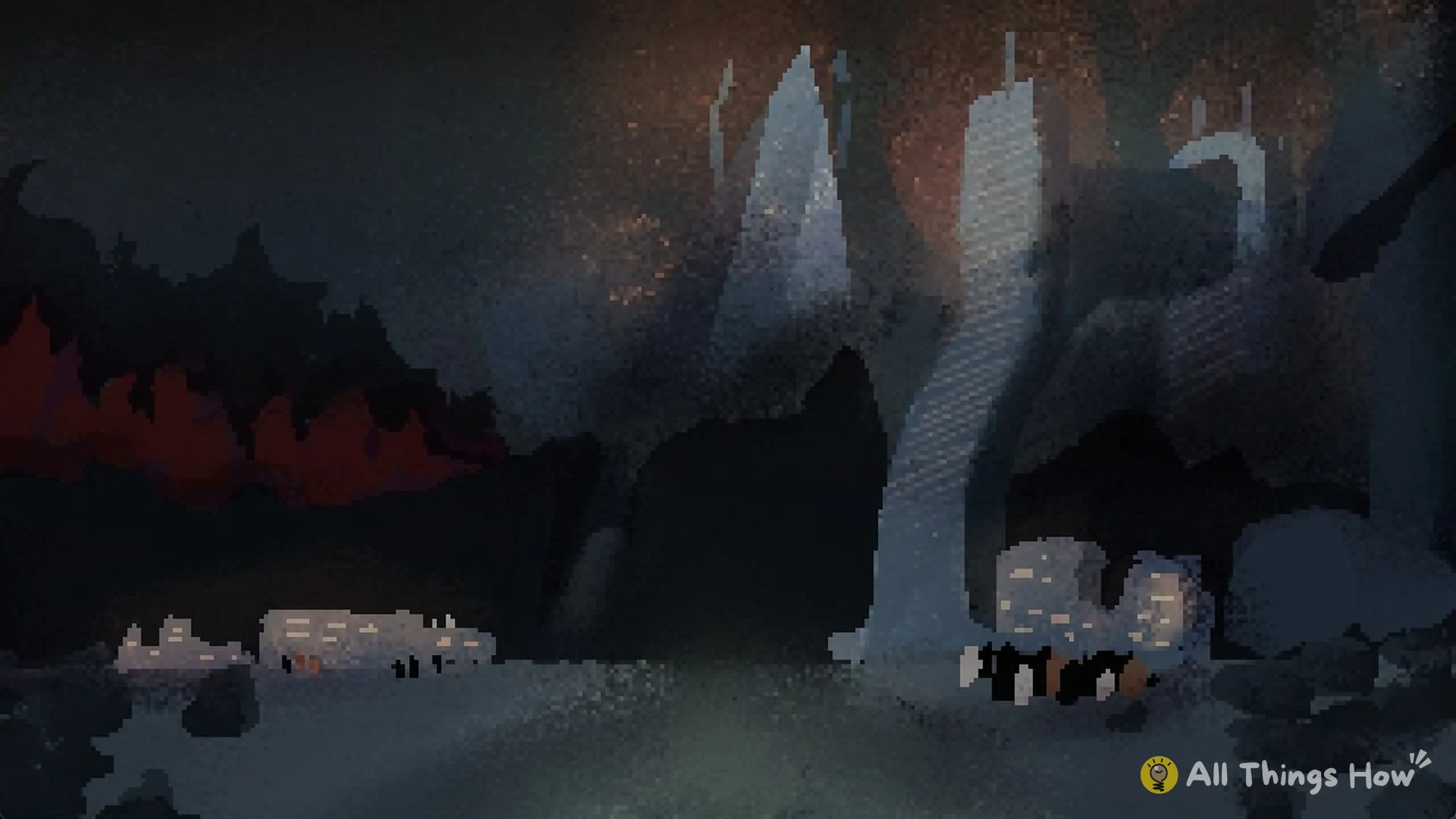
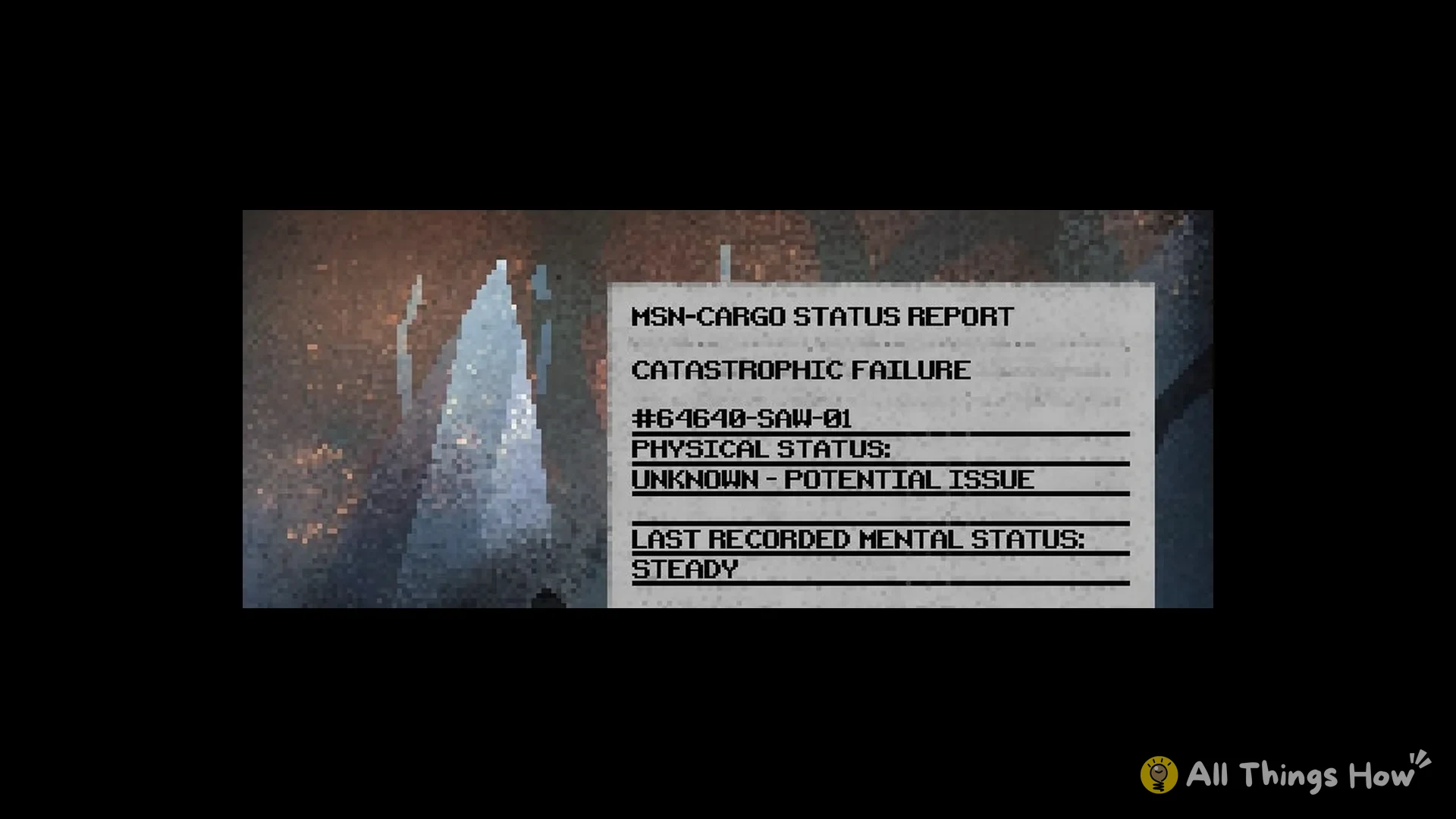
The end screen’s MSN-CARGO STATUS REPORT then reads CATASTROPHIC FAILURE, PHYSICAL STATUS: UNKNOWN – POTENTIAL ISSUE. If you reach the top of layer 11 without the M.E.R.C. scarf, the run goes to a different ending.