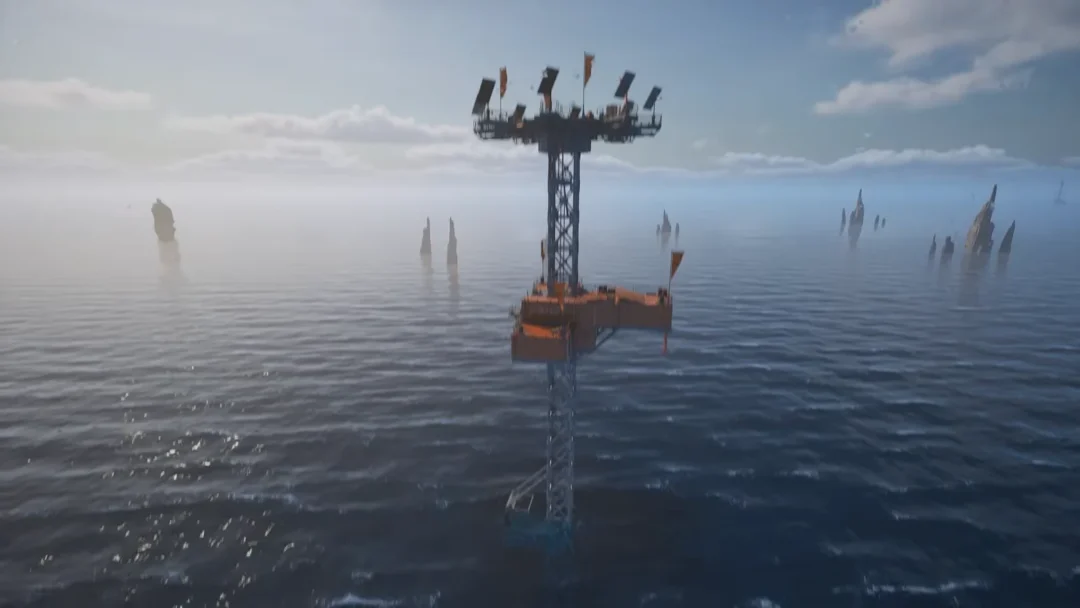
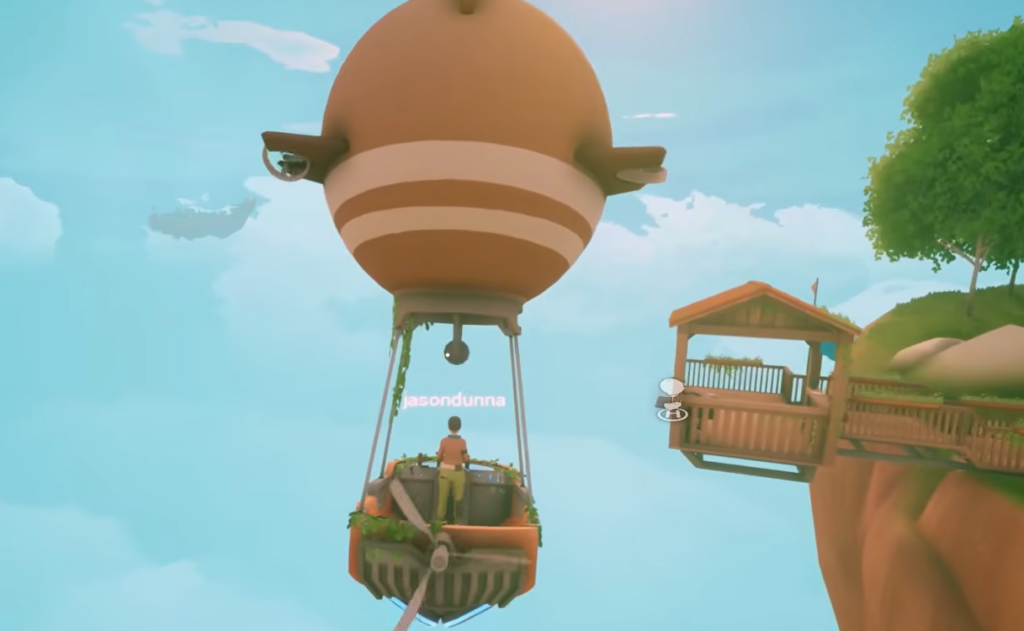
The airship is the gate that opens the rest of Solarpunk. Until you build one, you stay on the starting island. Once it flies, you can reach the trader, new floating islands, and resources like copper and silicon. The build is short, but it depends on one part many players overlook, the Crashed Airship Component.
Quick answer: Collect the Crashed Airship Component from the wreck on the starter island, research and build the Airship Dock, then open the dock panel and craft the airship with 10 Iron, 3 Cloth, and 1 Crashed Airship Component.
Find the Crashed Airship Component first
Start here before farming anything else. The dock panel will not let you finish the airship without this part, even when your iron and cloth are full. The component comes from a crashed airship on the starting island, sitting on the hill southeast of the lake. From that spot you can look back over the water.
If you have never reached the higher ground, that is usually why the wreck seems missing. Head to the area south, slightly southwest, of the lake. You should spot two small rises that work as a path up.
Research and build the Airship Dock
There is no standalone airship blueprint. You build the Airship Dock first, and the dock is where the airship is crafted, upgraded, and retrieved. Keep working at the Research Table until the Airship Dock unlock appears, then research it and place the dock.
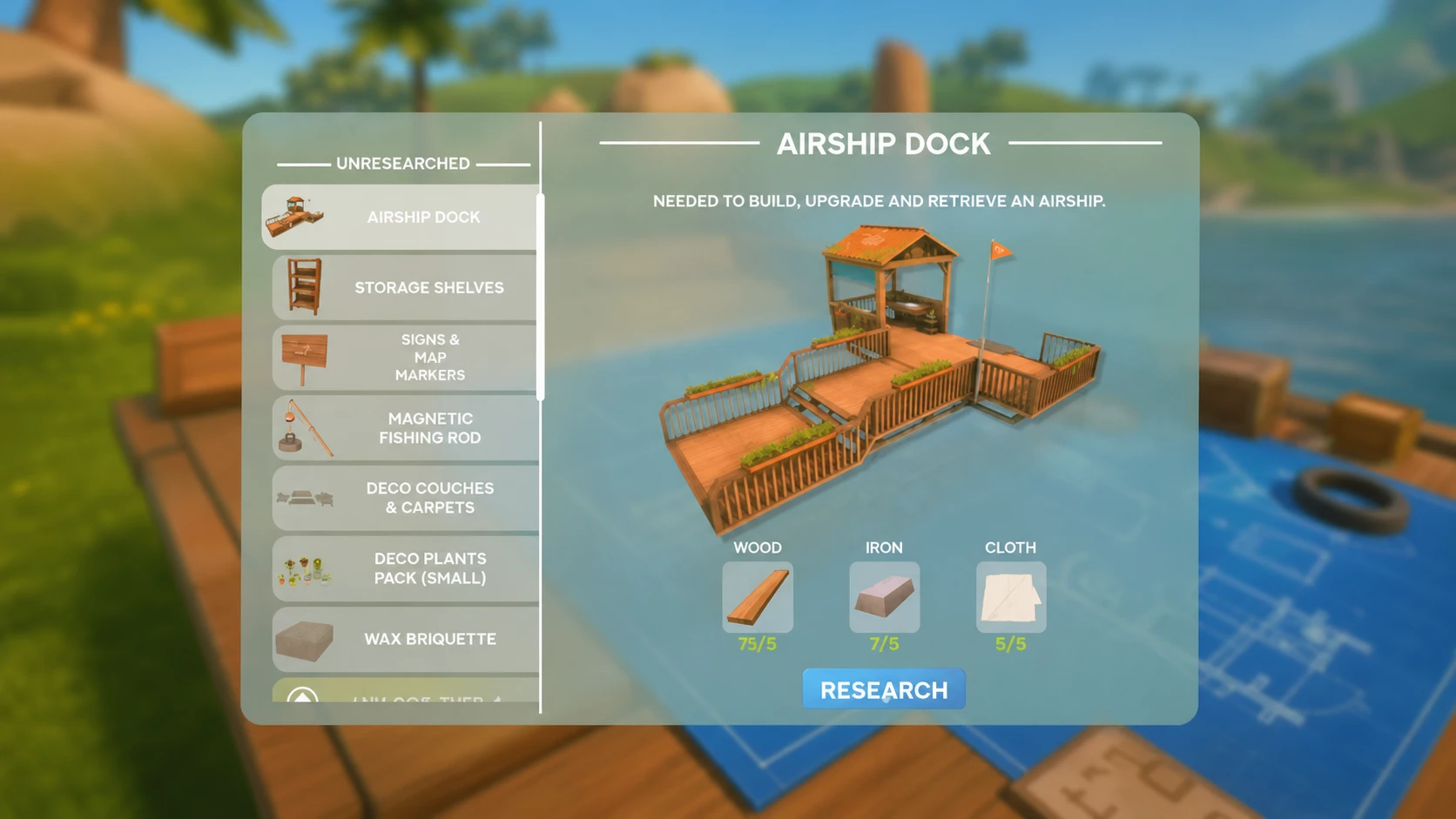
When you place the dock, half of it must hang out over the edge in open air. Pick a clear edge of your base island so there is room for takeoff and landing. A cramped spot makes every future docking harder.
| Action | Cost |
|---|---|
| Research Airship Dock | 5 Wood, 5 Iron, 5 Cloth |
| Build Airship Dock | 40 Wood, 20 Iron, 3 Cloth |
| Build Airship | 10 Iron, 3 Cloth, 1 Crashed Airship Component |
Cloth is the easy part. Plant cotton seeds, water them, harvest the cotton, and turn it into cloth at the workbench. For iron, find a raw iron node on your island, mine what you can, then smelt the ore in a furnace using wood as fuel. The furnace itself costs 15 stone, and stone comes from hitting rocks with a pickaxe. Wood, of course, comes from trees.
Build the airship at the dock
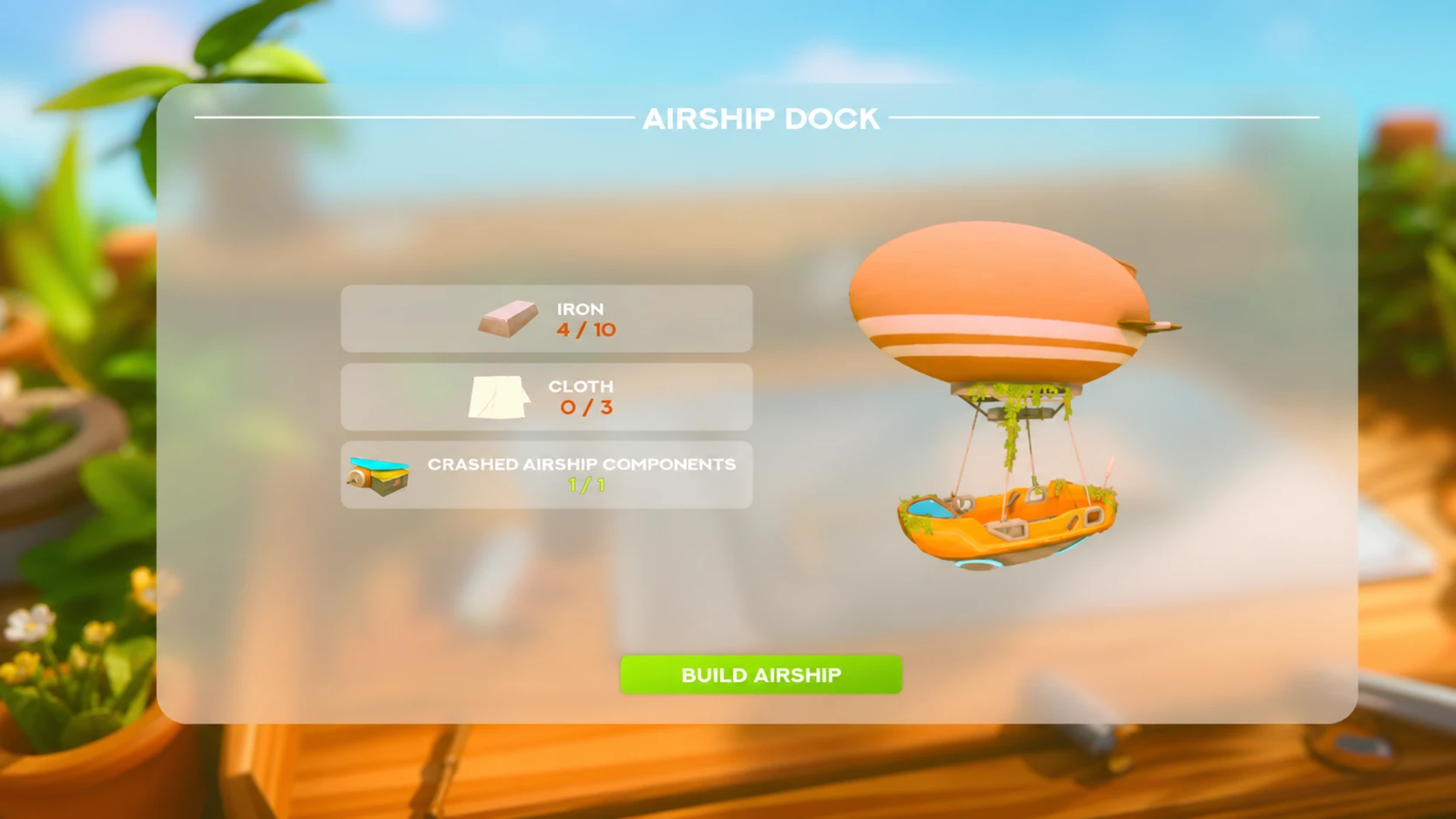
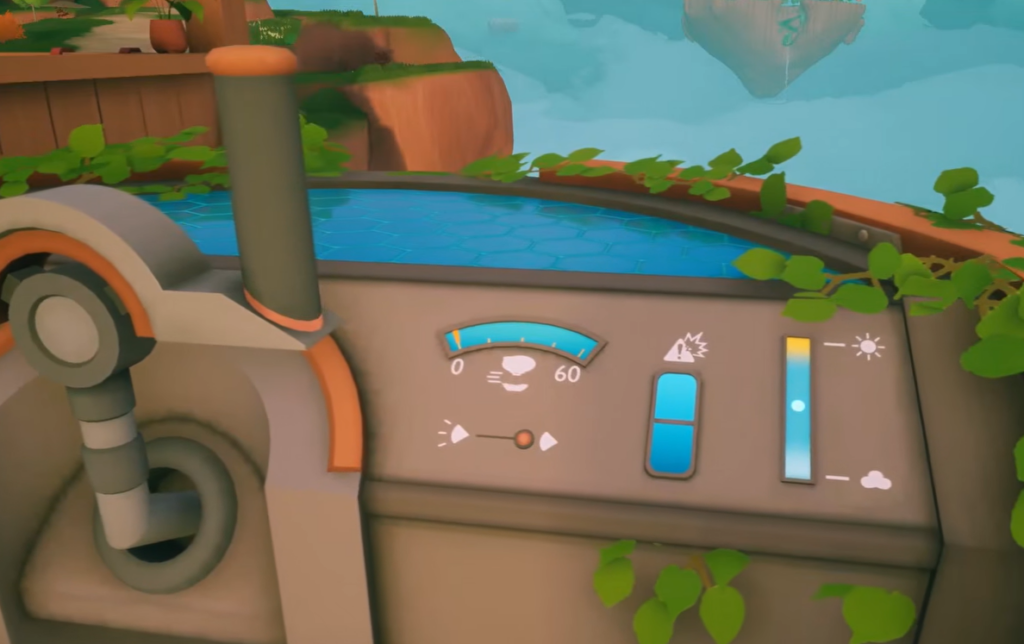
Building your first airship also unlocks a repair item, which is handy if you take a bad landing later. Treat the airship like it floats, not like a car. It keeps moving after you let go of forward, so brake earlier than feels natural and adjust your height before the final approach to the dock.
Expand your flight range with the 32 copper upgrade
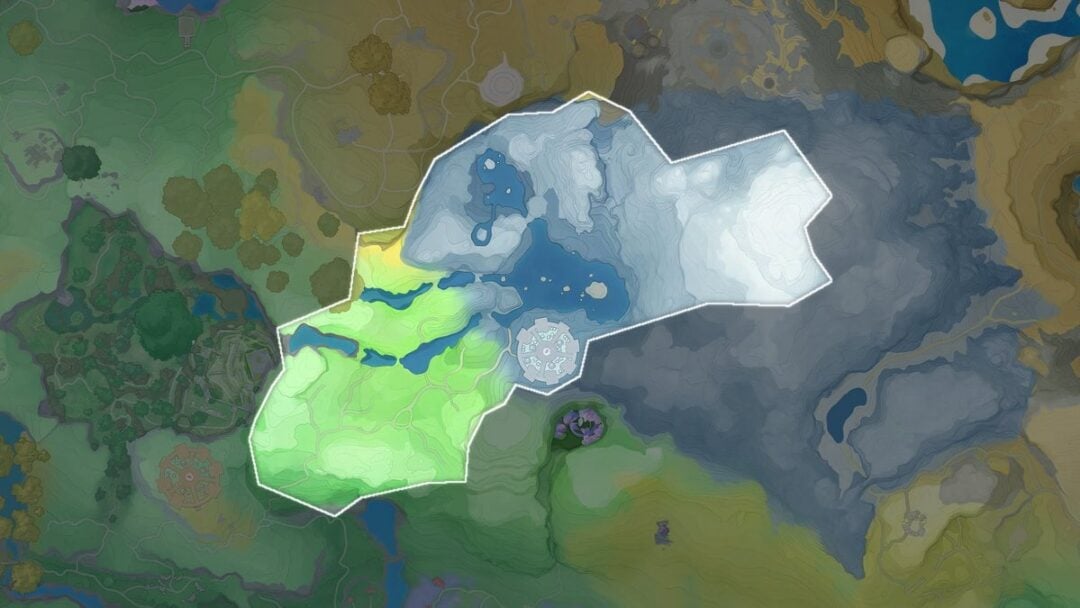
The white circle on your map marks how far you can fly. To push it out and reach more islands, you upgrade the airship through trading. The first major range upgrade comes from Traderbot in exchange for 32 Copper. Mine copper from a copper island inside your current ring, carry a couple of cheap pickaxes, and bring extra copper if you have room, since cables and powered machines also need it.
The trade only gives you the upgrade item. The range does not grow until you return home and apply it. If you traded for the upgrade and the map circle did not move, go back to your dock and press the Upgrade button. After that, the circle expands and new resources such as silicon open up.
| Upgrade | Cost | How to apply |
|---|---|---|
| First range upgrade | 32 Copper | Trade with Traderbot, then press Upgrade at the dock |
| Later range upgrade | 6 Eggs | Build wheat and chicken production, then trade and apply at the dock |
You may need to complete a few trades before the Airship Upgrade shows up as a reward, so keep working the trade chain.
Co-op airship rule
Airships are not shared in multiplayer. Each player can only fly the airship they built, and you cannot ride together with a friend on the same one. Plan to build your own if you want to travel at the same time.
Once the airship is built and the first upgrade is applied, the rest of the map opens in stages. Stock food, clean water, spare pickaxes, and empty inventory space before long trips, because new islands are full of crops, ore, and chests worth carrying home.