Extraction in SAND: Raiders of Sophie is how you walk away with the loot, weapons, and artifacts you gathered in a match. It is not a single button press on your Trampler. You have to reach a marked exit point on foot, call for pickup using a radio, and then survive the wait while the extractor aircraft arrives.
Quick answer: Open your map and look for an unnamed icon with a flag or door-and-arrow symbol. Drive your Trampler into range, get out on foot, climb the mast or tower, use the radio to call extraction, then climb the rope dropped by the extractor aircraft. The full process takes around two minutes.
Where extraction points appear on the map
Extraction points are not visible from the very start of a sandstorm match. They show up as the storm tightens. After a few storm contractions, door icons with an exit arrow appear in several spots across the map. On the map screen, these read as the unnamed icons marked with a flag, separate from the named locations.
There is usually more than one exit available, so you can pick the one closest to you or the one farthest from other players. If you do not see any extraction icons yet, the storm has not contracted far enough. Keep collecting materials and check the map again after the next contraction.
How to call extraction with the radio
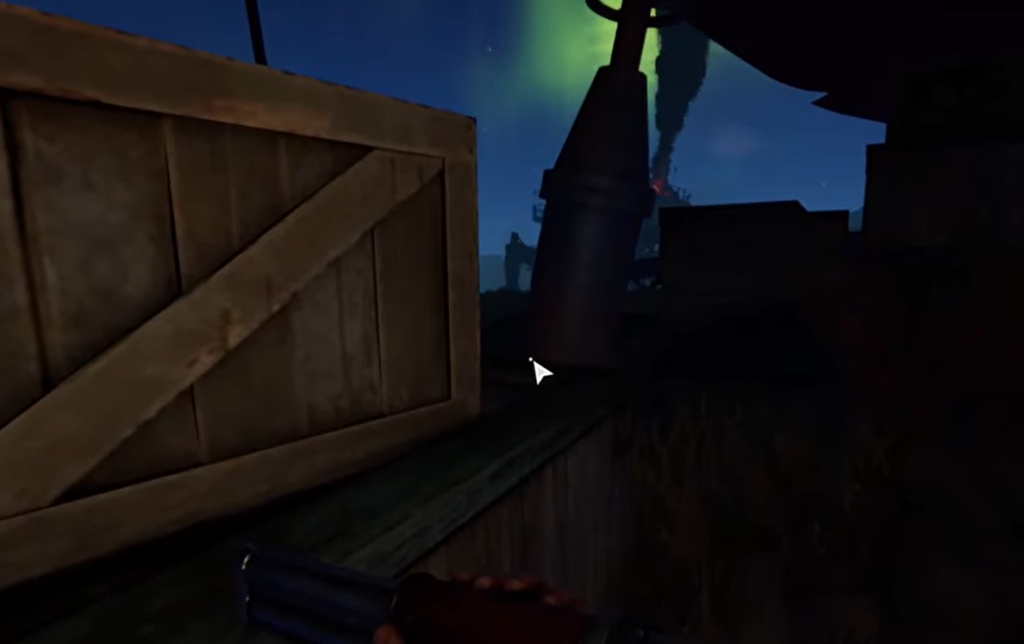
Why the extraction button is greyed out
A greyed-out extraction prompt almost always means a condition has not been met yet. The most common reasons are simple to check.
| Problem | What it means |
|---|---|
| No extraction icons on the map | The storm has not contracted enough yet; exits unlock later in the match. |
| Extraction button greyed out at the point | Your Trampler is not inside the pickup area, or you are out of range of the radio. |
| Call made but nothing happens | The pickup is on a timer of about two minutes; the aircraft has not arrived yet. |
How to know the extraction worked
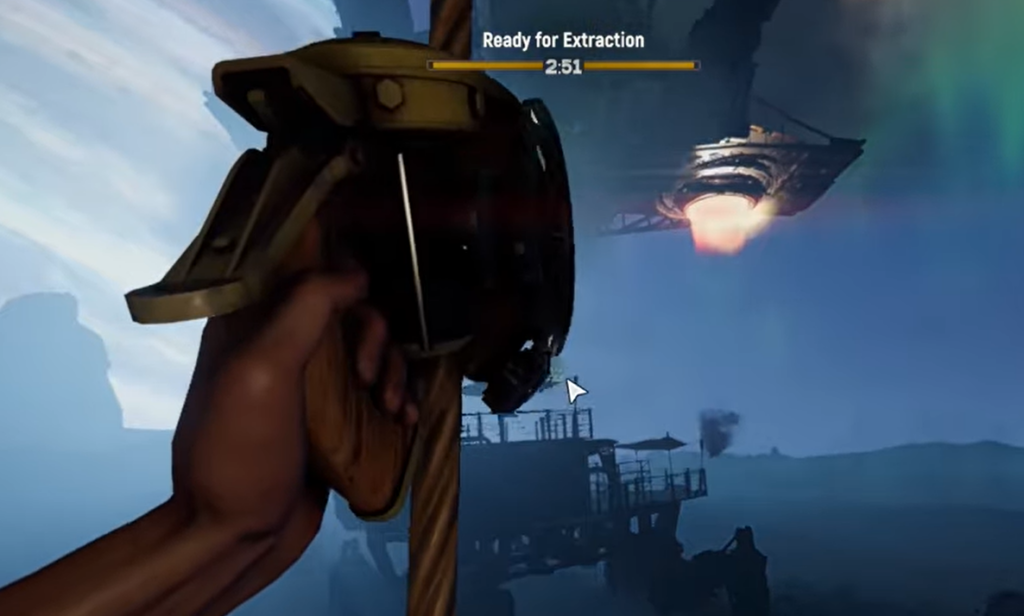
You know the sequence is on track when the left-side ribbon tells you to reach the radio, which confirms your Trampler is in the pickup area. After the radio call, the extractor aircraft moves in and lowers a rope. Climbing that rope completes the extraction and carries your loot out of the match. Until you are on the rope, you can still be killed and lose what you gathered, so hold the area for the full pickup window.
SAND: Raiders of Sophie is an extraction shooter set in an alternate 1910, where you scavenge the desert in towering Tramplers and customize your walking base. The game from Hologryph and TowerHaus, published by tinyBuild, is moving into Early Access on PC and PlayStation 5 on June 22nd, with a further server test planned for June 15th, so exact extraction details and icons may shift as the build is updated.