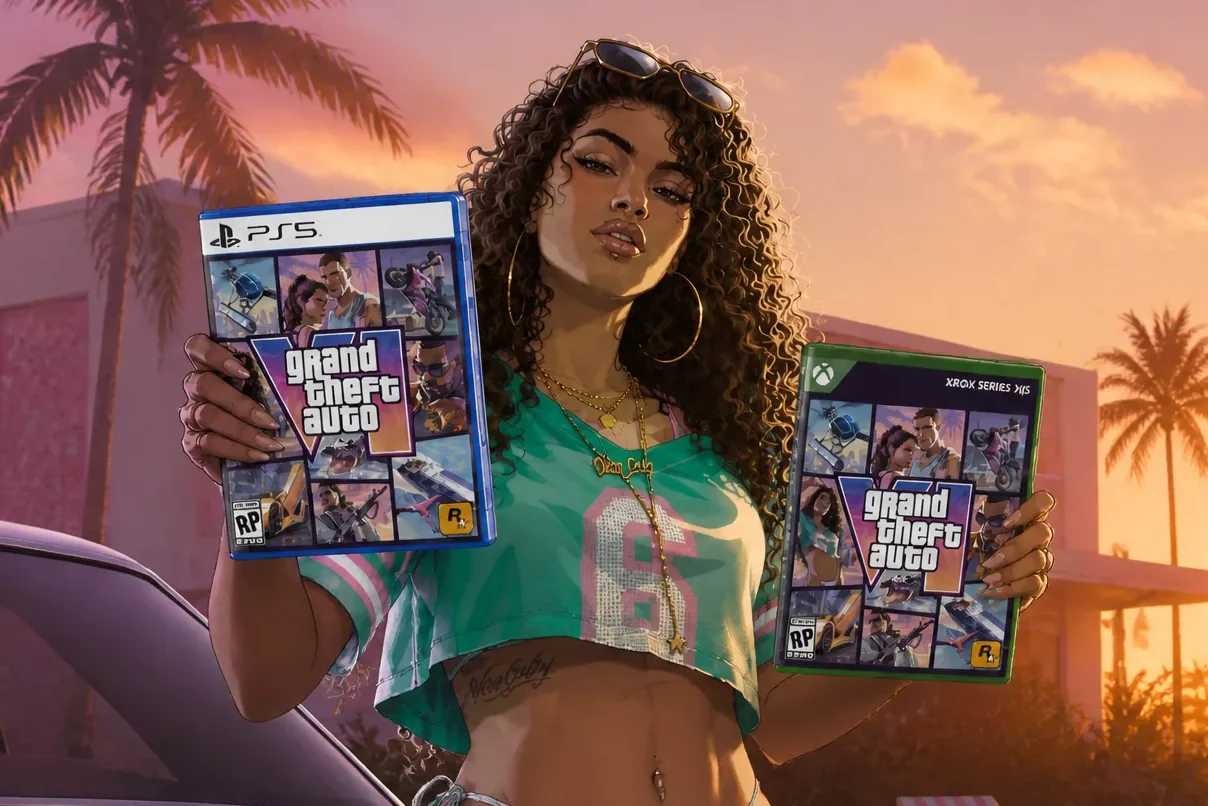
Grand Theft Auto VI pre-orders are live worldwide, and you can lock in your copy for the November 19, 2026 launch on PlayStation 5 and Xbox Series X|S. There is no PC version at release, so the only two platforms that matter right now are Sony’s and Microsoft’s current-gen consoles. Buy a digital copy and the game pre-loads ahead of time, so you can start playing the moment it goes live.
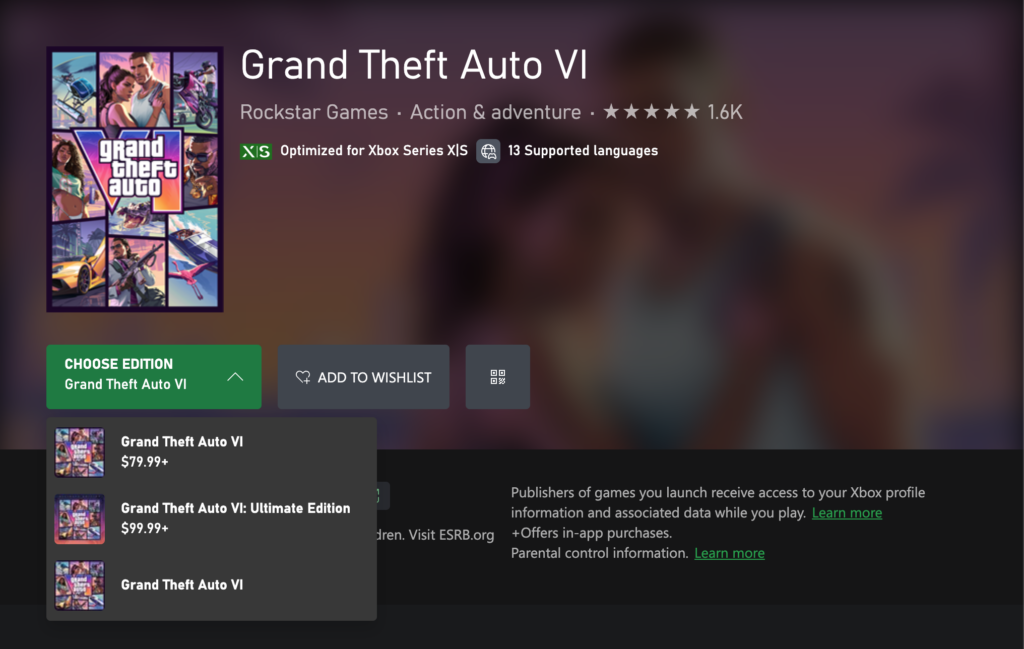
Quick answer: Open the PlayStation Store on PS5 or the Microsoft Store on Xbox Series X|S, search “Grand Theft Auto VI,” pick the Standard ($79.99) or Ultimate ($99.99) edition, then confirm payment. Any purchase made before November 20 includes the Vintage Vice City Pack.
Pre-orders opened at midnight local time on June 25, which is why the listings appeared at different moments around the world. Rockstar confirmed the rollout and the global go-live directly.
GTA 6 editions and pricing
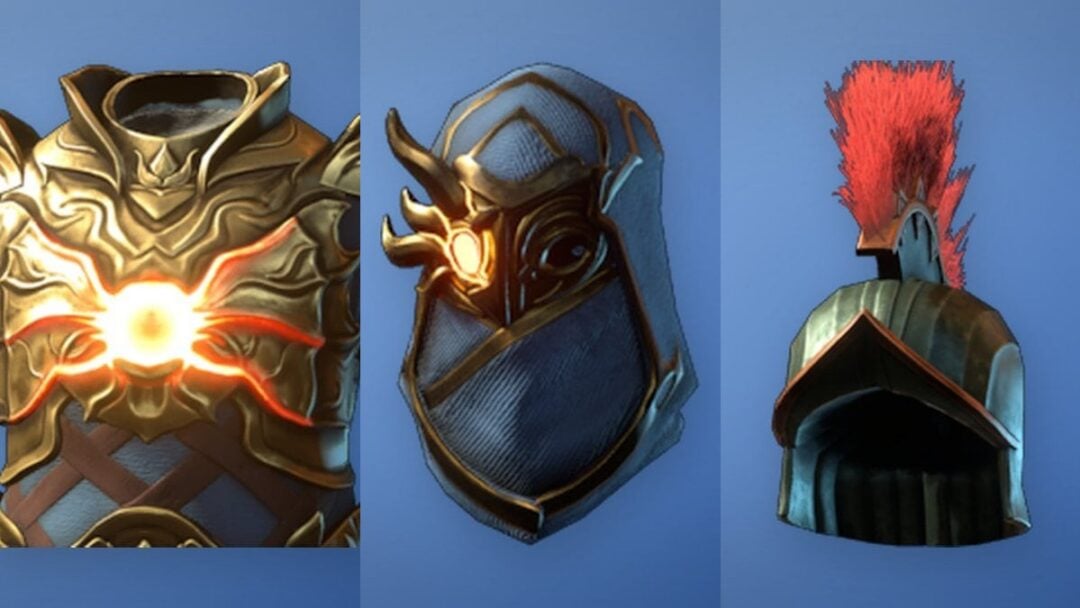
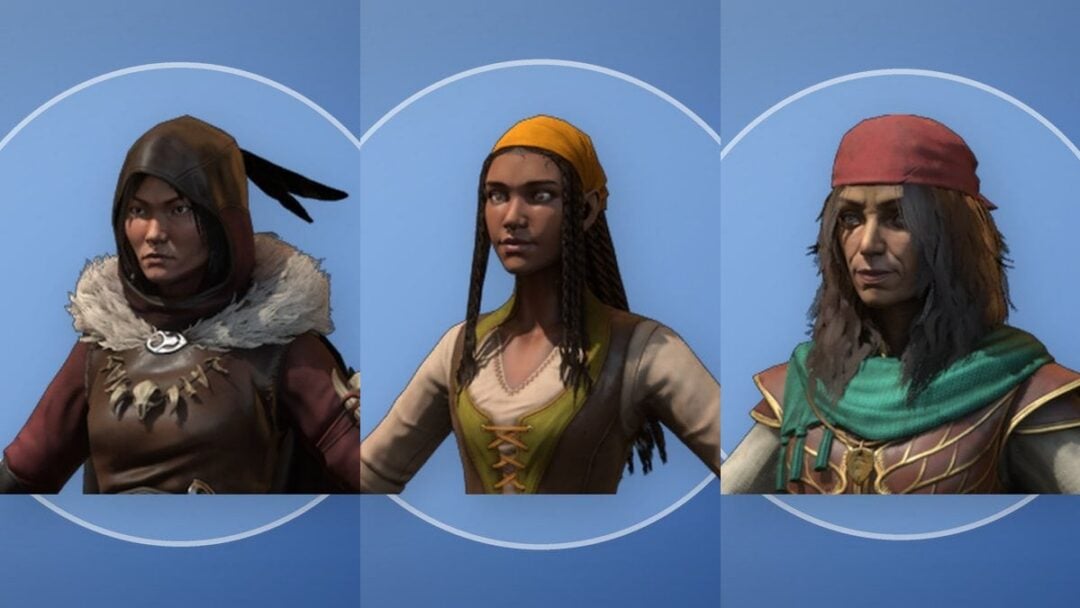
There are two digital versions. The Standard Edition gets you the base game, while the Ultimate Edition adds a large bundle of exclusive vehicles, weapons, apparel, mod shops, and in-game stores threaded through Jason and Lucia’s story. Both qualify for the pre-order bonus and a free month of GTA+ when bought digitally.
| Edition | Price | What you get |
|---|---|---|
| Standard | $79.99 | Base game, plus the Vintage Vice City Pack if bought before November 20 |
| Ultimate | $99.99 | Everything in Standard, plus exclusive vehicles, weapons, apparel, vehicle mod shops, and more |
Note: If you buy the Standard Edition first and change your mind, you can purchase the Ultimate content as an add-on pack later instead of rebuying the game.
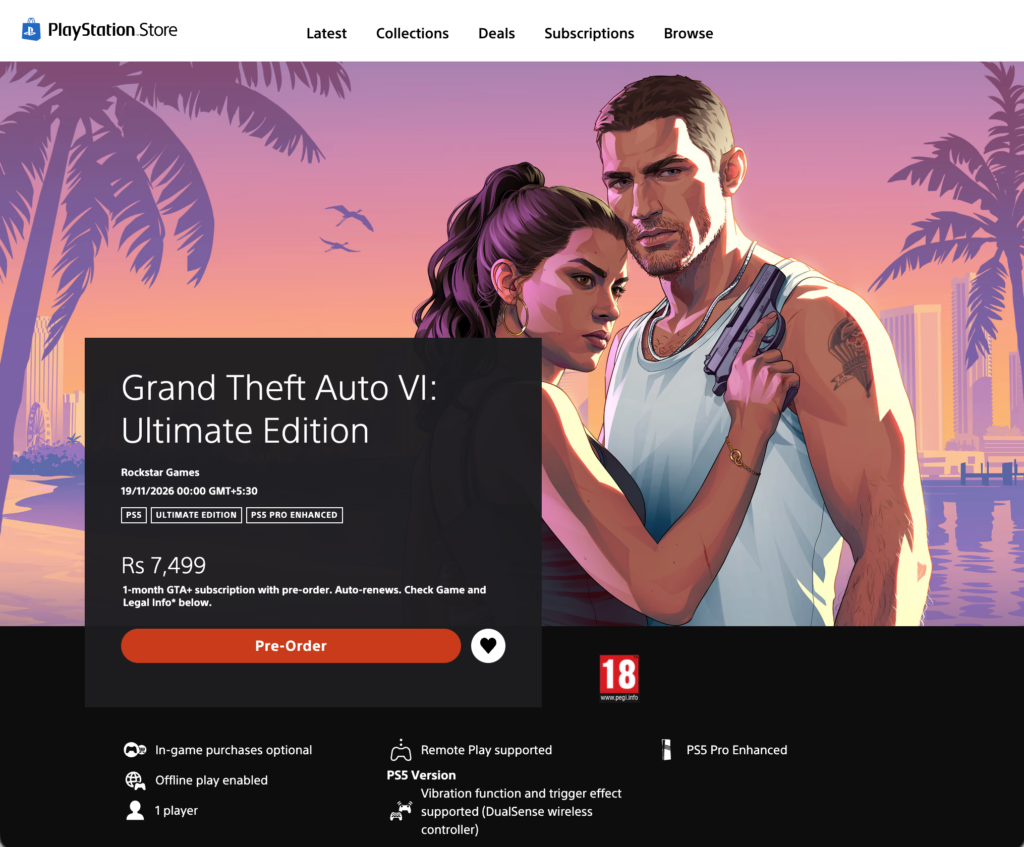
How to pre-order GTA 6 on PS5
How to pre-order GTA 6 on Xbox Series X|S
Vintage Vice City Pack pre-order bonus
Every pre-order or purchase completed before November 20, 2026 includes the Vintage Vice City Pack, a set of retro-themed items tied to both editions. It rewards buying early rather than picking a specific edition.
- ’55 Vapid Stanier classic sedan
- Shore Court Personal Garage
- Jason’s vintage pastel linen suit and new hairstyles
- Lucia’s red sequin mini dress and curl hairstyle
- Tropical Weapon Pattern for the Uzi, inspired by the Tommy Vercetti shirt
Digital pre-orders also bundle a free month of GTA+. Full details on both editions and bonuses live on the official Grand Theft Auto VI page.
Pre-load, launch day, and how to confirm your order
Digital pre-orders can begin pre-loading on November 12, a week before release, so the game is fully installed and ready to launch on November 19. The physical version also ships from November 12 to support pre-loading, but be aware that the box contains a download code only, with no disc inside.
You’ll know your pre-order went through when the store shows a “Pre-Ordered” status on the game’s page and you receive an email or on-screen confirmation. Save that confirmation. If checkout fails, the usual cause is an out-of-date payment method or insufficient funds, so make sure your wallet or card covers $79.99 for Standard or $99.99 for Ultimate before you confirm.
One last thing worth repeating: there is no PC release at launch, and Rockstar has not announced a PC date. Stick to the PlayStation Store, the Microsoft Store, the official Rockstar site, or major retailers like Amazon, Best Buy, and Walmart so you avoid any too-good-to-be-true listings while the hype builds toward launch.