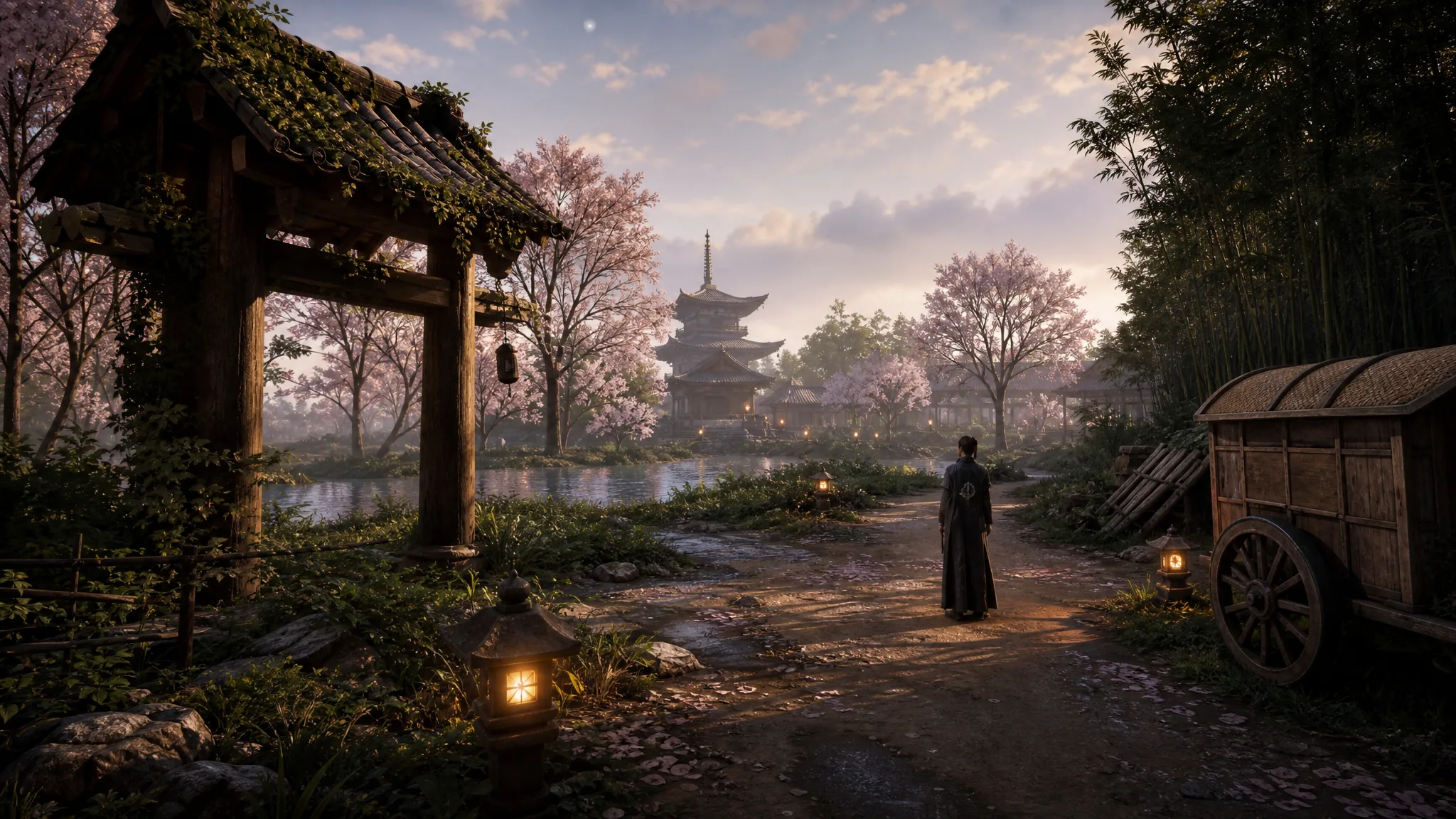
Home From the Ashes is an exploration quest in Where Winds Meet that tasks you with rebuilding Blissful Retreat, the inn area tied to Qinghe’s Moonveil Mountain. The most important objective in the chain is placing the Inn building on its plot, which is the step that unlocks the rest of the rebuild.
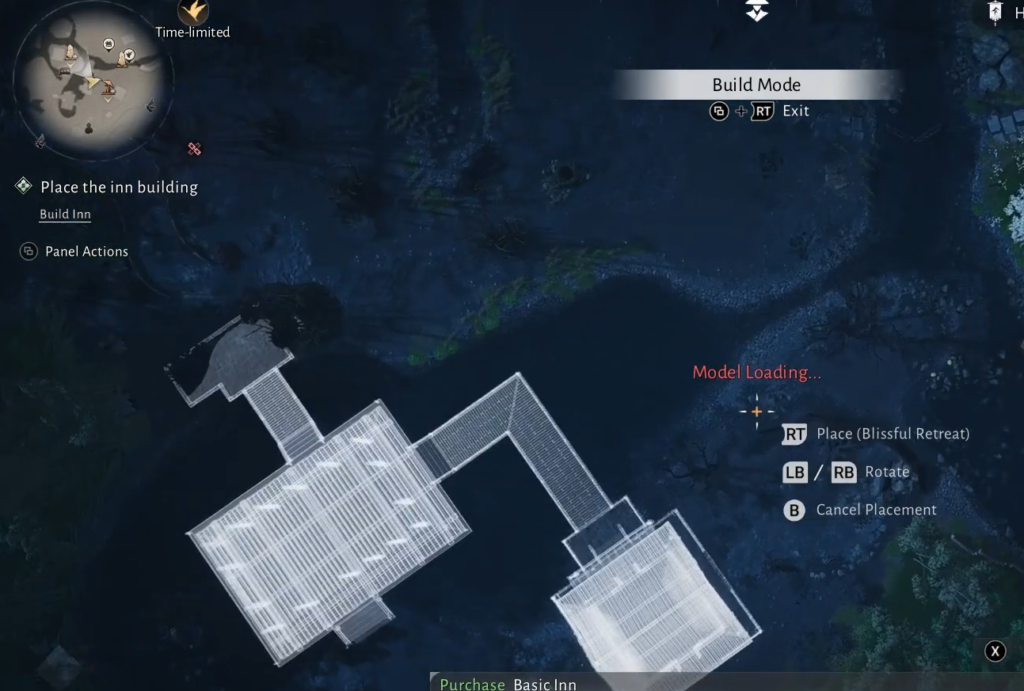
Quick answer: Open the building menu at Blissful Retreat, select the Inn, set it on its marked plot, and confirm the placement. The quest objective updates the moment the Inn is locked into position.
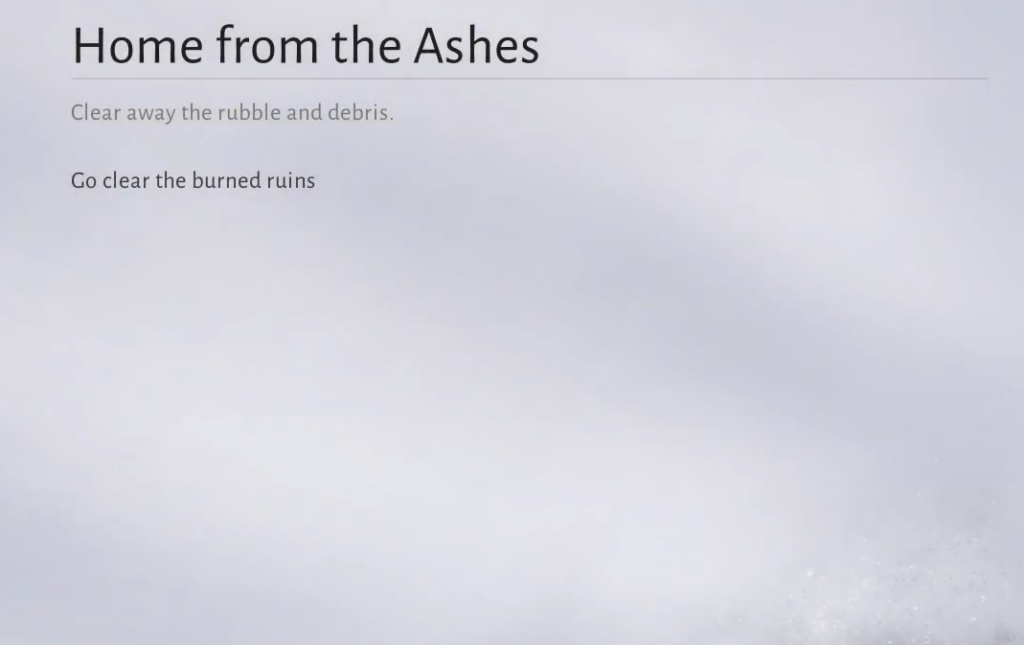
Where Blissful Retreat is and what the quest covers
Blissful Retreat sits in Qinghe near Moonveil Mountain, the same region where the inn first appears in the main story. The rebuild plays out in the Blissful Retreat homestead space, where you place structures on fixed plots rather than building freely across the open world.
Home From the Ashes is grouped with exploration content for the area, so progress comes from completing placement objectives at the site rather than from combat. The Inn is the first major structure the quest expects you to set down.
How to place the Inn building at Blissful Retreat
How to confirm the Inn placement worked
You know the step registered when the Inn appears on its plot and the quest tracker swaps to the next objective. If the objective text still reads as placing the Inn, the structure was not confirmed on the correct spot, so reopen the building menu and set it again on the highlighted plot.
Tip: If you cannot confirm placement, check that the Inn preview is fully inside the marked footprint and not overlapping another object. Aligning it cleanly on the plot is what lets the confirm prompt go through.
With the Inn standing on its plot, Home From the Ashes continues into the remaining rebuild objectives at Blissful Retreat, so keep following the quest markers from there to finish restoring the site.