The Sprite Mastery Pod lets you carry your collected Sprites as a permanent Back Bling, displayed safely behind glass so no other player can grab them off you. The catch is that owning a Sprite is not enough. A Sprite stays locked inside the pod until you take it all the way to Mastery Rank, which means hitting Level 5 with it and extracting from a match.
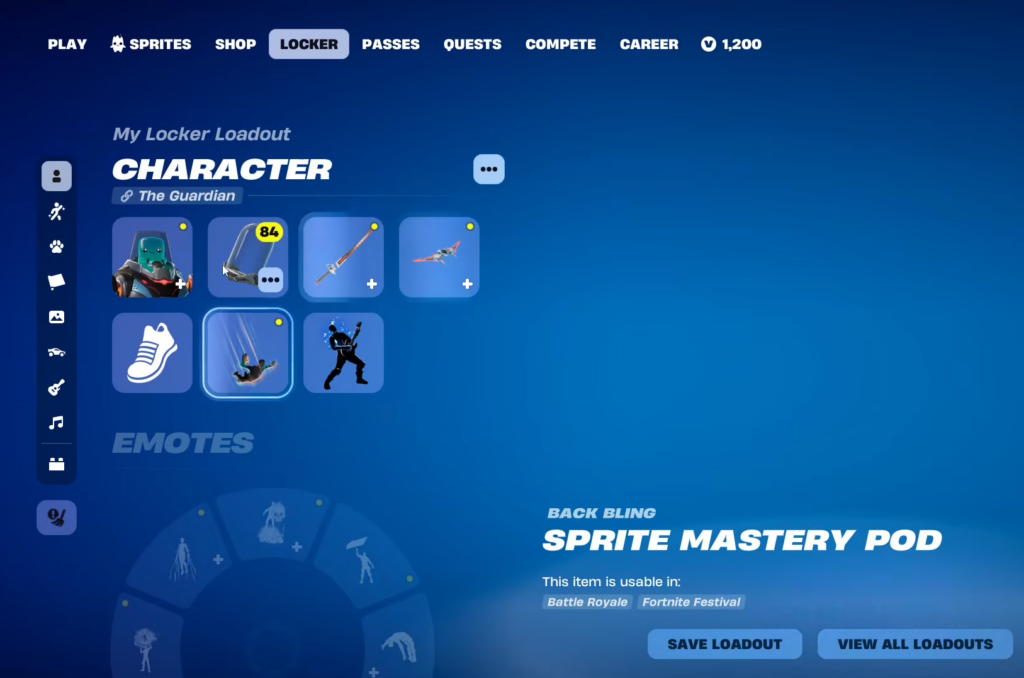
Quick answer: Get any Sprite to Level 5 and extract with it in a match to reach Mastery Rank, then open your Character Locker, edit the Sprite Mastery Pod Back Bling, and select that Sprite.
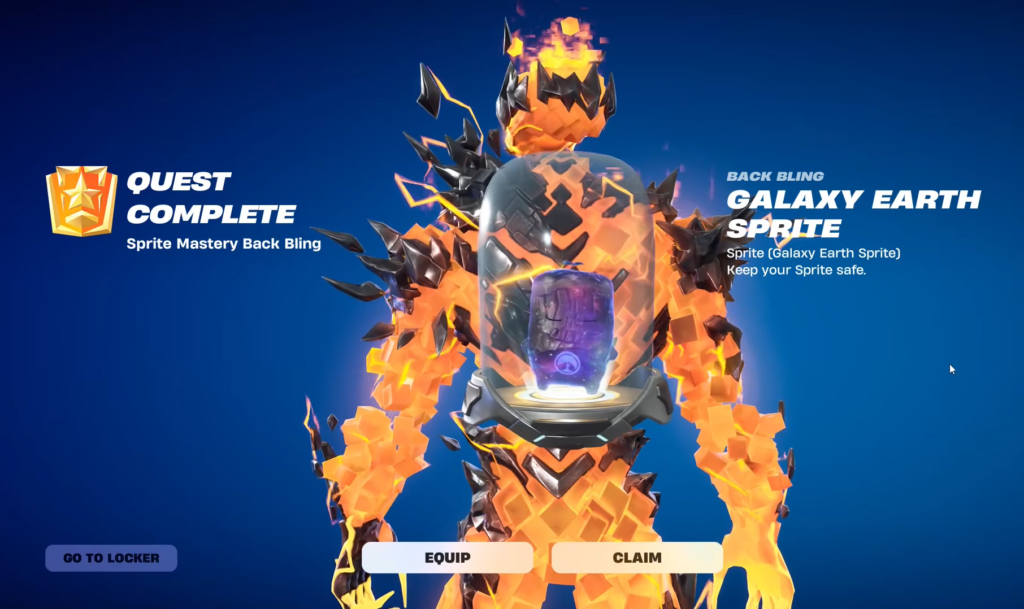
Where to get the Sprite Mastery Pod
The Sprite Mastery Pod is a reward on Page 1 of the Chapter 7 Season 3 Battle Pass, tied to The Guardian. You need to claim it before any Sprite can be equipped as a Back Bling. Without the pod in your inventory, the Sprite Back Bling option will not appear in your locker.
The unlock condition: reach Mastery Rank on a Sprite
Every Sprite slot inside the pod is gated behind Mastery Rank. A Sprite reaches that rank once you have leveled it to 5 and successfully extracted from a match while carrying it. Only Sprites that have cleared both of those steps will be selectable.
This applies to every Sprite type, common or rare. A Gold Sprite, a Gummy Sprite, and even the Burnt Peanut Sprite all become equippable in the pod once they hit Mastery Rank.
Fastest way to level a Sprite to 5 and extract
A Sprite is either used during a match or saved by extracting, and you generally cannot do both unless you win. If your only goal is unlocking the permanent Back Bling style, focus entirely on leveling the Sprite rather than holding it for the endgame. A simple two-match rhythm works well.
Avoid hot drops so you are not fighting for survival before the Sprite is ready. Once you settle into this two-step pattern, leveling and extracting Sprites moves quickly.
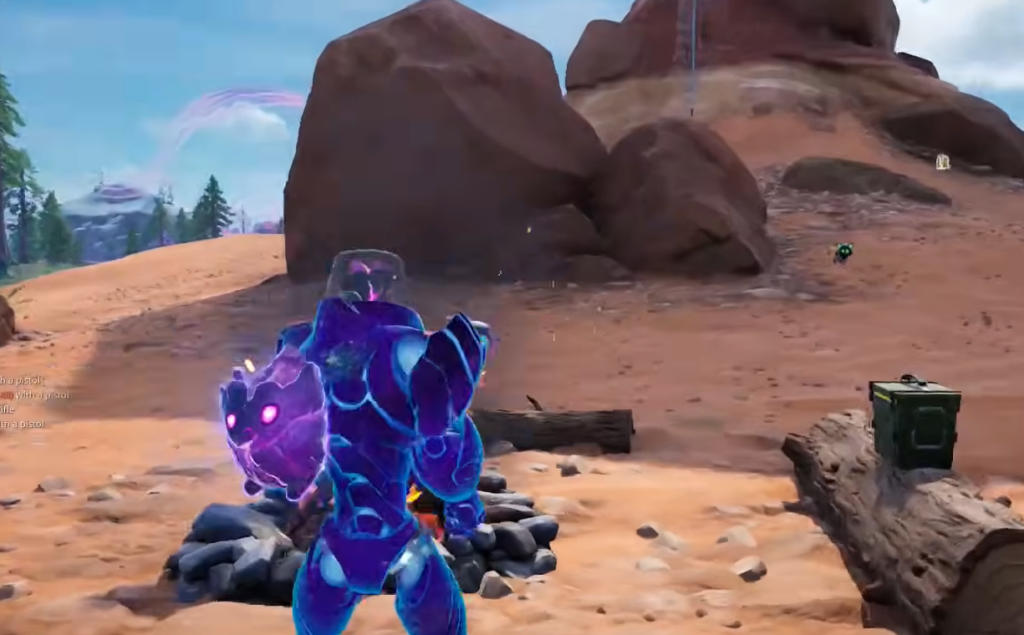
How to equip a Sprite in the Sprite Mastery Pod
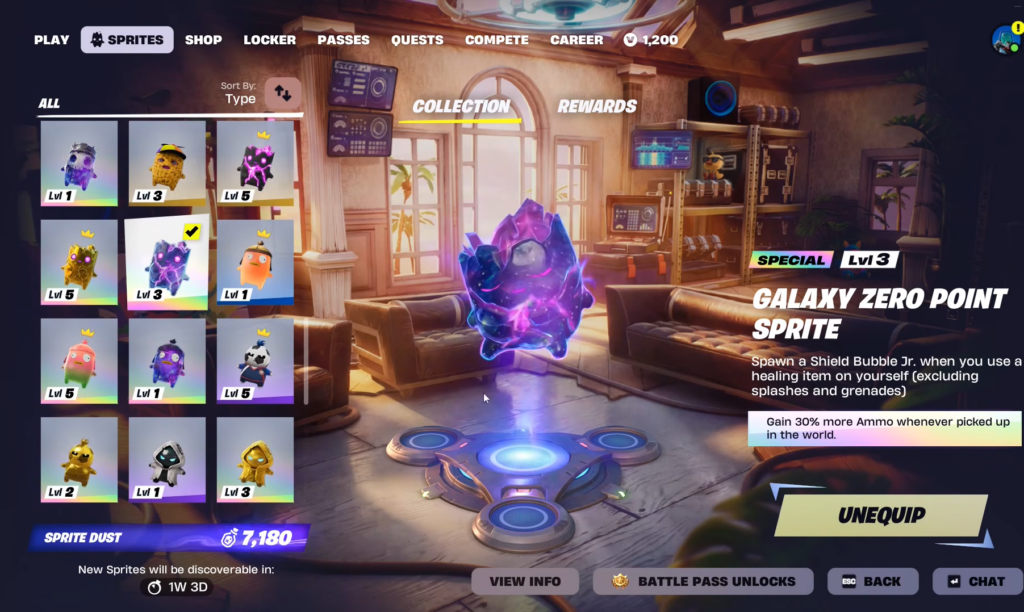
How to confirm a Sprite is mastered
To check whether a Sprite has reached Mastery Rank, open the Sprites tab and look for a crown icon above the Sprite. The crown confirms it has hit Level 5 and been extracted, which means it will be selectable inside the Sprite Mastery Pod.
If a Sprite you own still shows as locked in the pod, it has not yet reached Mastery Rank. The usual reason is that it has not been taken to Level 5, or it was leveled but never extracted from a match.
New Sprites and pod support
The latest additions to the roster include the Boss Sprite, Striker Sprite, Fishy Sprite, Aura Sprite, and Grim Reaper Sprite. These are expected to become available in the Sprite Mastery Pod, so once you locate them and bring them to Mastery Rank, they should slot in alongside the rest of your collection.
Until then, any Sprite already wearing a crown is ready to display. Build up your mastered roster through the two-match leveling loop, and you can swap whichever Sprite you want into the pod from the locker at any time.