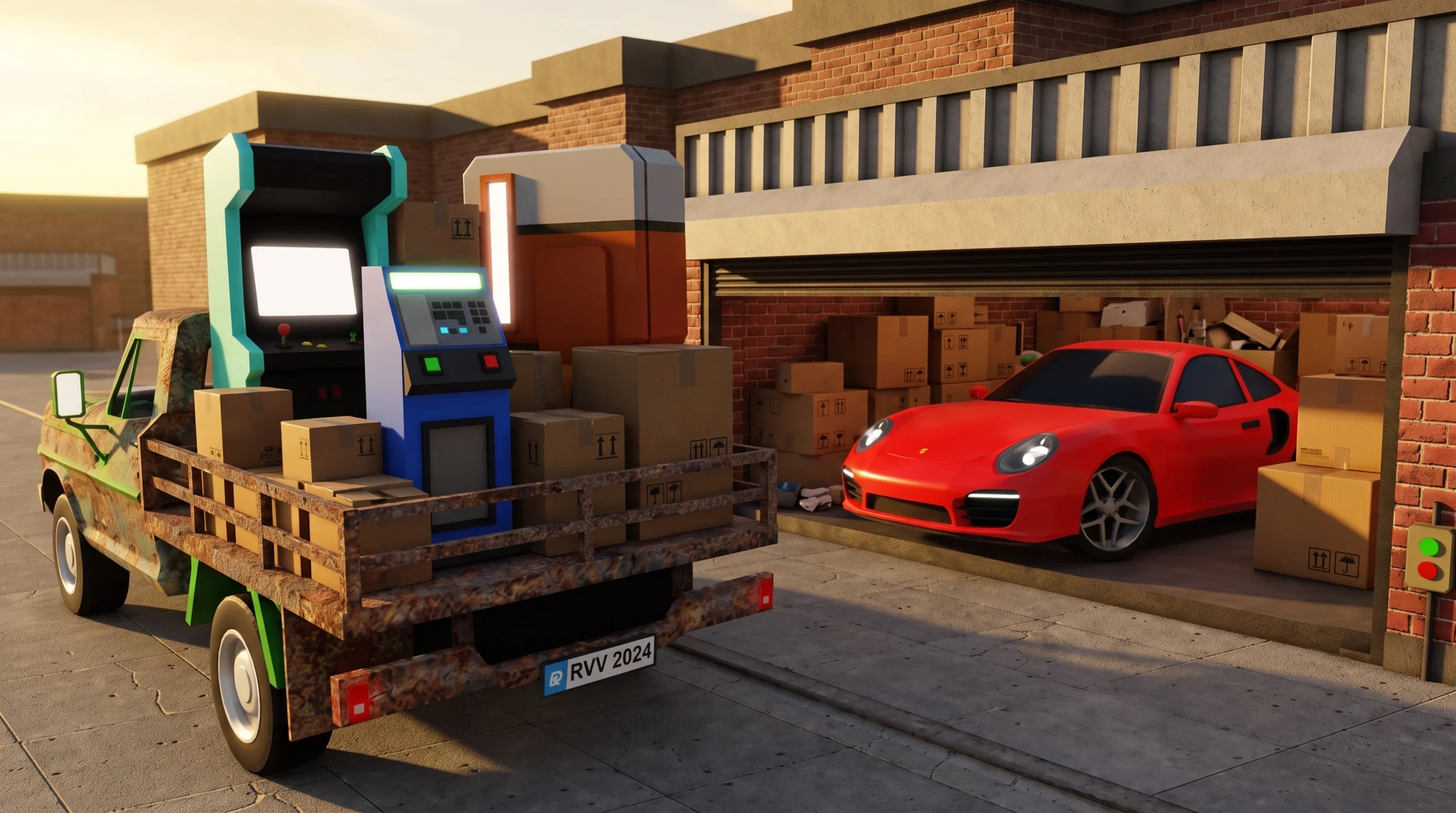
Your shop is where every locker you win turns into money, and its setup decides how much profit you actually keep in Storage Hunters: Open World. A well-placed plot with tight shelves and a working assistant sells faster than a scattered one, which means shorter trips and more auctions per session.
Quick answer: Place your shop next to the auction zone you are farming, group shelves outside in one tight cluster, hire the Shop Assistant and set Auto Accept to about 15%, then upgrade Inventory Space and Selling Space before anything else.
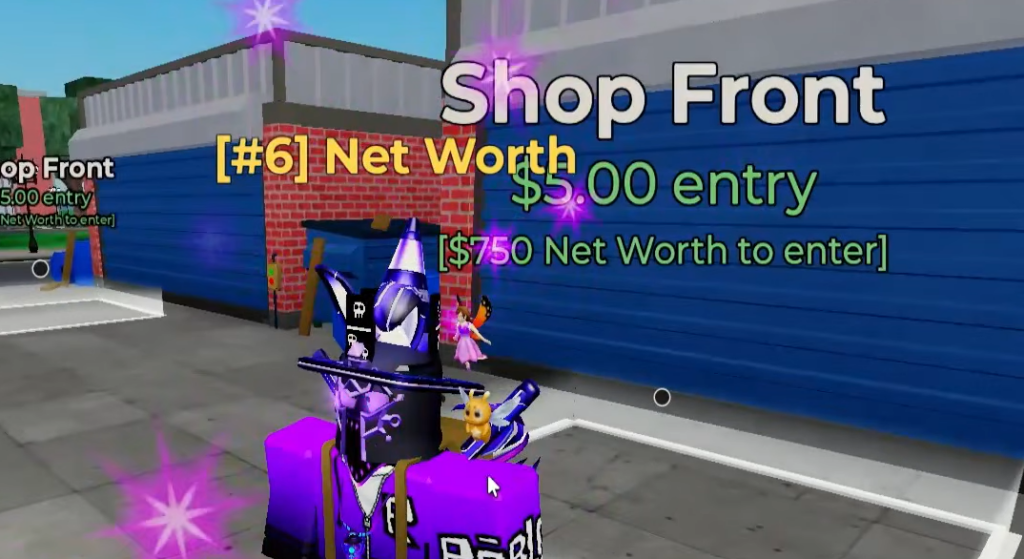
Place your shop next to the auction zone you farm
Shop location is the single biggest time sink or time saver. After you win a locker, the items load into your vehicle, and you drive them back to your plot to unload and sell. The longer that drive, the fewer auctions you run per hour.
Join a small or private server so the best plots near your farming area are still open. In a packed public server, the good spots are usually taken. Match the plot to the zone you are working, and move the shop whenever you move up to a better area.
| Player stage | Best shop location | Reason |
|---|---|---|
| Beginner | Near Junkyard | Fast early farming, short trips |
| Early-mid game | Near Farmyard | Higher item value |
| Mid game | Near Shipping Yard | Higher profit ceiling |
| Advanced | Closest to your best zone | Maximum runs per hour |
Small savings compound. If a closer plot cuts 30 seconds off each trip and you run 20 trips, that is 10 minutes back in a single session, which is another full auction cycle.
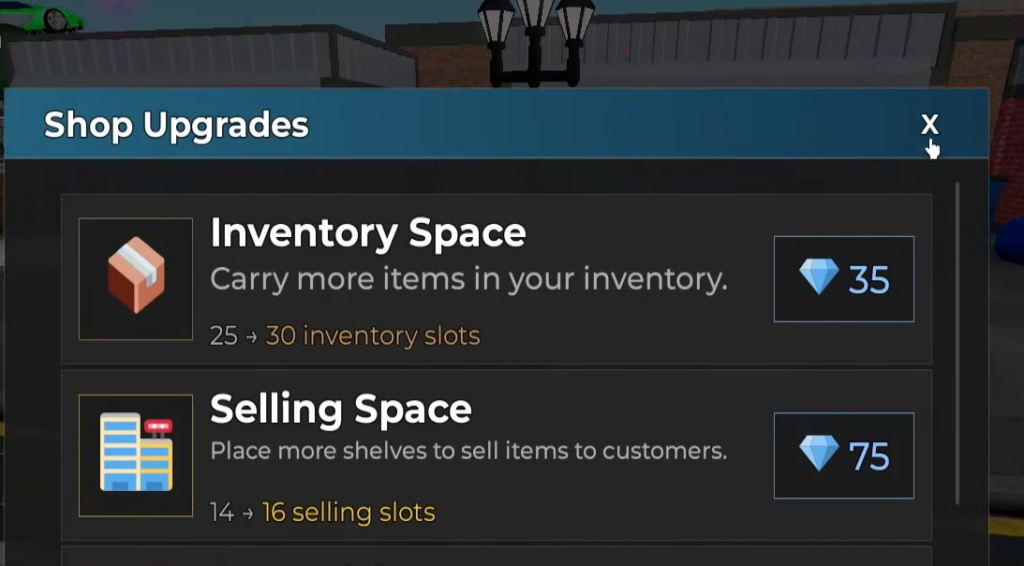
Group shelves outside for faster item placement
Once items are placed on the display slots around your plot, customers walk up and make offers. The faster you can drop items onto shelves, the faster that selling starts. Layout matters on every single item.
Keep shelves outside and packed close together so you have a clean drop-off zone instead of a maze. Avoid spreading shelves across the plot or blocking your own paths with decor, since each extra step adds up. If a bad layout costs 5 seconds per item across 60 items, that is 5 minutes lost to walking alone.
| Shelf setup | Result | Use it? |
|---|---|---|
| Outdoor grouped shelves | Fast item placement | Yes |
| Spread out shelves | Slow selling | No |
| Indoor-only setup | Extra movement | Not ideal |
| Decor blocking paths | Slower movement | Avoid |
Hire the Shop Assistant and set Auto Accept to 15%
Selling by hand means accepting or rejecting each customer offer, which is slow once your shelves fill up. The Shop Assistant automates this and keeps selling while you are away or off bidding.
If your shelves are always full, the bottleneck is your selling speed, not your luck. Turning the assistant on and tuning the margin fixes that faster than winning more lockers.
| Auto Accept setting | Selling speed | Profit kept |
|---|---|---|
| Very low discount | Slow | Higher |
| Around 15% | Balanced | Good |
| High discount | Fast | Lower |
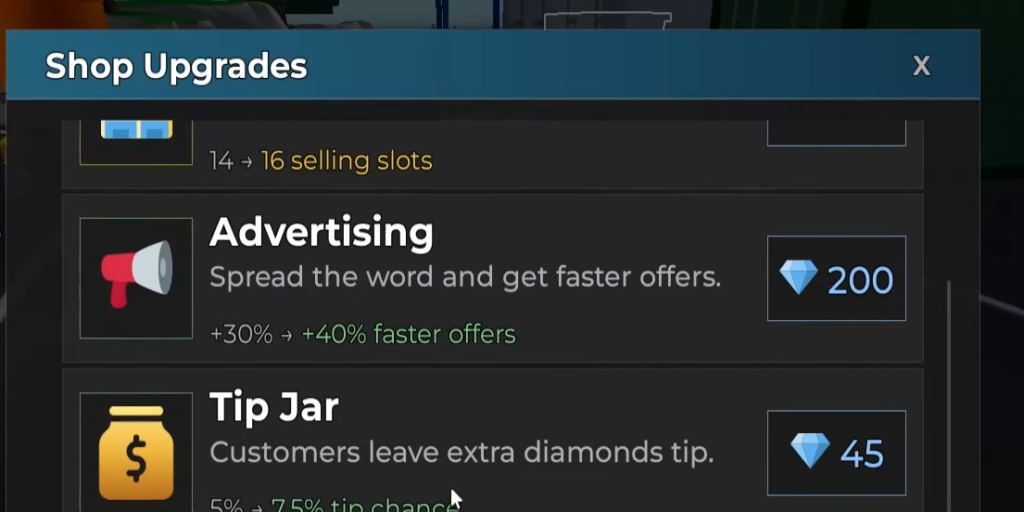
Upgrade priority for your shop
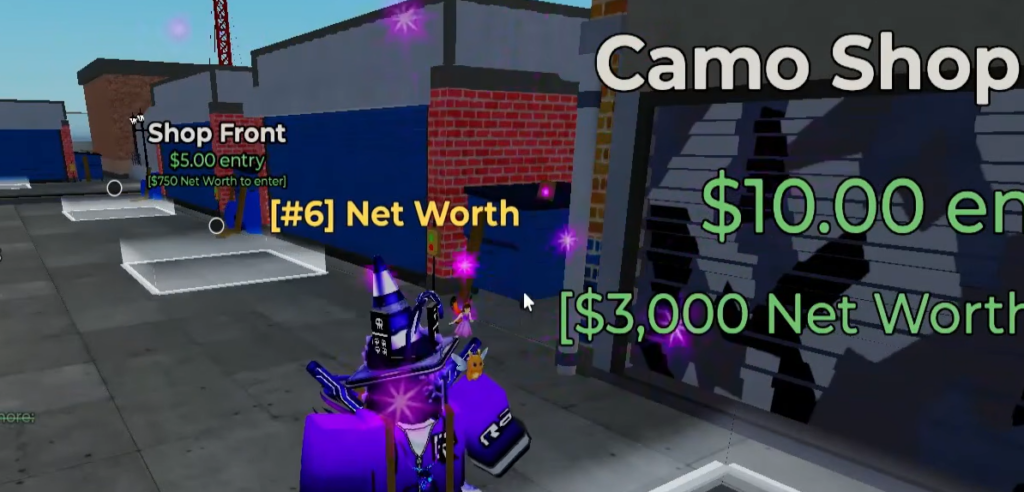
Spend Gems and cash on whatever removes your current bottleneck, not on random upgrades. If you keep running back and forth, your problem is carrying space. If shelves stay full, your problem is display space.
| Priority | Upgrade | What it fixes |
|---|---|---|
| 1 | Inventory Space | Carry more per trip, fewer runs |
| 2 | Selling Space / Shelves | Sell more items at once |
| 3 | Assistant Upgrades | Less manual selling work |
| 4 | Price Tags | Smoother shop flow |
| 5 | Luck Boosts | Better item quality |
| 6 | Decor Bonuses | Extra effects after basics |
The Selling Space Upgrade gamepass (R$349) raises how many items you can display at once, which means more simultaneous sales. Pair more shelf space with the assistant so both the display and the selling keep pace with your hauls.
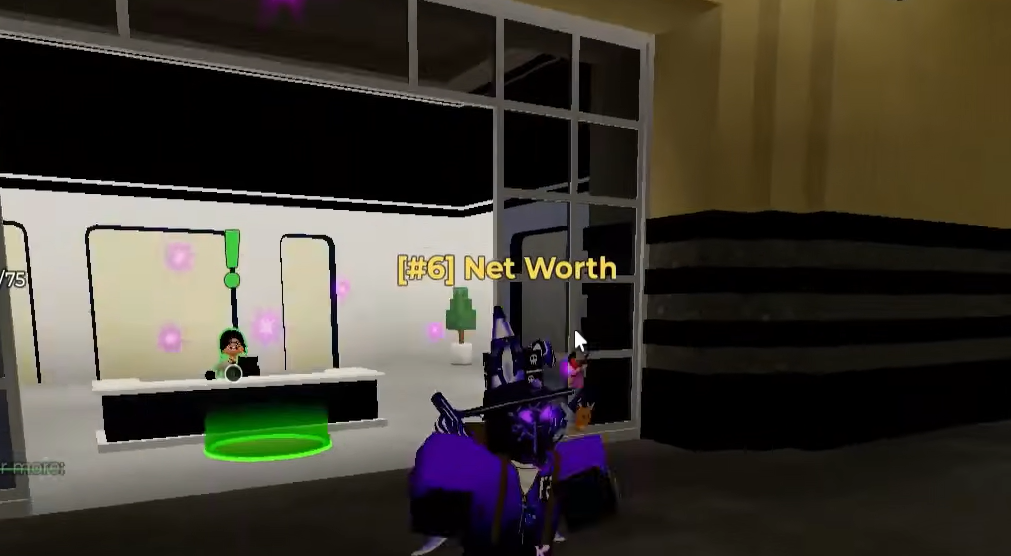
Clear clutter with the Quicksell NPC
Low-value junk clogs shelf slots that valuable items should be using. When your inventory or display fills with items you do not want to wait on, sell them straight to the Quicksell NPC for instant cash.
This keeps your shelves reserved for higher-value finds, including mutated items, which sell for far more. A Gold mutation multiplies base value by 4x and rarer effects push it much higher, so those are the items that deserve a shelf slot and a full customer offer.
When to move your shop to a better zone
Do not stay parked near the Junkyard once your net worth unlocks better areas. Move the shop when your setup can handle higher bids and hold more valuable items. Just keep backup cash so one expensive locker cannot bankrupt you.
| Condition | What it means | Action |
|---|---|---|
| You profit easily in your zone | Ready for more value | Move shop to next area |
| Inventory fills too fast | Carry limit problem | Upgrade Inventory Space first |
| Shelves stay full | Selling problem | Add shelves before moving |
| You can bid and keep backup cash | Healthy progress | Move up |
Net worth also unlocks the areas themselves, with Back Alley at $750, Cargo Ship at $7,000, Farmyard at $10,000, and Shipyard at $125,000. Relocate your plot each time so it keeps following your money source instead of leaving you a long drive from your loot.
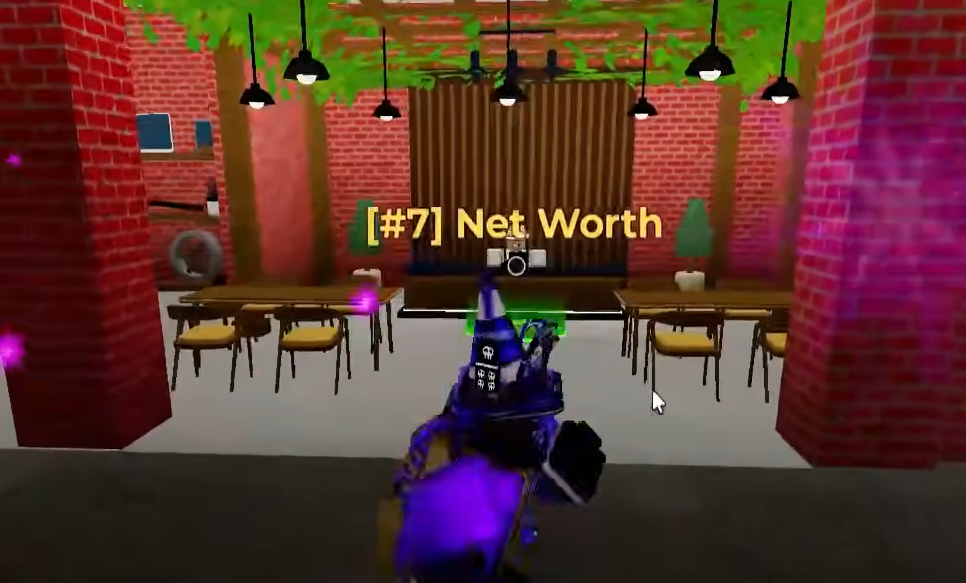
Shop mistakes that slow your profit
| Mistake | Why it hurts | Fix |
|---|---|---|
| Shop far from the auction zone | Wastes travel time | Move the plot next to your farming area |
| Shelves spread out or indoors | Slow placement and selling | Group shelves outside, tightly |
| Selling everything by hand | Shelves back up | Hire the assistant at 15% Auto Accept |
| Random upgrades | Bottleneck stays | Upgrade Inventory, then Selling Space |
| Junk taking shelf slots | Blocks valuable sales | Quicksell low-value clutter |
Treat the shop as a machine that has to keep pace with your bidding. Keep it close, keep the shelves tight, let the assistant handle routine offers, and reserve display space for mutated and high-value finds. Fix the slowest part first, then get back to the auction board.