The red buttons scattered around the Mini War map are not decoration. Each one triggers an NPC to appear, and talking to that NPC gives you a secret code you can redeem for free gems. There are five buttons total, clustered around the central base and the coastline, and none of them appears until you walk right up to the spot where it spawns.
Quick answer: Find all five red buttons near the central base and the surrounding beaches and oil rigs, press each one to spawn an NPC, then redeem the code that NPC gives you for gems.
What the red buttons do
Pressing a red button spawns an NPC somewhere on the map. Interact with that NPC and you receive a secret code. Enter the code through the in-game Shop to collect a batch of gems. Because the reward is a code rather than instant currency, you still need to redeem it before the gems land in your account.
The buttons only render when you get close. If you are looking straight at an area and see nothing, keep walking toward it. The trigger loads in at short range, so patience matters more than a perfect first look.
All five red button locations
Use the central base as your anchor point. It is the largest structure on the map, and every button is reachable from it or from the Shop teleport. Here is where each one sits and the fastest way to reach it.
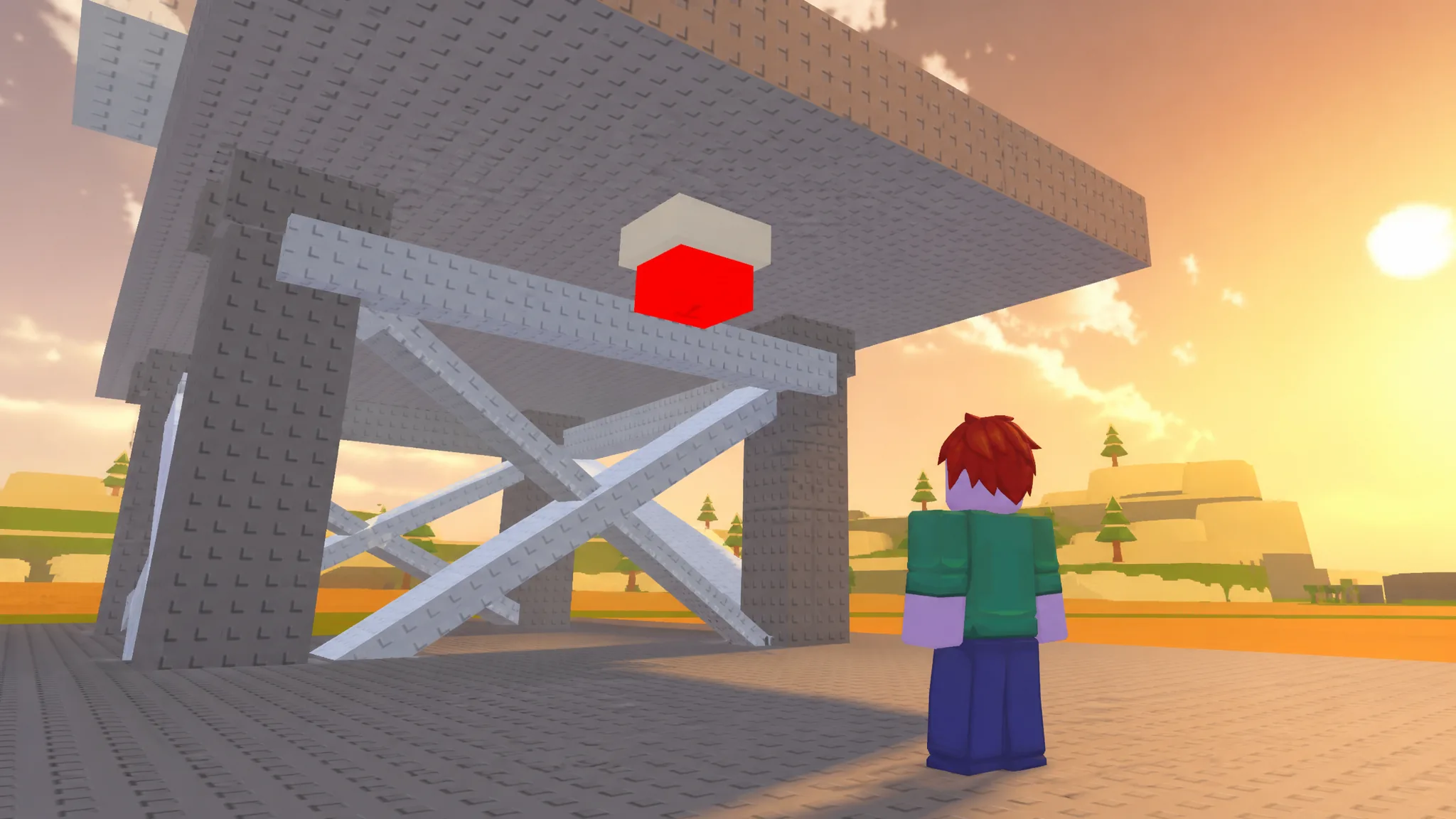
Button 1: Between the towers at the central base
The easiest one to grab. Head to the center base, the biggest one on the map, and look at the left side of the road. The button sits between the two towers there.
Button 2: Past the southern oil rig
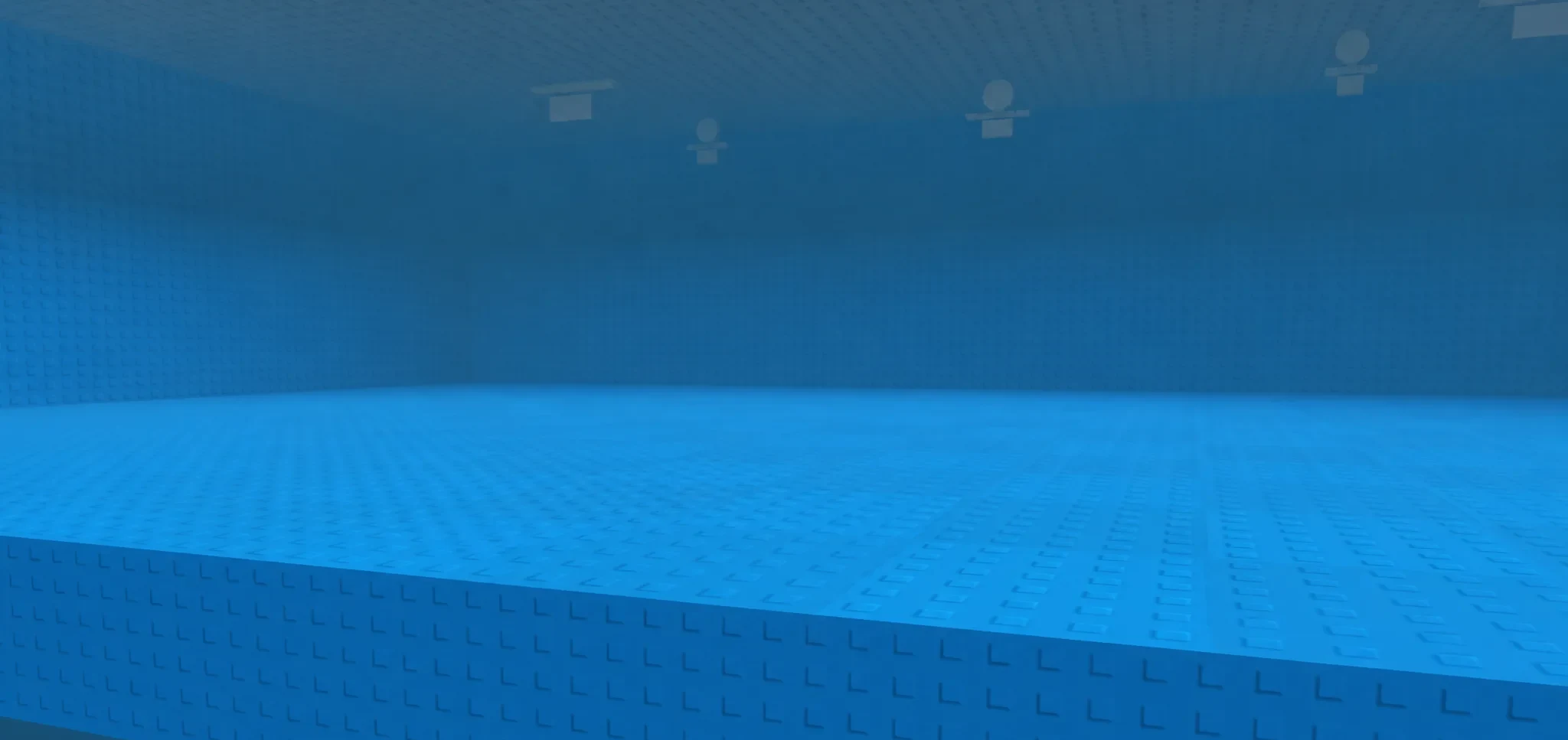
This one sits almost outside the playable area. From the central base, walk south until you hit the water. Jump in, find the oil rig, and walk past it to reach a button at the far edge. If nothing appears on the south side, try the far north edge instead, where a matching button can spawn at the end of the map.
Button 3: Along the beach past the Shop
Press the buy button to jump to the Shop, then turn around and walk at a 45-degree angle toward the sea. You will drop onto the coastal beach.
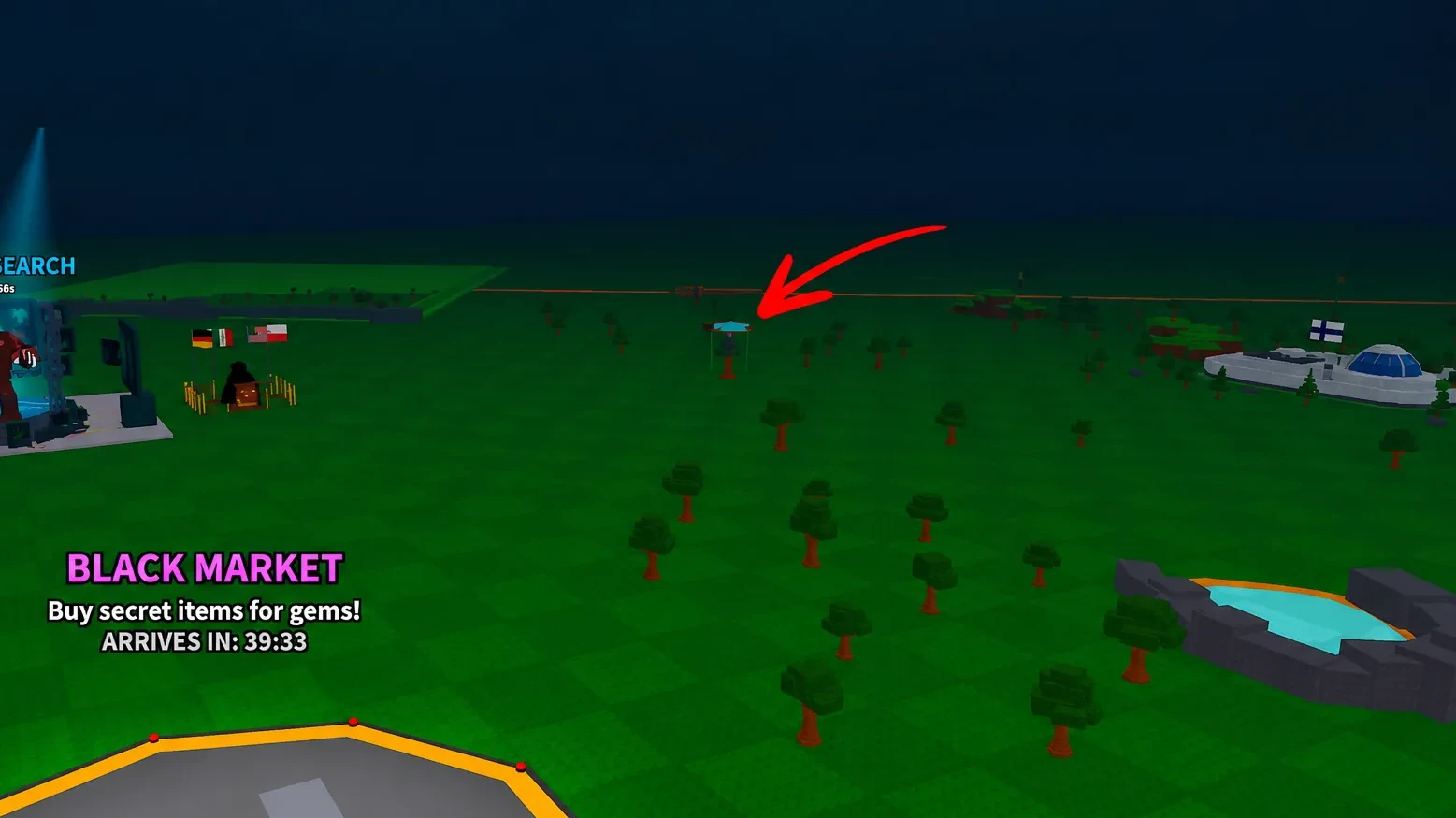
Follow the beach to the far end and the button appears there. It stays hidden until you are almost on top of it, so keep moving down the shoreline until it loads in.
Button 4: Left along the coast behind the Shop
Teleport in front of the Shop again with the buy button, then go behind it to reach the beach. Walk left along the coast until you spot the button tucked between two terrain-like structures.
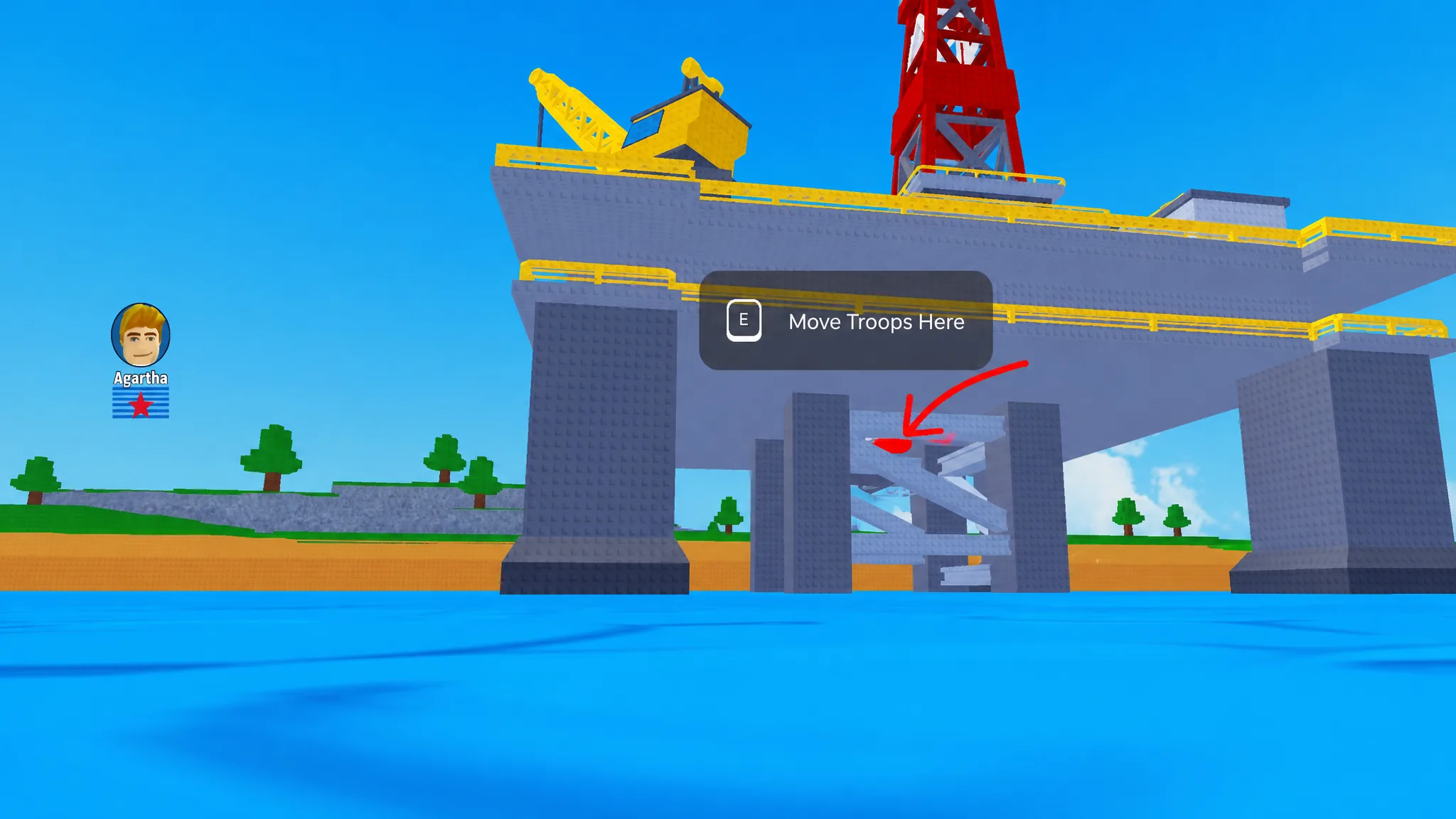
Button 5: Underneath the oil rig
Go back to the oil rig from Button 2, the one you walked past to cross to the other side of the terrain. Check underneath that rig for the fifth button. If it is not under this refinery, look beneath the rig on the north side of the map instead. One of the oil rigs will have it.
Quick location reference
| Button | Where to look |
|---|---|
| 1 | Between the two towers on the left of the road at the central base |
| 2 | South of the base, past the oil rig at the water’s edge (or the north end) |
| 3 | Far end of the beach, reached by walking 45° toward the sea from the Shop |
| 4 | Behind the Shop, left along the coast between two terrain structures |
| 5 | Underneath the oil rig (south rig, or the north rig if not there) |
How to claim the gems after pressing a button
Note: If a code does nothing, check that you copied it exactly, since Mini War codes are case sensitive and must match the NPC’s text letter for letter.
Once you have pressed all five buttons and redeemed their codes, you will have a solid early gem stockpile to put toward boosts and special buildings while your economy is still getting off the ground.