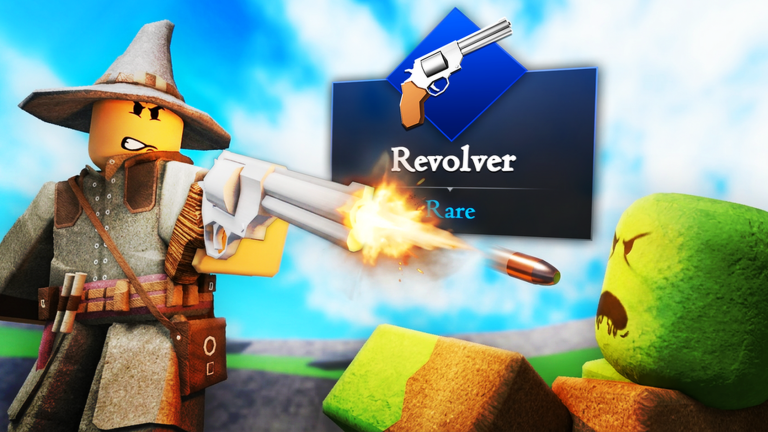
Final Swarm throws endless waves of ghouls at you with no real finish line, so free chests and keys make a real difference to how long you last. The codes below unlock everything from wooden chests to a mythic chest, all redeemable through the in-game shop.
Working Final Swarm codes
These codes are confirmed to work right now. Redeem them soon since Evolution Studio Games tends to retire older codes once new ones go live.
ex0tic— Ten Golden Chests NEWsorry4delay— A Mythic Chest NEWINF3RNO— Three Inferno ChestsQOL2— Ten Raid Chests and 150 KeysRipVoid— Three Golden Chestssupdoggy— 100 KeysFirstswarm— Three Wooden Chests
How to redeem codes in Final Swarm
You need to clear the initial tutorial run before the code redemption option becomes available. Once you reach the lobby, follow these steps to claim your rewards.
Expired Final Swarm codes
These codes no longer grant rewards, so there’s no point trying them in the shop menu.
R41D5VoidExtensionXtraVoidskillzfreevoidfrostyVoidFixnocheatersjungl3H4MM3RT1M3update1
Where new codes get posted
Final Swarm doesn’t keep a dedicated codes channel in its Discord the way many Roblox games do. New codes occasionally show up in the server’s updates channel, but they also surface directly in-game, where players often type “codes” in chat to have someone repost the current list. Joining the official Final Swarm Discord or the Evolution Studio Games Roblox community is still the most reliable way to catch announcements as soon as they go out.
Codes are case-sensitive, so copying them directly rather than retyping them from memory avoids a failed redemption.
Keep checking back for fresh codes, since the developers add new ones without a fixed schedule tied to updates and events.