
Installation of .NET Framework 4 on Windows 11 can fail with the message Download failed with error code 0x800c0006. This error blocks critical applications that rely on .NET Framework, stopping software like Movie Maker, Photo Gallery, and many productivity tools from running. The error typically occurs when the installer cannot download required files, often due to connectivity problems, installer file issues, or system settings.
Download and Use the Offline Installer
Using the offline installer bypasses issues with the web-based setup, which depends on a stable internet connection and accessible Microsoft servers. The offline installer contains the full package, so installation proceeds without downloading additional files during setup.
dotNetFx40_Full_x86_x64.exe (or similar). This is the offline installer.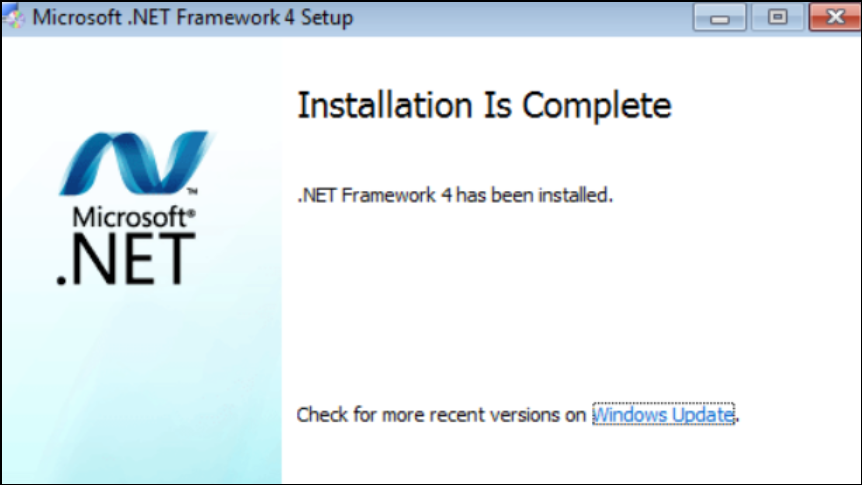
Unblock the Installer File
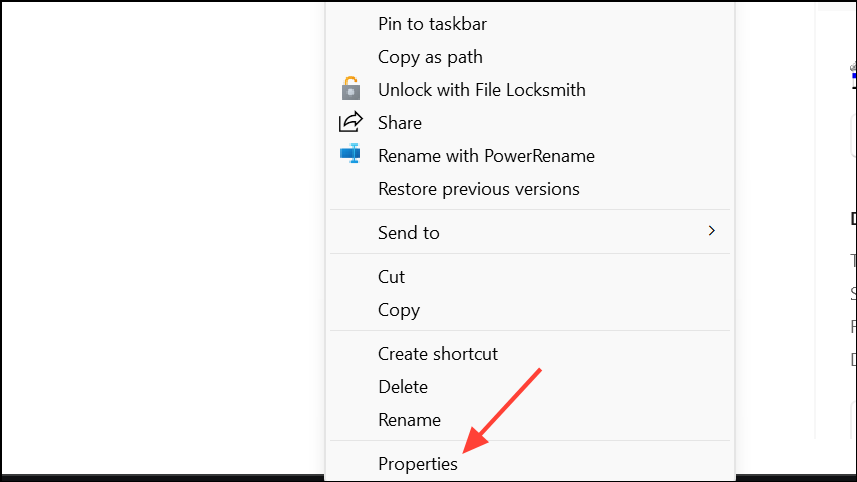
Windows may block executable files downloaded from the internet for security reasons, which can prevent the installer from running correctly. Unblocking the file allows it to execute without restrictions.
Check and Restore Internet Connection
When using the web installer, a stable internet connection is required to download necessary files. Interruptions or unstable connections can cause the 0x800c0006 error.
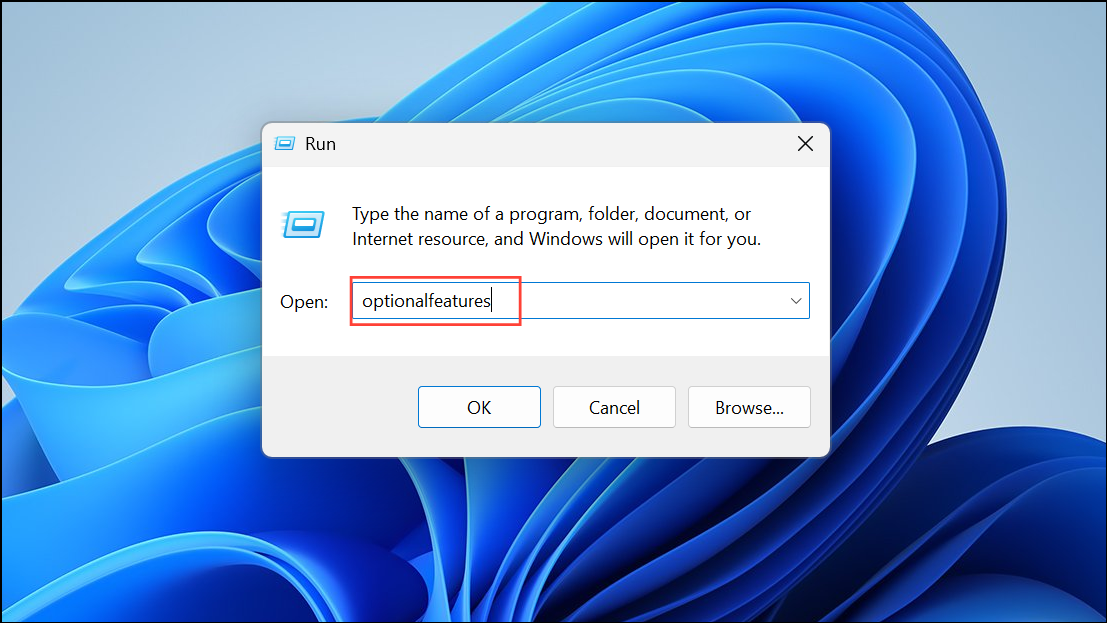
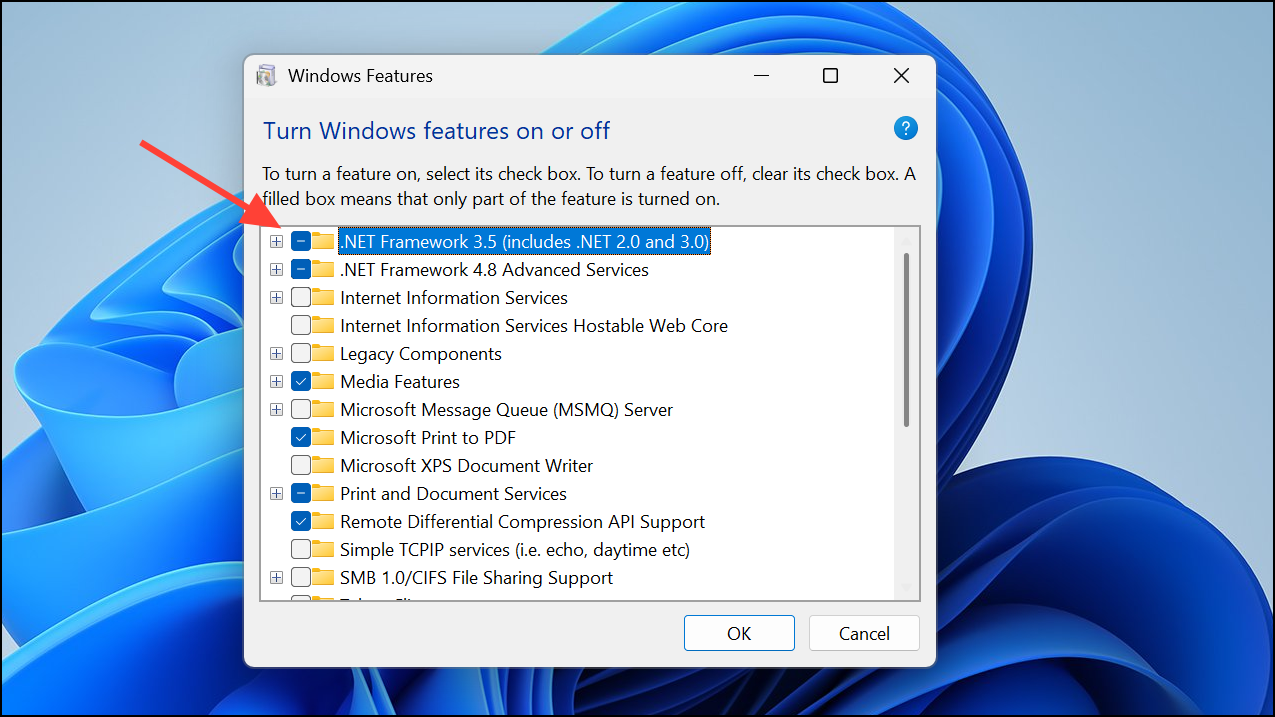
Enable .NET Framework Features in Windows Features
Windows may have some .NET Framework components disabled by default, especially on newer versions. Enabling these options through Windows Features can resolve installation issues.
Reset Windows Update Components
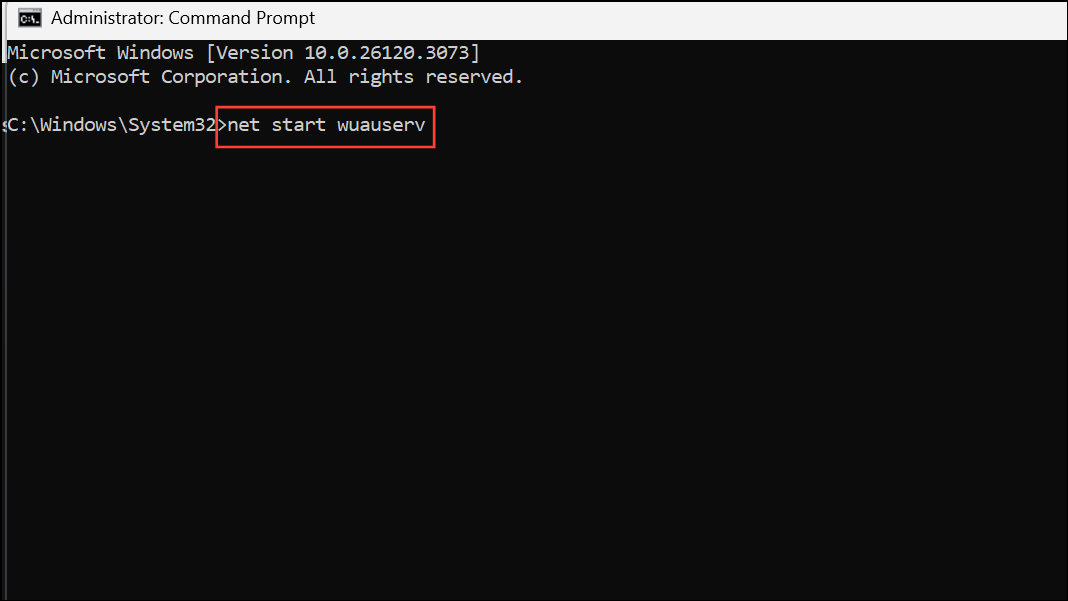
Corrupted Windows Update components can interfere with installing .NET Framework, since the installer may rely on update services to fetch or register components. Resetting these services can clear out corruption and allow installation to proceed.
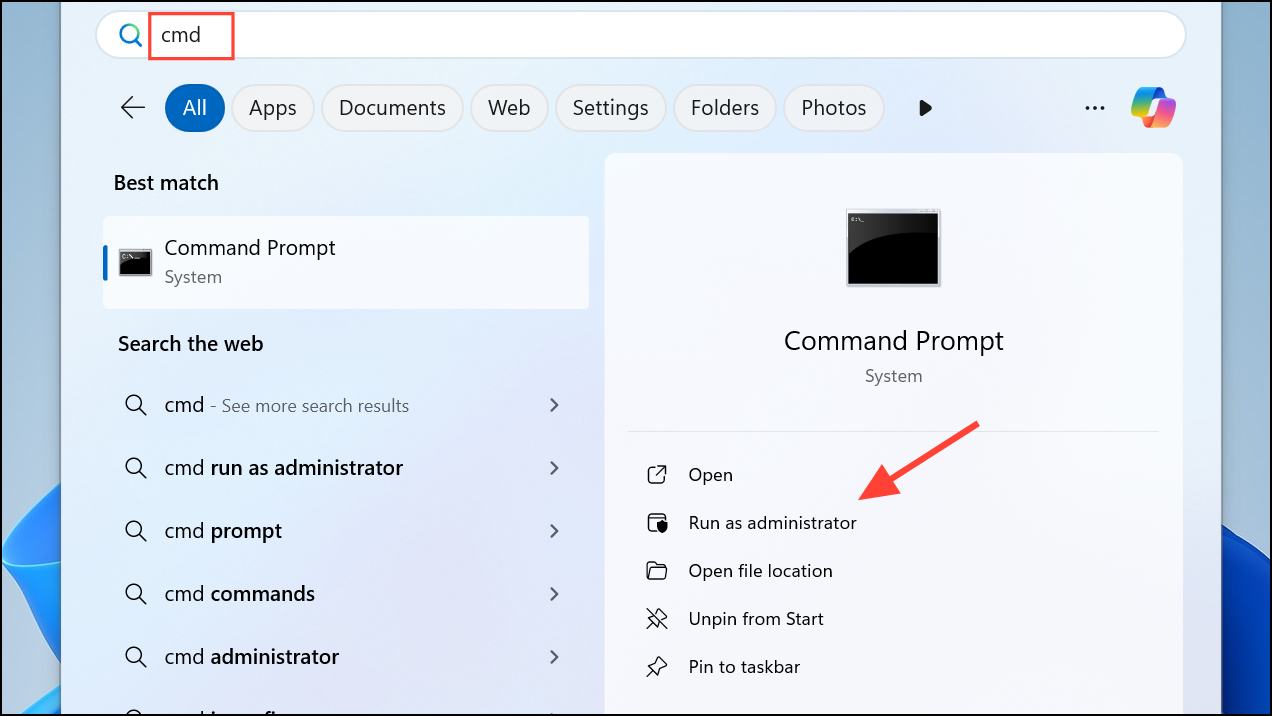
Enter after each:
net stop wuauserv
net stop bits
net stop appidsvc
net stop cryptsvc
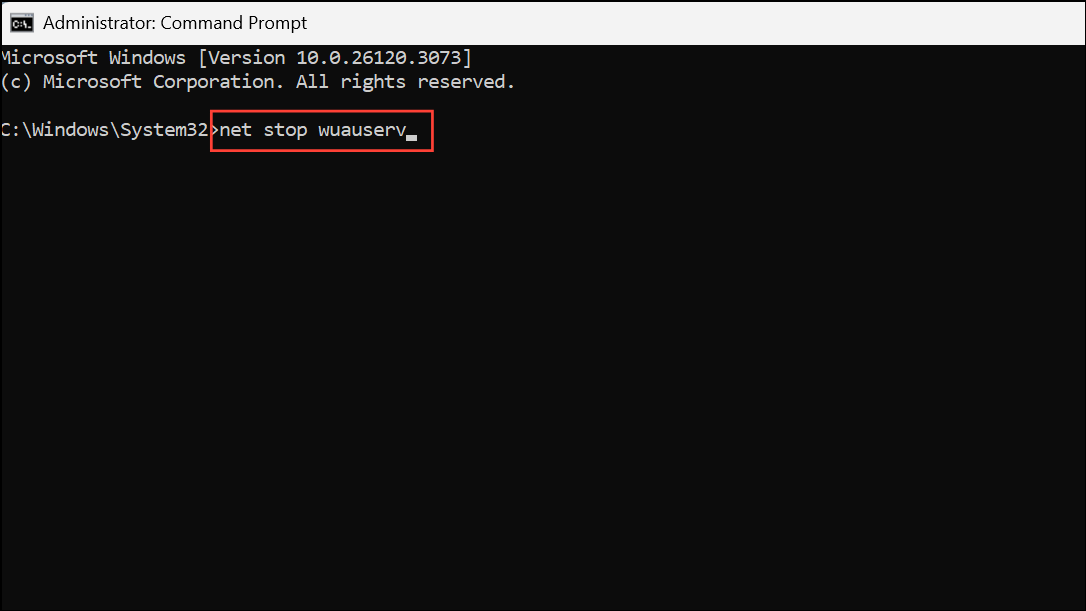
del "%ALLUSERSPROFILE%\Application Data\Microsoft\Network\Downloader\qmgr*.dat"
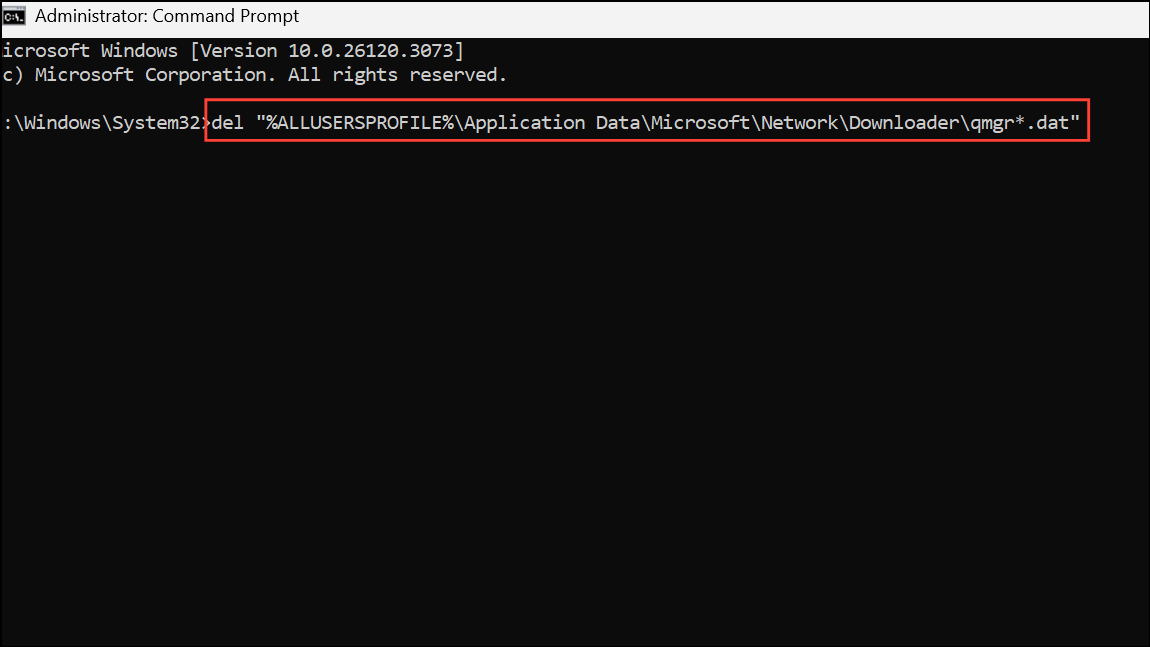
net start wuauserv
net start cryptsvc
net start appidsvc
net start bits
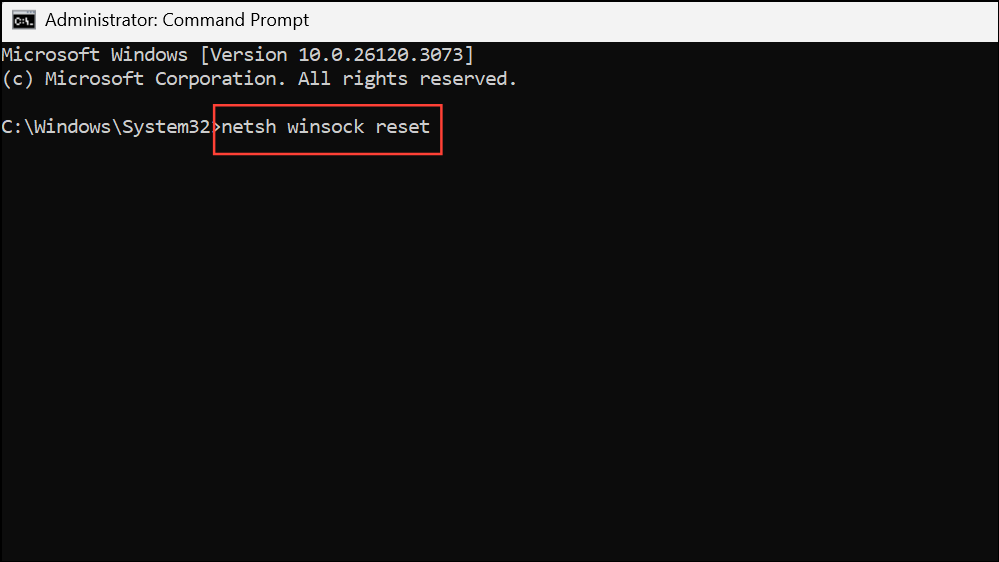
netsh winsock reset
Disable Driver Signature Enforcement (if applicable)
On rare occasions, Windows may block the installer due to unsigned drivers or files. Disabling driver signature enforcement temporarily can allow the installation to proceed.
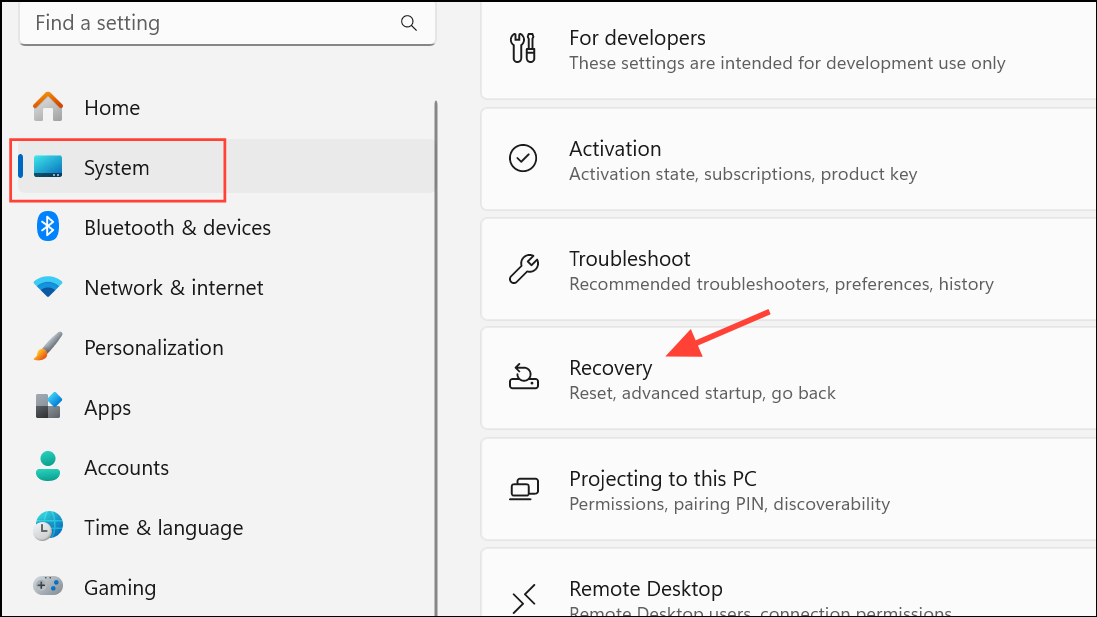
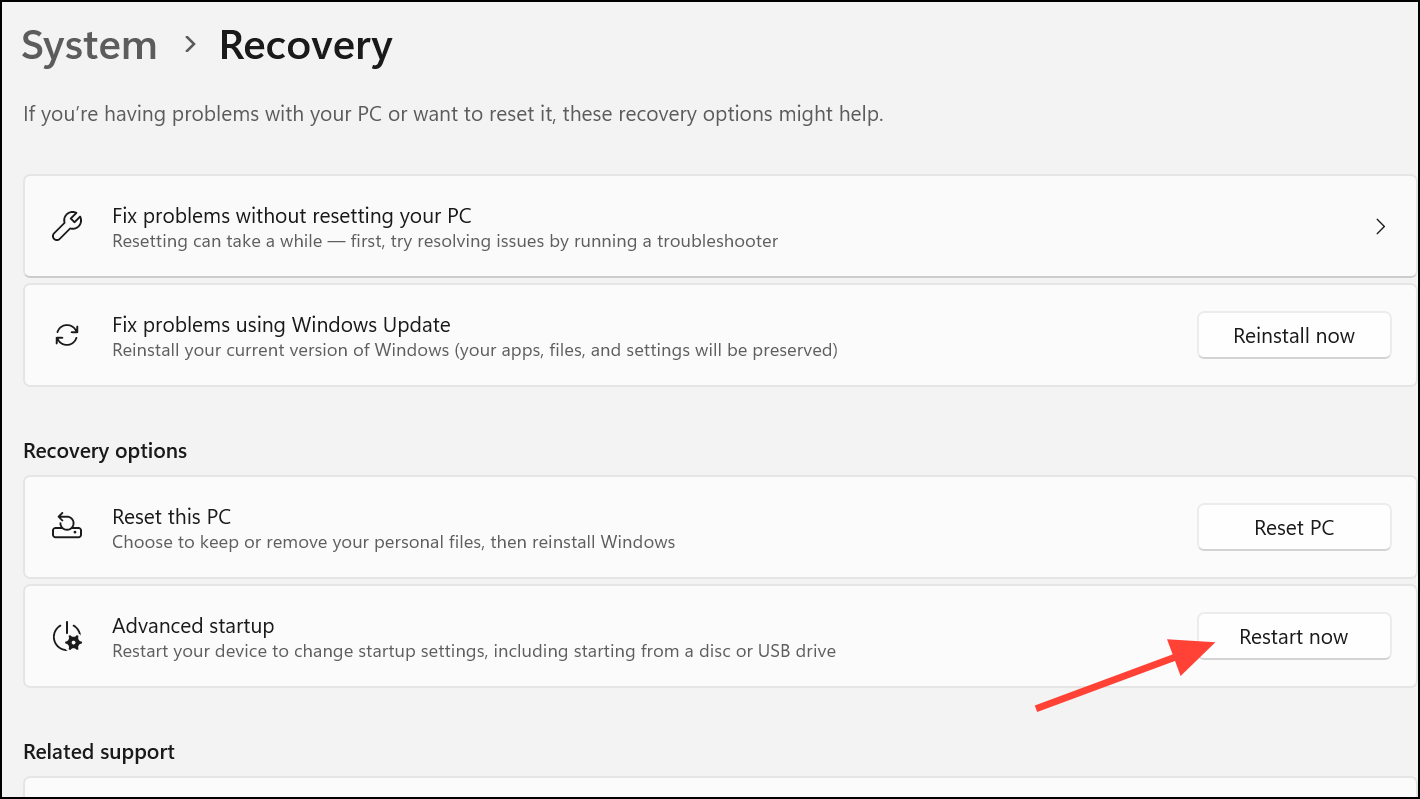
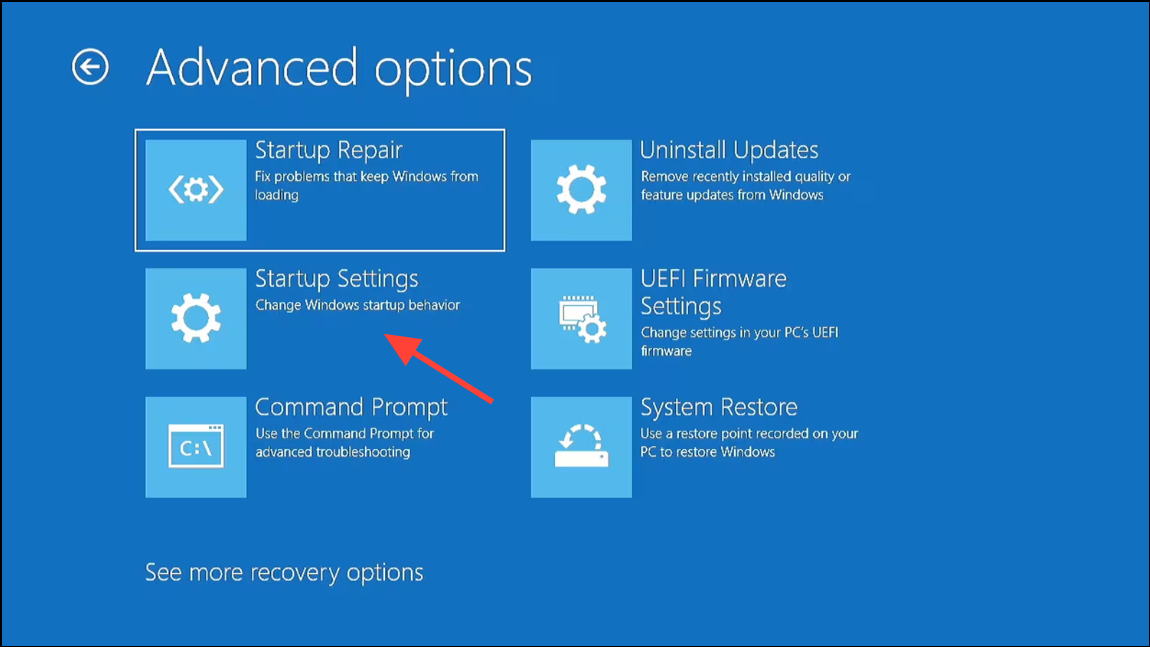
F7).Following these methods resolves .NET Framework error 0x800c0006 on Windows 11, allowing you to install necessary components and run dependent applications smoothly. If issues persist, double-check your internet connection, system updates, and installer integrity for other possible causes.



