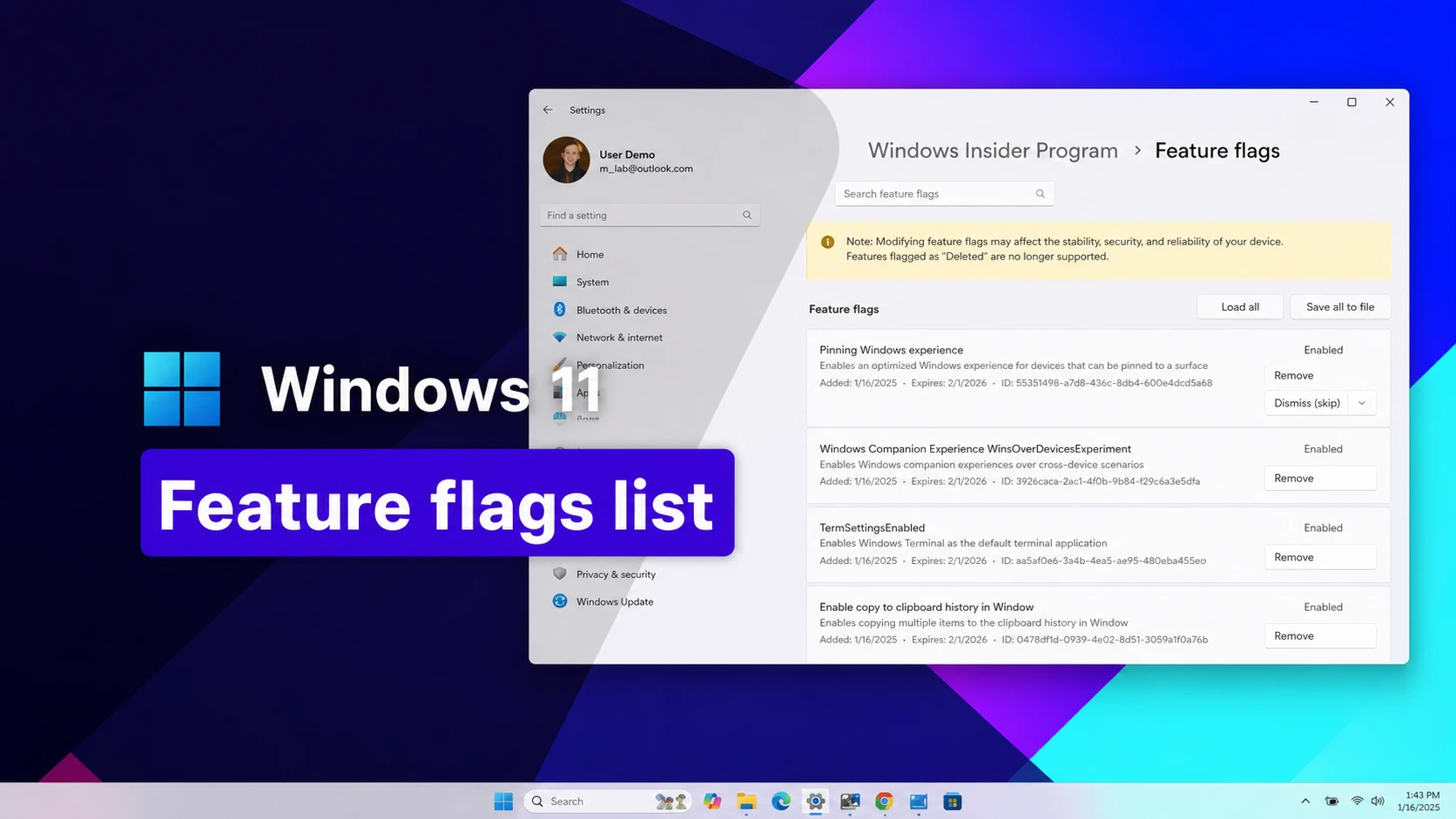
ViveTool lets you switch on Windows 11 features that Microsoft has already built into the operating system but hasn’t turned on for everyone yet. Each hidden feature is tied to a numeric feature ID, and running the right ID through ViveTool flips that feature on for your PC.
Codes are split between the standard release of Windows 11 and the Windows Insider Program’s Experimental, Beta, and Feature Platforms channels. Some IDs only apply to a specific build, and Microsoft can retire or change any of them without notice.
Codes for the standard Windows 11 release
61161268— Feature bundle for the October 2026 update (KB5124010)61161244— Feature bundle for the September 2026 update (KB5124008)61754985— New Start menu resize and customization settings62762248— Updated Windows Search settings59213768— Taskbar positioning in Settings (top, left, right, or bottom)60813048— Customizable context menu settings61090762— Option to make the taskbar smaller59728252— Modern boot-style animation on sign-in, shutdown, and restart screens27829265,61457898— Modernized mouse pointer indicator with a “keep indicator visible until dismissed” option61160789— Feature bundle for the August 2026 update (KB5121003)58989177— Feature bundle for the July 2026 update (KB5101650)58989092— Feature bundle for the June 2026 update (KB5094126)58989092,60716524,48433719,61391826— Low Latency Profile, which briefly raises the processor to full speed to shorten app launch times58989070— Feature bundle for the May 2026 update (KB5089549)58989021— Feature bundle for the April 2026 update (KB5083769)58989002— Feature bundle for the March 2026 update, covering the network speed tester, camera pan and tilt controls, updated Settings dialogs, and Extract All support for non-Zip archives57741219— New Protected Print Mode dialogs in Settings55994763— Redesigned Widgets settings page58988972— Feature bundle for the February 2026 update (KB5077181)57048237— Feature bundle for the December 2025 update59162732,55994763— Widgets redesign41356296— New taskbar auto-hide behavior45690266— Cloud file search inside File Explorer59265307— Redesigned About page in Settings57882334— Share any open taskbar window53343270— Device info card in Settings, limited to the United States57048231— Feature bundle for the November 2025 update47205210— New single-page Start menu design48433719— Battery percentage option on the taskbar57048226— Feature bundle for the October 2025 update57048218— Feature bundle for the September 2025 update57048216— Feature bundle for the August 2025 update27829265, 61457898— Modernized mouse indicator with a “keep indicator visible until dismissed” option58989092, 60716524, 48433719, 61391826— Low Latency Profile, a temporary CPU boost during app launches61754985,61225604,61596616,61596617,61596618,61596619— New Start menu resize and customization settings51406324,60288851,48433719,58989092,58989177,61160789,61161244,61161268,61161283,6116130461754985,61225604,61596616,61596617,61596618,61596619— Enables Administrator Protection51406324,60288851,48433719,58989092,58989177,61160789,61161244,61161268,61161283,61161304,61754985,61225604,61596616,61596617,61596618,61596619— Administrator Protection in Windows Security61014711— File Explorer’s new KB, MB, GB file size view in Details61754985, 61225604, 61596616, 61596617, 61596618, 61596619— New Start menu resize and customization settings51406324, 60288851, 48433719, 58989092, 58989177, 61160789, 61161244, 61161268, 61161283, 61161304, 61754985, 61225604, 61596616, 61596617, 61596618, 61596619— Administrator Protection option under Account protection59162732, 55994763— Widgets redesign
Working ViveTool codes for Windows 11
The codes below are grouped by release track. Stable release codes apply to Windows 11 installed through normal Windows Update, while Insider Preview codes apply to Experimental, Beta, and Feature Platforms builds.
Codes for Experimental, Beta, and Feature Platforms builds
These IDs target Windows Insider preview builds across versions 26H2, 25H2, and the Feature Platforms track. Codes from older builds usually keep working in newer ones unless Microsoft removes the underlying feature.
61456288— New visuals for the Temporary files settings page (build 26340.9354)61275938— New sign-in method experience on the lock screen (build 26340.9354)63440737,62672833,62779962,62982927— Updated cross-device Resume feature (build 26340.9354)61652615,62719116,62125982,60964163— Magnifier multi-monitor support (build 26340.9354)60876709,61048188— Narrator Math Reading feature (build 26340.9354)62369220— New Device Info card in Settings (build 26340.9354)60813048— Customizable context menu settings (build 26340.9212)62141177— Redesigned AutoPlay dialog (build 26340.9212)62068874— Camera Roll backup option in Settings Home and Accounts (build 26340.9212)63194003— Updated Magnifier toolbar icons (build 26340.9212)62915050— “Open apps maximized” option on the Visual effects page (build 26340.9212)61483244,60490208— WinUI-based file properties page in the Recycle Bin (build 26340.9212)60730253— Revokes camera and microphone access for traditional Win32 apps (build 26340.9212)61384404— Emoji 17.0 (build 26340.9212)60414189— Taller taskbar search box option (build 26300.8772)61441697— Windows Hello ESS support for external fingerprint sensors (build 26300.8697)61267302,61344081,61482515,61532758,61760679— Toggle for web results in Windows Search (build 26300.8697)61465695,61465915— Middle-click support in File Explorer (build 26300.8687)62261462— Dark mode for Task Manager’s “Create new task” dialog (build 26300.8687)60511437— New taskbar thumbnail preview animation (build 26300.8687)51406324,60288851,48433719,58989092,58989177,61160789,61161244,61161268,61161283,61161304,61754985,61225604,61596616,61596617,61596618,61596619— Administrator Protection under Settings, Privacy & security, Windows Security, Account protection (build 28120.2242)61754985,61225604,61596616,61596617,61596618,61596619— Start menu resize and customization settings (build 26300.8553)61372722— Fixes a white-flash bug in dark mode file open and save dialogs (build 26300.8553)59213768— Taskbar positioning options (build 26300.8493)61090762— Smaller taskbar buttons option (build 26300.8493)60716524,61391826— Low Latency Profile (build 26300.8346)61014711— Turns off the KB, MB, and GB file size display in File Explorer’s Details view (build 26300.8346)59728252— Modern sign-in, shutdown, and restart animation (build 26300.8289)60897831— “Available updates” section on the Windows Update page (build 26300.8289)60662124— Screen tint accessibility setting (build 26300.8289)57156807— Modern Run dialog (build 26300.8289)59956305— Redesigned Quick Settings flyout (build 26300.8289)57751666,57751687— Show or hide Focus controls in Notification Center’s calendar (build 26300.8276)61157505— New Experimental and Beta channel settings with advanced version options (build 26220.8170)61410885— Extended pause-updates controls (build 26220.8170)60772592— FAT32 formatting up to 2TB from the command line (build 26220.8170)60911173— New Feature Flags settings page in the Beta Channel (build 26220.8148)58429068— Touchpad right-click zone size setting (build 26300.8142)58111409— Windows Protected Print Mode icon in Settings (build 26300.8142)27829265— Pointer Indicator (build 26300.8085)59956305— New Quick Settings (builds 26300.7965 and 26220.7965)59149945— Dark mode option in Quick Settings (builds 26300.7965 and 26220.7965)60511437— Taskbar thumbnail preview animations (builds 26300.7877 and 26220.7877)59764273— New “Open with” icons for associated apps in File Explorer’s context menu (builds 26300.7877 and 26220.7877)60772996,53343270,59265307— Device info tweaks on the Settings Home page (builds 26300.7877 and 26220.7877)59265307,60597402,60825171— New About page cards for graphics card and storage info (builds 26300.7877 and 26220.7877)57741219— New Windows Protected Print Mode dialog (builds 26300.7674 and 26220.7670)49059846— Resume feature for WhatsApp (builds 26300.7674 and 26220.7670)60063638— Share option in the Taskbar (builds 26300.7674 and 26220.7670)58182453— Windows Subsystem for Linux option in Settings (builds 26300.7674 and 26220.7670)57118881— New Privacy & Security page in Settings (builds 26300.7674 and 26220.7670)60825171— Graphics card info on the About page (build 26220.7859)59359094— New “Change account type” and “Account info” dialogs (build 26220.7523)58978959— New voice typing animation on the touch keyboard (build 26220.7523)58381341,58527096,57156807,57259990— Modern Run dialog design (build 26220.7523)58938944,57900749,58324036— Taskbar AI agent (build 26220.7523)58680439— New Voice Access setup flow (build 26220.7523)38679741— Windows MIDI Services (build 26220.7344)41118774,55805655— “Open With” menu with Microsoft Store suggestions (build 26220.7344)59213523— Model Context Protocol support with an on-device registry (build 26220.7344)59193521— Hides the “AI actions” context menu entry when no actions are enabled (build 26220.7344)59765208— Xbox full screen experience (build 26220.7271)55324166,59673297— Point-in-time restore (build 26220.7271)58423575— Decluttered File Explorer context menu (build 26220.7271)58778013— File Explorer startup pre-loading (build 26220.7271)59339532— Resume support for more mobile apps (build 26220.7271)55994763,59162732— Widgets full-page settings, requires Web Experience Pack 525.30801.0.0 (build 26220.7070)57739723,57941090— Ask Copilot from the Taskbar (build 26220.7051)58970402— Voice Typing “wait time before acting” setting (build 26220.6982)58383338— Dark mode dialog prerequisite (build 26220.6972)59270880— Dark mode for the Run dialog (build 26220.6972)59203365— Dark mode for Folder Options (build 26220.6972)41356296— New taskbar auto-hide animation, needs prerequisite 48433719 (build 26220.6972)57703775— Network speed test button (build 26220.6760)57645315— Windows DreamScene (build 26220.6690)61121285— Reserves additional unified memory for graphics- and AI-intensive apps and games (build 29648)61596617,61754985,61225604,61596616,61596618,61596619— Start menu customization settings (build 29634)58288238,61482515,61532758,61267302,61344081,61760679— Windows Search improvements (build 29634)53283713— Windows Hello ESS support for external fingerprint readers (build 28020.1619)59065581— New language support for the Settings AI agent (build 28020.1619)45425284— Windows Share UI for OneDrive with an app list (build 28020.1611)
How to enable a feature with ViveTool
ViveTool is a command-line tool, so every feature ID has to be run manually from an elevated terminal. The process is the same regardless of which code you’re enabling.
C:\ViveTool, so the commands are easier to type.vivetool /enable /id:feature-code. When a feature needs more than one ID, separate them with commas in the same command, for example vivetool /enable /id:61754985,61225604,61596616.vivetool /enable /id:61161244You’ll know the command worked if ViveTool reports that the feature configuration was changed successfully and the related setting, menu, or dialog appears after restarting. Open the relevant Settings page or app to confirm the change took effect.
To turn a feature back off, run vivetool /disable /id:feature-code and restart again. Running vivetool /fullreset reverts every ViveTool change at once and returns all feature flags to their default state.
Enabling a feature ID doesn’t guarantee the feature will actually appear. Microsoft ties many of these flags to specific builds, regions, or hardware such as Copilot+ PCs and NPUs, and it can adjust or remove a code in any future update. We recheck this list as new builds and cumulative updates add codes, so it’s worth a second look if a feature you’re after isn’t listed yet.