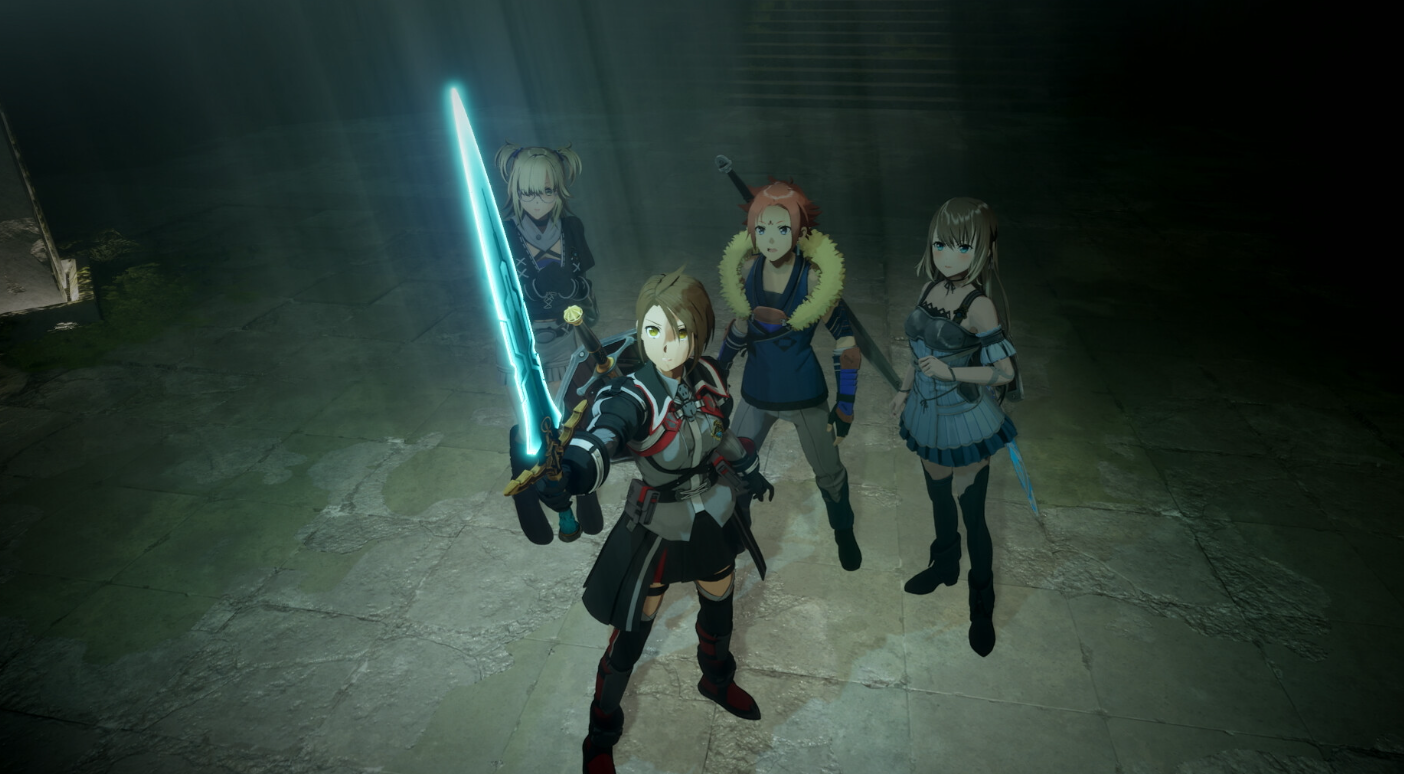
The Day 1 update for Echoes of Aincrad brings the game to version 1.0.3, adding a way to carry over demo progress, reworking combat balance, and fixing several launch bugs. It also gives every player a free bundle of starter items once they reach an early story milestone.
Quick answer: Install Update File Ver.1.0.3, then open the title screen to confirm it reads Ver.1.0.3. On Xbox Series X|S, the file rolls out from Friday, July 10th onward. Once installed, you can transfer demo save data and claim the free Support Item Set from the Chest at the Inn after unlocking the main quest “Iori’s Request.”
Update 1.0.3 platforms and rollout
The update covers all three versions of Echoes of Aincrad, which is available on PS5, Xbox Series X|S and PC. You need to apply it to play with the current balance and features. The version number appears on the title screen, so you can check there whether the file installed correctly.
| Platform | Update file | Availability |
|---|---|---|
| PlayStation 5 | Ver.1.0.3 | Available now |
| Steam (PC) | Ver.1.0.3 | Available now |
| Xbox Series X|S | Ver.1.0.3 | Distributed from Friday, July 10th onward |
Transfer demo save data into the full game
The update adds a save data transfer function that moves your progress from the demo version into the full release. Apply the latest update file before you attempt the transfer, otherwise, the option may not work as intended. Saves created on the earlier Ver.1.0.2 update file can also be carried over.
Installing the update first is required for the transfer to complete. If you skip it, your demo save may not be picked up.
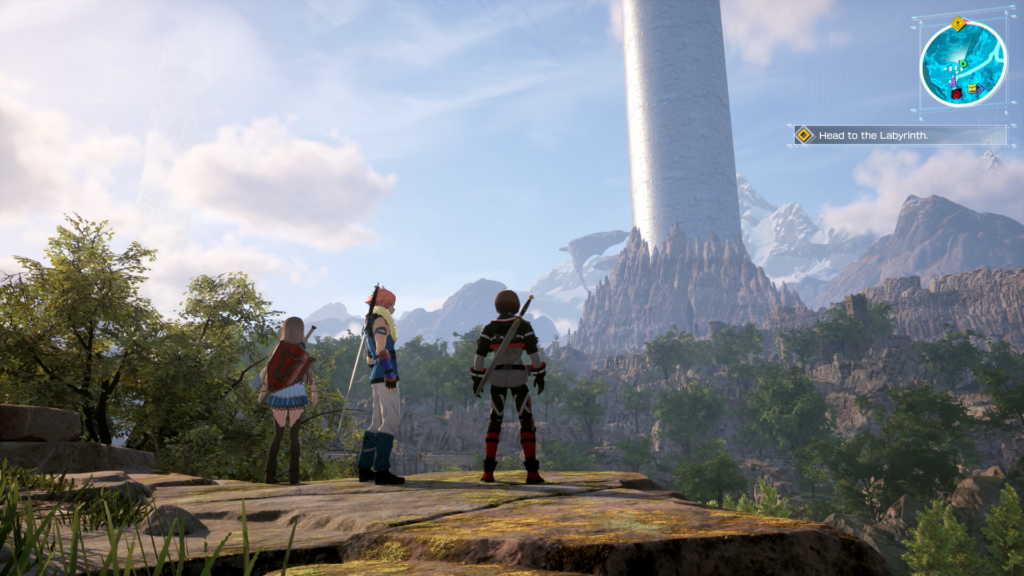
How to claim the free Support Item Set
A Support Item Set is distributed to help with early adventures. It is not handed over the moment you boot the game. You have to reach a specific story point first, and each save file can claim it only once.
Support Item Set contents
| Item | Quantity |
|---|---|
| Spark Talisman | ×10 |
| Blink Talisman | ×10 |
| Luminous Talisman | ×10 |
| High Bomb Stone | ×10 |
| High Flame Stone | ×10 |
| High Numbing Mine | ×10 |
Combat and balance changes
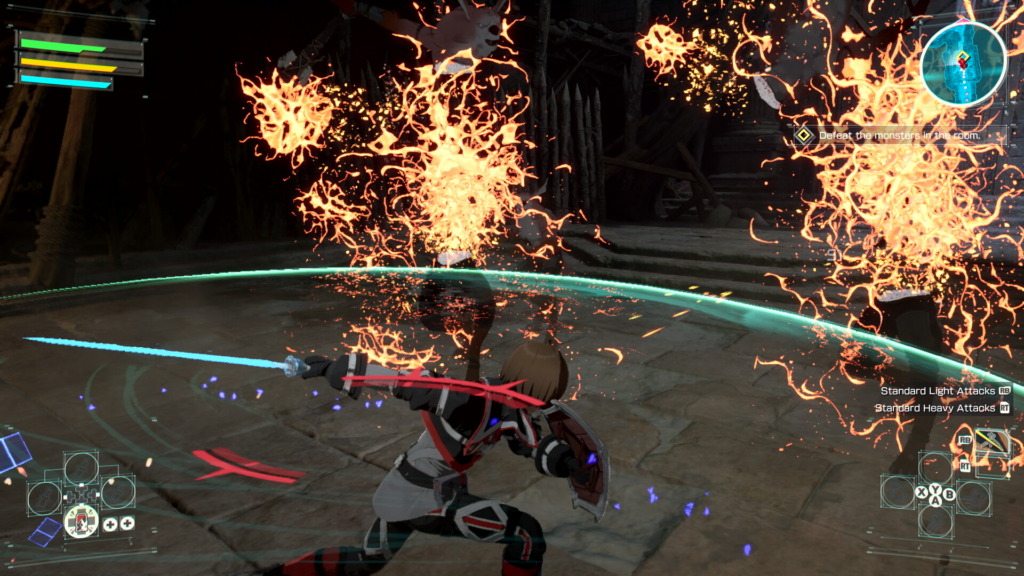
The update reworks how combat feels across weapons, skills and movement. Weapon performance was adjusted, along with Sword Skills, Combination Skills and Support Skills. The attack values on Slash actions, covering Reversal, Parry and Dodge, were also tuned.
- Enemy parameters and the number of enemies per difficulty level were adjusted.
- The step motion was changed and its invincibility window extended.
- Rolling and stepping behavior was reworked.
- The reaction after falling from high places was reduced.
- Recovery animation was shortened when falling from heights or landing in deep water.
- Unique MODs and EX-MODs for weapons and shields were rebalanced.
- Event scenes and lighting were adjusted, alongside other optimizations.
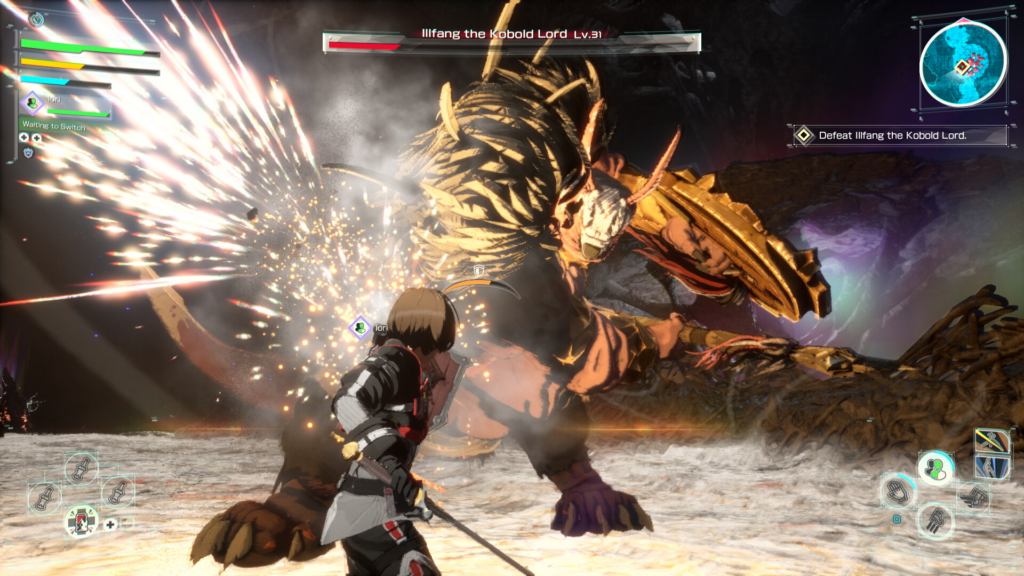
Bug fixes in Ver.1.0.3
Several stability and control problems were resolved in this update.
- Fixed a bug where the player’s motion would freeze after certain actions.
- Fixed a dead zone that was set during mouse operation.
- Fixed enemies standing still or getting stuck on some maps.
- Fixed other minor bugs.
Known issues and the Ark Boss workaround
Two issues remain after the update, and both are slated to be addressed in a future patch.
| Issue | Details |
|---|---|
| Ark Boss stuck underground | In the sub-quest “Opportunity,” a specific attack that hits the Ark Boss “Thicket Visgo” during its digging motion may stop it from re-emerging from underground. |
| Character not rendered | Under specific equipment conditions, the player character may not display correctly in some event scenes. |
If the Thicket Visgo fails to reappear, open the map menu and use “Return to Checkpoint” to warp back to the last safety area or warp terminal. From there, you can start the Ark Boss fight again.
Echoes of Aincrad launched on July 10th in Europe and North America, following its July 9th release in Japan. Applying Ver.1.0.3 is the fastest way to make sure your demo progress carries forward and that combat plays the way it does at launch. You can confirm everything is in place by checking the title screen for the version number and grabbing the Support Item Set from the Inn once “Iori’s Request” is available.