
In Windows 11, the traditional Command Prompt is integrated into the modern Windows Terminal application by default. This change streamlines the command-line experience but also alters the method for customizing its appearance, such as the background and text colors. The primary way to apply persistent color changes is now through the Windows Terminal’s own settings menu, which offers more flexibility than the legacy properties window.
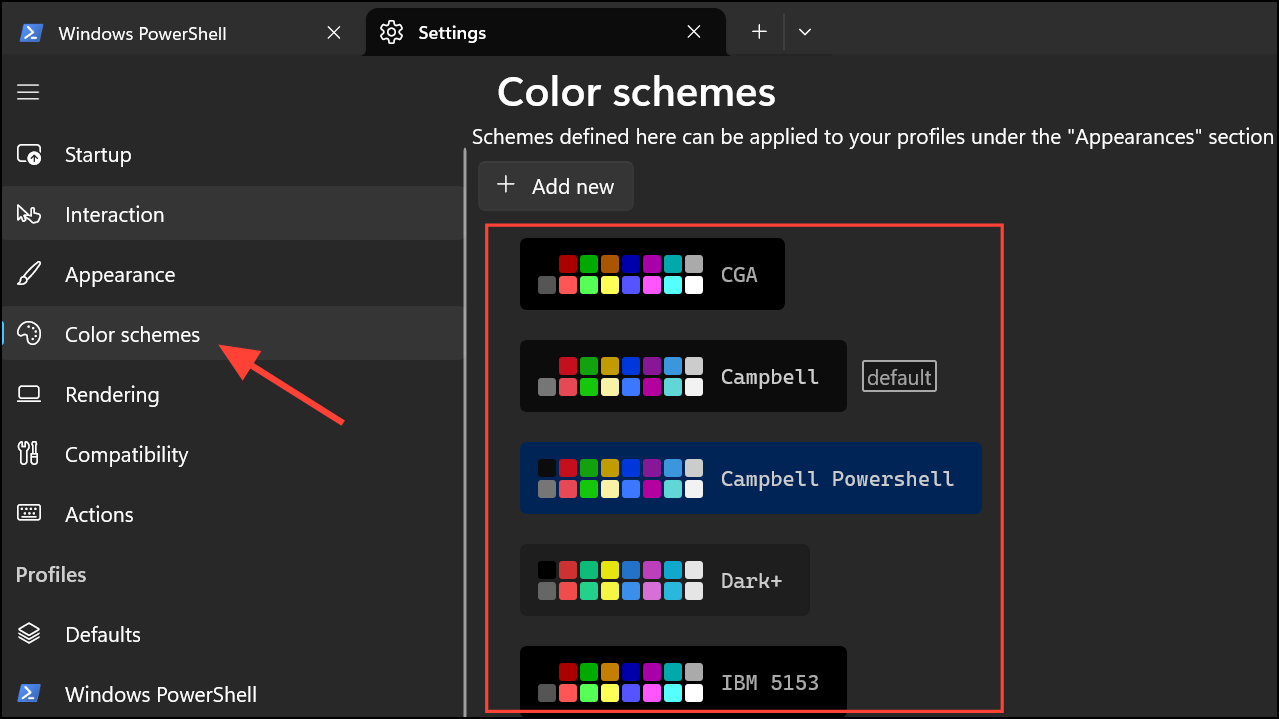
Set a Default Color Scheme
If you want a consistent appearance across all your command-line tools within Windows Terminal, you can set a global default color scheme.
Windows Terminal, and launch the application. If Command Prompt is not the default profile, open a new Command Prompt tab by clicking the down-arrow icon in the title bar and selecting “Command Prompt.”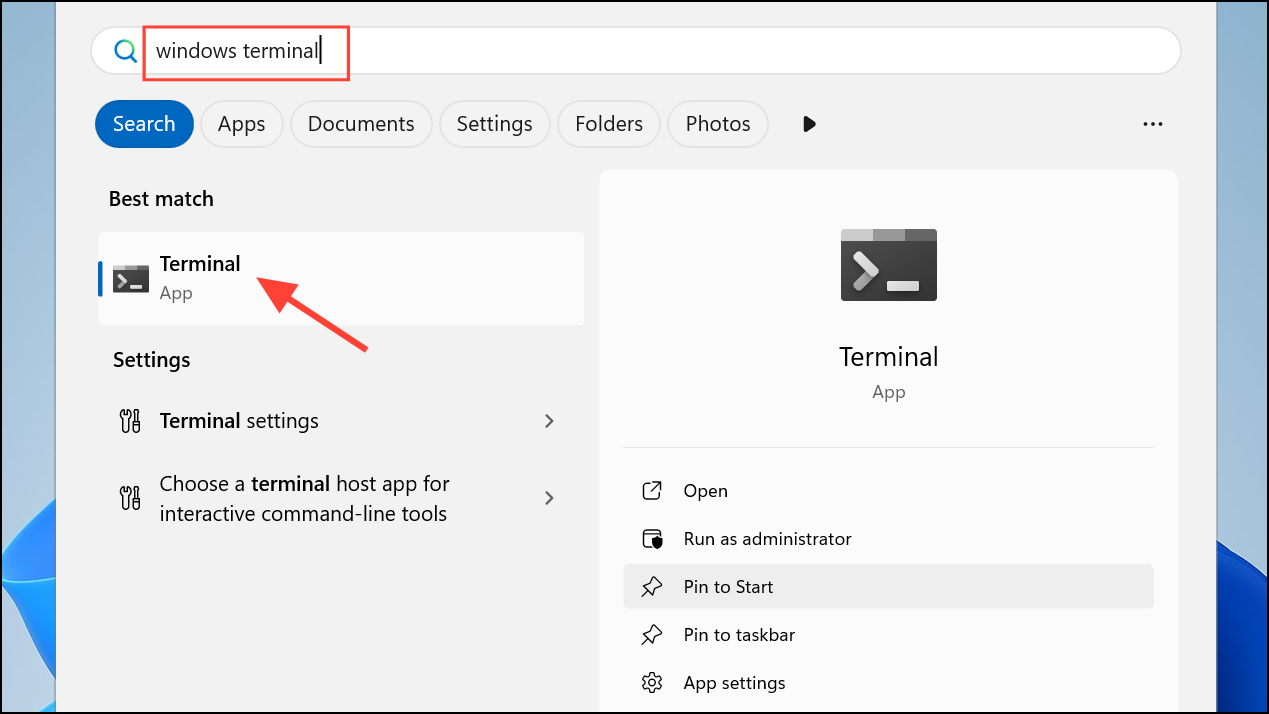
Ctrl + , (comma).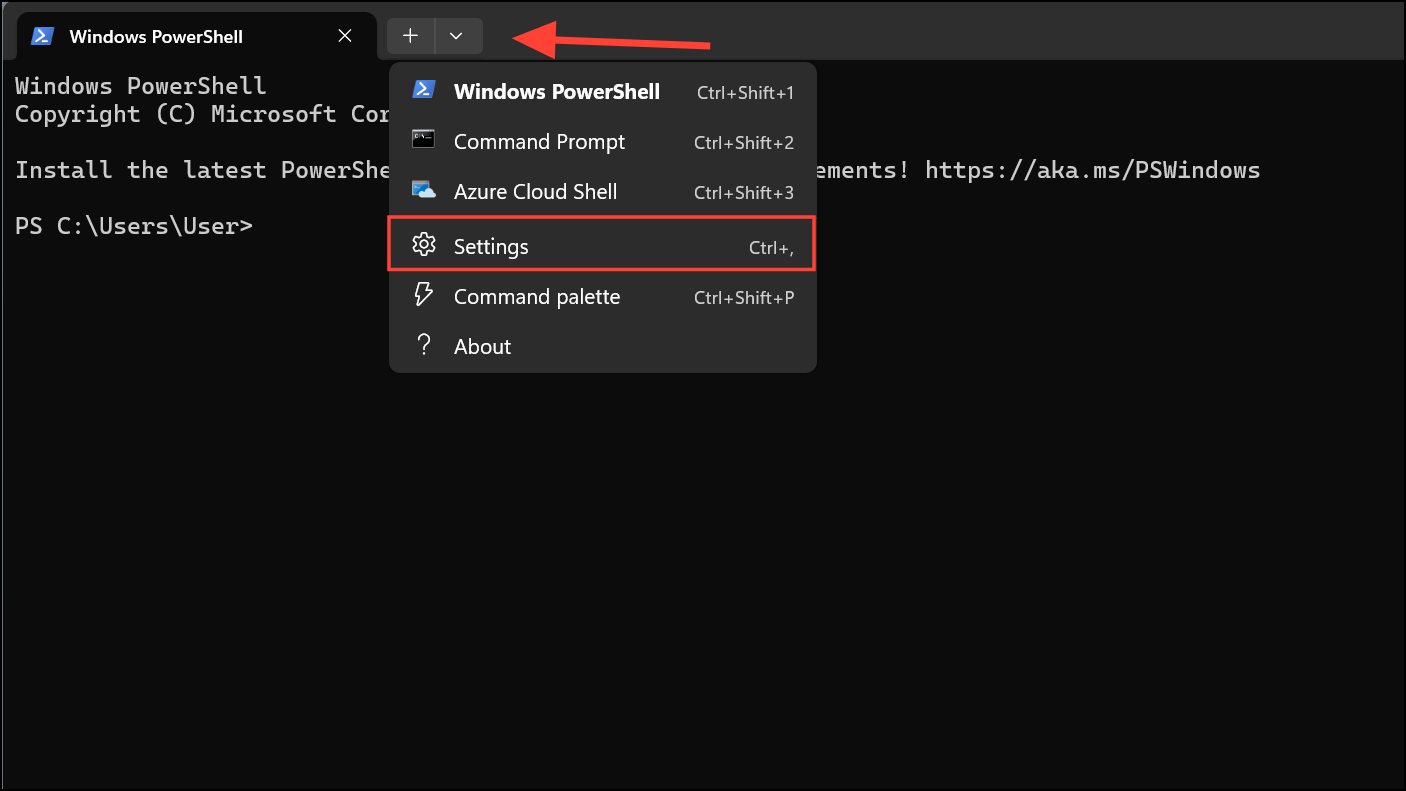
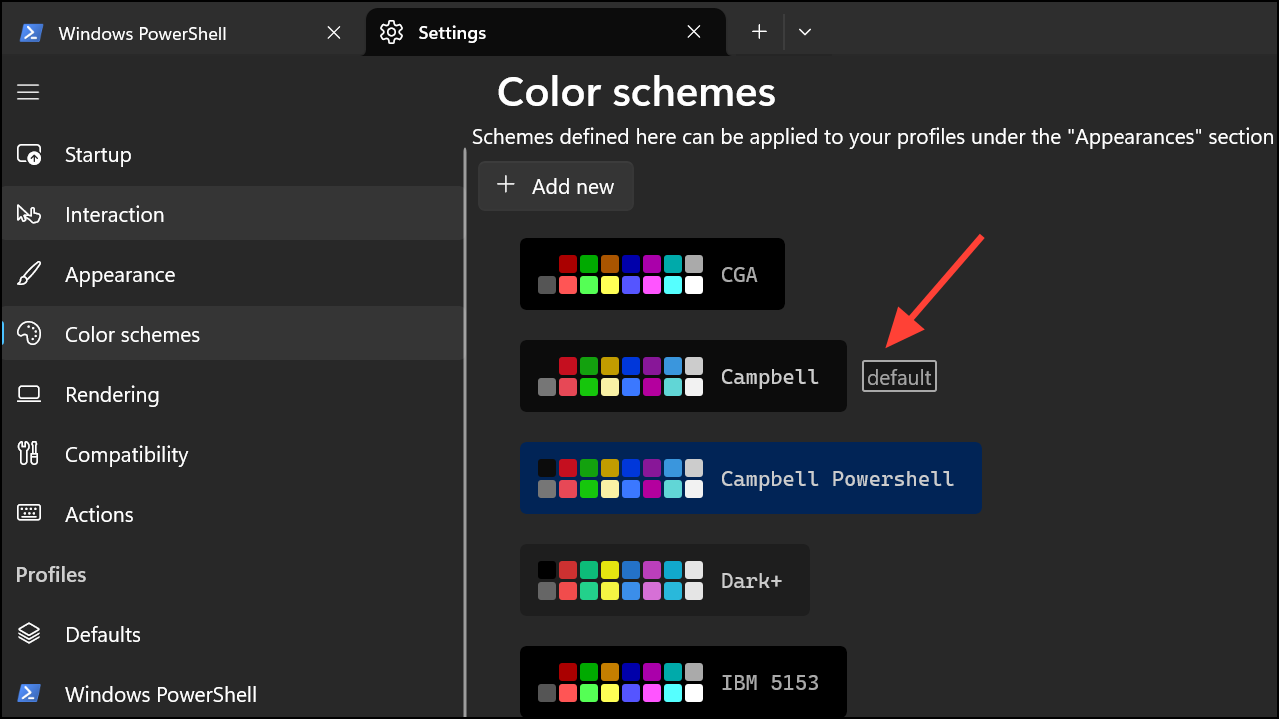
Use the `color` Command for Temporary Changes
For quick, session-specific adjustments, you can use the built-in color command. This method changes the colors only for the active Command Prompt window and does not save the settings once the window is closed.
color followed by two hexadecimal digits with no space in between. The first digit specifies the background color, and the second specifies the foreground (text) color. For example, to get a black background with light green text, you would type color 0a and press Enter.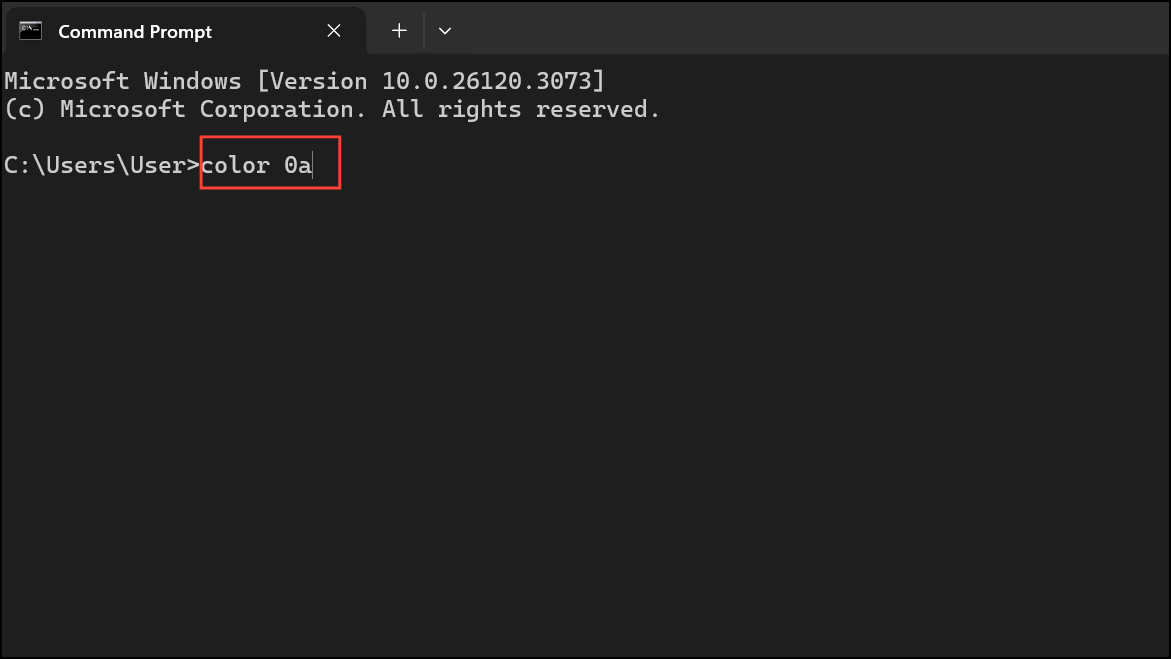
0 = Black       8 = Gray
1 = Blue        9 = Light Blue
2 = Green       A = Light Green
3 = Aqua        B = Light Aqua
4 = Red         C = Light Red
5 = Purple      D = Light Purple
6 = Yellow      E = Light Yellow
7 = White F = Bright White/k color 0a (or your chosen color code) to the “Command line” field. This executes the command automatically every time you open a new Command Prompt tab.Revert to the Legacy Windows Console Host
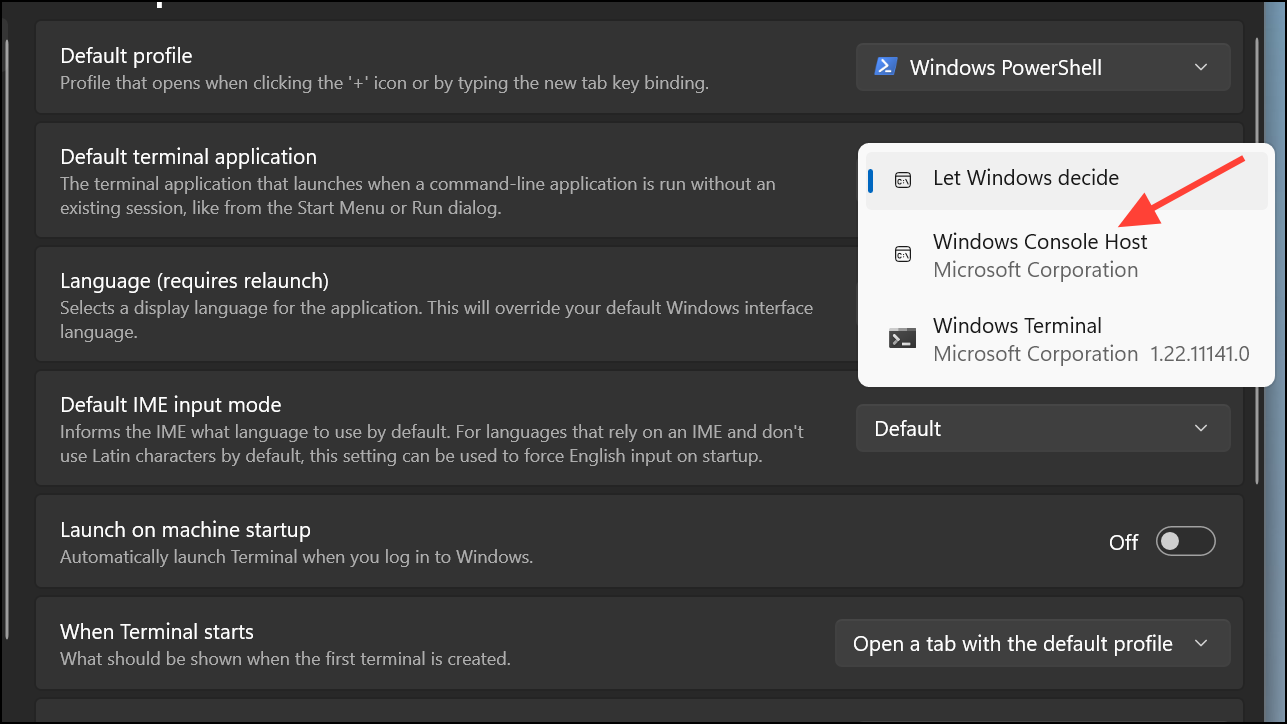
If you prefer the classic Command Prompt experience and its method of customization, you can configure Windows 11 to use the legacy Windows Console Host instead of Windows Terminal.
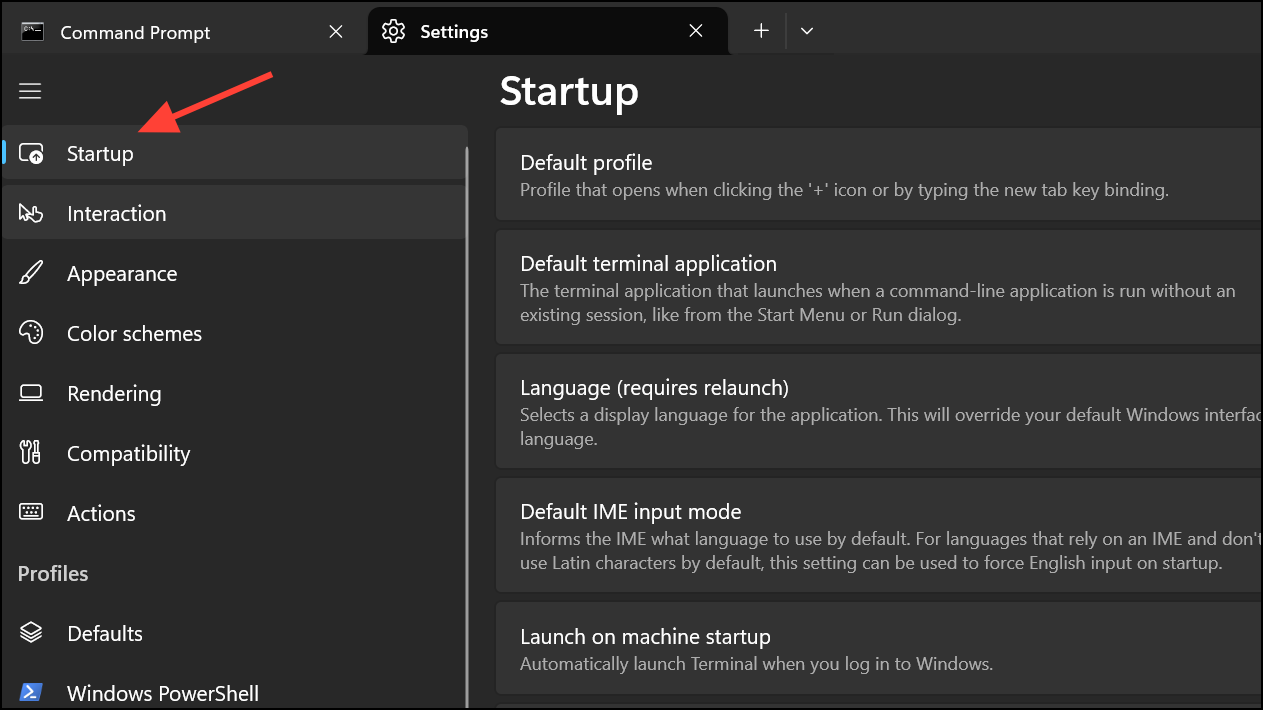
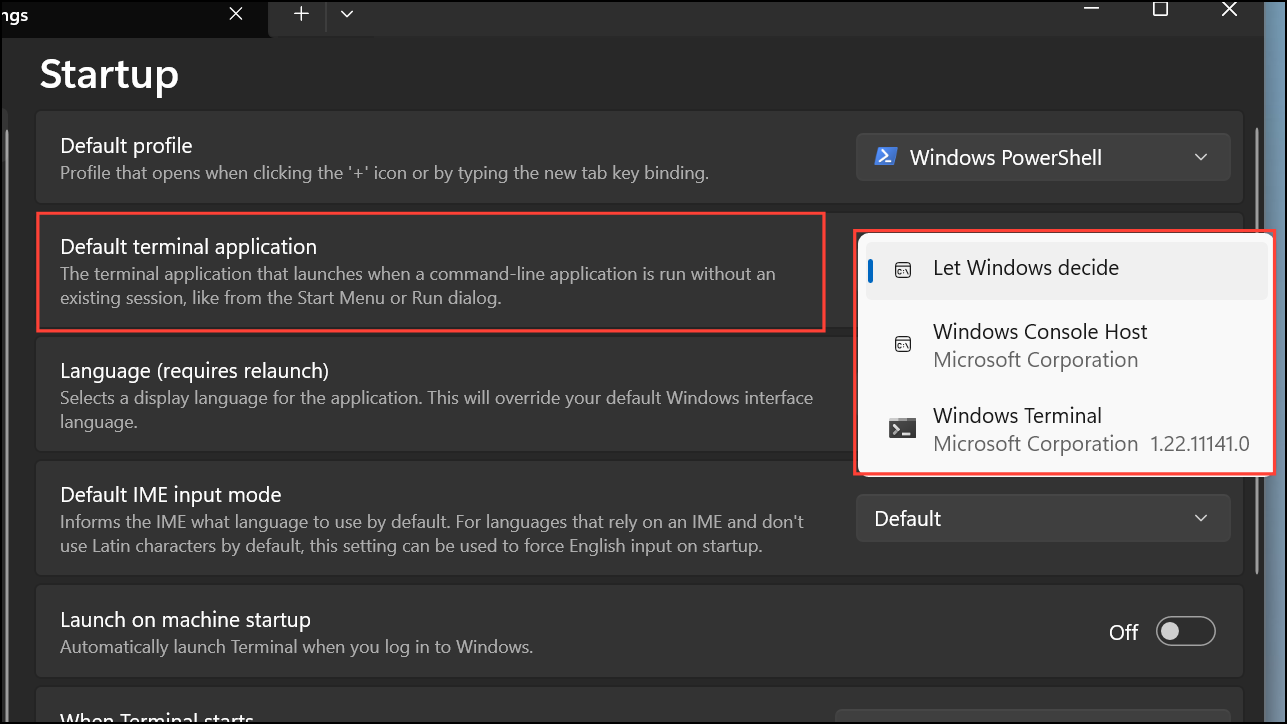
With these different approaches, you can easily adjust the Command Prompt colors in Windows 11 to suit your personal preferences and improve readability during your command-line tasks.



