Expedition materials are the crafting resources that feed the Expedition Center in Anime Expeditions. They come only from the payload defense stages inside Expedition mode, which means you cannot pull them from Story or Raids. The fastest way to build a large stockpile is to set up a repeatable clear that runs on its own while you step away.
Quick answer: Reach player level 20 to unlock Expeditions, load an Expedition payload stage (School Grounds, Flower Forest, or Rose Kingdom), place units with Auto Upgrade enabled in the Unit Manager, then use Repeat Stage to loop clears. For a fully hands-off run, record the placement with a macro set to Continuous Playback at 1x speed.
Which Expedition materials you can farm and where
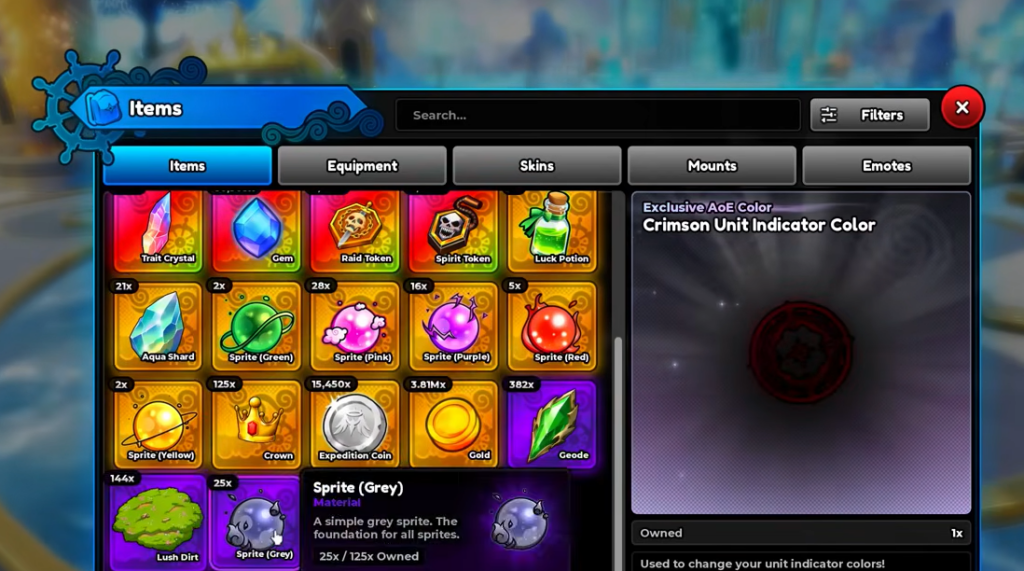
Each world tied to Expeditions drops a specific base material, while Equipment Scrap and Fuel Cells drop across all three. Expedition Coins accumulate from every Expedition clear and are spent on buildings and the Expedition Shop. Match the stage you loop to the material you actually need.
| Material | Where it drops | Used for |
|---|---|---|
| Cursed Timber | School Grounds Expeditions | Craft equipment, upgrade Expedition buildings |
| Lush Dirt | Flower Forest Expeditions | Craft equipment, upgrade Expedition buildings |
| Aqua Shard | Rose Kingdom Expeditions | Craft equipment, upgrade Expedition buildings |
| Equipment Scrap | School Grounds, Flower Forest, Rose Kingdom Expeditions | Equipment crafting and building upgrades |
| Fuel Cell | School Grounds, Flower Forest, Rose Kingdom Expeditions | Equipment crafting and Expedition upgrades |
| Expedition Coin | Any Expedition clear | Unlock Expedition buildings and buy from the Expedition Shop |
Cursed Timber is also required alongside Gold and Expedition Coins to build the Gold Mine inside the Expedition Center, so School Grounds runs are worth prioritizing early.
What you need before you start
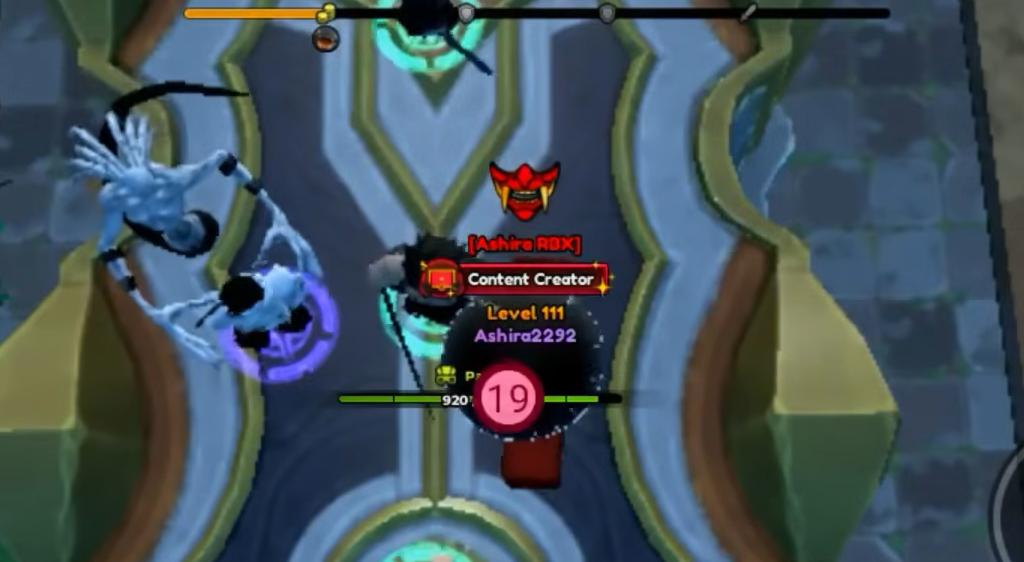
- Player level 20, which unlocks the Expedition game mode.
- A defense lineup strong enough to clear the chosen payload stage on its own, such as multiple Stone Alchemist units backed by a Mythic or Secret carry.
- Access to the Unit Manager during a run so you can turn on Auto Upgrade.
- Optional: a macro recorder such as TinyTask if you want the loop to continue without you clicking Repeat Stage.
Set up the AFK Expedition loop
Fully hands-off farming with a macro
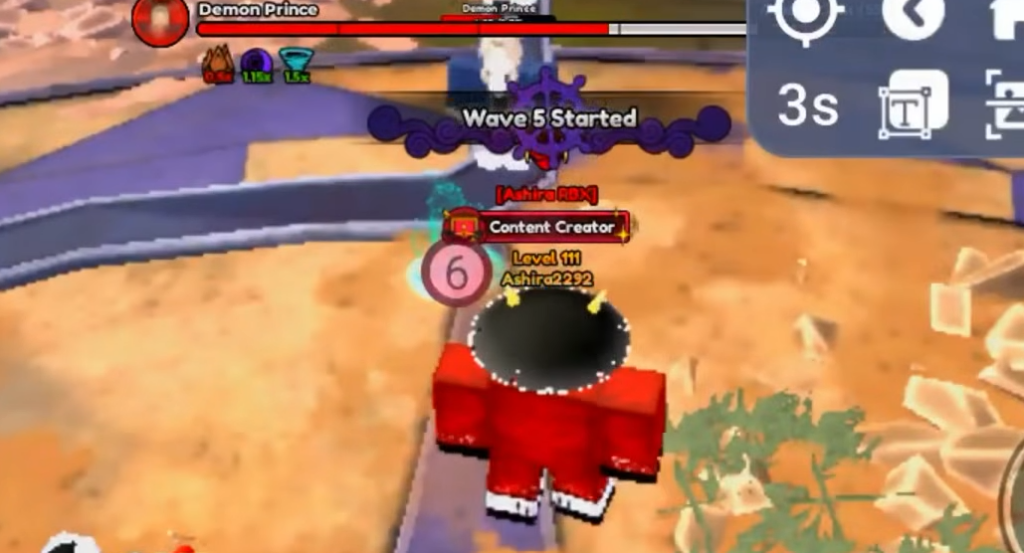
To keep the loop running while you are away, a macro recorder can repeat your placement and the Repeat Stage click automatically. The setup mirrors the manual loop, with two settings that prevent the recording from drifting out of sync.
Macros rely on third-party software rather than an in-game feature, so use them at your own discretion.
How to confirm the materials are landing
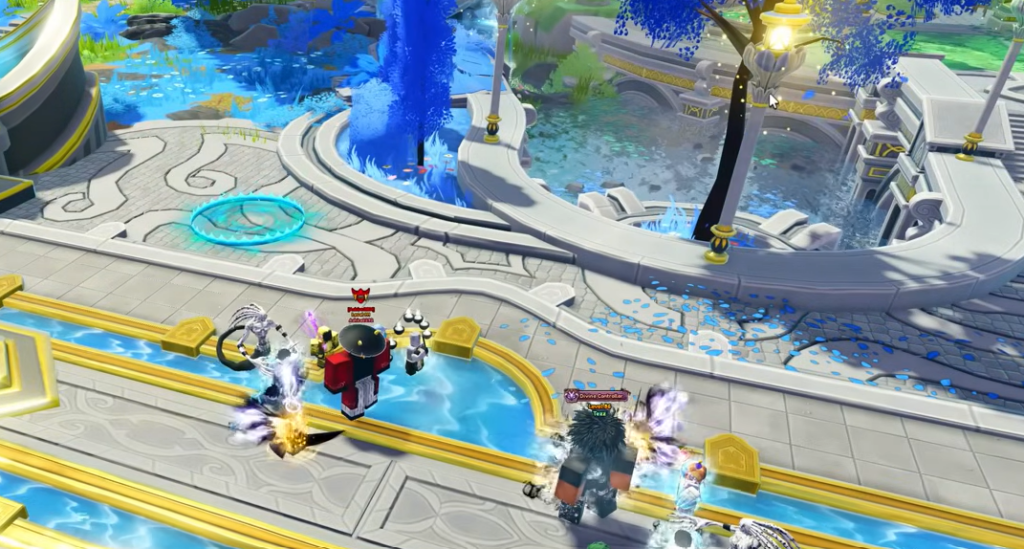
Every successful clear shows a Victory screen listing the gained rewards, so you can read exactly which Expedition materials and how many Coins each run added. Beyond that, open the Expedition Center and check the Armory or building menus, where your growing Cursed Timber, Lush Dirt, Aqua Shard, Equipment Scrap, and Fuel Cell counts appear.
Why the loop stops working
- Expeditions are locked below player level 20, so the mode will not appear until you reach it.
- Playback speed above 1x desyncs a macro, leading to misplaced units and failed clears.
- Non-phasing units fail to place when in-run money runs out, which breaks a recorded loop; ghost phasing units avoid this.
- A lineup that cannot solo the stage will eventually lose a wave and halt the cycle.
Once the loop clears the stage consistently on its own, the only real decision left is which world to farm. Pick the Expedition tied to the base material you need most, let the runs stack up, and spend the Coins and crafting materials on Expedition buildings and equipment as your totals climb.