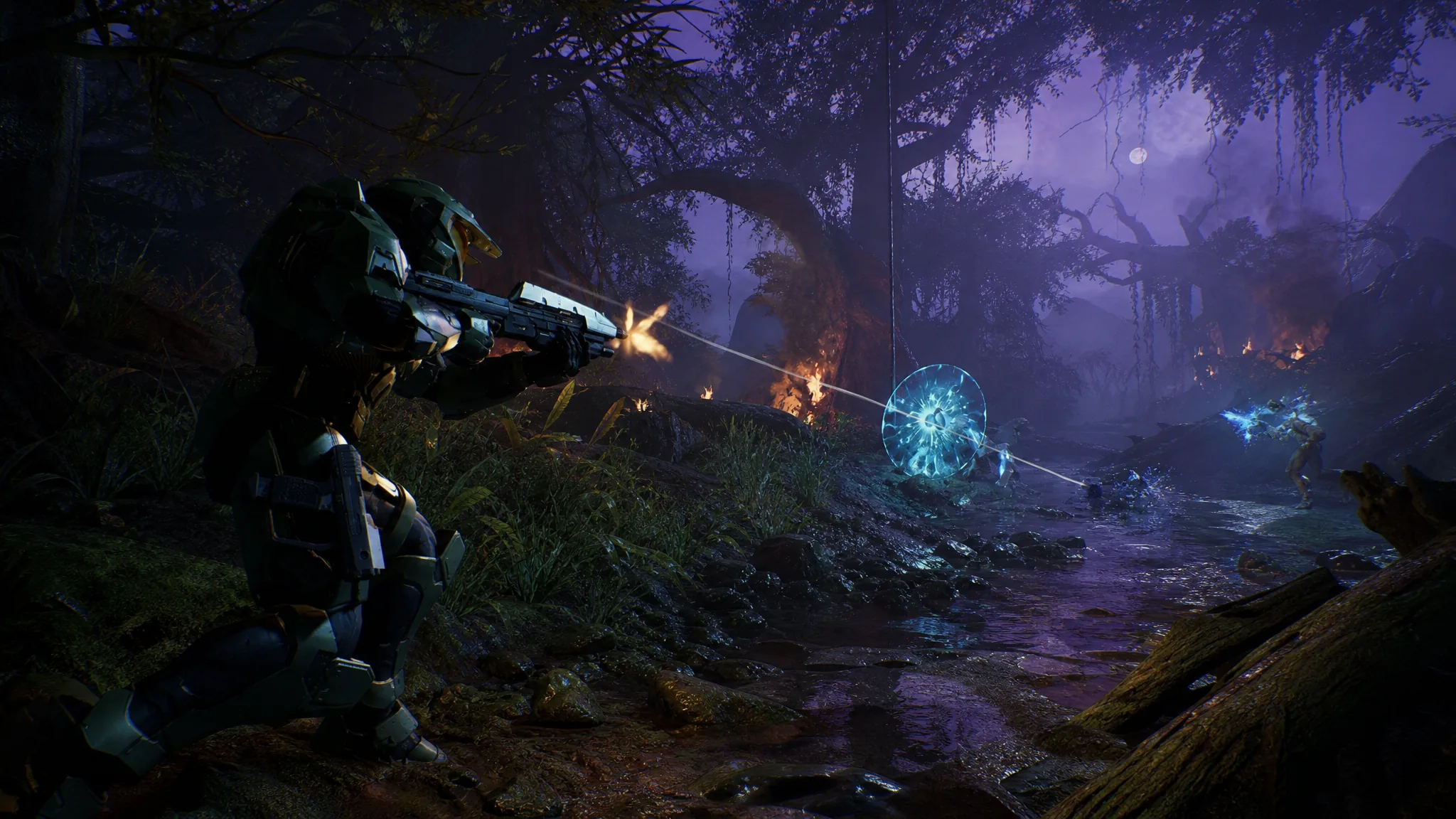
Halo: Campaign Evolved runs on Unreal Engine 5, and the modding community moved on it almost immediately. Most of the early standouts are practical rather than flashy. They smooth out performance, skip startup clutter, unlock cosmetics buried in the game files, and hand you finer control over difficulty than the in-game menus allow.
Quick answer: Drop .pak mods into Halo Campaign EvolvedMeteoriteContentPaks and overwrite when asked. Configuration tweaks go in the game’s Unreal config folder at %LOCALAPPDATA%MeteoriteSavedConfigWindows. Set edited .ini files to read-only so the game does not overwrite them on launch.
Where mod files go
There are two install paths depending on the mod type. Packaged content mods ship as .pak files and belong in the game’s Paks directory. Config-based tweaks edit Unreal Engine settings and live in the Saved config folder alongside your keybinds and save data.
On Windows, save games and configuration sit under %LOCALAPPDATA%Meteorite. The Paks folder is inside your install directory at Halo Campaign EvolvedMeteoriteContentPaks. Keep a copy of your original files before overwriting anything, and back up your save folder before you start experimenting.
The game uses a hybrid setup, with Unreal Engine 5 handling rendering and older Halo systems running underneath. That is why some tweaks behave like standard Unreal .ini edits while others need packaged assets.
The six mods at a reference glance
| Mod | Author | What it changes |
|---|---|---|
| Ultimate Engine Tweaks | P40L0 | Reduces stutter, lowers input latency, sharpens image, no visual loss |
| Hidden Skins Unlocker | goldenchrome | Temporarily unlocks unused armor and weapon skins already in the files |
| No-Intro-Splash | Gametism | Skips startup and splash videos for a faster launch |
| Cinematic Frame Generation Fix | diaodiao | Corrects 30 FPS cinematics dropping to 15 FPS under frame generation |
| Mark IV In Main Campaign | EpicPerry | Carries the prequel Mark IV armor into the main story |
| Comet – Enhanced Difficulty Modifier Editor | generalkidd | Edits difficulty profiles and adds custom modifiers outside the game UI |
Performance and startup fixes
If you only install one thing, make it Ultimate Engine Tweaks by P40L0. It is a set of Engine.ini changes aimed at removing most stutters, improving stability, cutting input latency, and cleaning up picture clarity, all without lowering graphical quality. Players on a range of GPUs have reported smoother frame times after adding it.
The tweak works by writing values into the Unreal config. If the file does not exist yet, create engine.ini in the config folder and set it to read-only so the game keeps your values. A minimal version of the kind of cleanup these configs apply looks like this:
[SystemSettings]
; Film grain
r.FilmGrain=0
r.Tonemapper.GrainQuantization=0

; Chromatic aberration
r.SceneColorFringeQuality=0

; Extra cleanup
r.Tonemapper.Quality=0
Those lines strip film grain and chromatic aberration, two effects many players turn off first. Note: if you override to DLSS 4.5 with Preset L or M, drop any Lumen accumulation lines, since they can add noise to the diffuser.
No-Intro-Splash by Gametism handles the other common annoyance. It automatically bypasses the intro and startup videos plus the splash image, so you land in the menu faster. Install it by extracting the folder from the zip and copying it into your game install folder, overwriting the existing files.
Fixing cinematics under frame generation
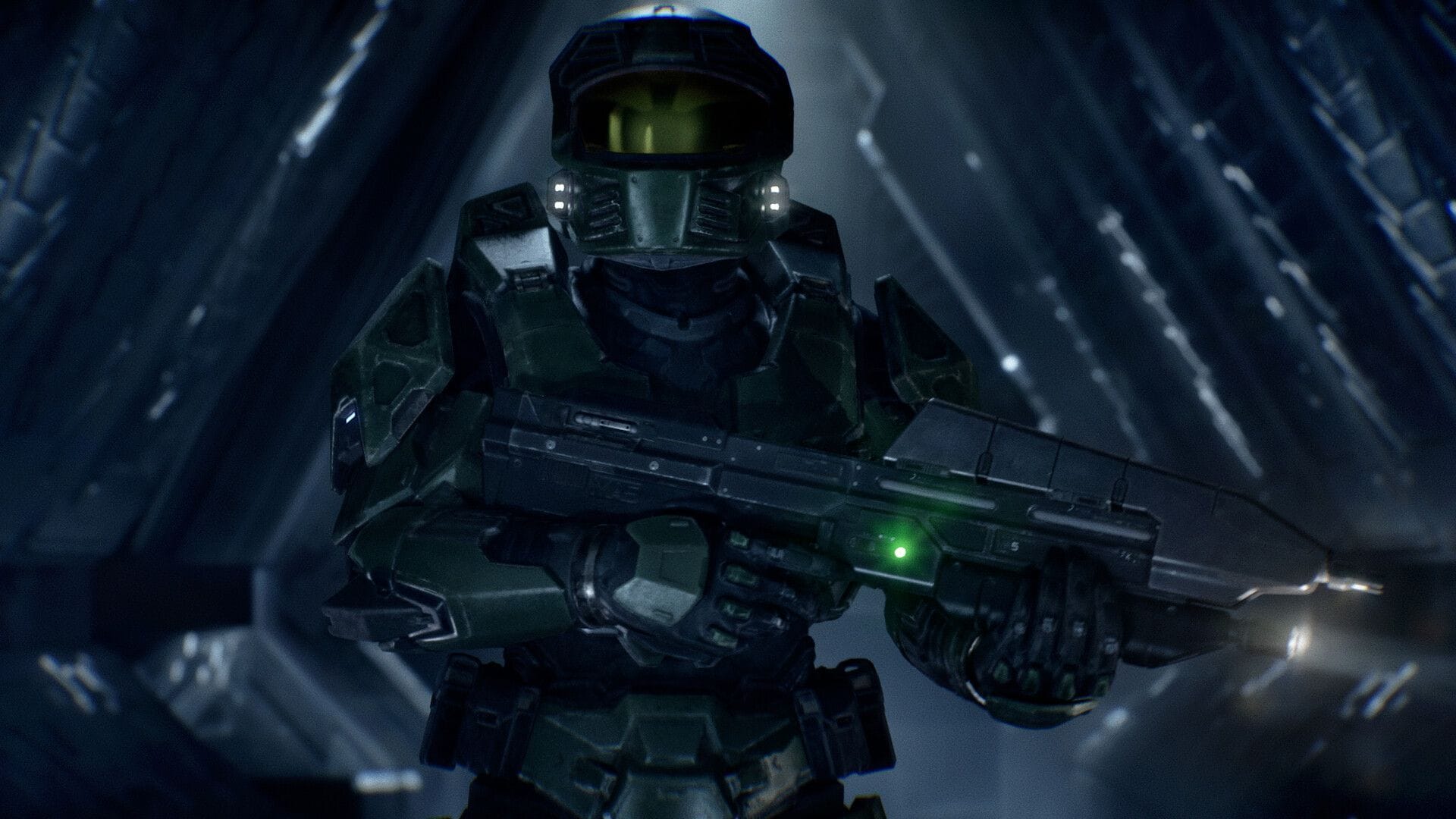
The pre-rendered cinematics are locked to 30 FPS. When NVIDIA Reflex or a similar frame-limiter from another GPU brand is active, that cap ends up applying after frame generation instead of before it. The result is the source video effectively running at 15 FPS, with frame generation only bringing it back up to 30.
Cinematic Frame Generation Fix by diaodiao reorders that pipeline. Cinematics play at their true 30 FPS baseline, and frame generation then pushes them to a full 60 FPS. It is a narrow fix, but a real one if you use frame generation and noticed cutscenes looking choppy or ghosting.
Cosmetic unlocks and armor swaps
Hidden Skins Unlocker by goldenchrome opens cosmetic content that exists in the files but was never reachable through normal play. It does not touch DLC or pre-order exclusive skins, and the unlock is temporary. Everything reverts to locked the moment you uninstall the mod.
On weapons it unlocks the Assault Rifle skins Heroic Power and Reflex Mix. The armor list is much longer and includes:
- Fantastic Spartan, Stream of the Crop, Heroic Potent, Side Mission
- Hidden Blade, Ember, Ignition, Heroic Mascot
- Graphic Violence, Cruel Designs, Viridescent Shimmer, Sandstone Ancient
- Radical Dreamer, Forest Boxer, Harvest Fields, Damascus Prototype
- Shadowfrost, Recompilation
Mark IV In Main Campaign by EpicPerry is for players attached to the Mark IV armor from the prequel chapter. It lets that armor carry into the main story instead of staying locked to the earlier missions. Install it by placing the three included files into the Paks folder at Halo Campaign EvolvedMeteoriteContentPaks.
Note: because the remake uses FMV cutscenes, custom Master Chief skins are mostly visible in co-op when another player wears one. In solo play you only see the Chief’s arms, legs, and a sliver of chest at certain angles.
Full control over difficulty modifiers
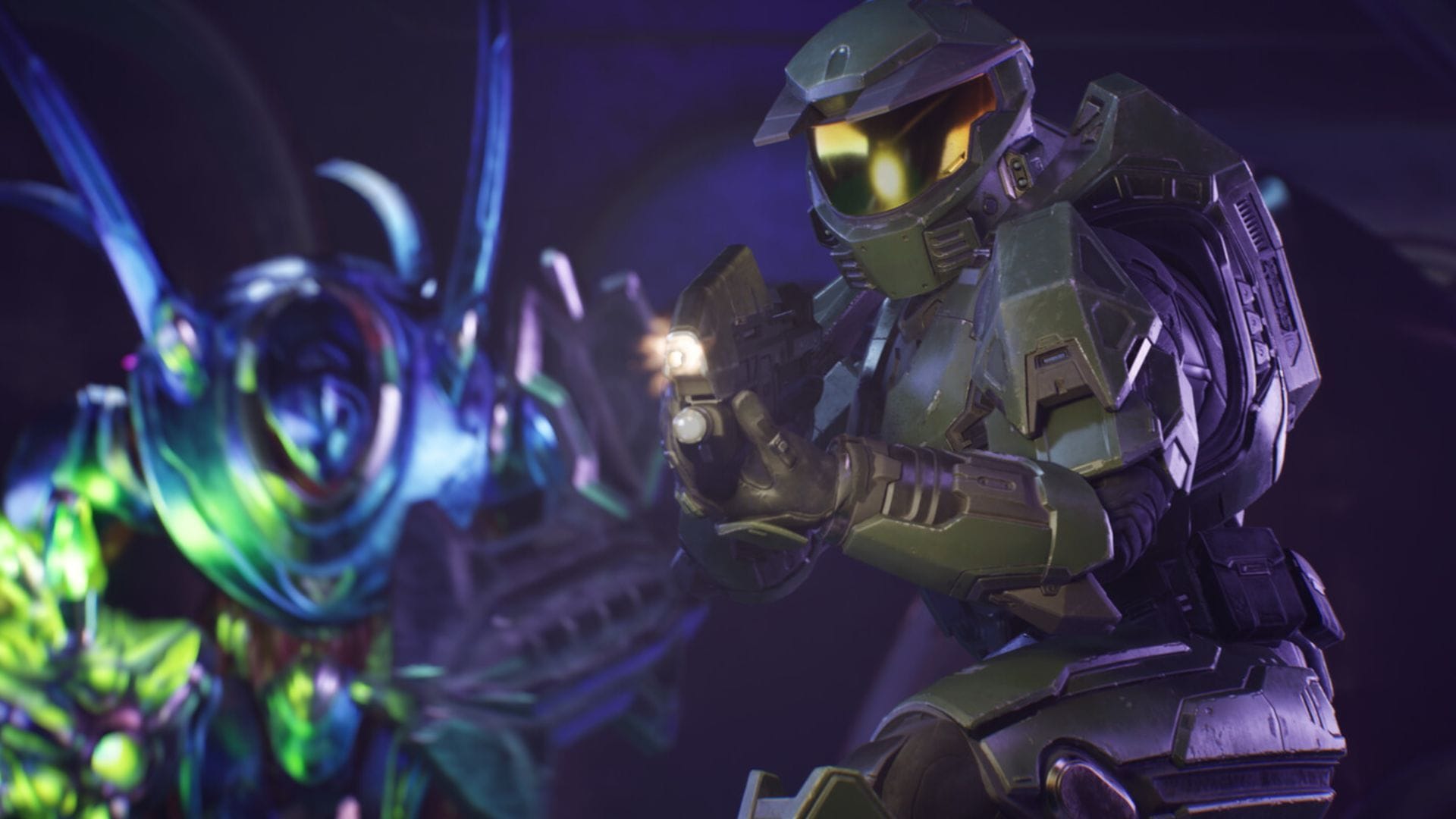
Comet – Enhanced Difficulty Modifier Editor by generalkidd goes well past what the in-game menu offers. It edits difficulty modifier profiles directly, and you can build them without launching the game first.
On top of the standard options, Comet opens up invincibility, instant kill, active camo, adjustable movement speed, and gravity tweaks. Many of these mirror the custom game options longtime fans recognize from Halo 3 and Reach lobbies. It works across PC, Xbox, and PlayStation versions, and because the profiles are cross-platform, they carry over regardless of where you play.
You can confirm a mod took effect the same way you would spot any change in-game. Engine tweaks show up as smoother frame times and no film grain, No-Intro-Splash drops you straight into the menu, unlocked skins appear in the customization list, and Comet’s modifiers show in your difficulty profile. If a config tweak seems to reset itself, check that the .ini file is marked read-only, and if the game crashes on startup, remove the last file you added and restore your original before trying again.