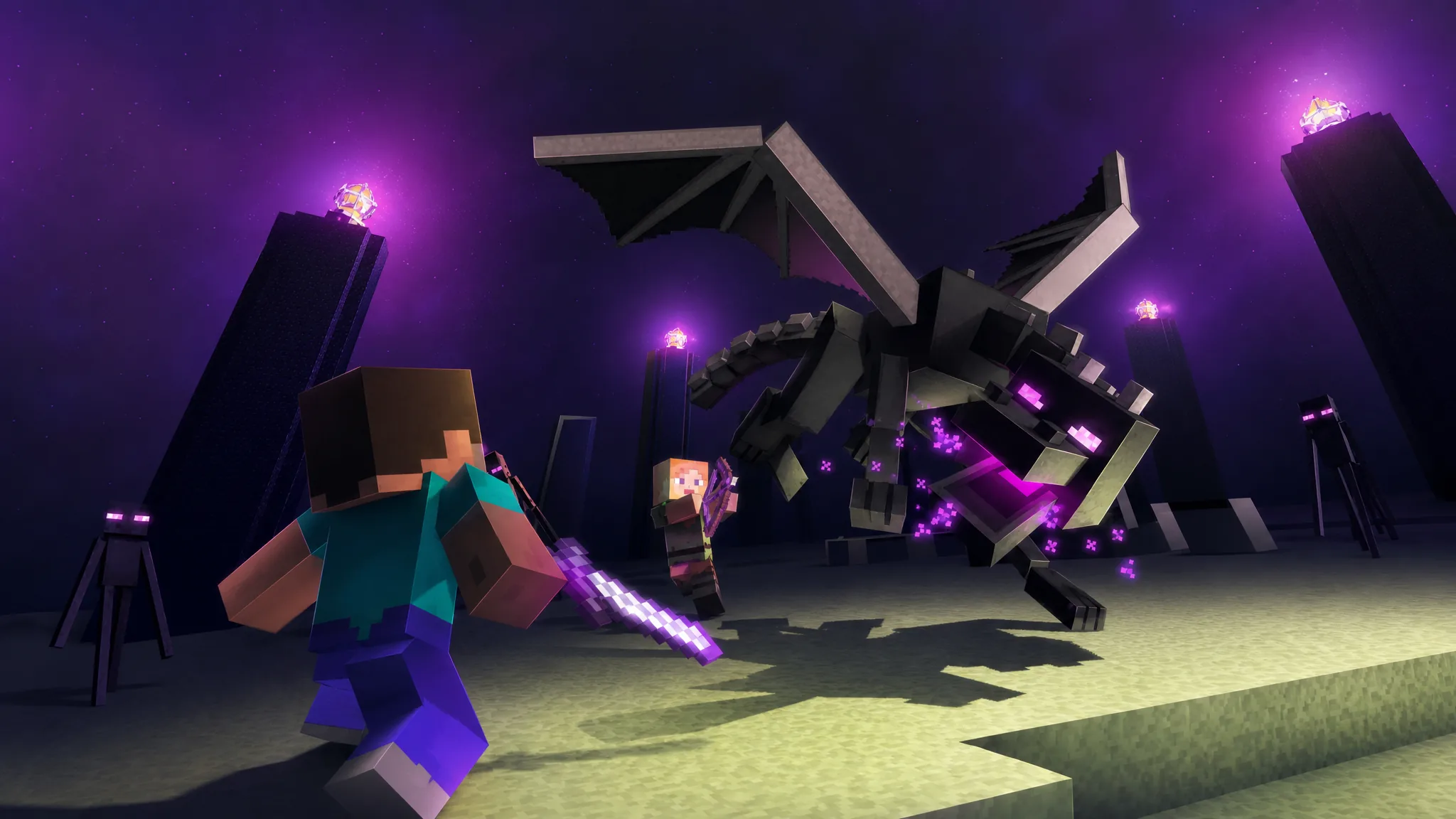
A short, playable version of Minecraft now runs inside a single YouTube video. Built by the creators Atlas Arcade and Animated Subtitles, it drops you straight into the End fight against the Ender Dragon and works on both the YouTube mobile app and the desktop site.
Quick answer: Open the video on YouTube, then use the W, A, S, and D keys on desktop (or swipe/touch and tilt on mobile) to aim. Break the two End Crystals with snowballs, then switch to the bow and hit the Ender Dragon to finish the fight.
How the controls work
The whole thing is controlled by moving the camera, which is how the aiming is simulated. On a computer, you steer with the WASD keys to point at your targets. On a phone, you can drag across the screen or physically tilt the device to line up your shots.
| Platform | How you aim |
|---|---|
| Desktop browser | W, A, S, D keys to move the view |
| Mobile app | Touch and swipe the screen, or tilt the device |
The Ender Dragon fight, step by step
Crafting, mining, and the usual survival systems are not part of this cut-down version. The goal is narrowed to the single boss encounter that most players think of as the ending of Minecraft.
Why it feels playable (but isn’t real gameplay)
The experience is built on YouTube’s 360-degree video feature paired with animated subtitles that recreate the bow and snowball HUD. Because the footage is pre-recorded, the outcome is fixed. The End Crystals will explode, your arrows will connect, and the dragon will take damage even if you never touch the controls at all.
What you are really doing is looking around a scripted sequence, not changing it. The trick lies in how convincingly the HUD and camera movement mimic being inside the battle, which is why the illusion holds up.
If it feels too easy, increase the video’s playback speed. Speeding up the footage makes the Ender Dragon move faster and harder to keep in your sights.
Other playable videos from the same creators
This is not Atlas Arcade’s first video-as-a-game project. The channel has turned several well-known titles into interactive clips using the same YouTube video features.
| Game | Format |
|---|---|
| Minecraft | Ender Dragon fight, playable video |
| Doom | Playable video |
| Five Nights at Freddy’s | Playable video |
| Mario Kart | Playable video |
Minecraft and YouTube have been tied together since the game’s beta days, when Let’s Plays helped push it toward becoming the best-selling video game of all time. A version you can steer inside a YouTube video is a fitting nod to that history, even if the real challenge of beating the dragon still lives in the actual game.