Easily access and use Microsoft Copilot's AI assistant by installing the iPad app on your Mac!
Easily access and use Microsoft Copilot’s AI assistant by installing the iPad app on your Mac!
by Sakshi Garg
While Microsoft Copilot offers seamless integration with Windows 11, Mac users can also harness its AI features directly on their computers. By installing the Microsoft Copilot app designed for iOS devices, you can access Copilot conveniently on your Mac.
Although you can access Microsoft Copilot through web browsers like Edge, Chrome, or Safari by visiting copilot.microsoft.com or using Bing Chat, installing the app provides quicker access and additional features, especially when using Microsoft Edge.
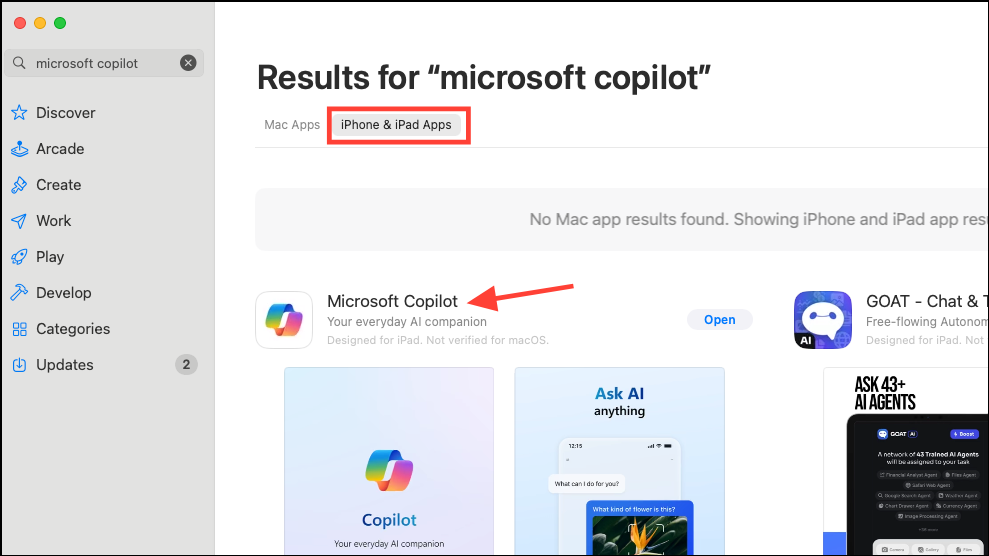
Did you know it’s possible to install the Microsoft Copilot app on your Mac, even though it’s designed for iPhone and iPad? This approach allows you to interact with Copilot more efficiently without relying on a web browser.
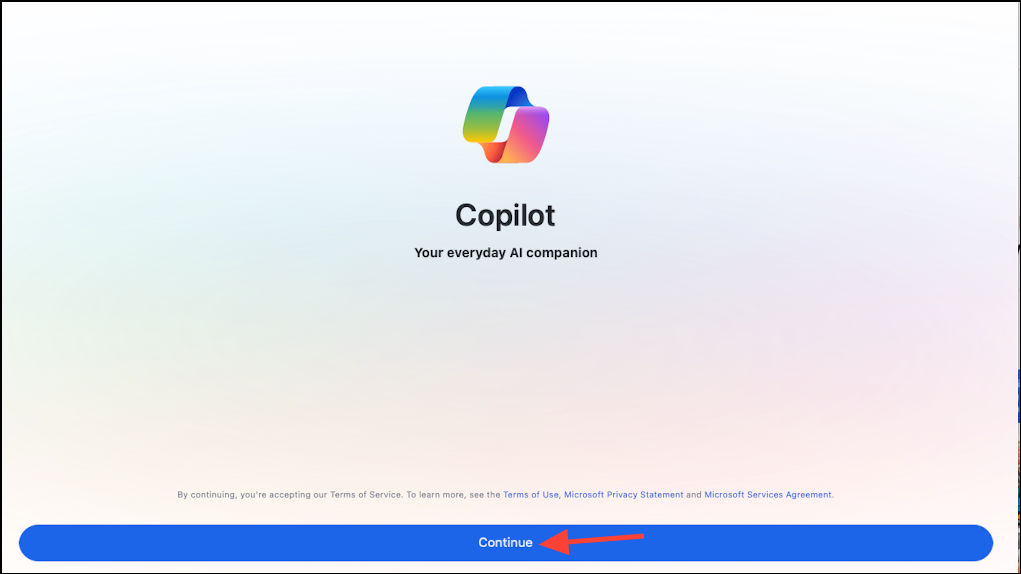
After the installation completes, open the app and click on Continue.
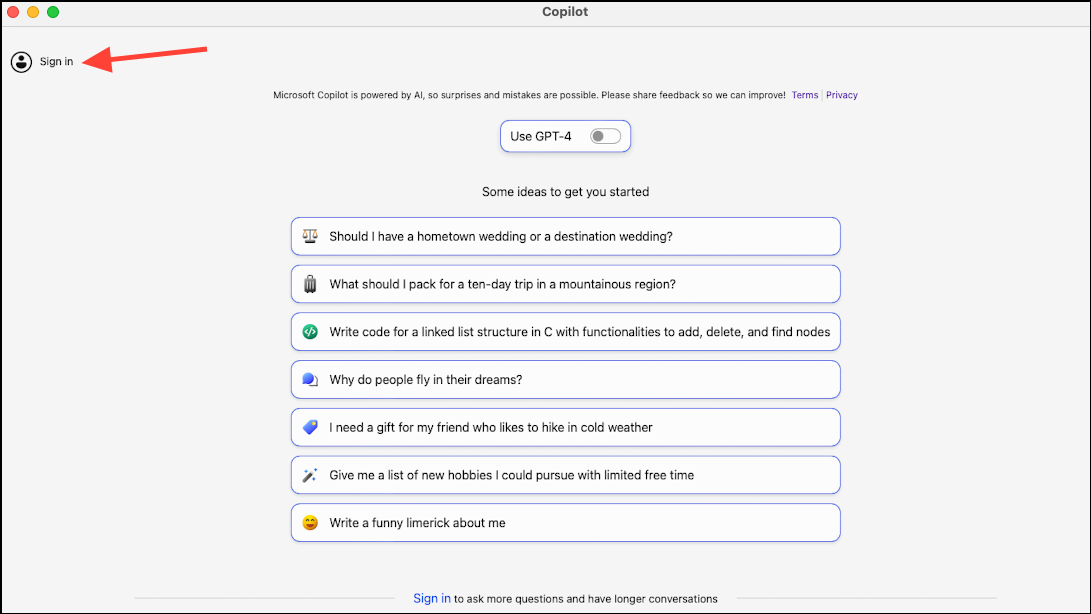
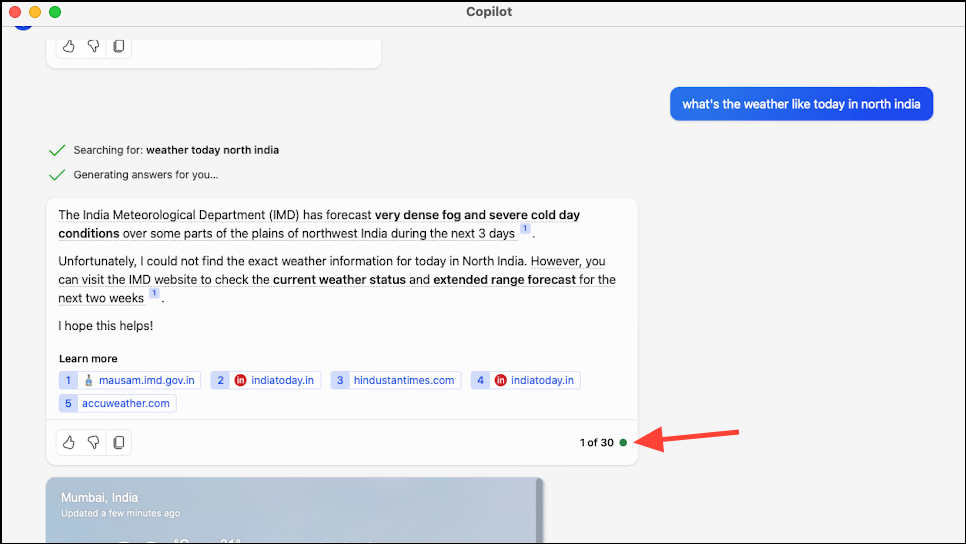
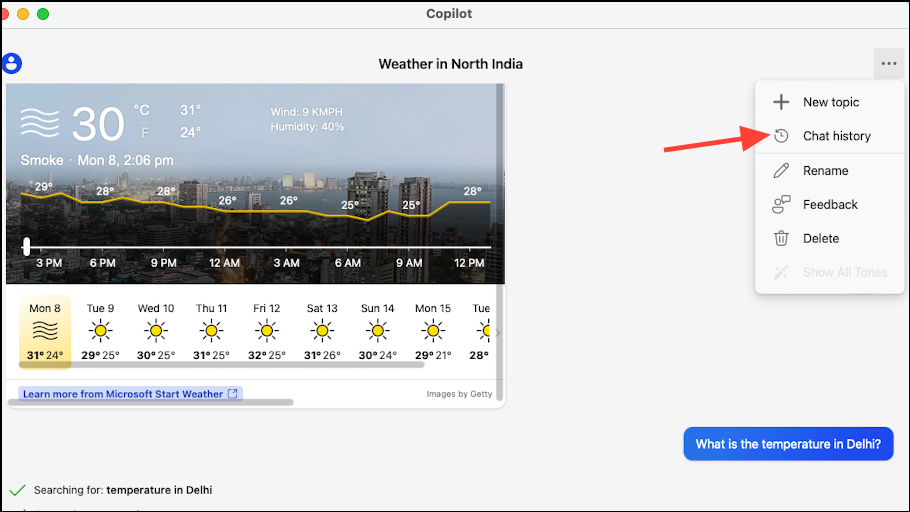
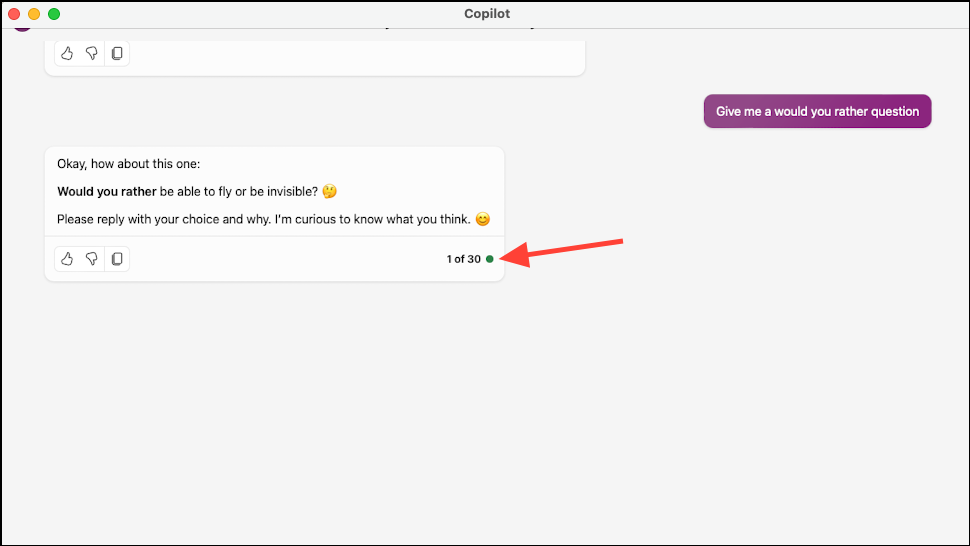
You can start using Copilot immediately without signing in. However, signing in with your Microsoft account provides benefits such as longer chat sessions—up to 30 responses per conversation—and access to your chat history across devices.
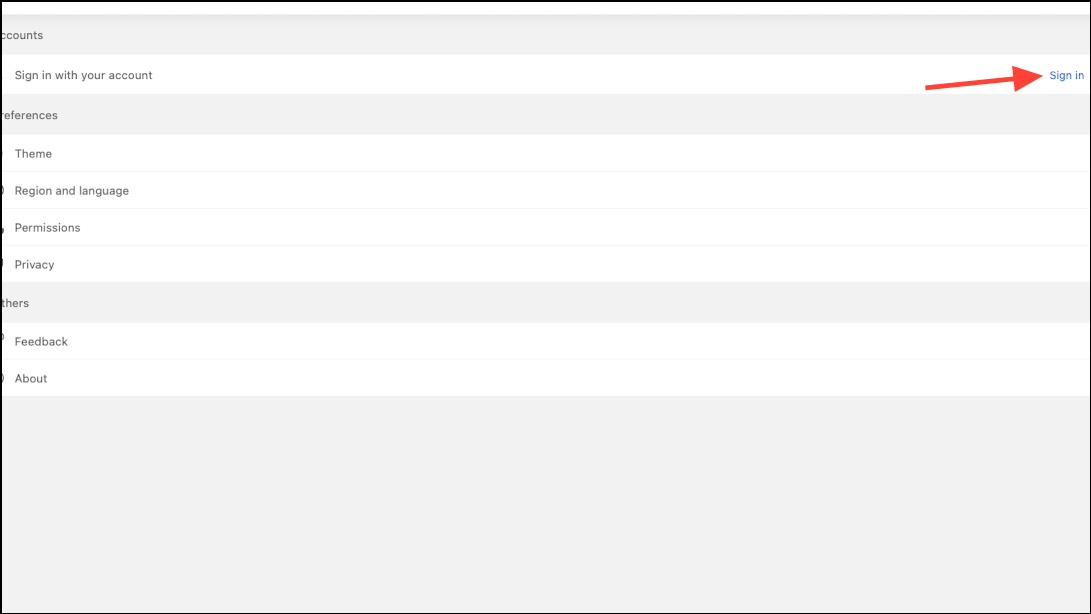
Click Sign in again and enter your Microsoft account credentials.
Use Microsoft Copilot on Mac
Once signed in, you’re ready to use Microsoft Copilot on your Mac. By default, Copilot uses the GPT-3.5 model with a ‘More Balanced’ tone for responses.
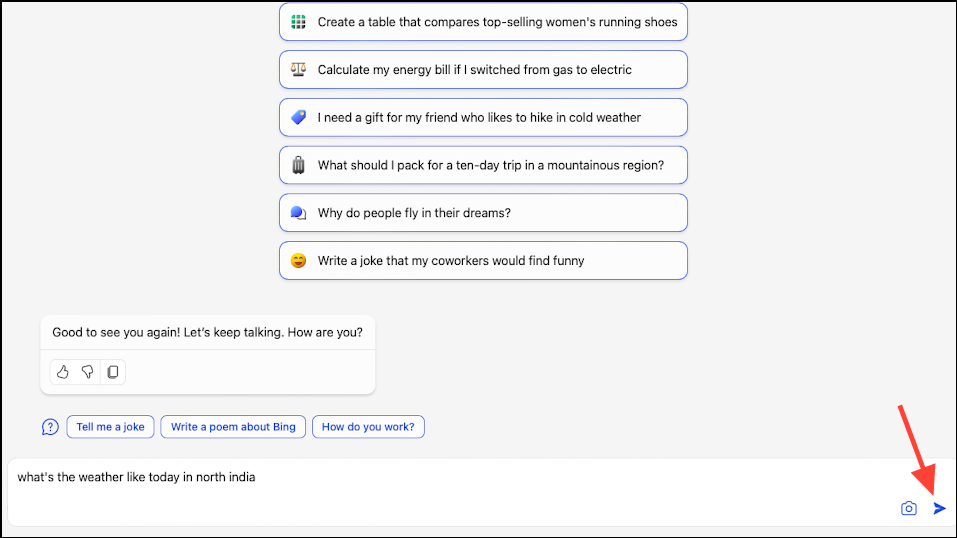
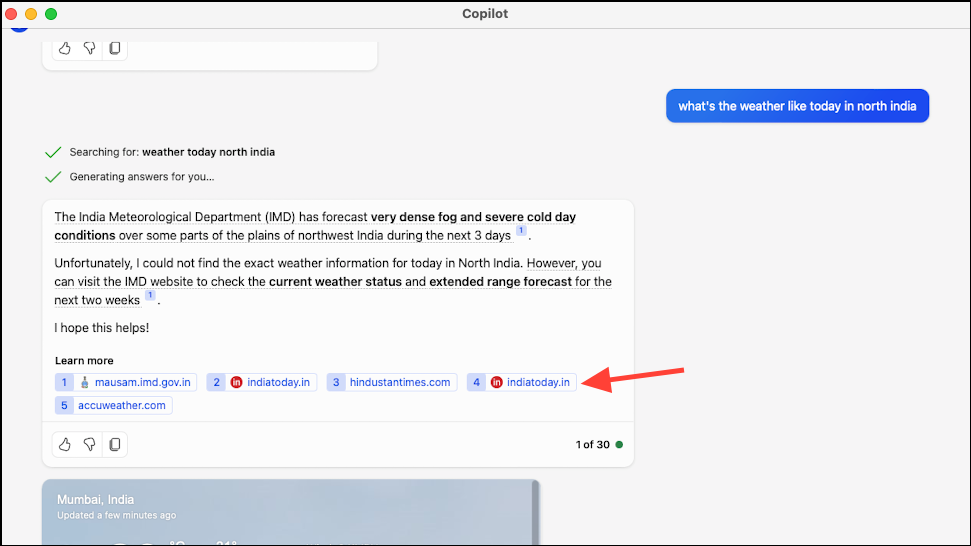
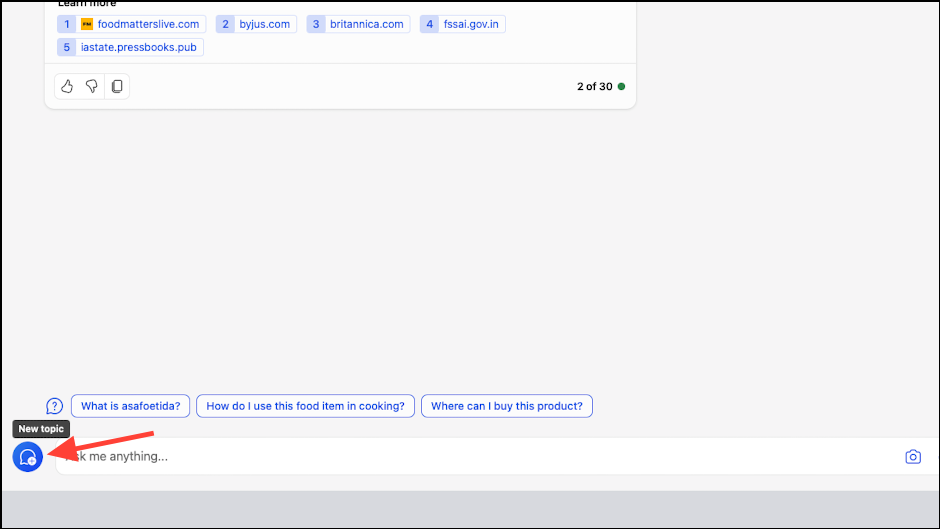
Copilot will process your query and provide a response. It will also display the sources used at the bottom; click on any source to visit the corresponding website.
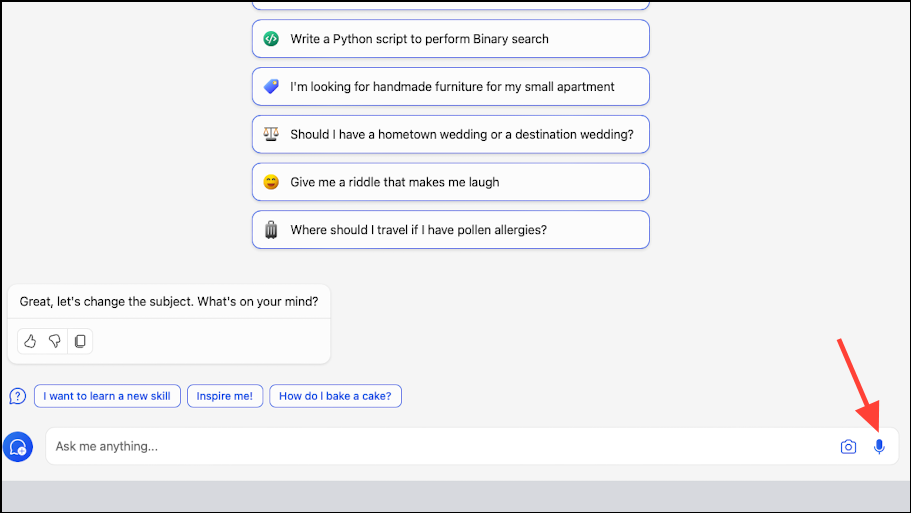
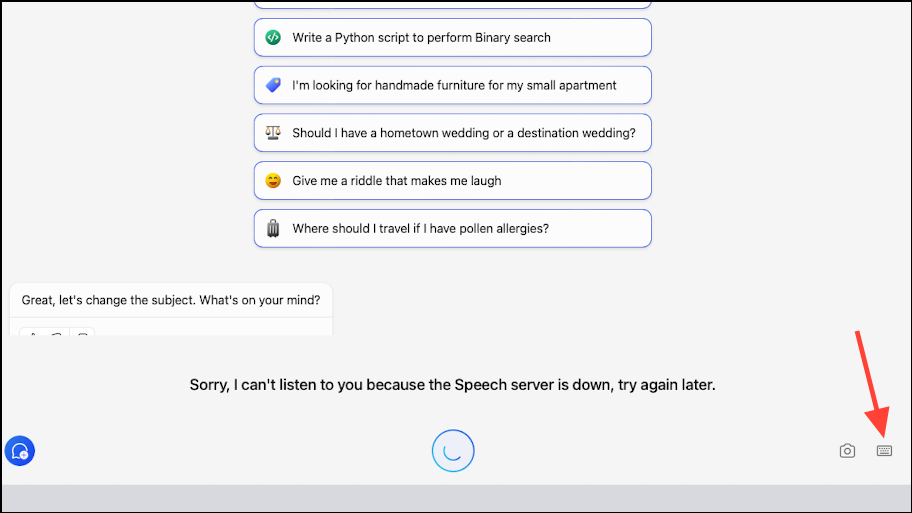
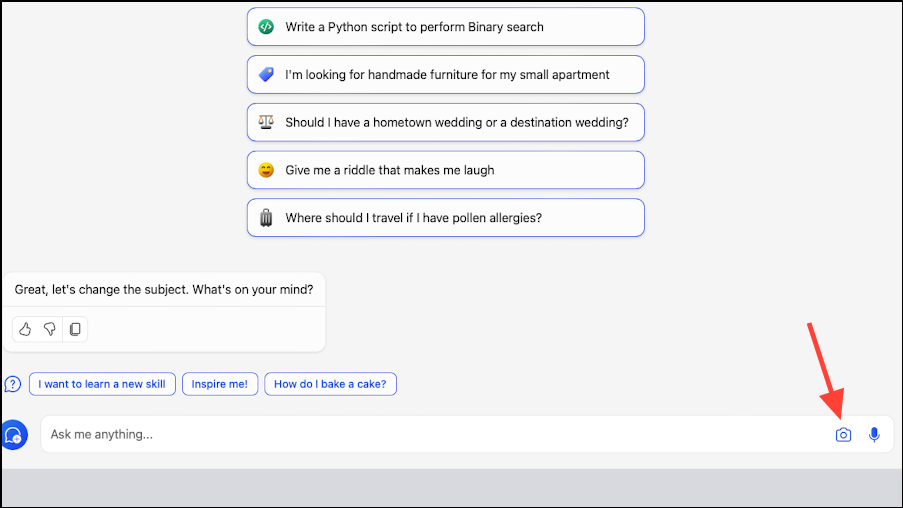
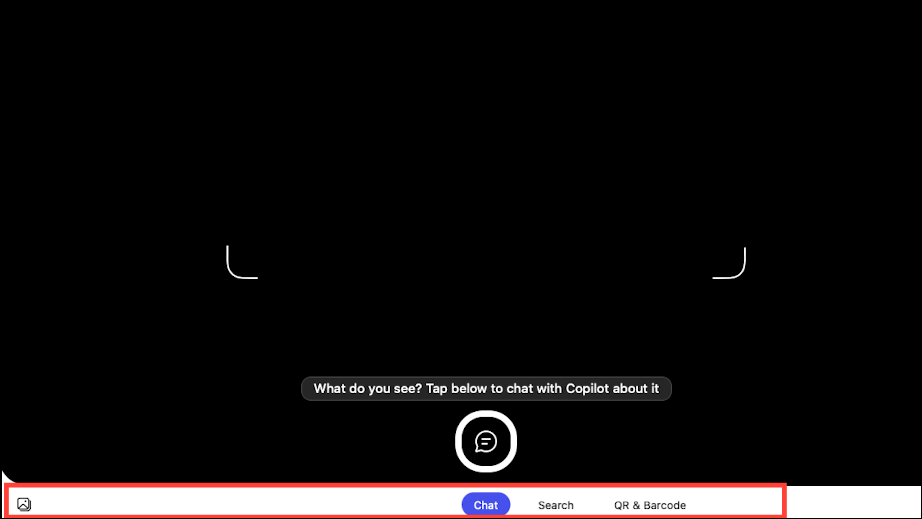
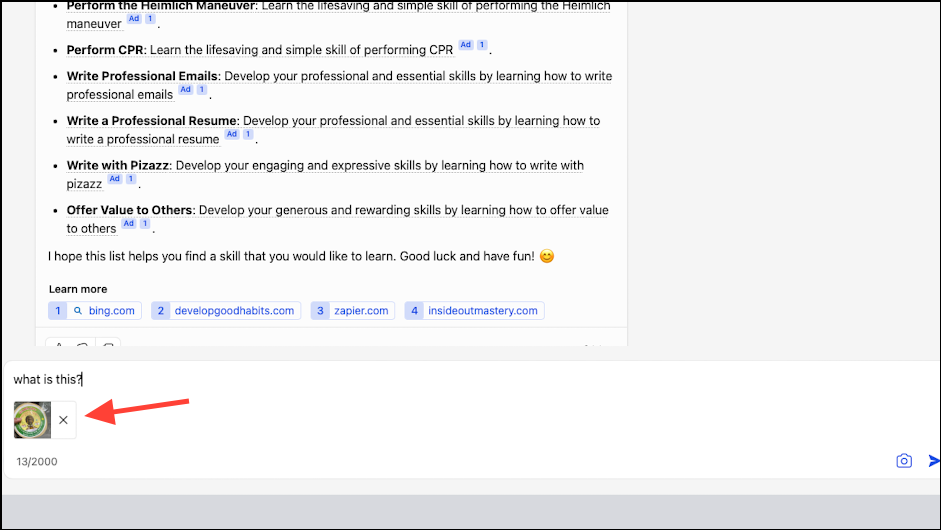
Once the image is uploaded, type or speak your question related to the image and send it to Copilot.
Switching the model/ tone
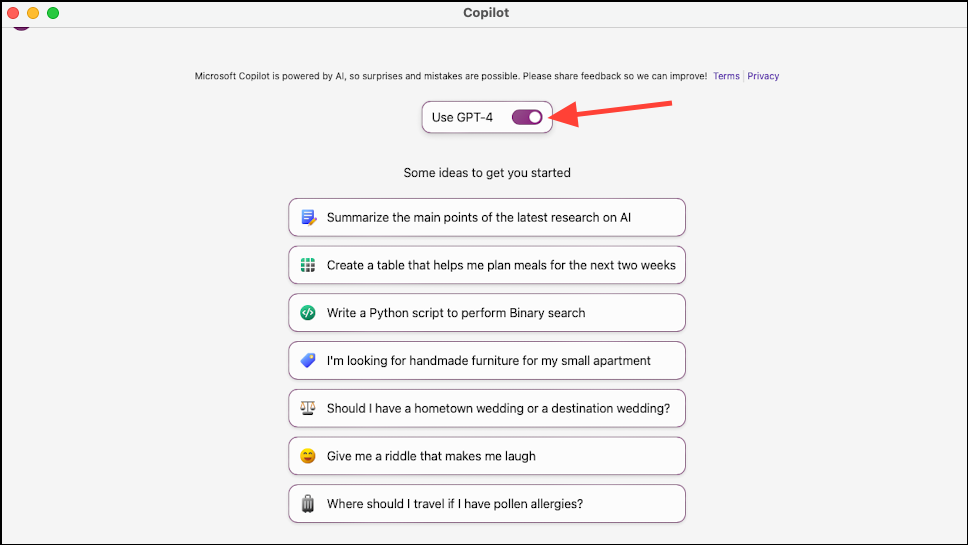
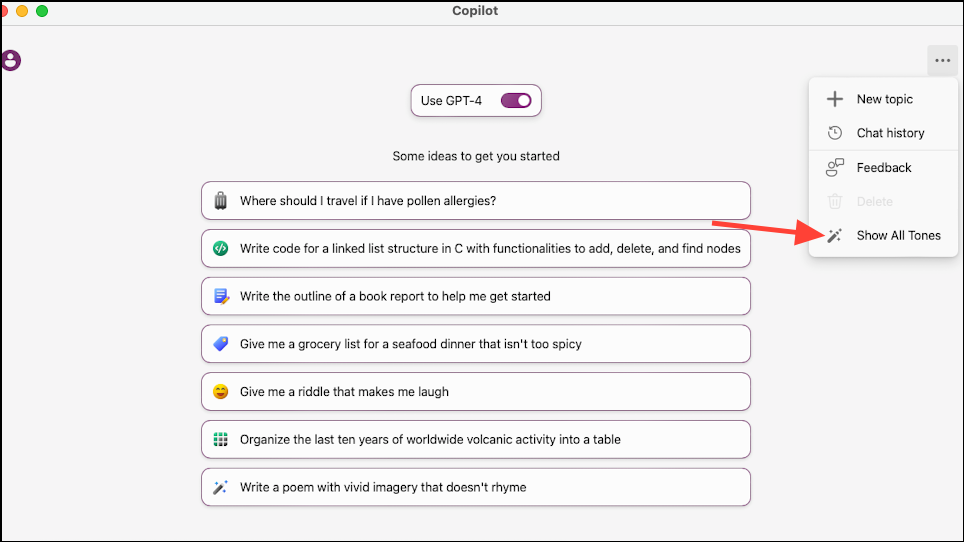
You can adjust the model and tone settings in Copilot to suit your preferences. Copilot provides free access to the GPT-4 model, but you can only change these settings when starting a new chat.
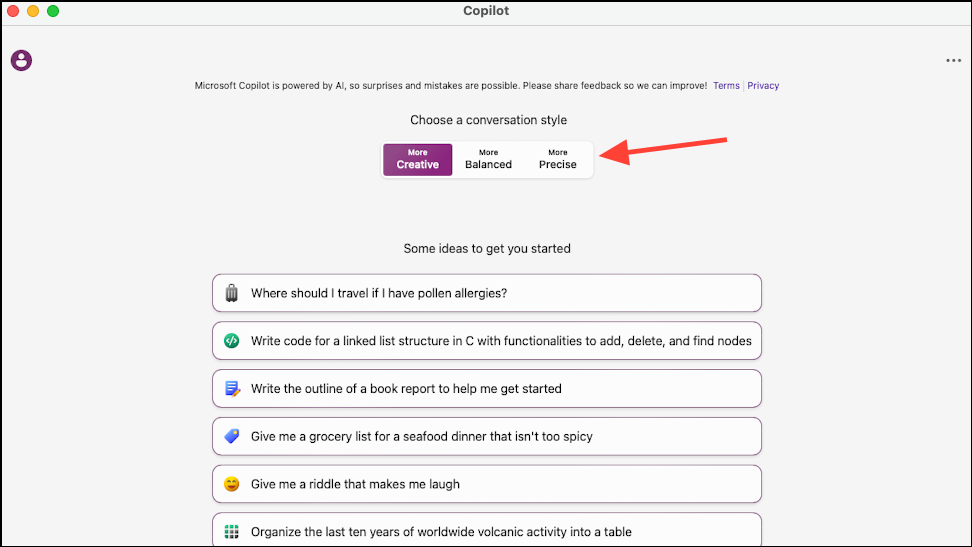
To switch to the GPT-4 model, enable the toggle for Use GPT-4. By default, Copilot sets the tone to ‘More creative’ when using GPT-4. Keep in mind that responses may be slower compared to GPT-3.5.
Choose between ‘More creative’, ‘More balanced’, and ‘More precise’ tone options based on your preference.
Although there’s no native Microsoft Copilot app for Mac, installing the iPad version allows you to utilize its AI capabilities seamlessly on your Mac. With Copilot readily accessible, you can enhance productivity in writing, research, and various other tasks.