Win A World Championship is a Roblox football-management game where you spin for players, open packs, and build a national squad strong enough to win every tournament. Codes released by developer Black Barn Studios hand you free Coins plus rerolls that let you reshape your team, which speeds up the grind toward a title-winning roster.
Quick answer: Open the game, click the CODES button on the left of the screen, type an active code exactly as shown into the Enter Code Here... box, and press REDEEM. Codes are case sensitive, so match every capital letter.
Active Win A World Championship codes and rewards
These codes are currently working. Each one credits your account instantly after a successful redemption.
| Code | Reward |
|---|---|
| FINALS2026 | 10,000 Coins and a Cup Ticket |
| LIKES250 | 7,500 Coins, 5 Team Rerolls, 5 Year Rerolls |
| LIKES100 | 7,500 Coins, 5 Team Rerolls, 5 Year Rerolls |
| SORRY | 7,500 Coins |
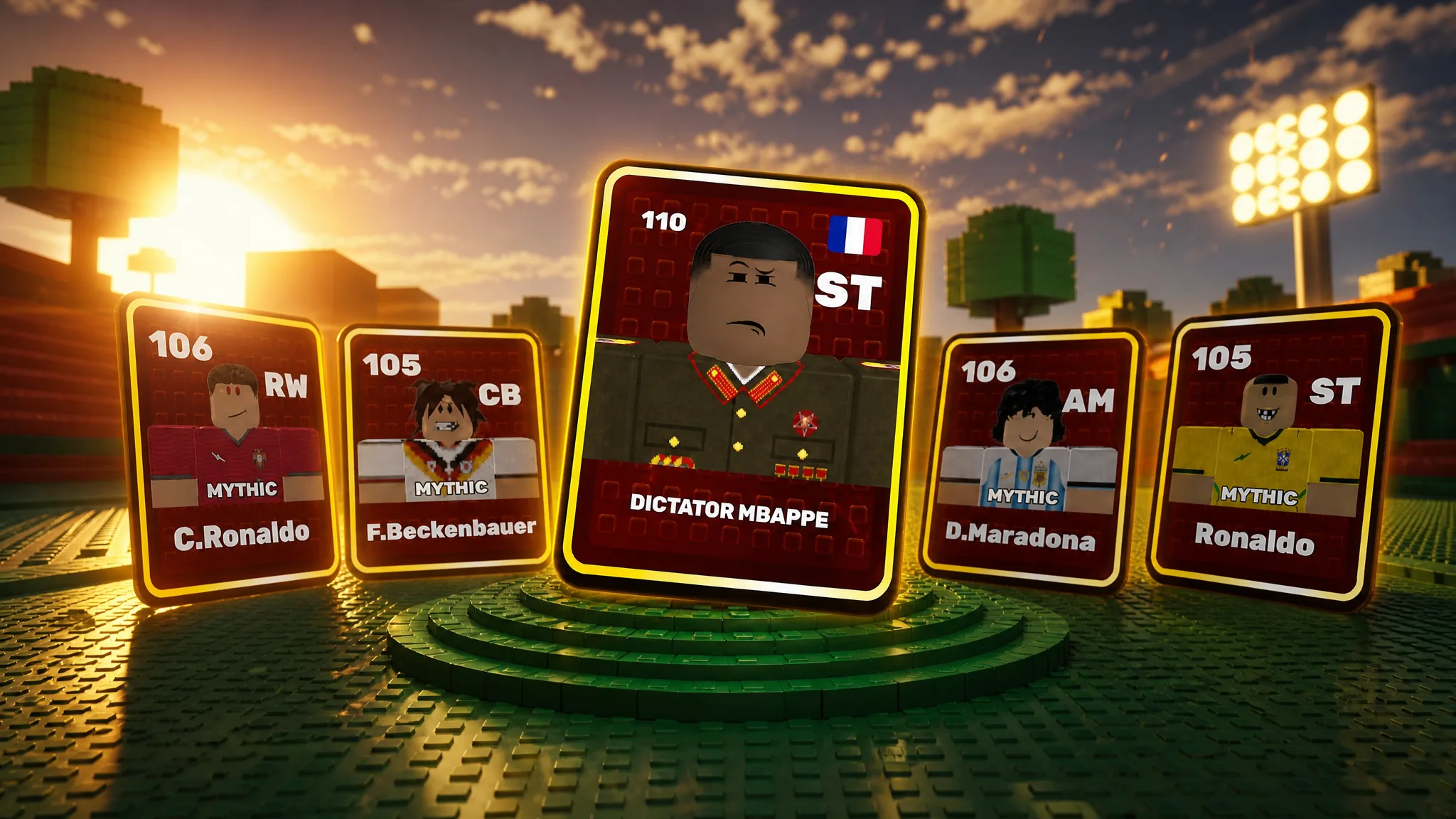
A handful of additional codes also appear in the game’s own store listing, including LIKES500, DICTATOR, CCU1K, and LIKES1000. Try them in the redemption box as well, since developers often keep older milestone codes live for a while.
How to redeem codes in Win A World Championship
CODES button on the left side of the screen. This opens the redemption window with a text field.Enter Code Here... box. Copy it exactly, because the game treats uppercase and lowercase letters as different characters.REDEEM button. The Coins, Cup Ticket, or rerolls attached to that code land in your account right away, confirming the code worked.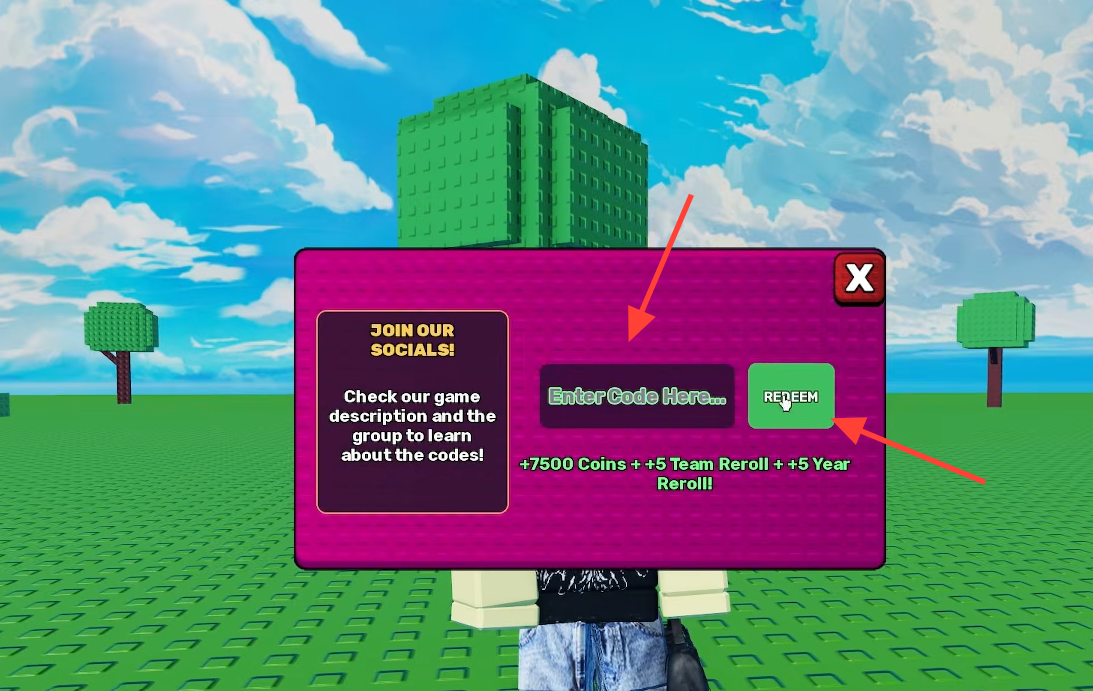
Why a code may not work
If a code is rejected, the cause is almost always one of a few simple things. Run through these before assuming the code is dead.
- A typo or wrong letter case. Type the code exactly as listed, matching every capital.
- The code already claimed on your account. Each code redeems only once per player.
- The code has expired. Milestone codes tied to likes or player counts rotate out over time.
Tip: Copy and paste codes instead of typing them to avoid case errors, especially with the number-heavy ones like FINALS2026 and LIKES250.
What the rewards do for your team
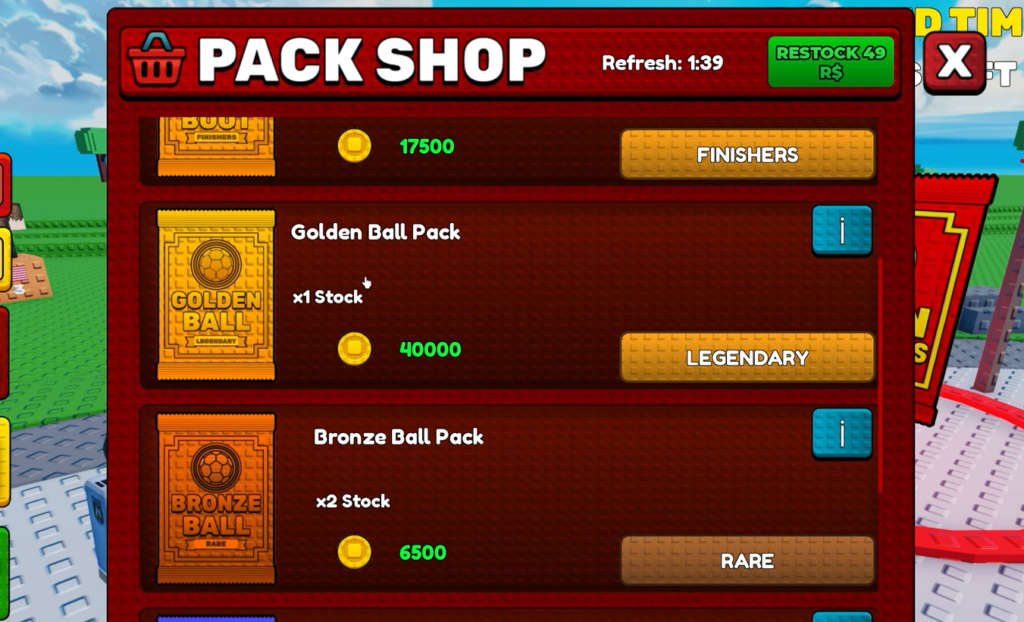
Coins are the main currency for spinning cards and opening packs, so the 7,500 to 10,000 Coin bundles give you extra pulls toward stronger players. Team Rerolls and Year Rerolls let you re-spin your assigned nation and era, which matters when you want a specific squad instead of the one you started with. A Cup Ticket feeds directly into tournament entries as you push for the championship.
New codes typically drop when the game hits like milestones or concurrent-player targets, so checking back after a big update or a viral spike is the reliable way to catch fresh drops before they expire.