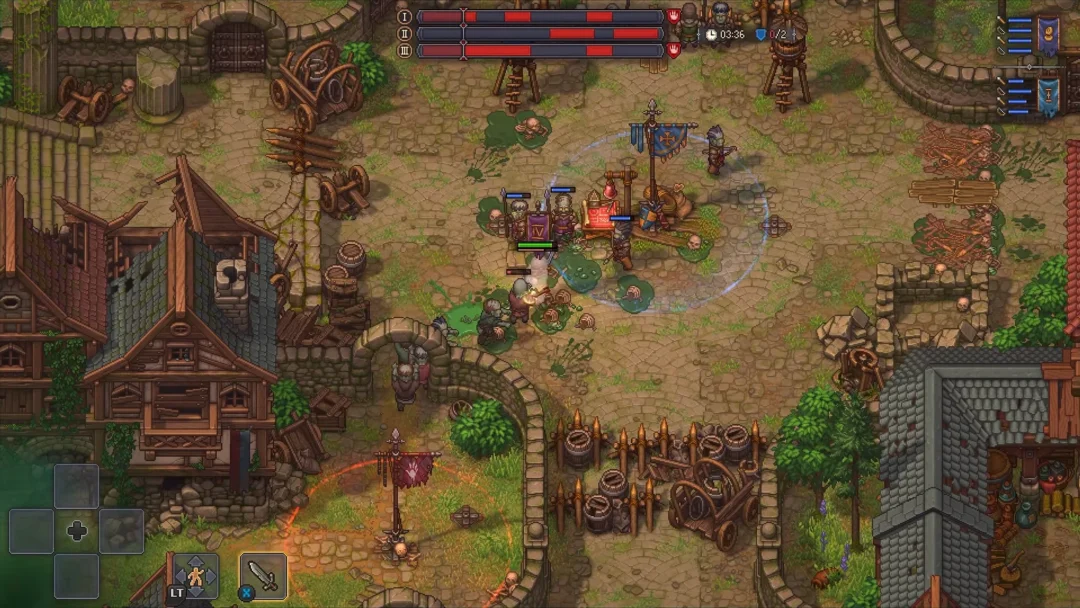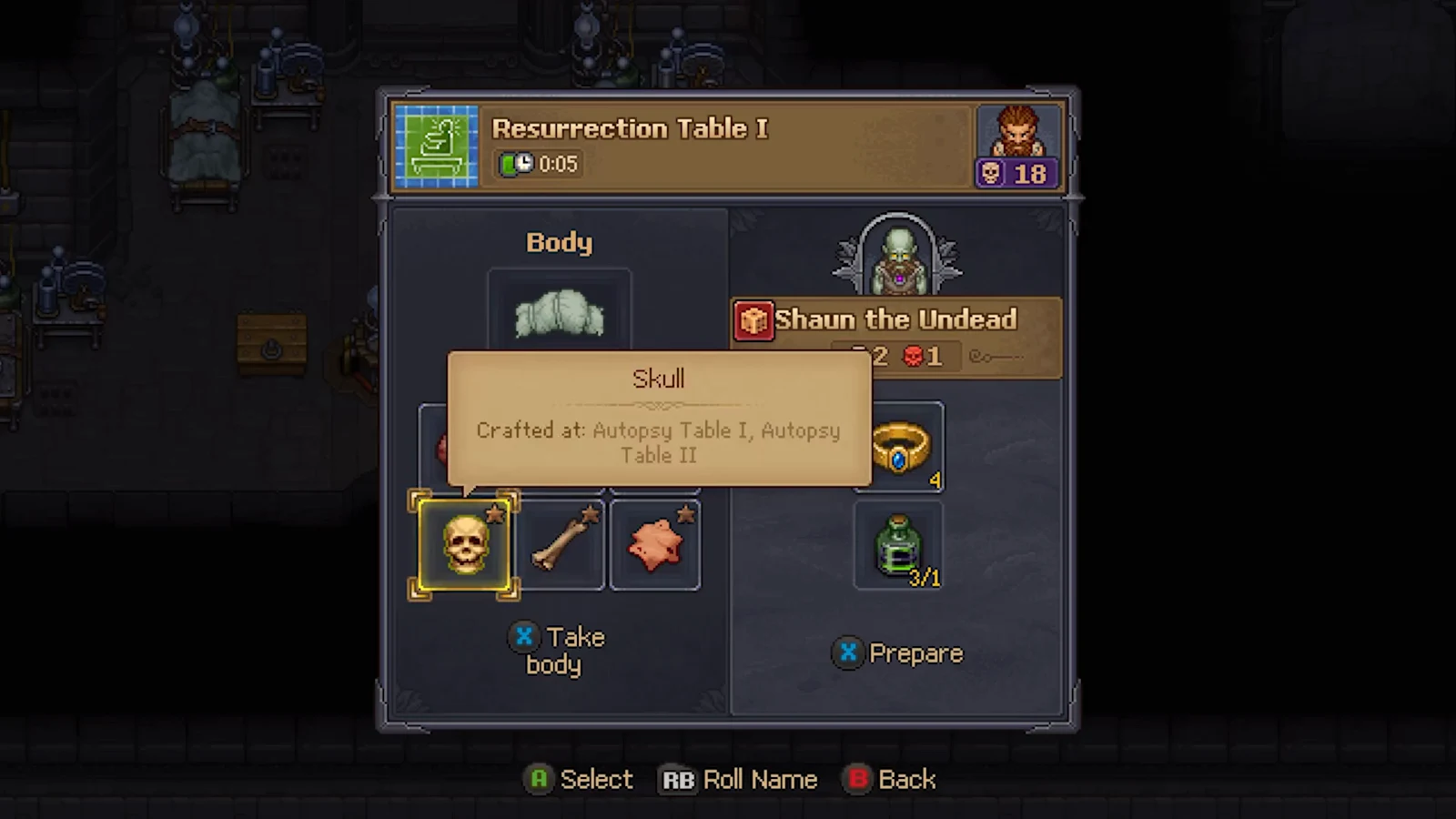
Red skulls are the property you want on any corpse headed for resurrection in Graveyard Keeper 2. Each red skull raises the number of perk slots a zombie can carry, which decides how many masteries and workstation bonuses you can stack on your undead workers. The count is not fixed on delivery. You can raise it by rebuilding the body from better parts and finishing with corruption embalming.
Quick answer: Inspect the body on an Autopsy Table, remove each Body Part and replace it with one carrying more red skulls, then inject gold-star Solution for Zombies on Embalming Table I. Repeat across every modifiable slot.
What red skulls do and where they come from
Inspecting a corpse reveals two skull categories. White skulls improve a grave’s quality after burial; red skulls contribute to the corruption that makes a corpse a capable zombie. Use white skulls for burial and red ones for zombies: each extra red skull lets the zombie hold another perk.
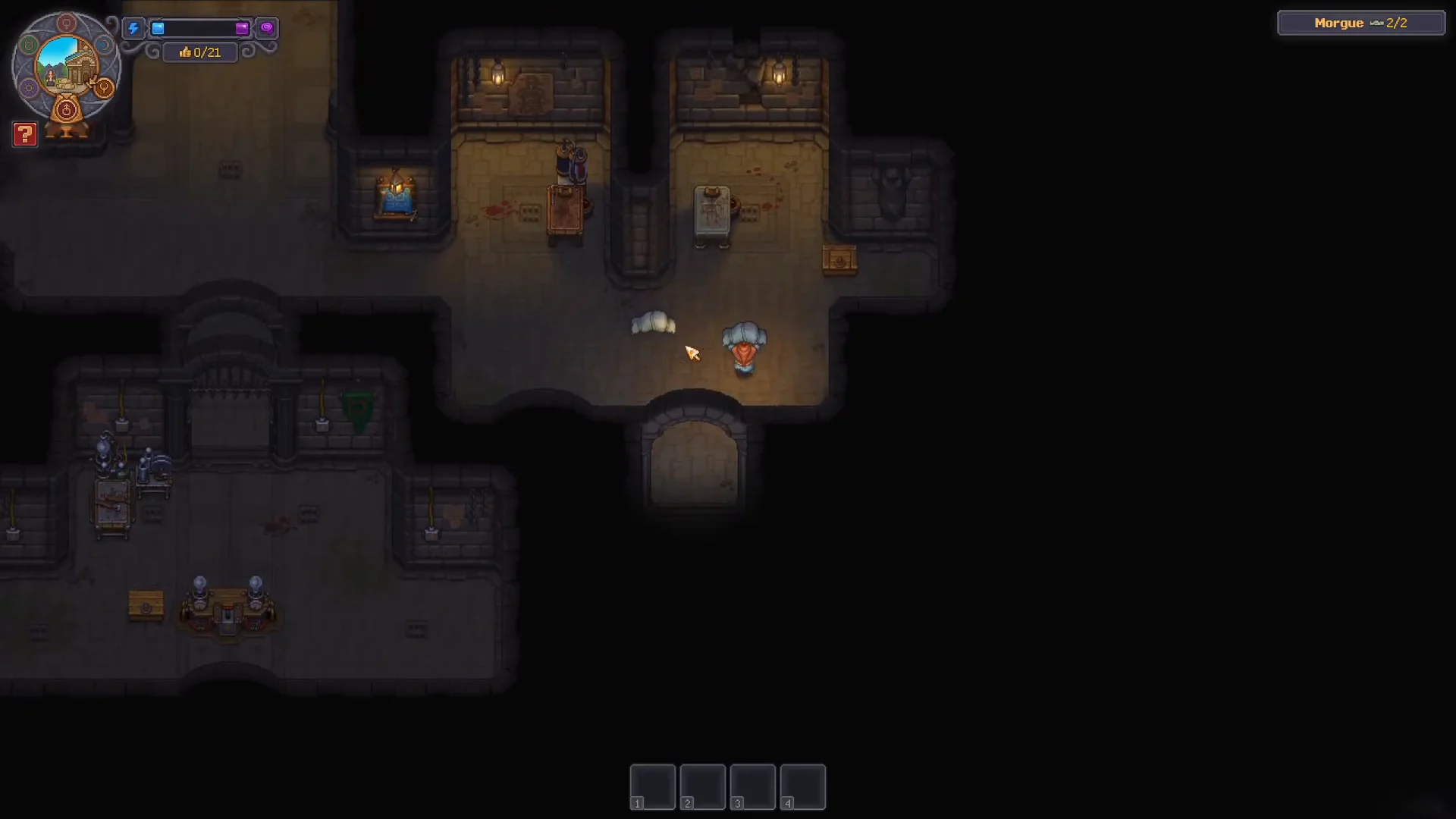
The total is decided by the individual parts inside the body. When you open a body on the Autopsy Table, the components split into two groups. The Body Parts section covers Skin, Bones, Skull, Brain, Heart, and Guts, and every one of those can be removed and swapped. The Other section holds Fat and Blood, which you can extract but cannot put back once they leave the body.
Because red skulls are attached to the parts themselves, maximizing them is a matter of stocking each removable slot with the highest red-skull organ you can find, then topping the body up with embalming solution.
Requirements before you start
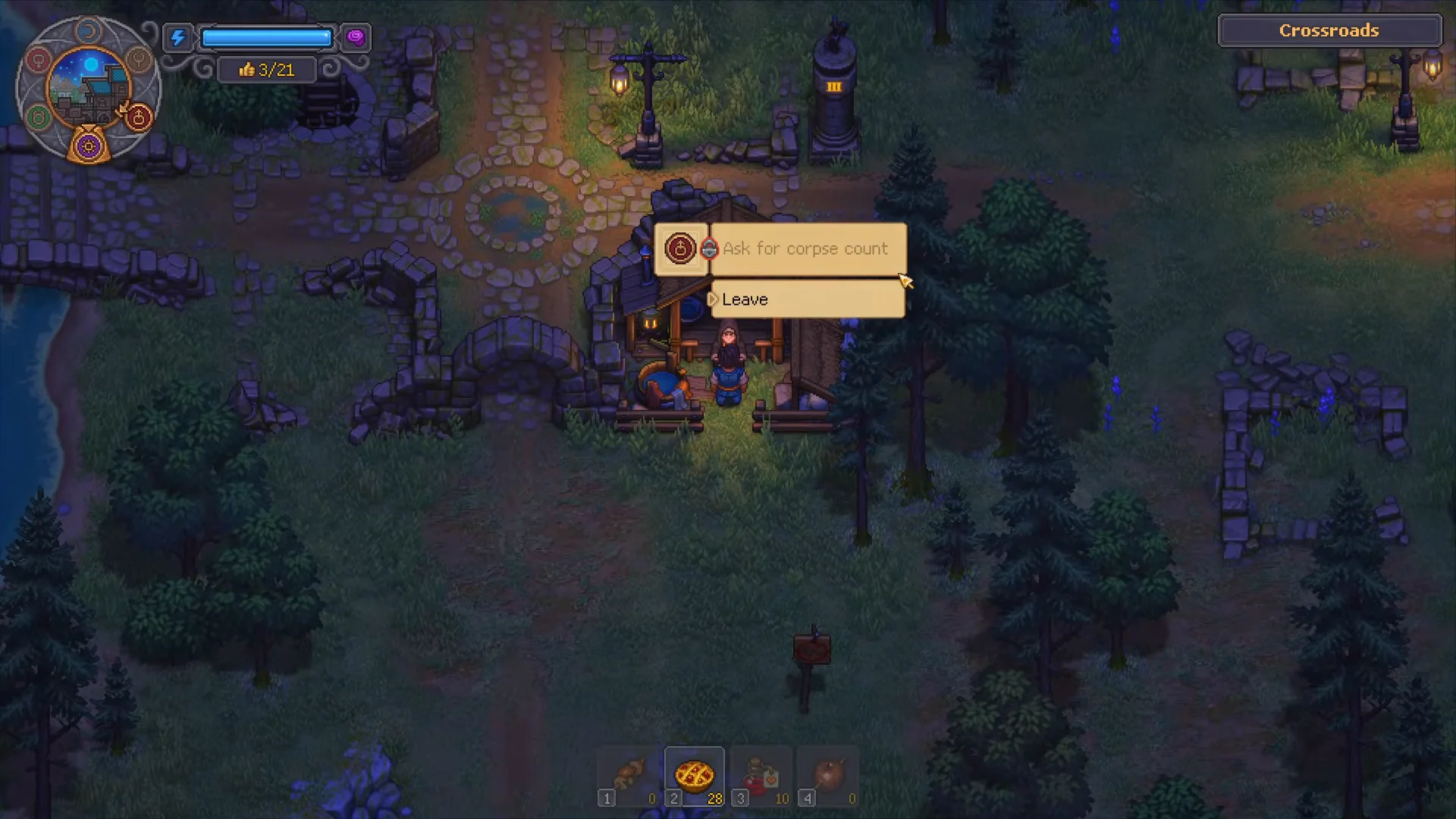
The process depends on the quality of incoming bodies and on unlocking the tech for dissection and solution crafting. First, upgrade the Witch’s wooden hut at the Crossroads. Afterward, her deliveries start with more skulls, leaving you greater capacity to add red ones.
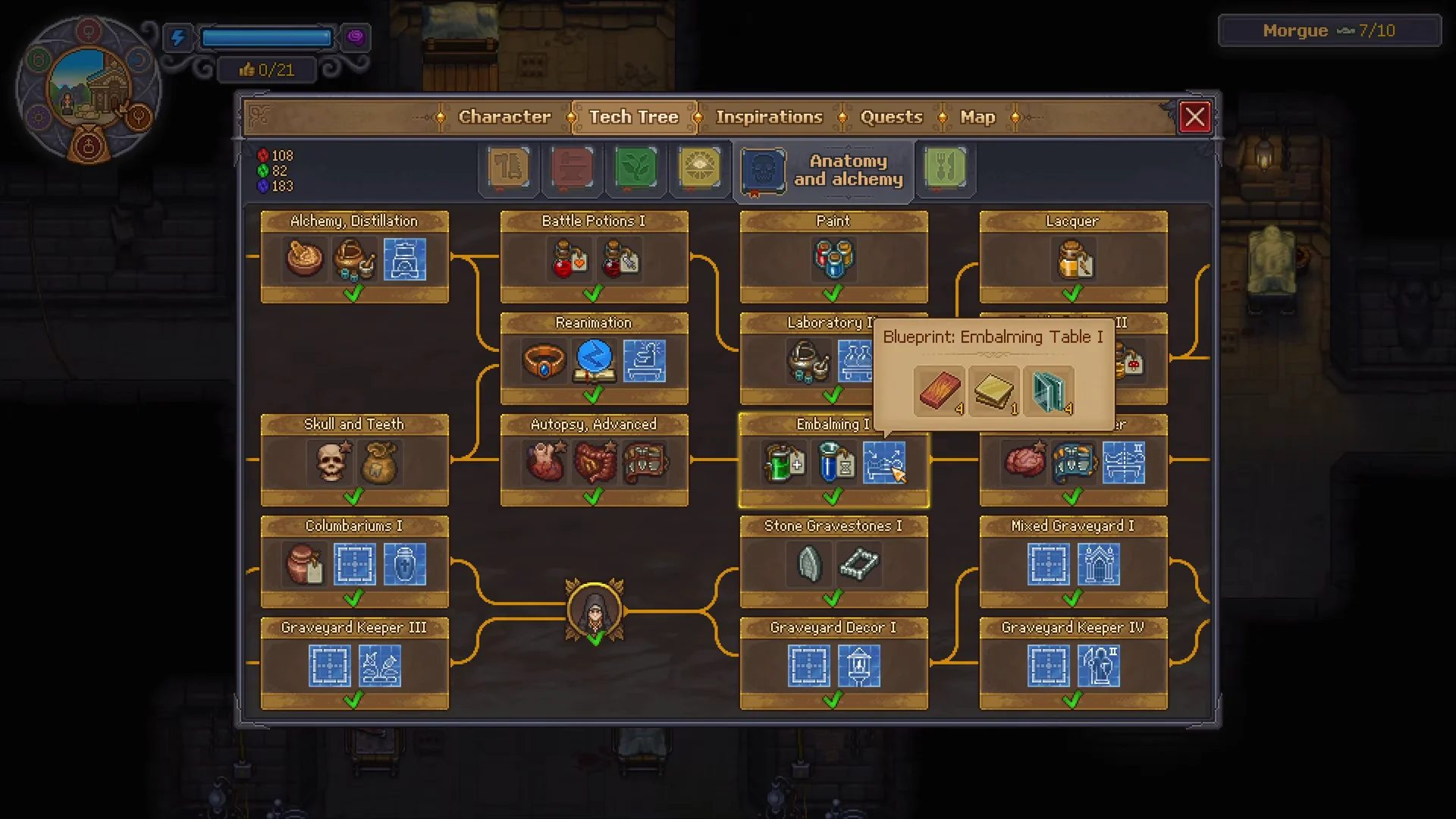
Research Autopsy Basic in the Anatomy and alchemy tech tree before unlocking Soft Parts, which lets you extract blood, fat, and flesh, and Skin and Bones, which lets you work with them. Next, progress through Autopsy Advanced, Autopsy Master, then Embalming to learn how to remove and replace internal organs. For the corruption route, unlock Embalming I and its Embalming Table I blueprint, followed by the Laboratory line, Reanimation Liquid, and Create: Alcohol; this unlocks the Solution for Zombies recipe.
You also need an extraction kit to remove organs, crafted at the Jewelry Table in the Writing Basement. There are Butcher’s, Surgeon’s, and Master Surgeon’s kits, tied to Metallurgy Mastery levels of roughly 3 to 6. Working the table without a kit is guaranteed to fail. From the Inspiration tree, unlock Surgeon and Expert Anatomist early, and eat Vegetable Salad before operating to raise your Autopsy Mastery and improve success chances.
You need enough Anatomy Mastery to remove each organ successfully. Select an organ and read the requirement shown beside its white skull.
| Body part | Anatomy Mastery required |
|---|---|
| Skin | 1 |
| Bone | 2 |
| Skull | 3 |
| Brain | 8 |
| Heart | 9 |
| Guts | 11 |
Swap organs on the Autopsy Table to raise red skulls
The core method is to replace low red-skull parts with better ones. Normal bodies allow you to remove and then insert a part, while existing zombie bodies only offer the replace option, so you can keep upgrading a worker after resurrection.
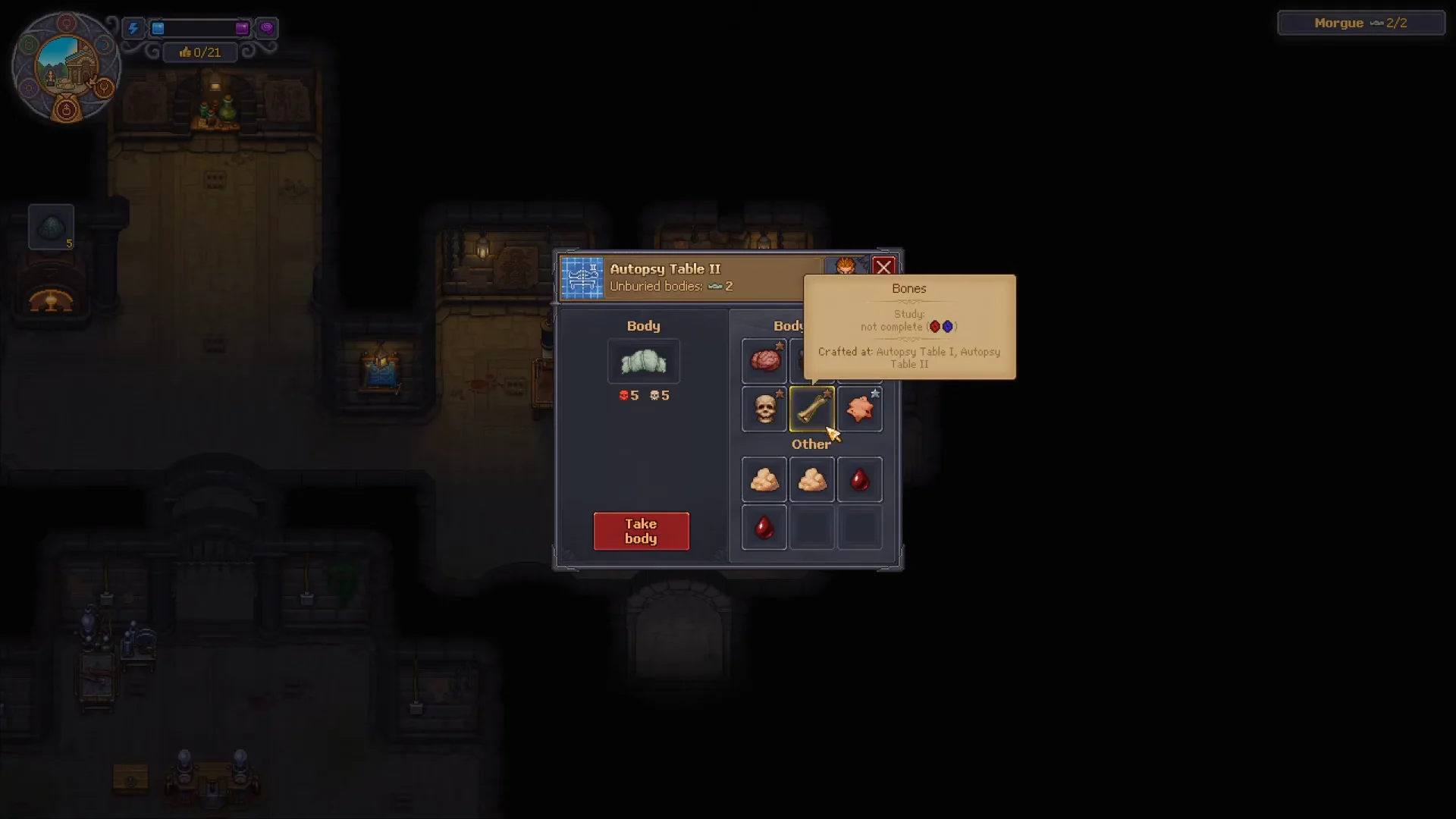
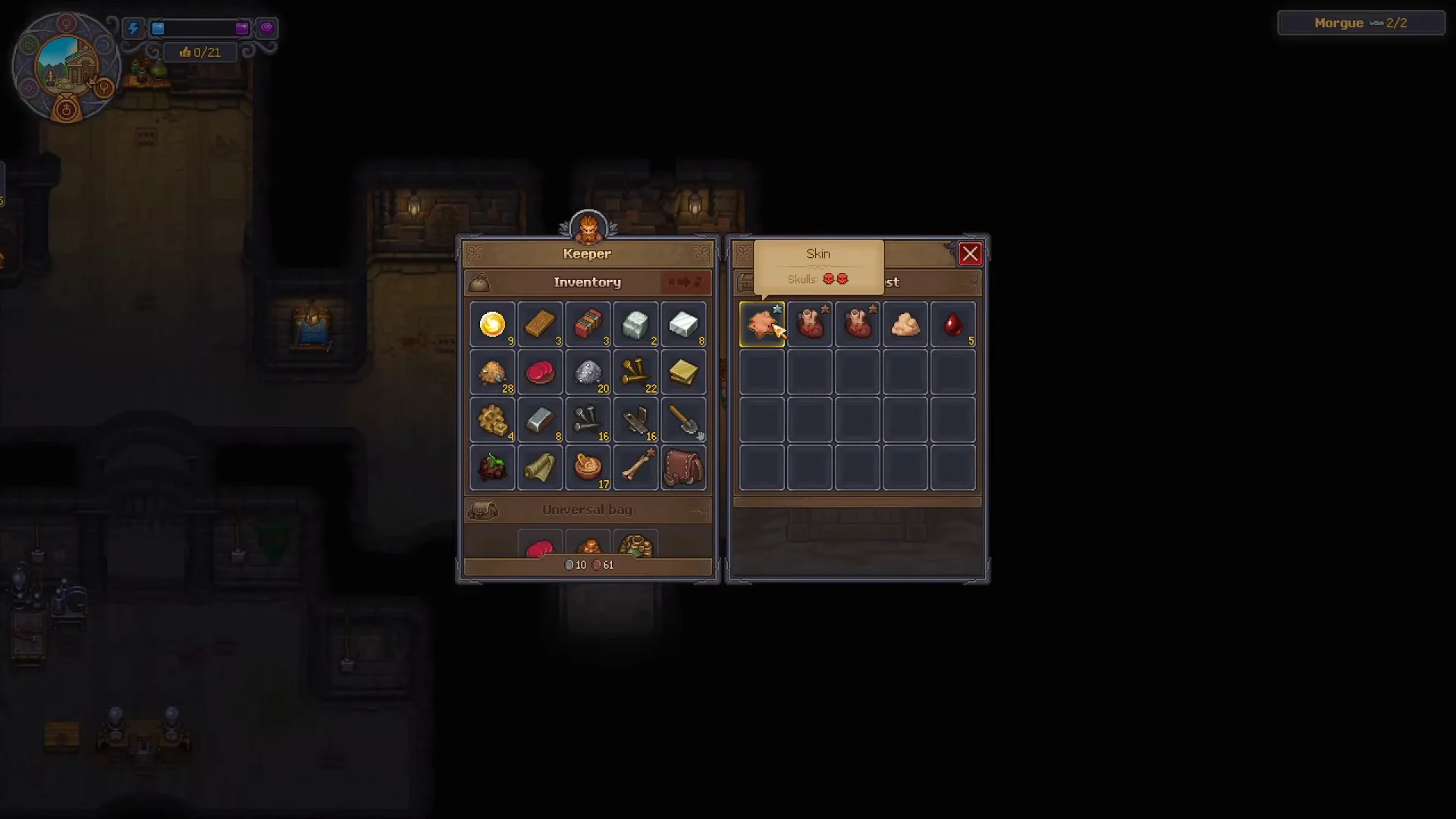
Keep a chest of harvested organs. Whenever you process a corpse you plan to burn or bury, strip the parts that carry red skulls and store them, so you always have upgrades on hand for future zombies.
Add red skulls with Solution for Zombies
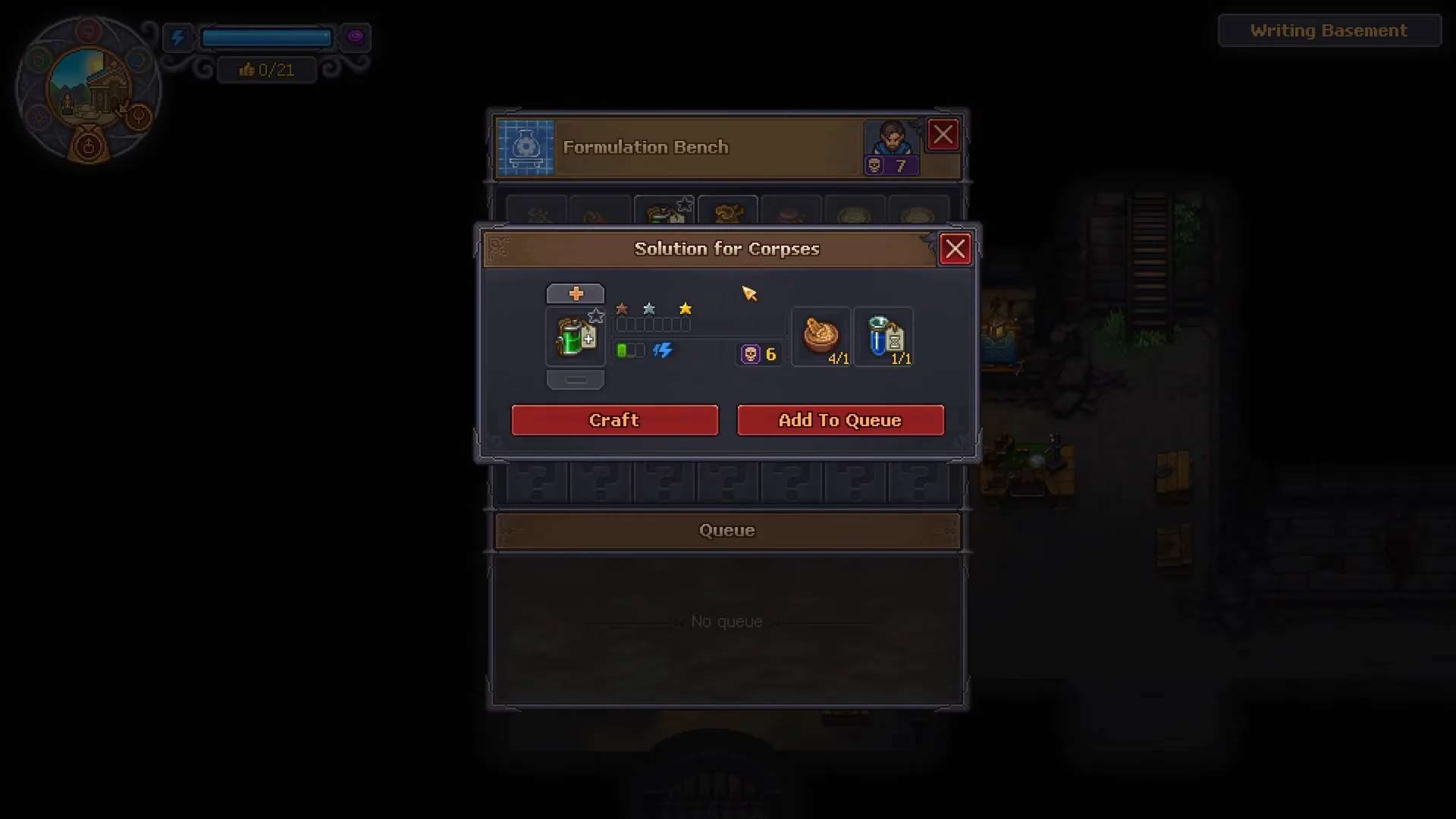
Once the body’s parts have reached their maximum corruption, embalming can raise the count further. Solution for Zombies is the red-skull equivalent of the burial fluid, and you make both at the same bench. Injection quality determines the bonus: bronze grants one red skull, silver grants two, and gold grants three.
As vital organs decay, a body left outside develops extra red skulls and becomes a better resurrection candidate. The same rot damages a corpse’s burial quality, so leave one waiting only if you plan to zombify it.
Raise the ceiling with a better collar
The zombie collar caps how many red skulls a finished worker can hold. A bronze collar gives up to five red skulls at random, which limits your early zombies no matter how corrupt the body is. Unlocking the Steel Zombie Collar from the tech tree lifts that ceiling as high as 99, so an upgraded collar is what lets a heavily engineered corpse keep every red skull you added.
Where to find high red-skull parts
Every corpse you inspect is a source of spare organs. Pull the parts that show a red skull icon from bodies you do not plan to bury, and store them for later assembly. You can also reclaim organs from bodies you already put in the ground.
To dig one up, buy an Exhumation Certificate from Januarius for 5 silver, remove the grave’s wooden frame and sign, then use the certificate to lift the body and carry it to the Autopsy Table. This is the reliable way to recover organs packed with red skulls when fresh deliveries are not corrupt enough.
How to confirm the red-skull count rose
Inspect the body again after each swap or injection. The red-skull total on the summary updates immediately, and swapping a single skin for a higher-value one is enough to see the number tick up, such as five red skulls climbing to six. When you resurrect the corpse, the perk slots available on the zombie match its red-skull count, so a higher rating directly means more perks you can assign.