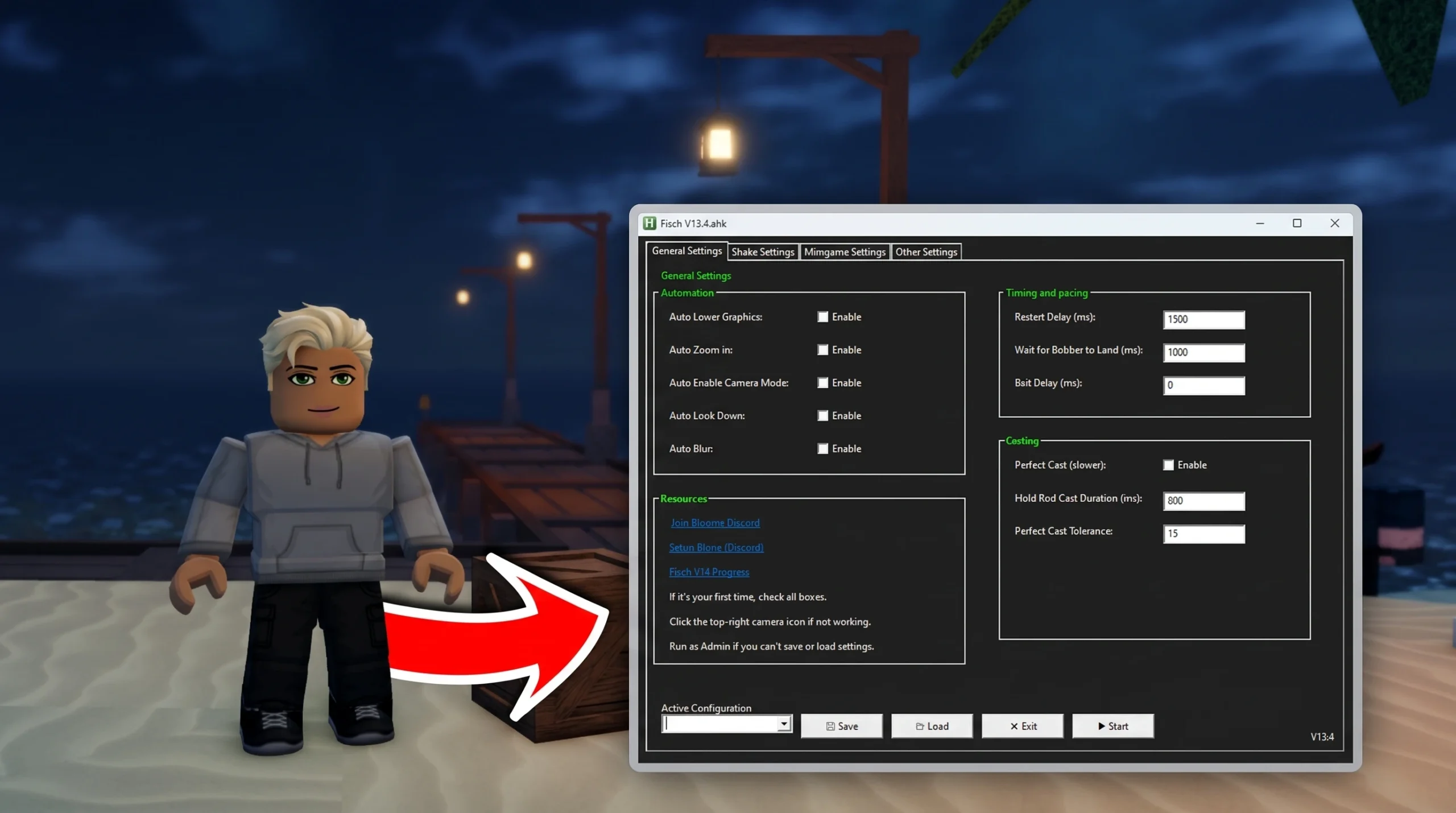
A Fisch AFK macro is an AutoHotkey script that repeats the casting, shaking, and reeling inputs in the Roblox game Fisch so your character keeps fishing without manual input. It runs on Windows only, and the current recommended build is V13, with V12 and V11 kept around for older setups.
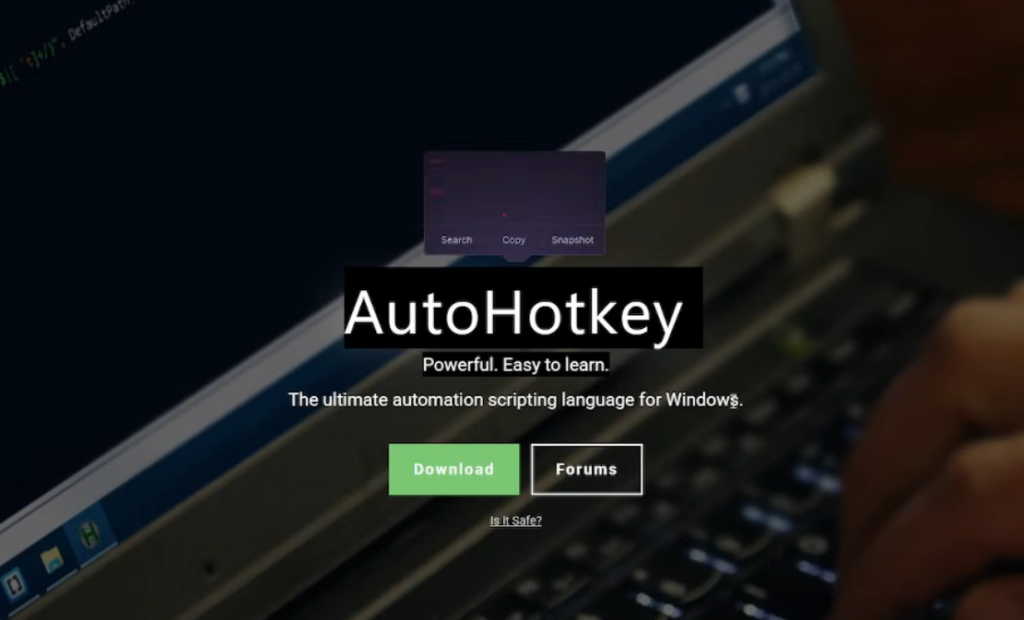
Quick answer: Install AutoHotkey on Windows, enable “UI Navigation” and Camera Mode inside Fisch, set Roblox to 100% resolution in windowed mode, then right-click the macro file and open it with AutoHotkey while the game is running.
What the Fisch macro automates
The script handles the full fishing loop for you. It casts the line, shakes the rod to attract a bite, tracks the reel bar, and pulls in the catch, then repeats. Over a long session this farms fish and currency so you can unlock higher-tier rods and baits faster than playing by hand.
Different builds target different rods or actions. Some are shake-only, some are tuned for the crab cage, and specialty versions like Irus, Xan, and Skate’s V13 focus on specific configurations. The core setup is the same across all of them.
There is no verified native macro for Android, iOS, or macOS. Any package claiming otherwise is unverified, and mobile users are limited to auto-clicker workarounds.
System requirements for the macro
The macro reads the screen to detect game elements, so the display settings matter as much as the hardware. Meet everything below before you run it.
| Requirement | Details |
|---|---|
| Operating system | Windows 7 or higher; Windows 10 or 11 recommended |
| Software | AutoHotkey (v1.1 or v2), installed with admin rights |
| Processor | Dual-core CPU or better |
| Memory | At least 4 GB RAM |
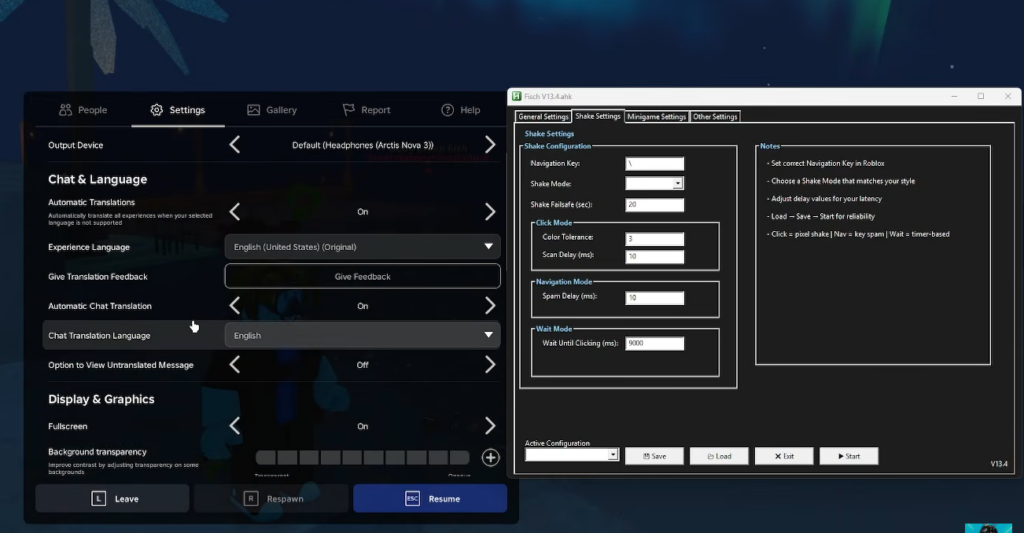
| Roblox graphics | Set to 100% resolution for accurate detection |
| Display mode | Windowed, not full-screen |
| Camera mode | Camera Mode enabled inside Fisch |
Set up and run the macro
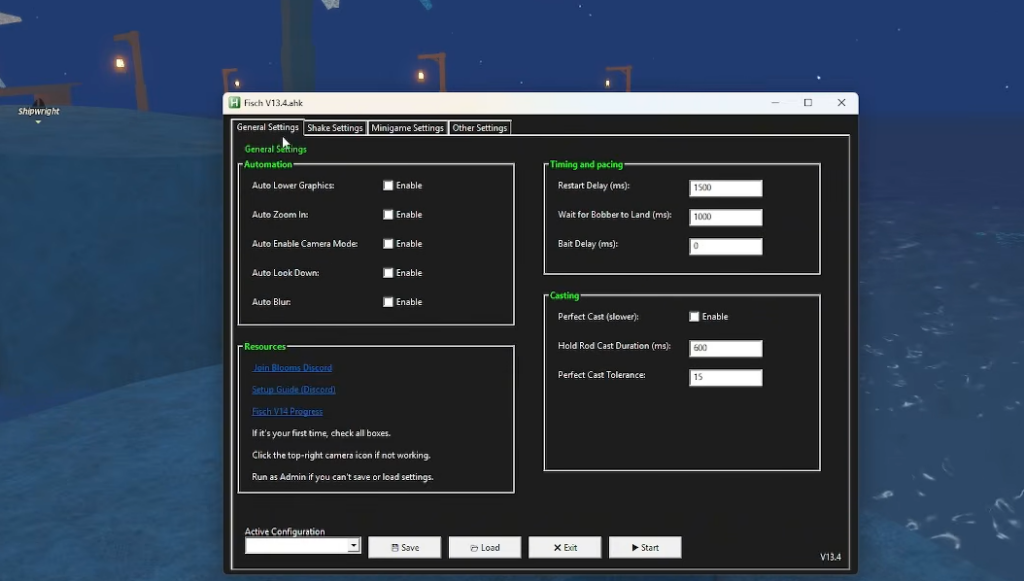
How to know it is working
When the script is active, your character casts, shakes, and reels on a repeating cycle without you touching the keyboard or mouse. Fish and money accumulate on their own between casts. If the character stands idle or misses the reel bar, one of the settings above is wrong.
Why the macro stops working
Most failures come from a screen setting the script can’t read or a mismatch in timing. Work through these before assuming the file is broken.
| Symptom | Fix |
|---|---|
| Actions not detected | Set resolution to 100% and leave full-screen mode |
| Macro pauses mid-run | Turn off Windows notifications under System > Notifications |
| Random stops | Enable Camera Mode in the game settings |
| Missing actions | Match Fisch keybinds to the ones in the script |
| Script crashes | Use the correct AutoHotkey version, such as v1.1 |
| Too fast or too slow | Adjust the Sleep delay values inside the script |
If nothing else helps, reload the script or reinstall AutoHotkey, and make sure you are on the latest macro version so it matches the current Fisch update.
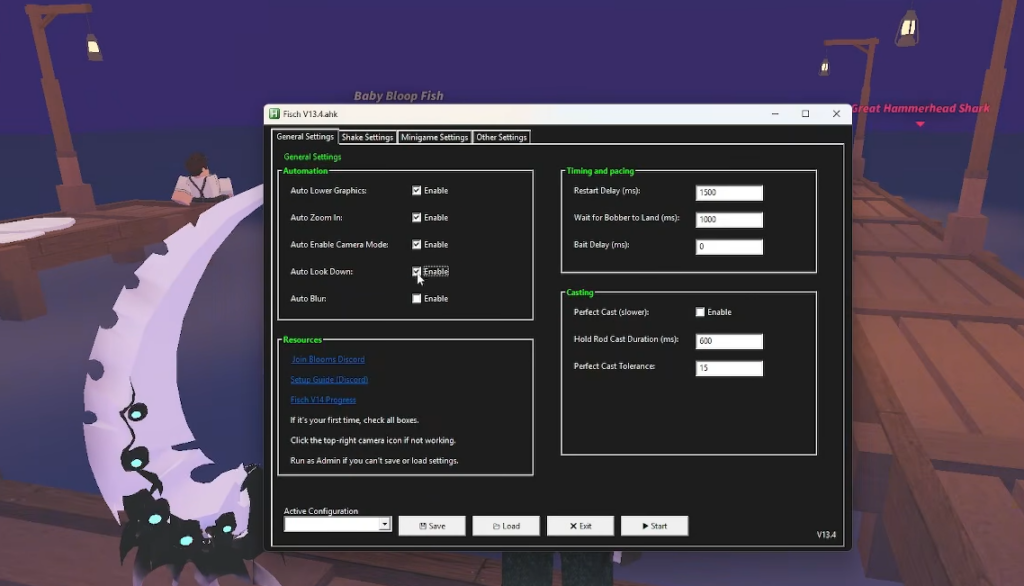
Account risk to weigh first
Automation can conflict with Roblox’s terms of service, and using a macro may lead to account restrictions or suspension. These scripts are third-party files, not published or supported by the game’s developer, so no one guarantees they are safe, undetectable, or compatible with the current build.
If you decide to use one, review the source of any file, scan it before running, and treat every download as unverified until you have checked it yourself. Playing manually remains the only method with no account risk, and it is the only way to improve your actual fishing skill.