Free Camera is a built-in Brookhaven feature that lets you unhook the view from your avatar and fly it anywhere on the map. In a hide-and-seek match, a seeker can use it to peek inside stores, trees, restrooms, and secret rooms without ever moving their character, which is exactly how it turns into a cheat.
Quick answer: Press Shift+P on a keyboard to toggle Free Camera on and off. When it is active, the on-screen text reads “Free Camera: ON – Press Shift+P to turn OFF”.
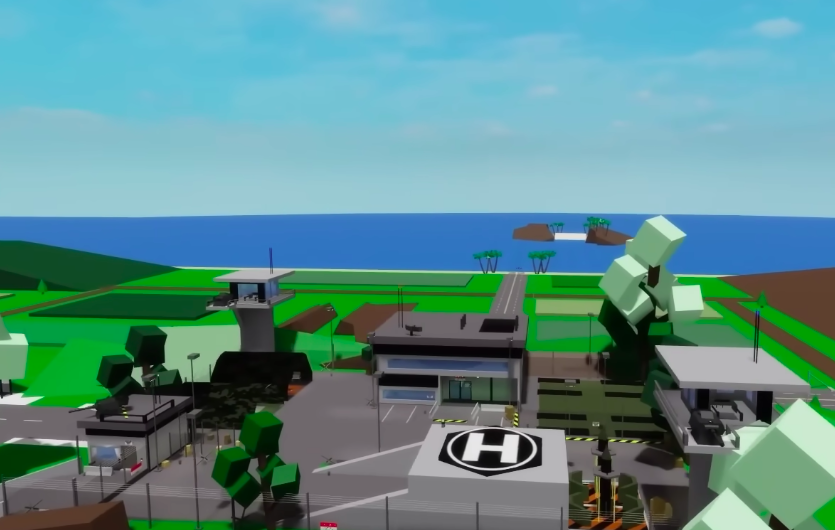
What Free Camera mode does
Free Camera separates the camera from your player model. Instead of orbiting your avatar, the view flies freely across Brookhaven, so you can drift through the carnival, into Jett’s restaurant, or up to the St. Luke’s Hospital roof while your character stays put.
This is why it breaks hide-and-seek. A seeker can scout every hiding spot in seconds, note where each hider is, then turn the camera off and walk over as if they found the person naturally.
The camera only moves your view. It does not teleport or move your character, so you still have to physically run or drive to the hider once you spot them.
How to toggle Free Camera with Shift+P
Shift+P shortcut, so it works on keyboard input.Shift+P to turn the mode on. The screen confirms it with “Free Camera: ON – Press Shift+P to turn OFF”, and you can now fly the view away from your character.Shift+P again to turn it off. You will see “Free Camera: OFF” and the note “UI elements are now visible!” as the view snaps back to your avatar and control returns to normal.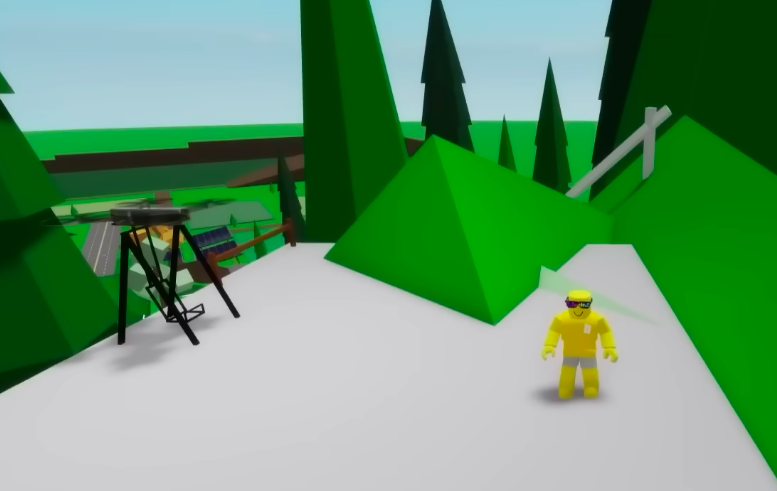
How to confirm it worked
You know Free Camera is active when the “Free Camera: ON” prompt appears and the view can move independently of your character. Turning it off shows “Free Camera: OFF” along with “UI elements are now visible!”, meaning your normal controls and interface have returned.
Why the camera trick gets a seeker caught
The exploit’s weakness is timing. Because the camera scouts a spot but does not move your body, you have to travel to each hider afterward. When those trips happen far too quickly and land directly on well-hidden players, the pattern becomes obvious.
That is exactly what unravels a match built on this trick. After a run of suspiciously fast discoveries across two rounds, hiders can piece together that the seeker knew every position in advance and press for an admission that Free Camera was used.
| Hider | Round 1 spot | Round 2 spot |
|---|---|---|
| Ashley | Rockstar clothing store changing room, then the secret hallway behind Starbrooks Coffee | The secret Observation Room in St. Luke’s Hospital |
| Sage | Inside a hollow tree trunk at the Brookhaven Summer Carnival | A corner inside the Dentist’s office |
| Emma | Restroom toilet inside Jett’s restaurant | Inside the red medical helicopter on the St. Luke’s Hospital roof |
These spots show why the camera makes hide-and-seek unfair. Hiders picked hollow trees, restrooms, and glitched rooms that a seeker would normally take a long time to search, yet a flying view can check all of them almost instantly.
Free Camera is a legitimate viewing tool in Brookhaven, but in a friendly hide-and-seek it removes the challenge for the seeker and leaves hiders no chance. If you want a fair game, keep the camera off during rounds and rely on actually searching the map.