1 Minute Until Global Catastrophe is a single-player Roblox puzzle game where each round drops your character into the sky above a floating platform, then starts a one-minute countdown. What you do during that minute decides which ending you get, and several endings hand you a Roblox badge the moment they trigger. The game is built by Purple Studios (WIP) and takes clear cues from Secret Universe and In 1 Minute You Will Explode.
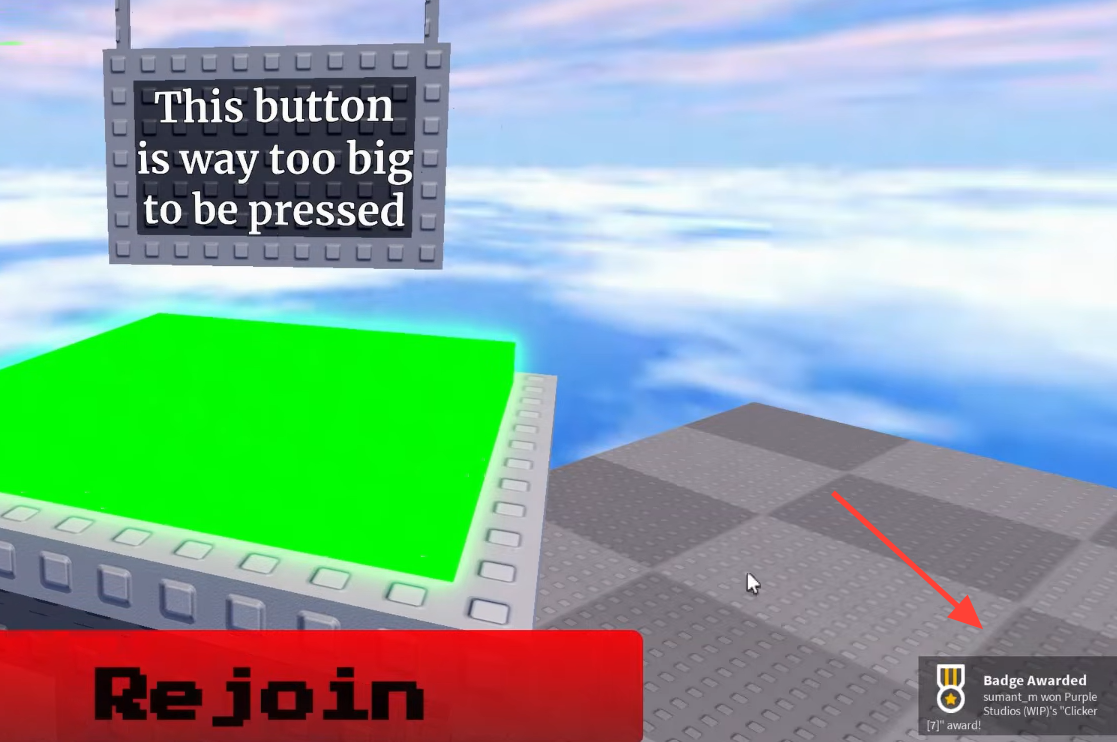
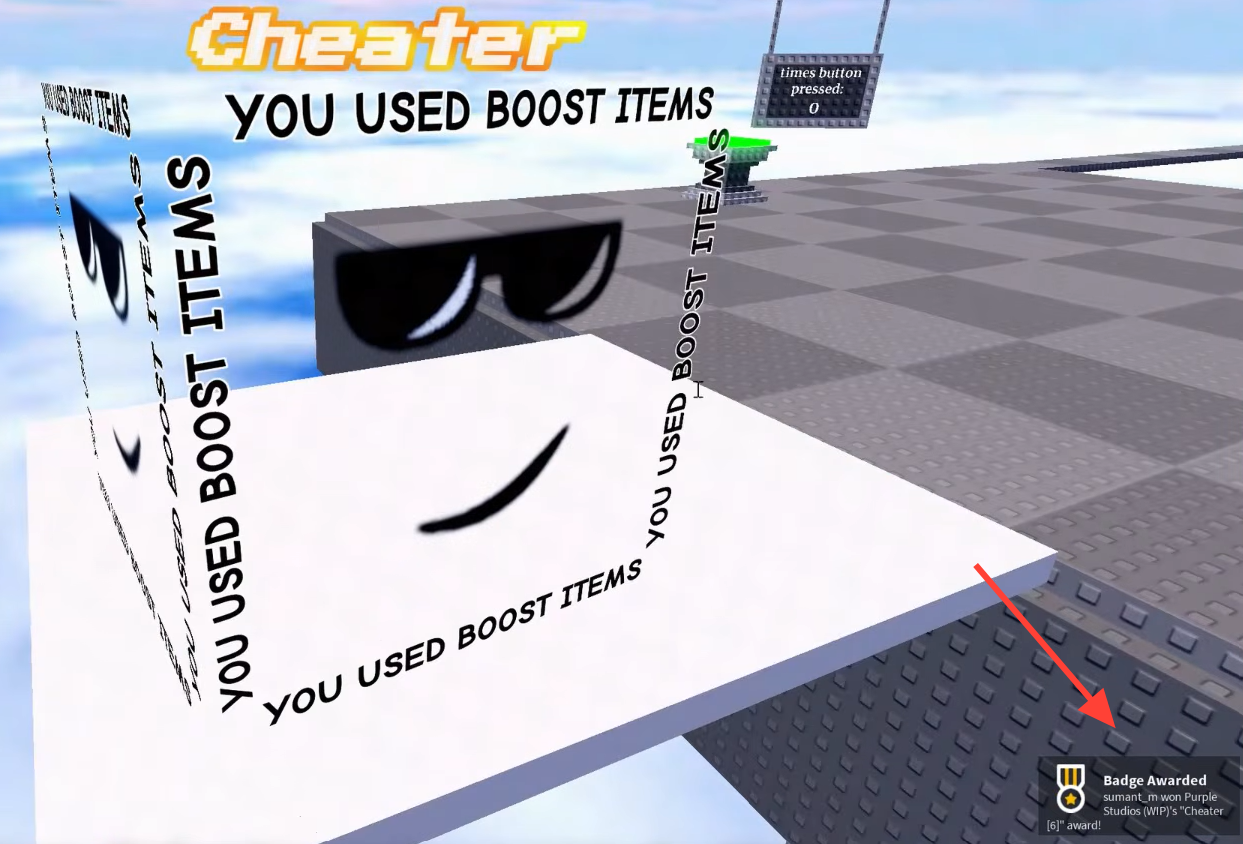
Quick answer: Reach an ending and the game shows a green-and-yellow “Ending Found!” screen with the ending’s name. For badge endings such as Void, Death, and Catastrophe, a “Badge Awarded” notification pops up in the bottom-right corner at the same time. Click “Rejoin” to return to the menu and chase the next one.
The three confirmed badges
Only some endings award a Roblox badge that stays on your profile. Three are confirmed, each marked “Hard” on the badge list. Rarity shows how many players who touch the game actually earn it, so lower numbers mean fewer people have pulled it off.
| Badge | Order | Rarity | Won ever |
|---|---|---|---|
| Void [1] | #1 | 16.0% (Hard) | 22,744 |
| Death [2] | #2 | 11.2% (Hard) | 15,779 |
| Catastrophe [3] | #3 | 12.1% (Hard) | 17,402 |
The badge list also shows a “See More” option, so additional badges can appear beyond these three as you unlock further endings.
How to trigger the confirmed endings
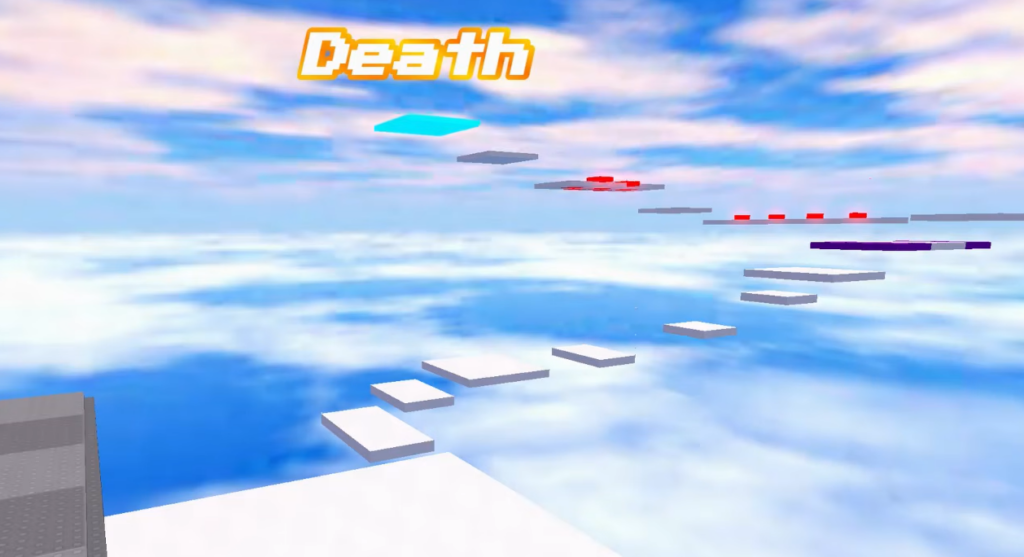
Every round starts the same way. From the main menu, press “PLAY”, wait through the 3-2-1 countdown and the “GO!” prompt, then your character spawns in the sky and drops through the clouds toward the platform. What happens next is up to you.
Void
Catastrophe
Clicker
The Death badge is one of the three confirmed profile badges, but its exact trigger is not something you should guess at. Watch for its “Ending Found!” screen to confirm you earned it.
Full list of endings in the menu
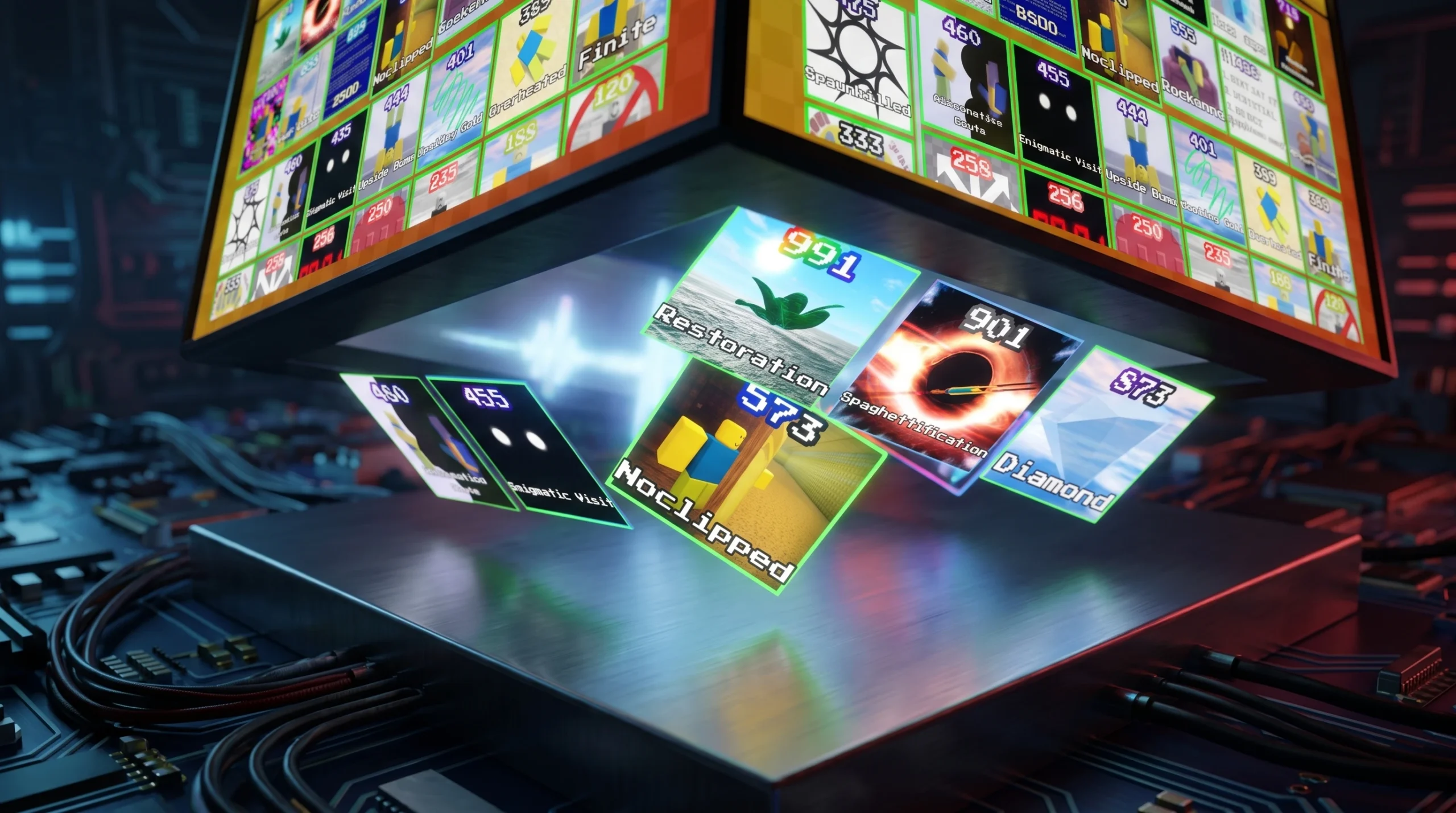
Press “ENDINGS” on the main menu to open a grid that tracks your collection. The named endings currently listed there give you a checklist to work through.
| Restoration | Spaghettification |
| Serious Room | Diamond |
| Assassinated | Infinite Loopback |
| Ice age | Hidden Messaging |
| Ending not found | Farlands |
| BSOD | Noclipped |
| Bookworm | Healing Coil |
| Treasure hunter | Spawnkilled |
| Alternative Route | Enigmatic Visit |
| Upside Down | Overheated |
How to know an ending counted
Confirmation is immediate and hard to miss. When an ending fires, the screen switches to a “Ending Found!” panel showing the ending’s name in the game’s green-and-yellow style. If that ending carries a badge, a Roblox “Badge Awarded” toast slides in at the bottom-right naming the badge and the studio. A red “Rejoin” button then lets you restart for the next attempt.
Because rounds are single-player and reset from the same platform each time, the fastest way to build your collection is to run one ending, click “Rejoin”, and set up the next condition. The three Hard badges sit within reach early, and the endings grid keeps a running record of everything you still need.