Character customization is one of the deepest systems in Aniimo, and outfits are the centerpiece. Some sets drop into your wardrobe just for playing the story, while others sit behind currency or real money in the shop. Here is exactly where each one comes from and how to claim it.
Quick answer: You unlock outfits four ways in Aniimo — through story quests, from the shop’s Appearance and Corner Shop tabs, from in-game events like the daily login, and by leveling up the RV in Homeland.
Free outfits from story quests
The fastest free outfit comes from simply playing through the campaign. The first main quest sends you to Bloomville, a town built around flowers and fragrances, where you take part in the Bloom Festival.
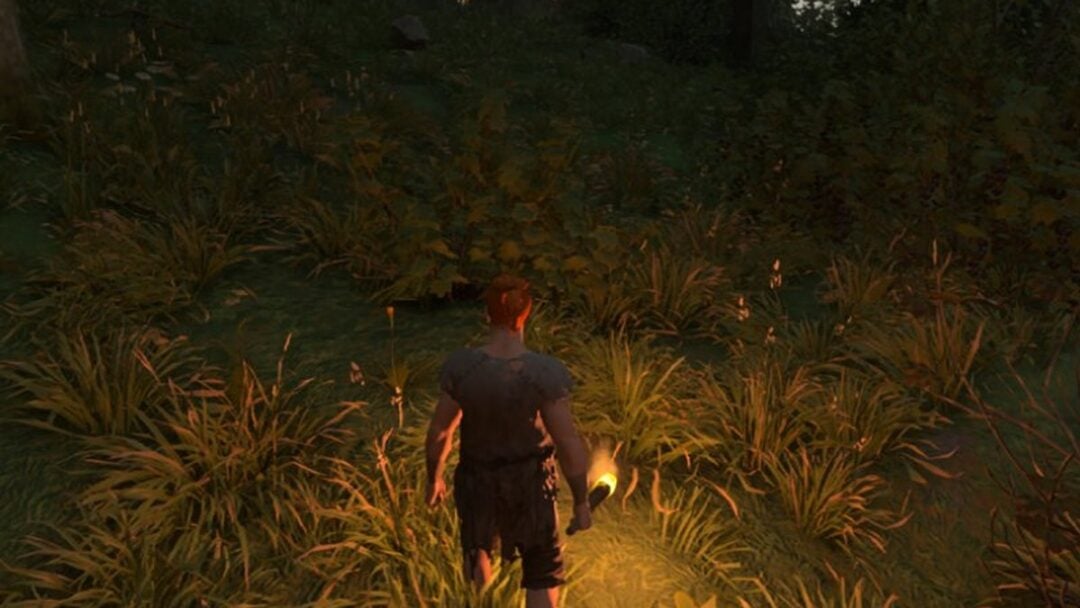
As you prepare for the festival, the village elder hands you and Nicole two Bloomville outfits. The set has a linen texture and headwear designed to match Bloomville’s floral theme. Other quests later in the game reward outfits the same way, so it is worth finishing story beats before assuming a set is locked behind payment.
Leveling the RV in Homeland
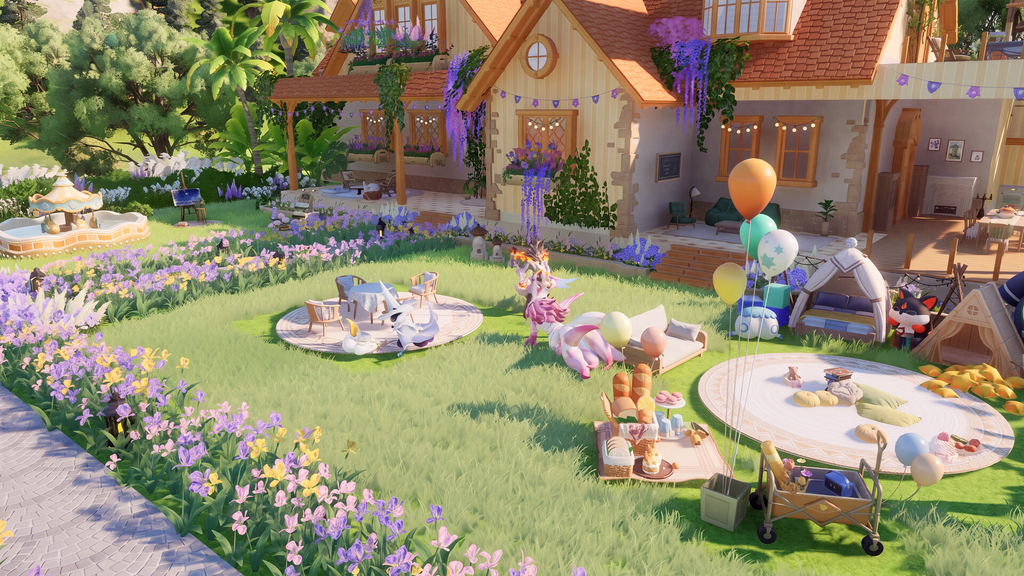
Homeland is your farming and production base, and leveling it up pays out an outfit. You first unlock Homeland by completing the RV prologue quest, which gives you the RV that acts as the entrance and progression hub for your home.
Once inside, keep upgrading the RV to earn the Leisurely Everyday outfit set. Getting every piece requires raising the RV to level 14, which takes a while if you are new, since each upgrade needs completed objectives and spent materials.
Event and login rewards
Aniimo runs live-service events with mini-games and challenges, and some of them hand out a free outfit for taking part. The daily login event is the most reliable of these, giving you an outfit just for signing in over multiple days.
Global launch milestones add more. The Sunlit Meadow limited outfit is tied to check-in and milestone rewards, and cumulative check-ins, story quests, and Homeland features together stack up to four free outfits. Check the in-game events and announcements to see which claims are currently active before they rotate out.
Buying outfits in the shop
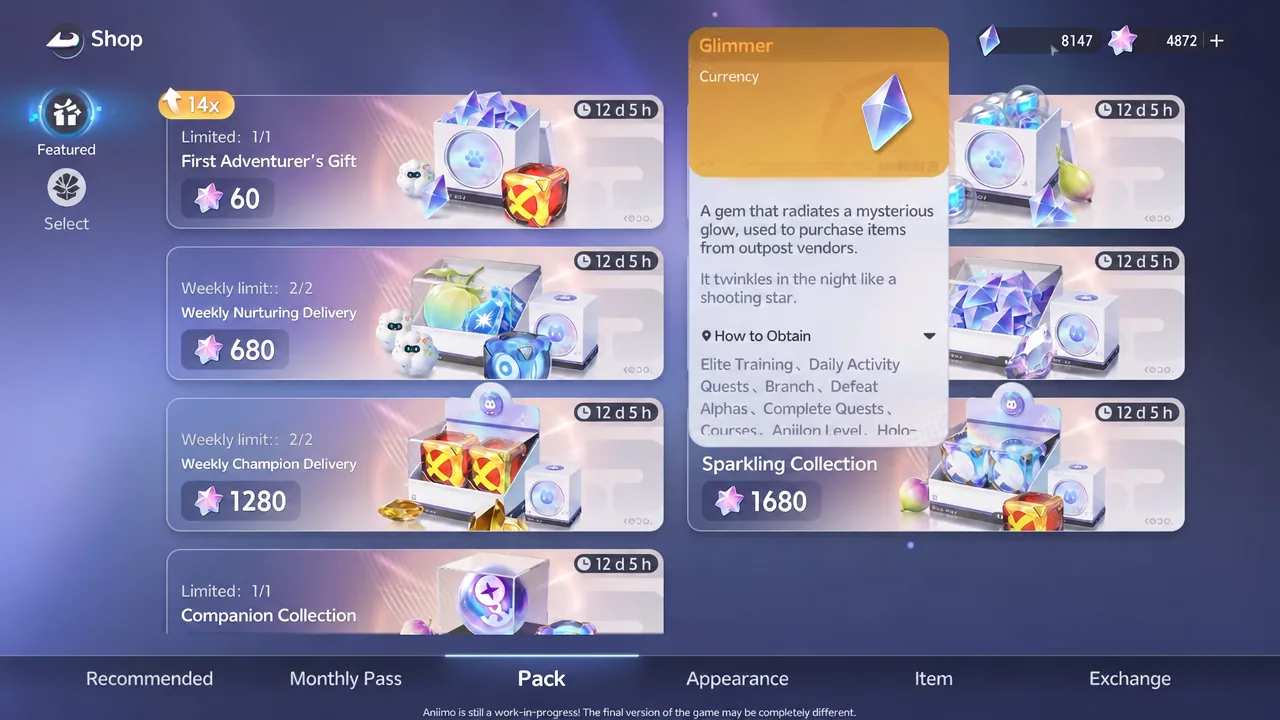
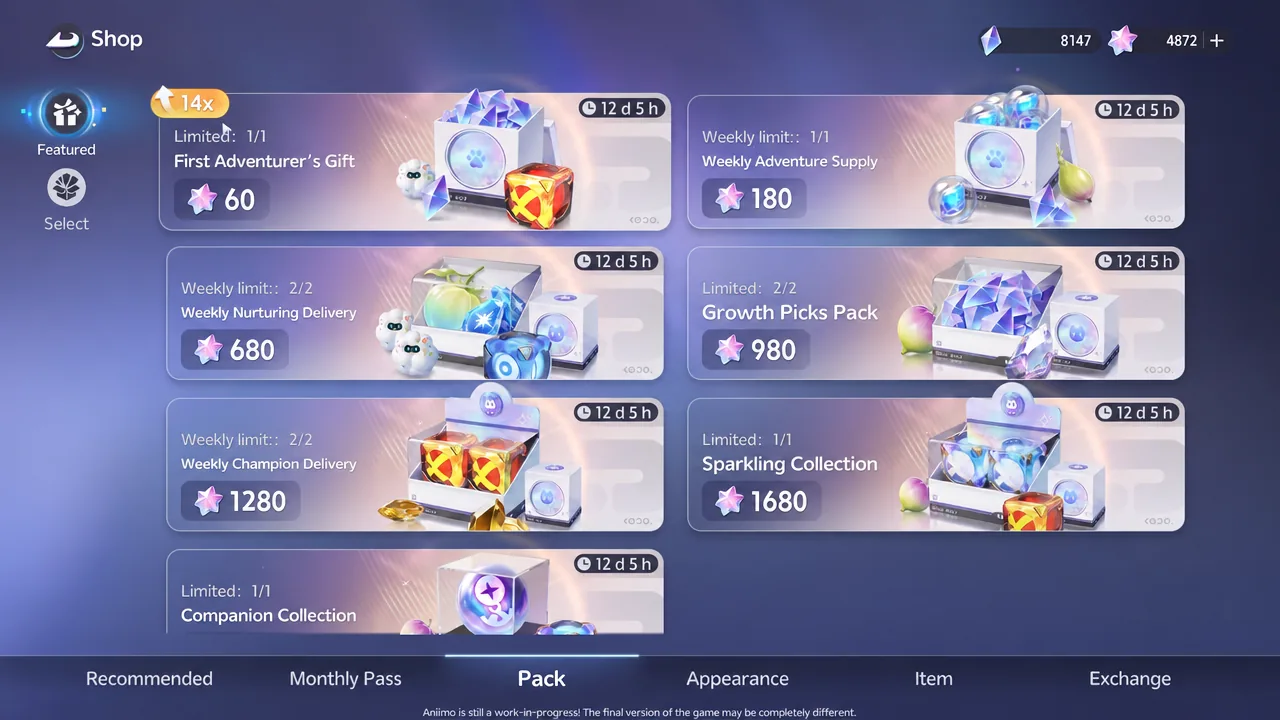
The shop holds the widest selection, split across tabs that mix free currency and real money. Open it to find the Appearance tab for premium sets, the Corner Shop for daily rotating items, and the Pack tab for bundled offers.
Paid outfits in the Appearance tab
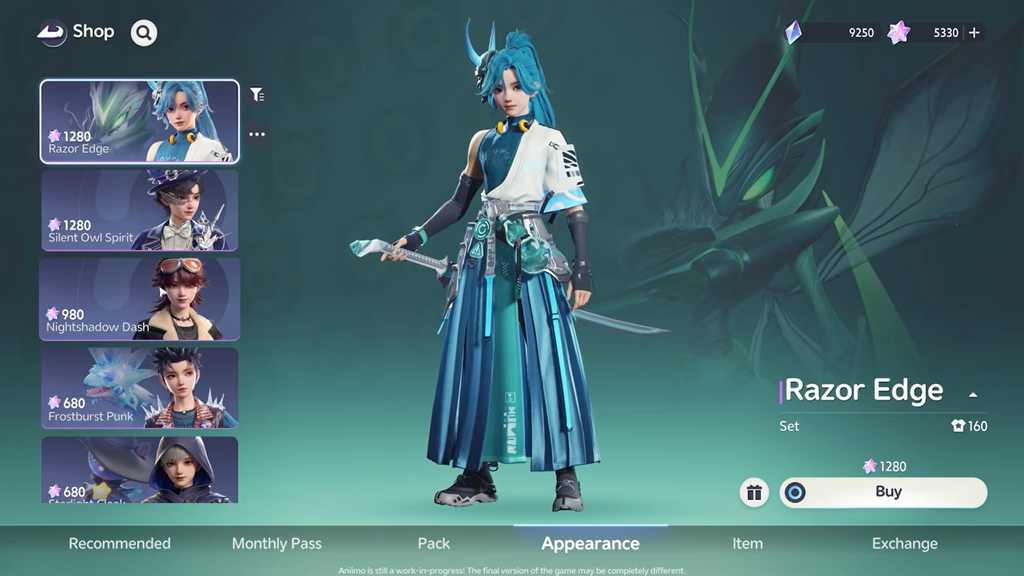
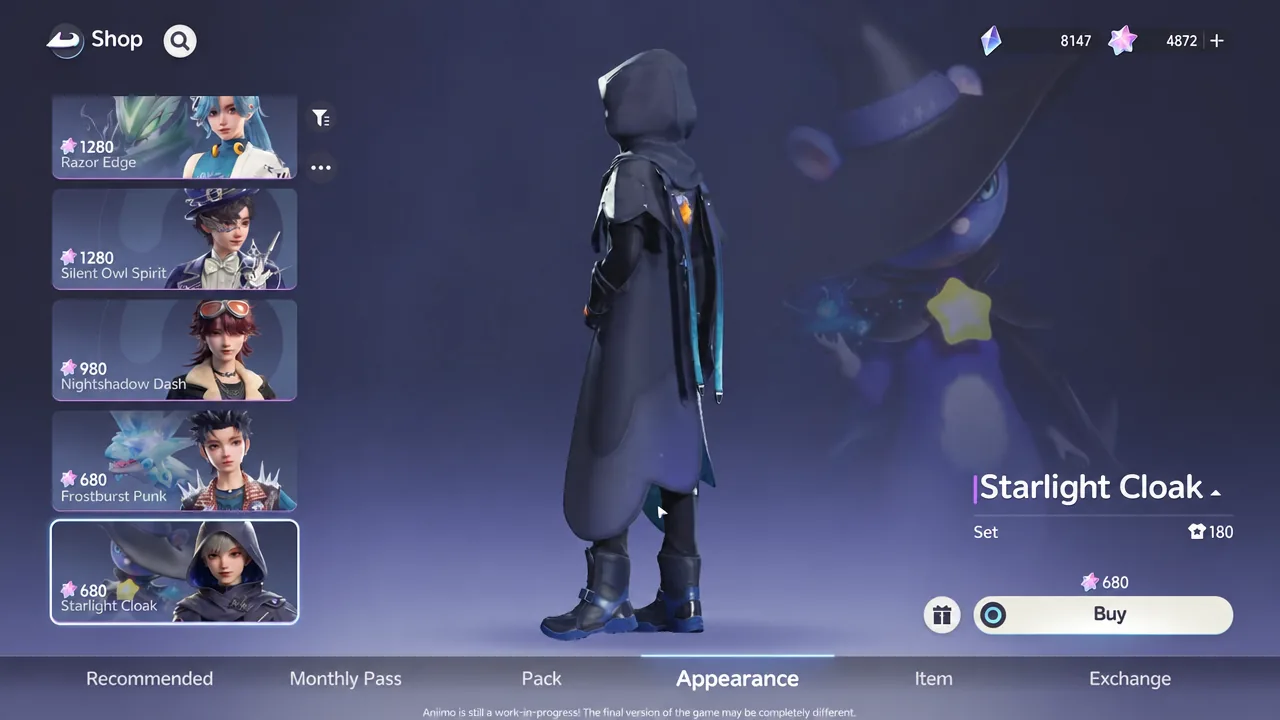
The Appearance tab sells full premium outfits for real money. At launch, four sets are available here: Razor Edge, Seaside Heartbud, Frostwolf Spirit, and Lulu Starfight. Pawprint Studio adds more paid outfits with future updates.
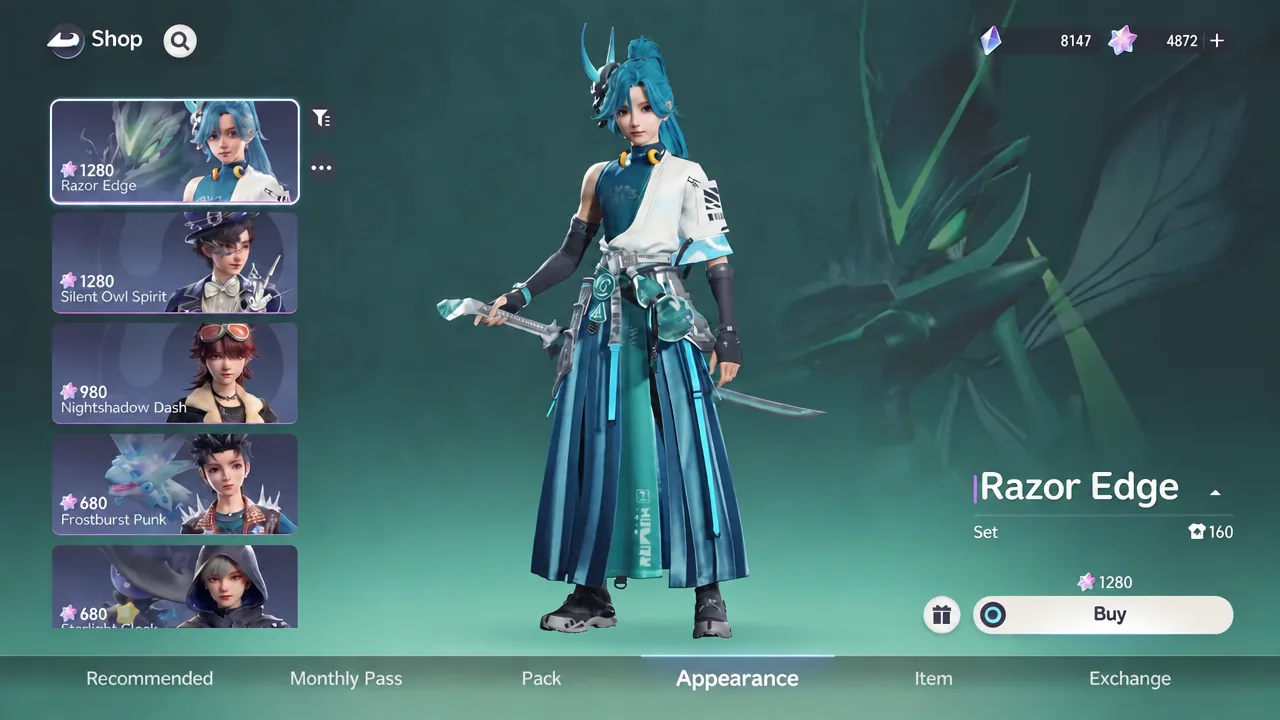
A useful detail: each full set breaks apart into individual equippable pieces after purchase, so you can mix tops, bottoms, and shoes across different outfits rather than wearing one look as a fixed whole.
Free outfits in the Corner Shop
The Corner Shop tab lets you buy cosmetics with Voxel Coins, a currency you earn for free in-game. It offers four cosmetic items each day. The selection is randomized, and you can refresh the four items once every 24 hours, so check back daily for pieces you want.
Exchange vendors around the world
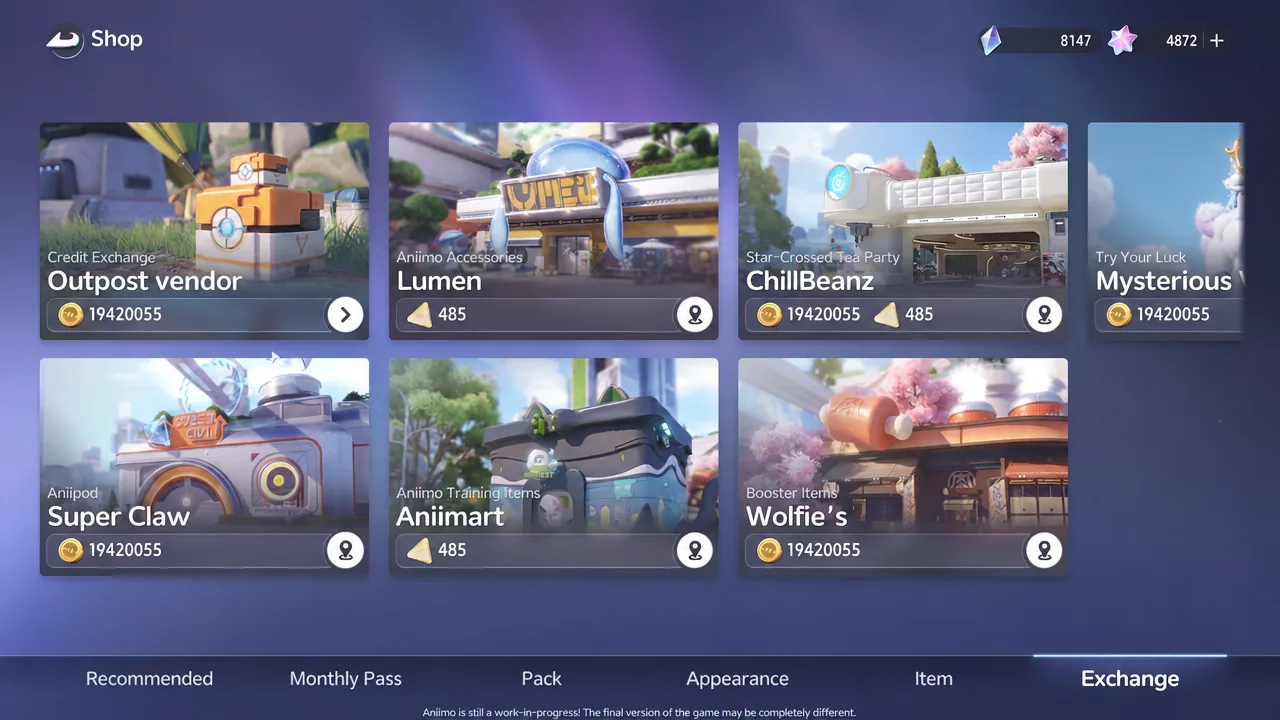
Beyond the main shop, the Exchange tab connects you to vendors placed around the world, including the Outpost vendor, Lumen, ChillBeanz, Mysterious, Super Claw, Animart, and Wolfie’s. Fashion clothing and accessories here are bought with in-game credits, and some pieces are restricted to a specific body type.
Equipping and confirming your outfits
Every outfit you unlock lands in your wardrobe under the Clothing tab. From there you can equip a full look, swap individual pieces across sets, and dye them to change colors. Outfit preset slots let you save separate looks for different activities, and you can unlock extra preset slots with currency.
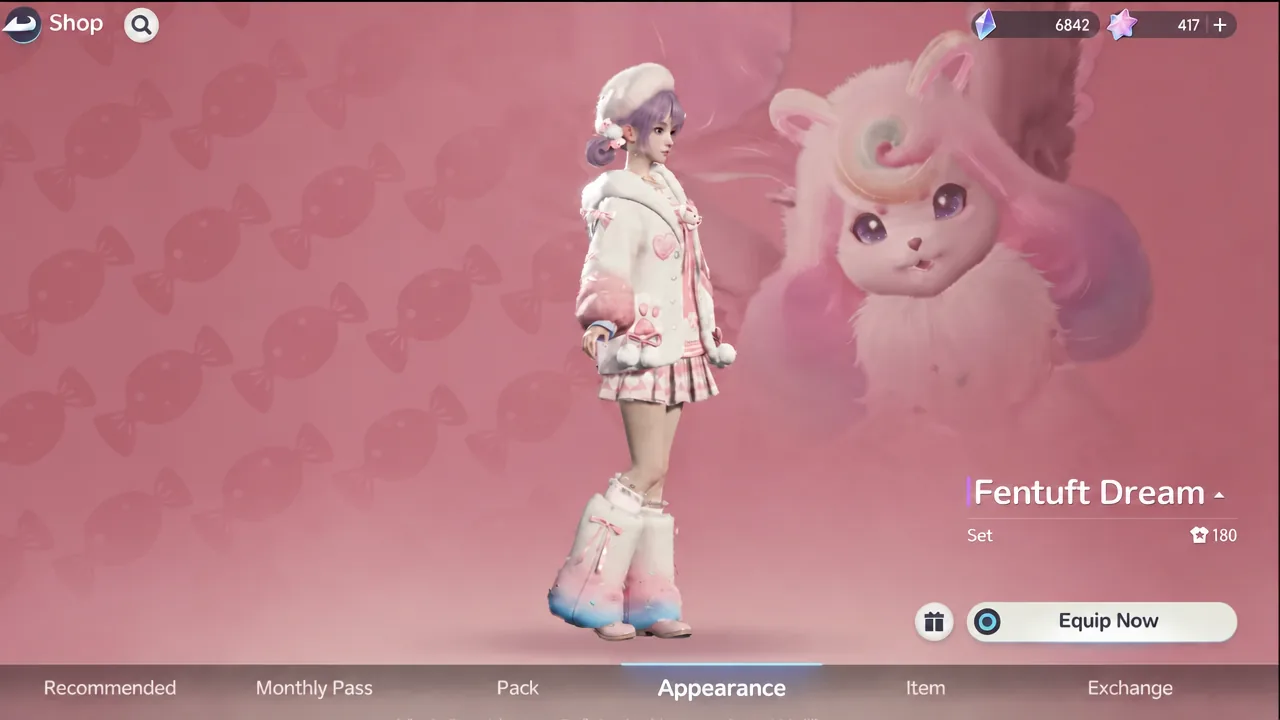
You will know an outfit unlocked when it appears in the Clothing tab with an Equip button instead of a purchase prompt. Once it is worn, your character updates immediately in the preview and the world, and dyed colors carry over as you set them.