Aniimo lets you bring friends into your world, but it is not a persistent MMO. Sessions are hosted instances, capped at four players, and the world state belongs to whoever is hosting. Everything else — catching, bosses, puzzles, duels, trading — works around that one rule.
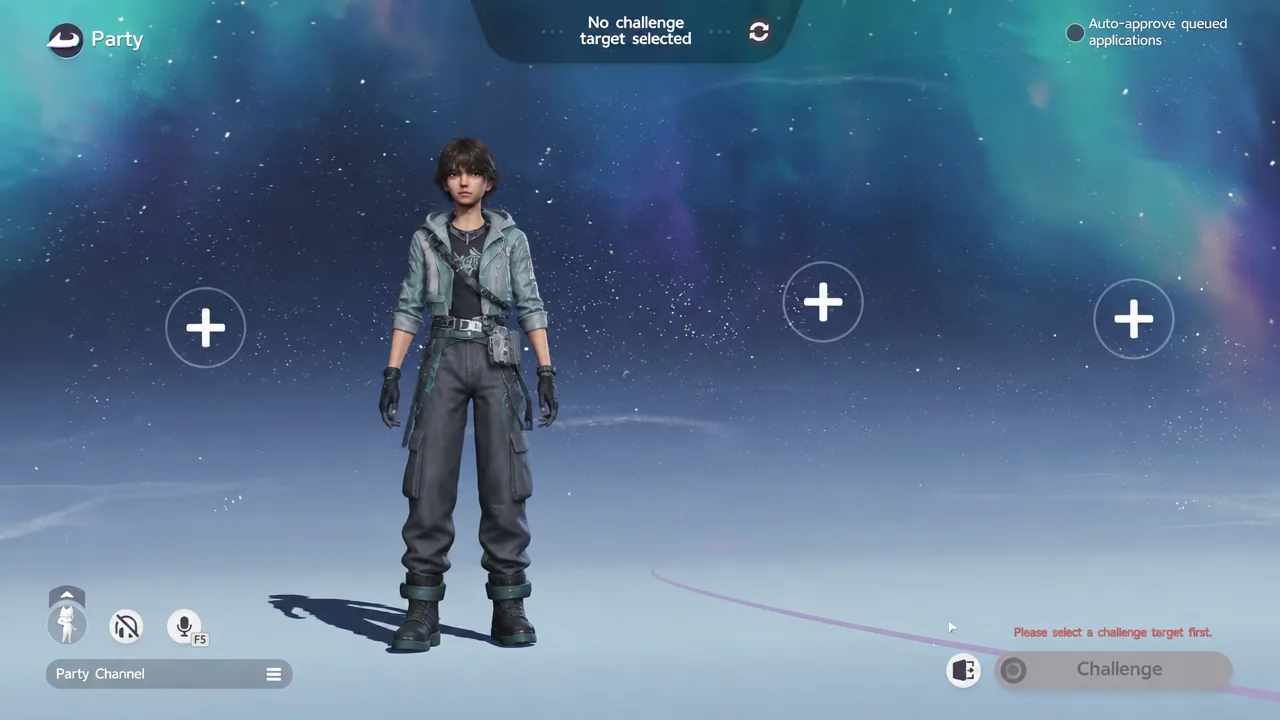
Quick answer: Reach character Level 14, add a friend by UID under Friends, then open Party, press Create Party, and fill the empty “+” slots to invite up to three players.
Requirements before you can invite anyone
Multiplayer is locked during the opening hours of the game. You need to clear the introductory quests that teach catching and Twining before the social menus open up.
- Character Level 14, which unlocks both the friends list and parties.
- The same server as your friend. Cross-server co-op is not possible, so one of you has to migrate.
- A stable connection, especially for the host, who is running the world everyone else joins.
- Nothing platform-specific. Crossplay works across PC, consoles and mobile within the same region.
How to add a friend by UID in Aniimo
UID: 202000134222. Send it to whoever you want to play with, or ask for theirs.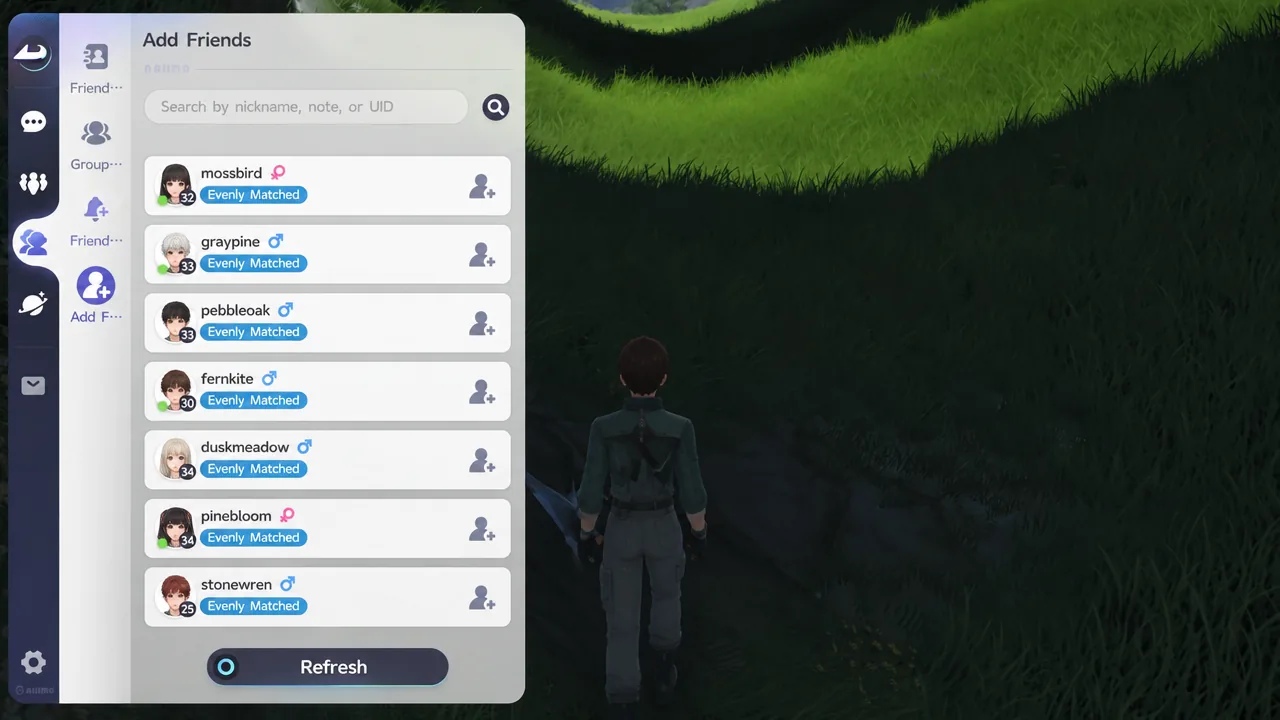
You can also collect friends in person. Outposts and other shared hubs put real players on your screen, and you can walk up and add them there.
How to create a party and invite up to three players
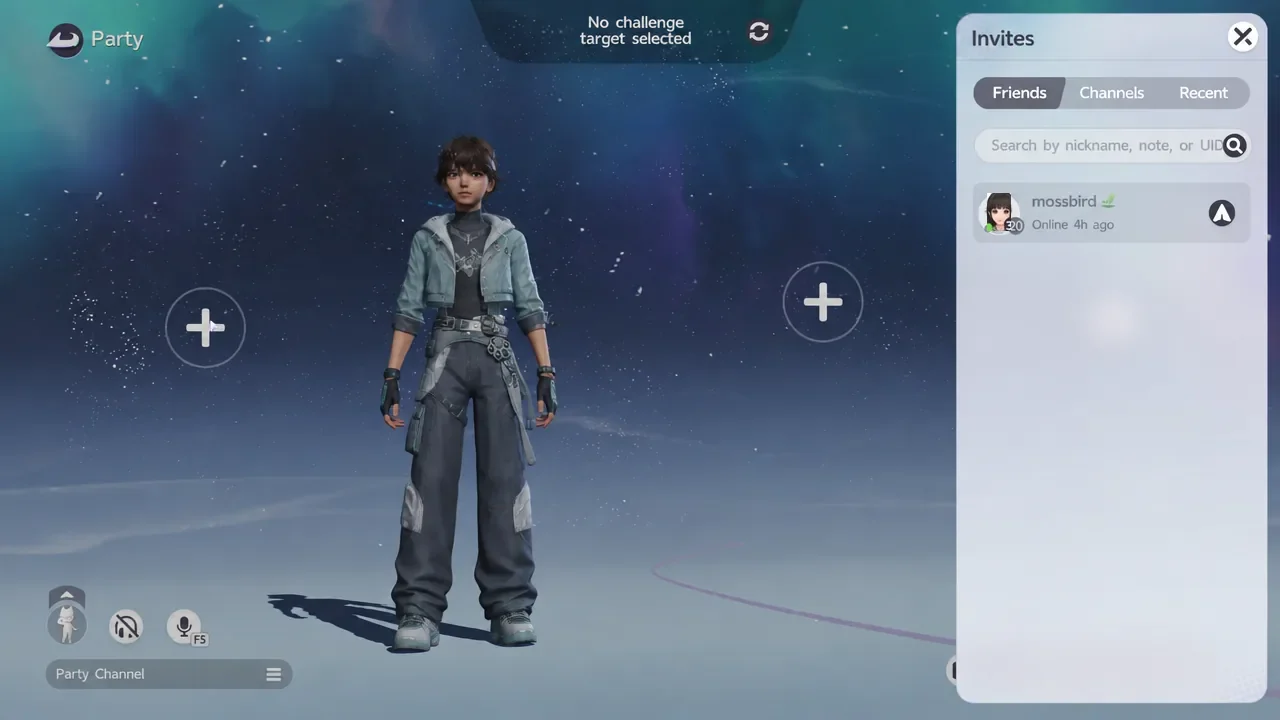
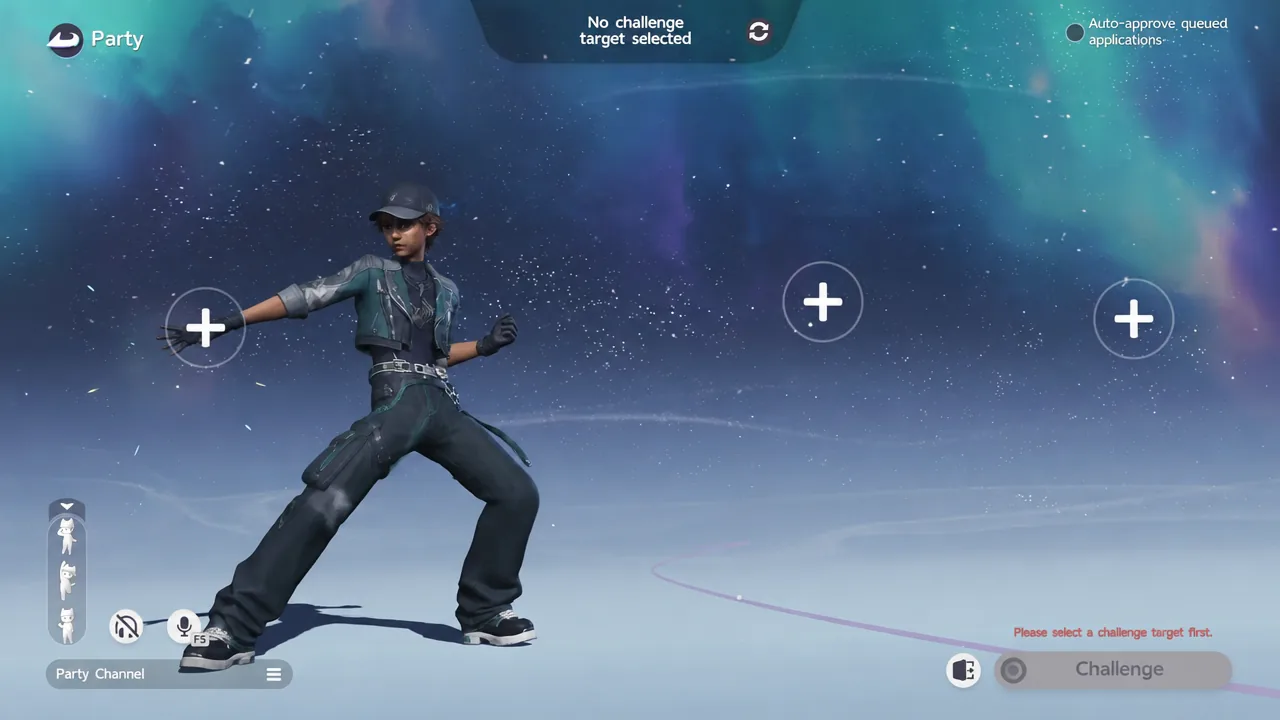
You know the party is live when the other members appear in the slots and the Challenge button becomes selectable. Four is the hard ceiling, and that includes you — three guests, one host.
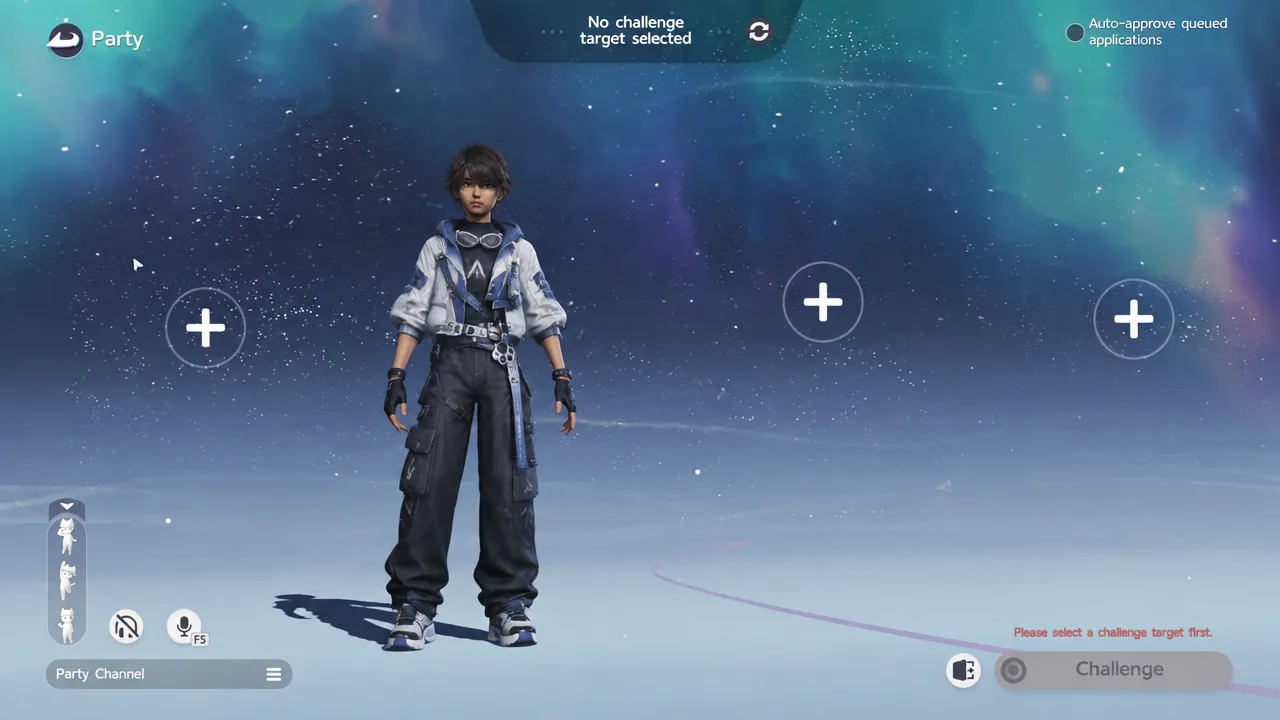
If you would rather not vet every request by hand, flip the Auto-approve queued applications toggle in the top-right corner of the Party screen. Incoming join requests then fill the open slots on their own.
Party chat, voice chat and emotes
Text chat lives in the Party Channel on the left side of the screen. Switching to the Squad tab keeps the conversation inside your group rather than pushing it into Nearby or World. Voice chat runs alongside it, and the game tells you plainly when you join or leave the voice channel.
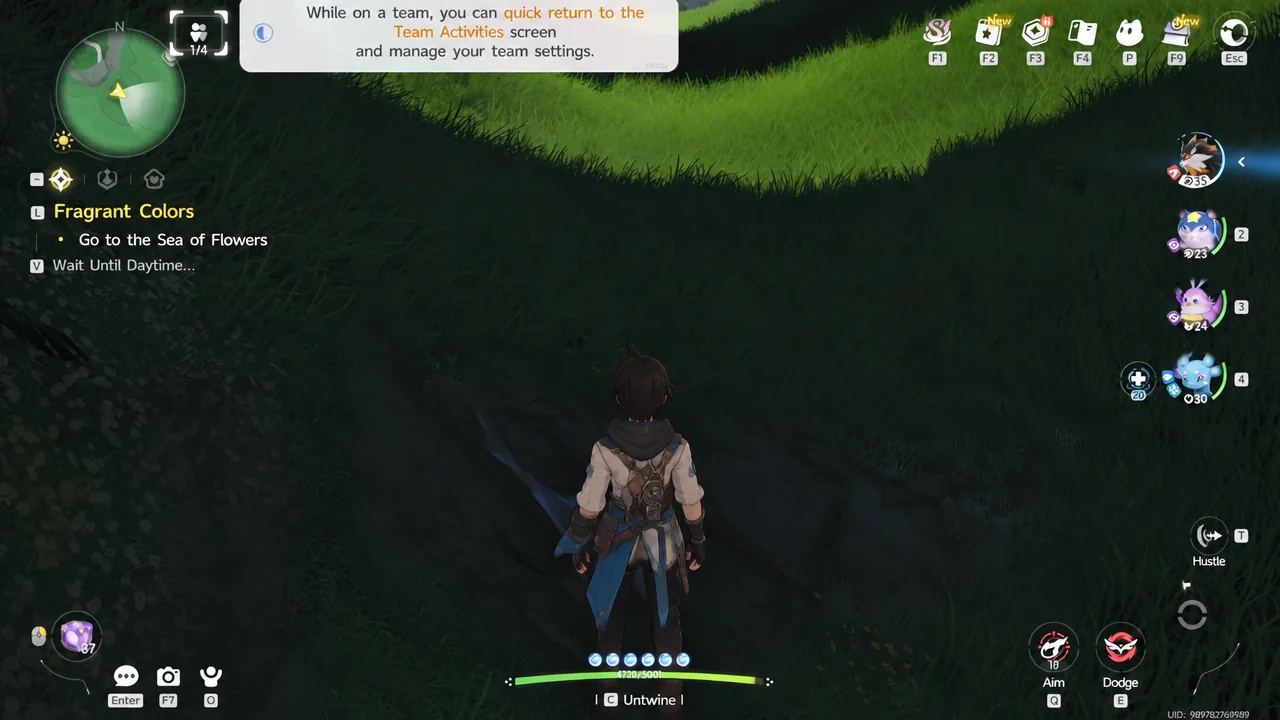
Emotes can be triggered straight from the Party screen, which is handy while people are still loading in. Once you are on a team, you can quick-return to the Team Activities screen at any point to adjust settings without breaking up the group.
What co-op shares, and what stays with the host
This is the part that catches groups out. The host’s world is the one that saves. Guests keep what goes into their own account — caught Aniimo, items — but world state such as completed quests and activated points belongs to the host.
| Activity | Guest outcome |
|---|---|
| Catching wild Aniimo | Kept, on your own roster |
| Boss and Alpha fights | Both players can fight and attempt the catch |
| Exploration and side content | Playable, but world progress saves to the host |
| Main story quests | Single-player only, cannot be done in co-op |
| Chests and one-time pickups | Consumed in the host’s world |
Put the least-progressed player in the host seat. Anything a guest helps clear is work they still owe in their own world, so hosting down wastes the least time.
You also cannot bump into strangers while roaming Idyll. Free roam is invite-only. Other players are visible in shared spaces like Astra city, outposts, campfires and RV parks, where you can duel, shop, trade and hatch eggs.
Co-op content worth organising a session for
Creatures you cannot get alone
Two Aniimo — Fulmintis and Dazmand — can only be captured inside another player’s world. Trading is the other route if nobody in your circle is free to host.
The three two-player Sanctums
Most Sanctums are solo puzzles, but three of them need a second challenger. All three offer automatic team fill from the entrance, so you can queue for a stranger instead of keeping a permanent duo on call.
| Sanctum | Region | Chests |
|---|---|---|
| Chasing Stormwinds | Berylline Causeway | 4 |
| Flaming Wings | 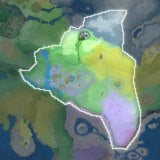 Sea of Flowers Sea of Flowers | 5 |
| Courageous Wit | 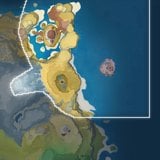 Zephyrus Landbridge Zephyrus Landbridge | 5 |
The wider set of world puzzles is multiplayer-only too, though it is optional — the rewards behind them can be earned elsewhere if you mostly play solo.
Homeland visits and trading
Friends can drop into your Homeland, till soil for a cut of the harvest, and pet an egg sitting in the Hatchinator to shave time off incubation. Trading runs through the friend relationship rather than an open market, and a higher Affinity Level widens the range of Aniimo you are allowed to swap, including Alpha and Sparkling catches. Check the name, form and rarity on the trade screen before confirming, since a matching species icon proves nothing on its own.
Operation: Egg Heist, the PvPvE mode
Egg Heist is the only place PvP exists in Aniimo. Squads land on the Lost Isles, gather materials, push into a restricted zone and try to walk away with the giant Darkler Egg while wild creatures and rival players get in the way. It is a level 50 activity gated behind Veteran Pathfinder rank, so it sits well past the point where most players first try co-op.
Everything else about Aniimo’s multiplayer is deliberately light: a four-person lobby, a host who owns the save, and a handful of things that genuinely require a second pair of hands. Sort out the server and the host before anyone loads in, and the rest of the session takes care of itself.