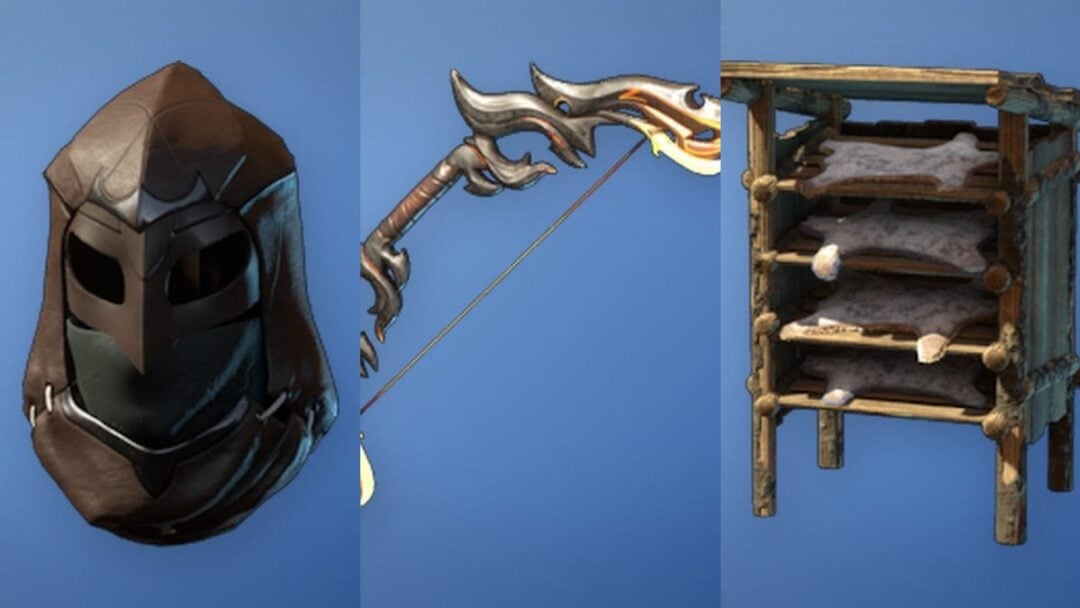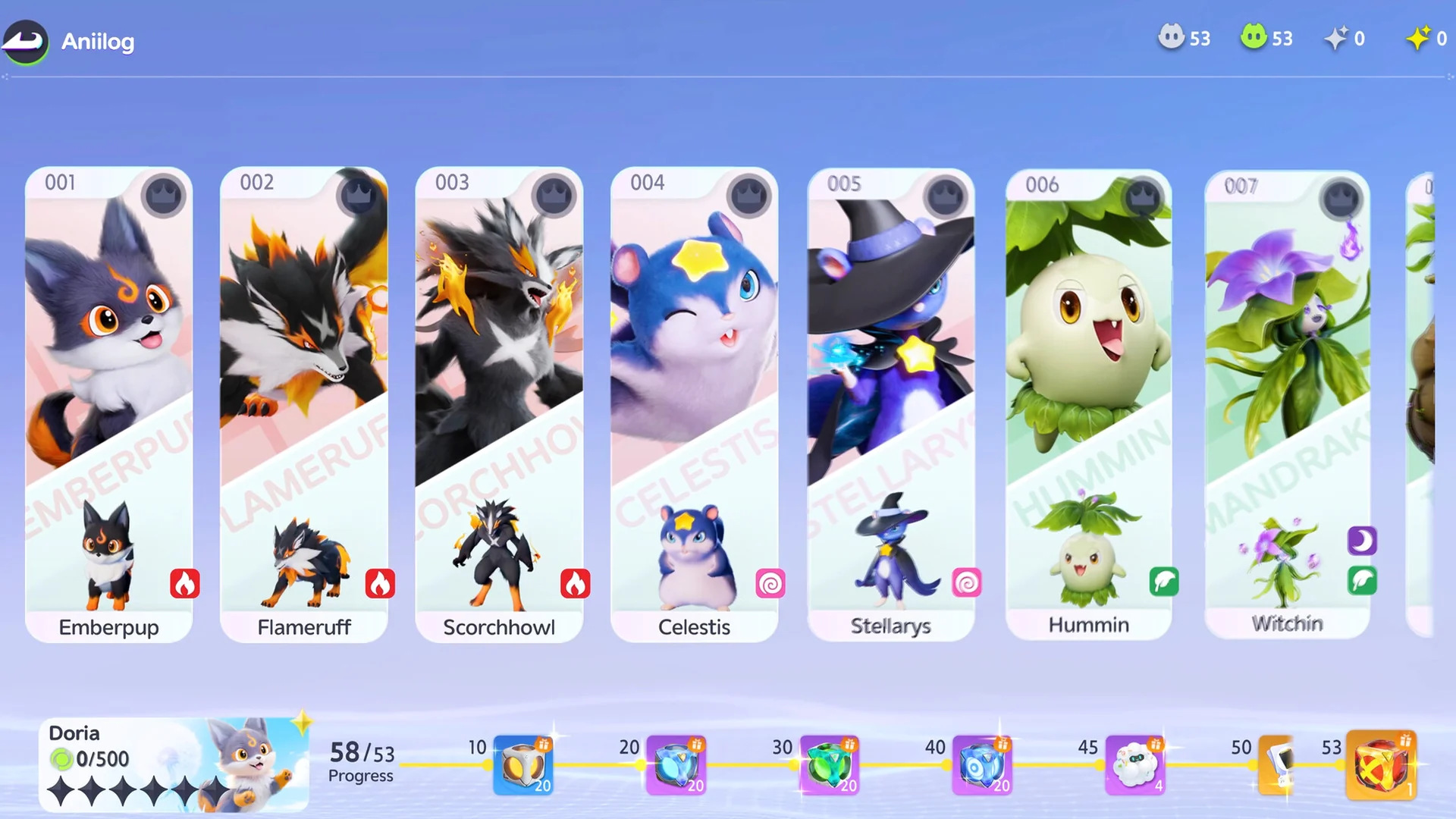
Aniimo hands out a stack of free early-game goodies through Twitch Drops, and the whole set costs nothing but time. Watch eligible live streams with Drops enabled, connect your accounts, and five rewards unlock one after another across two hours of viewing.
Quick answer: Link your Aniimo account to Twitch, watch a stream with the Drops Enabled badge, and claim each tier as it completes. Two hours of total watch time earns all five rewards.
All Aniimo Twitch Drop rewards and watch times
The campaign runs five reward tiers that unlock in sequence. Each milestone is measured by your total watch time, so the timer keeps building toward the next reward as long as you stay on an eligible stream.
| Reward | Watch time |
|---|---|
| 50,000 Credits | 15 minutes |
| 20 Aniipod Pro | 30 minutes |
| 50 Glimmer | 1 hour |
| 1 Tumbler | 1 hour 30 minutes |
| 1 Incredible Egg | 2 hours |
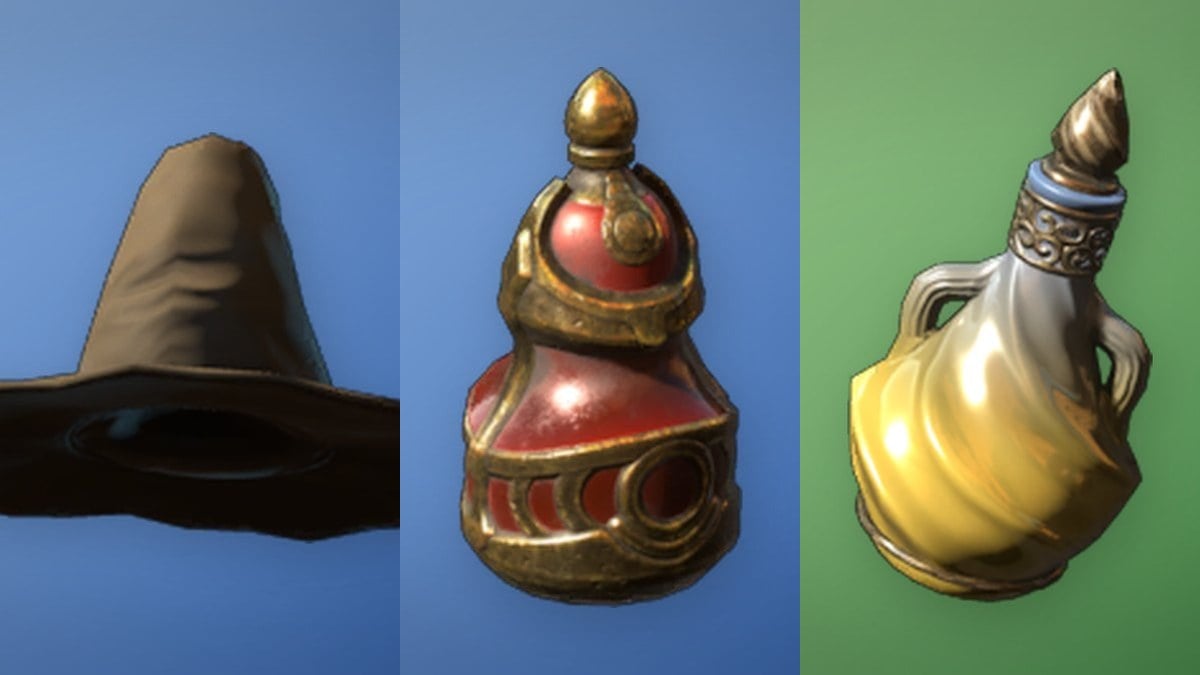
Credits go toward early gear purchases and trades, Aniipod Pro are higher-grade capture devices for stronger creatures, and Glimmer is an upgrade material for leveling abilities and tuning stats. The Tumbler is a field consumable, and the Incredible Egg is the top prize of the run.
Link your Aniimo and Twitch accounts first
Your watch time only counts once both accounts are connected, so set this up before you start any stream. You need an active Aniimo account and a Twitch account, linked together through the official Drops page.
If you have more than one Twitch or Aniimo profile, double-check the usernames before authorizing. Fixing a bad link after the fact is far more annoying than getting it right the first time.
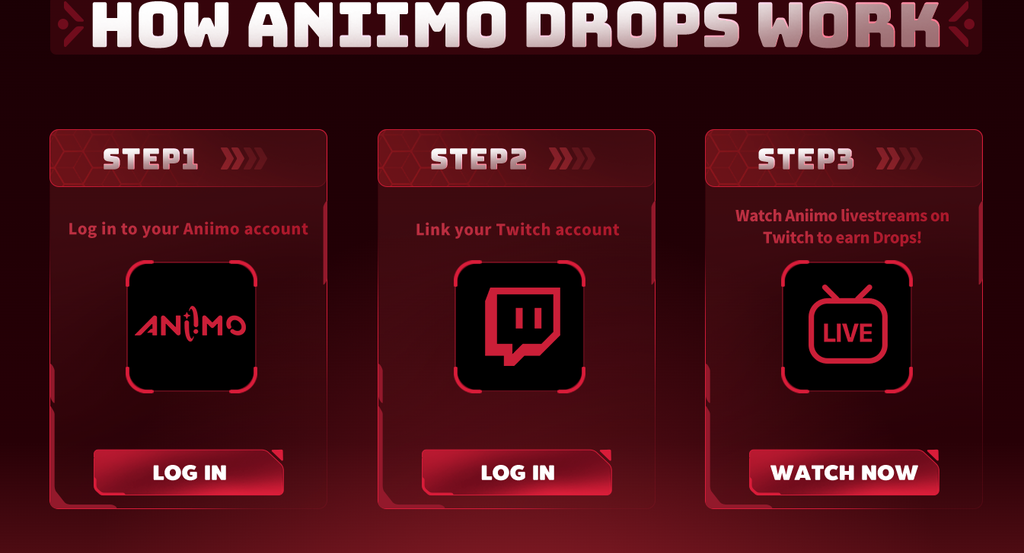
Watch a Drops-enabled stream to build watch time
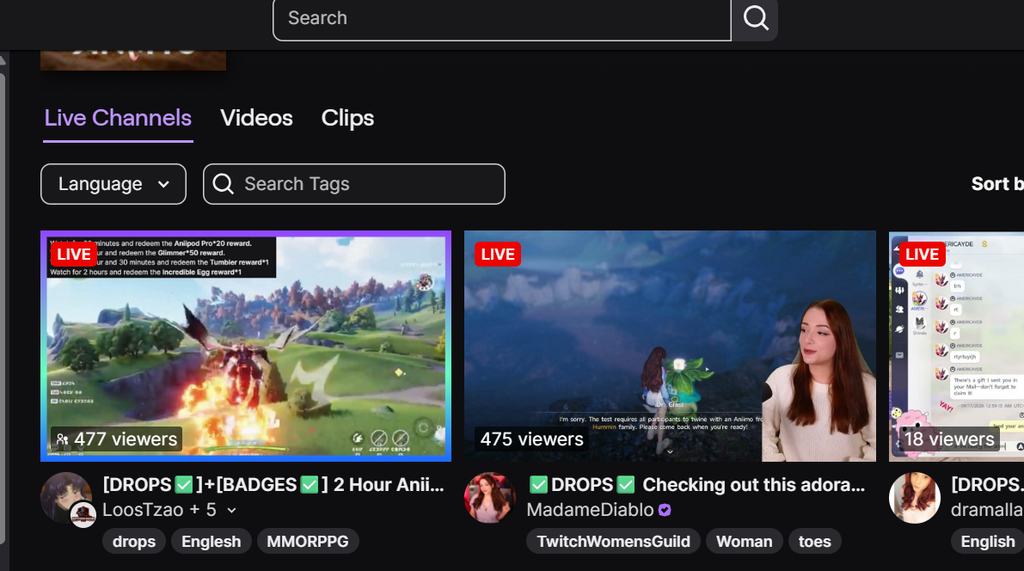
Not every Aniimo broadcast qualifies. Open Twitch, browse the Aniimo game category, and pick a live channel showing the Drops Enabled badge in its stream tags. Old VODs do not count toward campaign progress.
Keep one stream running and let the timer climb. Opening several channels at once does not speed things up, because Twitch counts only one broadcast at a time. A single participating streamer left playing in the background is all you need.
- Mute the browser tab rather than the Twitch player, since muting the player directly can pause your Drop progress.
- Lower the stream quality if your connection is limited, as watch time tracks the same regardless of resolution.
- Check your Twitch Drops inventory occasionally instead of assuming everything is tracking for hours.
Claim rewards on Twitch, then collect them in Aniimo
Reaching a watch-time milestone does not automatically drop the item into your character. There are three stages: hit the required time, claim the reward on Twitch, and then collect it inside the game.
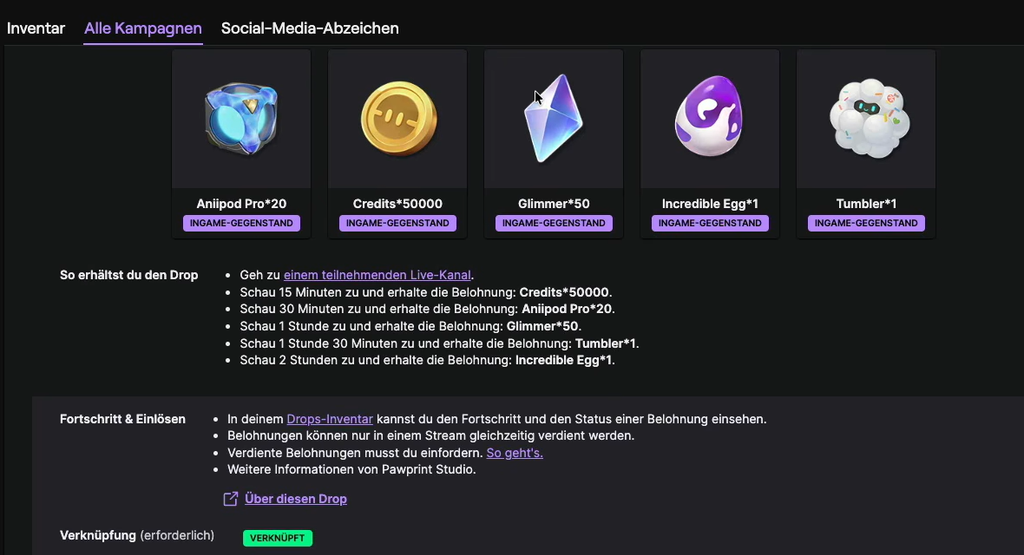
You know it worked when the Twitch inventory marks each Drop as claimed and the matching items appear as accepted mail in Aniimo.
Hatching the Incredible Egg
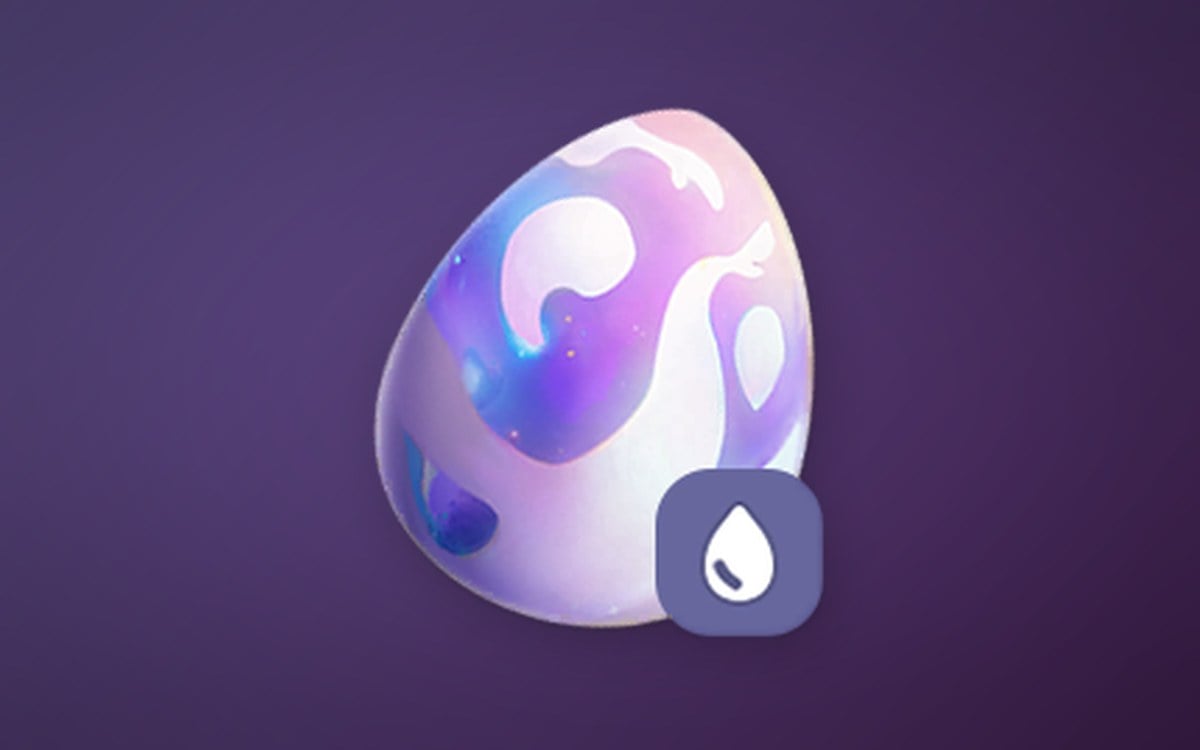
The two-hour reward is an Incredible Egg, an egg with powerful vitality that is guaranteed to hatch an Aniimo with Elite potential or higher. To hatch it, place the egg in a Hatchinator and wait for the timer to finish, then claim your free Aniimo.
Campaign end date
The Twitch Drops campaign is live now and runs until October 13, 2026. That gives you just under a month to link your accounts, put in the full two hours, and claim everything before the rewards expire. None of the items are exclusive or game-changing, but they make for a solid head start in your early progression.