GTA 6 puts the handbrake on Cross with the Default PS5 controls, and you use that same button to drift. Drifting works in cars and on boats, and the button layout is the same for both.
Quick answer: Press Cross for the handbrake on Default PS5 controls. To drift, hold Cross while you’re turning at speed, and the car slides around the corner. Boats do this too.
How to use the handbrake in GTA 6
You can check the handbrake button yourself in Settings. Open the CONTROL SCHEME tab, pick the scheme marked “Default 1 / 3”, and press PREVIEW. Then scroll the list until you reach “Land / Water Vehicles”, which is page 5 / 9. The controller picture on that page labels Cross as HANDBRAKE.
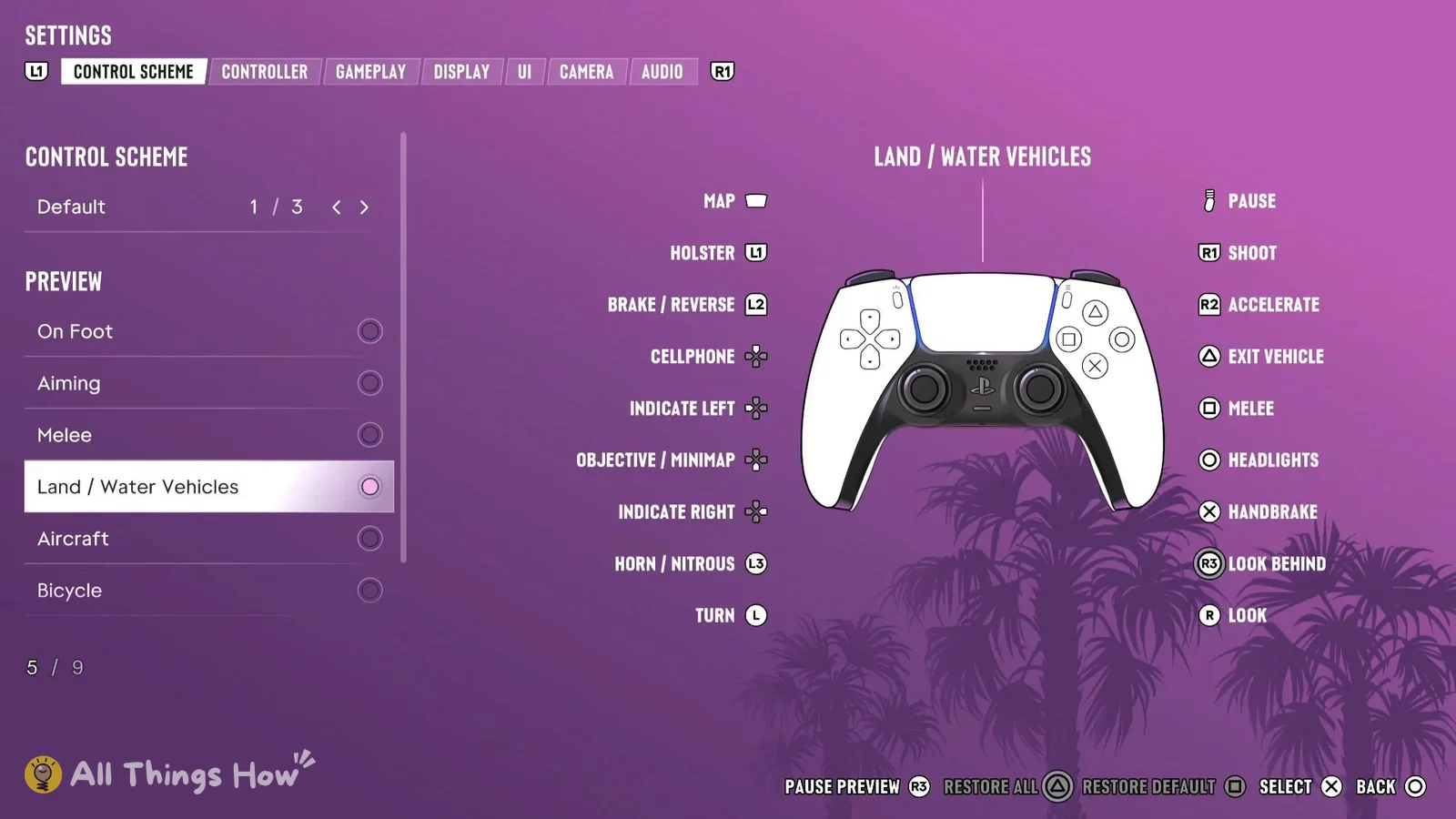
GTA 6 has three control schemes, which is why the counter says “1 / 3.” Every button in this post uses the Default labels. Cars and boats share that one “Land / Water Vehicles” page, so the handbrake button you learn for cars is the same one you use on the water.
How to drift in GTA 6
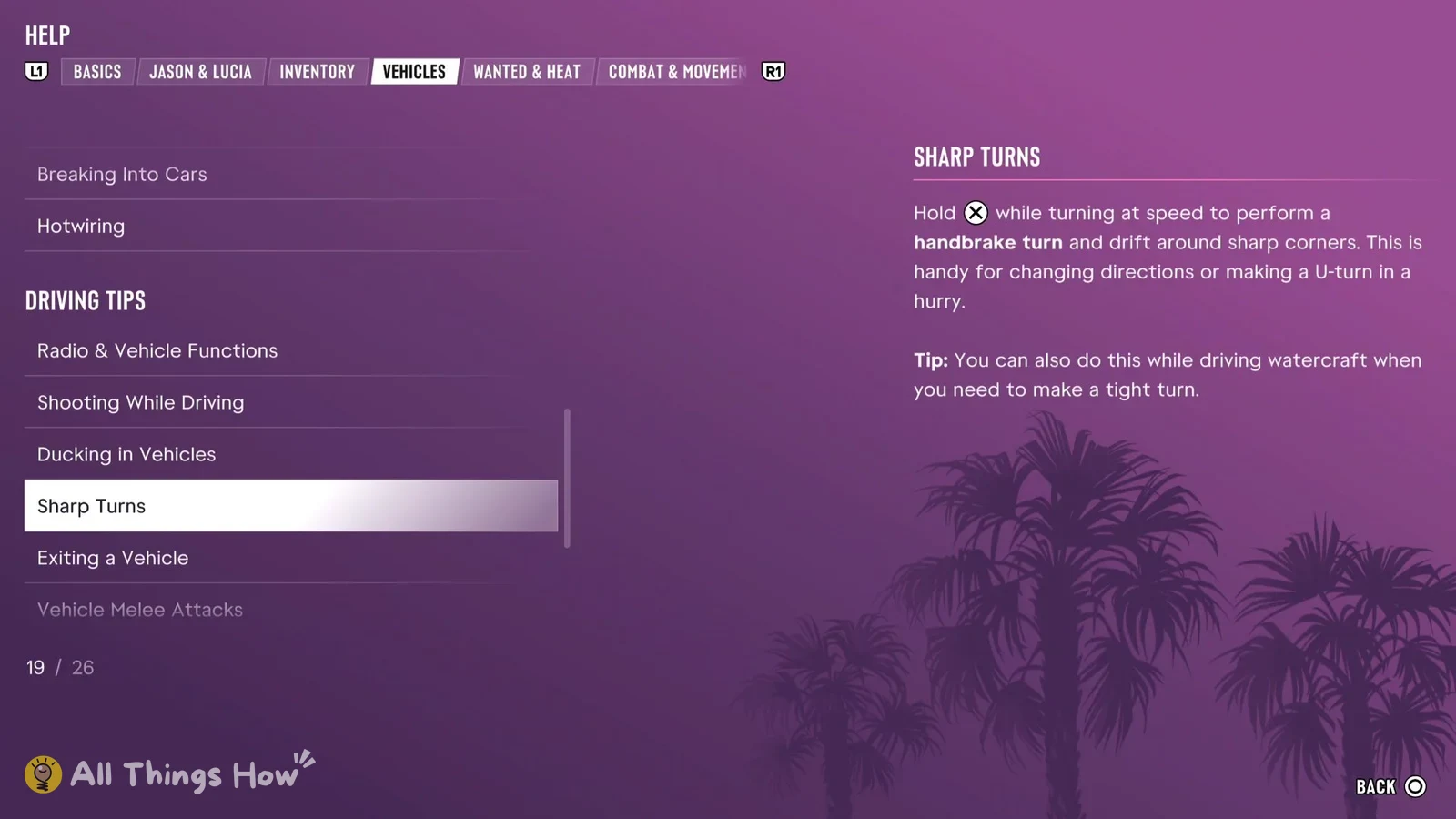
The game covers drifting on the “Sharp Turns” page of its Help menu. To find it, go to Pause > Help > VEHICLES > Driving Tips. You do that in three steps, using buttons from the Default layout.
Here’s how the Help page puts it, word for word:
“Hold [Cross] while turning at speed to perform a handbrake turn and drift around sharp corners. This is handy for changing directions or making a U-turn in a hurry.”
GTA 6 driving controls on PS5
Here’s every label on the “Land / Water Vehicles” controller picture for the Default scheme. These are the buttons for driving cars and boats.
| Button | Action |
|---|---|
| Touch pad | MAP |
| L1 | HOLSTER |
| L2 | BRAKE / REVERSE |
| D-pad up | CELLPHONE |
| D-pad left | INDICATE LEFT |
| D-pad down | OBJECTIVE / MINIMAP |
| D-pad right | INDICATE RIGHT |
| L3 | HORN / NITROUS |
| Left stick | TURN |
| Options | PAUSE |
| R1 | SHOOT |
| R2 | ACCELERATE |
| Triangle | EXIT VEHICLE |
| Square | MELEE |
| Circle | HEADLIGHTS |
| Cross | HANDBRAKE |
| R3 | LOOK BEHIND |
| Right stick | LOOK |
Braking and reversing share L2, and the horn and nitrous share L3. The handbrake on Cross is a separate button from the regular brake.
Getting out, ducking and other driving tips
The same Driving Tips section in Pause > Help > VEHICLES has a few more pages. Each one covers a button you’ll use behind the wheel, and the quotes below are the game’s own wording.
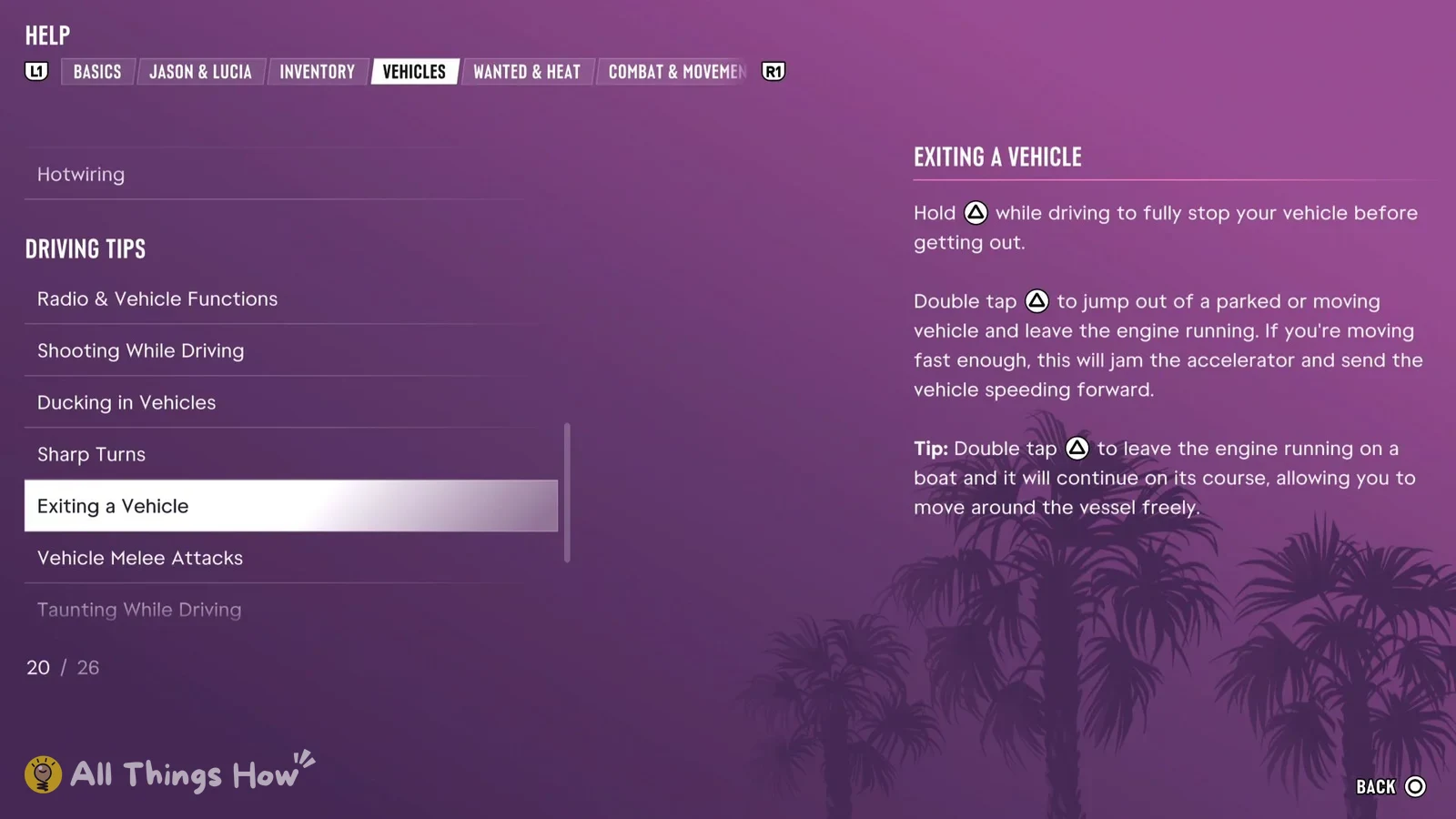
Exiting a Vehicle
How you press Triangle changes how you get out. The page says: “Hold [Triangle] while driving to fully stop your vehicle before getting out.” It goes on: “Double tap [Triangle] to jump out of a parked or moving vehicle and leave the engine running. If you’re moving fast enough, this will jam the accelerator and send the vehicle speeding forward.”
On the water, the double tap leaves the boat running: “Tip: Double tap [Triangle] to leave the engine running on a boat and it will continue on its course, allowing you to move around the vessel freely.”
Ducking in Vehicles
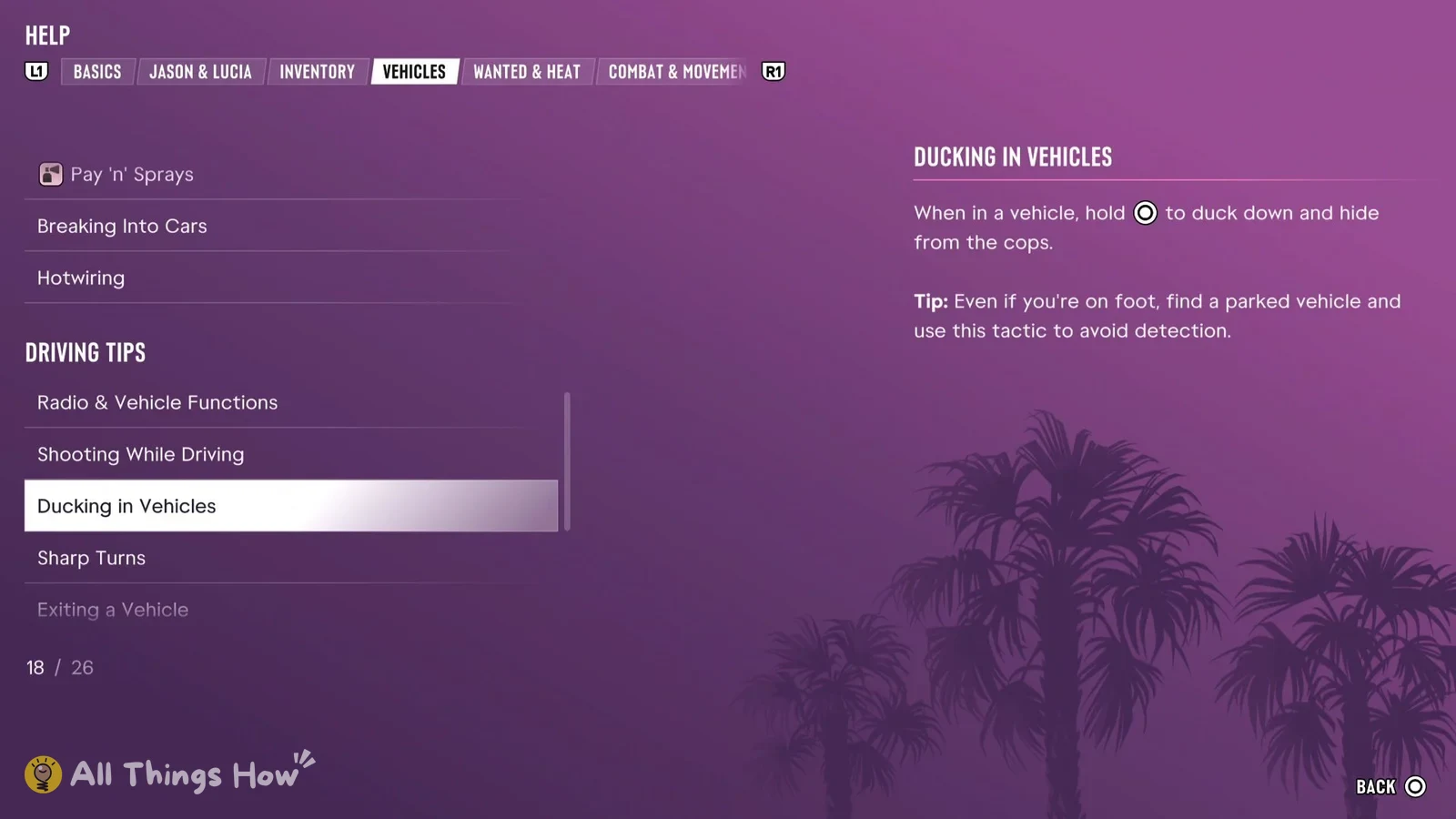
“When in a vehicle, hold [Circle] to duck down and hide from the cops.” It works even if you weren’t driving to begin with: “Tip: Even if you’re on foot, find a parked vehicle and use this tactic to avoid detection.” The controls page labels Circle as HEADLIGHTS, while this Help page says holding Circle ducks.
Shooting While Driving
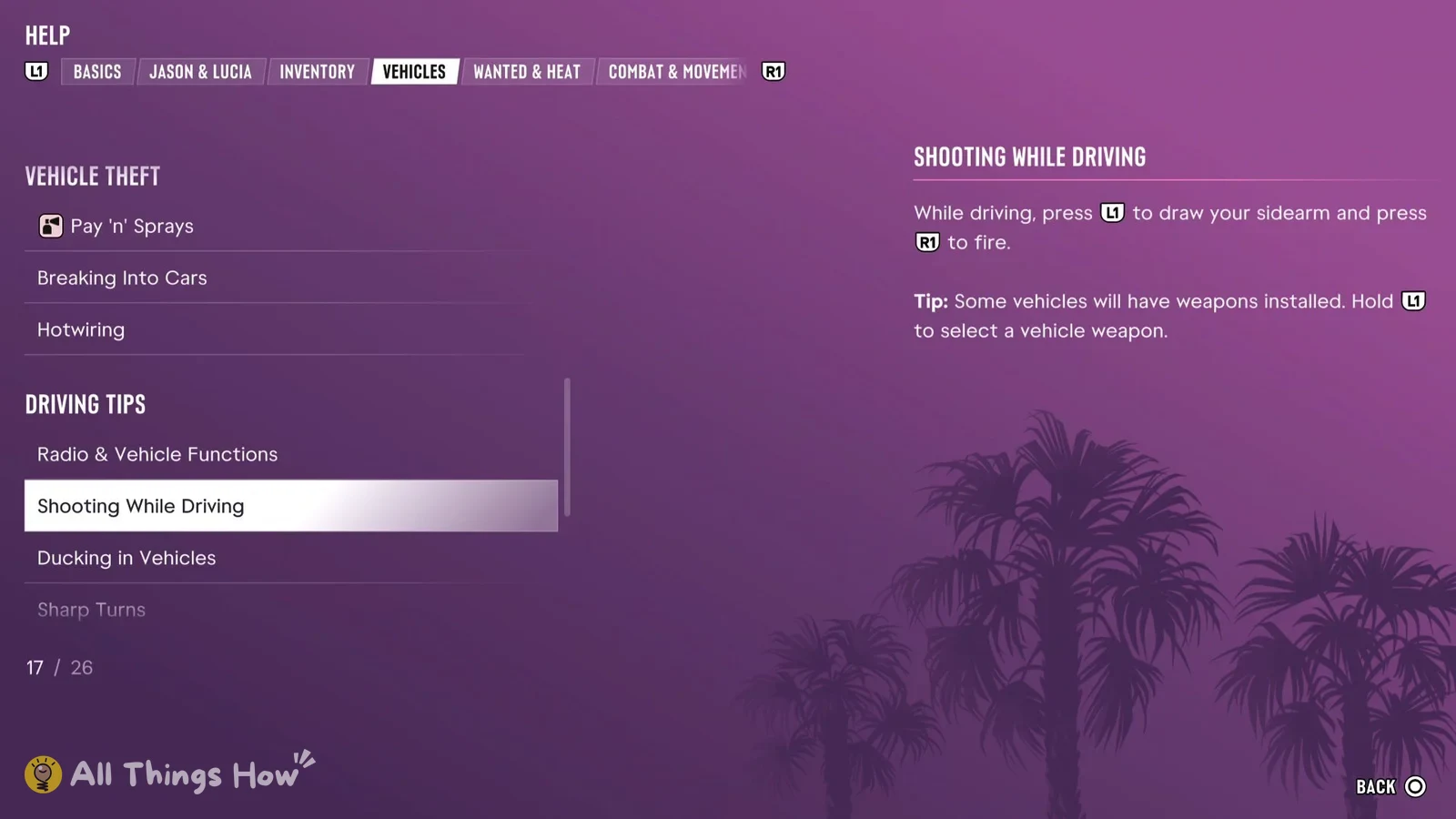
“While driving, press [L1] to draw your sidearm and press [R1] to fire.” Some vehicles come armed, too: “Tip: Some vehicles will have weapons installed. Hold [L1] to select a vehicle weapon.”
Vehicle Melee Attacks
“While in a vehicle, press [Square] to hit someone with your door.” On two wheels it’s a kick: “Tip: If you’re riding a bike or a scooter, press [Square] to kick anything next to you.”
Taunting While Driving
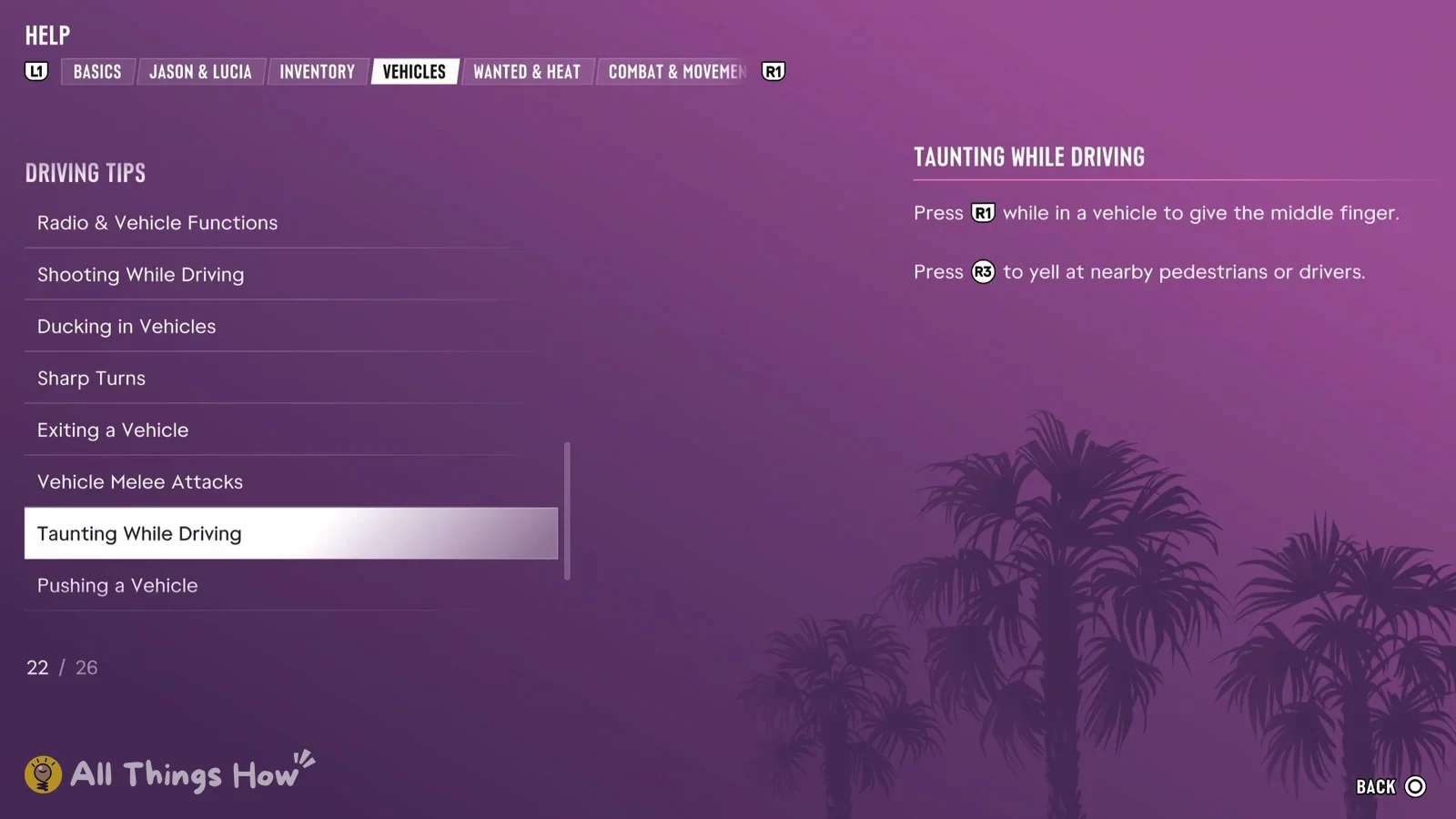
“Press [R1] while in a vehicle to give the middle finger.” and “Press [R3] to yell at nearby pedestrians or drivers.” On the controls page, SHOOT is the name shown for R1.
Pushing a Vehicle
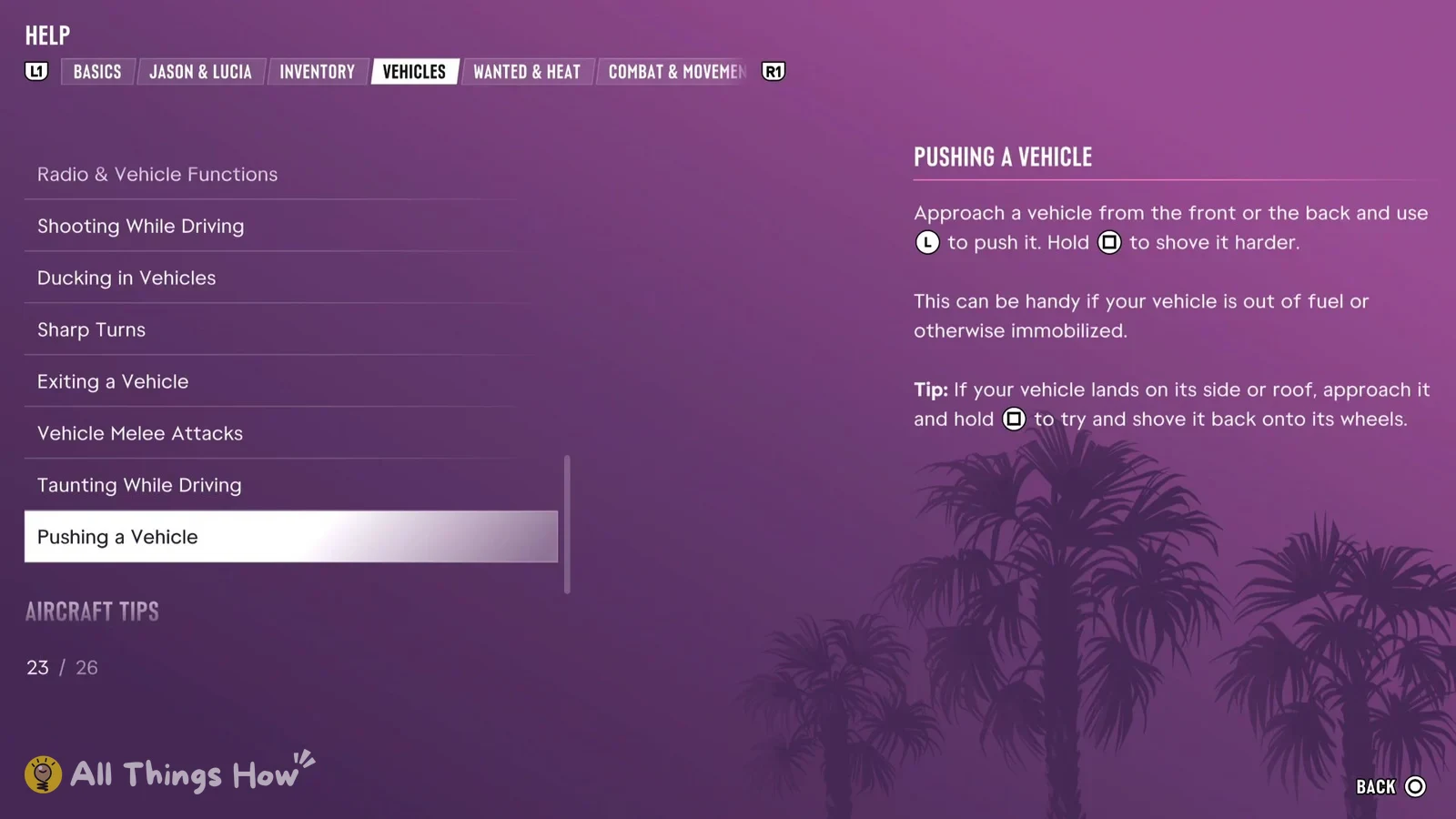
“Approach a vehicle from the front or the back and use [left stick] to push it. Hold [Square] to shove it harder.” The game adds that “This can be handy if your vehicle is out of fuel or otherwise immobilized.” If you’ve flipped your car, the tip says: “Tip: If your vehicle lands on its side or roof, approach it and hold [Square] to try and shove it back onto its wheels.”
Here are those Help-menu actions side by side:
| Action | Button |
|---|---|
| Stop fully before getting out | Hold Triangle |
| Jump out and leave the engine running | Double tap Triangle |
| Duck down | Hold Circle |
| Draw sidearm / fire | L1 / R1 |
| Hit someone with the door | Square |
| Middle finger | R1 |
| Yell | R3 |
| Shove a vehicle | Square on foot at its front or back |