You put it on and take it off from your loadout, and you buy it at an Ammu-Nation. The steps below use the PS5 default controls.
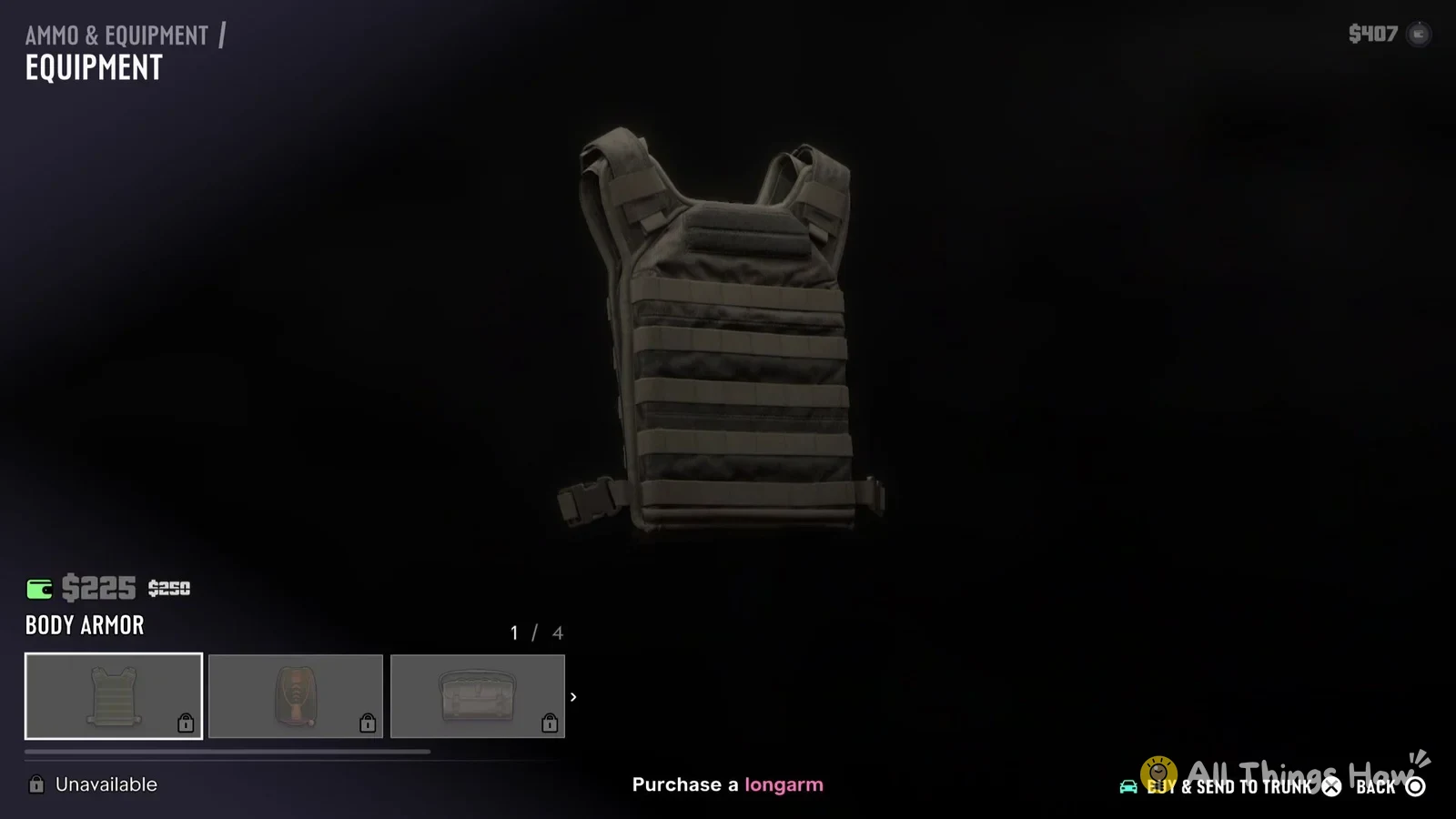
Quick answer: To put the armor on or take it off, hold L1, tap R1, choose the armor, then press Cross. Buy it from an Ammu-Nation; Chuck’s Tackle & Shot in Key Lento sells it for $225.
How to equip body armor in GTA 6
You can put armor on while you’re moving around, without going into a menu screen. It all happens through the loadout, using two shoulder buttons and Cross.
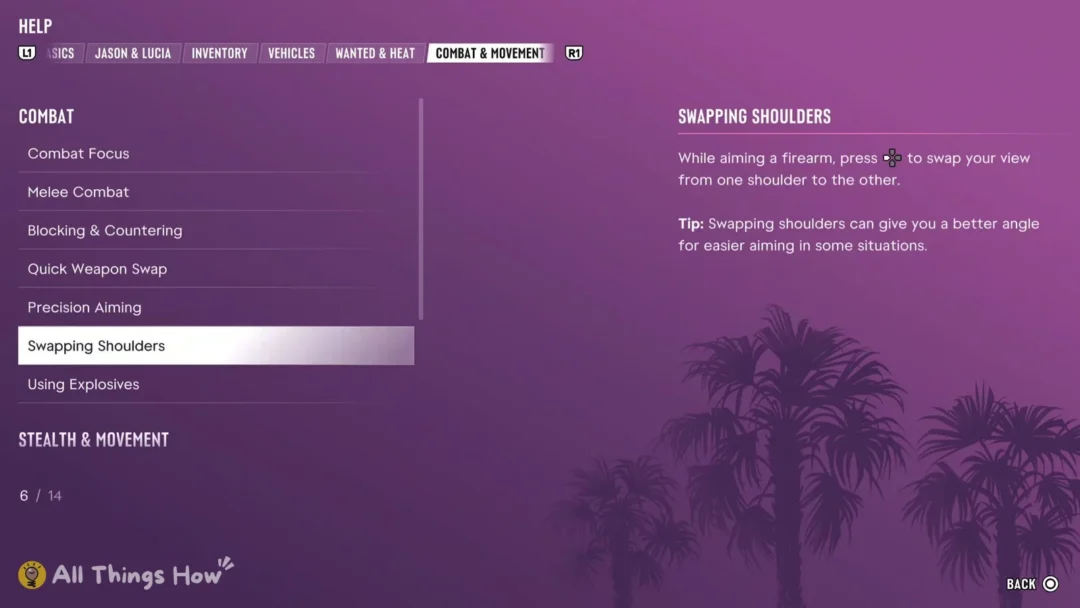
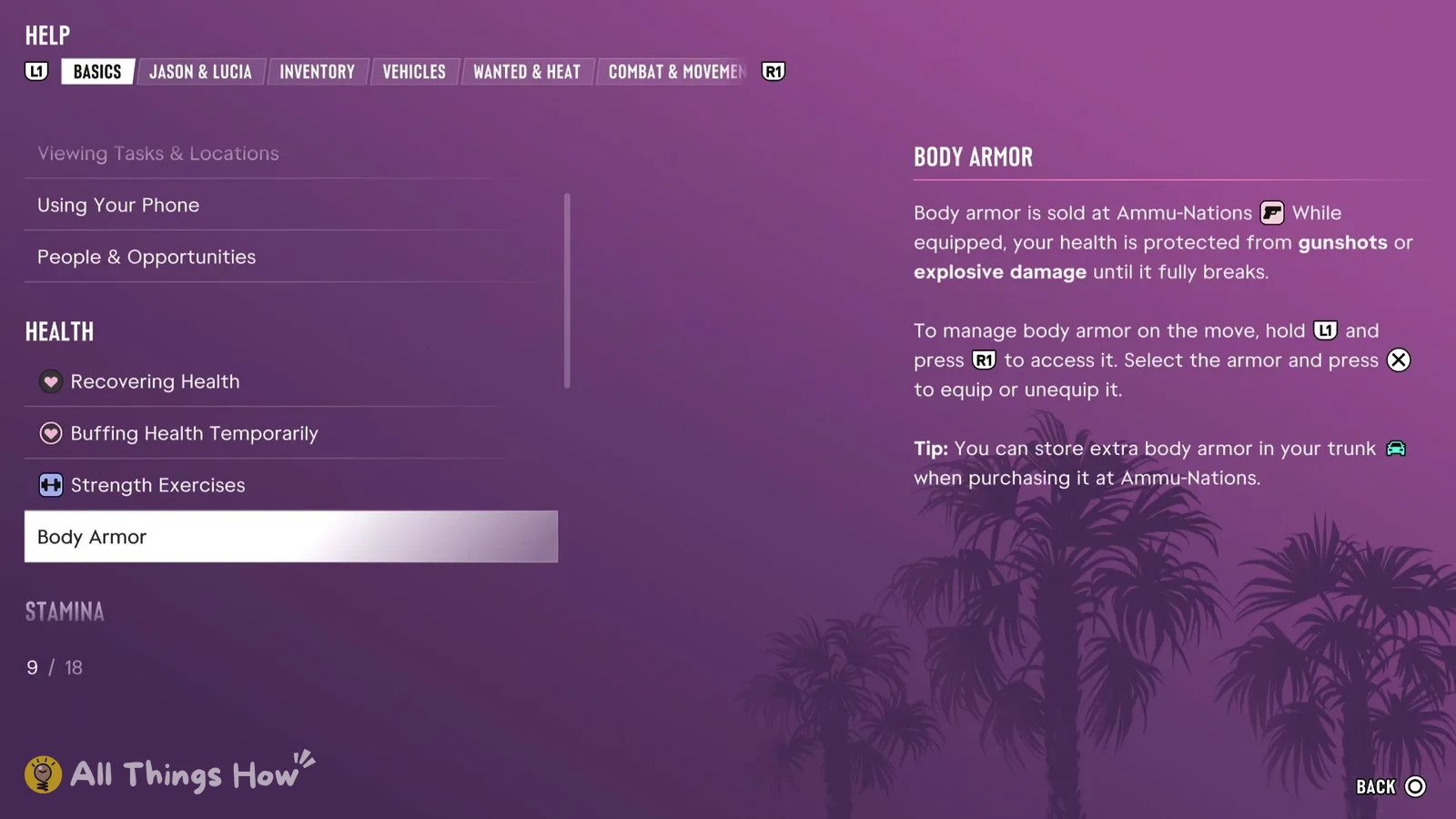
The game explains the same thing on its Help page for body armor. To find it, go to Pause > Help > BASICS > Health > “Body Armor”. The control text there reads:
“To manage body armor on the move, hold [L1] and press [R1] to access it. Select the armor and press [Cross] to equip or unequip it.”
How to take off body armor
Taking armor off uses exactly the same input as putting it on. Hold L1, press R1, select the armor you’re wearing and press Cross, and it’s unequipped.
What body armor does in GTA 6
While you’re wearing it, body armor takes hits for your health. The Help page says it protects you “from gunshots or explosive damage until it fully breaks.”
Where to buy body armor in GTA 6
The Help page puts it plainly: “Body armor is sold at Ammu-Nations”. Chuck’s Tackle & Shot in Key Lento is an Ammu-Nation store and the first gun shop in the game. Inside, the armor sits a couple of menus deep.
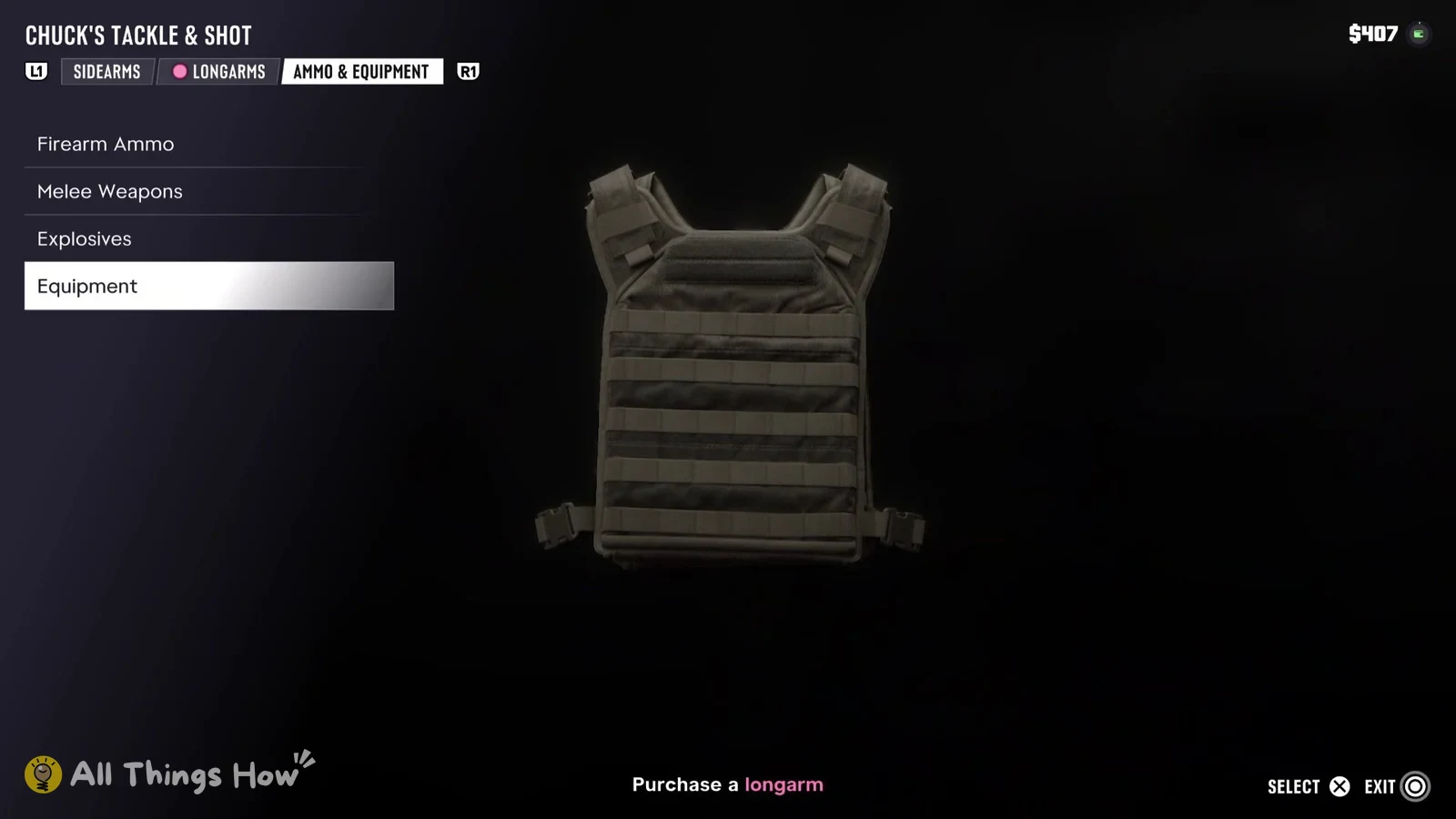
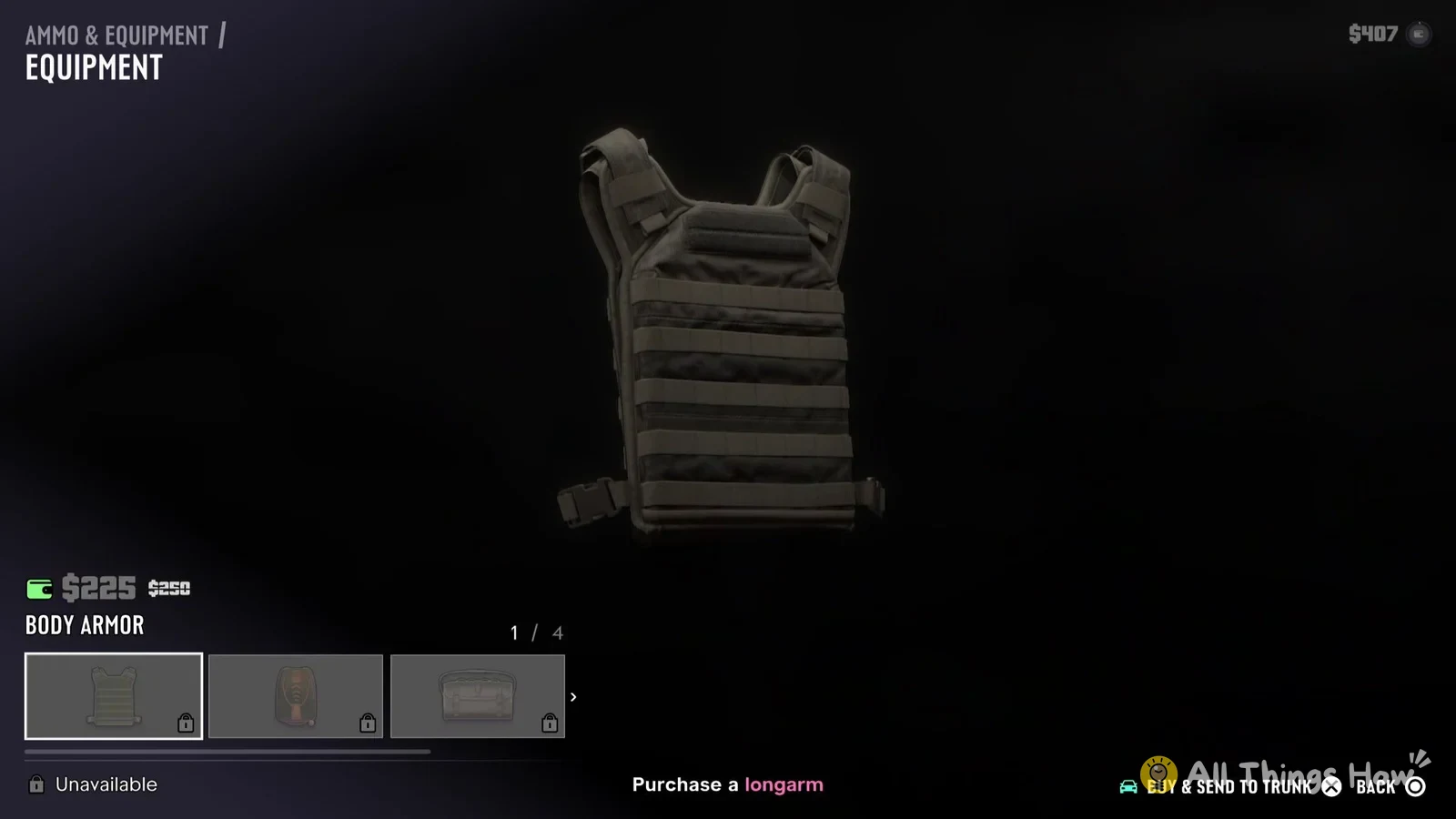
| Item | Price | Buy prompt |
|---|---|---|
| Body armor | $225 (struck-through $250 beside it) | BUY & SEND TO TRUNK |
That price is what Chuck’s Tackle & Shot lists. Sending armor to your trunk is also how you keep spares, and the Help page has a tip for it: “Tip: You can store extra body armor in your trunk when purchasing it at Ammu-Nations.”
During the story mission whose on-screen objective is “Purchase a longarm”, body armor shows “Unavailable” with a padlock and the buy prompt is greyed out, so you can’t buy it during that objective.