Update 8.0 added a Guild system to Anime Card Farm, letting you band together with friends and other players for shared progress. Founding your own faction takes a single trip to the Guild Manager and a one-time payment, after which everyone in the group can grind quests, stack Guild XP, and climb a dedicated leaderboard.
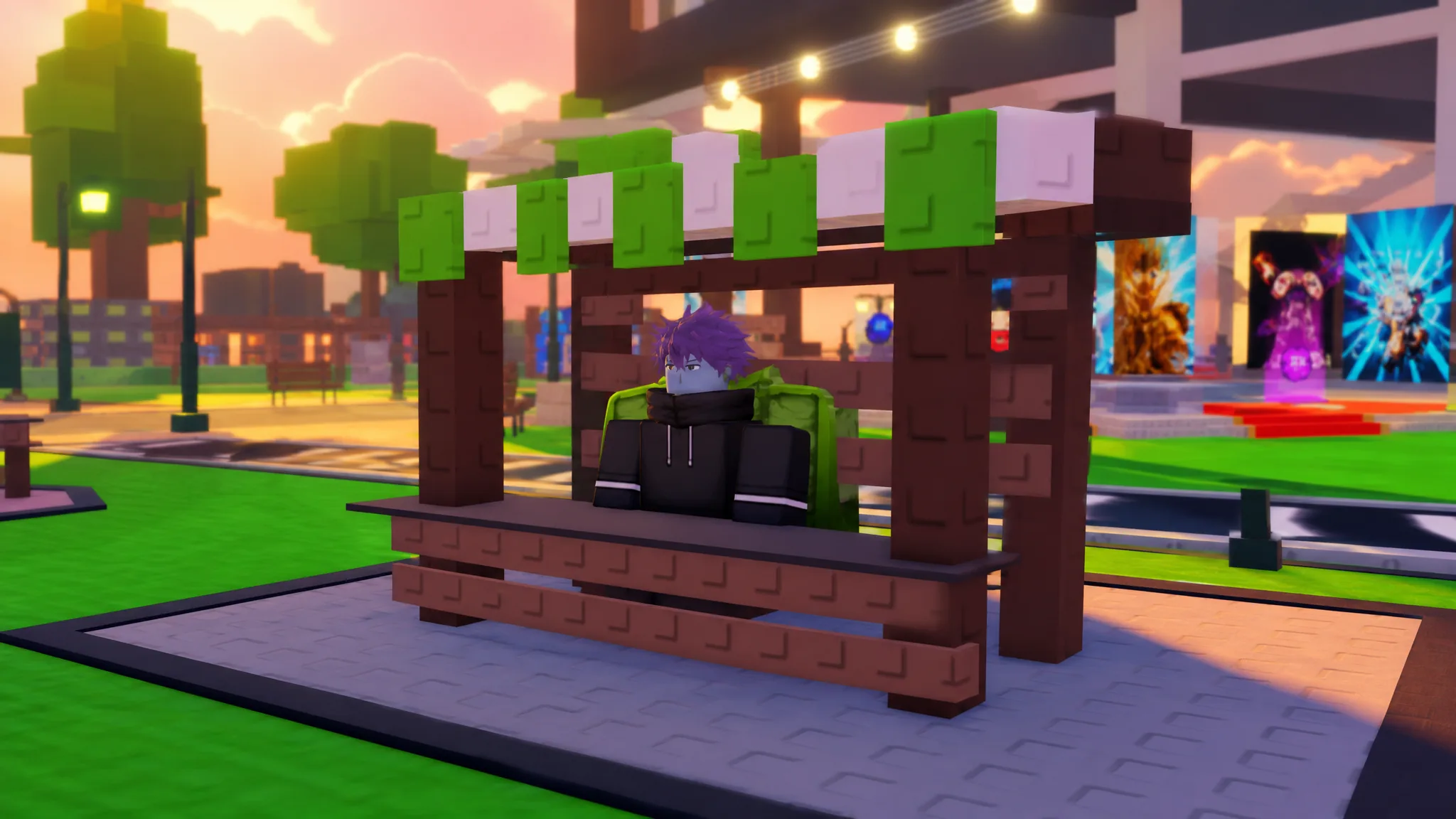
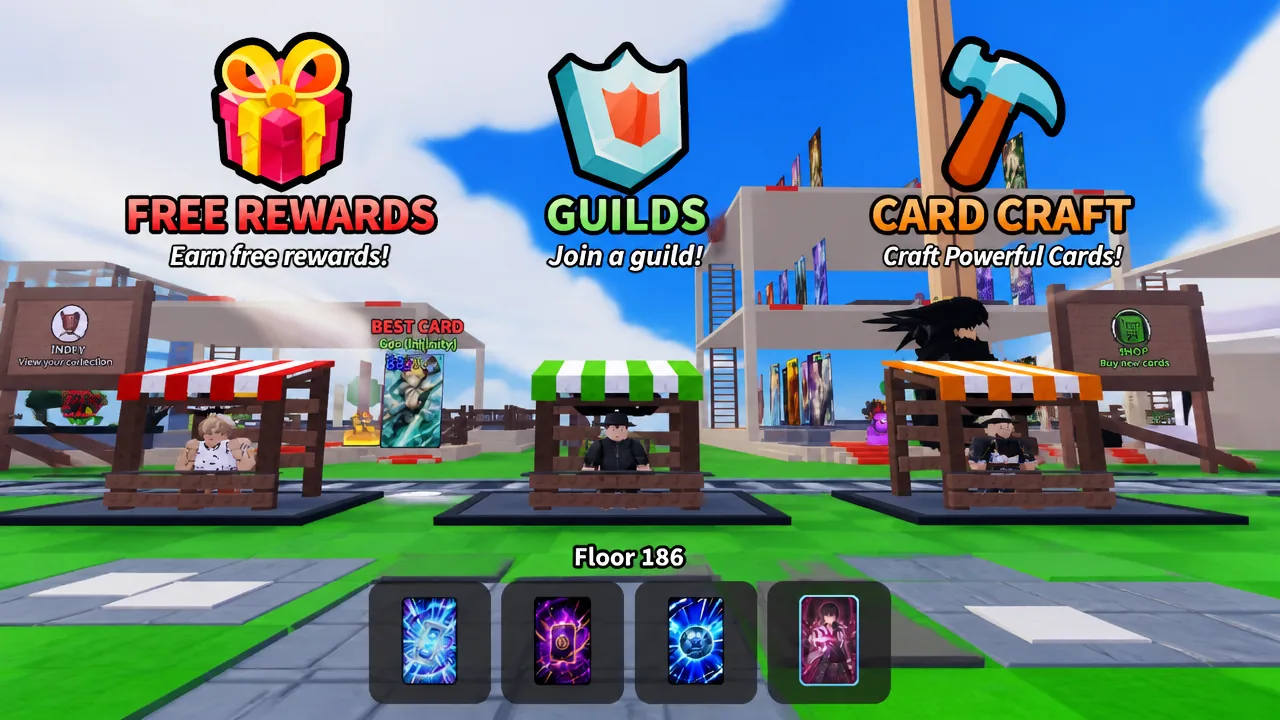
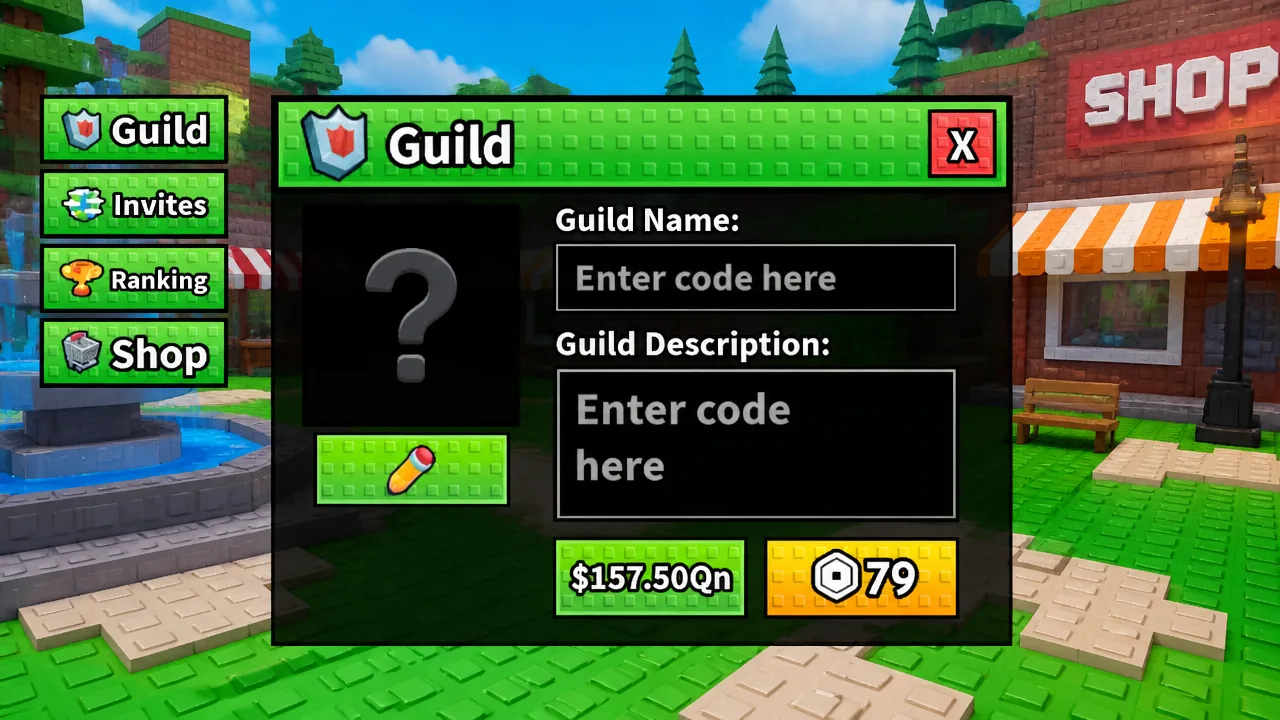
Quick answer: Talk to the Guild Manager NPC in the plaza (between the Free Rewards and Card Craft stations), press E, open the Guild tab, fill in a name, description, and cover image, then confirm with 150Qn Cash or 79 Robux.
What it costs to create a Guild
Forming a faction requires either soft currency or Robux, and the payment is permanent. Once you spend it, you cannot get it back, even if you later delete the Guild.
| Payment option | Amount | Refundable? |
|---|---|---|
| Cash | 150Qn | No |
| Robux | 79 | No |
Create a Guild at the Guild Manager NPC
Prefer to join an existing faction instead? Open the Invites tab, which collects every Guild invite sent to your Roblox account, and accept whichever one you want.
What the Guild Owner controls
Founding a Guild gives you the Guild Owner role, which unlocks member management that regular members do not have. As the owner, you can change a member’s role, remove a member, send invites, and spend Vault Tokens on Guild upgrades and customizations.
How Guild tokens and XP work
Once you are in a faction, both owners and members can take on daily and weekly Guild quests. These objectives cover normal play, so you earn progress just by doing the things you already do in the game.
- Opening and placing card packs
- Rolling grades and traits
- Buying packs from the conveyor
- Defeating Raid bosses
- Clearing Infinity Tower floors
Finishing quests pays out two things. You earn Personal Guild Tokens, a currency you can donate to the Guild Vault, and Guild XP, which raises your faction’s level.
| Reward | What it does |
|---|---|
| Personal Guild Tokens | Donate to the Guild Vault; the owner spends them on upgrades and customizations. Also usable in the upcoming Guild Shop. |
| Guild XP | Levels up the whole Guild and determines its position on the Guild Rankings leaderboard. |
The Guild Rankings leaderboard sorts factions by total Guild XP, so higher-level Guilds sit at the top. It refreshes every few minutes, meaning consistent daily and weekly quest completion from your members is what keeps you climbing.
The Guild Shop tab
The fourth tab, Shop, is still in development. It is set to open in a future update as a Guild Shop that every player can use, and it will be one of the places to spend those Personal Guild Tokens. Until it goes live, tokens are best saved for Vault donations so your owner can fund upgrades.
You will know the process worked when the Guild tab switches from the creation screen to your active faction view, with your account holding the Guild Owner role and the member management options unlocked. From there, invite friends through the Guild Manager, keep everyone chipping away at daily and weekly quests, and pool Personal Guild Tokens in the Vault to fund the upgrades that benefit the entire group.