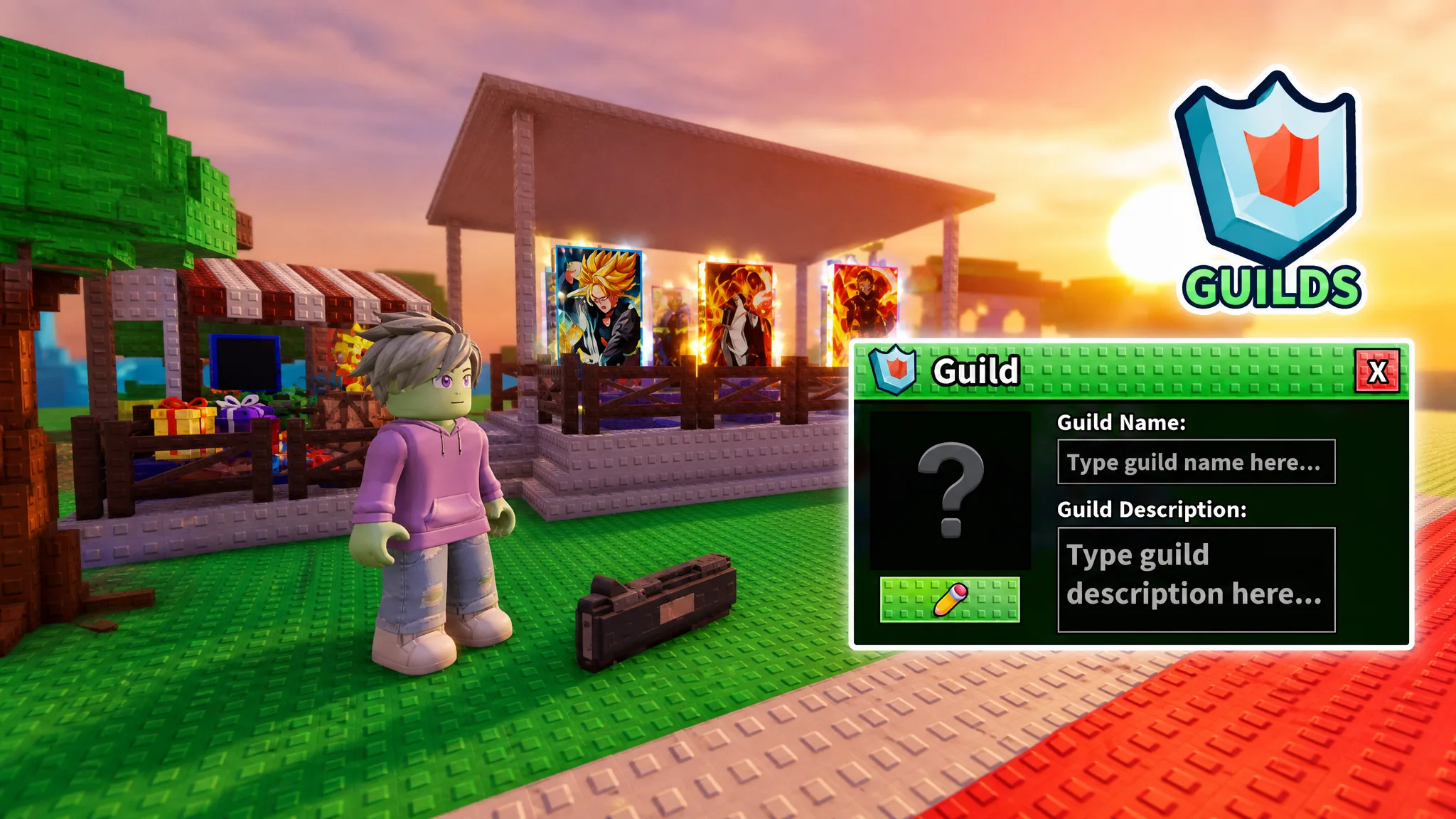
Guilds in Anime Card Farm let you team up with other players, pool tokens for upgrades, and climb the game’s global rankings. Everything starts at a single NPC in the main plaza, and the setup takes only a minute once you know where to look.
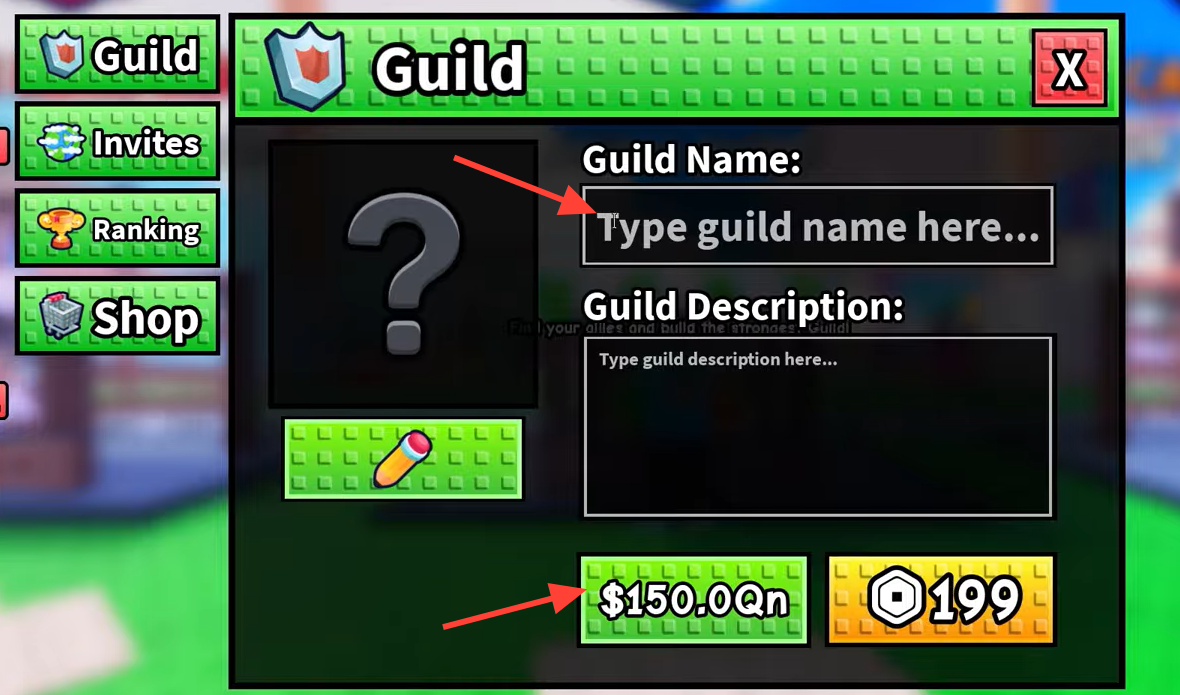
Quick answer: Talk to the Guild Manager NPC in the main plaza, choose “Open Guilds,” then either accept an invite through the Invites tab or open the creation tab and pay $150.0Qn in cash or 199 Robux to found your own guild.
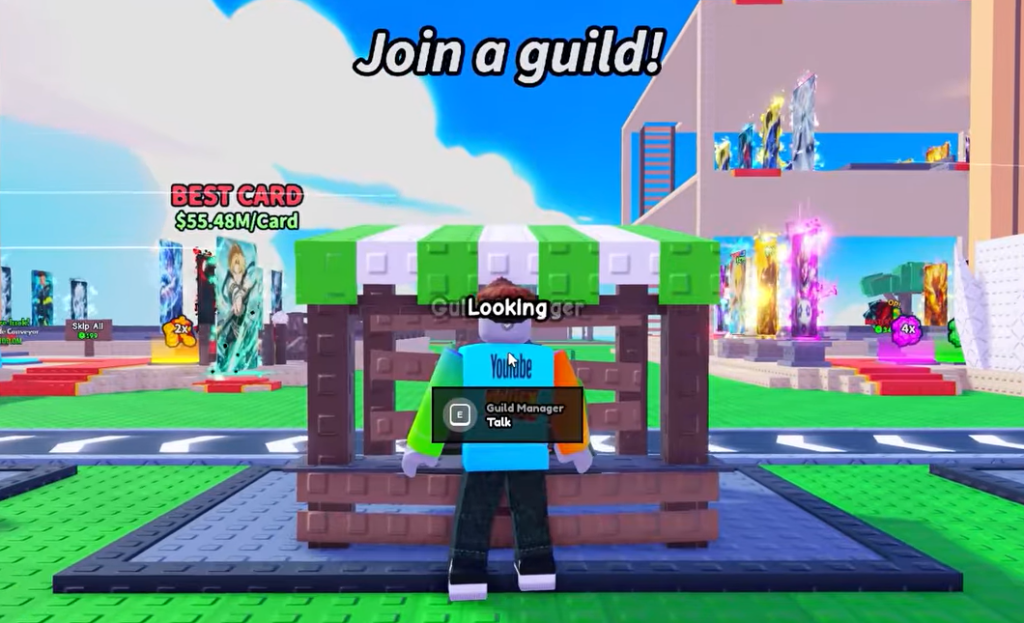
Find the Guild Manager NPC
The Guild Manager stands in the main plaza, positioned between the Free Rewards area and the Card Craft station. A “Guilds” signboard marks the spot, so it is easy to pick out while you move through the hub.
Interact with the NPC to open the Guild menu. You will see three dialogue options: “How do Guilds work?”, “Open Guilds,” and “Nevermind.” Select “Open Guilds” to reach the full interface with its tabs.

Create a guild: cost and customization
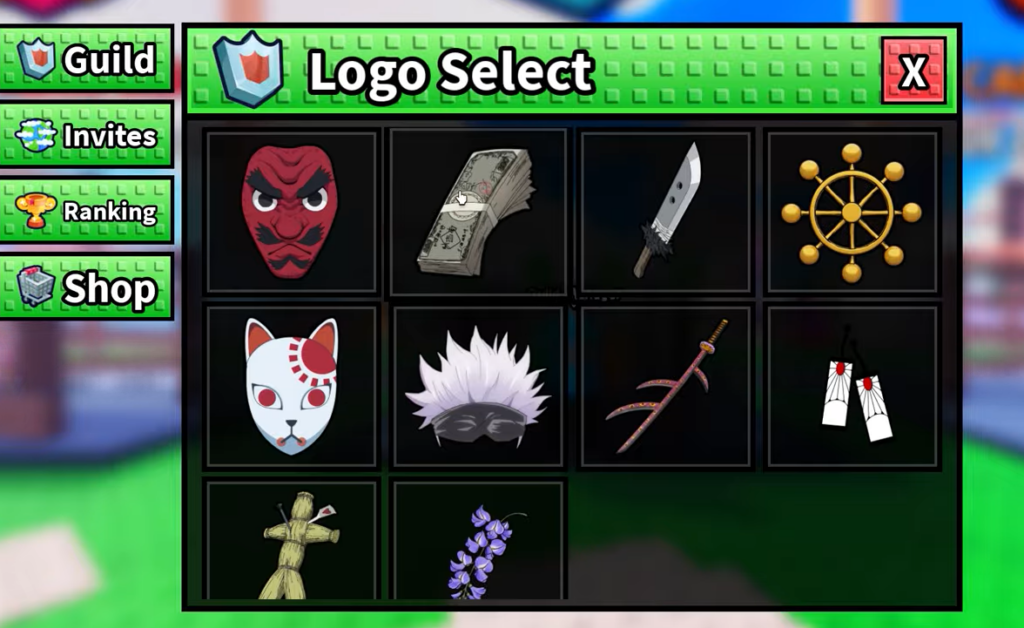
The creation payment is non-refundable. If you delete the guild later, you do not get the cash or Robux back, so settle on your name, description, and logo before you pay.
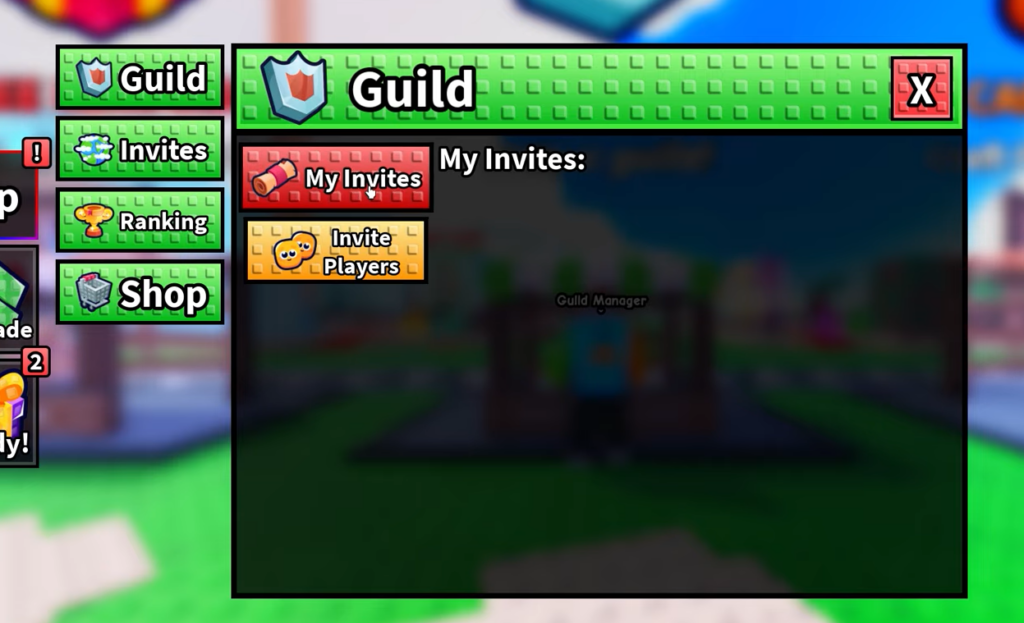
Join a guild through invites
The Invites tab handles membership. From here you can check “My Invites” to accept pending invitations, and guild owners use “Invite Players” to bring people in. If you would rather join an existing group than pay to create one, this tab is where you accept your entry.
Guild menu tabs explained
| Tab | What it does |
|---|---|
| Guild | Create a guild and manage its settings and upgrades |
| Invites | View your invites and, as an owner, invite new players |
| Ranking | Shows the Clan Xp, Global Xp, and Global $’s leaderboards |
| Shop | Currently in development and planned for a future update |
The Shop tab is not usable yet. It is reserved for a later update, so there is nothing to buy through it at the moment.
Owner controls and roles
If you create the guild, you hold owner privileges. That includes inviting new players, kicking existing members, assigning roles within the group, and spending vault tokens on upgrades. These controls keep the roster and the guild’s progression under your management.
Quests, tokens, and Guild XP
Members level up a guild by completing daily and weekly guild quests. These objectives cover normal play, such as opening card packs, rolling traits, defeating raid bosses, and clearing Infinity Tower floors.
Finishing a quest pays out in two currencies. You earn personal Guild Tokens, which can be donated to the Guild Vault to fund upgrades and customizations, and you earn Guild XP, which raises the guild’s level directly.
| Reward | Use |
|---|---|
| Guild Tokens | Donate to the Guild Vault to pay for upgrades and customizations |
| Guild XP | Levels up the guild and improves its leaderboard standing |
Guild XP is what pushes you onto the global leaderboards, and those rankings refresh every few minutes. Steady quest completion is the fastest way to see your guild climb, since both the vault balance and the level rise as members turn in objectives.