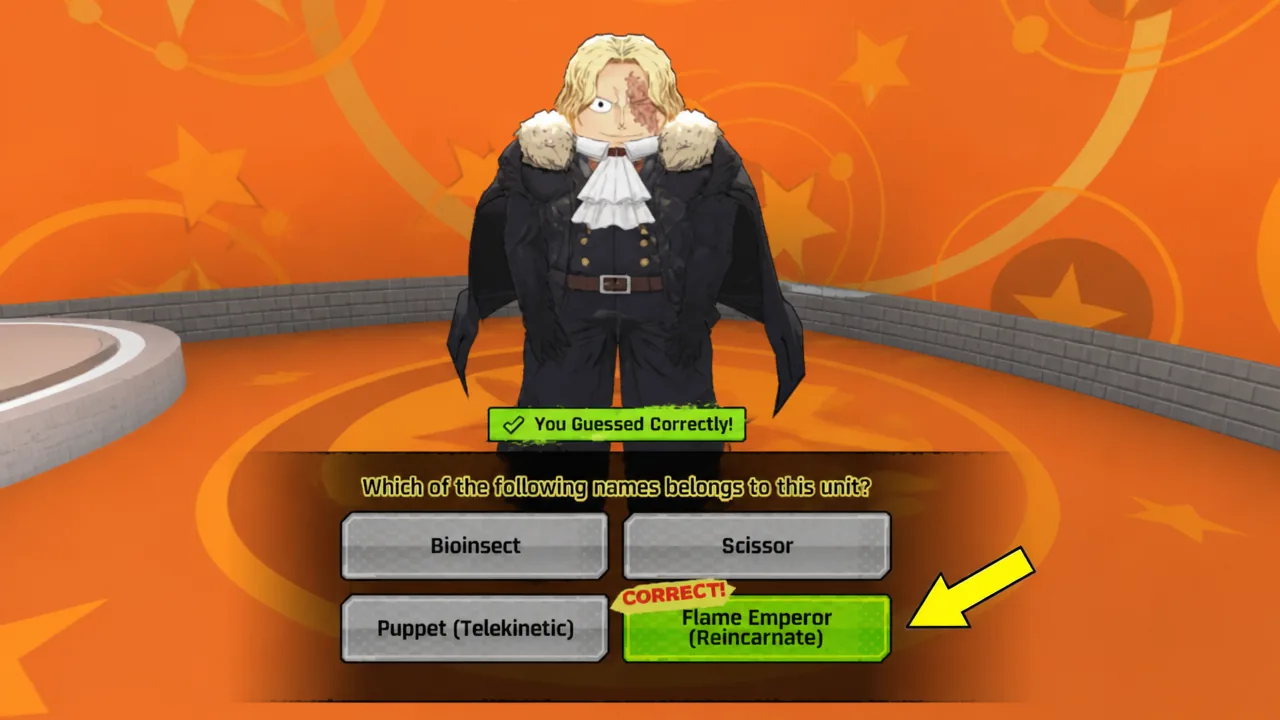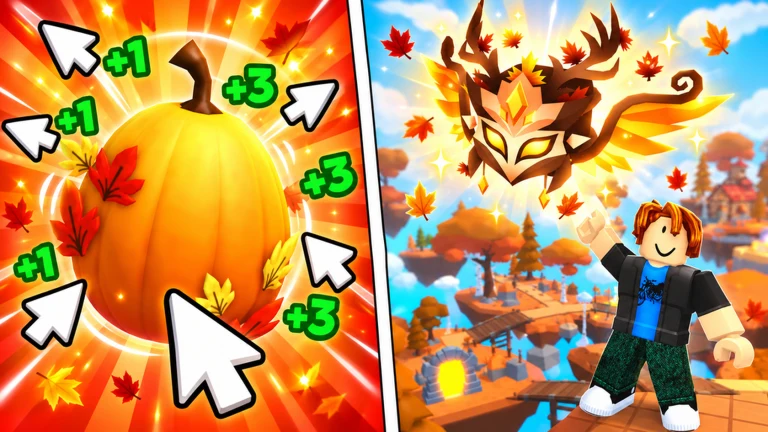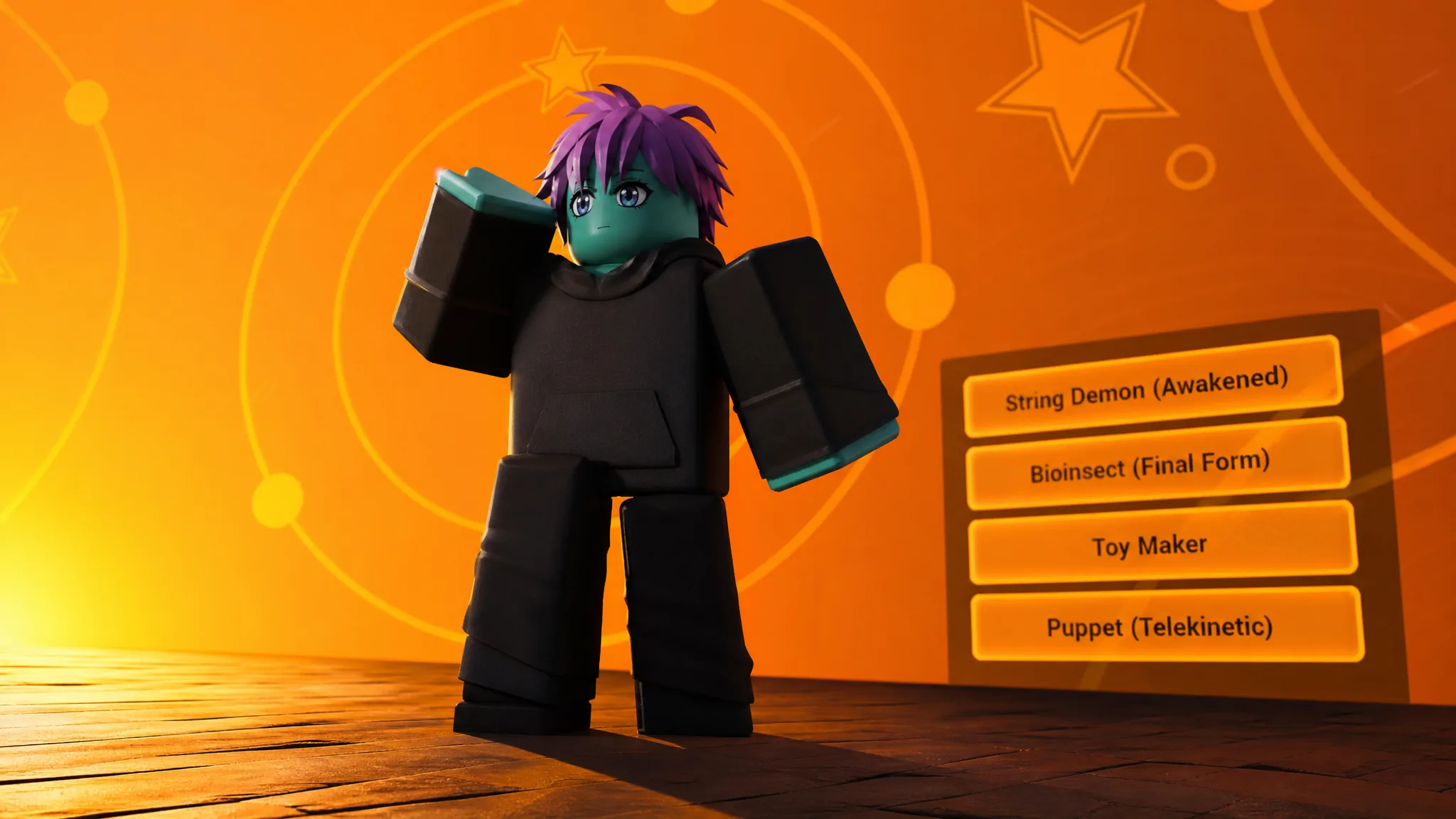
Guess The Unit drops a blacked-out character silhouette on the screen in Anime Expeditions and asks you to name the correct unit before the clock runs out. Get it right and you walk away with Event Coins. The catch is that the shapes are deliberately vague, and a wrong call under a short timer wastes your daily attempt.
Quick answer: Match each silhouette to its unit using the table below, then submit that exact name before the timer expires to earn Event Coins.
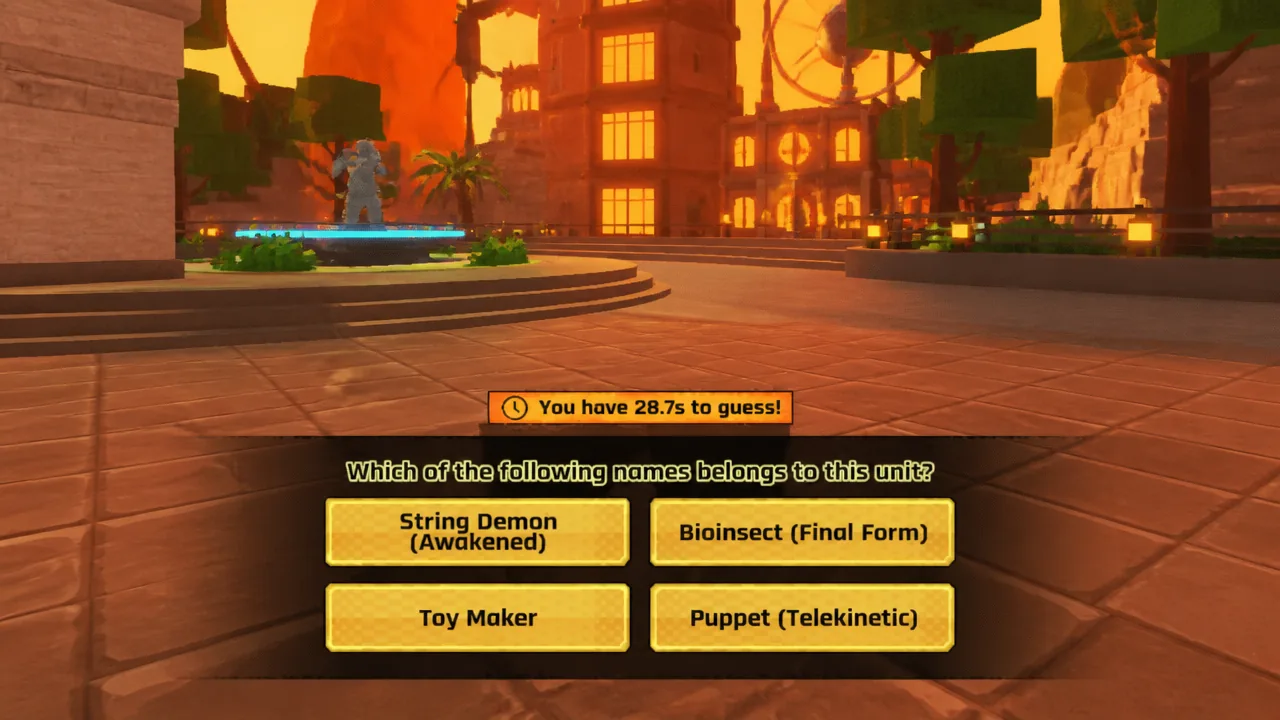
All confirmed Guess The Unit answers
These are the silhouettes currently in the pool and the unit each one resolves to. The event pulls from more than 15 characters, and new silhouettes are added as the roster grows, so the same shape can reappear across sessions.
| Silhouette | Correct unit |
|---|---|
| Character 1 | Puppet Telekinetic |
| Character 2 | Flame Emperor (Reincarnate) |
| Character 3 | 8th Sword |
| Character 4 | Lady Giant (Envy) |
| Character 5 | Cursed Student |
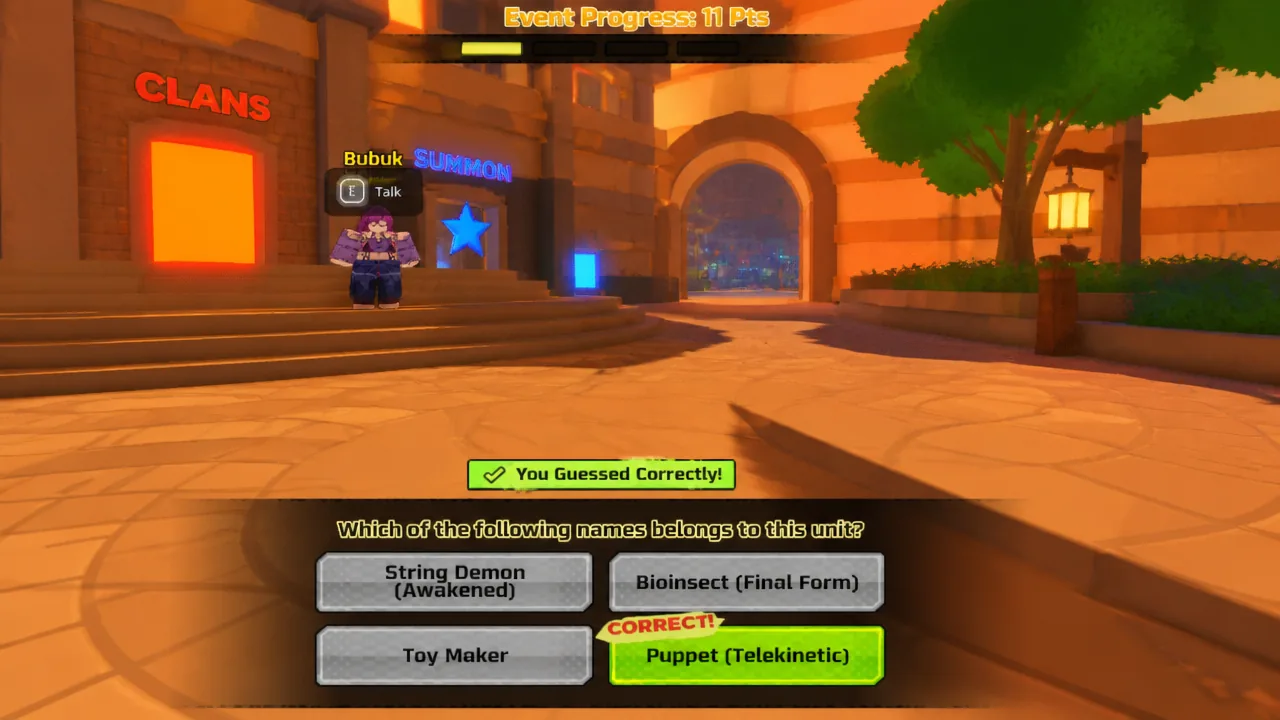
Note: the same characters can surface in either difficulty, so an answer you learn in Normal Mode stays valid when the shape shows up in Hard Mode.
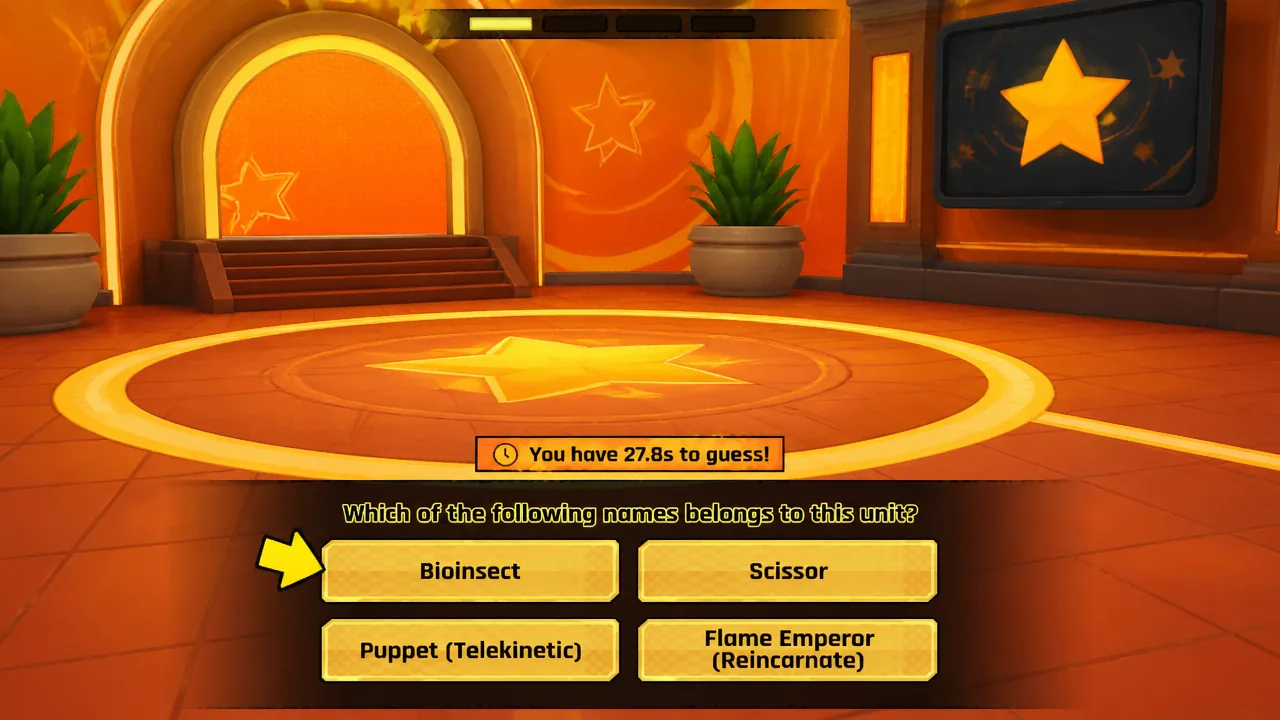
How to start the event and what it costs
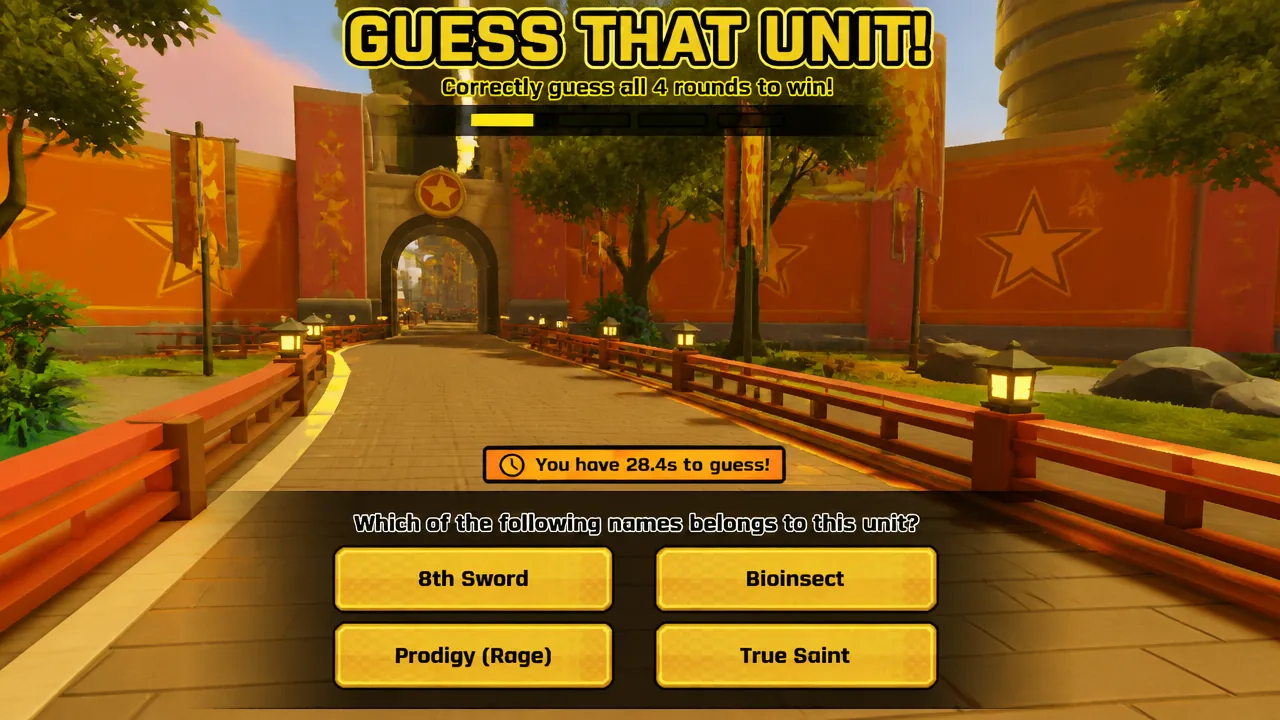
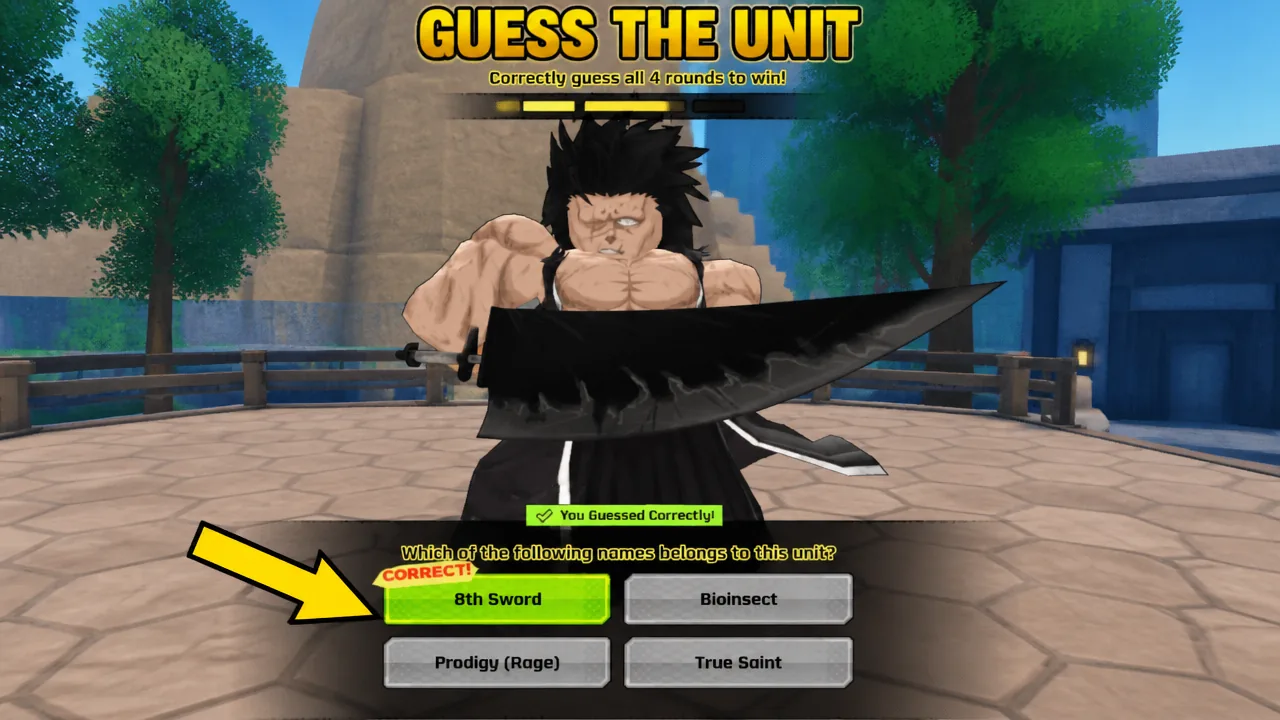
The paid entry runs 2,500 Gold Coins for one mode and 5,000 Gold Coins for the other, letting you skip the daily reset when you want extra runs.
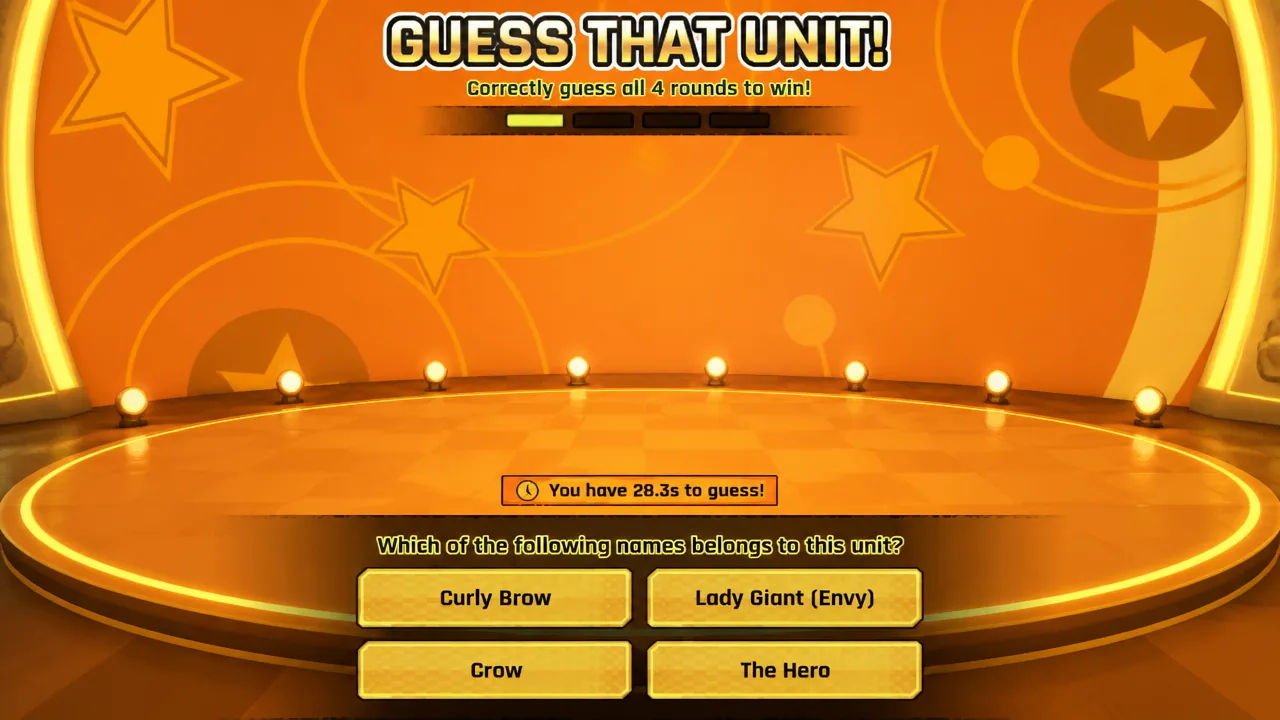
Normal Mode vs Hard Mode
The only real difference between the two modes is the timer. The character pool stays identical, so Hard Mode is just Normal Mode with far less breathing room to type the answer.
| Mode | Time to answer | Character pool |
|---|---|---|
| Normal Mode | Around 30 seconds | Same shared pool |
| Hard Mode | Around 10 seconds | Same shared pool |
If you are still memorizing silhouettes, run Normal Mode first. The longer window gives you time to check the shape against the list before you commit. Once the answers are second nature, Hard Mode becomes a fast way to bank more Event Coins.
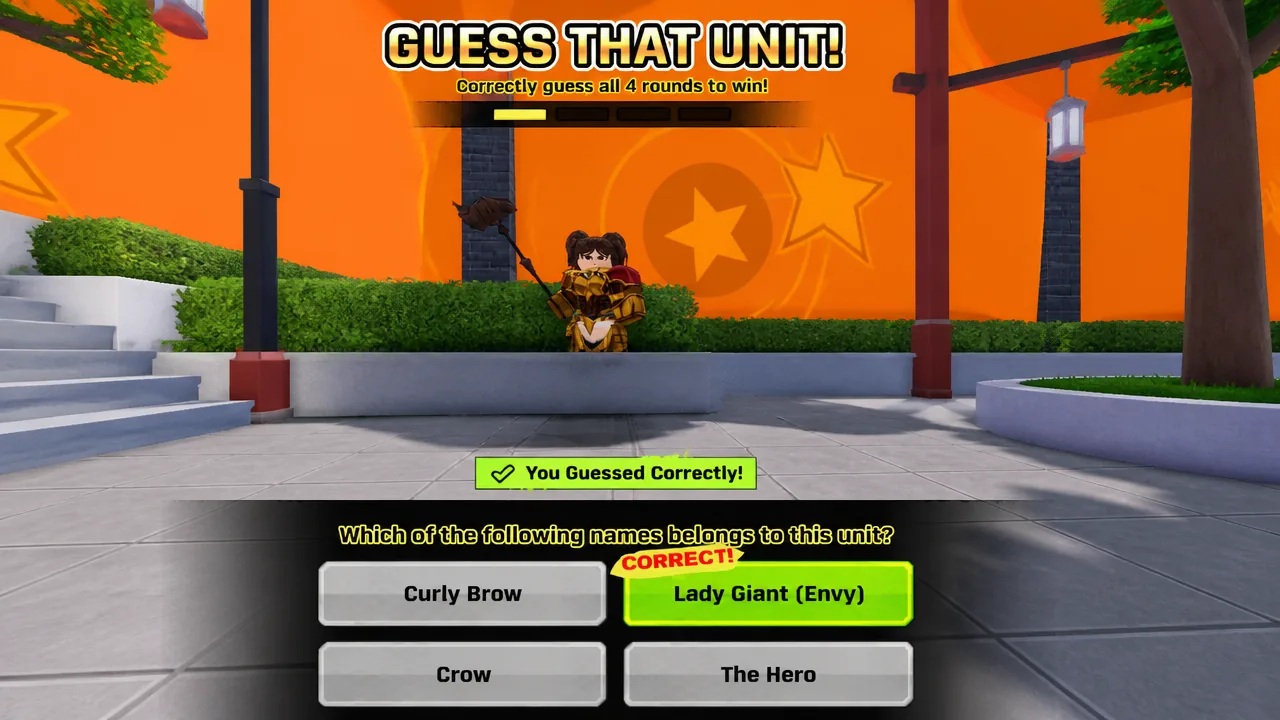
Confirming a correct guess
A correct submission pays out Event Coins for that attempt, which confirms the guess registered. If the timer empties before you enter the right name, the attempt is spent, so lock in the answer while the clock still has room. Because the pool rotates in new silhouettes over time, expect additional shapes beyond the five listed here as the event continues.